The best Business Suite software in India, built to help your business grow. Contact us at +91-8882435276.
[ Contact ]
Phone number
Email address
Head office
Noida office
The right team at TriostackOne will get back to you.

Decide
List the details you need on every lead.
Add
Create the field and pick its type.
Guide
Add dropdown options and rules.
Use
Filter and report on the new field.
Positioning Assessment
Every business tracks something specific: a course, a policy type, a property size, a product line. When there is nowhere to put it, it hides in free text, and nobody can filter or report on it.
Triostack CRM lets you add fields to leads and customers, choose the type, such as text, number, date or a dropdown, and keep entries clean with rules. Forms for capture can ask exactly what you need, so the first call starts with the right answers on screen.
Ask us about field types, dependent options and limits on your plan.
“We added three fields. A week later we could finally answer which product line sells in which city.”
Sample team scenario
Illustrative example, not a customer testimonial

Lead Pipeline
Drag deals across your own sales stages
In the Product
Imagine every item having its own labelled place instead of one big box.
Filter by any field.
Dropdowns and rules.
Counts by your own details.
Platform Integrity
Your own details
Clean choices
Fewer bad entries
Ask what matters
At a Glance
What structured data gives you.
| Dimension | Triostack CRM | Free-Text Notes |
|---|---|---|
| Capture | A field per detail | A paragraph |
| Filtering | By any field | Not possible |
| Reporting | Counts and splits | Read each note |
| Quality | Dropdowns and rules | Typos and variants |
| Forms | Ask the right questions | Ask later |
Book a walkthrough and we will set up a sandbox with sample leads, a WhatsApp inbox and a pipeline, so you can try it before you commit.
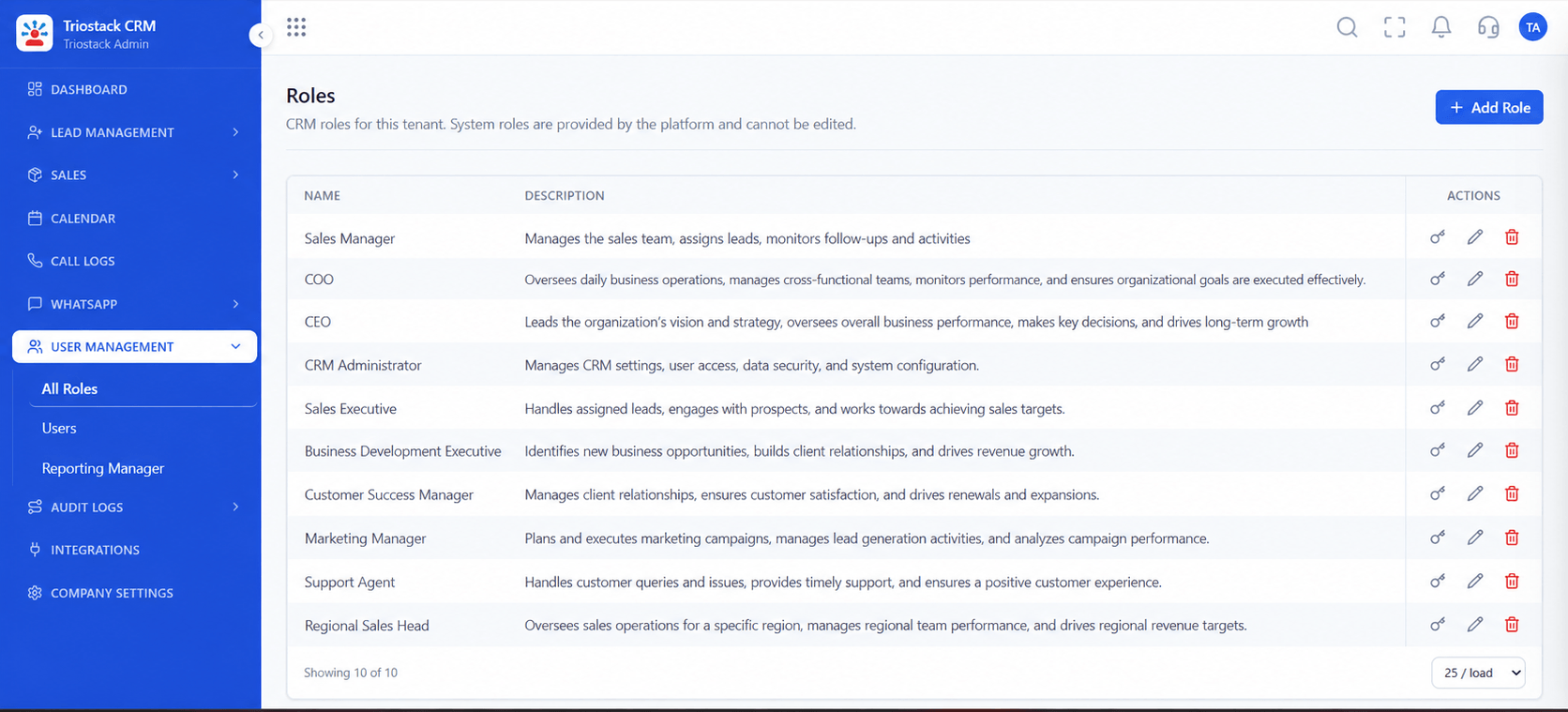
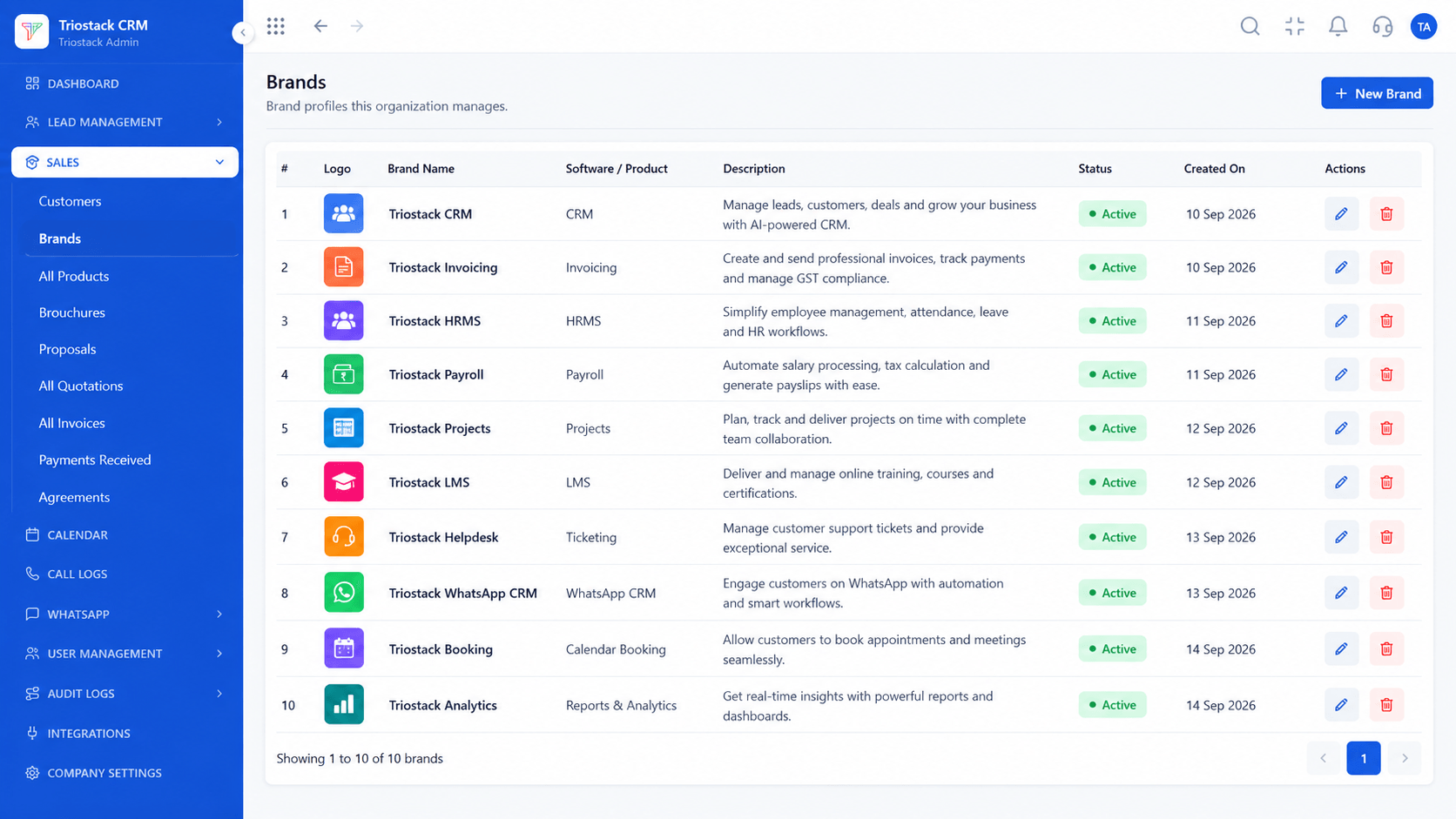
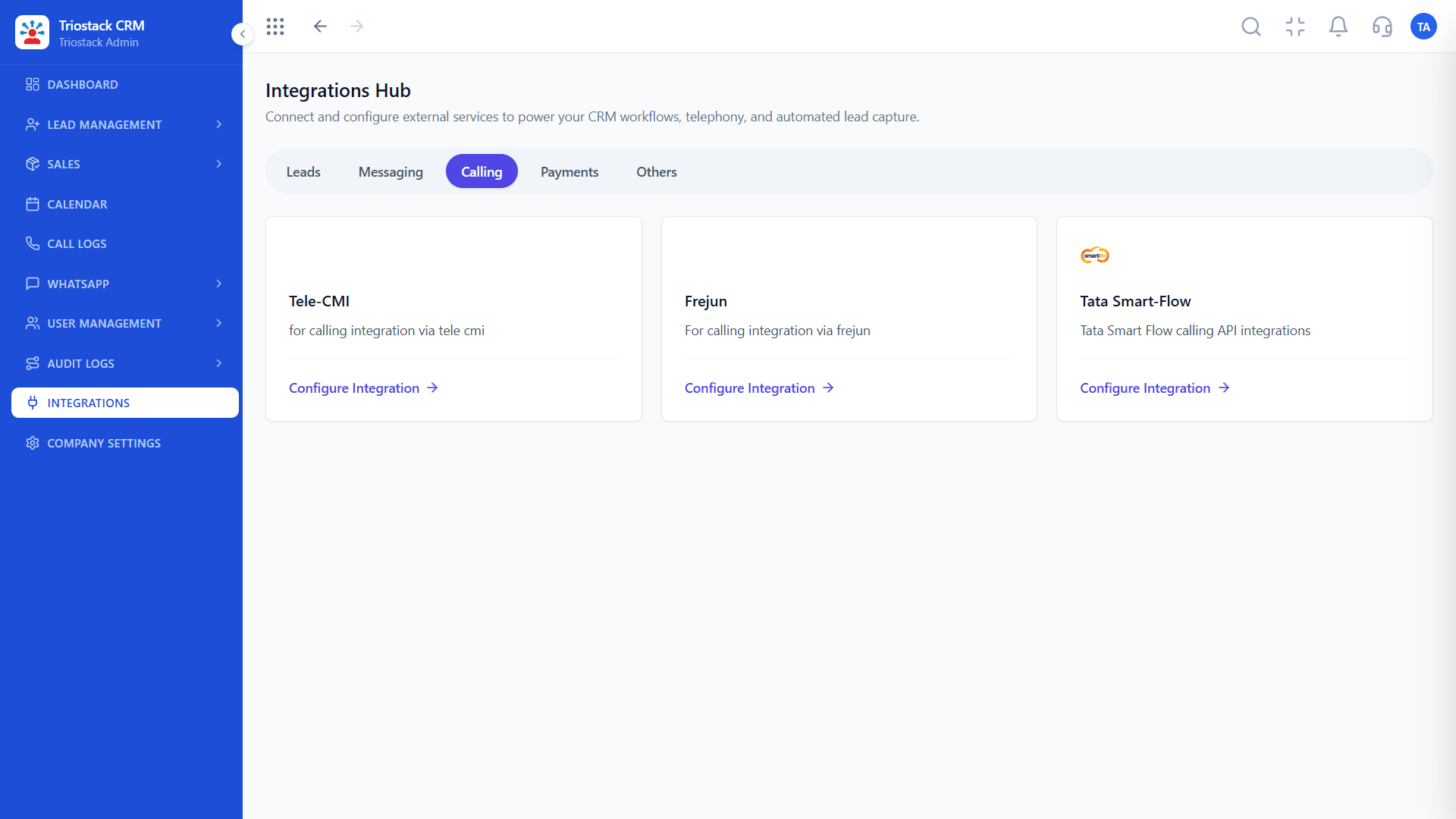
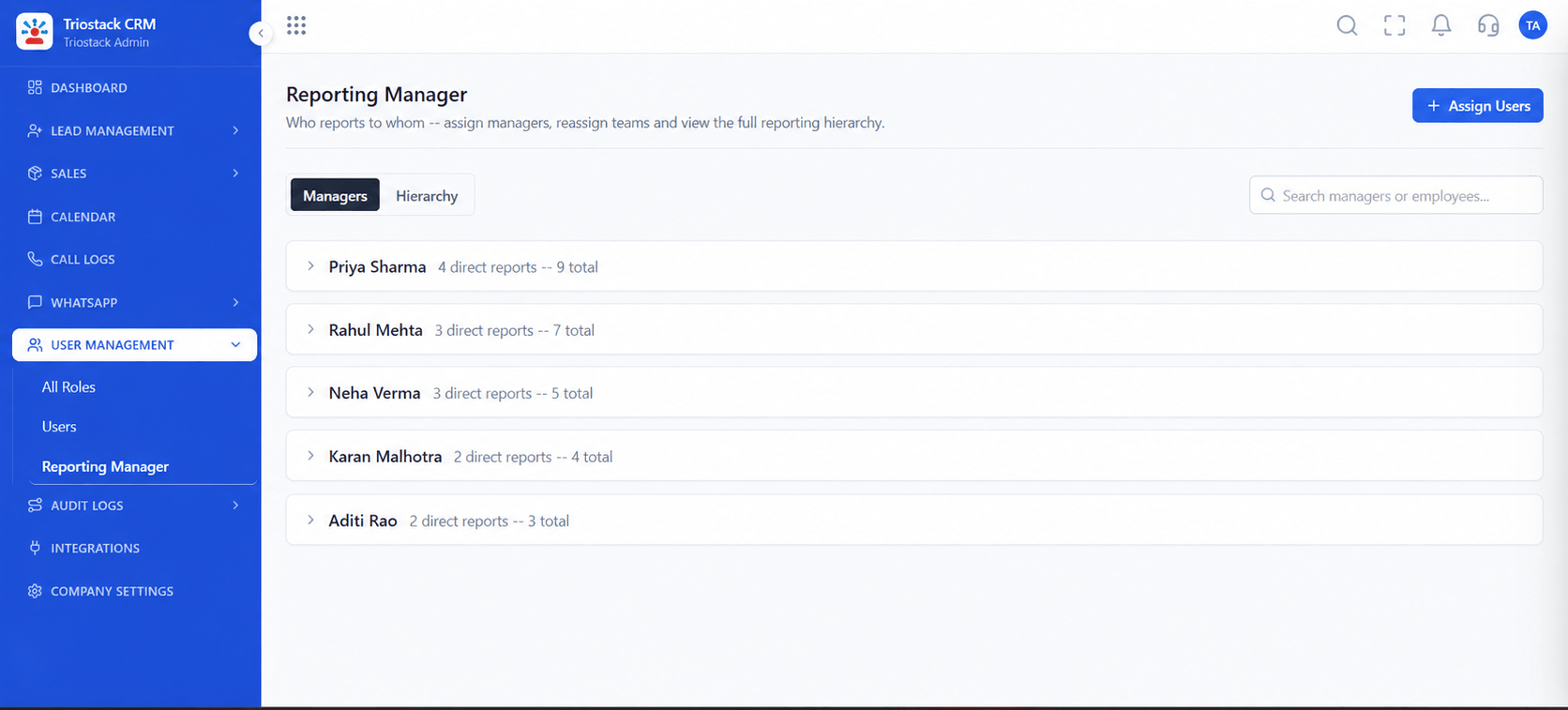
Live Interface Tour
Real screens captured directly from the production Triostack CRM interface.
Company Settings
Fields for what you actually track
Feature Breakdown
Captured directly from the production Triostack CRM interface.
Where fields are set.
On this screen: Company-wide settings in one place.
How it fits the plan
Decide. List the details you need on every lead.
Add. Create the field and pick its type.
Practical tip
Prefer dropdowns to free text for anything you will filter on. It keeps reports clean.

Fields on every lead.
On this screen: Every lead with its source, status and owner.
How it fits the plan
Add. Create the field and pick its type.
Guide. Add dropdown options and rules.
In real life
Education
Course and intake on every enquiry.
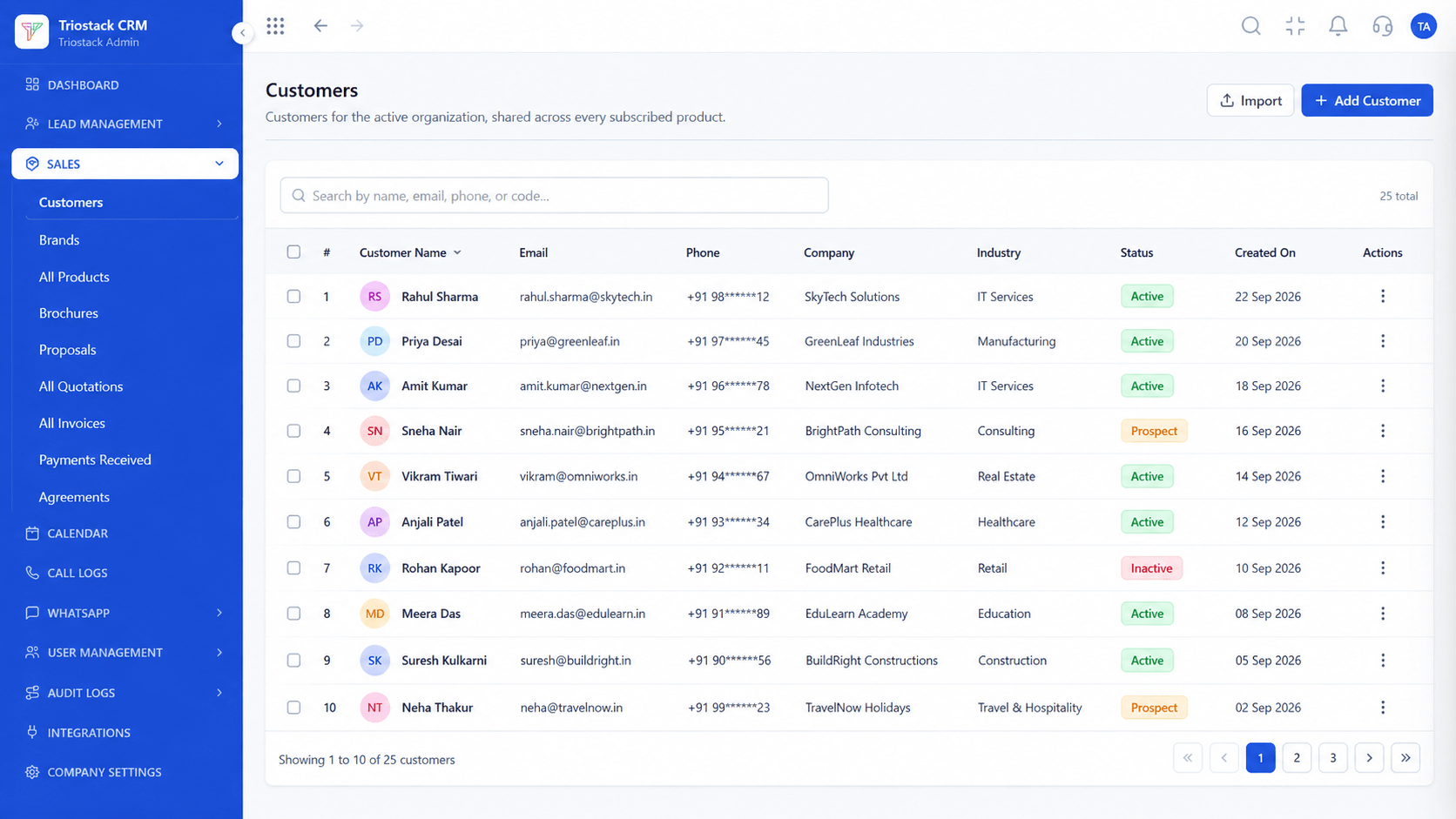
Fields on customers.
On this screen: Customer records shared across every subscribed product.
How it fits the plan
Guide. Add dropdown options and rules.
Use. Filter and report on the new field.
Watch out for
Adding a field for every idea, until the lead form is too long to finish.
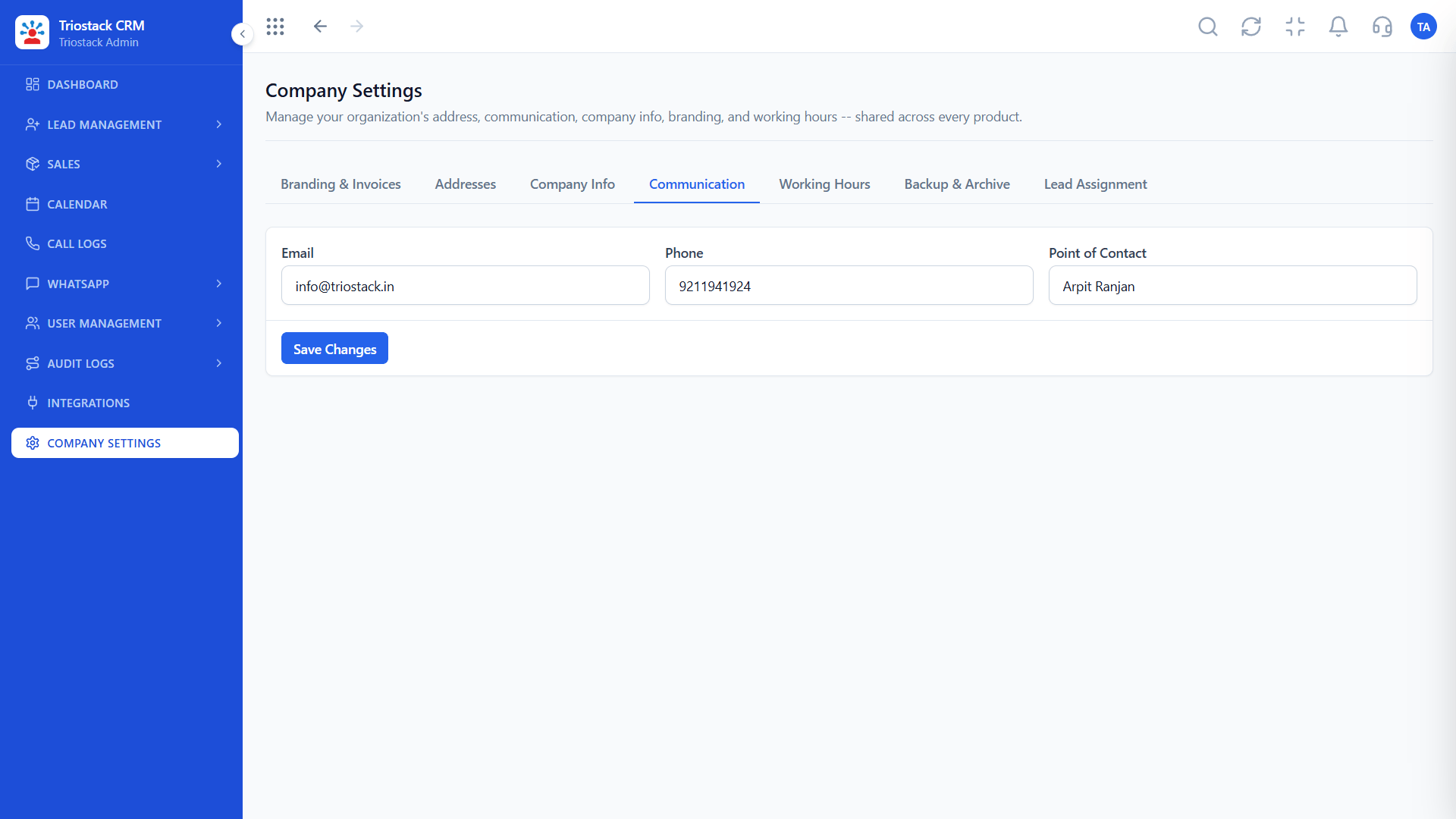
Capture and messaging.
On this screen: Communication settings for the workspace.
How it fits the plan
Use. Filter and report on the new field.
Decide. List the details you need on every lead.
Before you start
Execution Plan
List the details you need on every lead.
Create the field and pick its type.
Add dropdown options and rules.
Filter and report on the new field.
Practical Guide
Before you start
A tip that helps
Prefer dropdowns to free text for anything you will filter on. It keeps reports clean.
A common mistake
Adding a field for every idea, until the lead form is too long to finish.
Availability: Availability can depend on your plan and setup. Please confirm with our team which capabilities are live for your account, and any prerequisites, before you plan around this page.
In Real Life
Scenario 01
Course and intake on every enquiry.
Scenario 02
Budget and location captured.
Scenario 03
Policy type recorded.
Straight answers about Custom Fields and Dynamic Forms, from setup to what happens next.
Have a question about Custom Fields and Dynamic Forms?
Book a free callYes. Ask us about the field types available on your plan.
Yes. Dropdowns keep entries consistent.
Ask us about validation rules for your setup.
Ask us about any limits on your plan.
Guide users on configuring custom fields, validation rules and dynamic forms for customer capture.
It runs in 4 steps: Decide, Add, Guide and Use. List the details you need on every lead.
The real screens on this page include Lead Pipeline, Lead Follow-Ups, Sales Dashboard and Company Settings, all captured from the product.
Request a demo or start a free trial. Our team can also walk you through a guided setup, so your first session ends with something working.
Keep Exploring
Unify Meta leads, WhatsApp conversations, Android SIM calls, and GST invoices without per-seat price taxes.
Explore All CRM Customisation