The best Business Suite software in India, built to help your business grow. Contact us at +91-8882435276.
[ Contact ]
Phone number
Email address
Head office
Noida office
The right team at TriostackOne will get back to you.
Built for
Dedicated CRM Technical Account Manager
One person
Who knows your setup and your goals
Positioning Assessment
Explaining your pipeline, your fields and your goals to a new person on every ticket is a tax on your time. A dedicated account manager removes it: one named contact who has seen your setup, understands what you are trying to do and can point you to the right answer.
Triostack's dedicated account manager option covers personalised onboarding, a named point of contact and regular reviews of how the CRM is being used, with suggestions for what to change. It is available on request, and what is included depends on your plan and agreement.
See also the High-Quality CRM with Dedicated Account Manager page for the buying guide.
“When we had a question, we messaged one person. They already knew the answer's context.”
Sample team scenario
Illustrative example, not a customer testimonial

All Leads
Every lead with its source, status and owner
In the Product
Imagine someone who knows every turn of your setup.
No re-explaining.
Fits your team.
Keep the CRM improving.
Platform Integrity
Not a queue
Built around you
What to improve
Ask us what applies
At a Glance
What changes when support knows you.
Contact
A named person
A General Support Queue: Whoever picks up
Context
Already known
A General Support Queue: Explained each time
Onboarding
Personalised
A General Support Queue: Self-serve guides
Reviews
Regular, on request
A General Support Queue: None
Scope
Agreed with our team
A General Support Queue: Standard
Book a walkthrough and we will set up a sandbox with sample leads, a WhatsApp inbox and a pipeline, so you can try it before you commit.
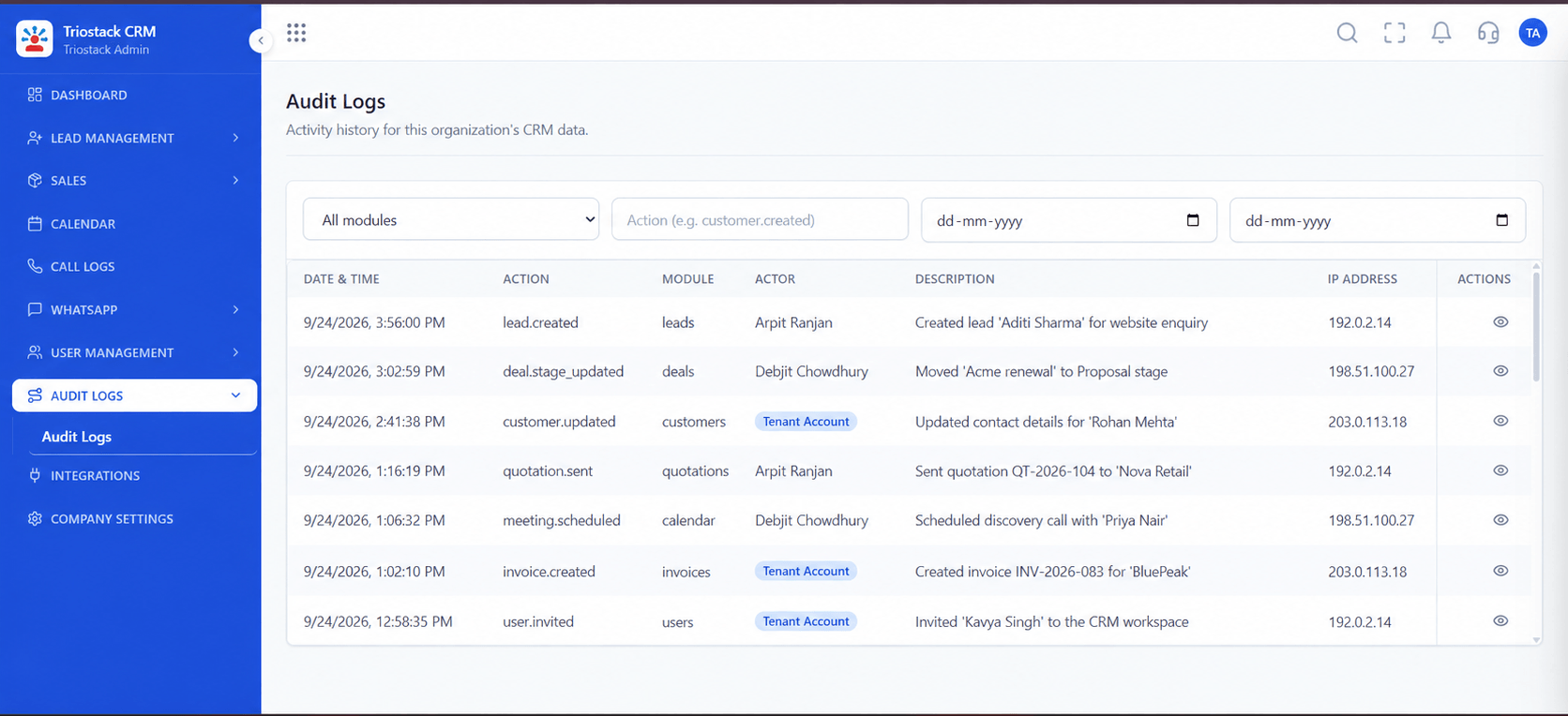
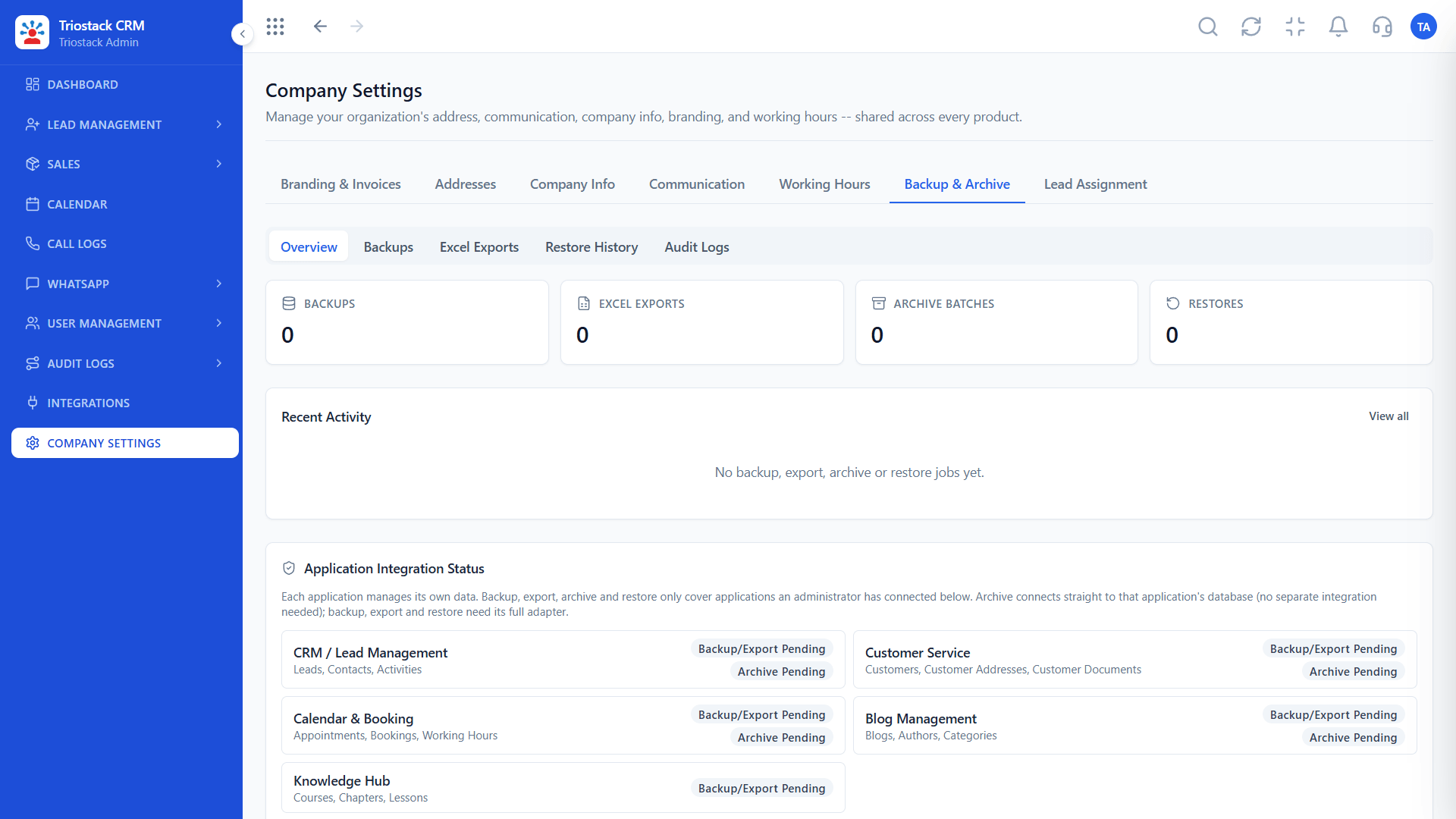
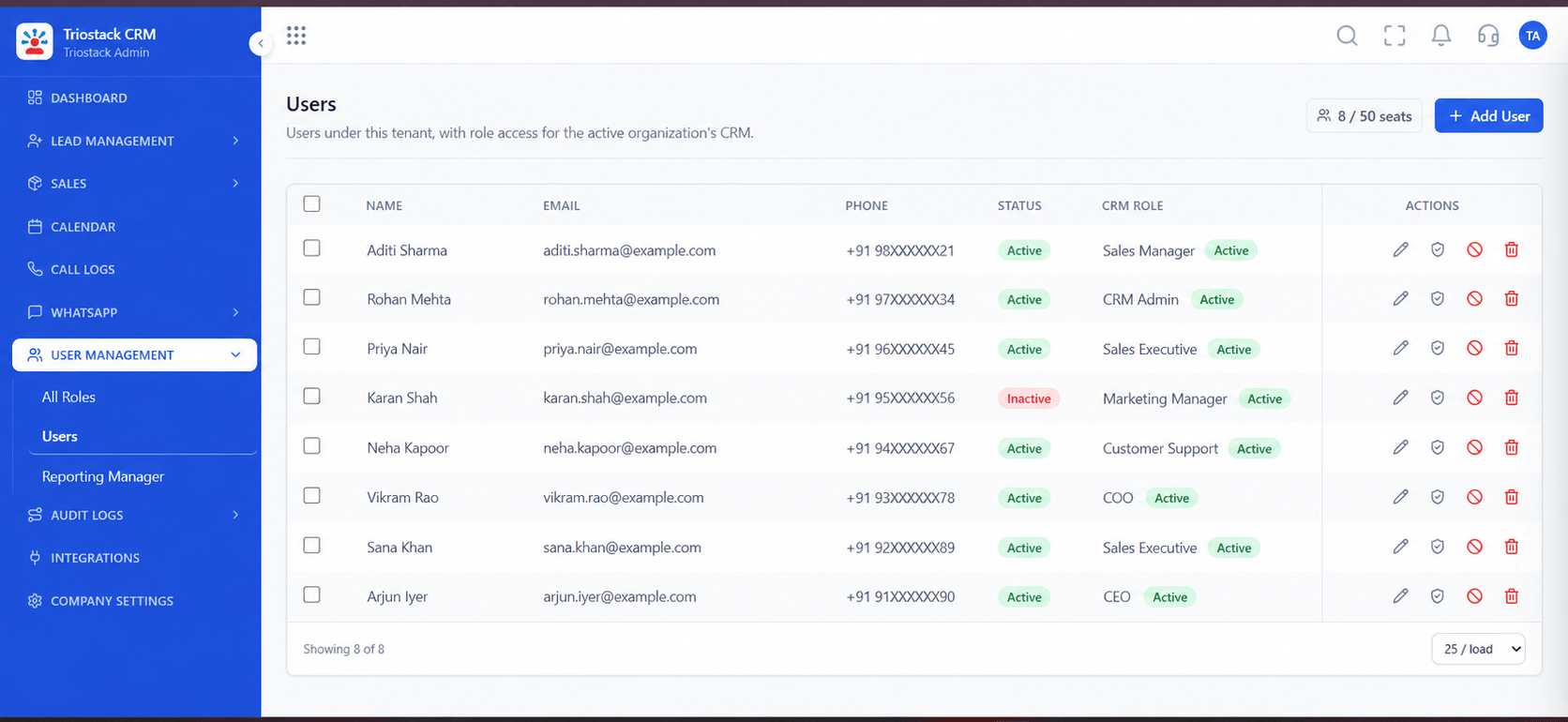
Live Interface Tour
Real screens captured directly from the production Triostack CRM interface.
Users
Who knows your setup and your goals
Feature Breakdown
Captured directly from the production Triostack CRM interface.
Your team, set up.
On this screen: Team members and their access.
How it fits the plan
Request. Ask our team about the dedicated manager option.
Meet. Introduce your goals and your setup.
Practical tip
Share your goals for the quarter at the first meeting. Reviews are most useful when measured against them.
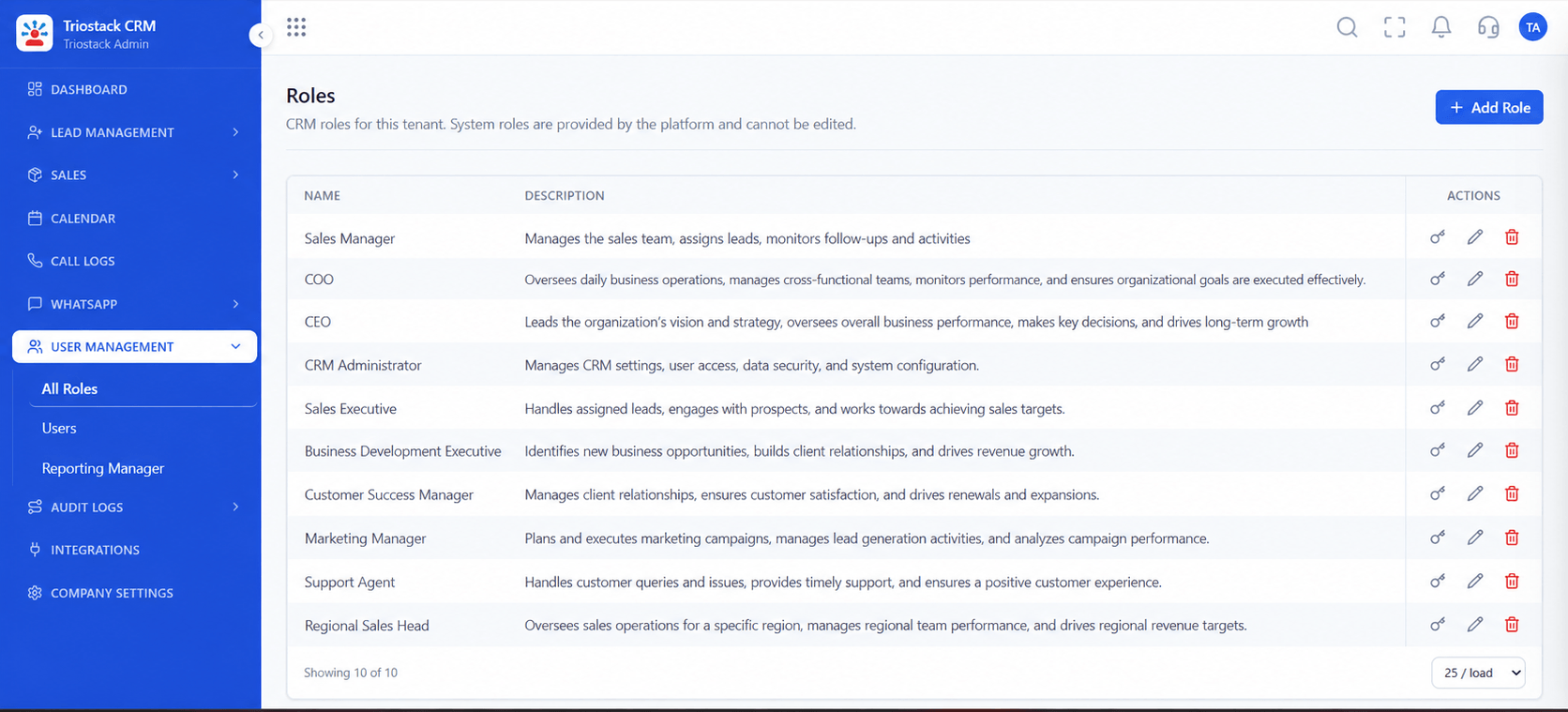
Access reviewed.
In real life
Larger team
Many users, one contact.

What the review covers.
Watch out for
Treating the account manager as a ticket desk instead of using them for strategy.

Booking review calls.
Before you start
Execution Plan
Ask our team about the dedicated manager option.
Introduce your goals and your setup.
Personalised onboarding and training.
Regular check-ins on how the CRM is used.
Practical Guide
Before you start
A tip that helps
Share your goals for the quarter at the first meeting. Reviews are most useful when measured against them.
A common mistake
Treating the account manager as a ticket desk instead of using them for strategy.
Availability: Availability can depend on your plan and setup. Please confirm with our team which capabilities are live for your account, and any prerequisites, before you plan around this page.
In Real Life
Scenario 01
Many users, one contact.
Scenario 02
Someone owns the design.
Scenario 03
Review and adjust.
Straight answers about Dedicated CRM Technical Account Manager, from setup to what happens next.
Have a question about Dedicated CRM Technical Account Manager?
Book a free callPersonalised onboarding, a named contact and regular reviews of how the CRM is used.
Ask us what is included on your plan.
Yes, as agreed with our team.
See the High-Quality CRM with Dedicated Account Manager guide.
Detail personalized onboarding, named account management and structured reviews of how your CRM is used.
It runs in 4 steps: Request, Meet, Set up and Review. Ask our team about the dedicated manager option.
The real screens on this page include All Leads, Lead Follow-Ups, Lead Pipeline and Users, all captured from the product.
Request a demo or start a free trial. Our team can also walk you through a guided setup, so your first session ends with something working.
Keep Exploring
Unify Meta leads, WhatsApp conversations, Android SIM calls, and GST invoices without per-seat price taxes.
Explore All Support & Enterprise