The best Business Suite software in India, built to help your business grow. Contact us at +91-8882435276.
[ Contact ]
Phone number
Email address
Head office
Noida office
The right team at TriostackOne will get back to you.
Inventory
List the data you hold and why.
Decide
Set keep, archive and delete rules.
Check
Compare them with the product and published terms.
Agree
Put specific needs in your agreement.
Positioning Assessment
How long should customer records live? When should old leads be archived or deleted? What must be kept for legal reasons, and what must be removed on request? Each organisation answers differently, and the CRM should follow the answer, not set it.
Triostack CRM has Backup and Archive settings in Company Settings. TriostackOne also publishes a Data Retention and Deletion page under Legal, which describes how retention works for different kinds of data, including exceptions for legal and regulatory requirements. That page is a working draft with periods still to be confirmed, so this page does not quote periods.
If you need specific retention schedules, legal-hold handling or restore commitments, ask our team and have them written into your agreement. This is not legal advice; take your own counsel on what you must keep.
“We listed what we must keep, what we may delete and when. The vendor conversation became a checklist.”
Sample team scenario
Illustrative example, not a customer testimonial

All Leads
Every lead with its source, status and owner
In the Product
Imagine old records leaving on a schedule you chose.
Your rules first.
Published, and under review.
For specifics.
Platform Integrity
Settings in the CRM
On the Legal pages
The starting point
For specifics
At a Glance
What deliberate retention gives you.
| Dimension | Triostack CRM | Keep Everything |
|---|---|---|
| Policy | Written and followed | None |
| Old data | Archived or deleted on schedule | Piles up |
| Requests | Handled to a process | Ad hoc |
| Legal needs | Ask us about hold and exceptions | Missed |
| Records | Backed up and archived | Not planned |
Book a walkthrough and we will set up a sandbox with sample leads, a WhatsApp inbox and a pipeline, so you can try it before you commit.
Live Interface Tour
Real screens captured directly from the production Triostack CRM interface.
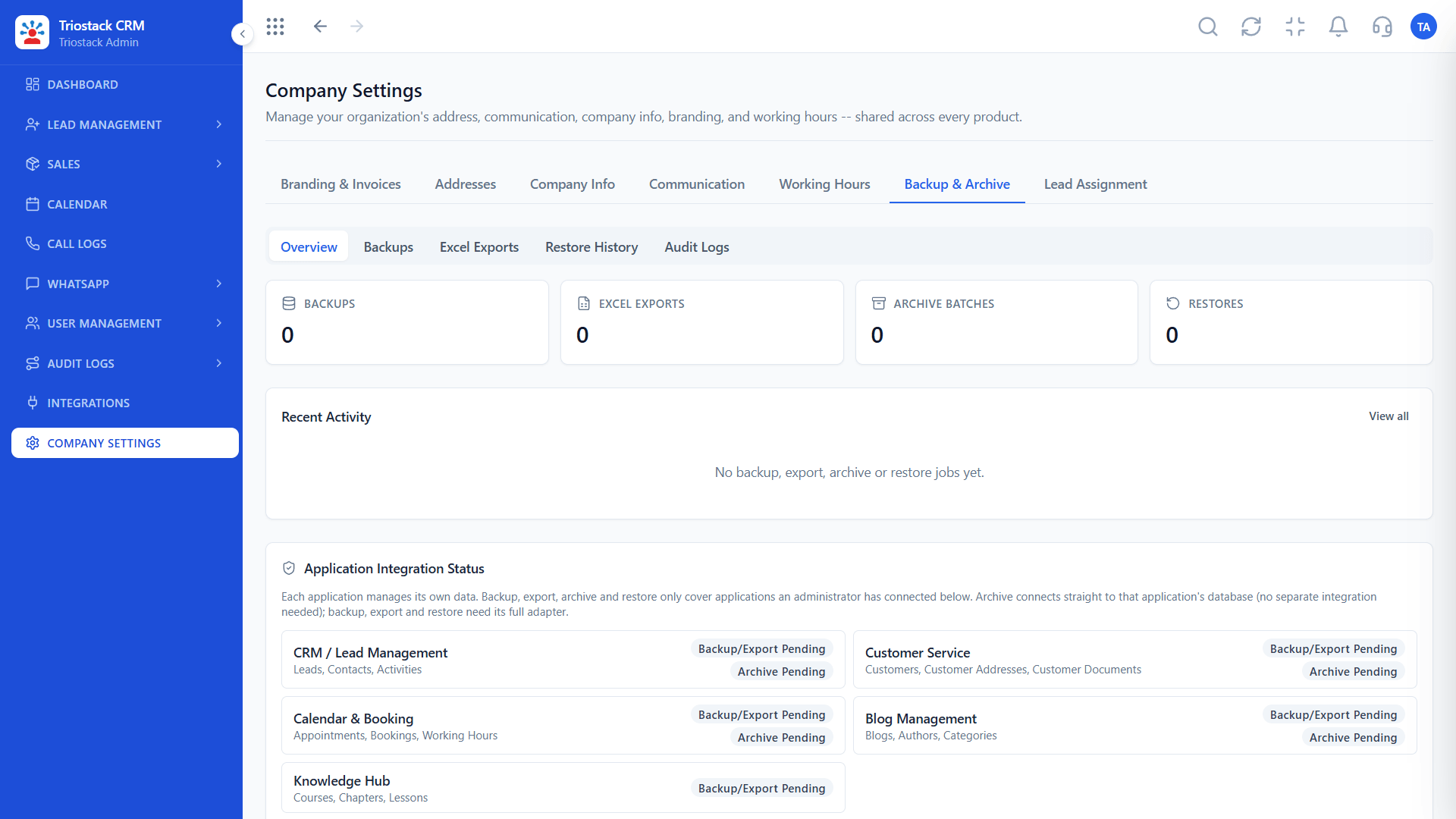
Backup and Archive
Then check the product and the terms against it
Feature Breakdown
Captured directly from the production Triostack CRM interface.
Settings in the CRM.
On this screen: Backup and archive settings.
How it fits the plan
Inventory. List the data you hold and why.
Decide. Set keep, archive and delete rules.
Practical tip
Involve legal early. Retention rules usually come from regulation and contracts, not from preference.

Where it lives.
On this screen: Company-wide settings in one place.
How it fits the plan
Decide. Set keep, archive and delete rules.
Check. Compare them with the product and published terms.
In real life
Regulated business
You check retention against obligations.
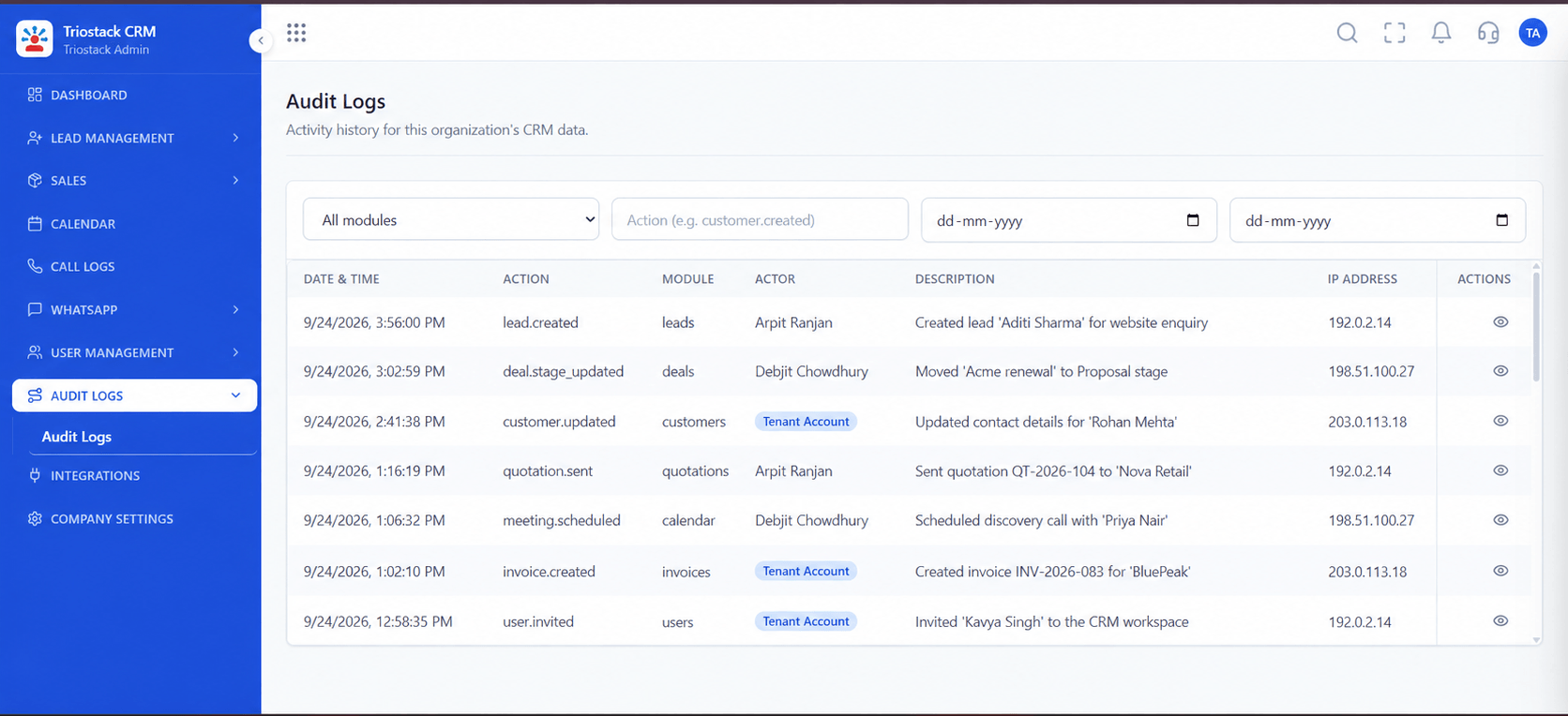
A trail of changes.
On this screen: A record of who did what in the workspace.
How it fits the plan
Check. Compare them with the product and published terms.
Agree. Put specific needs in your agreement.
Watch out for
Setting a deletion schedule without checking what you are legally required to keep.
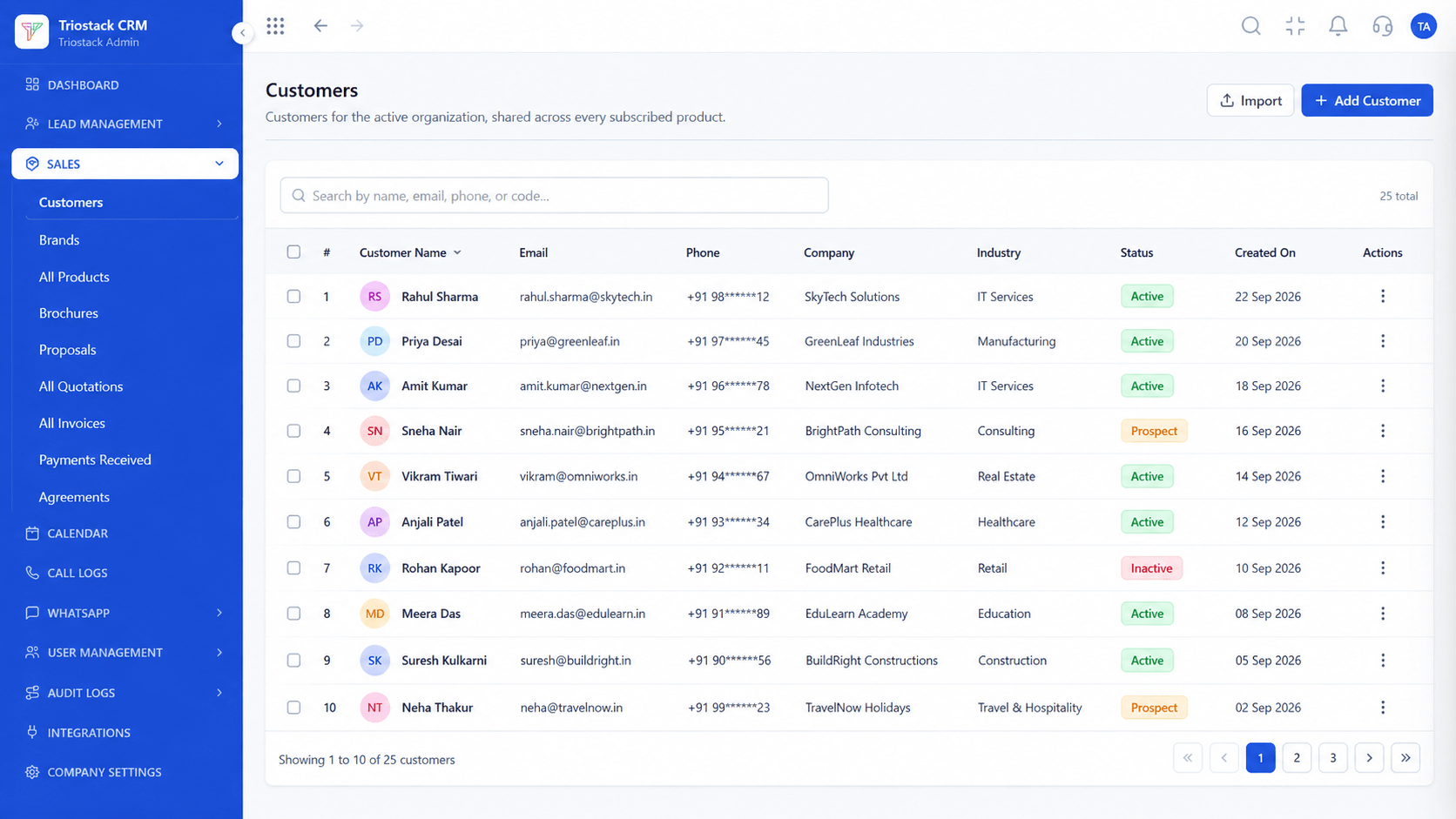
The data in scope.
On this screen: Customer records shared across every subscribed product.
How it fits the plan
Agree. Put specific needs in your agreement.
Inventory. List the data you hold and why.
Before you start
Execution Plan
List the data you hold and why.
Set keep, archive and delete rules.
Compare them with the product and published terms.
Put specific needs in your agreement.
Practical Guide
Before you start
A tip that helps
Involve legal early. Retention rules usually come from regulation and contracts, not from preference.
A common mistake
Setting a deletion schedule without checking what you are legally required to keep.
Availability: Availability can depend on your plan and setup. Please confirm with our team which capabilities are live for your account, and any prerequisites, before you plan around this page.
In Real Life
Scenario 01
You check retention against obligations.
Scenario 02
You know how data is handled.
Scenario 03
You archive instead of hoarding.
Straight answers about Enterprise Data Retention and Archival, from setup to what happens next.
Have a question about Enterprise Data Retention and Archival?
Book a free callYes, in Company Settings. Ask our team what applies to your plan.
On the Data Retention and Deletion page under Legal. It is a working draft, so ask for current terms.
The retention page refers to legal-hold exceptions. Ask our team what is available and how it works.
No. Take your own legal advice on what you must keep.
A practical guide to CRM data retention: backup and archive settings, deletion, legal-hold needs, and where TriostackOne's published terms and your own policies fit.
It runs in 4 steps: Inventory, Decide, Check and Agree. List the data you hold and why.
The real screens on this page include All Leads, Lead Pipeline, Lead Follow-Ups and Backup and Archive, all captured from the product.
Request a demo or start a free trial. Our team can also walk you through a guided setup, so your first session ends with something working.
Keep Exploring
Unify Meta leads, WhatsApp conversations, Android SIM calls, and GST invoices without per-seat price taxes.
Explore All Enterprise CRM