The best Business Suite software in India, built to help your business grow. Contact us at +91-8882435276.
[ Contact ]
Phone number
Email address
Head office
Noida office
The right team at TriostackOne will get back to you.
Positioning Assessment
Larger businesses depend on their CRM the way they depend on email. They want to know how it handles failures, how data is backed up, where it is stored and what happens in a disaster.
These are fair questions and they should be answered in writing, for your case. We do not publish uptime percentages or architecture claims on this page. What the product shows in Company Settings is a Backup and Archive area, and the rest, such as hosting region, failover, recovery targets and maintenance windows, is something our team discusses with you directly.
Use the checklist below to prepare, and bring it to the conversation.
“We took a list of questions to the first call and left with answers in writing.”
Sample team scenario
Illustrative example, not a customer testimonial

All Leads
Every lead with its source, status and owner
In the Product
Imagine checking the exits before you move in.
Asked early.
In writing.
No unsupported claims.
Platform Integrity
In company settings
Discuss your needs
Ask us
For your case
At a Glance
What to ask about availability, and where we stand.
| Dimension | Triostack CRM | What to Ask |
|---|---|---|
| Backups | Backup and archive settings are in the product | How often, how long kept, how restored? |
| Failover | Ask us what applies to your plan | What happens if a server fails? |
| Recovery | Discussed for your needs | How fast, and how much data could be lost? |
| Region | Ask us about hosting | Where is data stored, and can it be regional? |
| Maintenance | Ask us about planned work | Is there downtime, and when? |
Book a walkthrough and we will set up a sandbox with sample leads, a WhatsApp inbox and a pipeline, so you can try it before you commit.
Live Interface Tour
Real screens captured directly from the production Triostack CRM interface.
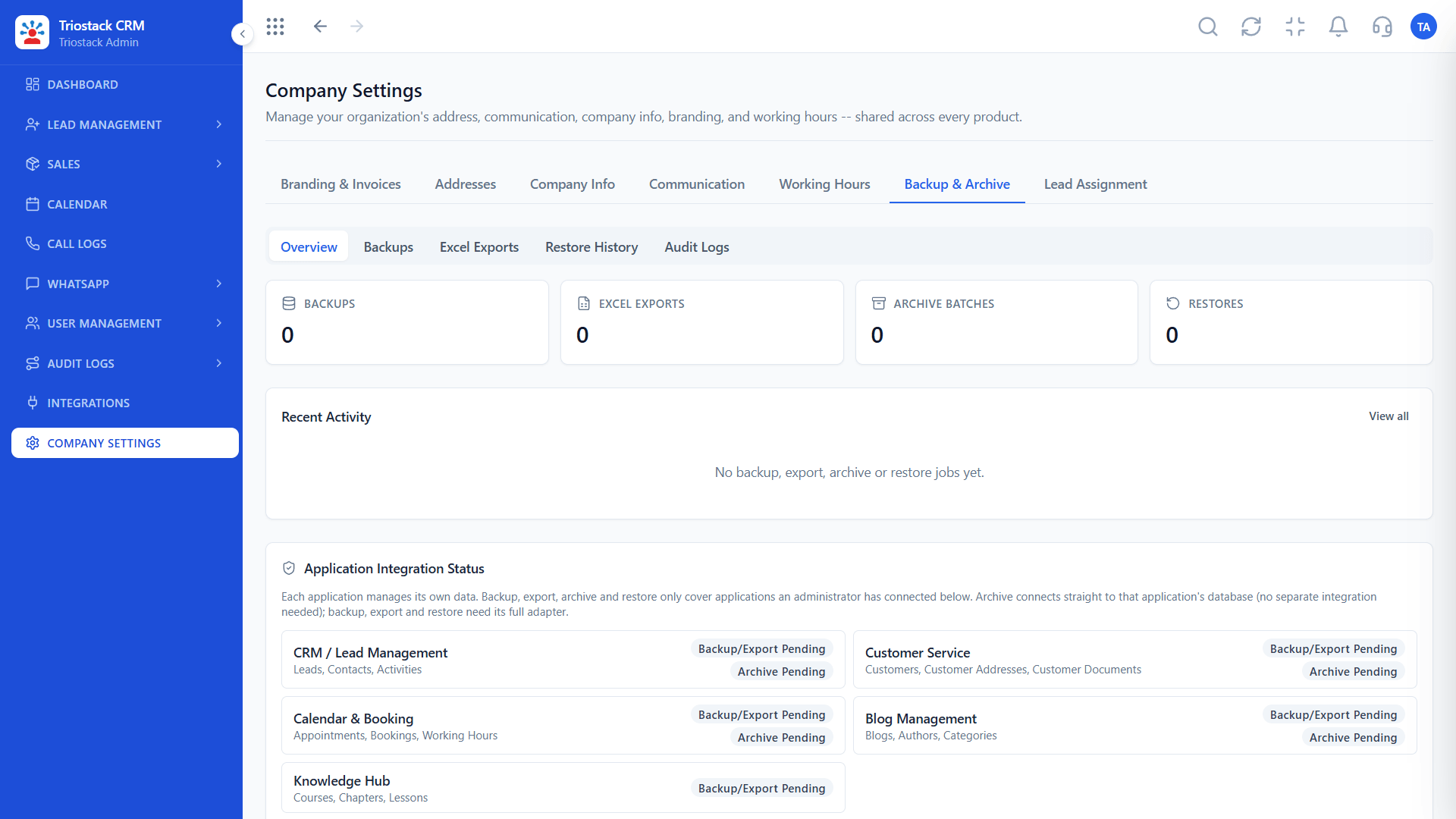
Backup and Archive
Your requirements are discussed, not assumed
Feature Breakdown
Captured directly from the production Triostack CRM interface.
In company settings.
On this screen: Backup and archive settings.
How it fits the plan
List. Write down what downtime would cost you.
Ask. Take your questions to our team.
Practical tip
Define what an hour of downtime costs you. It makes every availability conversation concrete.

Workspace controls.
On this screen: Company-wide settings in one place.
How it fits the plan
Ask. Take your questions to our team.
Agree. Get the answers and terms in writing.
In real life
Procurement review
You come with the right questions.
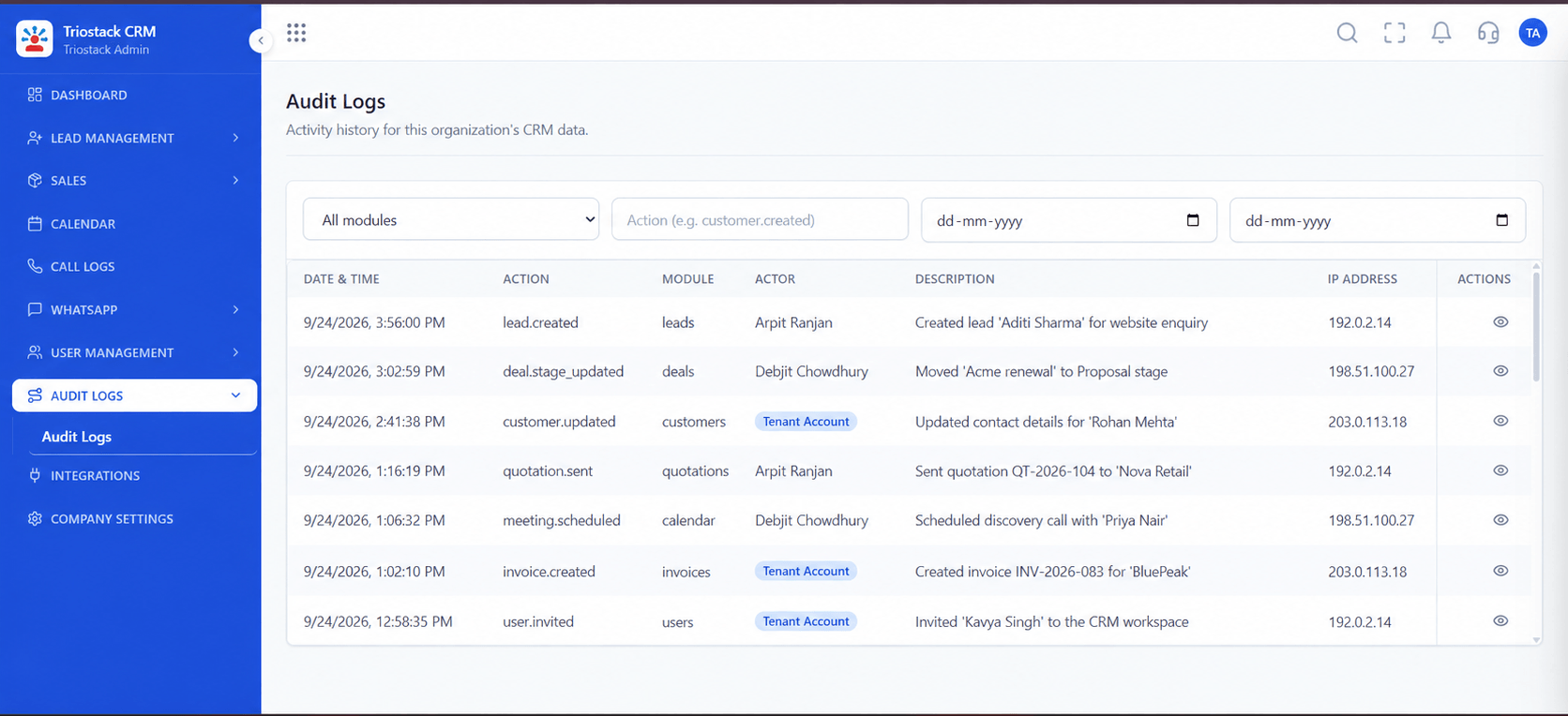
Traceable activity.
On this screen: A record of who did what in the workspace.
How it fits the plan
Agree. Get the answers and terms in writing.
Test. Review backup and access arrangements regularly.
Watch out for
Assuming a vendor's marketing page is a guarantee. Only a written agreement is.
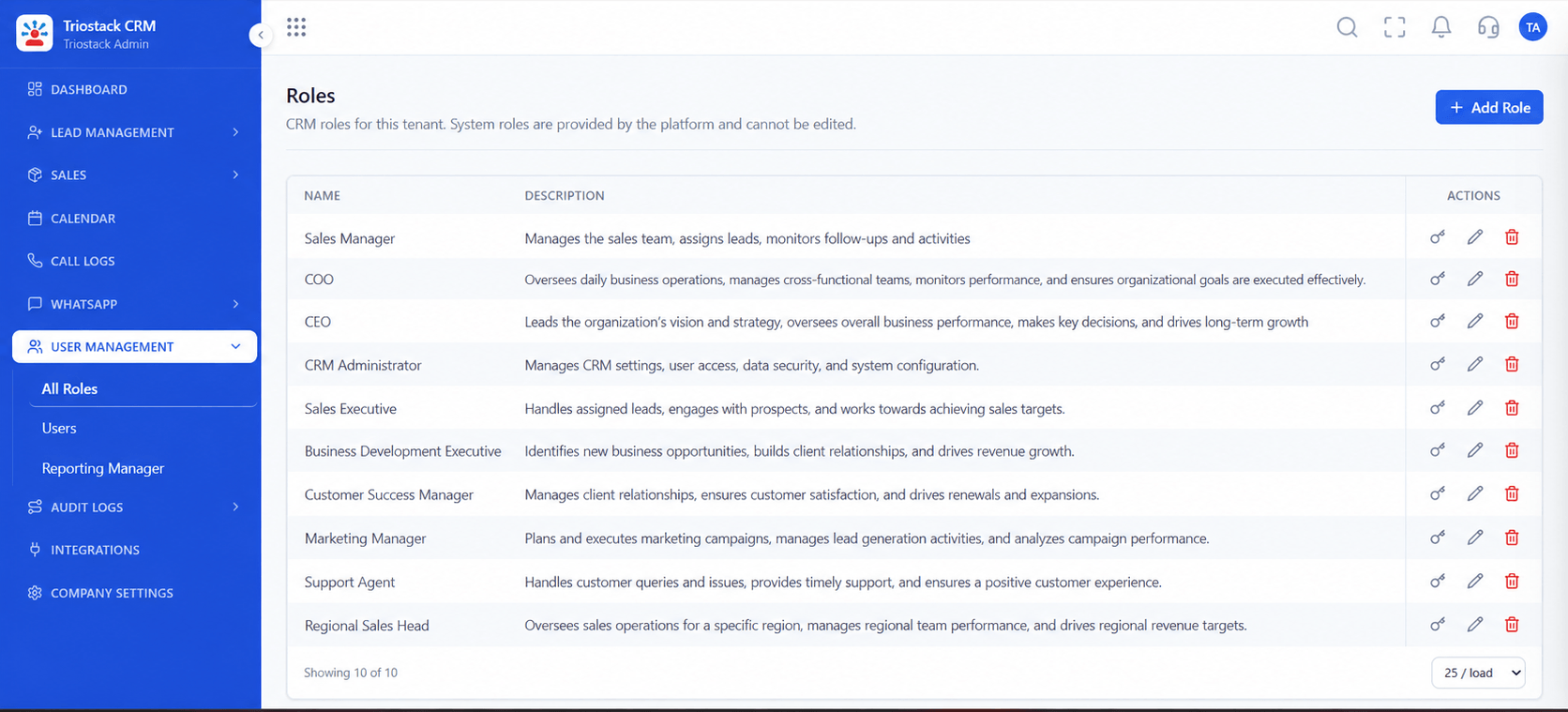
Who can change what.
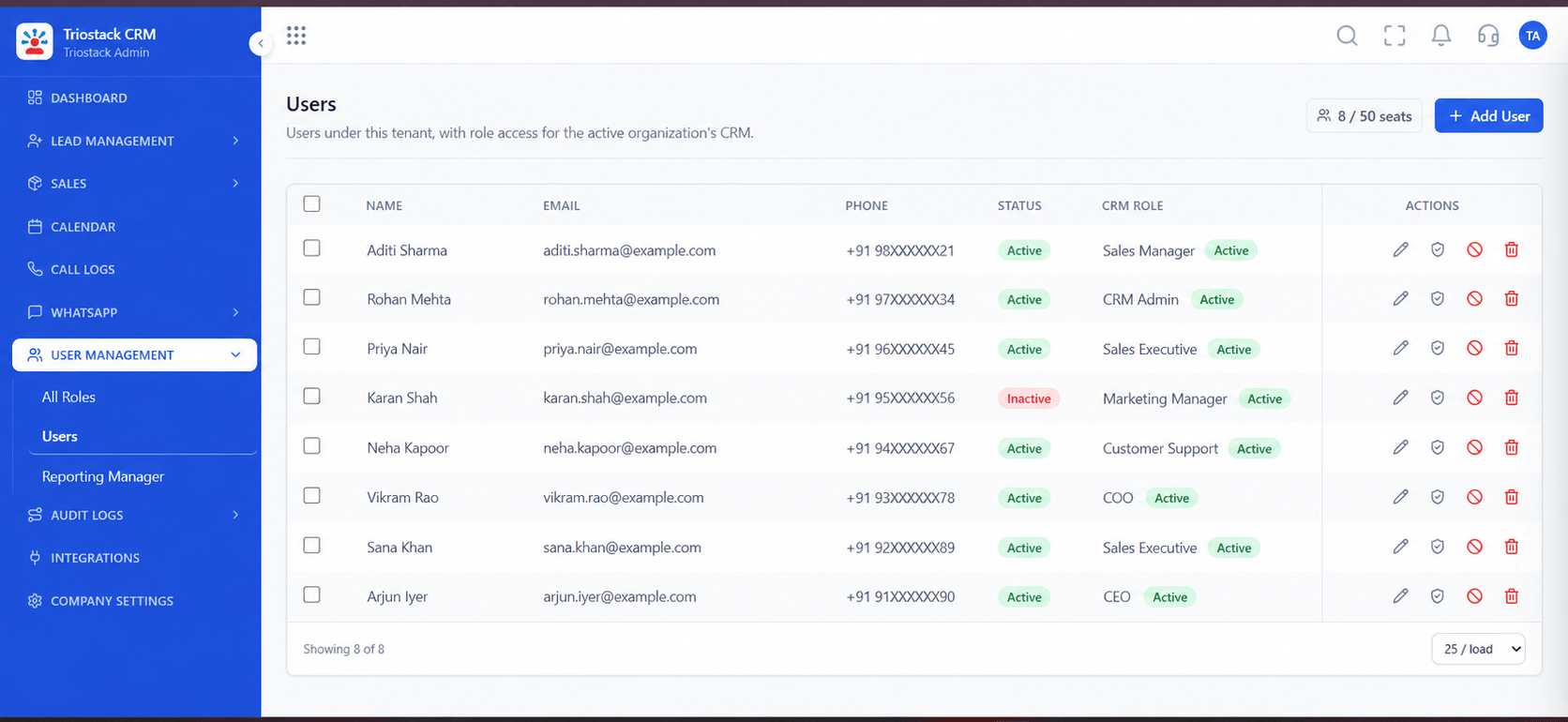
On this screen: Control what reps, managers and admins can see.
How it fits the plan
Test. Review backup and access arrangements regularly.
List. Write down what downtime would cost you.
Before you start
Execution Plan
Write down what downtime would cost you.
Take your questions to our team.
Get the answers and terms in writing.
Review backup and access arrangements regularly.
Practical Guide
Before you start
A tip that helps
Define what an hour of downtime costs you. It makes every availability conversation concrete.
A common mistake
Assuming a vendor's marketing page is a guarantee. Only a written agreement is.
Availability: Availability can depend on your plan and setup. Please confirm with our team which capabilities are live for your account, and any prerequisites, before you plan around this page.
In Real Life
Scenario 01
You come with the right questions.
Scenario 02
You gather evidence for your auditors.
Scenario 03
You plan for failure before it happens.
Straight answers about Enterprise High Availability and Multi-Region, from setup to what happens next.
Have a question about Enterprise High Availability and Multi-Region?
Book a free callNo. We discuss availability for your case and put it in writing.
Ask our team about hosting and region options.
The product has Backup and Archive settings. Ask us about schedules and restore for your plan.
Ask us. Any commitment will be in your agreement.
A plain guide to availability, failover, backups and regional hosting questions larger businesses should raise, and how to discuss them with our team.
It runs in 4 steps: List, Ask, Agree and Test. Write down what downtime would cost you.
The real screens on this page include All Leads, Lead Pipeline, Sales Dashboard and Backup and Archive, all captured from the product.
Request a demo or start a free trial. Our team can also walk you through a guided setup, so your first session ends with something working.
Keep Exploring
Unify Meta leads, WhatsApp conversations, Android SIM calls, and GST invoices without per-seat price taxes.
Explore All Enterprise CRM