The best Business Suite software in India, built to help your business grow. Contact us at +91-8882435276.
[ Contact ]
Phone number
Email address
Head office
Noida office
The right team at TriostackOne will get back to you.
Positioning Assessment
For a team that depends on the CRM all day, a stuck pipeline or a failed integration is not a minor issue. Priority support is about having a clear route for those moments: a defined way to raise a critical issue, a way to escalate if it is not moving and a team that understands your setup.
We do not publish blanket promises on response times or hours here, because they depend on your plan and agreement. Ask our team what priority support includes for you, and we will write it down in plain terms.
Day to day, the help centre, documentation and direct contact are available to every customer.
“Our critical issue was raised, acknowledged and escalated by the route we had agreed in advance.”
Sample team scenario
Illustrative example, not a customer testimonial

All Leads
Every lead with its source, status and owner
In the Product
Imagine knowing exactly where it is before you need it.
Agreed in advance.
No vague promises.
Your setup understood.
Platform Integrity
For critical issues
A clear path up
Written down
Always available
At a Glance
What to compare when you choose a support level.
| Dimension | Triostack CRM | Standard Support |
|---|---|---|
| Raising an issue | A priority route | The general queue |
| Escalation | Defined path | Follow up and wait |
| Hours and response | Agreed in writing | Per standard terms |
| Context | Your setup is known | Explained each time |
| Details | Ask our team | Help centre |
Book a walkthrough and we will set up a sandbox with sample leads, a WhatsApp inbox and a pipeline, so you can try it before you commit.
Live Interface Tour
Real screens captured directly from the production Triostack CRM interface.
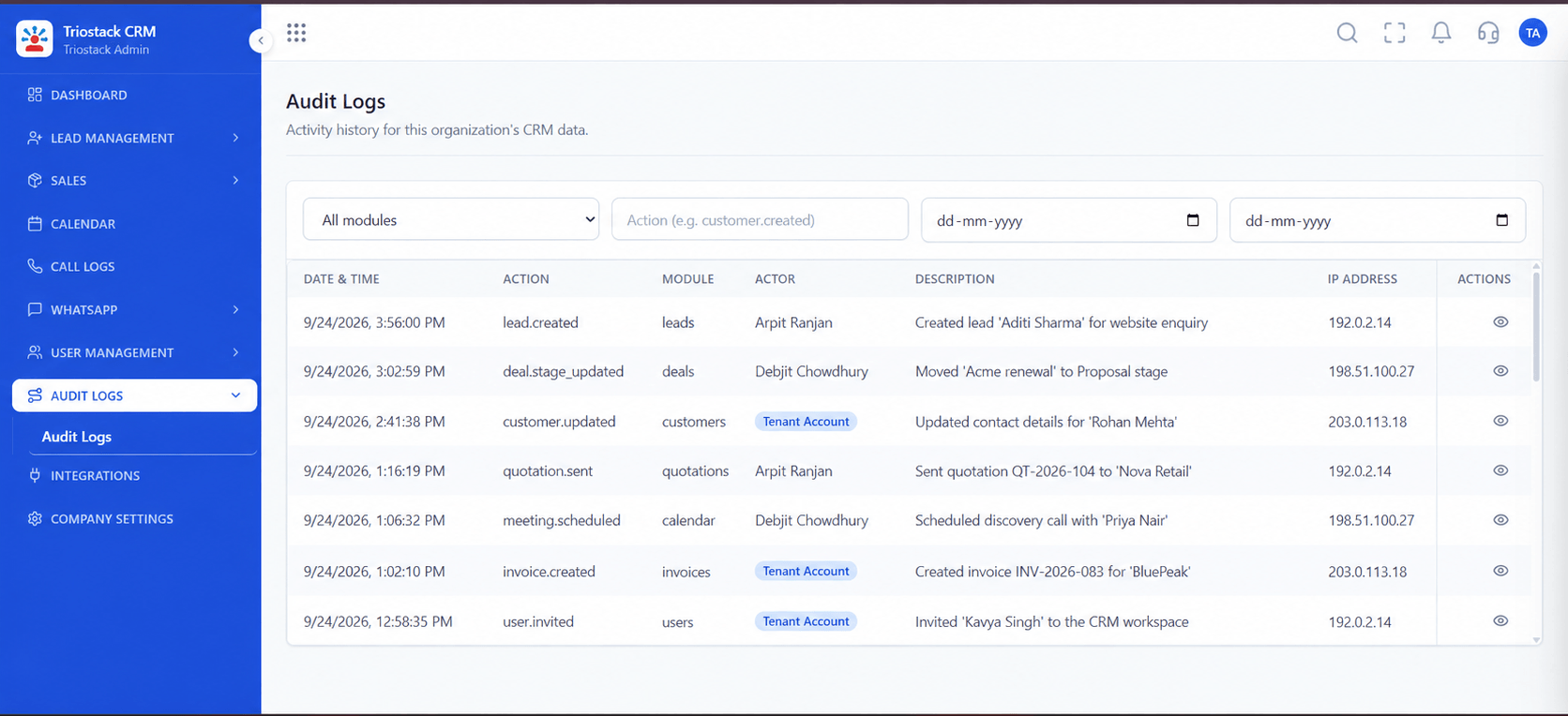
Audit Logs
Coverage hours and response targets set per plan
Feature Breakdown
Captured directly from the production Triostack CRM interface.
Traceable activity.
On this screen: A record of who did what in the workspace.
How it fits the plan
Agree. Settle coverage and routes with our team.
Raise. Report a critical issue by the agreed route.
Practical tip
Write down your own definition of critical, such as logins failing or leads not arriving, and agree it with us.
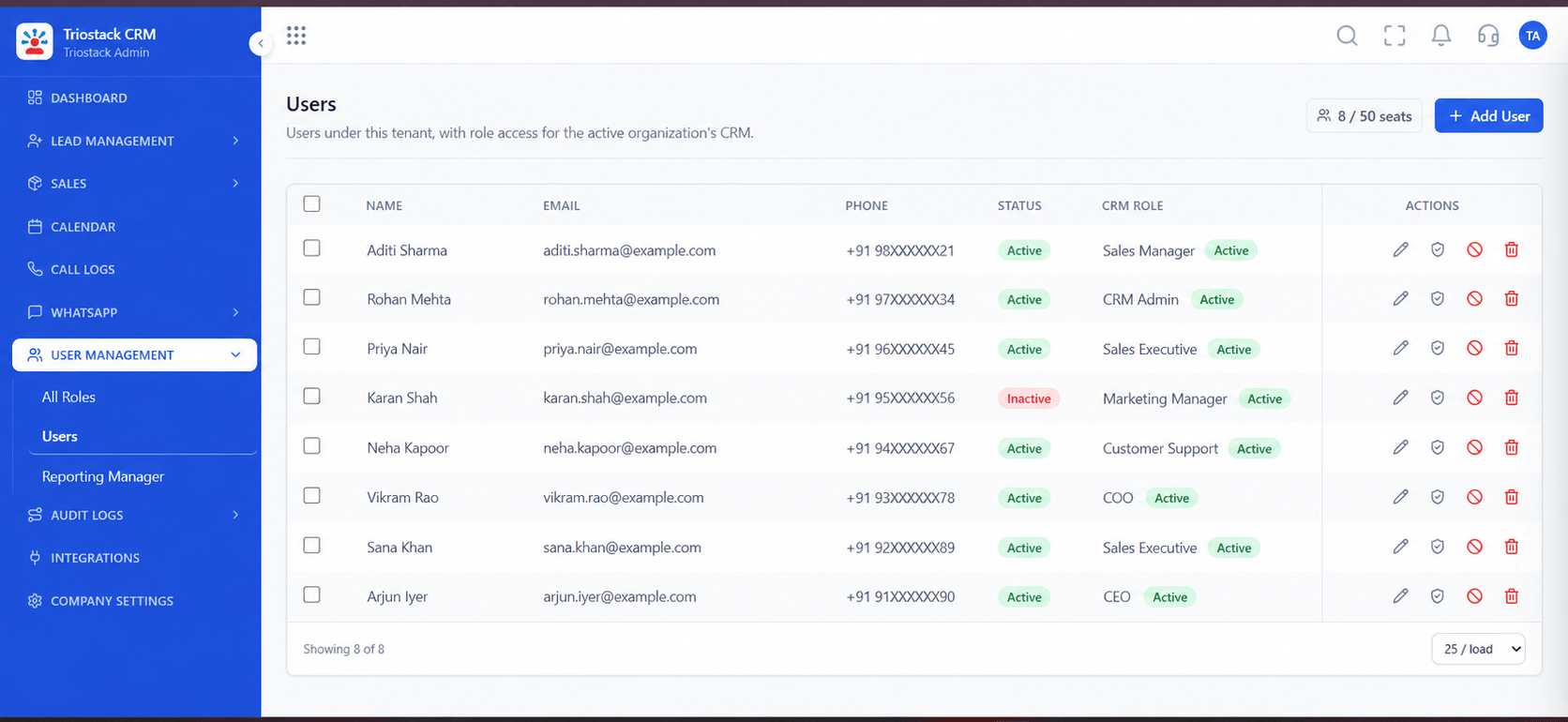
Who can raise issues.
On this screen: Team members and their access.
How it fits the plan
Raise. Report a critical issue by the agreed route.
Escalate. Use the escalation path if needed.
In real life
Integration failure
Leads stop arriving.

Connections we support.
On this screen: Lead sources and tools connected in one place.
How it fits the plan
Escalate. Use the escalation path if needed.
Review. Look back at what happened and why.
Watch out for
Assuming a support level includes round-the-clock cover without having it written into your agreement.
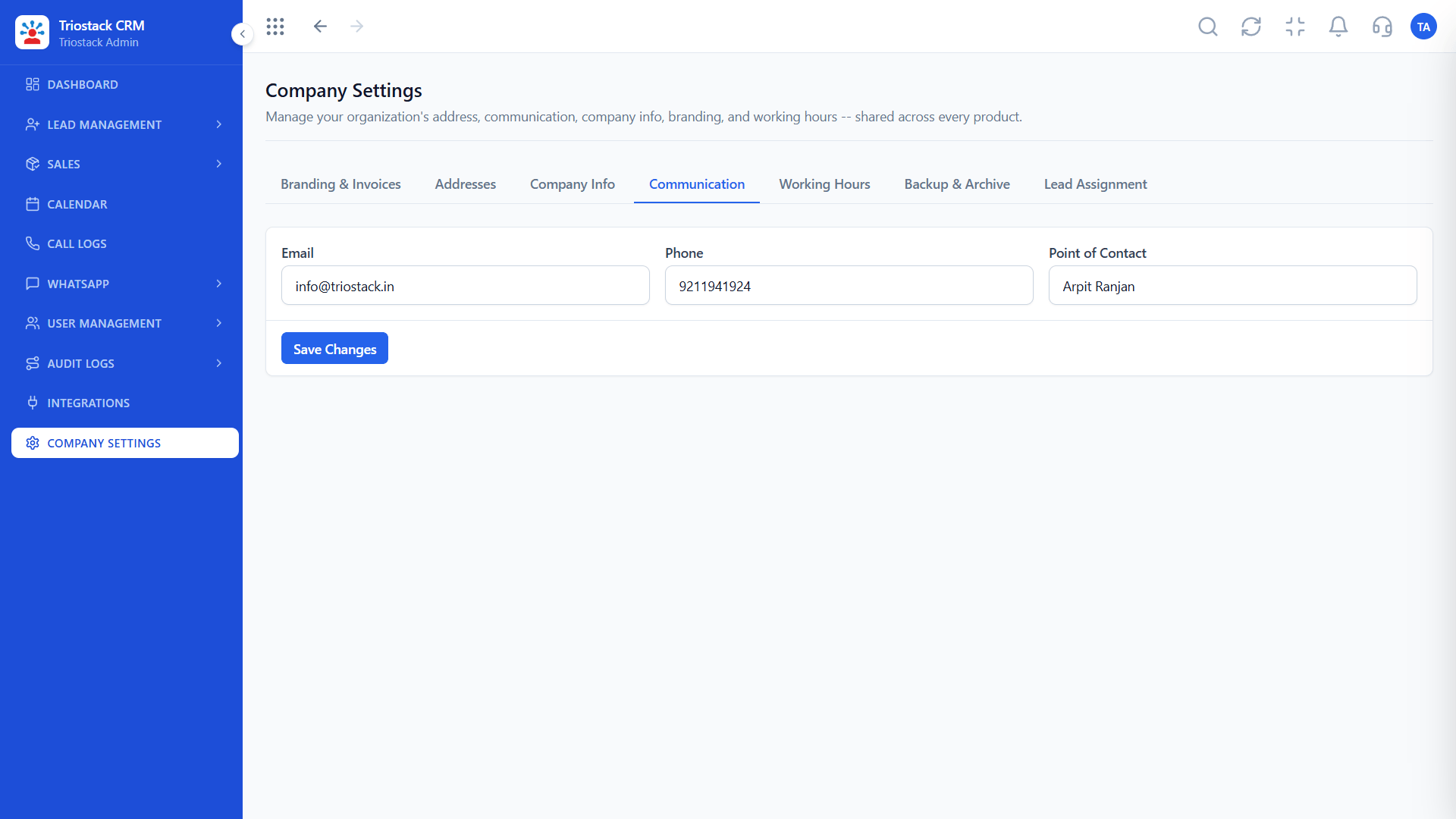
How we reach you.
On this screen: Communication settings for the workspace.
How it fits the plan
Review. Look back at what happened and why.
Agree. Settle coverage and routes with our team.
Before you start
Execution Plan
Settle coverage and routes with our team.
Report a critical issue by the agreed route.
Use the escalation path if needed.
Look back at what happened and why.
Practical Guide
Before you start
A tip that helps
Write down your own definition of critical, such as logins failing or leads not arriving, and agree it with us.
A common mistake
Assuming a support level includes round-the-clock cover without having it written into your agreement.
Availability: Availability can depend on your plan and setup. Please confirm with our team which capabilities are live for your account, and any prerequisites, before you plan around this page.
In Real Life
Scenario 01
Leads stop arriving.
Scenario 02
A team cannot log in.
Scenario 03
Extra attention is agreed.
Straight answers about Enterprise Priority Support, from setup to what happens next.
Have a question about Enterprise Priority Support?
Book a free callCoverage hours depend on your plan and agreement. Ask our team.
Targets are agreed per plan. We do not publish blanket figures.
The route is agreed when you set up priority support.
The help centre, documentation and direct contact.
What priority support means for larger teams: escalation routes for critical issues, with coverage hours and response targets agreed with our team.
It runs in 4 steps: Agree, Raise, Escalate and Review. Settle coverage and routes with our team.
The real screens on this page include All Leads, Call Logs, Sales Dashboard and Audit Logs, all captured from the product.
Request a demo or start a free trial. Our team can also walk you through a guided setup, so your first session ends with something working.
Keep Exploring
Unify Meta leads, WhatsApp conversations, Android SIM calls, and GST invoices without per-seat price taxes.
Explore All Support & Enterprise