The best Business Suite software in India, built to help your business grow. Contact us at +91-8882435276.
[ Contact ]
Phone number
Email address
Head office
Noida office
The right team at TriostackOne will get back to you.
Plan
Decide who needs which training.
Book
Schedule sessions for reps, managers and admins.
Practise
Work through your own leads.
Reinforce
Review usage after a few weeks.
Positioning Assessment
Most CRM problems are habit problems: leads not updated, follow-ups skipped, stages used inconsistently. Good training fixes habits, not just clicks.
TriostackOne can help train your team in practical sessions: reps learn the daily routine of leads, calls and follow-ups, managers learn dashboards and reviews, and administrators learn pipelines, fields and roles. Sessions can run on your own pipeline so people practise on real work.
Ask us what training and workshop options are available for your team size and plan.
“We practised on our own leads. By Friday every rep was logging calls without being reminded.”
Sample team scenario
Illustrative example, not a customer testimonial

All Leads
Every lead with its source, status and owner
In the Product
Imagine learning the route on the roads you will actually drive.
Your own process.
Fitted to the job.
Not just clicks.
Platform Integrity
Daily routine
Dashboards and reviews
Setup and roles
For new joiners
At a Glance
What practice adds.
| Dimension | Triostack CRM | Self-Study |
|---|---|---|
| Format | Practical, on your pipeline | Documents and videos |
| Questions | Answered live | Searched for |
| Habits | Built in the session | Left to chance |
| Roles | Different sessions per role | One guide for all |
| Options | Ask us what is available | Always available |
Book a walkthrough and we will set up a sandbox with sample leads, a WhatsApp inbox and a pipeline, so you can try it before you commit.
Live Interface Tour
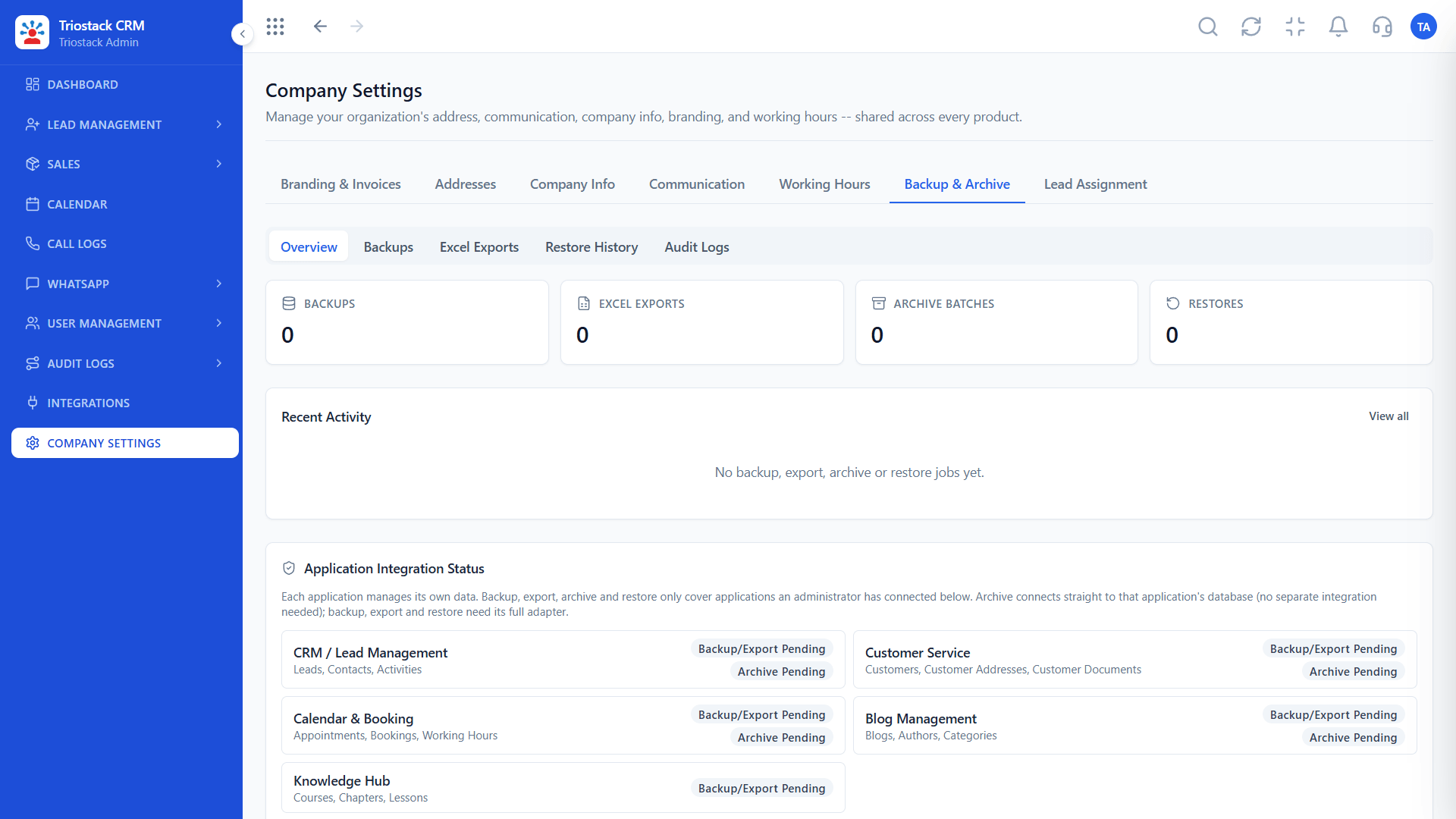
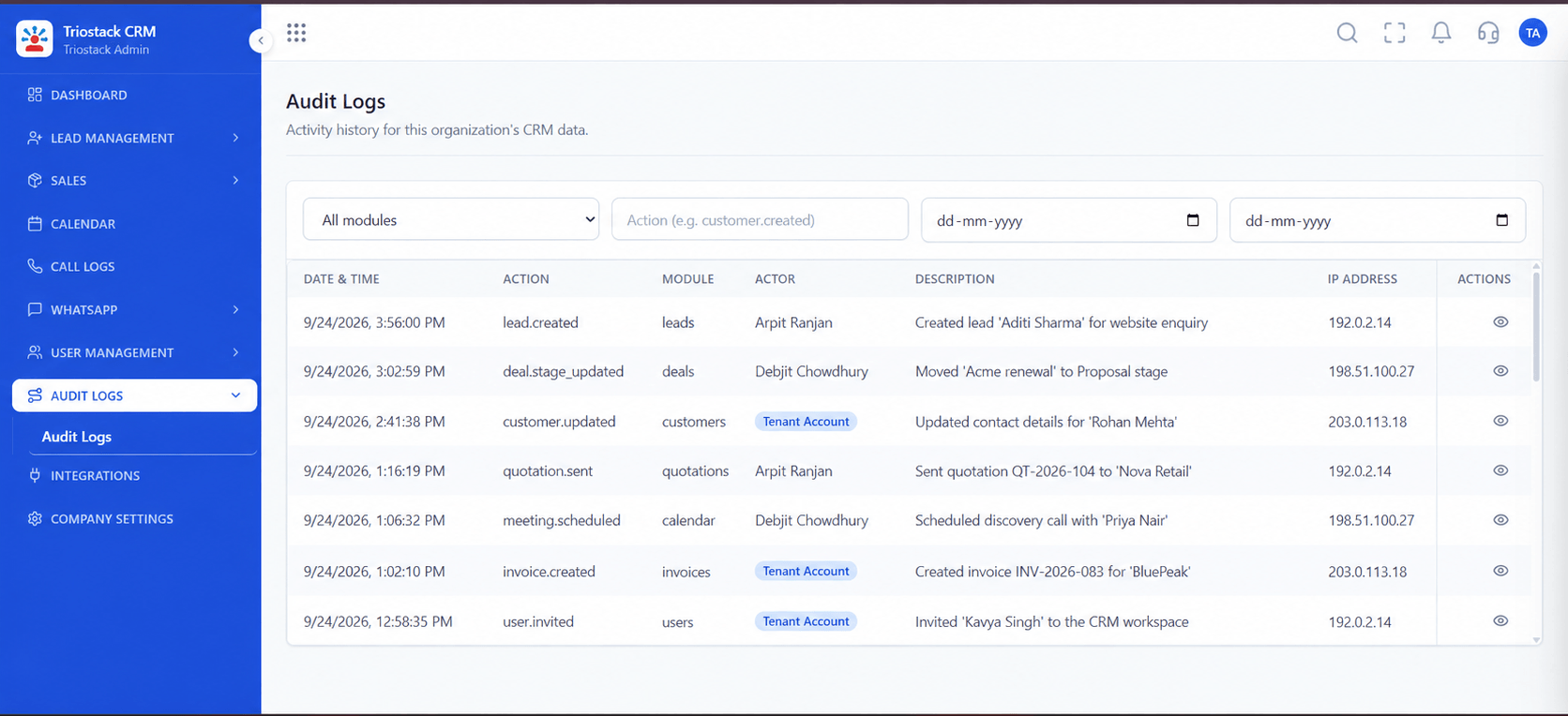
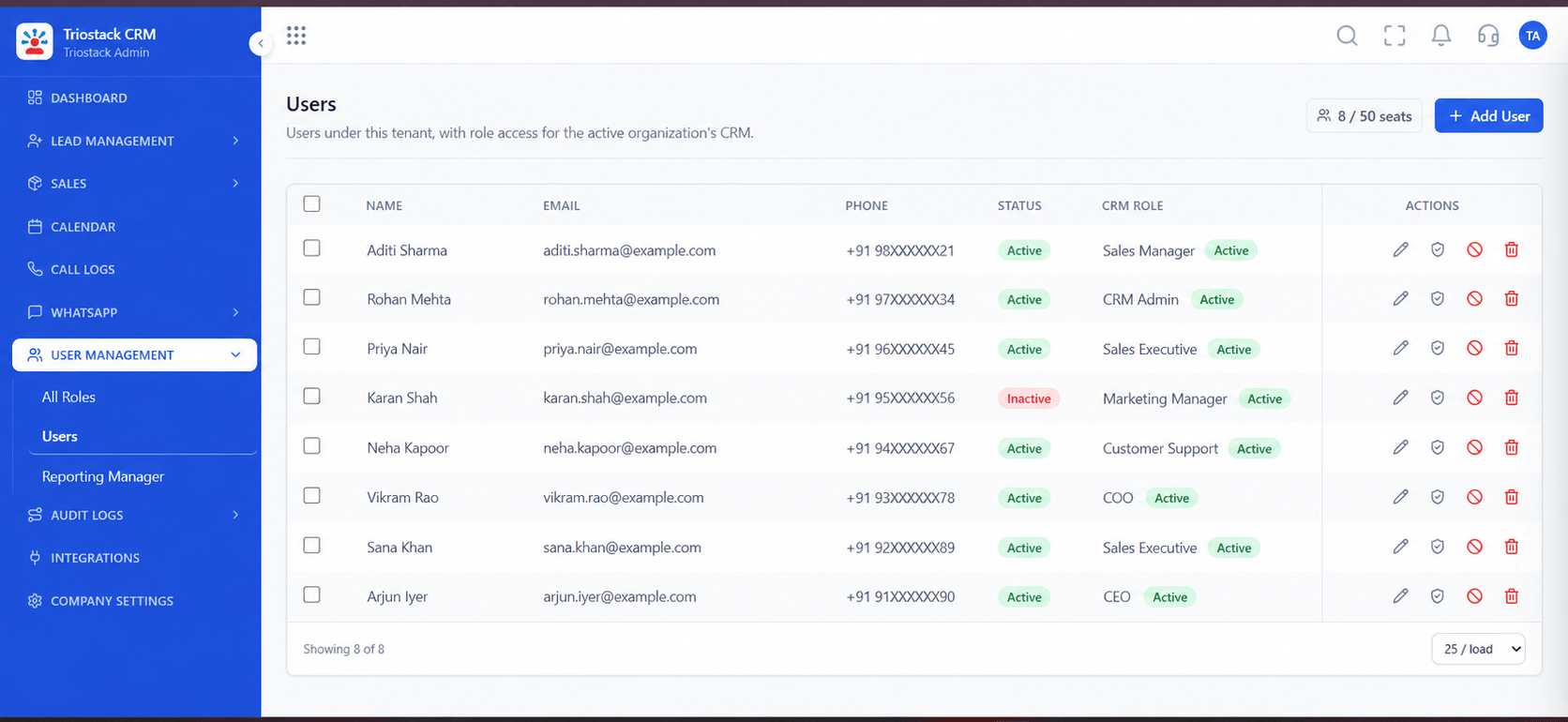
Real screens captured directly from the production Triostack CRM interface.
Users
Practice on your own pipeline, not a slide deck
Feature Breakdown
Captured directly from the production Triostack CRM interface.

What managers learn.
On this screen: Leads, deals and follow-ups at a glance.
How it fits the plan
Plan. Decide who needs which training.
Book. Schedule sessions for reps, managers and admins.
Practical tip
Train managers first. When managers look at the dashboard every week, reps keep the data current.

What reps practise.
On this screen: Never miss the next call or message.
How it fits the plan
Book. Schedule sessions for reps, managers and admins.
Practise. Work through your own leads.
In real life
New CRM rollout
Everyone starts on the same footing.
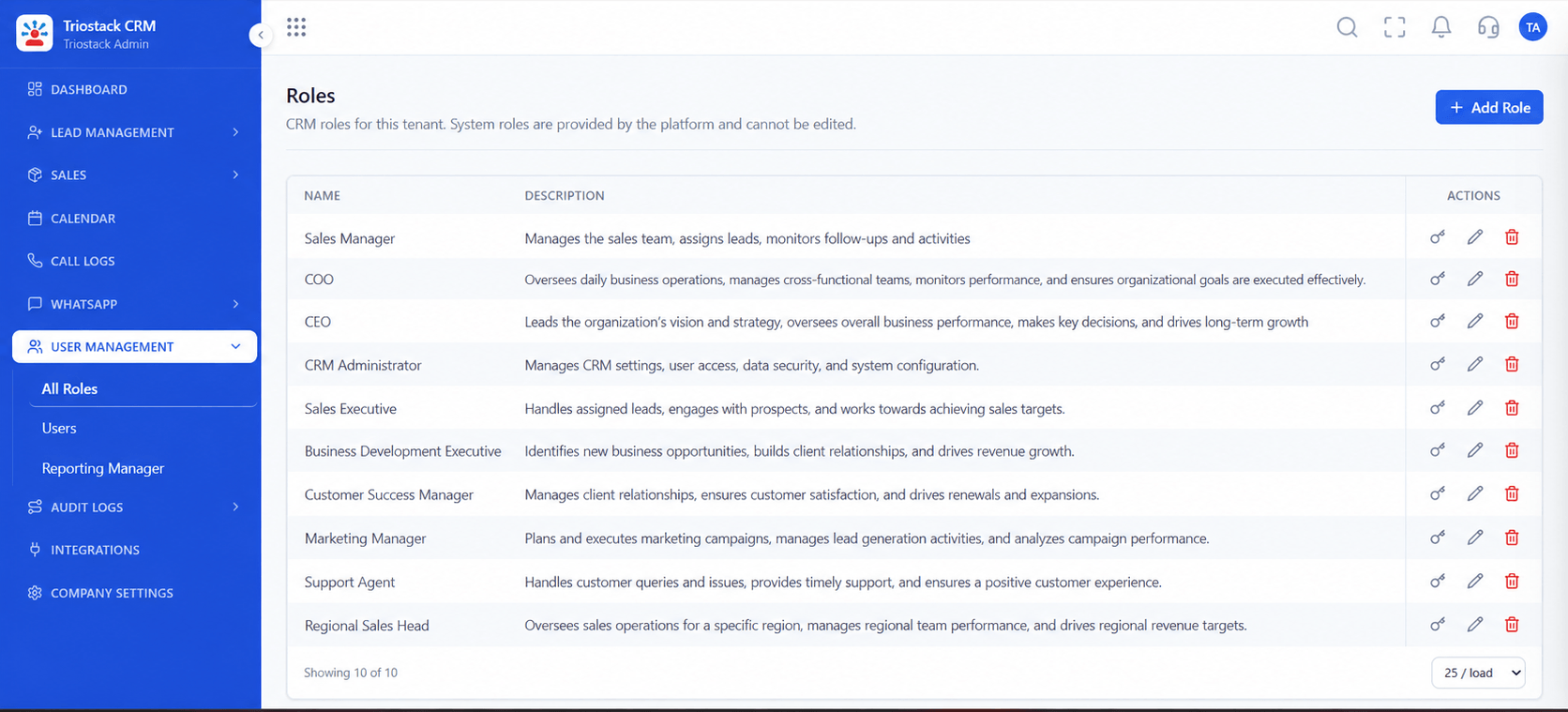
What admins learn.
On this screen: Control what reps, managers and admins can see.
How it fits the plan
Practise. Work through your own leads.
Reinforce. Review usage after a few weeks.
Watch out for
One long session for everyone, instead of short sessions fitted to each role.

Book a session.
On this screen: Meetings and follow-ups on one calendar.
How it fits the plan
Reinforce. Review usage after a few weeks.
Plan. Decide who needs which training.
Before you start
Execution Plan
Decide who needs which training.
Schedule sessions for reps, managers and admins.
Work through your own leads.
Review usage after a few weeks.
Practical Guide
Before you start
A tip that helps
Train managers first. When managers look at the dashboard every week, reps keep the data current.
A common mistake
One long session for everyone, instead of short sessions fitted to each role.
Availability: Availability can depend on your plan and setup. Please confirm with our team which capabilities are live for your account, and any prerequisites, before you plan around this page.
In Real Life
Scenario 01
Everyone starts on the same footing.
Scenario 02
Onboarded in a session.
Scenario 03
A refresher resets habits.
Straight answers about Hands-On CRM Training and Workshops, from setup to what happens next.
Have a question about Hands-On CRM Training and Workshops?
Book a free callPractical sessions for reps, managers and administrators. Ask us what suits your team.
Yes, sessions can use your own pipeline.
Ask us about onboarding sessions for new team members.
Ask us what is included on your plan.
Offer employee training, administrator sessions and onboarding webinars so your team gets value from the CRM from the first week.
It runs in 4 steps: Plan, Book, Practise and Reinforce. Decide who needs which training.
The real screens on this page include All Leads, Lead Pipeline, Call Logs and Sales Dashboard, all captured from the product.
Request a demo or start a free trial. Our team can also walk you through a guided setup, so your first session ends with something working.
Keep Exploring
Unify Meta leads, WhatsApp conversations, Android SIM calls, and GST invoices without per-seat price taxes.
Explore All Support & Enterprise