The best Business Suite software in India, built to help your business grow. Contact us at +91-8882435276.
[ Contact ]
Phone number
Email address
Head office
Noida office
The right team at TriostackOne will get back to you.
Built for
Industry Templates
Gallery
Choose, customise, publish
Positioning Assessment
A blank page is intimidating, and a template that does not suit your business is worse.
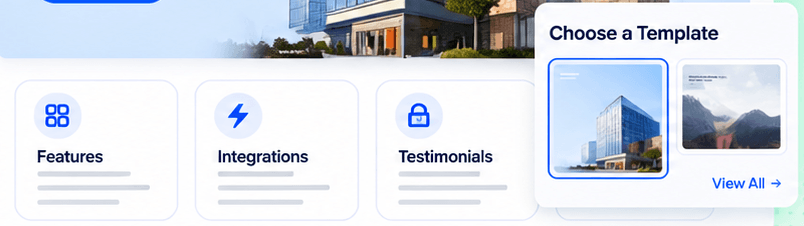
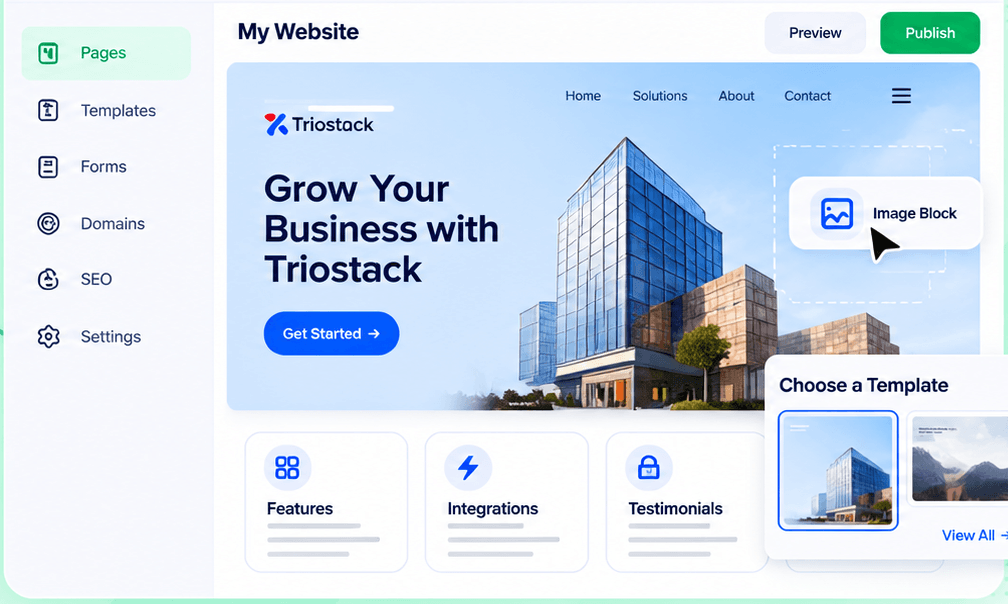
Triostack Website's template gallery gives you professionally designed starting points, with ready-made sections such as features, integrations and testimonials. Visit our industries pages to see how different sectors use the platform, and ask us about templates for your industry.
“We chose a template on Monday and published by Wednesday.”
Sample team scenario
Illustrative example, not a customer testimonial
Forms
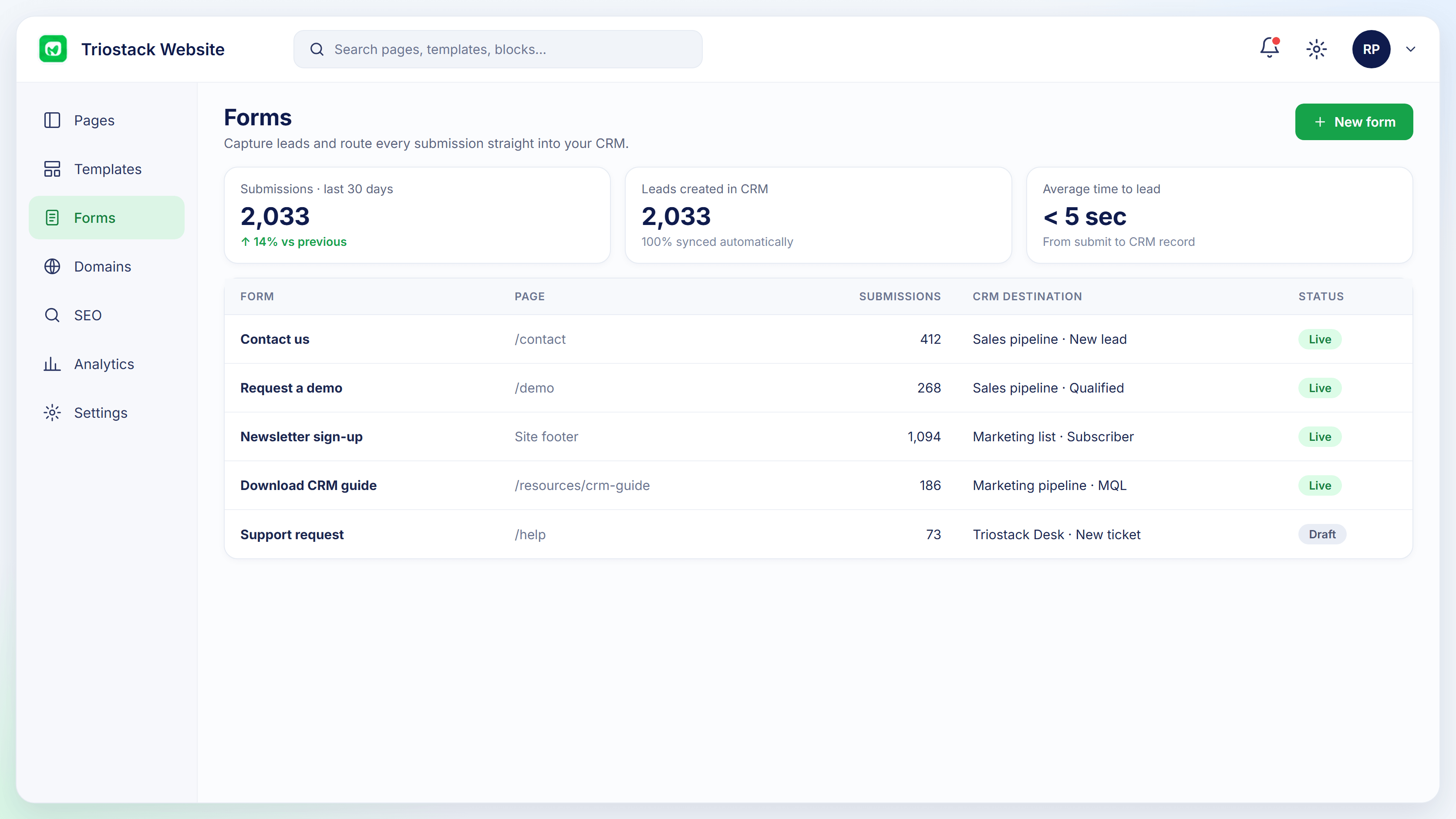
Submissions, leads created and conversion by form
In the Product
Imagine starting with the right pattern and tailoring from there.
Not a blank page.
Everything can change.
Your colours.
Platform Integrity
Choose a design
Features, integrations, testimonials
Colours and images
Visual editor
How It Works
What a starting point changes.
Start
A designed template
Blank Page: Nothing
Sections
Ready-made
Blank Page: Built each time
Speed
Days
Blank Page: Weeks
Branding
Customise
Blank Page: From scratch
Industry fit
Ask us about your sector
Blank Page: Varies
Tell us about your business, your audience and how you want leads handled, and we will propose a setup that fits.
Live Interface Tour
Real screens captured directly from the Triostack Website workspace.
Templates & Sections
Choose, customise, publish
Feature Breakdown
Captured from the Triostack Website workspace.
The gallery.
How it fits the plan
Browse. Open the gallery.
Choose. Pick a template.
Practical tip
Choose the template whose structure fits your content, not the one with the best photograph.
Make it yours.
In real life
New site
A template becomes a real page in a day.
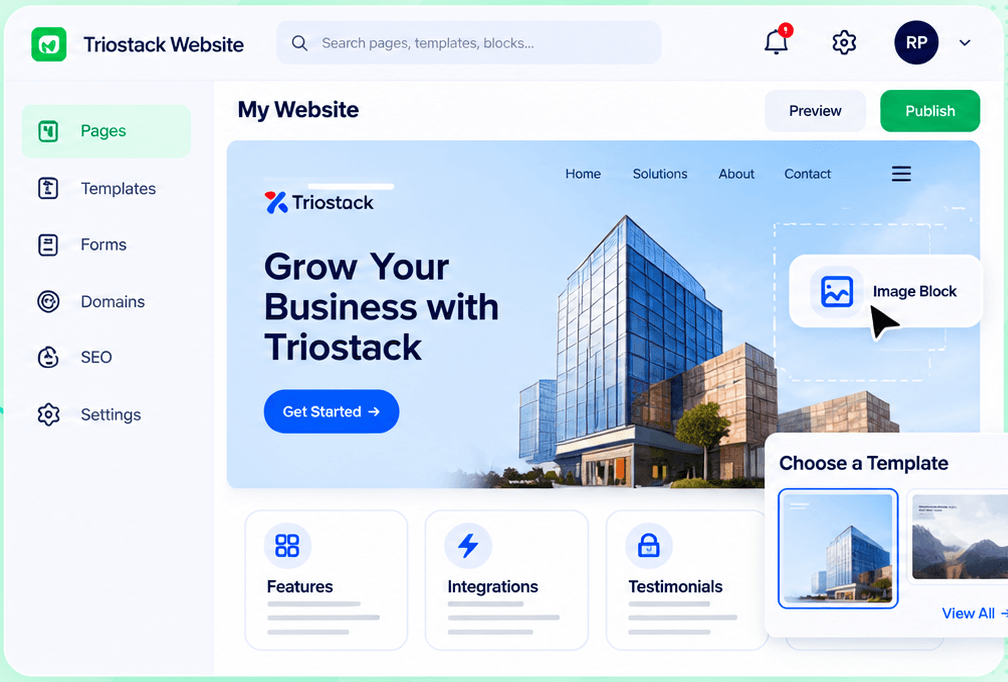
The workspace.
Watch out for
Picking a template for its looks and then rewriting half its sections.
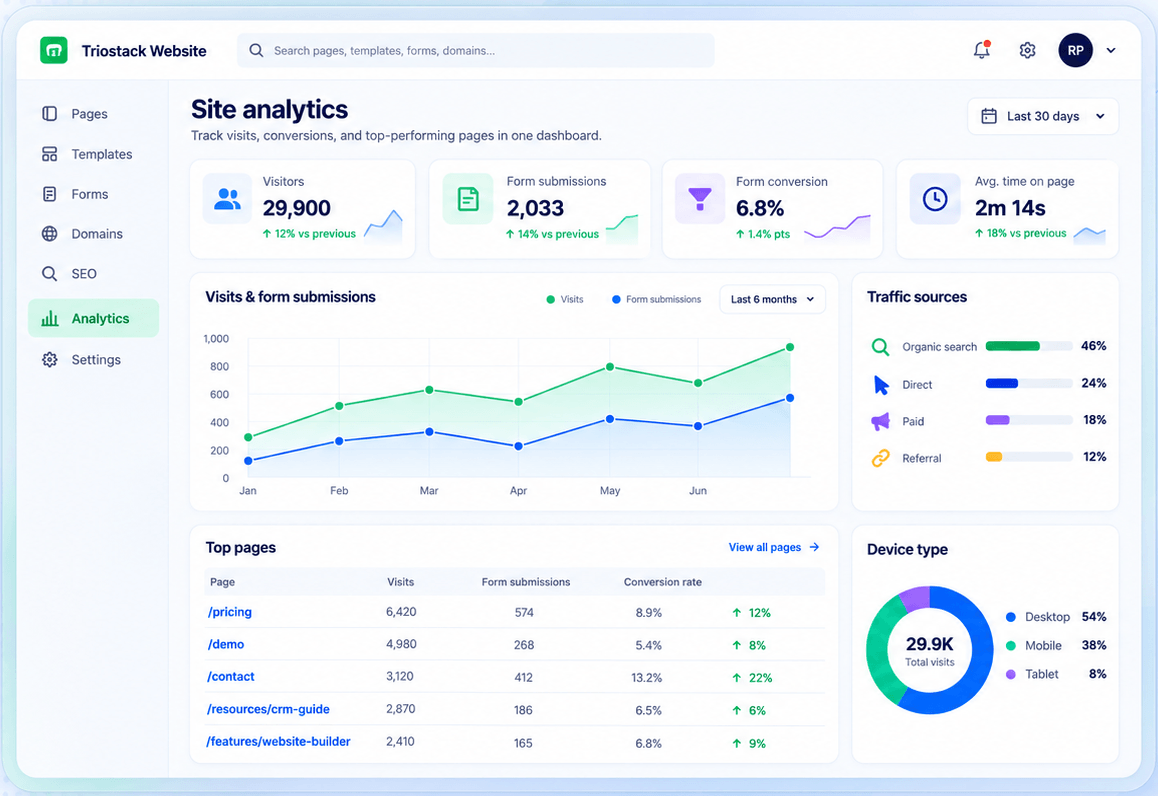
Measure.
Before you start
Execution Plan
Open the gallery.
Pick a template.
Edit text, images and sections.
Go live.
Practical Guide
Before you start
A tip that helps
Choose the template whose structure fits your content, not the one with the best photograph.
A common mistake
Picking a template for its looks and then rewriting half its sections.
In Real Life
Scenario 01
A template becomes a real page in a day.
Scenario 02
A section is reused.
Scenario 03
Colours and images update together.
Straight answers about Industry Templates, from setup to what happens next.
Have a question about Industry Templates?
Book a free callIn the template gallery in the Website workspace.
Yes, everything is editable.
Ask us about templates for your sector.
Yes, features, integrations, testimonials and more.
Pick a professionally designed template from the gallery, then assemble features, integrations and testimonials sections to fit your business.
It runs in 4 steps: Browse, Choose, Customise and Publish. Open the gallery.
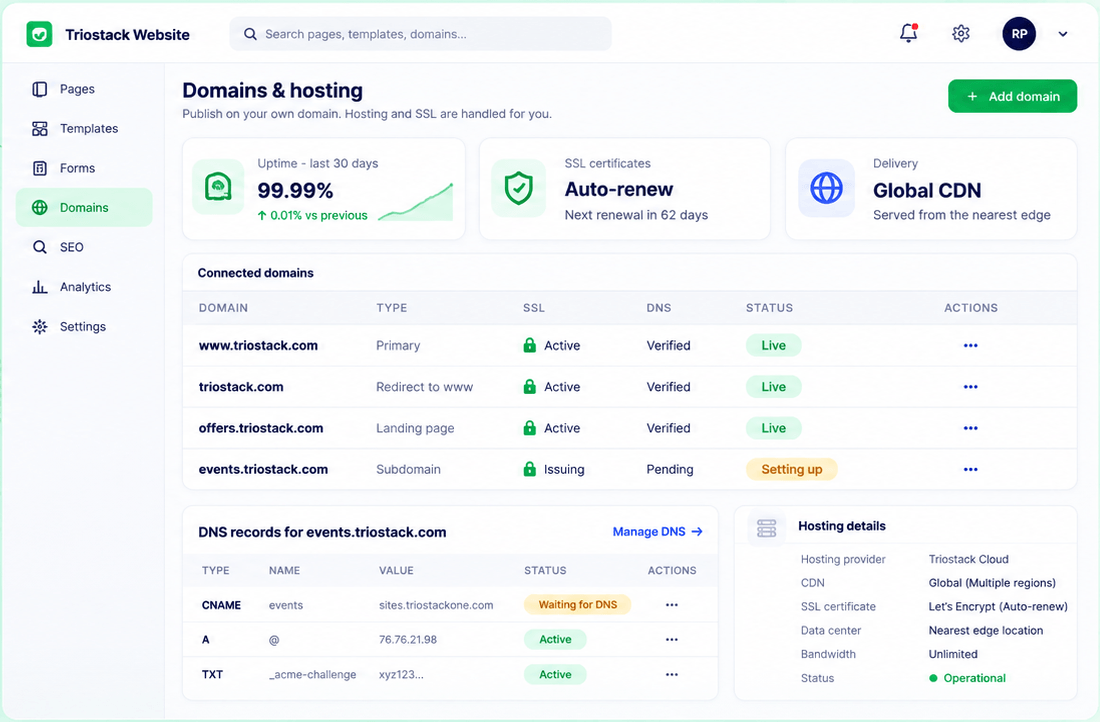
The real screens on this page include Forms, Domains & Hosting, SEO Controls and Templates, all captured from the product.
Request a demo or start a free trial. Our team can also walk you through a guided setup, so your first session ends with something working.
Keep Exploring
Pages, forms, SEO and hosting in one workspace, with every form submission landing in your CRM.