The best Business Suite software in India, built to help your business grow. Contact us at +91-8882435276.
[ Contact ]
Phone number
Email address
Head office
Noida office
The right team at TriostackOne will get back to you.
Positioning Assessment
Ads, emails and social posts all send people somewhere. If that somewhere is slow to build or does not capture leads, the campaign leaks.
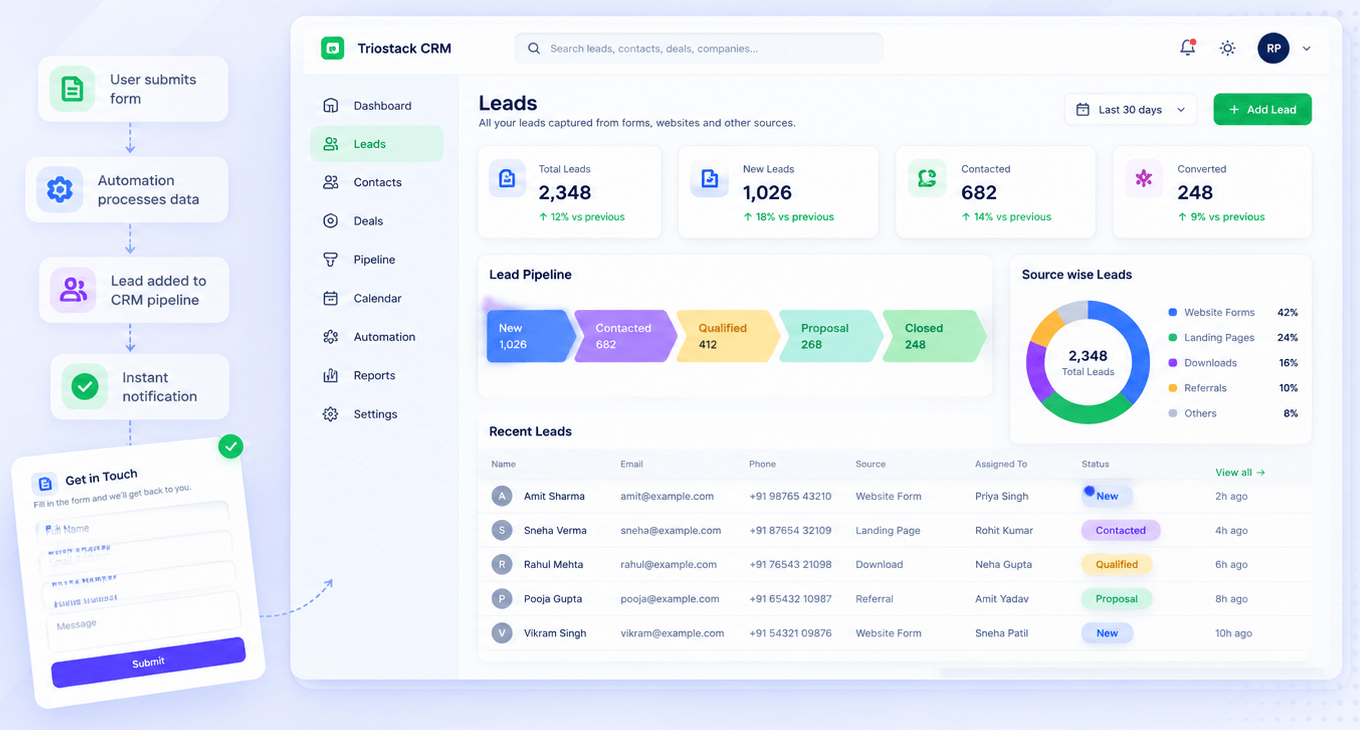
Triostack Website provides landing pages, forms that create CRM leads, SEO controls and analytics, and works alongside Triostack CRM and Mail. Ask us about connections to other marketing tools such as ad platforms and email tools.
“Every campaign now has a page, a form and a lead trail. That alone changed our reporting.”
Sample team scenario
Illustrative example, not a customer testimonial
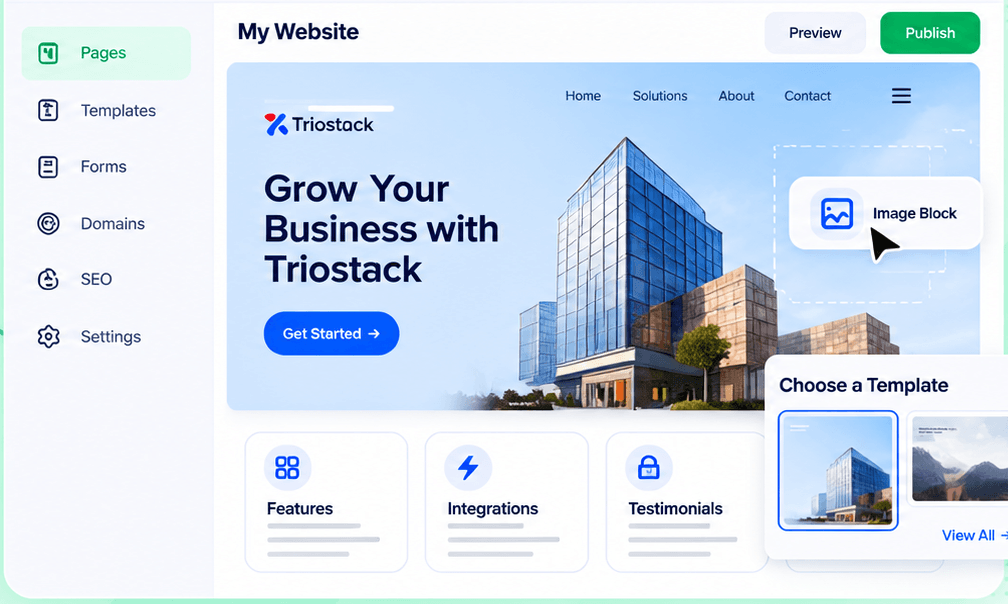
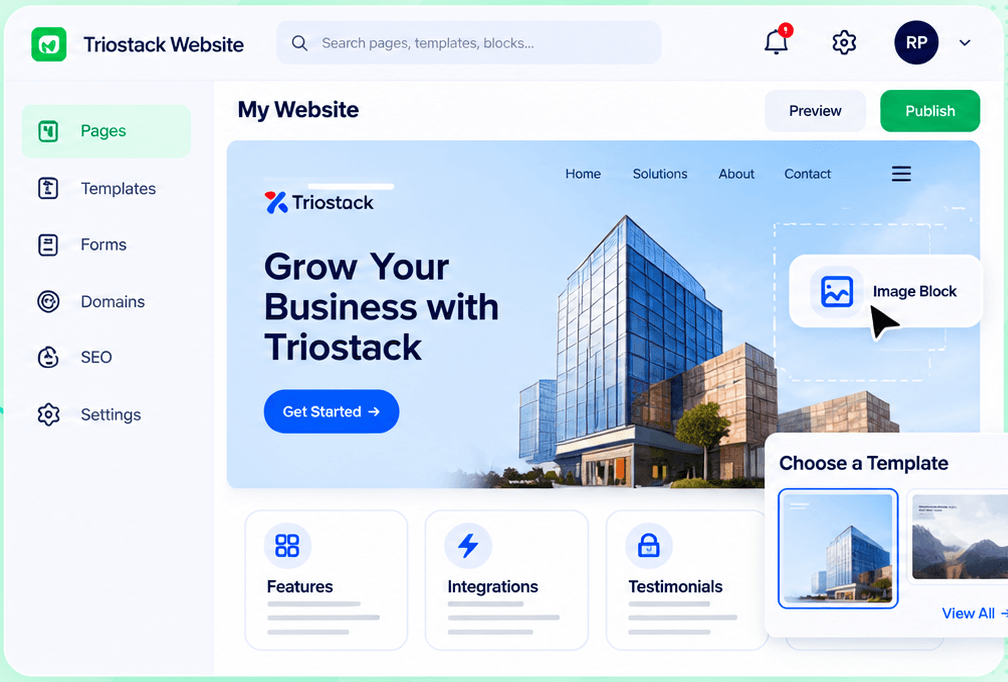
Drag-and-Drop Editor
Build a page visually and publish when it is ready
In the Product
Imagine every campaign having a runway ready, lit and connected to the control tower.
Pages on demand.
Every lead tracked.
Ask about other tools.
Platform Integrity
Built fast
Captured instantly
With Mail
Ask us
How It Works
What changes when campaign tools connect.
| Dimension | Triostack Website | Loose Parts |
|---|---|---|
| Landing | In the same suite | A separate builder |
| Leads | In CRM | In a spreadsheet |
| Follow-up | Mail on your domain | Separate sender |
| Measure | Analytics built in | Add a tag |
| Other tools | Ask us what connects | Varies |
Our team can walk you through the connection, permissions and a first test so your website fits into the tools your team already uses.
Live Interface Tour
Real screens captured directly from the Triostack Website workspace.
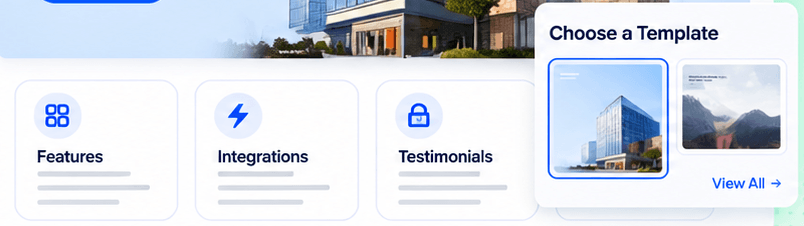
Website Builder
Pages, forms and tracking together
Feature Breakdown
Captured from the Triostack Website workspace.
01
IntegrationsQuick starts.
How it fits the plan
Build. Make the landing page.
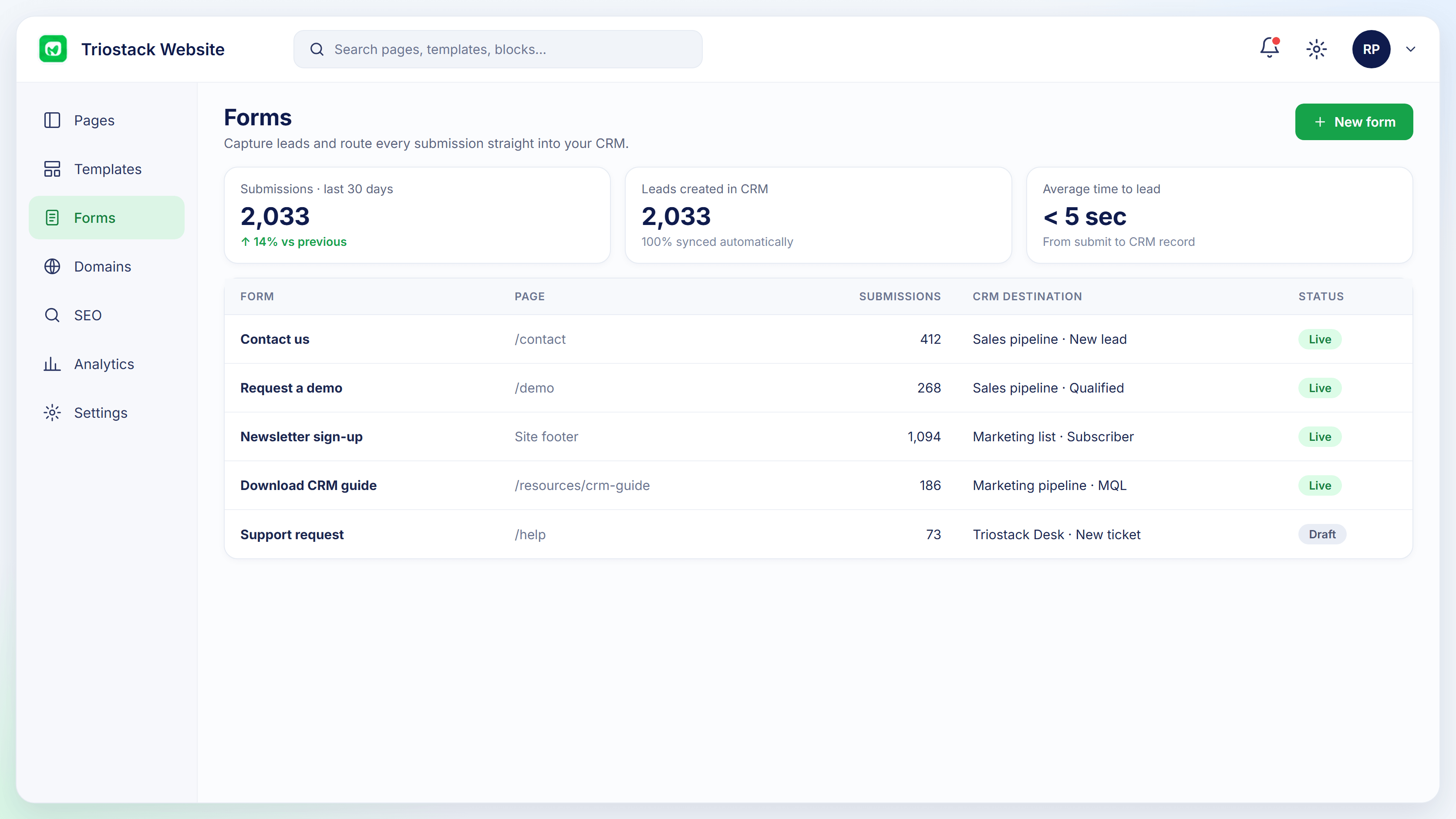
Capture. Connect the form to CRM.
Practical tip
Give each campaign its own landing page. It makes results easy to read.
02
IntegrationsCapture.
How it fits the plan
Capture. Connect the form to CRM.
Follow up. Send from your domain.
In real life
Product launch
Page, form and follow-up are ready together.
03
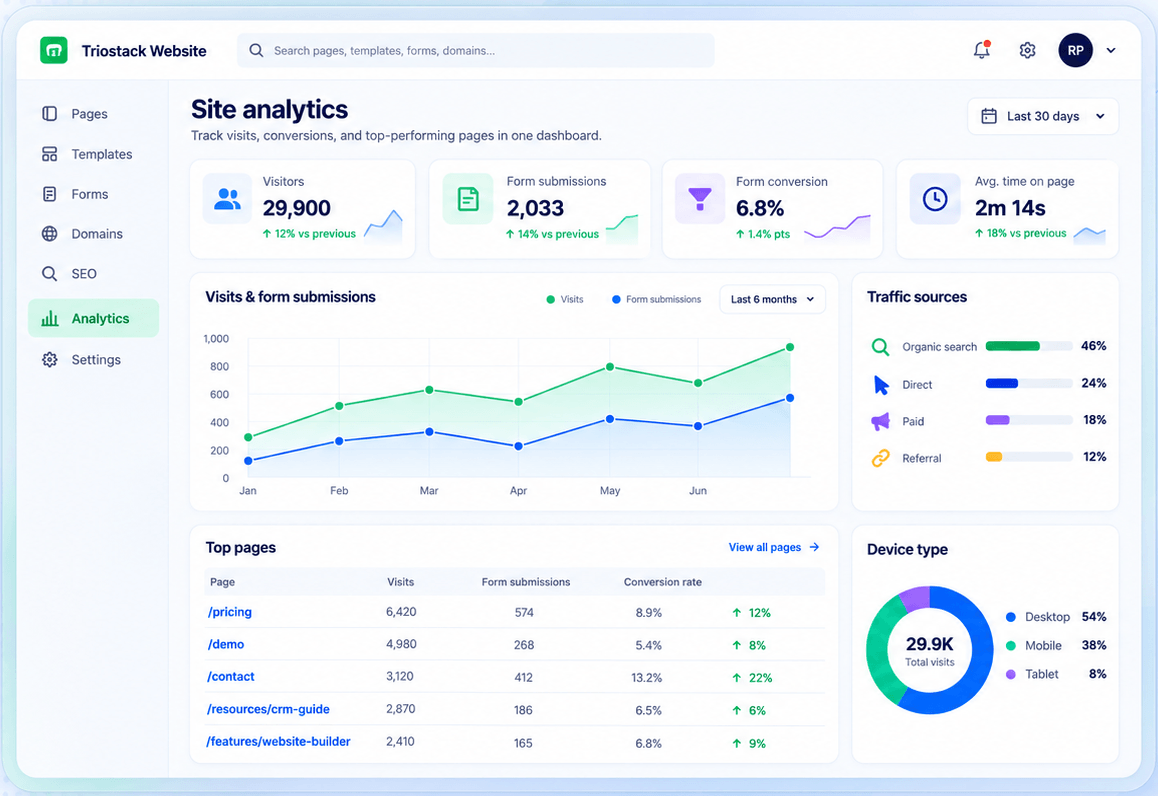
IntegrationsMeasure.
How it fits the plan
Follow up. Send from your domain.
Measure. Review sources and conversion.
Watch out for
Pointing every campaign at the same page and losing track of what worked.
04
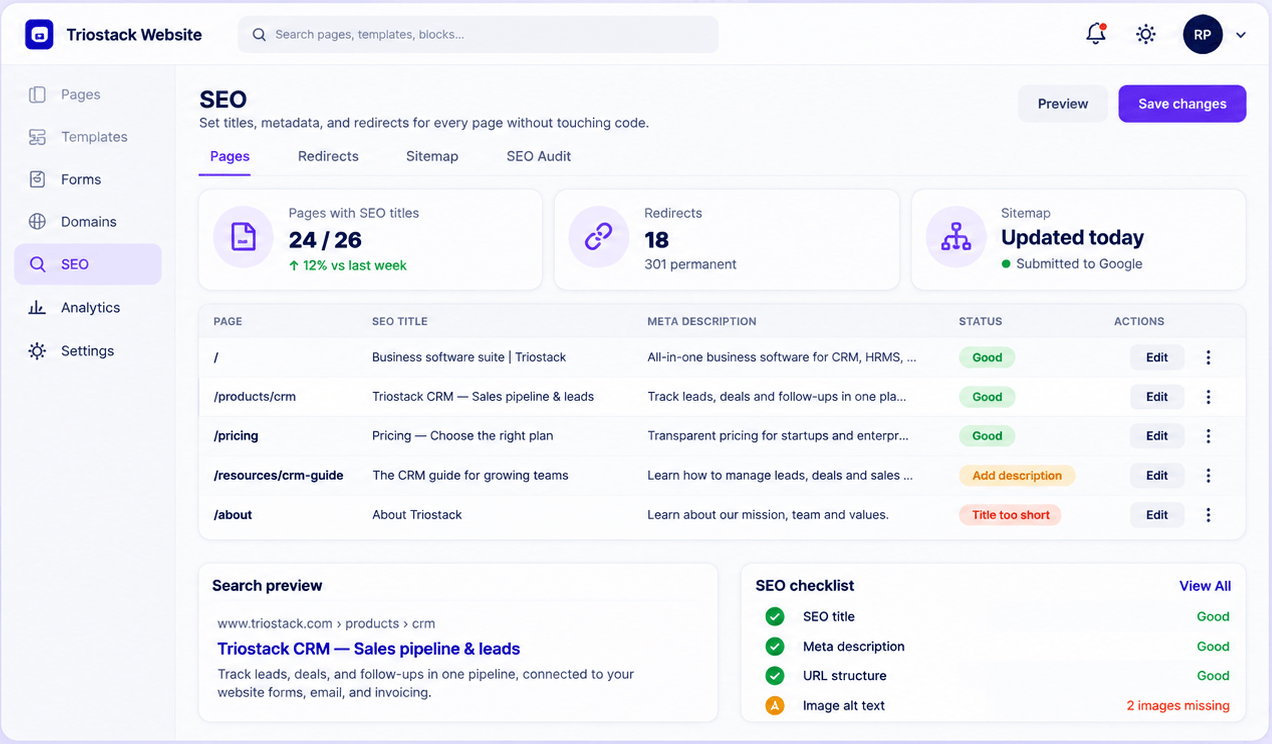
IntegrationsBe found.
How it fits the plan
Measure. Review sources and conversion.
Build. Make the landing page.
Before you start
Execution Plan
Make the landing page.
Connect the form to CRM.
Send from your domain.
Review sources and conversion.
Practical Guide
Before you start
A tip that helps
Give each campaign its own landing page. It makes results easy to read.
A common mistake
Pointing every campaign at the same page and losing track of what worked.
In Real Life
Scenario 01
Page, form and follow-up are ready together.
Scenario 02
Registrations become leads.
Scenario 03
Your team adds a tag with our guidance.
Straight answers about Marketing Tools, from setup to what happens next.
Have a question about Marketing Tools?
Book a free callAsk us about the connections available for your plan.
Yes, with Triostack Mail linked to CRM.
Yes, with built-in analytics.
Ask us about APIs and webhooks.
Landing pages, forms, SEO and analytics sit at the centre of most campaigns. See how Website works with CRM, Mail and your ad activity, and ask about other tools.
It runs in 4 steps: Build, Capture, Follow up and Measure. Make the landing page.
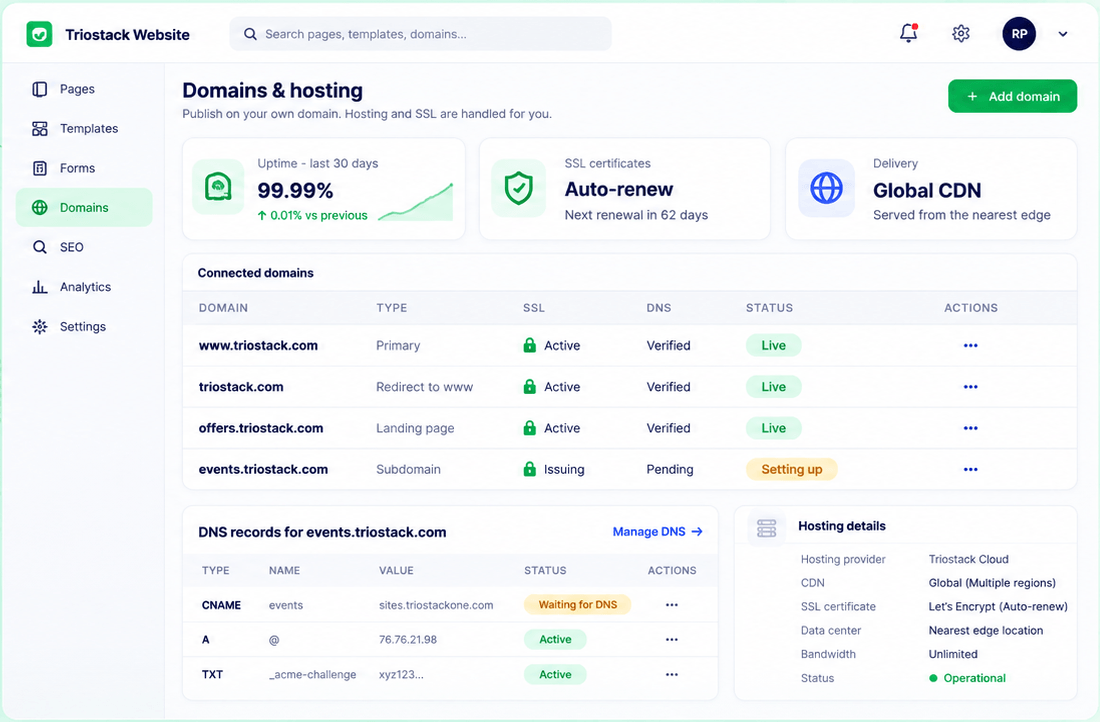
The real screens on this page include Drag-and-Drop Editor, Domains & Hosting, SEO Audit and Templates, all captured from the product.
Request a demo or start a free trial. Our team can also walk you through a guided setup, so your first session ends with something working.
Keep Exploring
Pages, forms, SEO and hosting in one workspace, with every form submission landing in your CRM.