The best Business Suite software in India, built to help your business grow. Contact us at +91-8882435276.
[ Contact ]
Phone number
Email address
Head office
Noida office
The right team at TriostackOne will get back to you.
Built for
Nonprofits
Supporters
Sign-ups tracked as leads
Positioning Assessment
Nonprofits have stories worth telling and little time to build pages, so campaigns launch late or without a clear call to action.
Triostack Website lets small teams build campaign pages quickly, collect sign-ups and enquiries in forms that create CRM leads, and see in analytics which pages bring visitors and submissions. Ask us about donation options.
“A good story page and a short form doubled our newsletter sign-ups.”
Sample team scenario
Illustrative example, not a customer testimonial
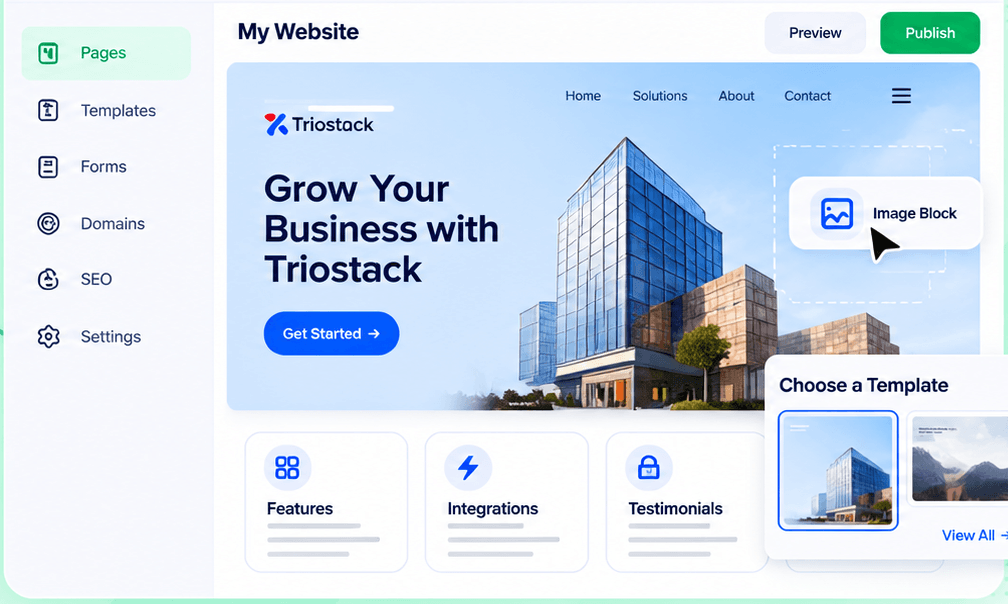
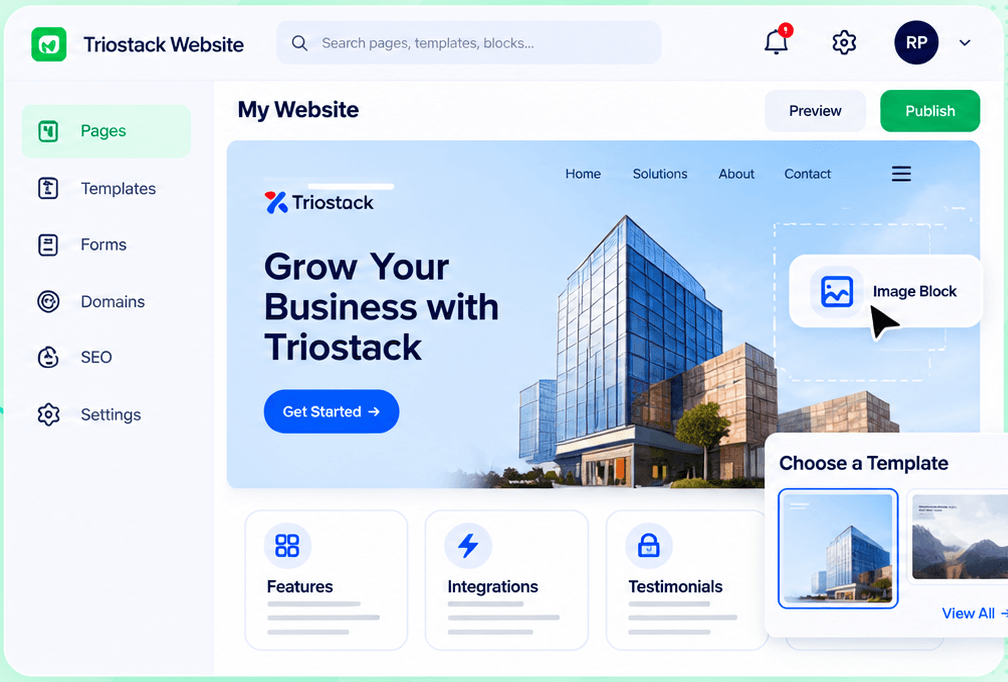
Drag-and-Drop Editor
Build a page visually and publish when it is ready
In the Product
Imagine every message you send also catching the names of people who want to help.
Pages built fast.
Leads tracked.
Analytics by page.
Platform Integrity
Built quickly
Capture supporters
In CRM
Know what works
How It Works
What changes when the site collects supporters.
Pages
Built for campaigns
Static Brochure: Fixed pages
Sign-ups
Forms feed CRM
Static Brochure: An email address
Insight
Analytics by page
Static Brochure: None
Updates
In-house
Static Brochure: Volunteer developer
Donations
Ask us about options
Static Brochure: Varies
Tell us about your business, your audience and how you want leads handled, and we will propose a setup that fits.
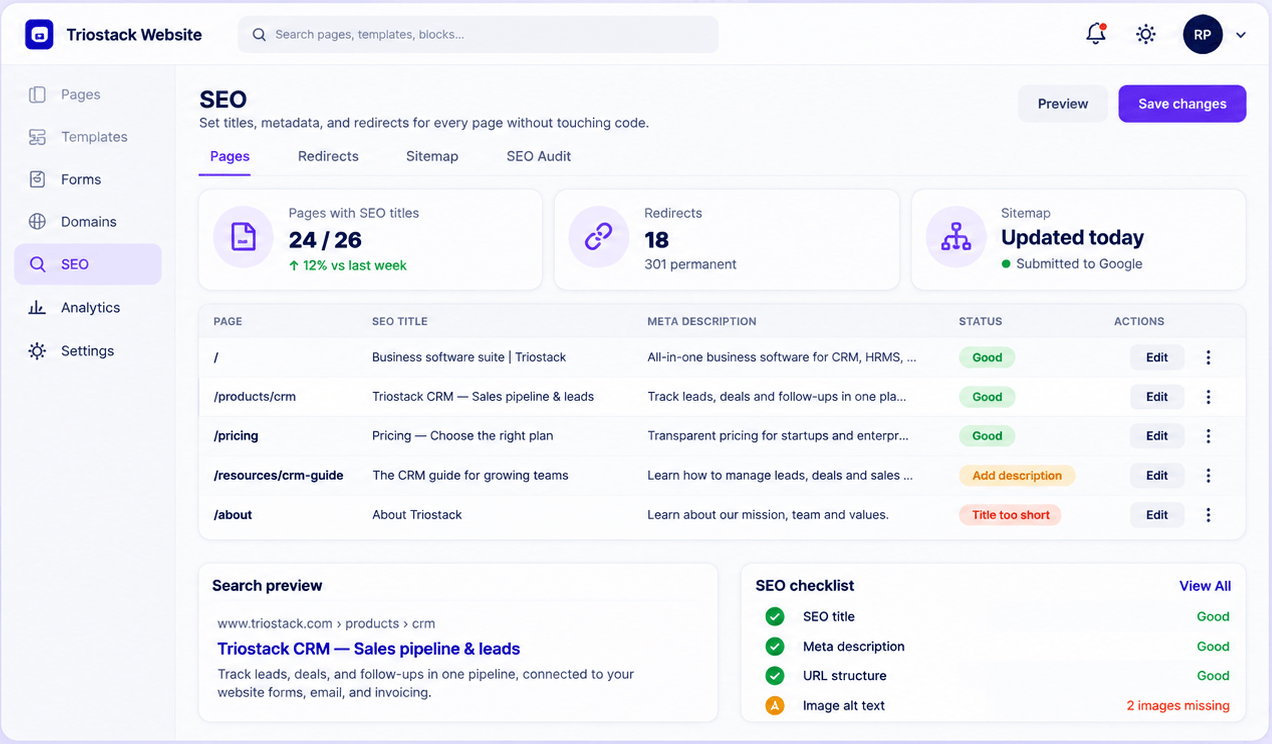
Live Interface Tour
Real screens captured directly from the Triostack Website workspace.
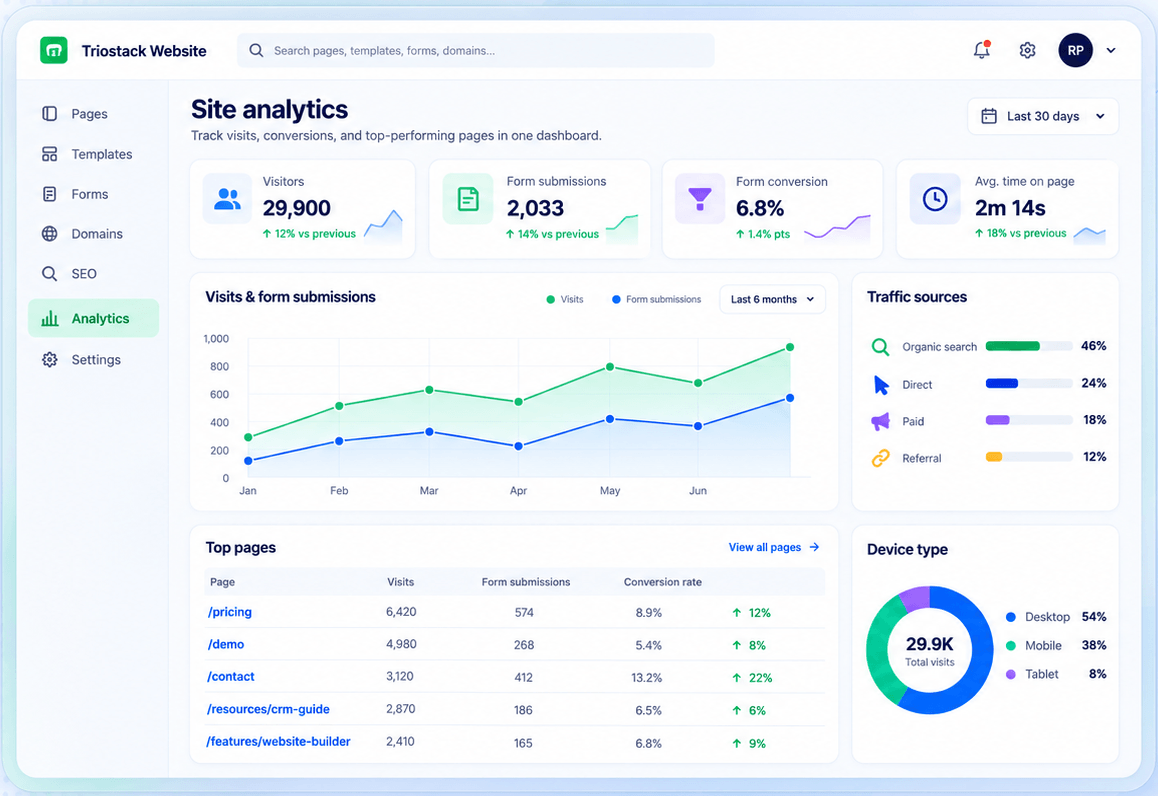
Site Analytics
Sign-ups tracked as leads
Feature Breakdown
Captured from the Triostack Website workspace.
What resonates.
How it fits the plan
Tell. Write the story page.
Ask. Add a sign-up form.
Practical tip
Tell one story well and place a single clear way to help beside it.
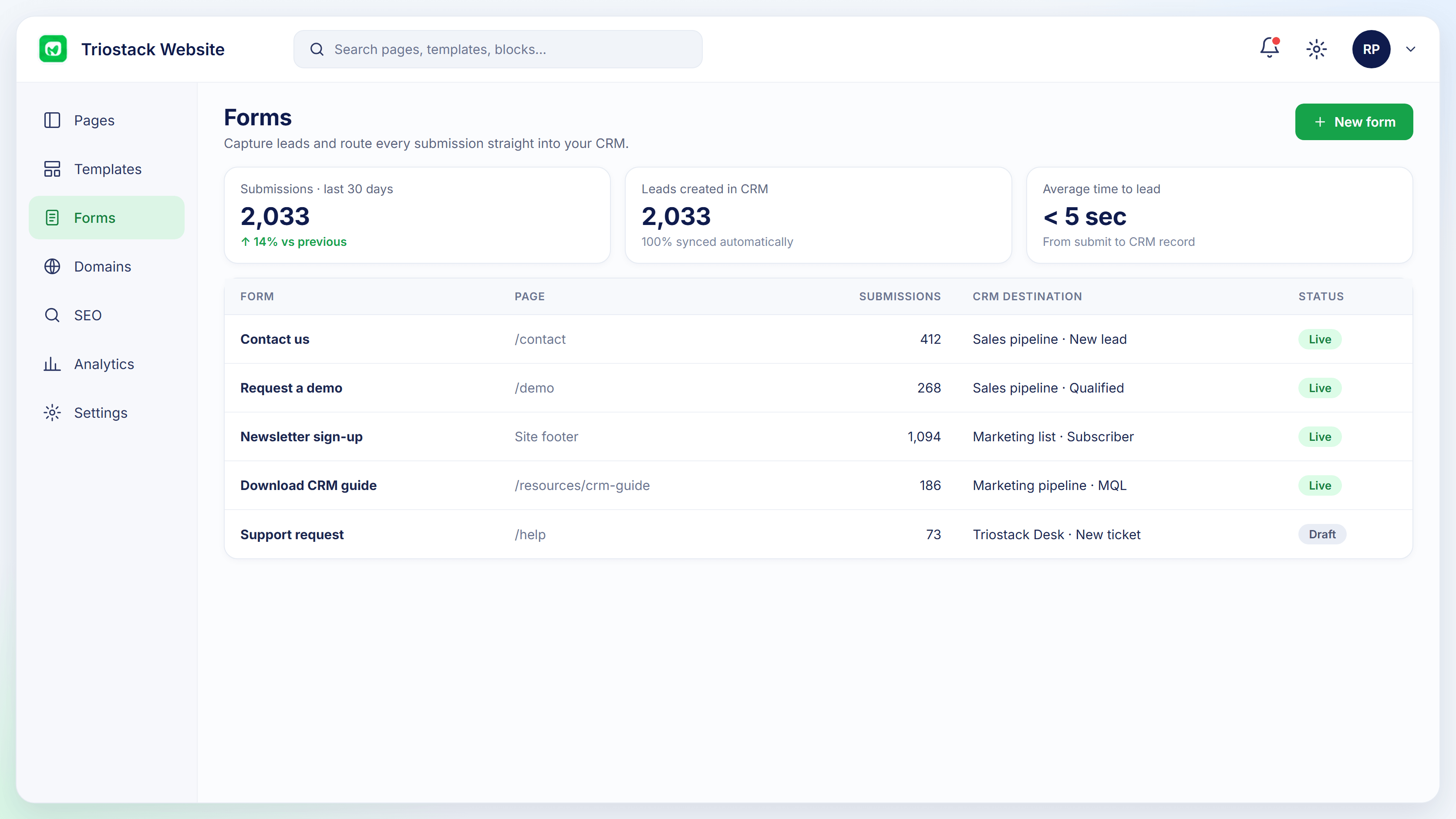
Sign-ups.
In real life
Appeal
A page goes up the same day.
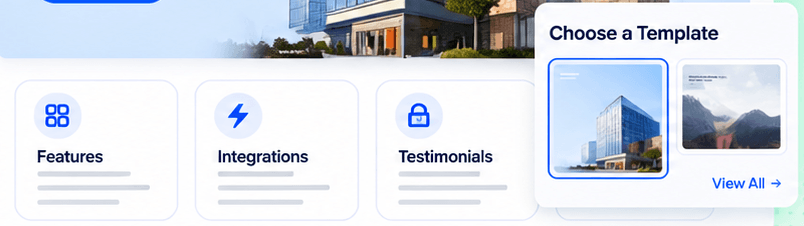
Quick starts.
Watch out for
Offering six ways to support at once and getting none.
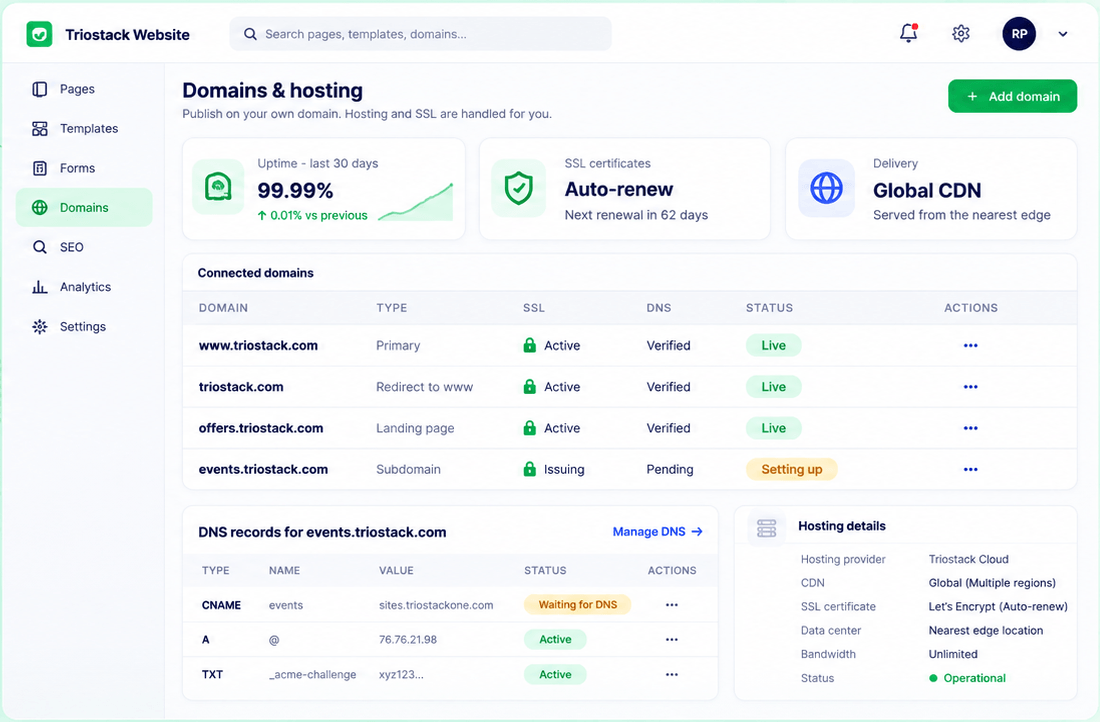
Always on.
Before you start
Execution Plan
Write the story page.
Add a sign-up form.
Publish and promote.
Review analytics.
Practical Guide
Before you start
A tip that helps
Tell one story well and place a single clear way to help beside it.
A common mistake
Offering six ways to support at once and getting none.
In Real Life
Scenario 01
A page goes up the same day.
Scenario 02
Registrations become leads.
Scenario 03
Analytics show reach.
Straight answers about Websites for Nonprofits, from setup to what happens next.
Have a question about Websites for Nonprofits?
Book a free callYes, with forms that feed CRM.
Ask us about donation options.
Yes, the editor is visual. Ask about access.
Yes, in site analytics.
Build campaign and cause pages, collect sign-ups and enquiries in forms that feed CRM, and see which pages bring supporters.
It runs in 4 steps: Tell, Ask, Share and Learn. Write the story page.
The real screens on this page include Drag-and-Drop Editor, SEO Controls, Form-to-CRM Automation and Analytics, all captured from the product.
Request a demo or start a free trial. Our team can also walk you through a guided setup, so your first session ends with something working.
Keep Exploring
Pages, forms, SEO and hosting in one workspace, with every form submission landing in your CRM.