The best Business Suite software in India, built to help your business grow. Contact us at +91-8882435276.
[ Contact ]
Phone number
Email address
Head office
Noida office
The right team at TriostackOne will get back to you.
Pick a job
Landing page, refresh or lead capture.
Build
Use the matching page.
Run
Measure for a month.
Expand
Add the next job.
Positioning Assessment
Teams usually come to a website tool with one of three needs: launch a campaign page fast, refresh the main company site without developer time, or turn downloads and sign-ups into tracked leads.
Triostack Website covers each: marketing landing pages that route leads into CRM, company site refreshes without developer dependency, and gated content and lead capture that create tracked leads automatically.
“We began with one landing page. A year later the whole site lived in the same place.”
Sample team scenario
Illustrative example, not a customer testimonial
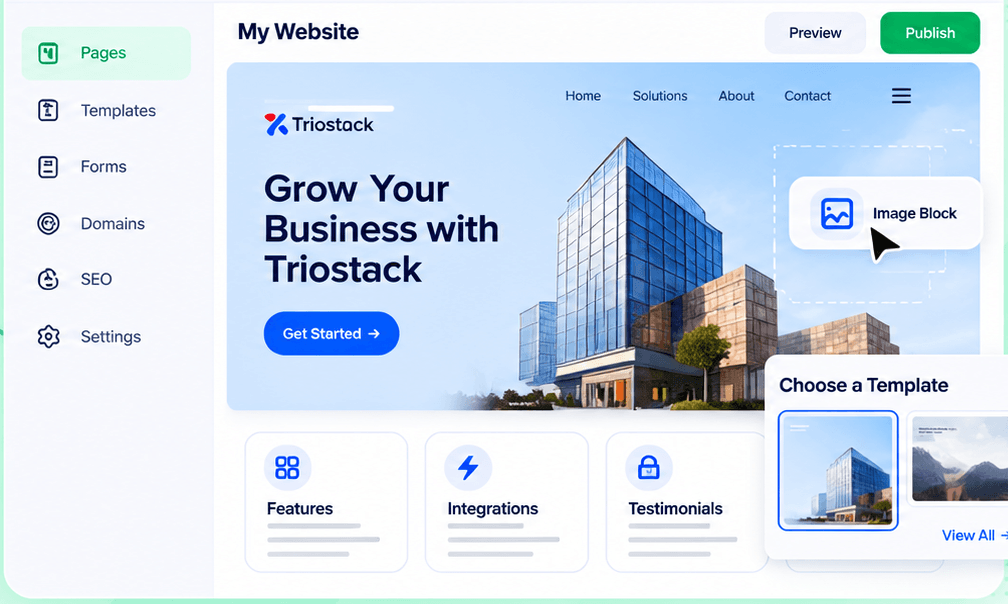
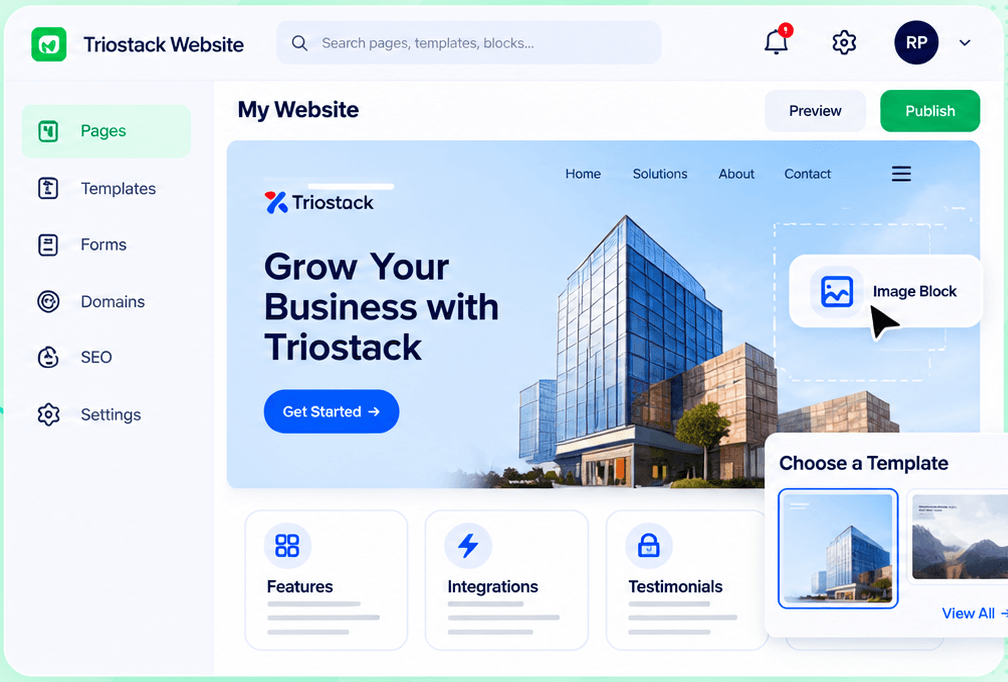
Drag-and-Drop Editor
Build a page visually and publish when it is ready
In the Product
Imagine starting with the hammer and adding tools as the work grows.
One job first.
Expand when ready.
We help you set up.
Platform Integrity
Campaign pages fast
No developer queue
Downloads become leads
Forms into CRM
How It Works
How teams typically use the product.
| Dimension | Triostack Website | Without a Builder |
|---|---|---|
| Campaign pages | Template to live | A ticket and a wait |
| Company site | Edit in house | Developer needed |
| Gated content | Form creates a lead | Email a PDF |
| Lead capture | Pipelines in CRM | Spreadsheet |
| Measurement | Analytics built in | Add tools |
We will help you build your first page, connect a form to CRM and publish on your domain in your first session.
Live Interface Tour
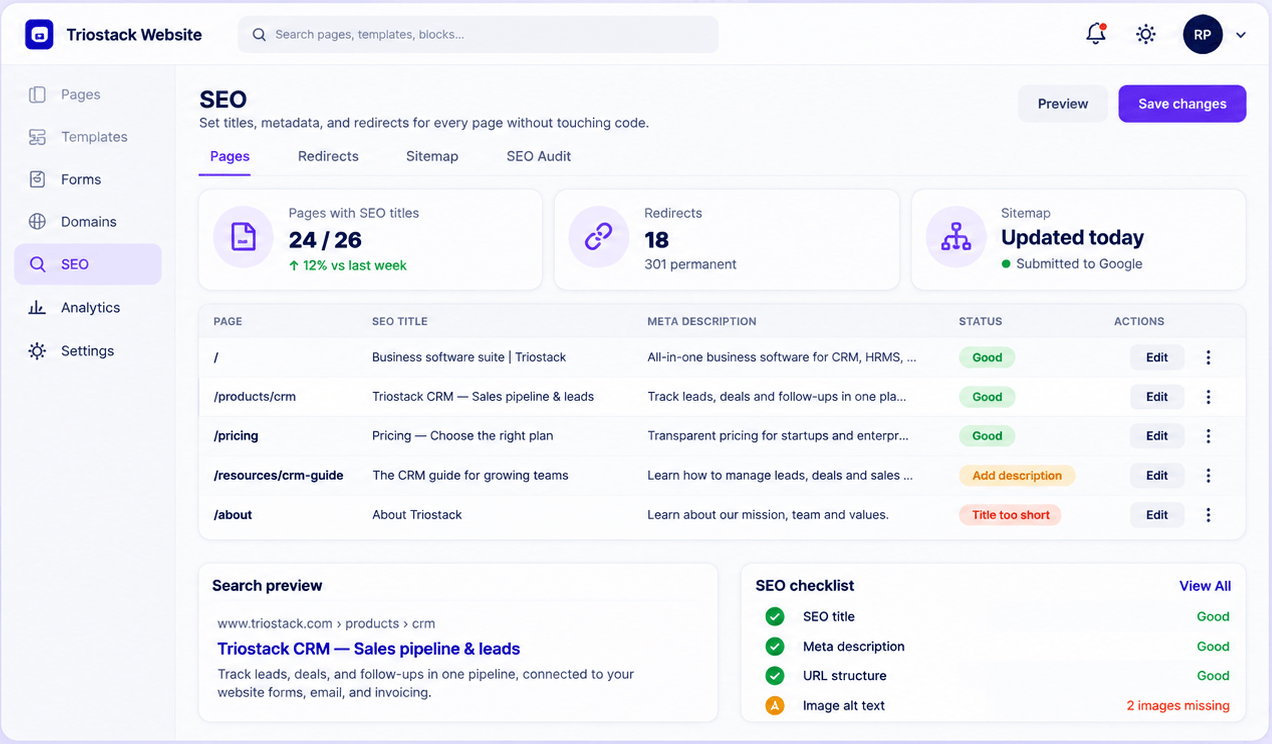
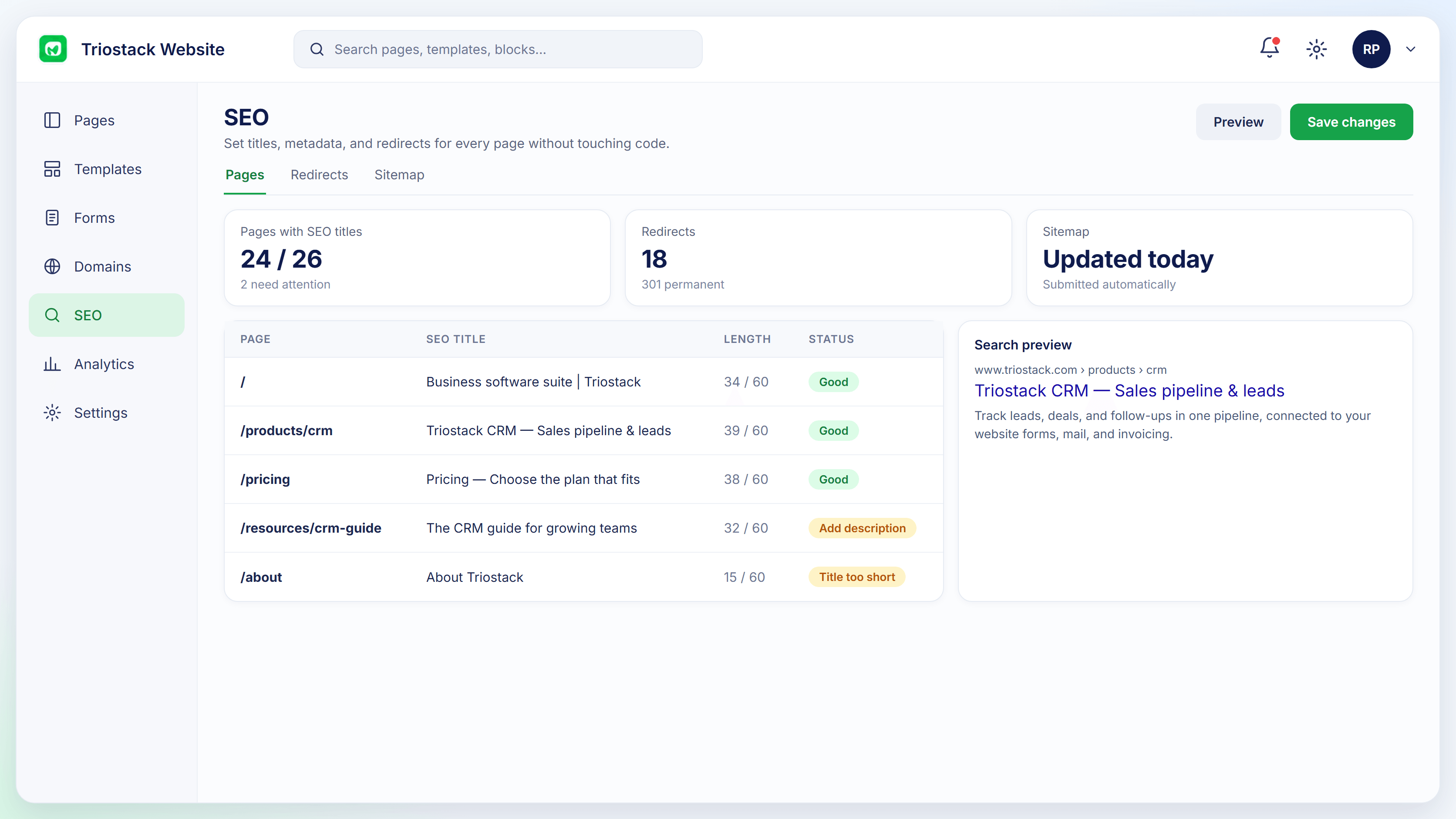
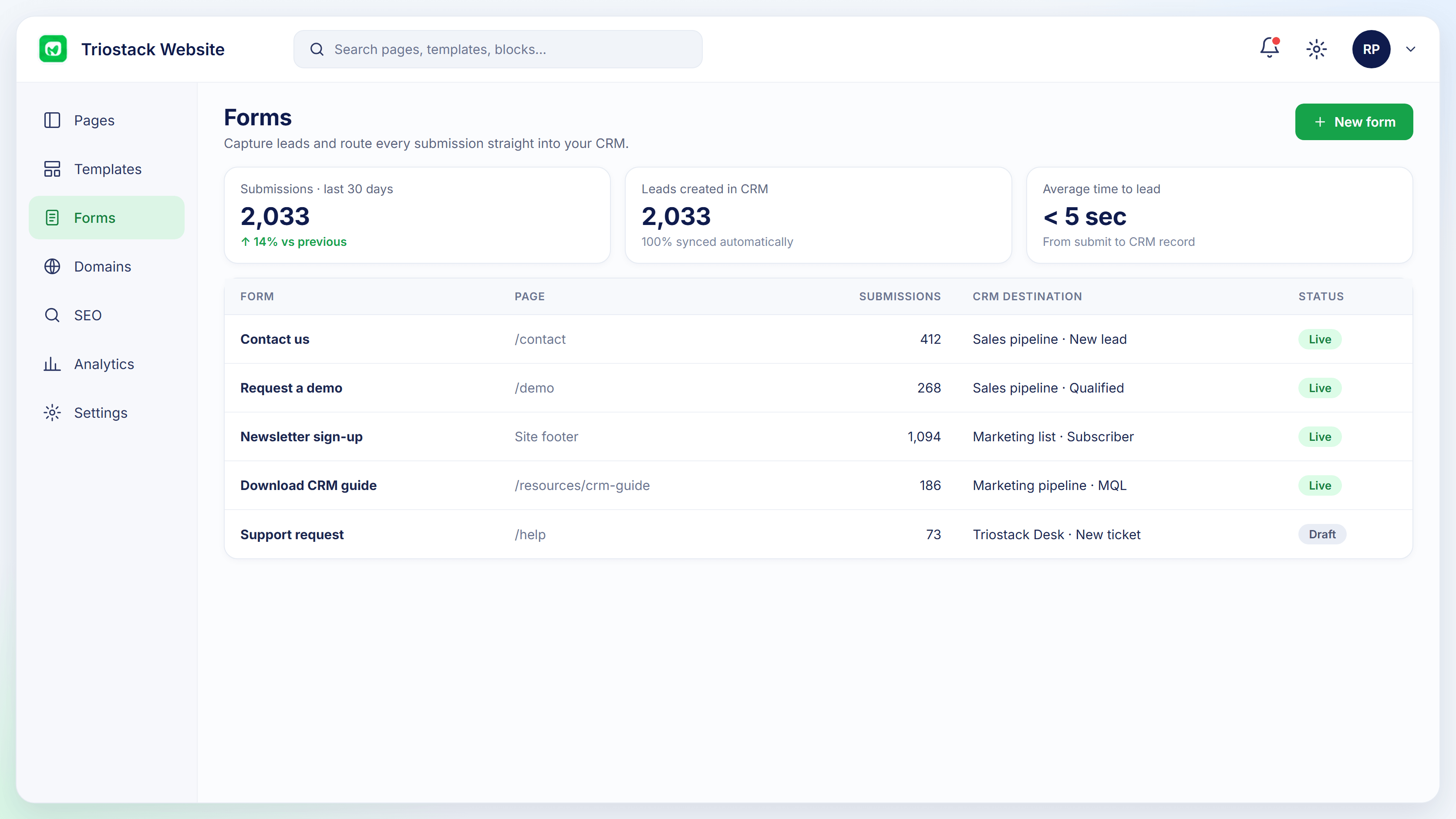
Real screens captured directly from the Triostack Website workspace.
Website Builder
Landing pages, site refresh, gated content
Feature Breakdown
Captured from the Triostack Website workspace.
All in one.
How it fits the plan
Pick a job. Landing page, refresh or lead capture.
Build. Use the matching page.
Practical tip
Choose the use case that would have saved you most time last month. Start there.
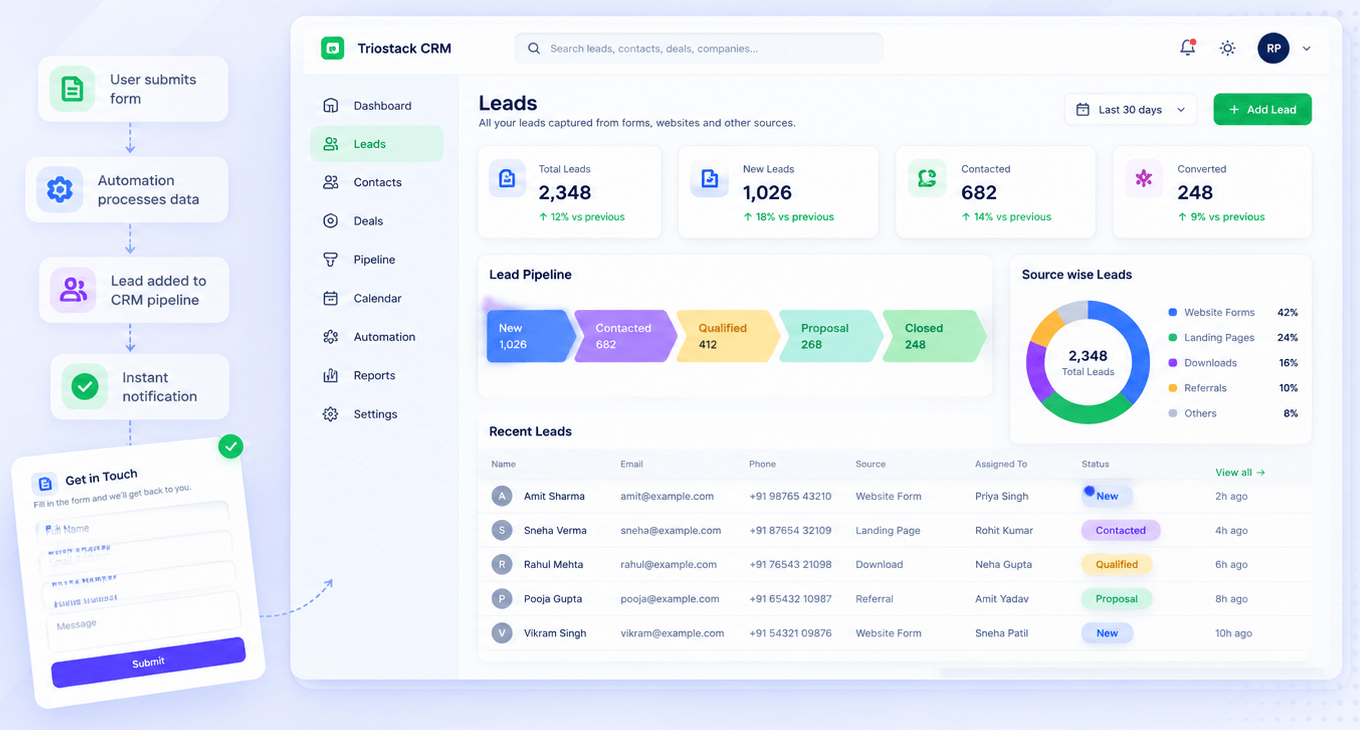
Lead jobs.
How it fits the plan
Build. Use the matching page.
Run. Measure for a month.
In real life
New marketer
Starts with a landing page.
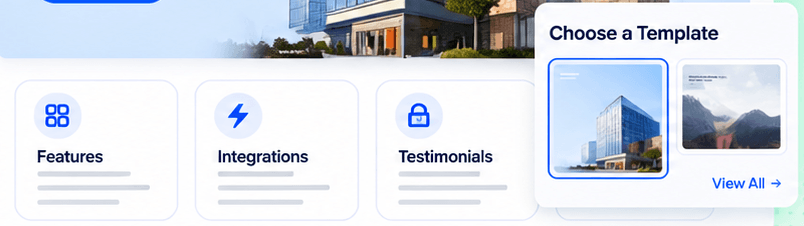
Quick starts.
How it fits the plan
Run. Measure for a month.
Expand. Add the next job.
Watch out for
Trying to launch all three uses together.
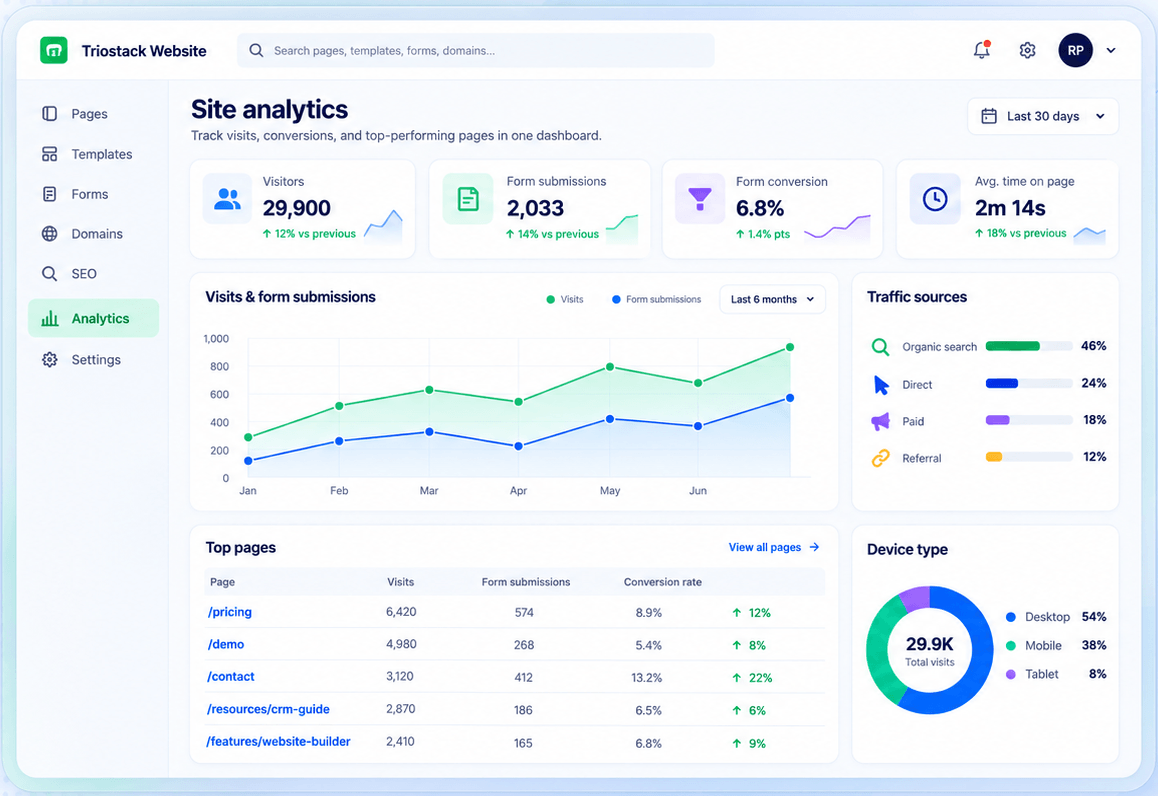
Measure.
How it fits the plan
Expand. Add the next job.
Pick a job. Landing page, refresh or lead capture.
Before you start
Execution Plan
Landing page, refresh or lead capture.
Use the matching page.
Measure for a month.
Add the next job.
Practical Guide
Before you start
A tip that helps
Choose the use case that would have saved you most time last month. Start there.
A common mistake
Trying to launch all three uses together.
In Real Life
Scenario 01
Starts with a landing page.
Scenario 02
Refreshes the company site.
Scenario 03
Gates content to capture leads.
Straight answers about See Use Cases, from setup to what happens next.
Have a question about See Use Cases?
Book a free callMarketing landing pages, company site refreshes and gated content with lead capture.
With the job that costs you the most time.
Yes.
Yes. Request a demo or guided setup.
From marketing landing pages and company site refreshes to gated content and lead-capture forms, see the common ways teams use Website.
It runs in 4 steps: Pick a job, Build, Run and Expand. Landing page, refresh or lead capture.
The real screens on this page include Drag-and-Drop Editor, Domains & Hosting, SEO Controls and Builder, all captured from the product.
Request a demo or start a free trial. Our team can also walk you through a guided setup, so your first session ends with something working.
Keep Exploring
Pages, forms, SEO and hosting in one workspace, with every form submission landing in your CRM.