The best Business Suite software in India, built to help your business grow. Contact us at +91-8882435276.
[ Contact ]
Phone number
Email address
Head office
Noida office
The right team at TriostackOne will get back to you.
Positioning Assessment
Titles that are too long, meta descriptions that are missing and redirects that were never set up quietly cost traffic.
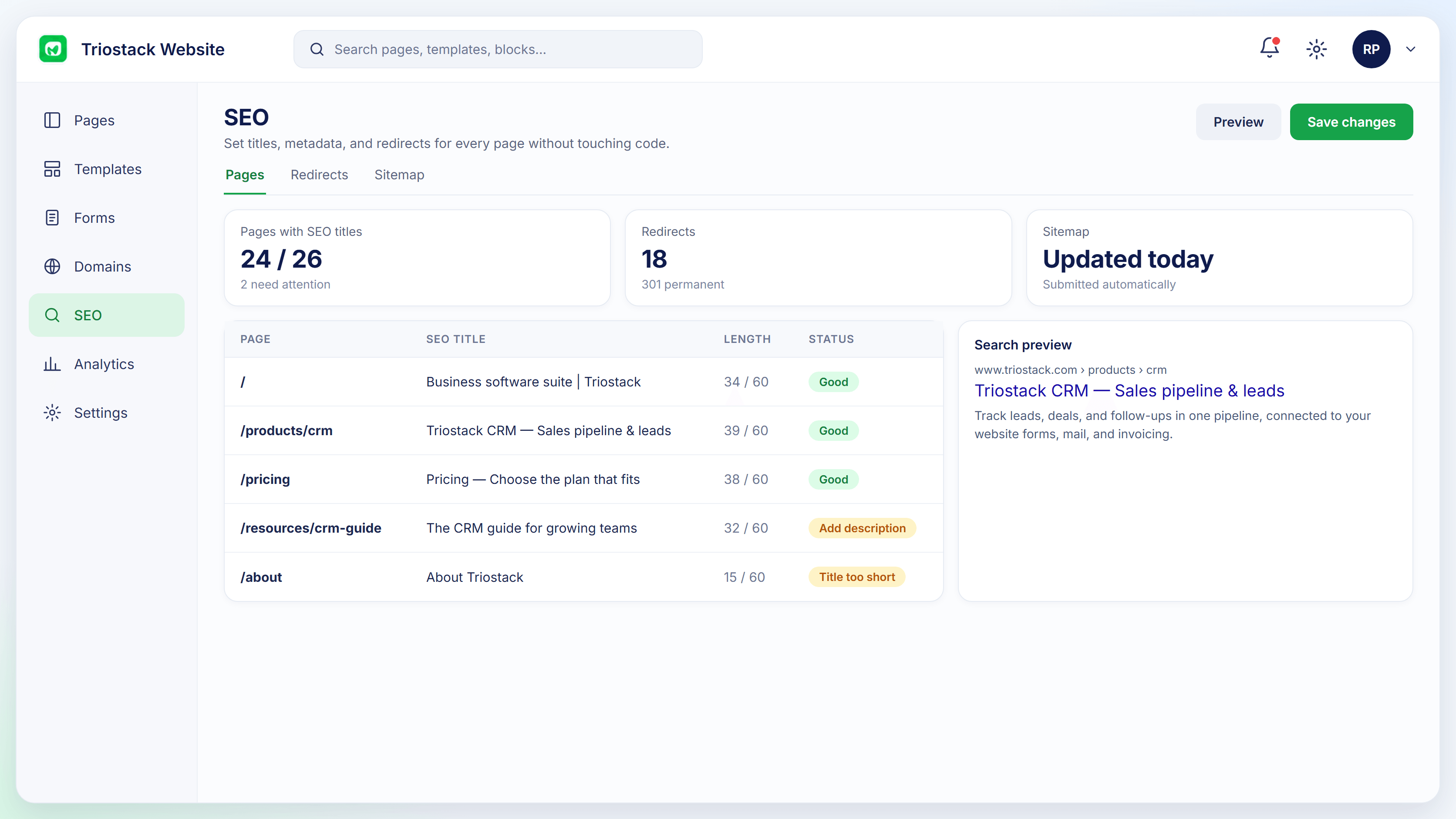
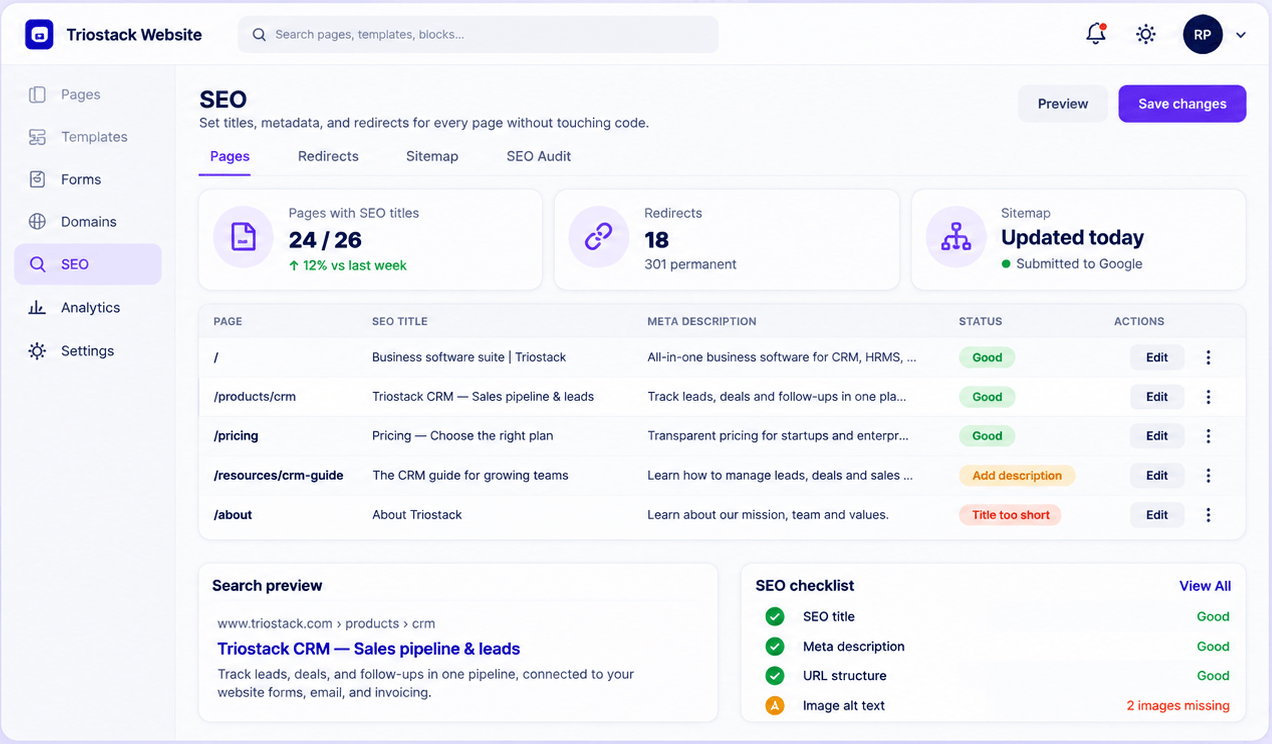
In Triostack Website you set SEO titles and meta descriptions from the same place you edit the page, manage 301 and 302 redirects, auto-generate sitemaps, preview how a page looks in search results and run an audit with a checklist for titles, descriptions, URL structure and image alt text.
“The checklist found fourteen missing descriptions in one afternoon.”
Sample team scenario
Illustrative example, not a customer testimonial
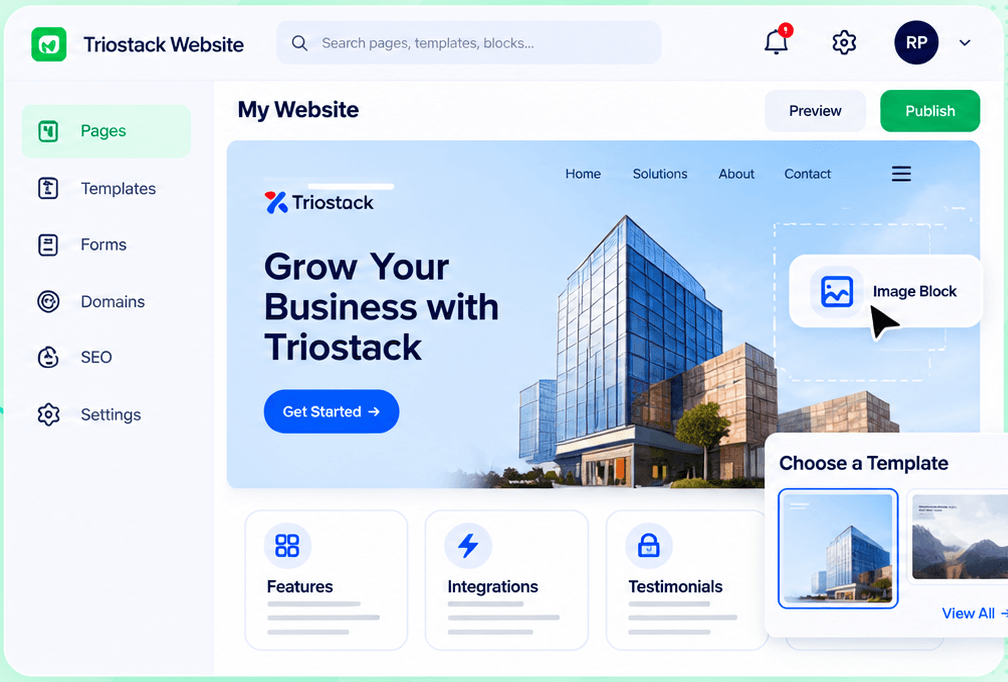
Website Builder
Pages, templates, forms, domains and SEO in one workspace
In the Product
Imagine a clipboard hanging on each page, with a tick for every detail done properly.
Edit SEO where you edit content.
Redirects keep traffic.
The audit shows what is missing.
Platform Integrity
Per page
301 and 302
Generated automatically
See it before it ranks
How It Works
What changes when SEO is part of the editor.
| Dimension | Triostack Website | Plugins & Guesswork |
|---|---|---|
| Titles & meta | On every page | A plugin |
| Redirects | 301 and 302 managed | Server config |
| Sitemap | Generated automatically | Manual or plugin |
| Preview | A search result preview | None |
| Audit | A checklist per page | A separate tool |
Book a walkthrough and we will set up a sandbox with a sample site so you can try the editor, forms and SEO tools before you commit.
Live Interface Tour
Real screens captured directly from the Triostack Website workspace.
SEO Audit
Pages passing the SEO checklist, shown at a glance
Feature Breakdown
Captured from the Triostack Website workspace.
Page-by-page checks.
How it fits the plan
Audit. Run the checklist.
Fix. Update titles and descriptions.
Practical tip
Fix titles and descriptions on your five most visited pages first. That is where improvements show soonest.
Edit titles and meta.
How it fits the plan
Fix. Update titles and descriptions.
Redirect. Add 301 or 302 where pages moved.
In real life
Site refresh
Old URLs are redirected to new ones.
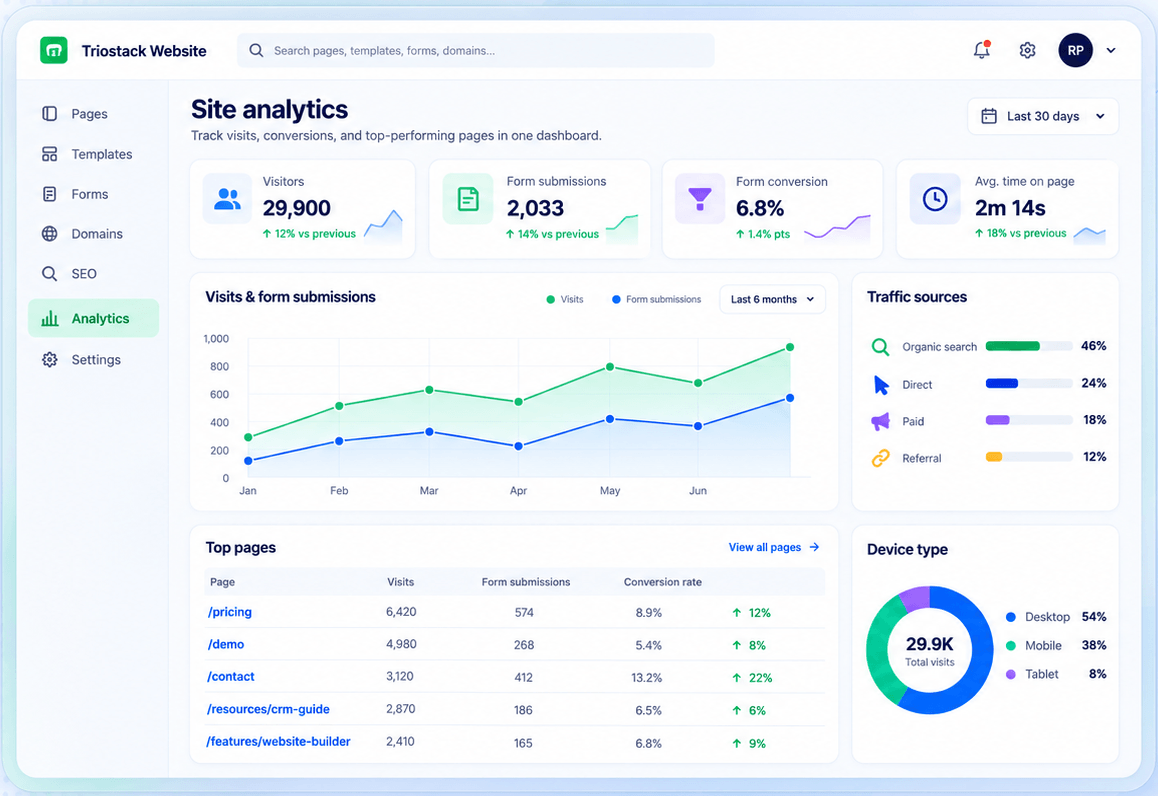
See the effect.
How it fits the plan
Redirect. Add 301 or 302 where pages moved.
Check. Preview and republish.
Watch out for
Changing page addresses without adding redirects, which loses the visitors who used the old ones.
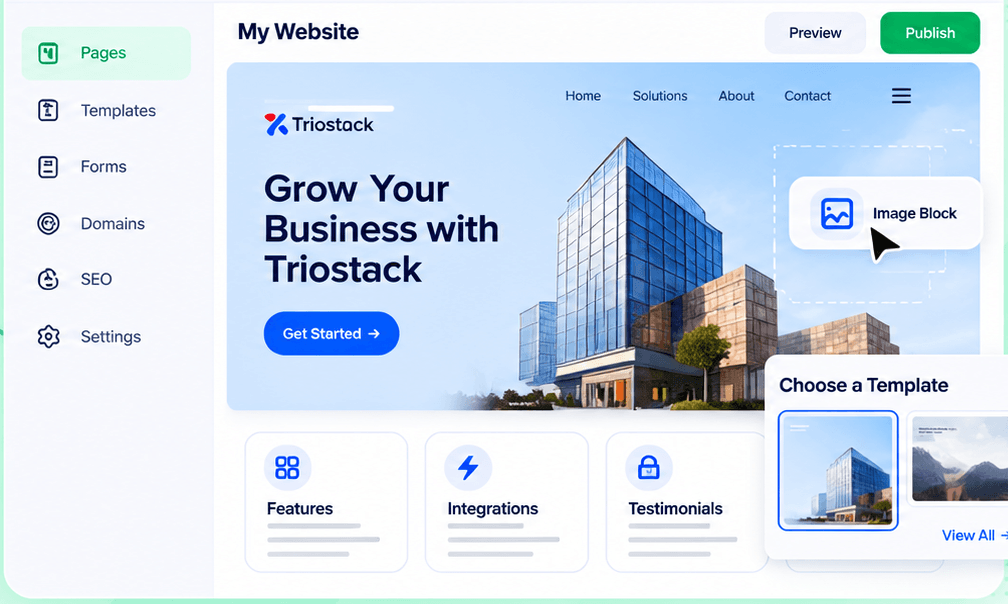
Fix it in place.
How it fits the plan
Check. Preview and republish.
Audit. Run the checklist.
Before you start
Execution Plan
Run the checklist.
Update titles and descriptions.
Add 301 or 302 where pages moved.
Preview and republish.
Practical Guide
Before you start
A tip that helps
Fix titles and descriptions on your five most visited pages first. That is where improvements show soonest.
A common mistake
Changing page addresses without adding redirects, which loses the visitors who used the old ones.
In Real Life
Scenario 01
Old URLs are redirected to new ones.
Scenario 02
Every new page is audited.
Scenario 03
The team clears the checklist.
Straight answers about SEO Tools, from setup to what happens next.
Have a question about SEO Tools?
Book a free callYes, for every page.
Yes, 301 and 302.
Yes, automatically.
Yes, a checklist for titles, descriptions, URL structure and image alt text.
Set titles and meta descriptions, manage 301 and 302 redirects, auto-generate sitemaps, preview a search result and run an SEO checklist, without touching code.
It runs in 4 steps: Audit, Fix, Redirect and Check. Run the checklist.
The real screens on this page include Website Builder, Forms, Connected Domains and SEO Audit, all captured from the product.
Request a demo or start a free trial. Our team can also walk you through a guided setup, so your first session ends with something working.
Keep Exploring
Pages, forms, SEO and hosting in one workspace, with every form submission landing in your CRM.
Explore All Website Features