The best Business Suite software in India, built to help your business grow. Contact us at +91-8882435276.
[ Contact ]
Phone number
Email address
Head office
Noida office
The right team at TriostackOne will get back to you.
Built for
Event and Conference Attendee Management
Enquiry to after-event
Attendees and sponsors on one record

Positioning Assessment
Event teams capture ticket enquiries from ads and partners, confirm delegates, print badges, remind everyone before the day and then follow up with sponsors and attendees after. Most of it runs on spreadsheets and last-minute messages.
In Triostack CRM, ticket enquiries are captured with the ticket type and source and followed up until paid. Confirmed delegates move through a badging workflow: details checked, badge category assigned, badge printed and collected. WhatsApp reminders go out in the days before the event with the venue, the schedule and the entry QR. After the event, sponsors get a follow-up sequence with attendance and lead numbers, and attendees get a thank-you and feedback request.
“Badges were printed from the CRM list, and sponsors had their follow-up the next morning.”
Sample team scenario
A made-up scenario about Event and Conference Attendee Management, not a customer testimonial

Lead Pipeline
Event and Conference Attendee Management: drag deals across your own sales stages
In the Product
Imagine every delegate and every sponsor on one list.
To payment.
From the list.
After the event.
Platform Integrity
Captured and chased
A workflow
Before the event
After the event
At a Glance
What changes around the event day.
Ticket enquiries
Captured with source, followed up
Spreadsheets: Emails in an inbox
Badging
Workflow from details to collected
Spreadsheets: Last-minute lists
Reminders
WhatsApp with schedule and QR
Spreadsheets: Manual messages
Sponsors
A follow-up sequence after the event
Spreadsheets: A thank-you email, maybe
Attendee record
One per delegate
Spreadsheets: Several sheets
Book a walkthrough of Event and Conference Attendee Management. We set up a sandbox so you can try Ticket enquiries, Delegate badging and WhatsApp reminders before you commit.
Live Interface Tour
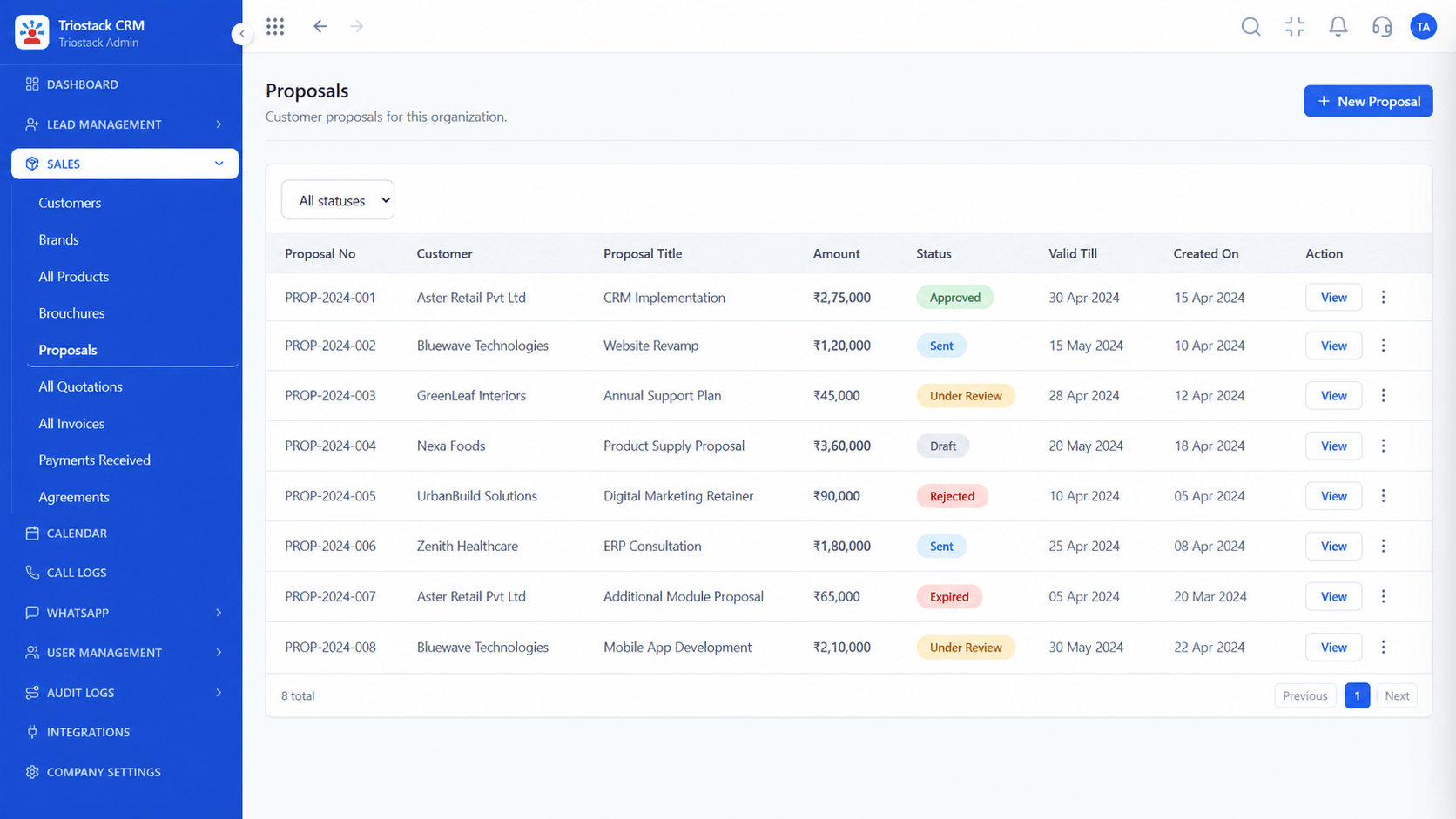
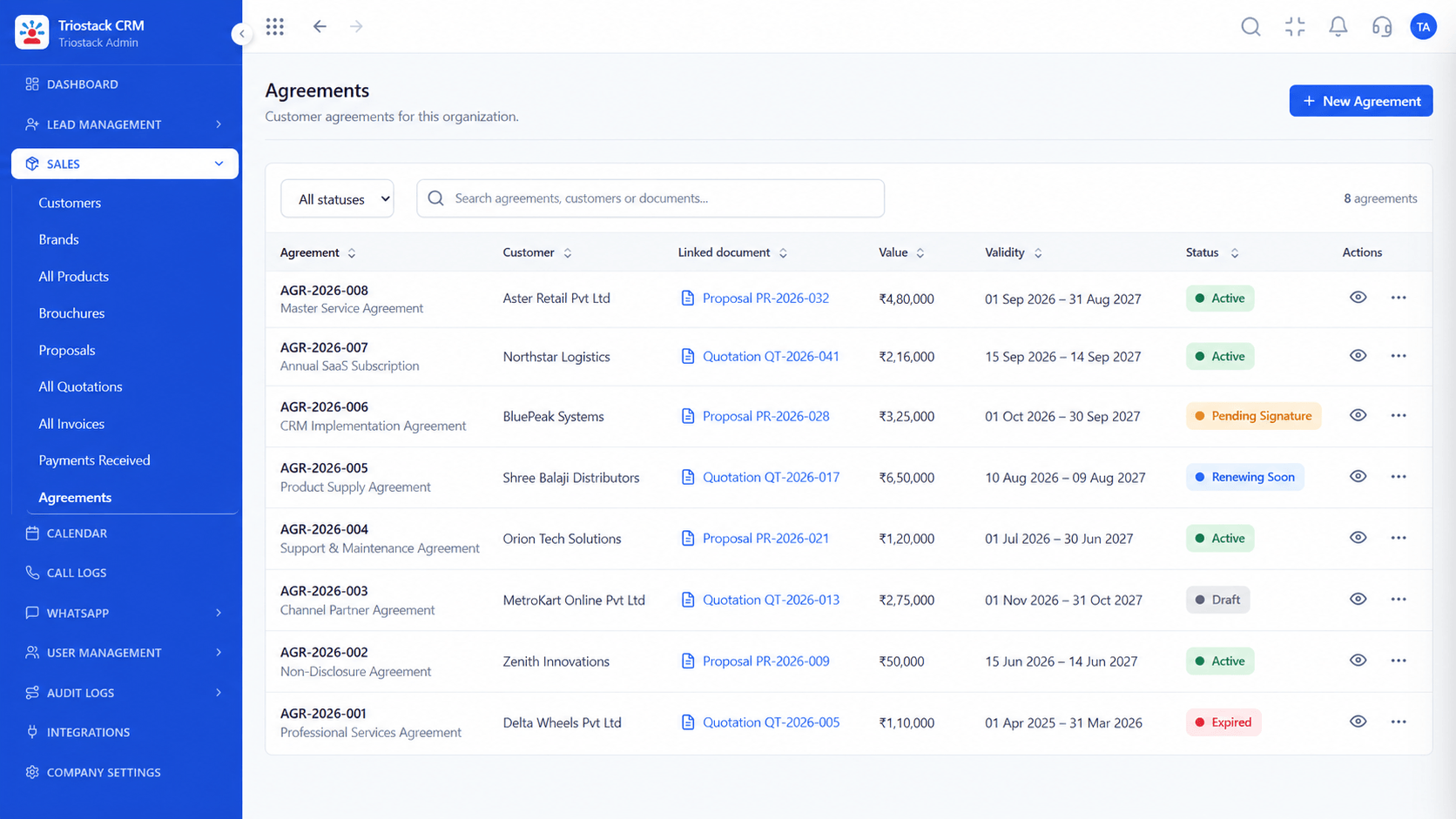
The screens below belong to Event and Conference Attendee Management: Lead Pipeline, Call Logs and Sales Dashboard, all from the product.
Calendar & Bookings
Event and Conference Attendee Management: attendees and sponsors on one record
Feature Breakdown
4 screens from the live product that show Event and Conference Attendee Management at work.

Ticket enquiries.
How it fits the plan
Capture. Collect ticket enquiries and chase payment.
Badge. Check details and assign a badge category.
Practical tip
Send the reminder with the entry QR the day before. It halves the queue at the door.
Event schedule.
In real life
Early-bird window
Enquiries convert quickly.

Reminders.
Watch out for
Treating the event day as the end, and losing sponsors in the week after.

Sponsor follow-up.
Before you start
Execution Plan
Collect ticket enquiries and chase payment.
Check details and assign a badge category.
Send the schedule and QR on WhatsApp.
Contact sponsors and attendees after the event.
Practical Guide
Before you start
A tip that helps
Send the reminder with the entry QR the day before. It halves the queue at the door.
A common mistake
Treating the event day as the end, and losing sponsors in the week after.
Availability: What Event and Conference Attendee Management covers can depend on your plan and setup. Please confirm with our team which parts are live for your account, and any prerequisites, before you plan around it.
In Real Life
Scenario 01
Enquiries convert quickly.
Scenario 02
Reminders go to every delegate.
Scenario 03
Sponsors get their numbers.
Straight answers about Event and Conference Attendee Management, from setup to what happens next.
Have a question about Event and Conference Attendee Management?
Book a free callYes, with the ticket type and source, and follow up until paid.
Stages from checked details to assigned category, printed and collected.
Yes, with the schedule and entry details.
Yes, with a sequence after the event.
A CRM for events: ticket enquiry capture, delegate badging workflows, WhatsApp event reminders and post-conference sponsor follow-ups.
It runs in 4 steps: Capture, Badge, Remind and Follow up. Collect ticket enquiries and chase payment.
The real screens on this page include Lead Pipeline, Call Logs, Sales Dashboard and All Leads, all captured from the product.
Request a demo and ask to see Event and Conference Attendee Management. Our team can also walk you through setup, so your first session ends with something working.
Keep Exploring
We will walk you through Event and Conference Attendee Management, from Ticket enquiries, Delegate badging and WhatsApp reminders, on sample data shaped like yours.
Explore All Industry CRM