The best Business Suite software in India, built to help your business grow. Contact us at +91-8882435276.
[ Contact ]
Phone number
Email address
Head office
Noida office
The right team at TriostackOne will get back to you.

Positioning Assessment
Most small business sites run WordPress with a contact form that sends an email. That email is read late, copied by hand and has no owner. Adding a middleware service for a single form is another thing to pay for and maintain.
This guide shows how to point the form itself at the CRM. In Elementor, Divi or Contact Form 7, add the CRM's web form endpoint as the destination, then map each form field, such as name, phone, email and message, to the CRM fields. Hidden fields can carry the page address and any campaign tags, so each lead records where it came from. Once a submission arrives it is assigned by your routing rules and the rep is alerted, the same as any other lead source.
“We stopped checking an inbox. Leads from the contact form arrived with the rep's name already on them.”
Sample team scenario
A made-up scenario about WordPress, Elementor and CF7 Form Sync, not a customer testimonial

Lead Pipeline
WordPress, Elementor and CF7 Form Sync: drag deals across your own sales stages
In the Product
Imagine every enquiry arriving with an owner.
No middle tool.
Cleanly.
Per page.
Platform Integrity
Form widget
Contact module
Plugin forms
Direct to the CRM
At a Glance
What changes after a form is submitted.
| Dimension | Triostack CRM | Email Notifications |
|---|---|---|
| Destination | A lead in the CRM | An email in an inbox |
| Owner | Assigned by rules | Nobody until someone reads it |
| Source | Page and campaign captured | Unknown |
| Extra tools | None needed | Often a middleware subscription |
| Follow-up | A task and an alert | Remembered |
Book a walkthrough of WordPress, Elementor and CF7 Form Sync. We set up a sandbox so you can try Elementor, Divi and Contact Form 7 before you commit.
Live Interface Tour
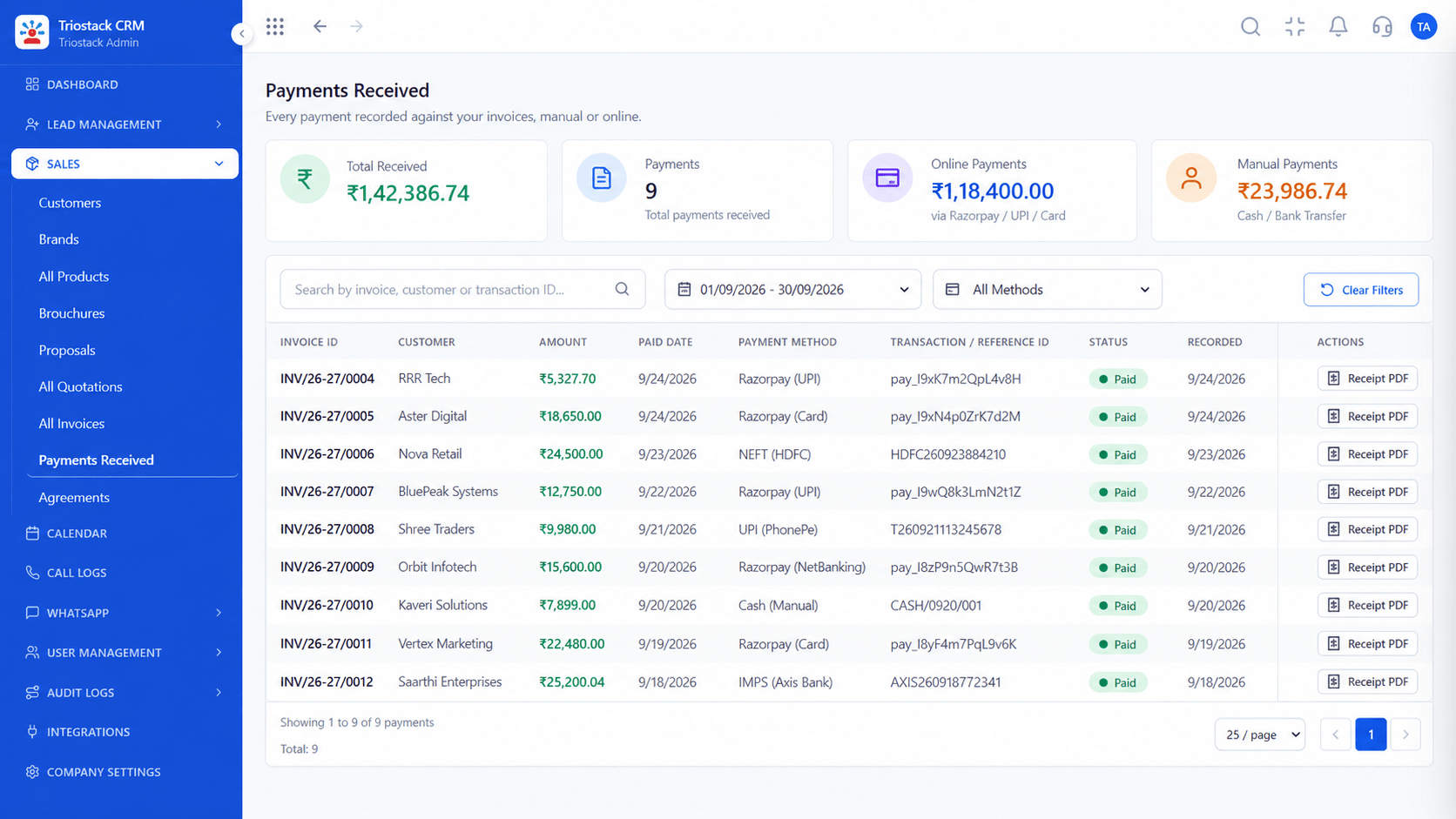
The screens below belong to WordPress, Elementor and CF7 Form Sync: Lead Pipeline, Call Logs and Sales Dashboard, all from the product.
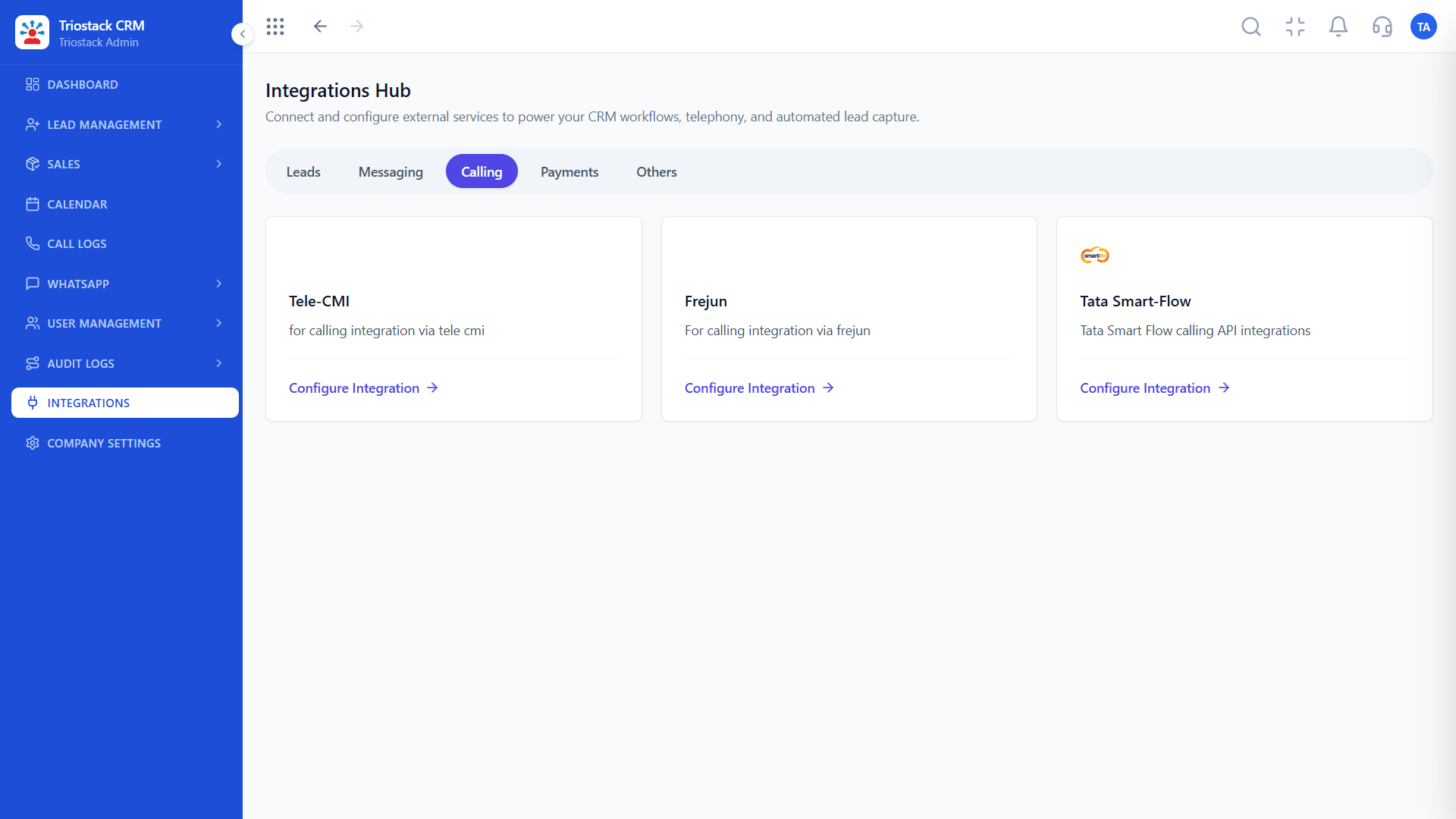
Integrations Hub
WordPress, Elementor and CF7 Form Sync: submissions arrive as leads with the page they came from
Feature Breakdown
4 screens from the live product that show WordPress, Elementor and CF7 Form Sync at work.
01
CRMWeb form source.
How it fits the plan
Endpoint. Copy the CRM's web form endpoint.
Set. Add it as the form's destination in Elementor, Divi or CF7.
Practical tip
Add a hidden field with the page address. It tells you which landing page earns leads.

02
CRMForm leads.
How it fits the plan
Set. Add it as the form's destination in Elementor, Divi or CF7.
Map. Match form fields to CRM fields.
In real life
Small business site
Contact form becomes a lead source.
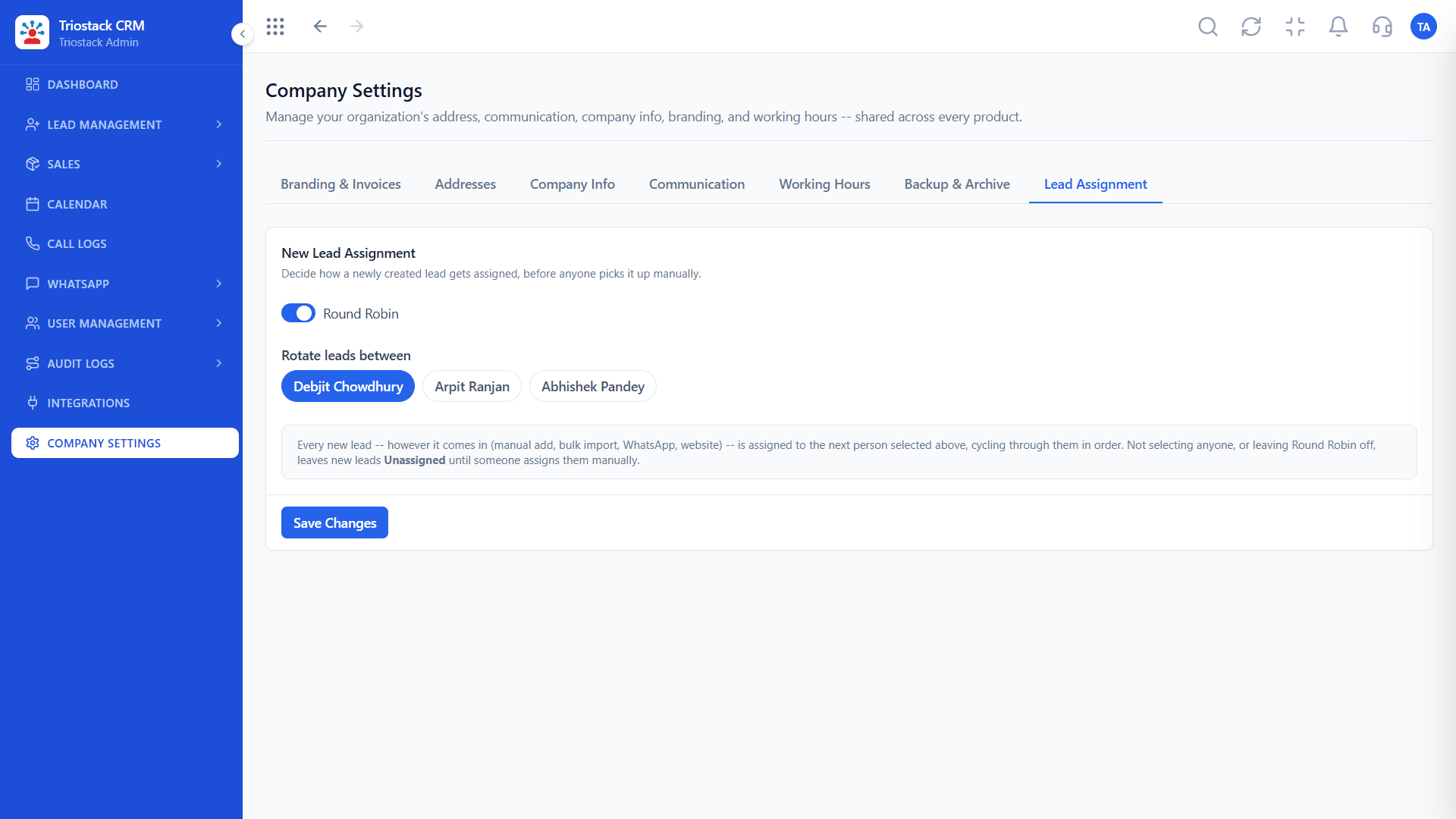
03
CRMRouting.
How it fits the plan
Map. Match form fields to CRM fields.
Test. Submit a test entry and check the lead.
Watch out for
Leaving the old email notification as the only copy, so nobody notices when the CRM connection breaks.

04
CRMFirst reply.
How it fits the plan
Test. Submit a test entry and check the lead.
Endpoint. Copy the CRM's web form endpoint.
Before you start
Execution Plan
Copy the CRM's web form endpoint.
Add it as the form's destination in Elementor, Divi or CF7.
Match form fields to CRM fields.
Submit a test entry and check the lead.
Practical Guide
Before you start
A tip that helps
Add a hidden field with the page address. It tells you which landing page earns leads.
A common mistake
Leaving the old email notification as the only copy, so nobody notices when the CRM connection breaks.
Availability: What WordPress, Elementor and CF7 Form Sync covers can depend on your plan and setup. Please confirm with our team which parts are live for your account, and any prerequisites, before you plan around it.
In Real Life
Scenario 01
Contact form becomes a lead source.
Scenario 02
Each page is measured.
Scenario 03
Client forms all feed one CRM.
Straight answers about WordPress, Elementor and CF7 Form Sync, from setup to what happens next.
Have a question about WordPress, Elementor and CF7 Form Sync?
Book a free callYes, by setting the CRM endpoint as the form destination.
Yes, on the same principle.
No, the form connects directly.
Yes, with a hidden field.
Guide for website owners: connect Elementor, Divi and Contact Form 7 forms directly to Triostack CRM without middleware, with field mapping and source tracking.
It runs in 4 steps: Endpoint, Set, Map and Test. Copy the CRM's web form endpoint.
The real screens on this page include Lead Pipeline, Call Logs, Sales Dashboard and Integrations Hub, all captured from the product.
Request a demo and ask to see WordPress, Elementor and CF7 Form Sync. Our team can also walk you through setup, so your first session ends with something working.
We will walk you through WordPress, Elementor and CF7 Form Sync, from Elementor, Divi and Contact Form 7, on sample data shaped like yours.
Explore All Custom Integrations