The best Business Suite software in India, built to help your business grow. Contact us at +91-8882435276.
[ Contact ]
Phone number
Email address
Head office
Noida office
The right team at TriostackOne will get back to you.
Positioning Assessment
Finance teams spend time matching payments to invoices and deals, especially when customers pay in parts, through a link or in different currencies. The more that matches automatically, the less goes wrong at month-end.
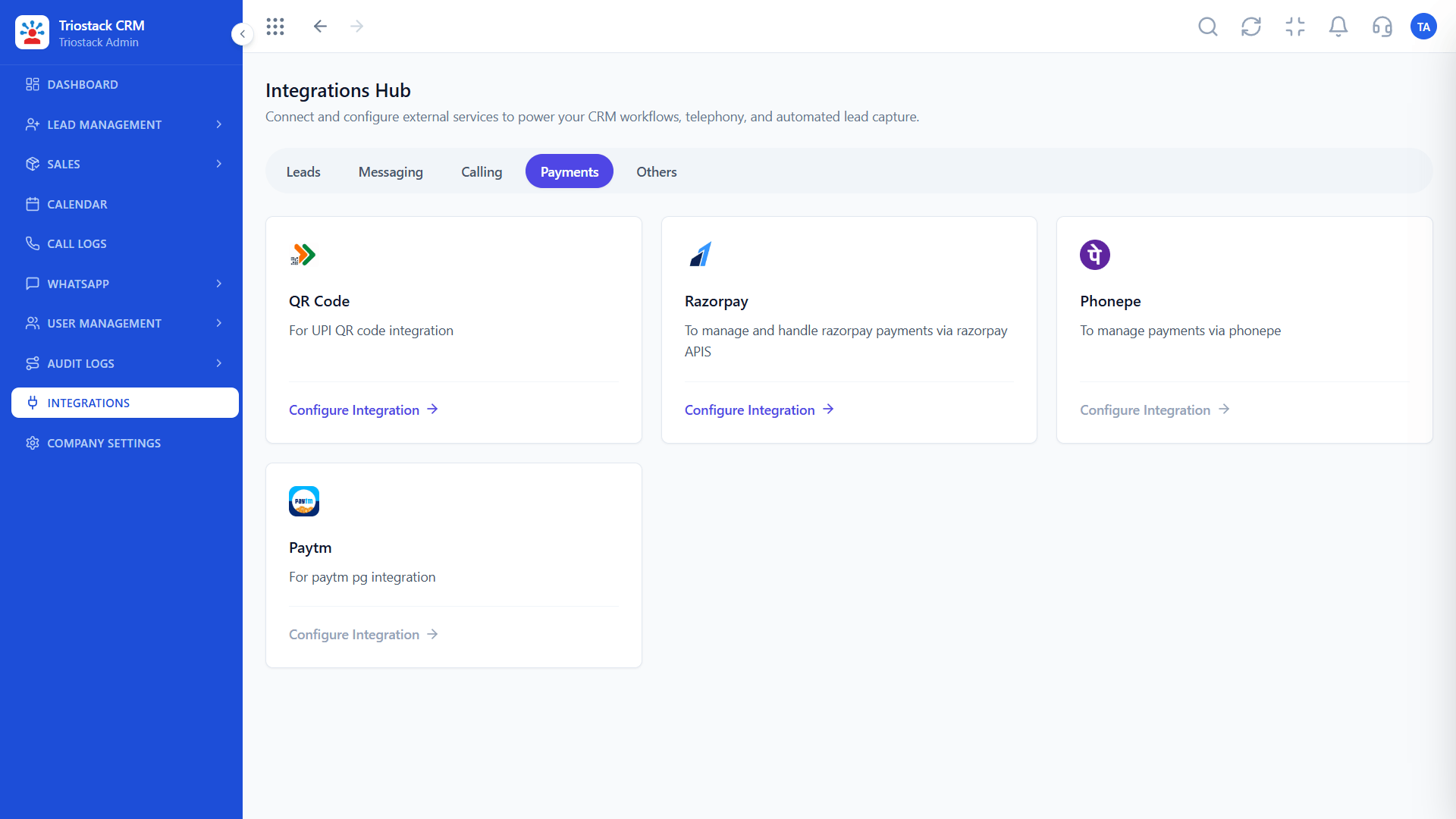
Triostack CRM receives payment events from Razorpay, Stripe and Cashfree through webhooks in real time. Each captured payment is matched to the invoice and the deal by its reference, the deal's paid and balance values update automatically, and a receipt is generated and sent to the customer. Part payments, failed payments and refunds update the same records, and anything that cannot be matched goes to an exceptions list for review. UPI QR, PhonePe and Paytm are connected the same way from the Integrations Hub.
“A part-payment came in through a link. The deal showed the balance and the customer had a receipt within seconds.”
Sample team scenario
A made-up scenario about Payment Gateway Auto-Reconciliation, not a customer testimonial
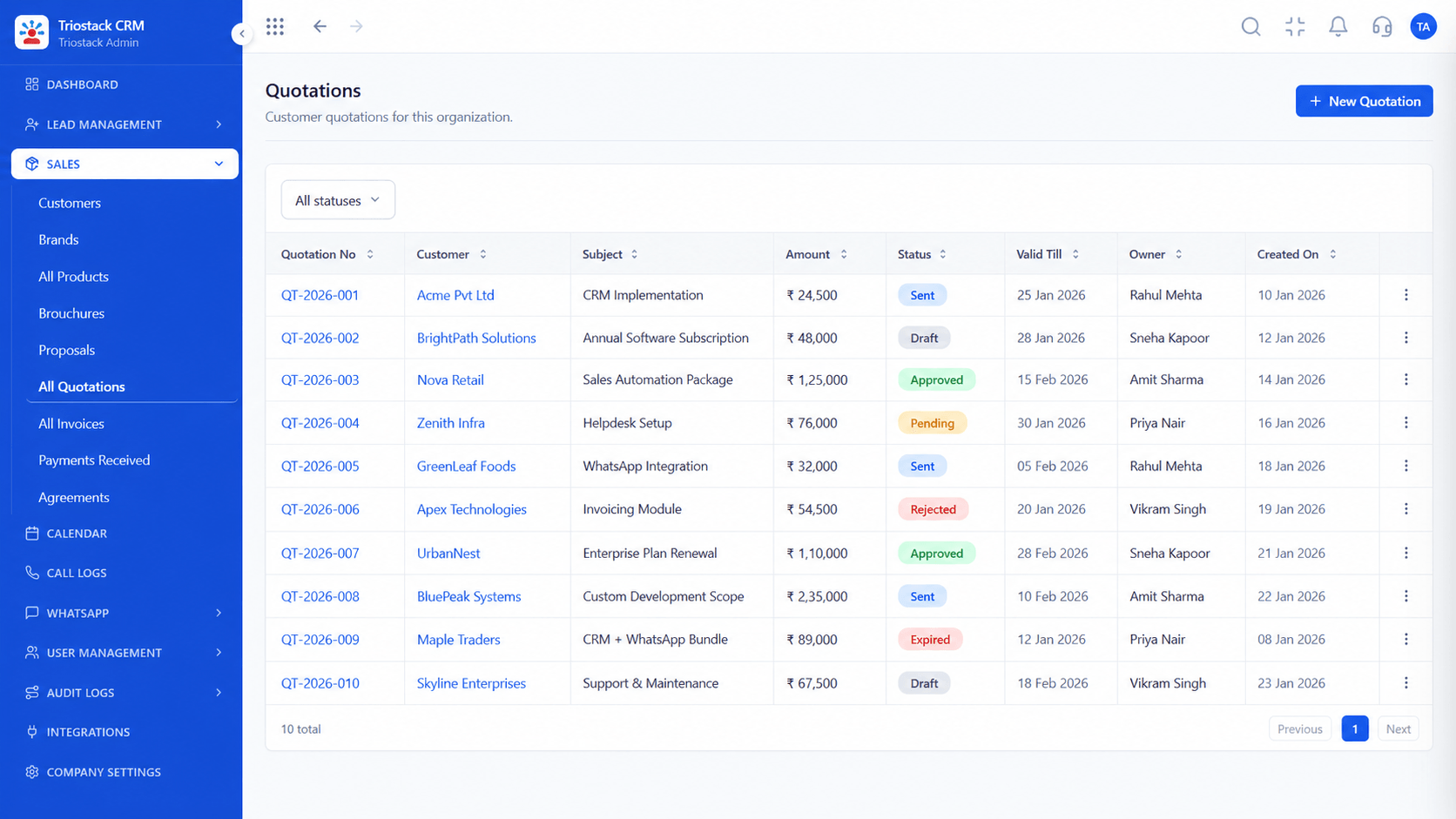
Quotations
Payment Gateway Auto-Reconciliation: itemised quotes with discounts and terms
In the Product
Imagine every payment finding its deal by itself.
No imports.
Automatically.
On their own.
Platform Integrity
Webhook capture
Webhook capture
Webhook capture
On every payment
At a Glance
What changes at month-end.
| Dimension | Triostack CRM | Matching by Hand |
|---|---|---|
| Capture | Real time, by webhook | Download and import |
| Matching | By reference to invoice and deal | By eye |
| Deal values | Paid and balance update automatically | Edited by hand |
| Receipts | Generated and sent | Written manually |
| Exceptions | Unmatched payments listed | Found at month-end |
Book a walkthrough of Payment Gateway Auto-Reconciliation. We set up a sandbox so you can try Razorpay, Stripe and Cashfree before you commit.
Live Interface Tour
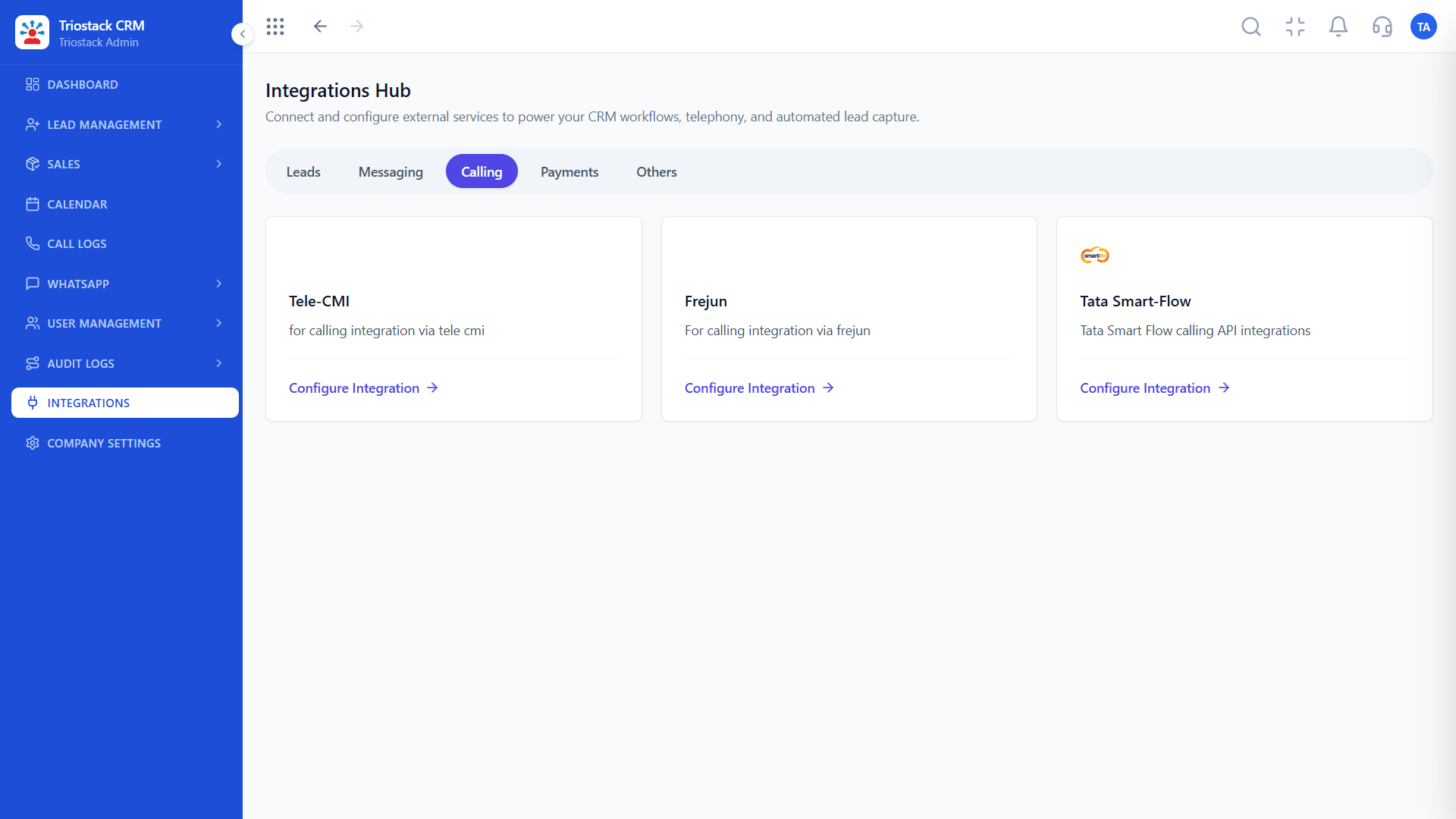
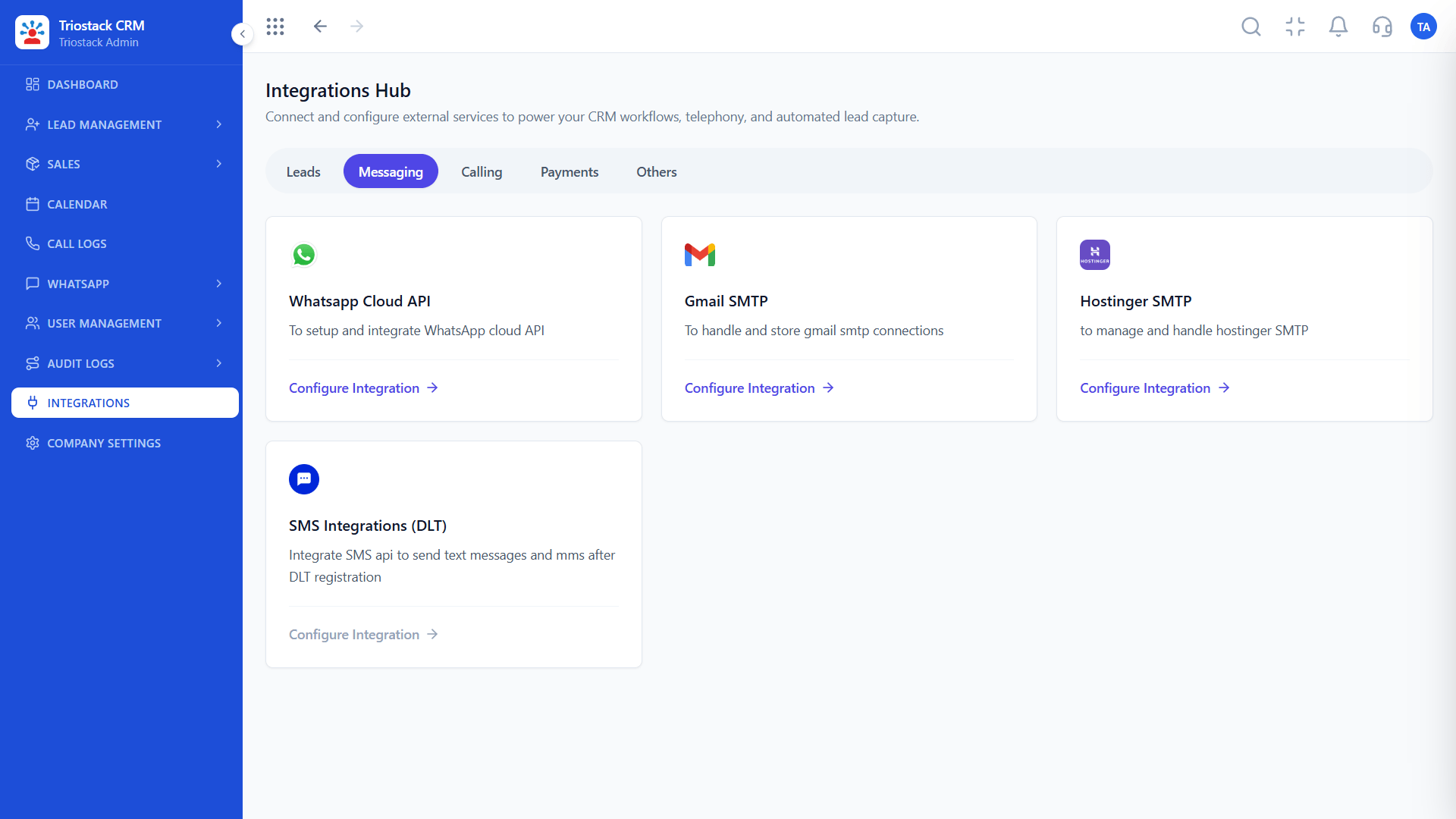
The screens below belong to Payment Gateway Auto-Reconciliation: Quotations, Lead Pipeline and Sales Dashboard, all from the product.
Payment Integrations
Payment Gateway Auto-Reconciliation: payment, deal value and receipt in one step
Feature Breakdown
4 screens from the live product that show Payment Gateway Auto-Reconciliation at work.
01
CRMGateways.
How it fits the plan
Connect. Add Razorpay, Stripe or Cashfree and its webhook.
Match. Choose the reference that links payment to invoice.
Practical tip
Test with a small real payment before you send links to customers.
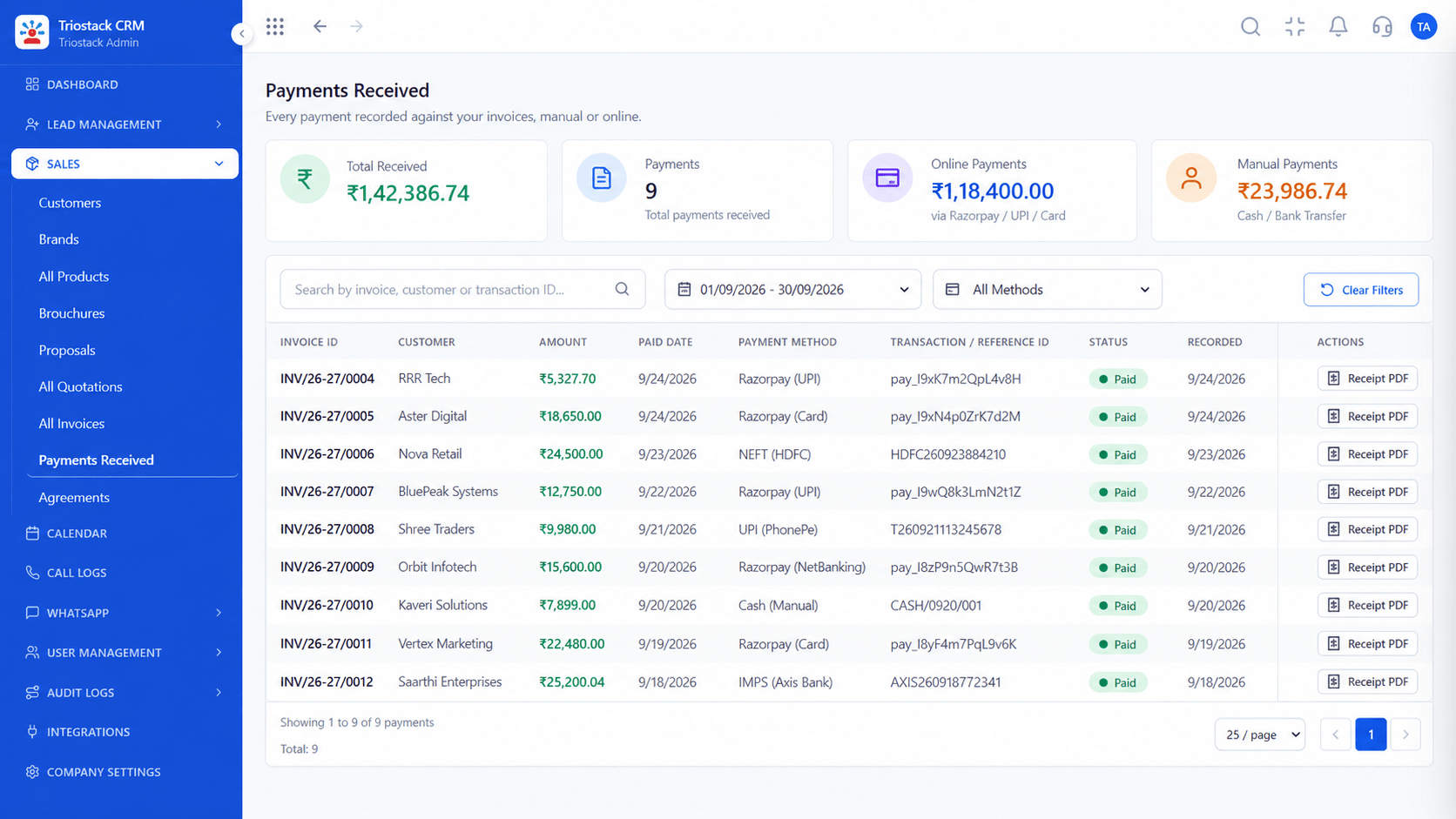
02
CRMRecorded per invoice.
How it fits the plan
Match. Choose the reference that links payment to invoice.
Test. Pay a small invoice and check the deal and receipt.
In real life
Month-end
Fewer unmatched payments.

03
CRMWhat is being paid.
How it fits the plan
Test. Pay a small invoice and check the deal and receipt.
Reconcile. Review the exceptions list each week.
Watch out for
Ignoring the exceptions list, so unmatched payments pile up.

04
CRMChase the balance.
How it fits the plan
Reconcile. Review the exceptions list each week.
Connect. Add Razorpay, Stripe or Cashfree and its webhook.
Before you start
Execution Plan
Add Razorpay, Stripe or Cashfree and its webhook.
Choose the reference that links payment to invoice.
Pay a small invoice and check the deal and receipt.
Review the exceptions list each week.
Practical Guide
Before you start
A tip that helps
Test with a small real payment before you send links to customers.
A common mistake
Ignoring the exceptions list, so unmatched payments pile up.
Availability: What Payment Gateway Auto-Reconciliation covers can depend on your plan and setup. Please confirm with our team which parts are live for your account, and any prerequisites, before you plan around it.
In Real Life
Scenario 01
Fewer unmatched payments.
Scenario 02
Balances are clear.
Scenario 03
Follow-ups target unpaid invoices.
Straight answers about Payment Gateway Auto-Reconciliation, from setup to what happens next.
Have a question about Payment Gateway Auto-Reconciliation?
Book a free callRazorpay, Stripe and Cashfree through webhooks, plus UPI QR, PhonePe and Paytm from the Integrations Hub.
Yes, paid and balance values update when a payment is captured.
Yes, a receipt is generated and sent for each payment.
It appears on an exceptions list for review.
Real-time payment capture through Razorpay, Stripe and Cashfree webhooks, with deal values updated automatically and receipts generated on each payment.
It runs in 4 steps: Connect, Match, Test and Reconcile. Add Razorpay, Stripe or Cashfree and its webhook.
The real screens on this page include Quotations, Lead Pipeline, Sales Dashboard and Payment Integrations, all captured from the product.
Request a demo and ask to see Payment Gateway Auto-Reconciliation. Our team can also walk you through setup, so your first session ends with something working.
Keep Exploring
We will walk you through Payment Gateway Auto-Reconciliation, from Razorpay, Stripe and Cashfree, on sample data shaped like yours.
Explore All Custom Integrations