The best Business Suite software in India, built to help your business grow. Contact us at +91-8882435276.
[ Contact ]
Phone number
Email address
Head office
Noida office
The right team at TriostackOne will get back to you.
Built for
Field Agent Route Optimization
More visits, fewer kilometres
A day's route planned before the rep leaves

Positioning Assessment
Most field reps plan the day in their heads or in a message from the manager. They visit in the order customers called, not the order that makes sense on a map, and the extra travel is time not spent selling.
In Triostack CRM, the customers due for a visit are plotted on a map and grouped into clusters by location, so a manager can see which areas have many visits waiting. For each rep, the route suggestion proposes an order for the day's visits that cuts back-tracking, with an estimate of travel time between stops. Reps can reorder the stops when a customer asks for a particular time. Fuel allowance tracking totals the distance from the day's check-ins and applies the rate your company sets, so claims are reconciled to the route rather than estimated. Suggestions are guidance, and the rep stays in charge of the day.
“I moved two visits to the next day because the map showed them on the far side of the city. The route got shorter.”
Sample team scenario
A made-up scenario about Field Agent Route Optimization, not a customer testimonial

Lead Pipeline
Field Agent Route Optimization: drag deals across your own sales stages
In the Product
Imagine the visits in an order that makes sense.
By area.
Not imposed.
To the route.
Platform Integrity
Order of the day's visits
Visits grouped by area
Estimate between stops
From the route
At a Glance
What changes in a field day.
Planning
Suggested order on a map
Visiting in Call Order: Decided in the morning, in the head
Area view
Clusters show where visits are
Visiting in Call Order: A list of addresses
Time
Travel estimate between stops
Visiting in Call Order: Guessed
Fuel claims
Distance totalled from check-ins
Visiting in Call Order: Estimated by the rep
Control
Rep can reorder stops
Visiting in Call Order: Fixed by the manager's message
Book a walkthrough of Field Agent Route Optimization. We set up a sandbox so you can try Suggested routes, Map clusters and Travel time before you commit.
Live Interface Tour
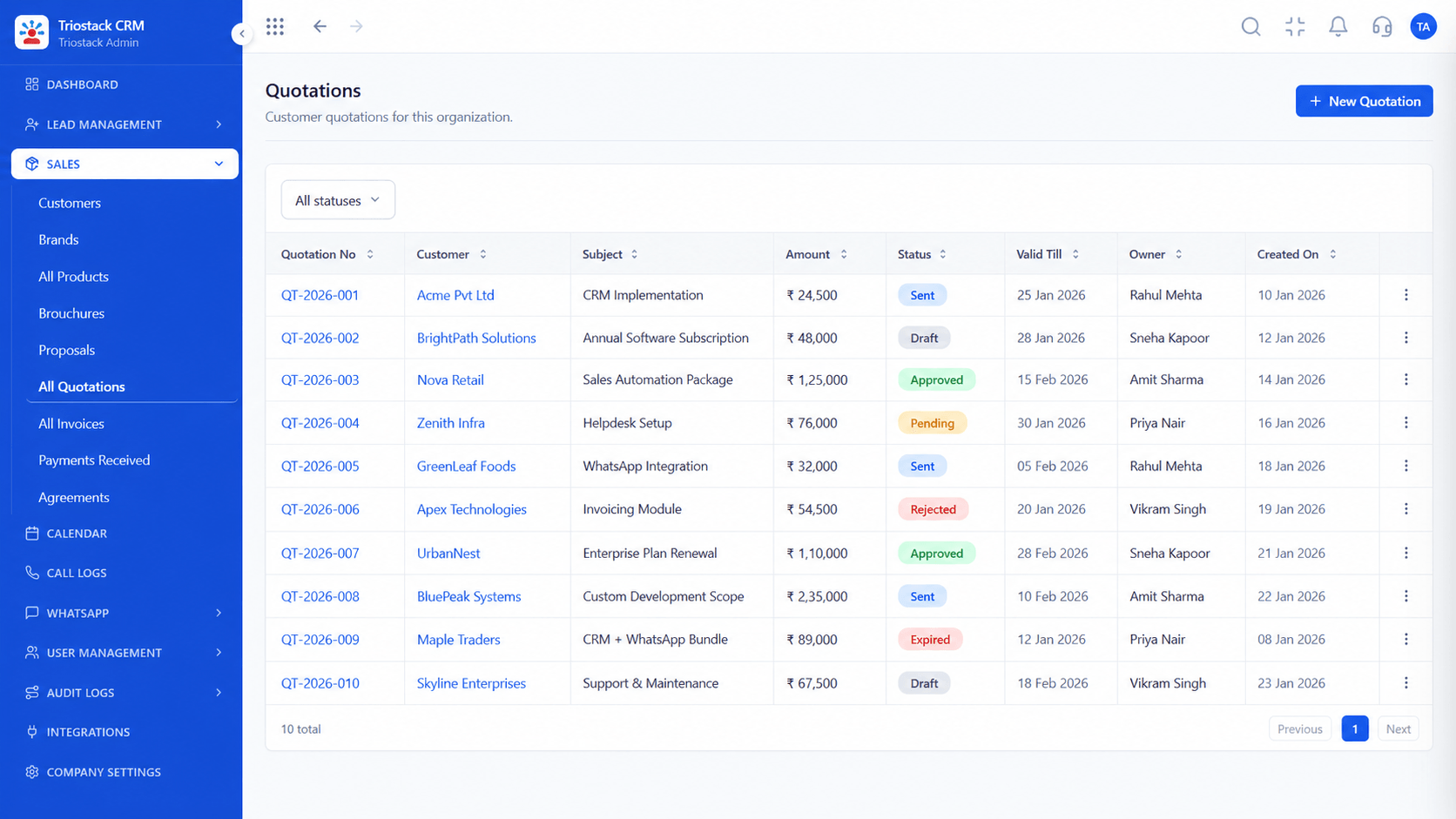
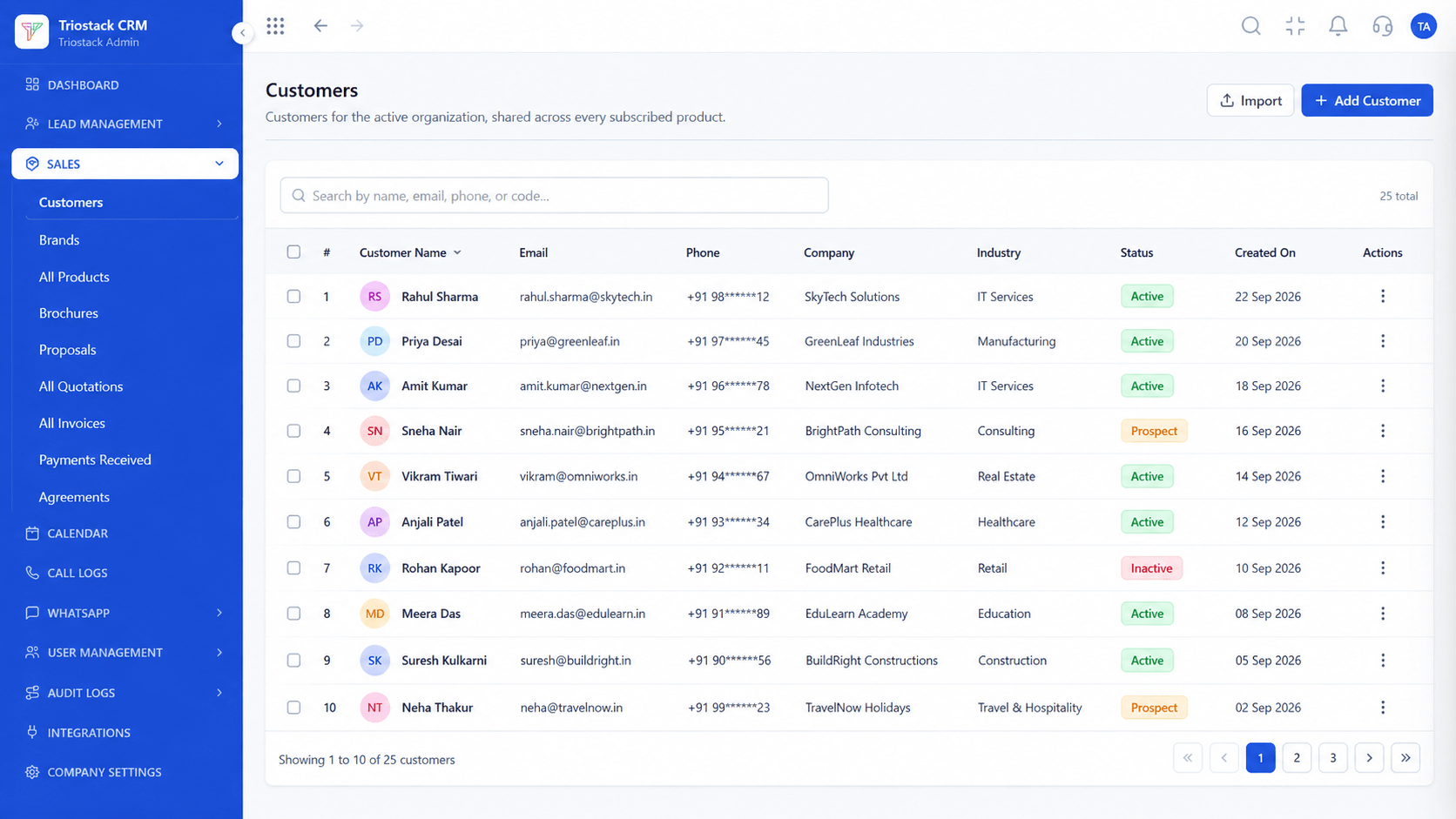
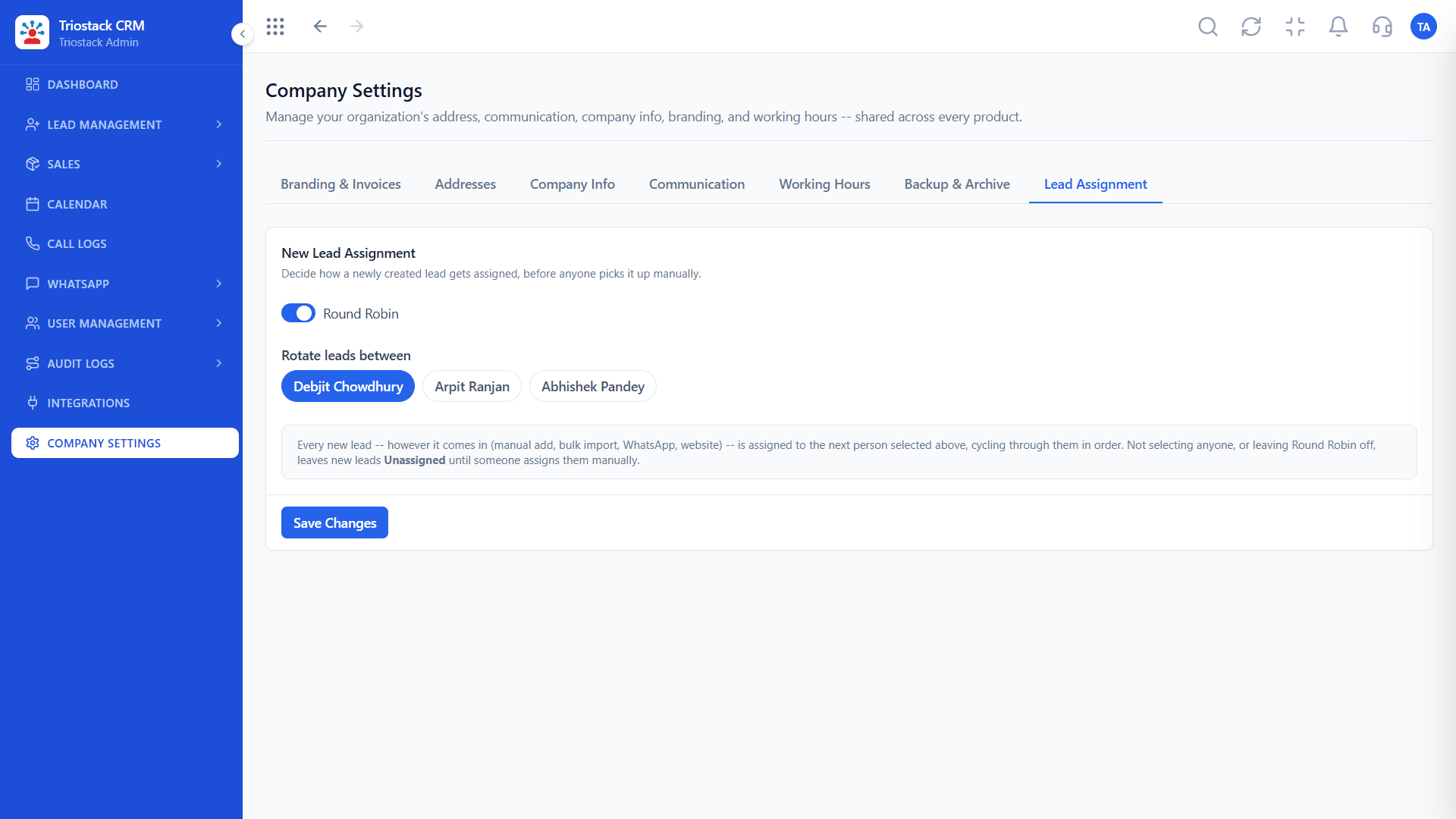
The screens below belong to Field Agent Route Optimization: Lead Pipeline, Sales Dashboard and Lead Follow-Ups, all from the product.
Calendar & Bookings
Field Agent Route Optimization: a day's route planned before the rep leaves
Feature Breakdown
4 screens from the live product that show Field Agent Route Optimization at work.
Planned visits.
How it fits the plan
Select. Pick the customers due for a visit.
Cluster. See them grouped on the map.
Practical tip
Plan tomorrow's route this evening. A rep who starts the day with an order does not spend the morning deciding.

Who is due a visit.
In real life
Territory planning
Managers see where visits cluster.
Territory rules.
Watch out for
Treating the suggested route as an order. Customers' time slots and road conditions still matter.

Calls between visits.
Before you start
Execution Plan
Pick the customers due for a visit.
See them grouped on the map.
Accept or adjust the suggested order.
Fuel is totalled from the day's check-ins.
Practical Guide
Before you start
A tip that helps
Plan tomorrow's route this evening. A rep who starts the day with an order does not spend the morning deciding.
A common mistake
Treating the suggested route as an order. Customers' time slots and road conditions still matter.
Availability: What Field Agent Route Optimization covers can depend on your plan and setup. Please confirm with our team which parts are live for your account, and any prerequisites, before you plan around it.
In Real Life
Scenario 01
Managers see where visits cluster.
Scenario 02
Reps visit more customers.
Scenario 03
Fuel matches the route.
Straight answers about Field Agent Route Optimization, from setup to what happens next.
Have a question about Field Agent Route Optimization?
Book a free callYes, an order for the day's visits that reduces back-tracking.
Yes, grouped into clusters by location.
Yes, between stops. Real traffic can differ.
Distance from check-ins is totalled at the rate your company sets.
Plan field visits with AI-suggested daily routes, map-based client clusters, travel time estimates and fuel allowance tracking for field agents in Triostack CRM.
It runs in 4 steps: Select, Cluster, Plan and Claim. Pick the customers due for a visit.
The real screens on this page include Lead Pipeline, Sales Dashboard, Lead Follow-Ups and Calendar & Bookings, all captured from the product.
Request a demo and ask to see Field Agent Route Optimization. Our team can also walk you through setup, so your first session ends with something working.
We will walk you through Field Agent Route Optimization, from Suggested routes, Map clusters and Travel time, on sample data shaped like yours.
Explore All CRM Features