The best Business Suite software in India, built to help your business grow. Contact us at +91-8882435276.
[ Contact ]
Phone number
Email address
Head office
Noida office
The right team at TriostackOne will get back to you.

Positioning Assessment
When sales and support use separate systems, a salesperson calls a customer who has an open complaint, and an agent answers a ticket without knowing the deal in progress. A unified customer profile stops that.
The integration links each CRM customer to their tickets in Zendesk, Freshdesk or Triostack Desk, matching by email address and phone number. Ticket status, priority and history appear on the CRM customer profile and the deal. In the other direction, the deal stage, value and owner appear next to the ticket for the support agent. Changes sync as they happen, and internal ticketing histories in Triostack Desk are shown the same way.
“A salesperson saw an open ticket before calling. The call changed completely.”
Sample team scenario
A made-up scenario about Omnichannel Helpdesk and Ticketing Sync, not a customer testimonial

Lead Pipeline
Omnichannel Helpdesk and Ticketing Sync: drag deals across your own sales stages
In the Product
Imagine sales and support seeing the same customer.
Before every contact.
Not by name.
Both covered.
Platform Integrity
Tickets on the profile
Tickets on the profile
Internal histories
Shown to support
At a Glance
What changes when sales and support share context.
| Dimension | Triostack CRM | Two Silos |
|---|---|---|
| Before a sales call | Open tickets visible on the deal | Unknown |
| Before a reply | Deal stage and value visible to the agent | Unknown |
| Matching | By email and phone | By hand |
| Zendesk and Freshdesk | Connected | Separate products |
| Internal tickets | Triostack Desk histories shown | Separate |
Book a walkthrough of Omnichannel Helpdesk and Ticketing Sync. We set up a sandbox so you can try Zendesk, Freshdesk and Triostack Desk before you commit.
Live Interface Tour
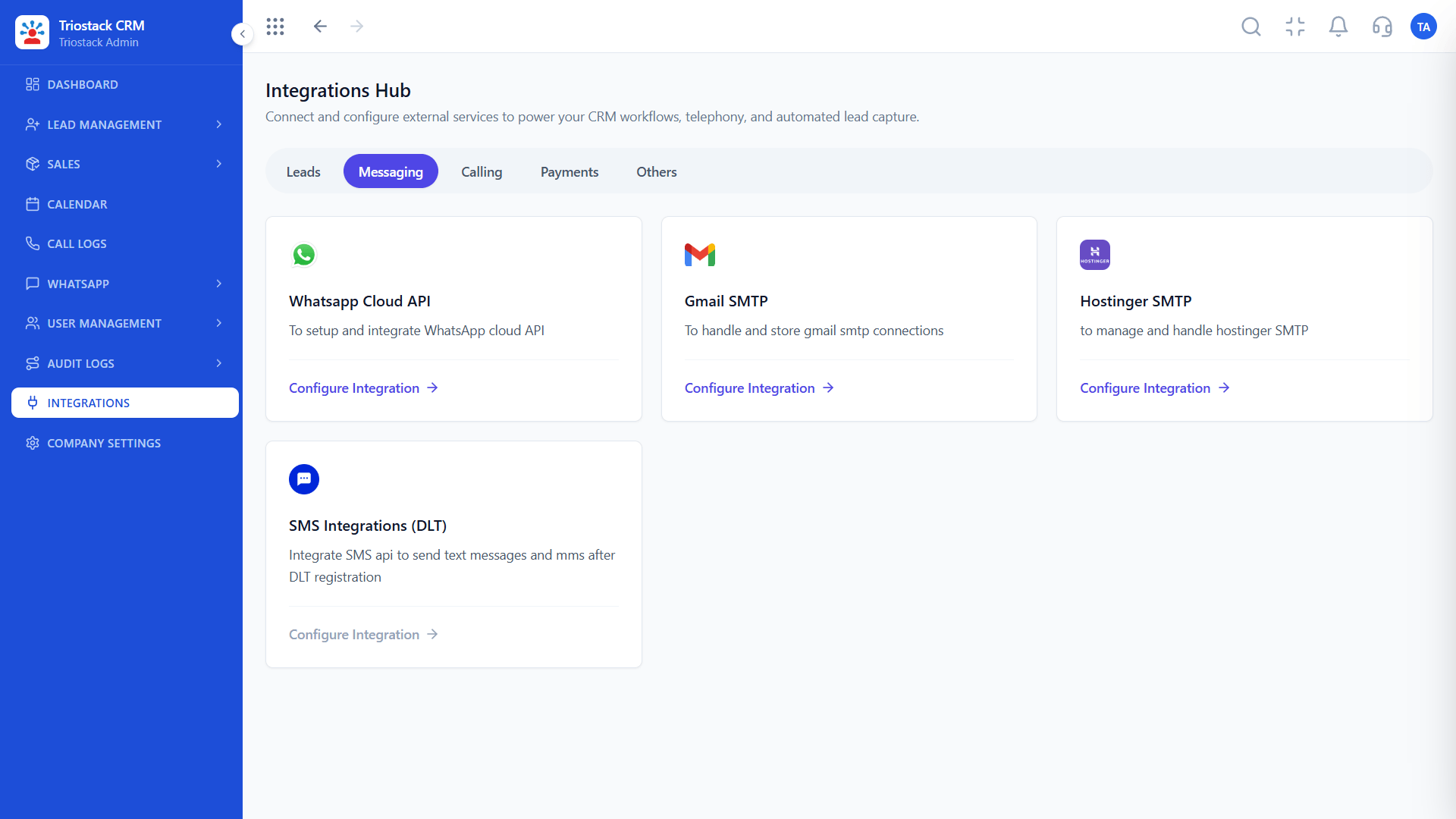
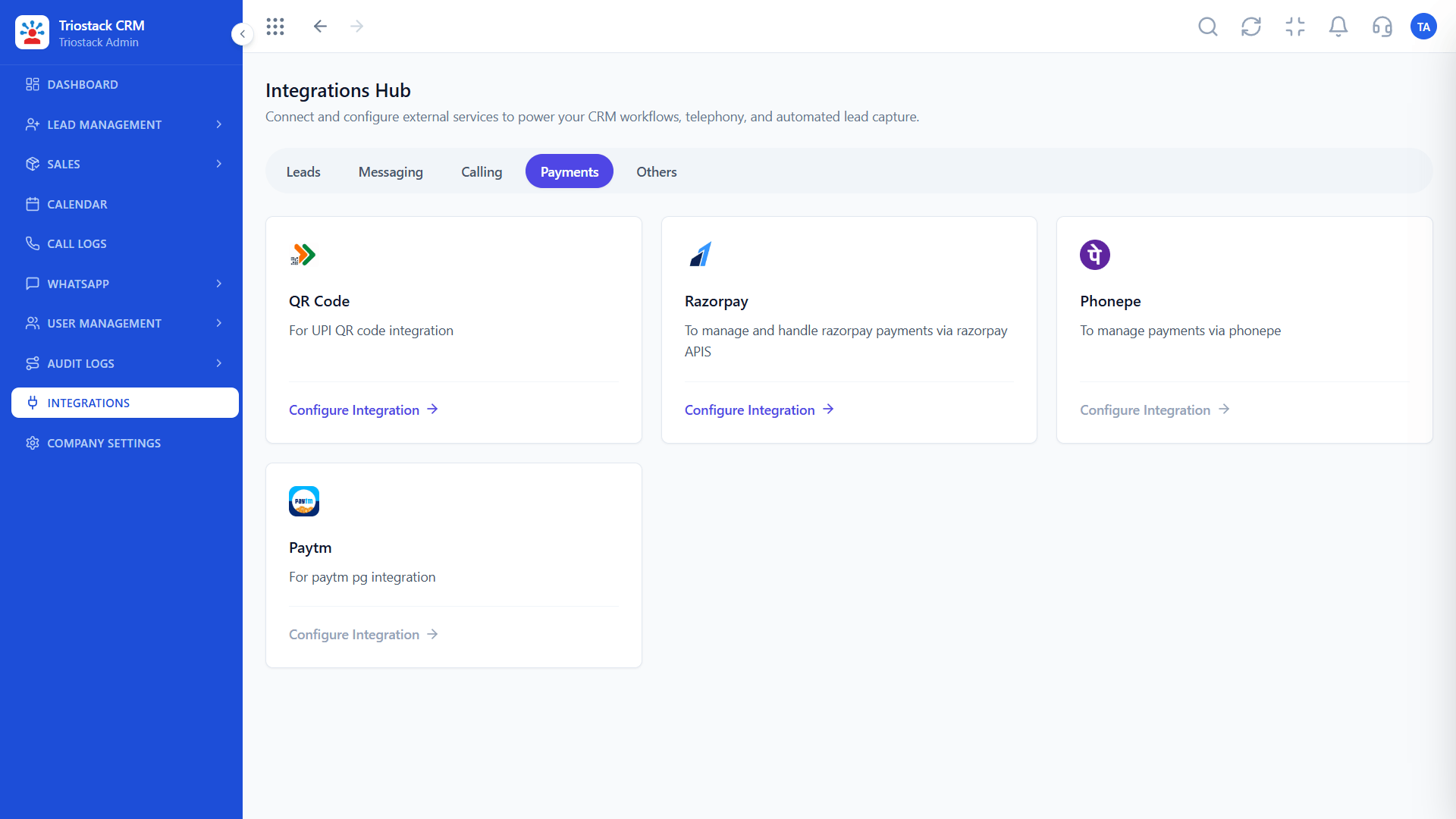
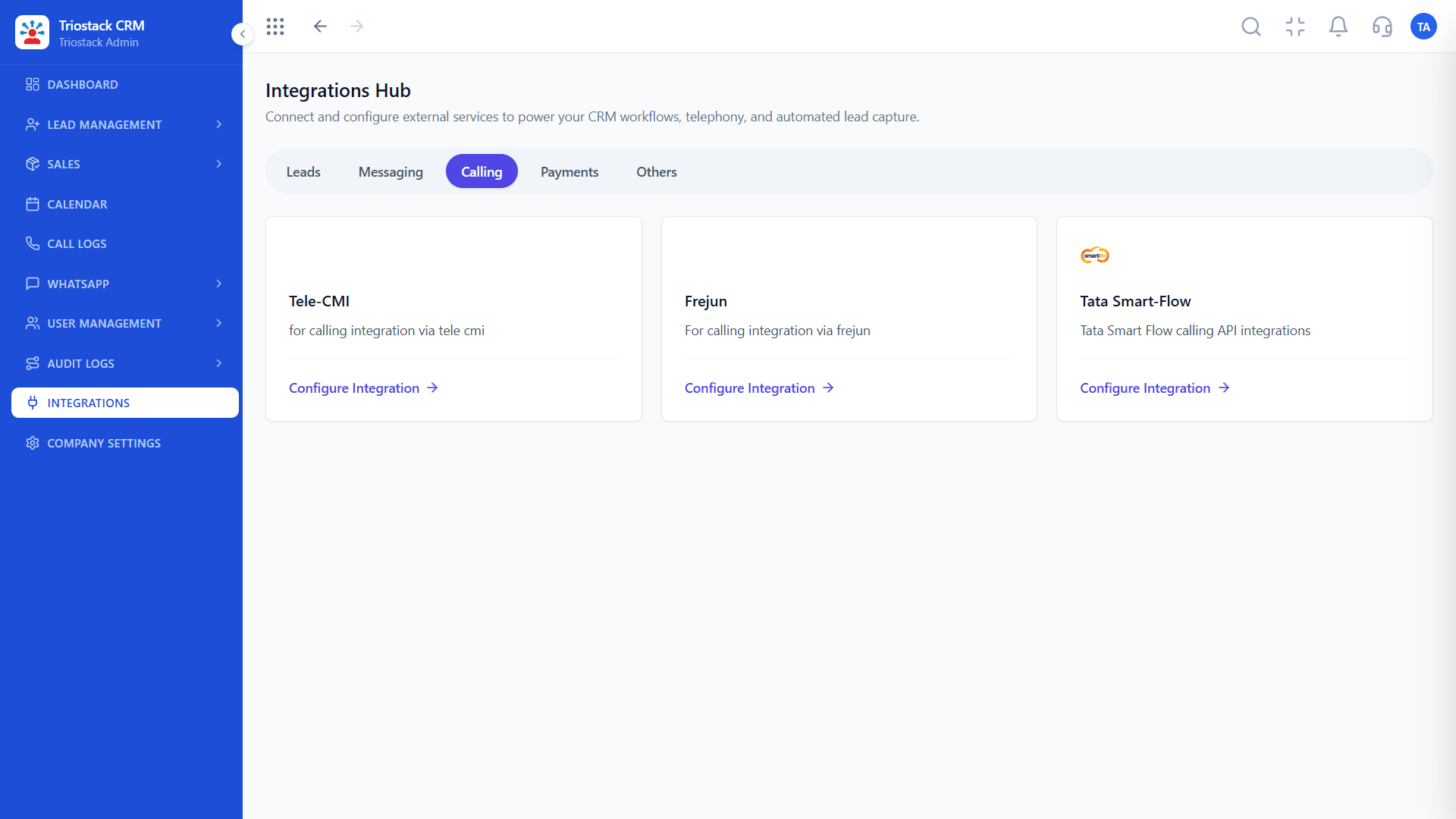
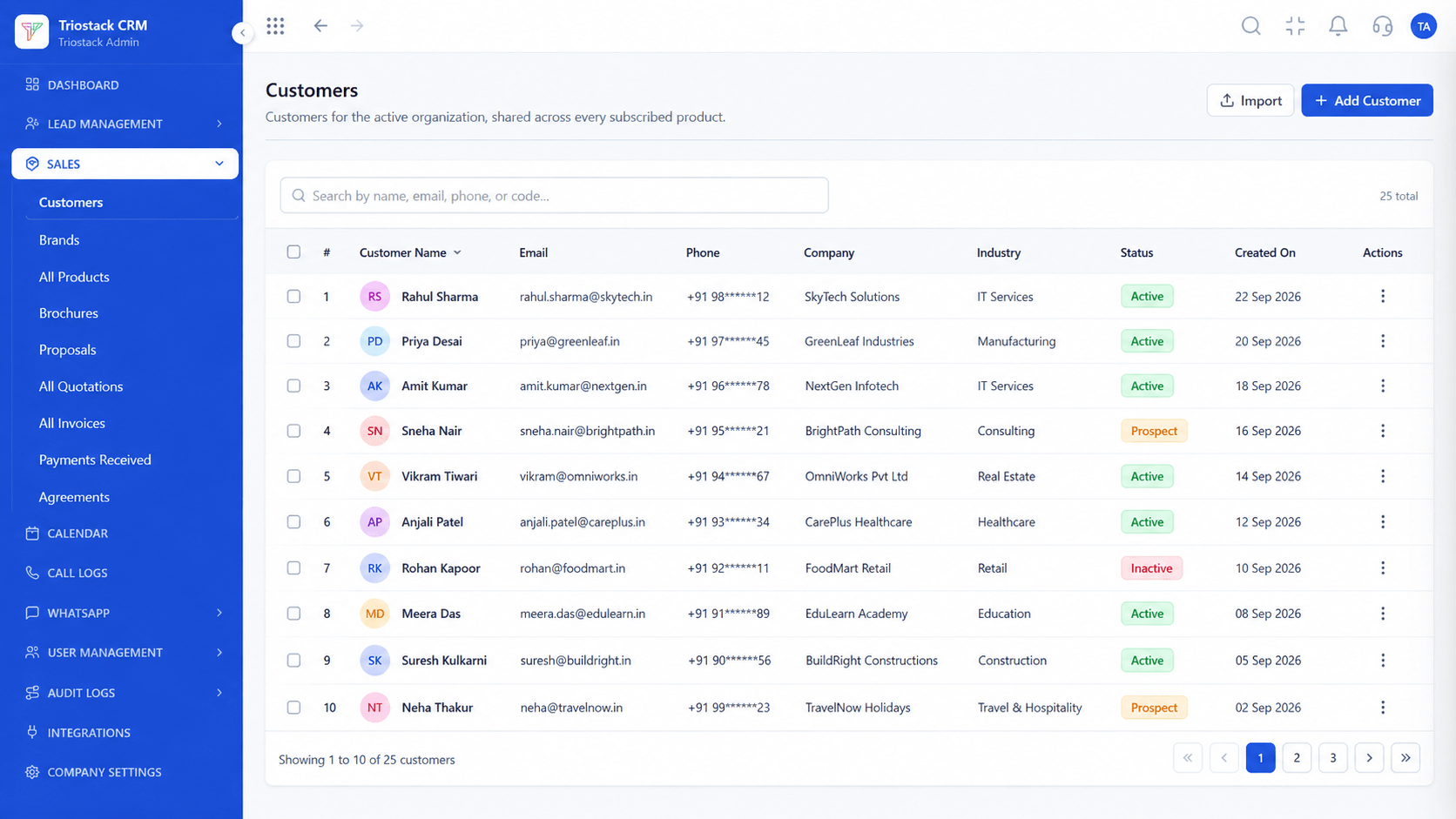
The screens below belong to Omnichannel Helpdesk and Ticketing Sync: Lead Pipeline, Call Logs and Lead Follow-Ups, all from the product.
Webhooks and APIs
Omnichannel Helpdesk and Ticketing Sync: deals and tickets on the same customer
Feature Breakdown
4 screens from the live product that show Omnichannel Helpdesk and Ticketing Sync at work.
01
CRMThe Tickets API.
How it fits the plan
Connect. Authorise Zendesk, Freshdesk or Triostack Desk.
Match. Choose email and phone as the matching keys.
Practical tip
Decide which system owns the customer's contact details. Duplicates between a CRM and a helpdesk are the usual pain.
02
CRMOne customer record.
How it fits the plan
Match. Choose email and phone as the matching keys.
Map. Choose which ticket fields to show on the deal.
In real life
Complaint in progress
Sales sees it first.

03
CRMDeals in progress.
How it fits the plan
Map. Choose which ticket fields to show on the deal.
Test. Reconcile a sample of customers.
Watch out for
Matching on name alone, which merges different customers.
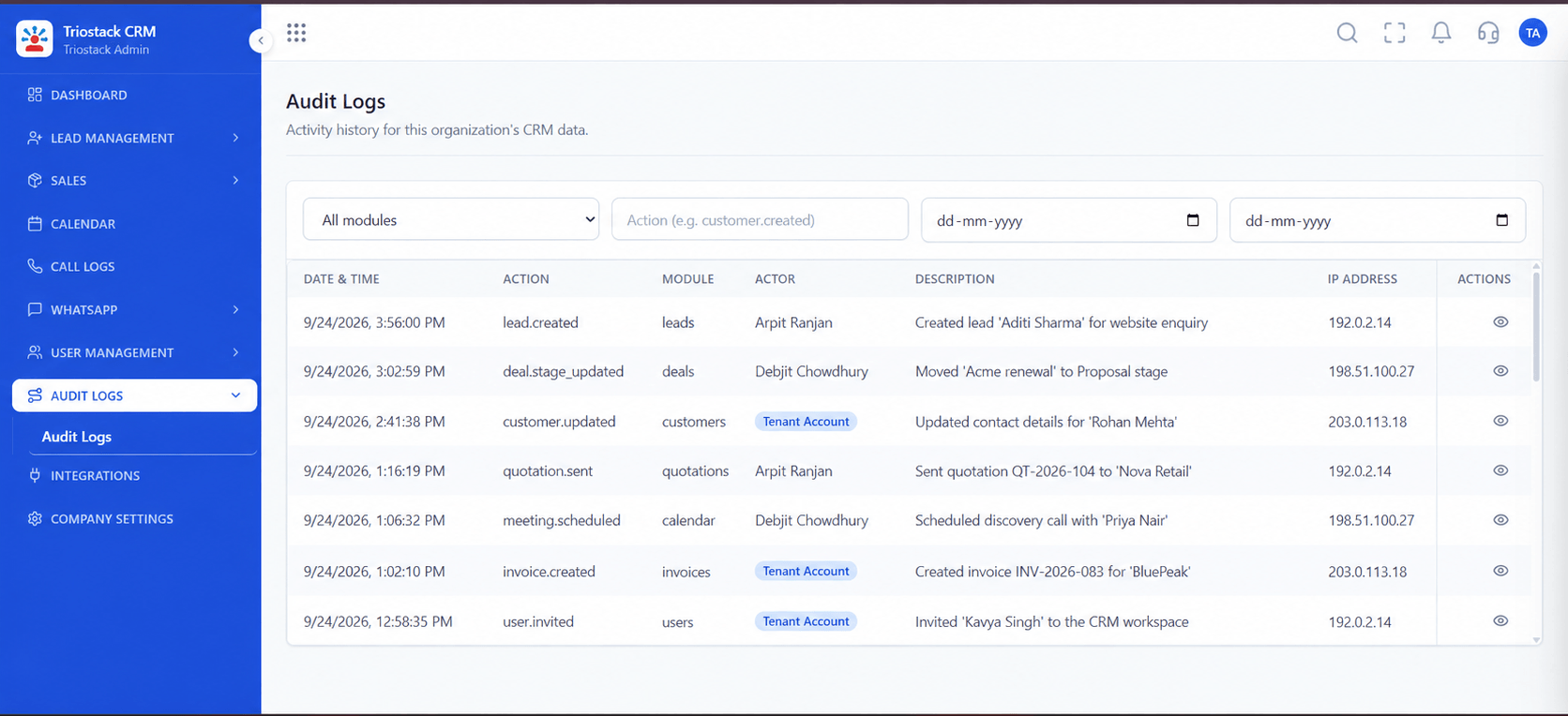
04
CRMTrace changes.
How it fits the plan
Test. Reconcile a sample of customers.
Connect. Authorise Zendesk, Freshdesk or Triostack Desk.
Before you start
Execution Plan
Authorise Zendesk, Freshdesk or Triostack Desk.
Choose email and phone as the matching keys.
Choose which ticket fields to show on the deal.
Reconcile a sample of customers.
Practical Guide
Before you start
A tip that helps
Decide which system owns the customer's contact details. Duplicates between a CRM and a helpdesk are the usual pain.
A common mistake
Matching on name alone, which merges different customers.
Availability: What Omnichannel Helpdesk and Ticketing Sync covers can depend on your plan and setup. Please confirm with our team which parts are live for your account, and any prerequisites, before you plan around it.
In Real Life
Scenario 01
Sales sees it first.
Scenario 02
Support history informs the call.
Scenario 03
Both teams know.
Straight answers about Omnichannel Helpdesk and Ticketing Sync, from setup to what happens next.
Have a question about Omnichannel Helpdesk and Ticketing Sync?
Book a free callYes, both can be connected, and tickets appear on the CRM customer profile.
Triostack Desk ticket histories are shown the same way.
By email address and phone number.
The deal stage, value and owner next to the ticket.
Link CRM sales deals with Zendesk, Freshdesk or Triostack Desk ticket histories in one unified customer profile, so sales and support see the same customer.
It runs in 4 steps: Connect, Match, Map and Test. Authorise Zendesk, Freshdesk or Triostack Desk.
The real screens on this page include Lead Pipeline, Call Logs, Lead Follow-Ups and Webhooks & APIs, all captured from the product.
Request a demo and ask to see Omnichannel Helpdesk and Ticketing Sync. Our team can also walk you through setup, so your first session ends with something working.
Keep Exploring
We will walk you through Omnichannel Helpdesk and Ticketing Sync, from Zendesk, Freshdesk and Triostack Desk, on sample data shaped like yours.
Explore All Custom Integrations