The best Business Suite software in India, built to help your business grow. Contact us at +91-8882435276.
[ Contact ]
Phone number
Email address
Head office
Noida office
The right team at TriostackOne will get back to you.

Positioning Assessment
A rep meets a buyer at a trade show hall with a weak network, or visits a site with none. If the app cannot save the lead without a connection, the lead goes onto paper, and from paper it may never reach the CRM.
The Triostack CRM mobile app can save new leads, notes and call logs on the phone when there is no data connection, and marks them as waiting to sync. When the phone reconnects, the app syncs the queued changes to the cloud in the background without the rep doing anything, and shows when it has finished. If the same record changed on another device meanwhile, the conflict is flagged for a quick decision instead of being silently overwritten. Data on the phone is protected by the device lock.
“The expo hall had no network. I entered thirty leads, and they were all in the CRM by the time I reached the car.”
Sample team scenario
A made-up scenario about Offline Mobile Mode with Auto-Sync, not a customer testimonial

Lead Pipeline
Offline Mobile Mode with Auto-Sync: drag deals across your own sales stages
In the Product
Imagine writing leads in a tunnel and finding them in the cloud.
On the phone.
In the background.
Not hidden.
Platform Integrity
Saved on the phone
Queued
Automatic
Never silent
At a Glance
What changes where there is no signal.
| Dimension | Triostack CRM | Online-Only |
|---|---|---|
| Adding a lead | Saved offline and queued | Fails or goes onto paper |
| Call logs | Recorded and queued | Lost |
| Syncing | Automatic in the background | Manual re-entry |
| Conflicts | Flagged for a decision | Overwritten |
| Status | Shown as waiting or synced | Unclear |
Book a walkthrough of Offline Mobile Mode with Auto-Sync. We set up a sandbox so you can try Offline lead entry, Offline call logs and Background sync before you commit.
Live Interface Tour
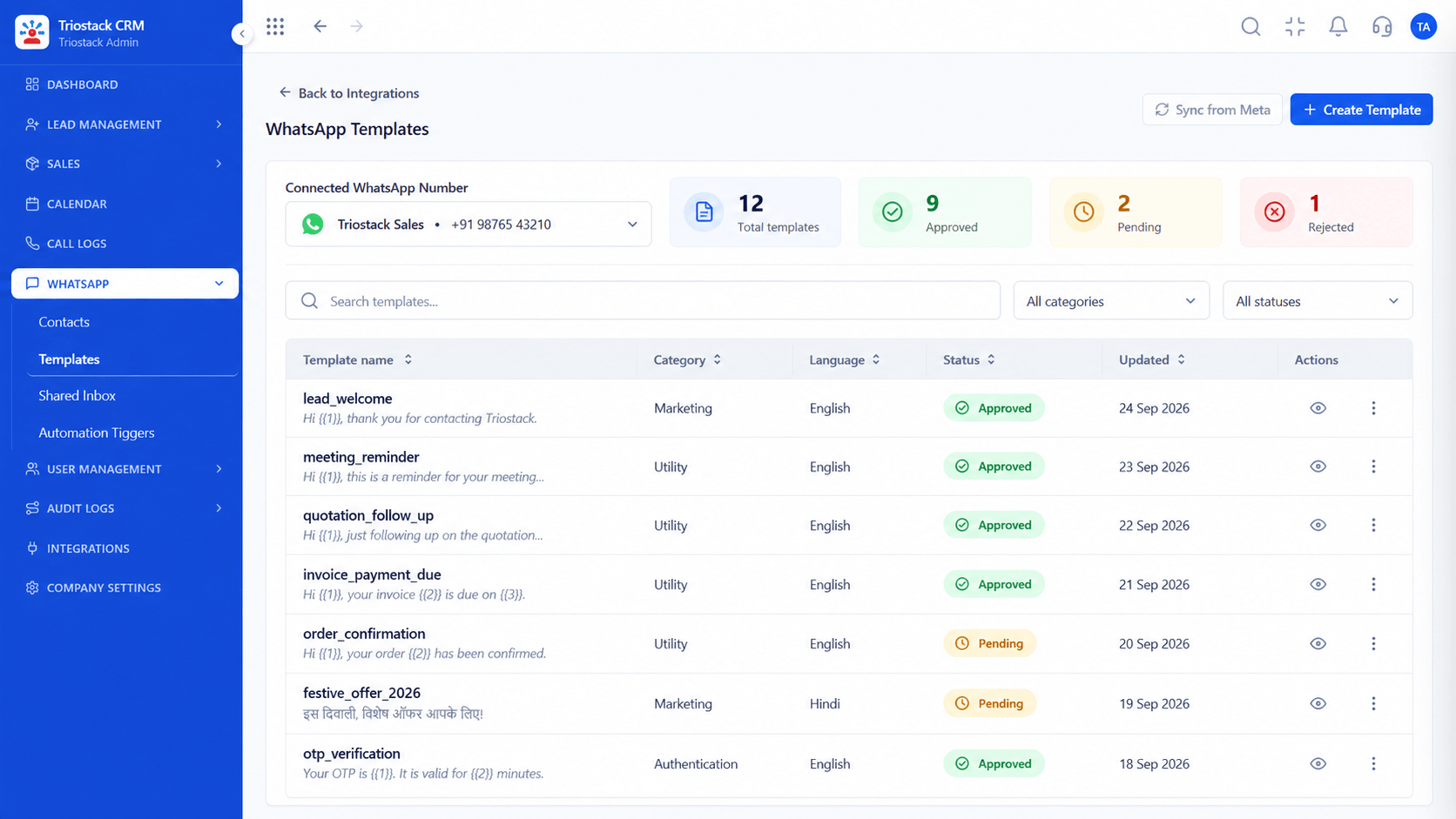
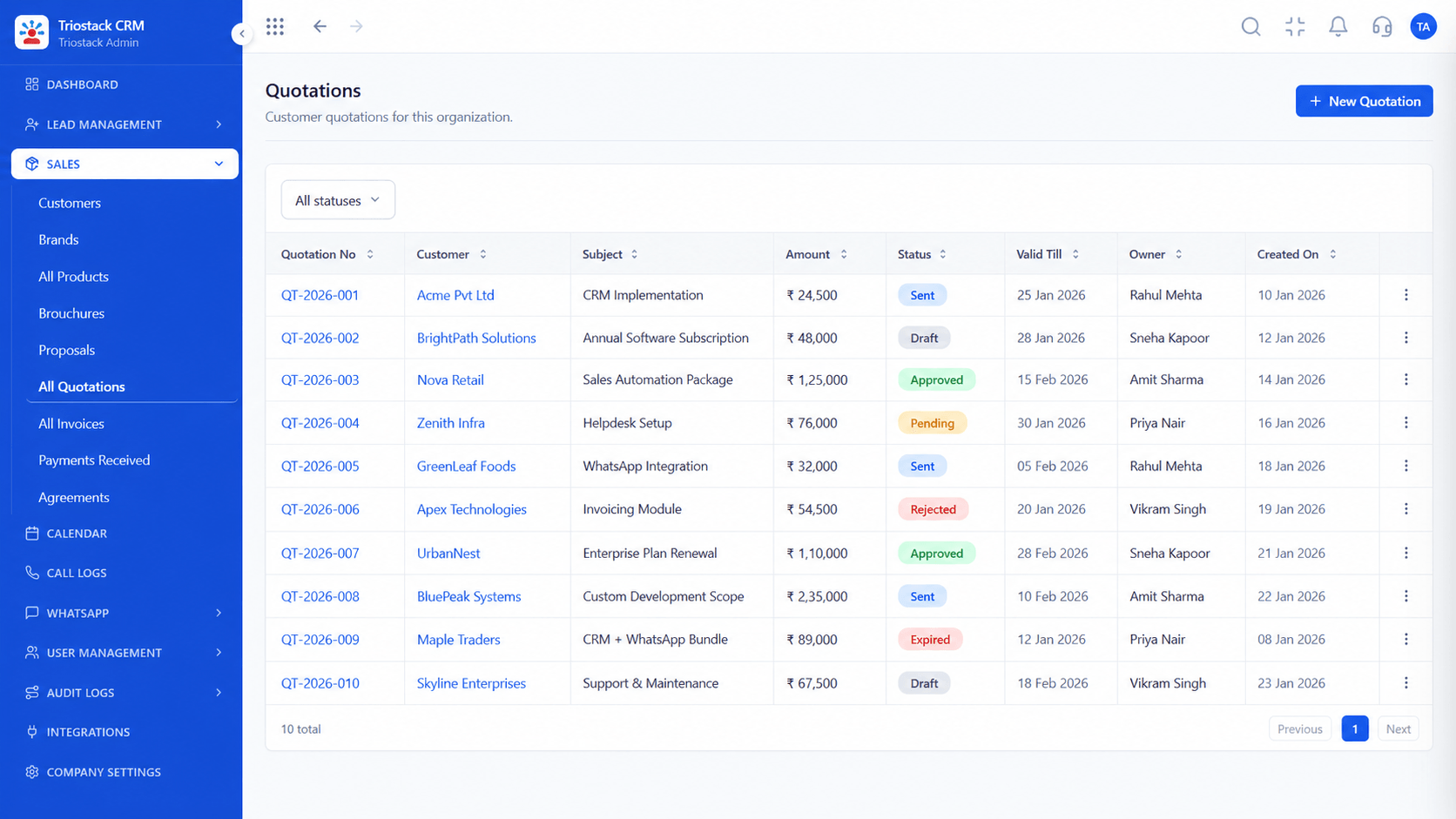
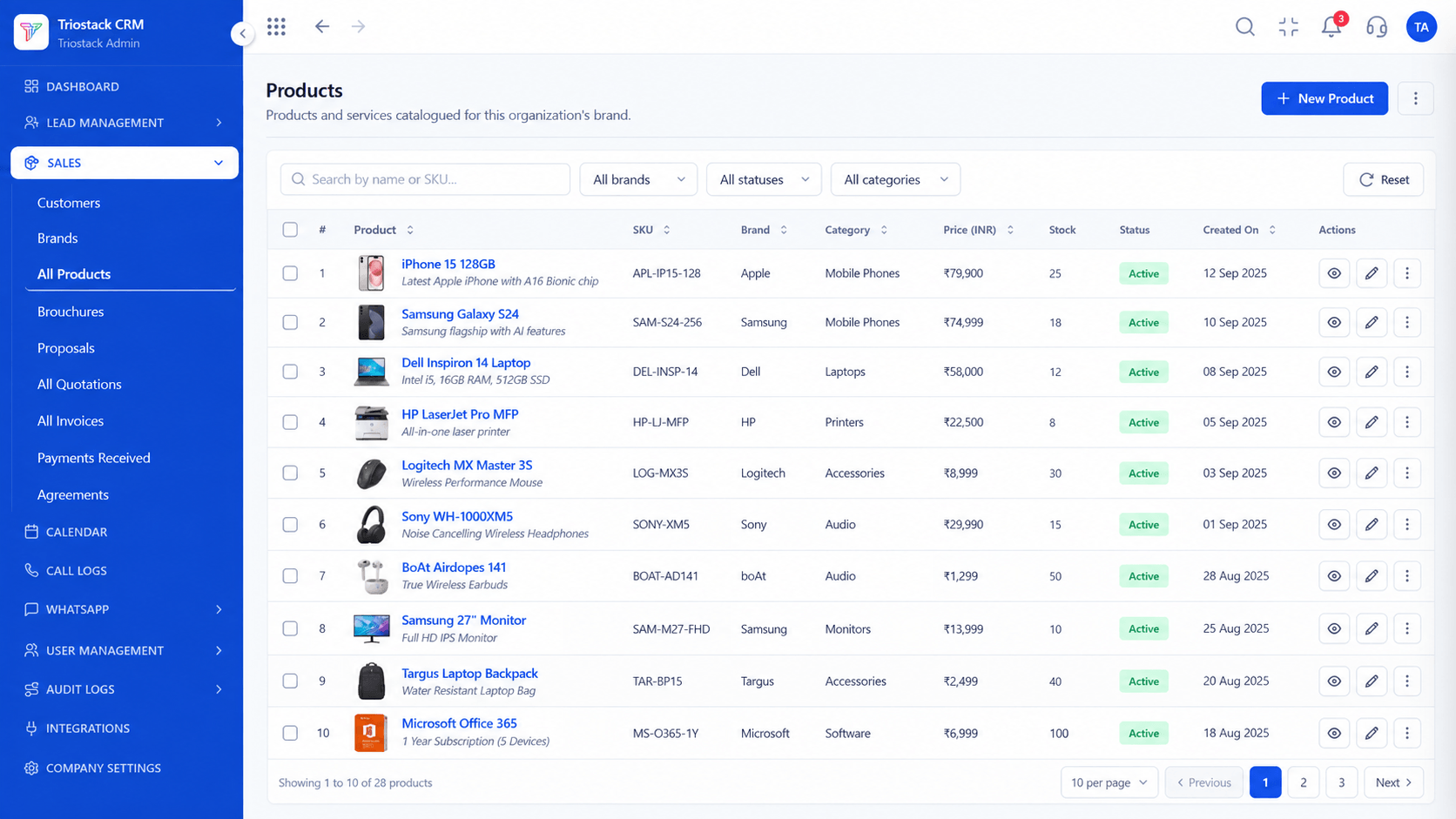
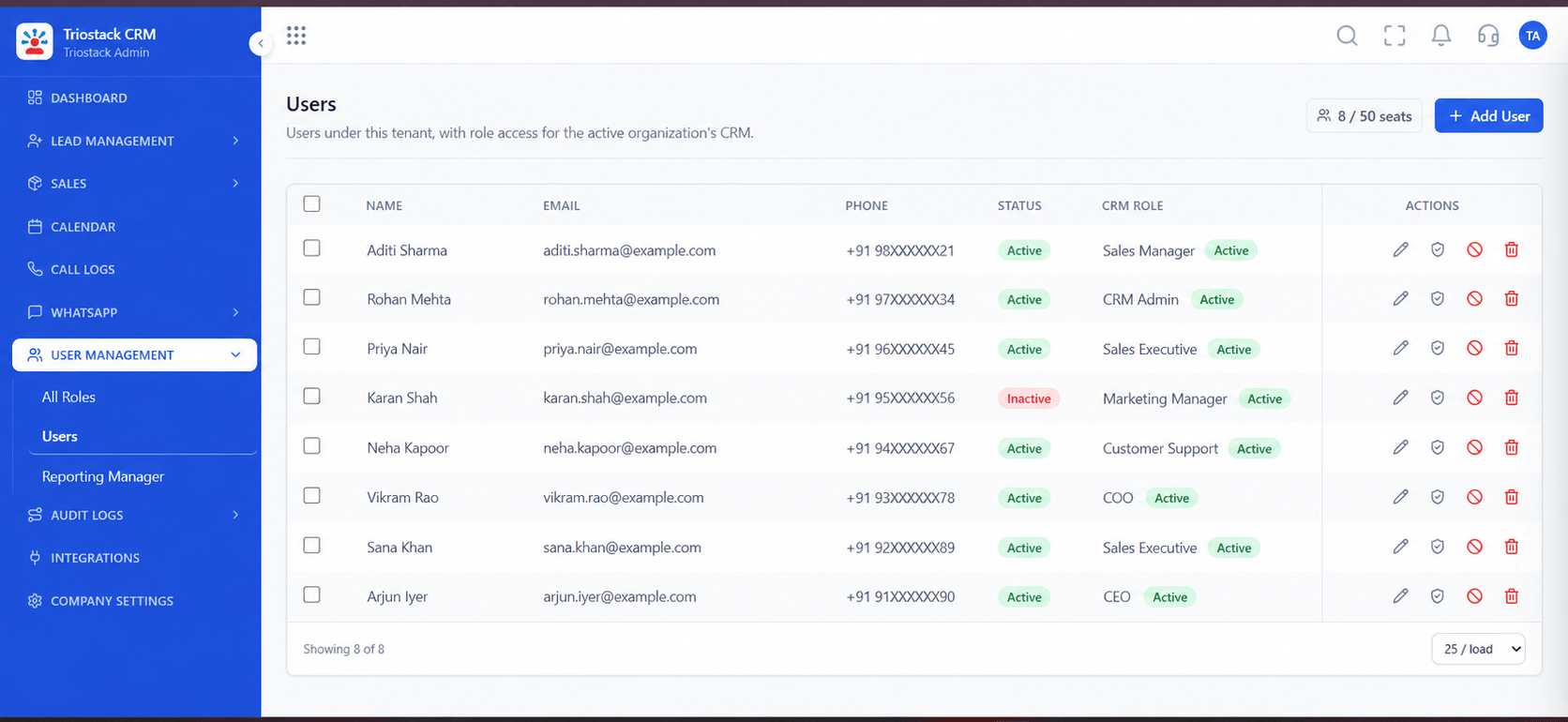
The screens below belong to Offline Mobile Mode with Auto-Sync: Lead Pipeline, Sales Dashboard and Lead Follow-Ups, all from the product.
Call Logs
Offline Mobile Mode with Auto-Sync: work now, sync when the network returns
Feature Breakdown
4 screens from the live product that show Offline Mobile Mode with Auto-Sync at work.

Offline entry.
How it fits the plan
Work. Add leads and notes without a connection.
Queue. The app marks them as waiting.
Practical tip
Open the app once on a good connection before a field day, so the day's leads and tasks are already on the phone.
Queued calls.
How it fits the plan
Queue. The app marks them as waiting.
Reconnect. The phone finds a network.
In real life
Trade shows
Halls with poor networks.

Tasks available offline.
How it fits the plan
Reconnect. The phone finds a network.
Sync. Changes upload in the background.
Watch out for
Editing the same lead on two devices while offline, which creates a conflict to resolve.
Devices and access.
How it fits the plan
Sync. Changes upload in the background.
Work. Add leads and notes without a connection.
Before you start
Execution Plan
Add leads and notes without a connection.
The app marks them as waiting.
The phone finds a network.
Changes upload in the background.
Practical Guide
Before you start
A tip that helps
Open the app once on a good connection before a field day, so the day's leads and tasks are already on the phone.
A common mistake
Editing the same lead on two devices while offline, which creates a conflict to resolve.
Availability: What Offline Mobile Mode with Auto-Sync covers can depend on your plan and setup. Please confirm with our team which parts are live for your account, and any prerequisites, before you plan around it.
In Real Life
Scenario 01
Halls with poor networks.
Scenario 02
Leads captured and kept.
Scenario 03
Calls logged and synced later.
Straight answers about Offline Mobile Mode with Auto-Sync, from setup to what happens next.
Have a question about Offline Mobile Mode with Auto-Sync?
Book a free callYes, they are saved on the phone and queued.
Yes, in the background when the phone reconnects.
The conflict is flagged for a decision.
It is protected by the device lock.
Capture leads and log calls in the Triostack CRM app without a data connection, then let the app sync to the cloud in the background when you are back online.
It runs in 4 steps: Work, Queue, Reconnect and Sync. Add leads and notes without a connection.
The real screens on this page include Lead Pipeline, Sales Dashboard, Lead Follow-Ups and All Leads, all captured from the product.
Request a demo and ask to see Offline Mobile Mode with Auto-Sync. Our team can also walk you through setup, so your first session ends with something working.
Keep Exploring
We will walk you through Offline Mobile Mode with Auto-Sync, from Offline lead entry, Offline call logs and Background sync, on sample data shaped like yours.
Explore All CRM Features