The best Business Suite software in India, built to help your business grow. Contact us at +91-8882435276.
[ Contact ]
Phone number
Email address
Head office
Noida office
The right team at TriostackOne will get back to you.

Positioning Assessment
Duplicates come from ads, forms, imports and reps who add a lead that already exists. They waste calls, annoy customers and spoil reports, because one buyer counts as three leads.
Triostack CRM detects duplicates automatically by phone number and email address, normalising formats so +91 98765 43210 and 9876543210 match. It flags a new lead that matches an existing one, and finds duplicates already in the database. Smart merging shows the records side by side and resolves conflicts field by field, keeping the most complete or most recent value or the one you choose. The activity timelines, calls, messages and notes of all merged records are consolidated into one history, and the merge is logged and can be reviewed.
“Two reps were about to call the same customer. The CRM flagged the duplicate and a merge kept both reps' notes.”
Sample team scenario
A made-up scenario about Lead Deduplication and Merging, not a customer testimonial

Lead Pipeline
Lead Deduplication and Merging: drag deals across your own sales stages
In the Product
Imagine every customer in exactly one place.
As they arrive.
Field by field.
In one timeline.
Platform Integrity
Formats normalised
Field by field
No history lost
Reviewable
At a Glance
What changes when duplicates are handled as they arrive.
| Dimension | Triostack CRM | Spreadsheet Cleaning |
|---|---|---|
| Detection | Automatic by phone and email | Sort and scan by eye |
| Format differences | Normalised before matching | Missed |
| Merging | Conflicts resolved field by field | Delete one row |
| History | Calls, messages and notes consolidated | Lost with the deleted row |
| Audit | Merges logged | None |
Book a walkthrough of Lead Deduplication and Merging. We set up a sandbox so you can try Phone and email matching, Duplicate detection and Smart merging before you commit.
Live Interface Tour
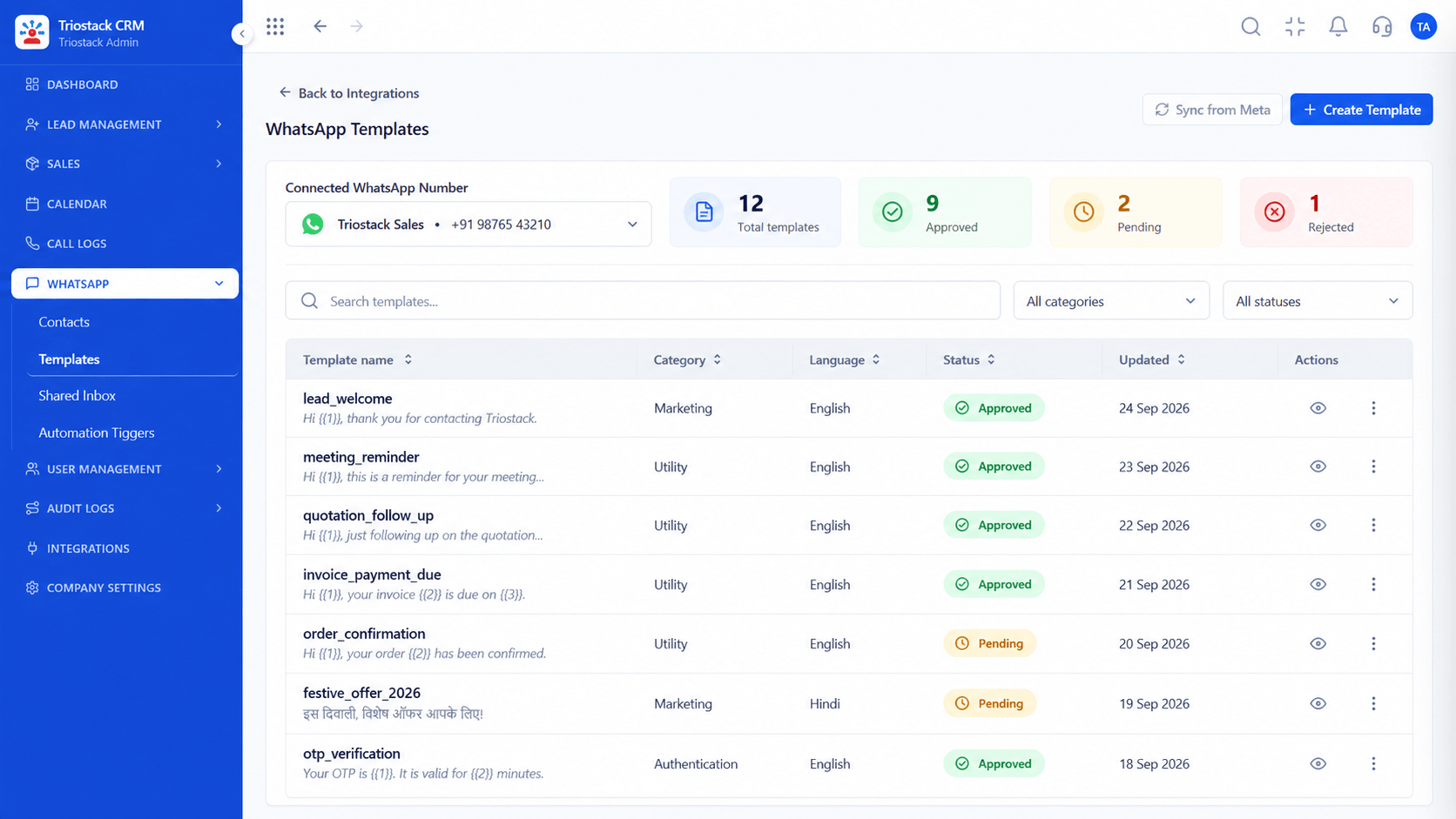
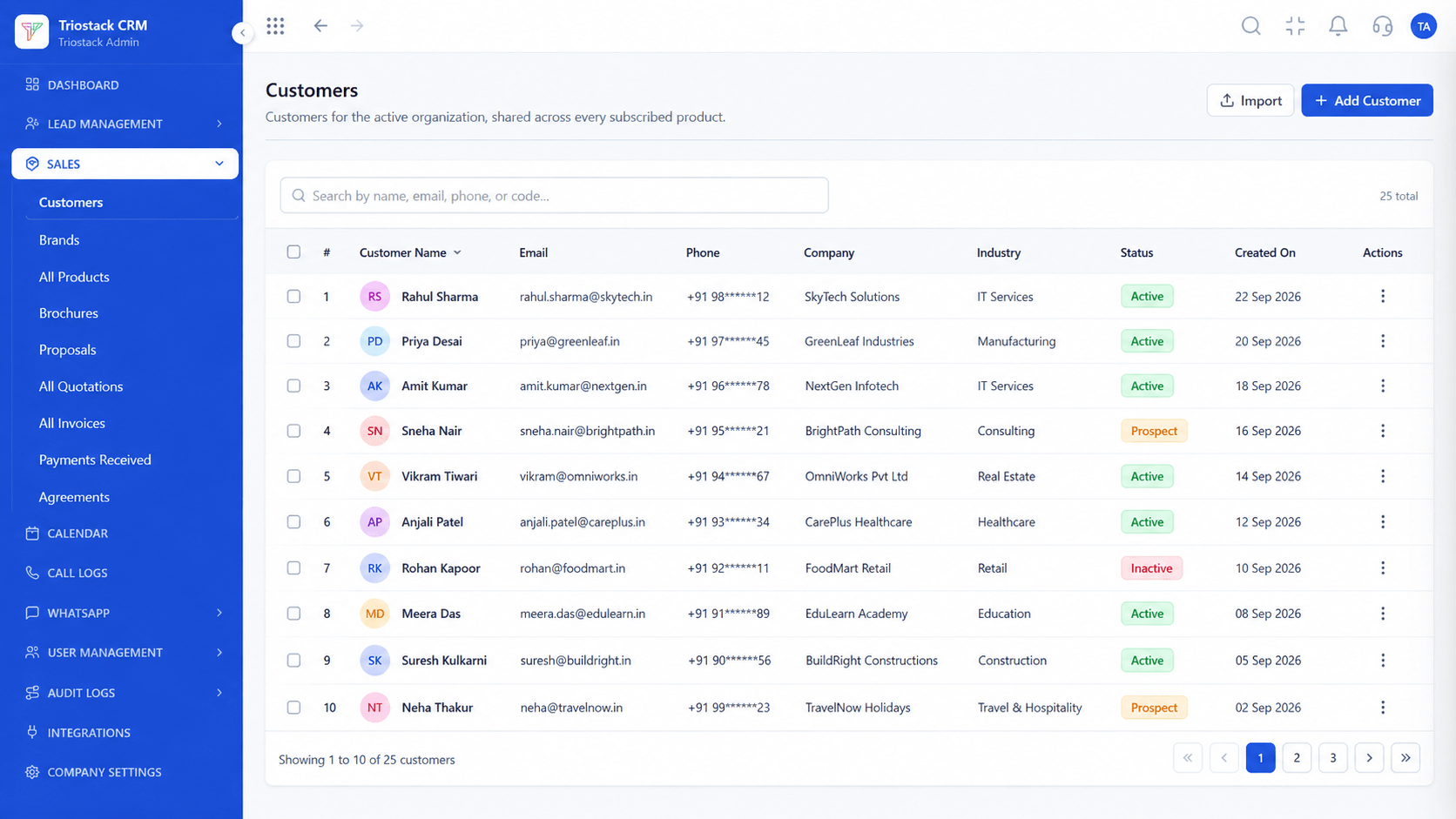
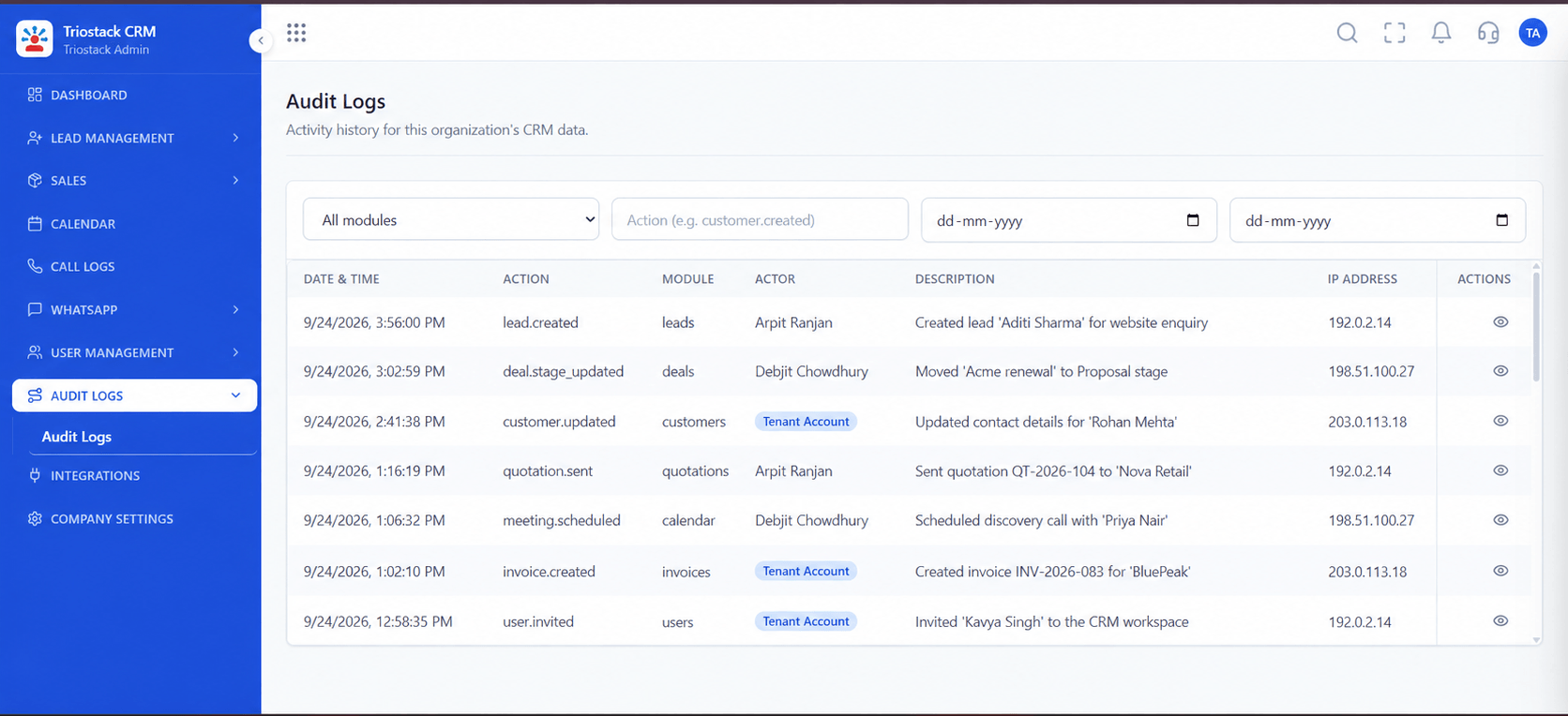
The screens below belong to Lead Deduplication and Merging: Lead Pipeline, Call Logs and Sales Dashboard, all from the product.
All Leads
Lead Deduplication and Merging: duplicates found and merged without losing history
Feature Breakdown
4 screens from the live product that show Lead Deduplication and Merging at work.
Duplicates flagged here.
How it fits the plan
Detect. Run duplicate detection on existing leads.
Review. Open each pair and compare fields.
Practical tip
Run detection before a big import, not after. Preventing duplicates is easier than merging them.
Merged profiles.
How it fits the plan
Review. Open each pair and compare fields.
Merge. Choose the winning value for each conflict.
In real life
Ad leads
Repeat sign-ups are caught.

One follow-up, not three.
How it fits the plan
Merge. Choose the winning value for each conflict.
Prevent. Keep matching on for new leads.
Watch out for
Merging by deleting the older record and losing the notes it held.
Merge history.
How it fits the plan
Prevent. Keep matching on for new leads.
Detect. Run duplicate detection on existing leads.
Before you start
Execution Plan
Run duplicate detection on existing leads.
Open each pair and compare fields.
Choose the winning value for each conflict.
Keep matching on for new leads.
Practical Guide
Before you start
A tip that helps
Run detection before a big import, not after. Preventing duplicates is easier than merging them.
A common mistake
Merging by deleting the older record and losing the notes it held.
Availability: What Lead Deduplication and Merging covers can depend on your plan and setup. Please confirm with our team which parts are live for your account, and any prerequisites, before you plan around it.
In Real Life
Scenario 01
Repeat sign-ups are caught.
Scenario 02
Existing duplicates are cleaned.
Scenario 03
One owner per customer.
Straight answers about Lead Deduplication and Merging, from setup to what happens next.
Have a question about Lead Deduplication and Merging?
Book a free callBy phone number and email address, after normalising formats.
You resolve them field by field, or keep the most complete or most recent value.
Yes, calls, messages and notes from all merged records are consolidated.
Yes, each merge is logged.
Automated phone and email duplicate detection, smart conflict merging and consolidation of historic activity into one customer timeline in Triostack CRM.
It runs in 4 steps: Detect, Review, Merge and Prevent. Run duplicate detection on existing leads.
The real screens on this page include Lead Pipeline, Call Logs, Sales Dashboard and All Leads, all captured from the product.
Request a demo and ask to see Lead Deduplication and Merging. Our team can also walk you through setup, so your first session ends with something working.
Keep Exploring
We will walk you through Lead Deduplication and Merging, from Phone and email matching, Duplicate detection and Smart merging, on sample data shaped like yours.
Explore All CRM Features