The best Business Suite software in India, built to help your business grow. Contact us at +91-8882435276.
[ Contact ]
Phone number
Email address
Head office
Noida office
The right team at TriostackOne will get back to you.

Positioning Assessment
Managers of field teams rely on a rep's word, a photo or a call at the end of the day. Rep honesty is not the problem; the lack of a simple record is. Without it, visits cannot be verified, and travel claims cannot be checked.
In the Triostack CRM mobile app, a rep checks in when they arrive at a customer and checks out when they leave. The app records the time and the phone's location, and compares it with the customer's saved address to verify that the visit happened where it should. A note, an outcome and photos can be added to the visit. The daily distance travelled between check-ins is totalled, so managers see how many visits each rep made and how far they went, and travel claims can be reconciled to the route.
“The evening report listed seven visits with times and places. No call was needed to ask where anyone had been.”
Sample team scenario
A made-up scenario about Field Sales GPS Check-In, not a customer testimonial

Lead Pipeline
Field Sales GPS Check-In: drag deals across your own sales stages
In the Product
Imagine every call on a customer stamped with a time and a place.
By time and place.
Against the route.
From one list.
Platform Integrity
With time
Against the address
Outcome and photos
Per day
At a Glance
What changes for the field manager.
| Dimension | Triostack CRM | Evening Phone Calls |
|---|---|---|
| Proof of visit | Time and location recorded | The rep's word |
| Location | Compared with the saved address | Not checked |
| Visit record | Outcome and photos on the lead | A message at day end |
| Travel | Daily distance totalled | Estimated claims |
| Review | A day's visits in one list | Chasing reps |
Book a walkthrough of Field Sales GPS Check-In. We set up a sandbox so you can try Check-in and check-out, Location verification and Distance logs before you commit.
Live Interface Tour
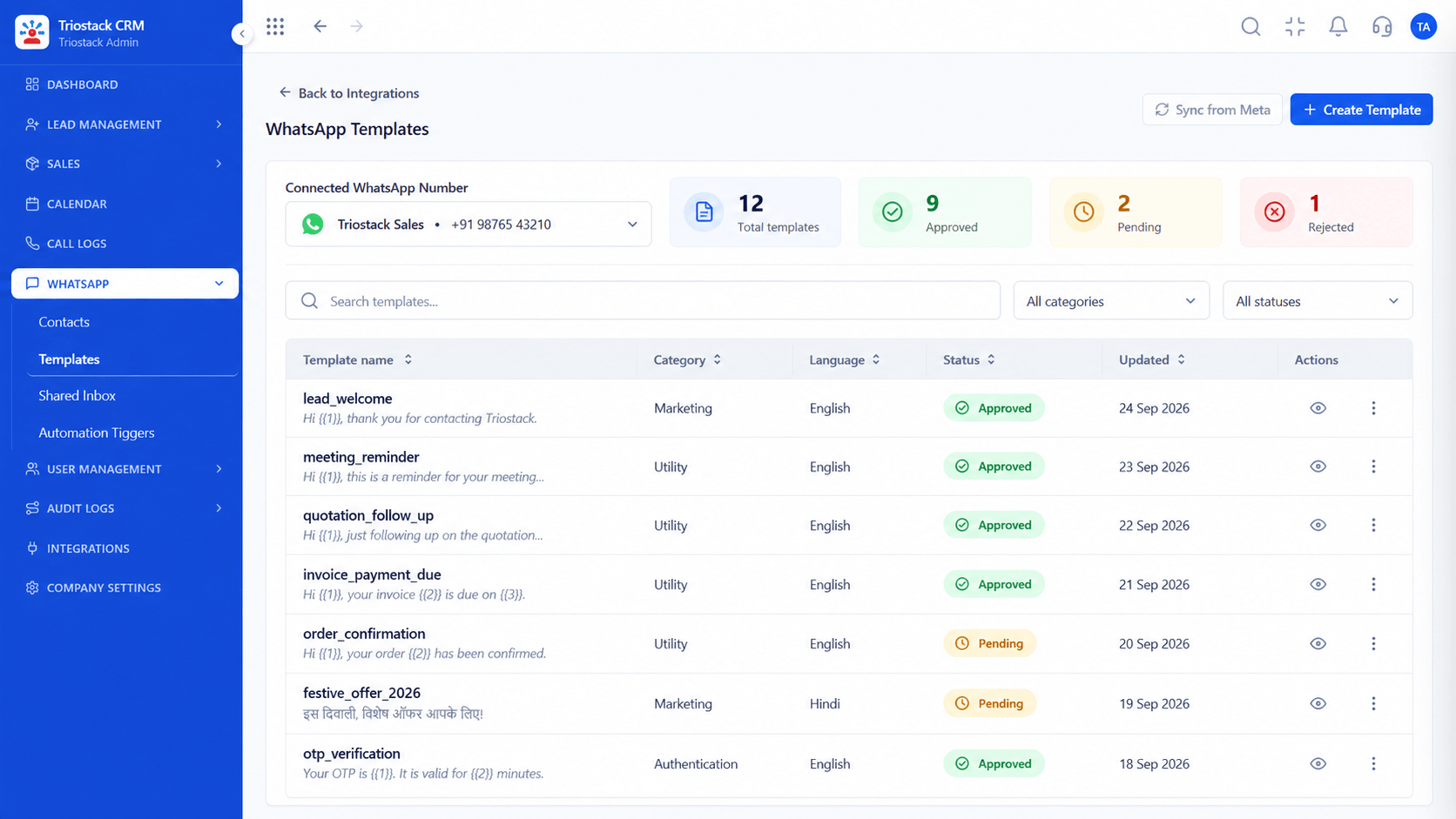
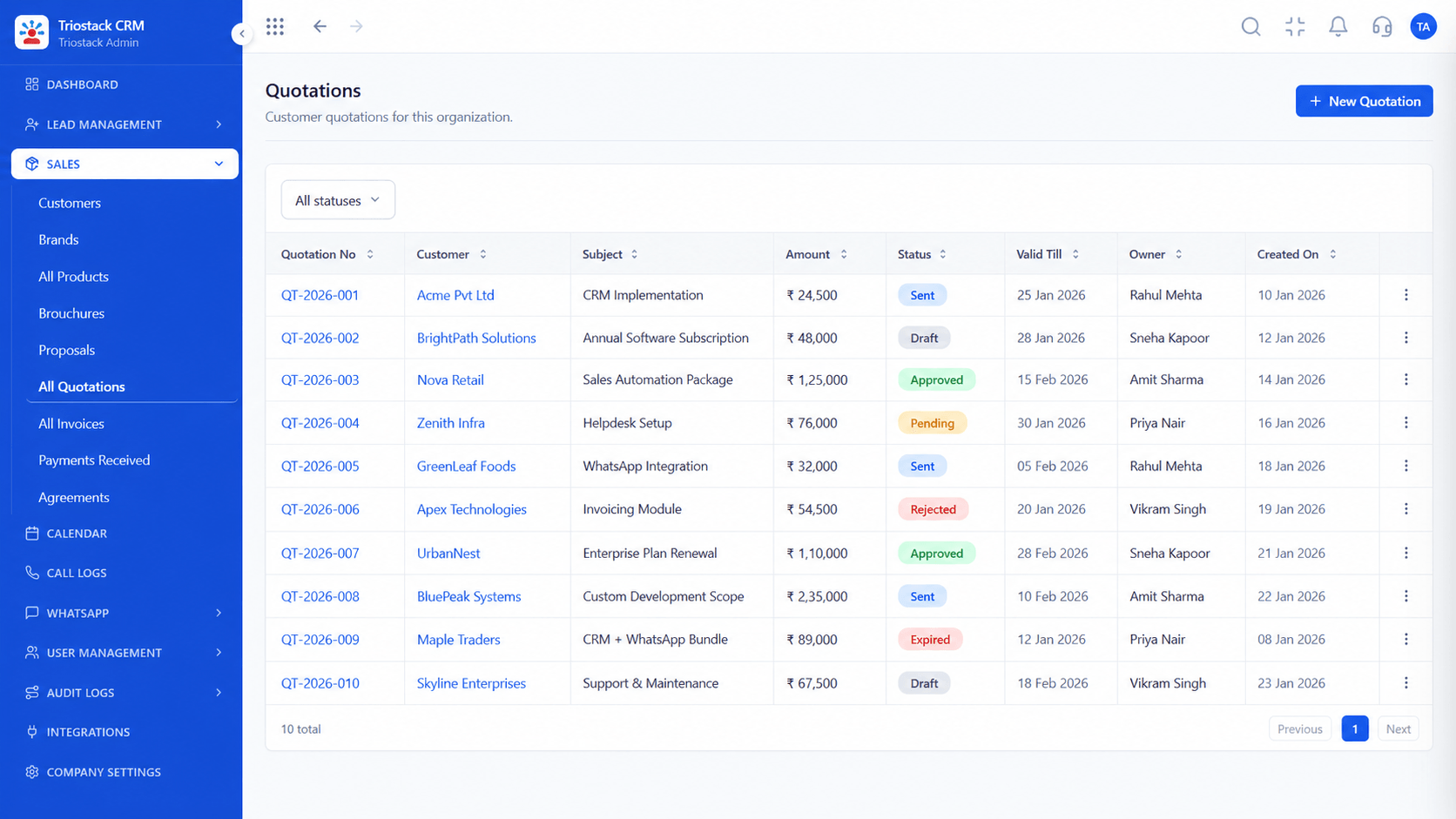
The screens below belong to Field Sales GPS Check-In: Lead Pipeline, Sales Dashboard and Lead Follow-Ups, all from the product.
Calendar & Bookings
Field Sales GPS Check-In: a time, a place and a distance for every call on a customer
Feature Breakdown
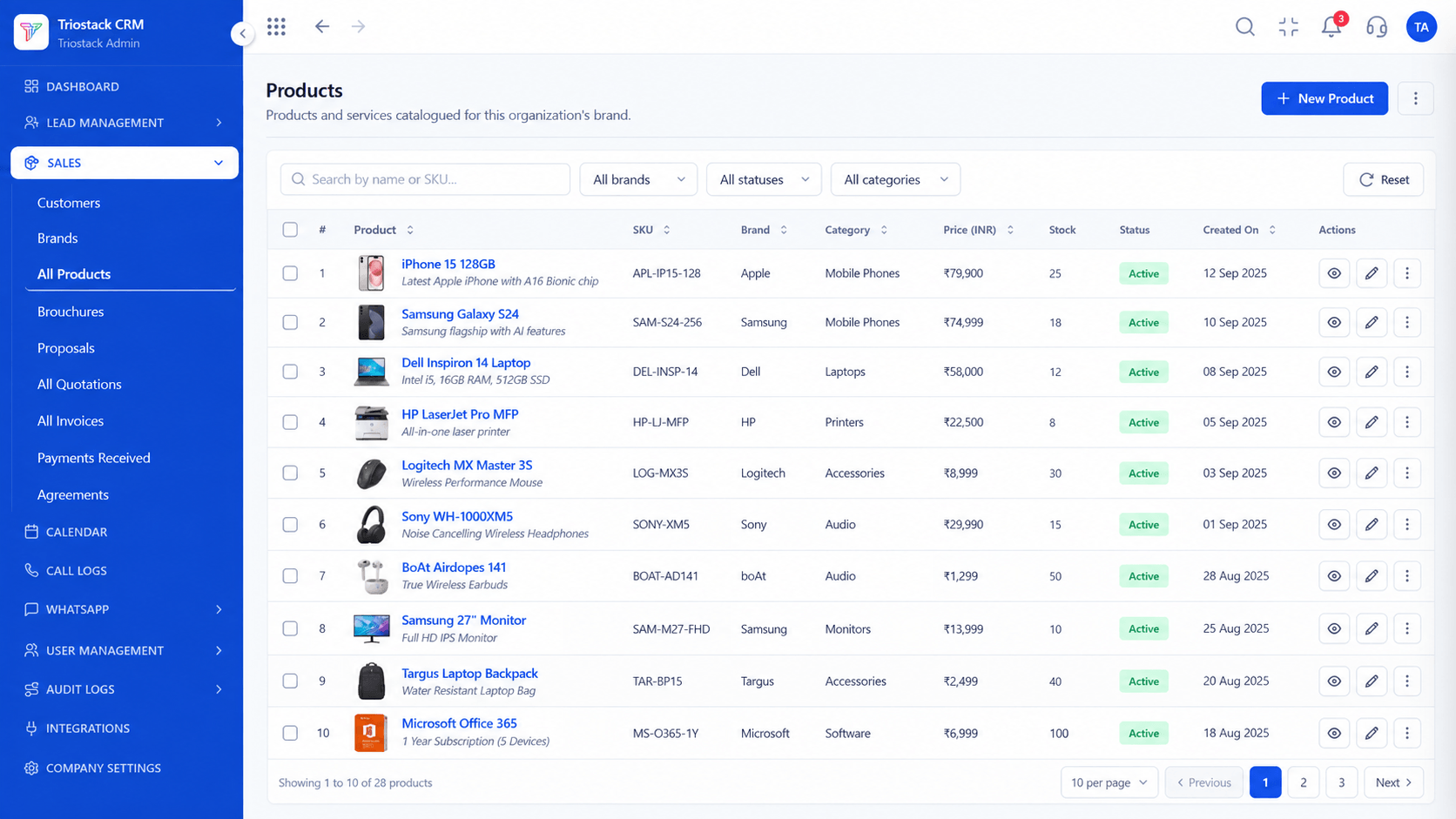
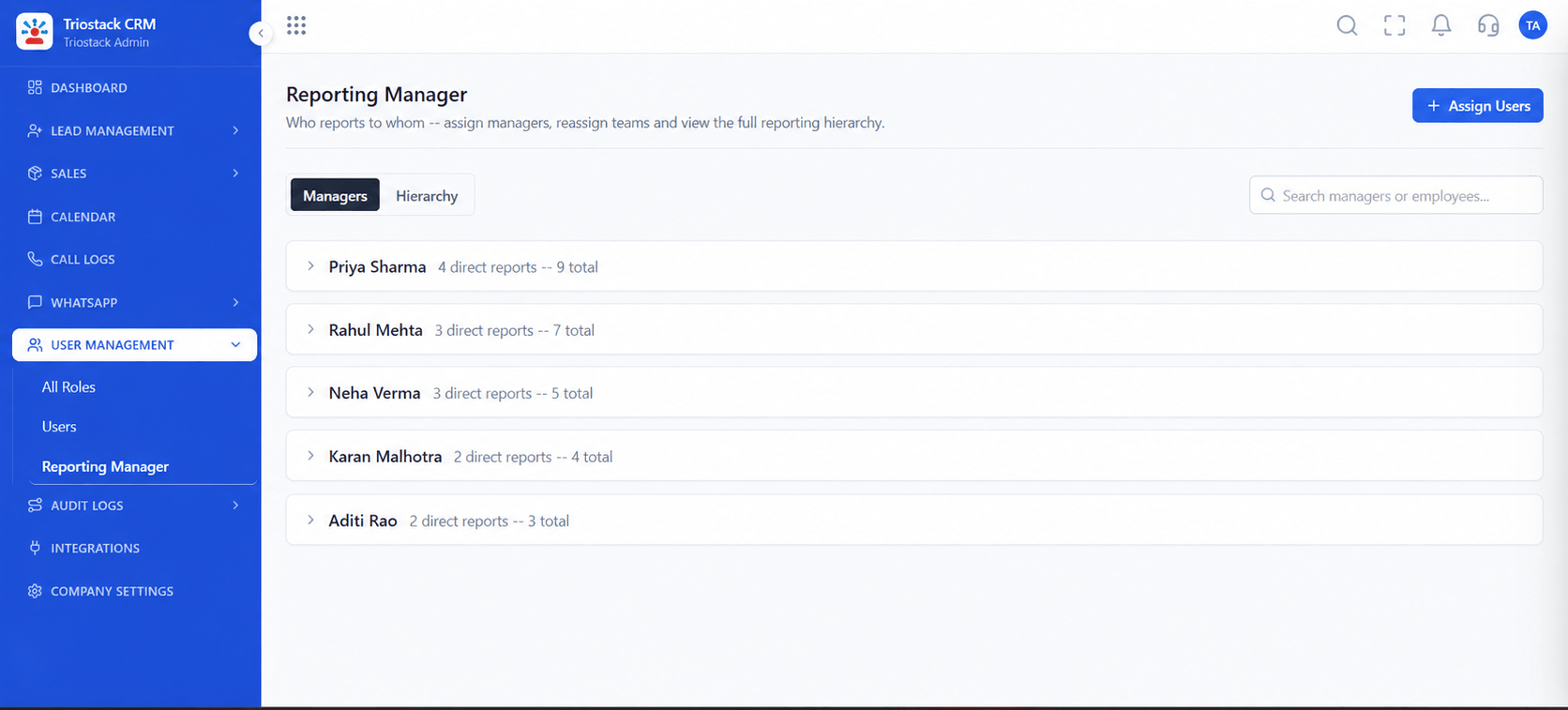
4 screens from the live product that show Field Sales GPS Check-In at work.
Planned visits.
How it fits the plan
Plan. Schedule the day's visits.
Check in. Tap check-in on arrival; location is recorded.
Practical tip
Tell the team what is recorded and why before you switch it on. Location tracking that is explained is accepted, and one that is discovered is resented.

Calls and visits.
How it fits the plan
Check in. Tap check-in on arrival; location is recorded.
Note. Add the outcome and photos.
In real life
Field sales
Managers see real activity.

Who is visited.
How it fits the plan
Note. Add the outcome and photos.
Review. Managers see visits and distance.
Watch out for
Tracking location outside working hours. Record only at check-in and check-out.
Who reviews.
How it fits the plan
Review. Managers see visits and distance.
Plan. Schedule the day's visits.
Before you start
Execution Plan
Schedule the day's visits.
Tap check-in on arrival; location is recorded.
Add the outcome and photos.
Managers see visits and distance.
Practical Guide
Before you start
A tip that helps
Tell the team what is recorded and why before you switch it on. Location tracking that is explained is accepted, and one that is discovered is resented.
A common mistake
Tracking location outside working hours. Record only at check-in and check-out.
Availability: What Field Sales GPS Check-In covers can depend on your plan and setup. Please confirm with our team which parts are live for your account, and any prerequisites, before you plan around it.
In Real Life
Scenario 01
Managers see real activity.
Scenario 02
Visit proof backs follow-ups.
Scenario 03
Distance matches the log.
Straight answers about Field Sales GPS Check-In, from setup to what happens next.
Have a question about Field Sales GPS Check-In?
Book a free callYes, from the mobile app.
Yes, against the saved address.
Yes, totalled per day between check-ins.
No, location is recorded at check-in and check-out.
Mobile geolocation check-in and check-out for field reps, with customer location verification and daily distance travel logs in Triostack CRM.
It runs in 4 steps: Plan, Check in, Note and Review. Schedule the day's visits.
The real screens on this page include Lead Pipeline, Sales Dashboard, Lead Follow-Ups and Calendar & Bookings, all captured from the product.
Request a demo and ask to see Field Sales GPS Check-In. Our team can also walk you through setup, so your first session ends with something working.
Keep Exploring
We will walk you through Field Sales GPS Check-In, from Check-in and check-out, Location verification and Distance logs, on sample data shaped like yours.
Explore All CRM Features