The best Business Suite software in India, built to help your business grow. Contact us at +91-8882435276.
[ Contact ]
Phone number
Email address
Head office
Noida office
The right team at TriostackOne will get back to you.
Positioning Assessment
Businesses with more than one team publish one number and need to route calls: sales, support, accounts. Without an IVR, one person answers and transfers, and the CRM sees none of it.
A virtual DID number gives you a business number that is not tied to a phone. Cloud IVR answers with a menu, for example press 1 for sales, 2 for support, 3 for accounts, and routes the call to the right department, with routing by time of day. If no agent is available or the cloud line fails, the call falls back to forwarding to GSM mobile numbers, so no call is dropped. Each call is matched to the caller's lead by phone number and logged with its duration, outcome and the menu option chosen.
“The after-hours call went to a mobile by fallback. The lead and the call log were still in the CRM next morning.”
Sample team scenario
A made-up scenario about IVR and Virtual Number Integration, not a customer testimonial

Lead Pipeline
IVR and Virtual Number Integration: drag deals across your own sales stages
In the Product
Imagine every caller greeted, directed and remembered.
To the right team.
No dropped calls.
Every call.
Platform Integrity
Menu routing
Not tied to a phone
Sales, support, accounts
No dropped calls
At a Glance
What changes when calls are routed and logged.
| Dimension | Triostack CRM | A Single Mobile Number |
|---|---|---|
| Number | Virtual DID, not tied to a phone | Tied to one handset |
| Routing | Menu to the right department | One person answers and transfers |
| Out of hours | Time-based routing | Missed |
| Fallback | Forwards to GSM mobiles | Call lost |
| CRM record | Matched to the lead and logged | No record |
Book a walkthrough of IVR and Virtual Number Integration. We set up a sandbox so you can try Cloud IVR, Virtual DID numbers and Department menus before you commit.
Live Interface Tour
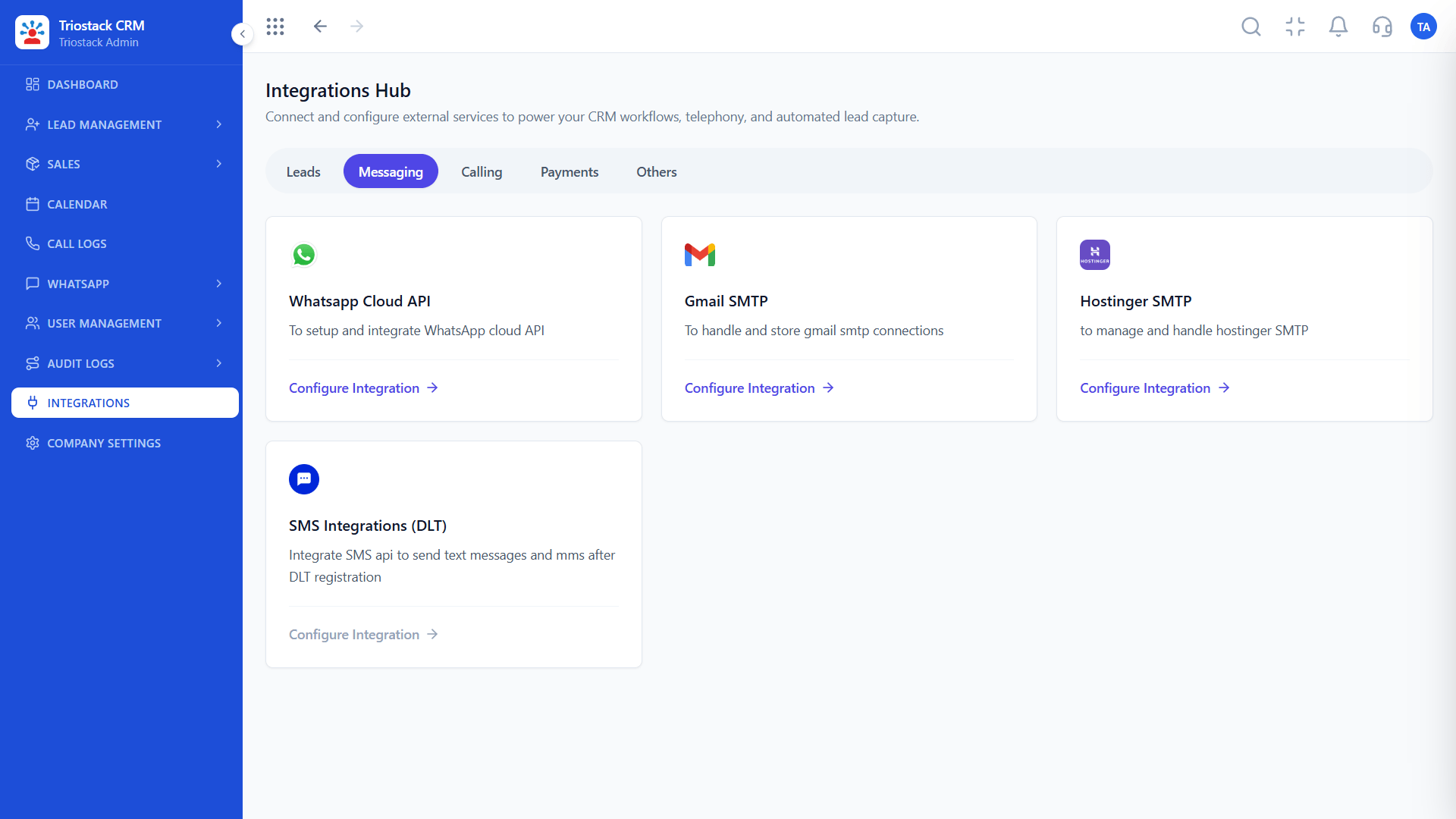
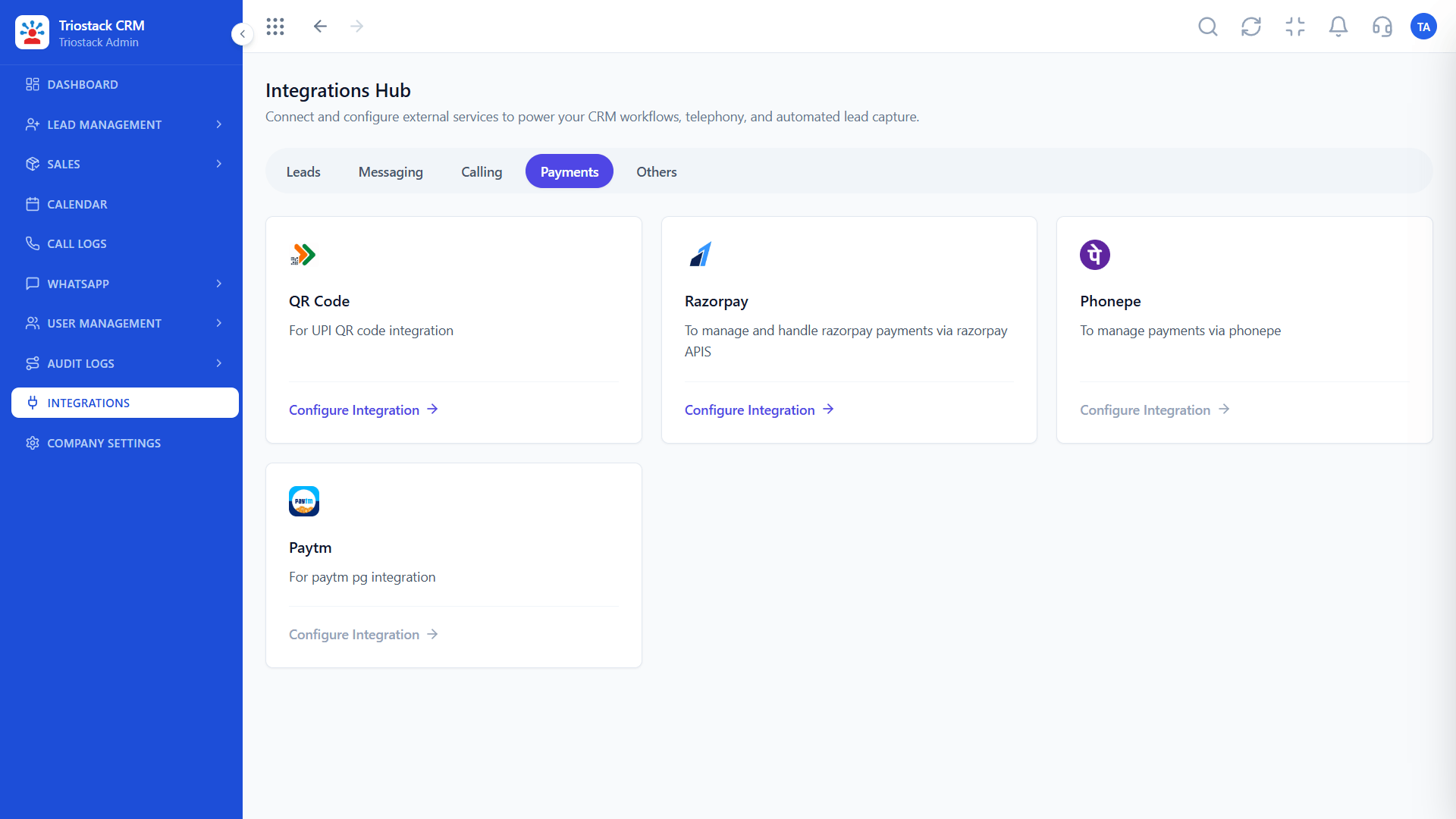
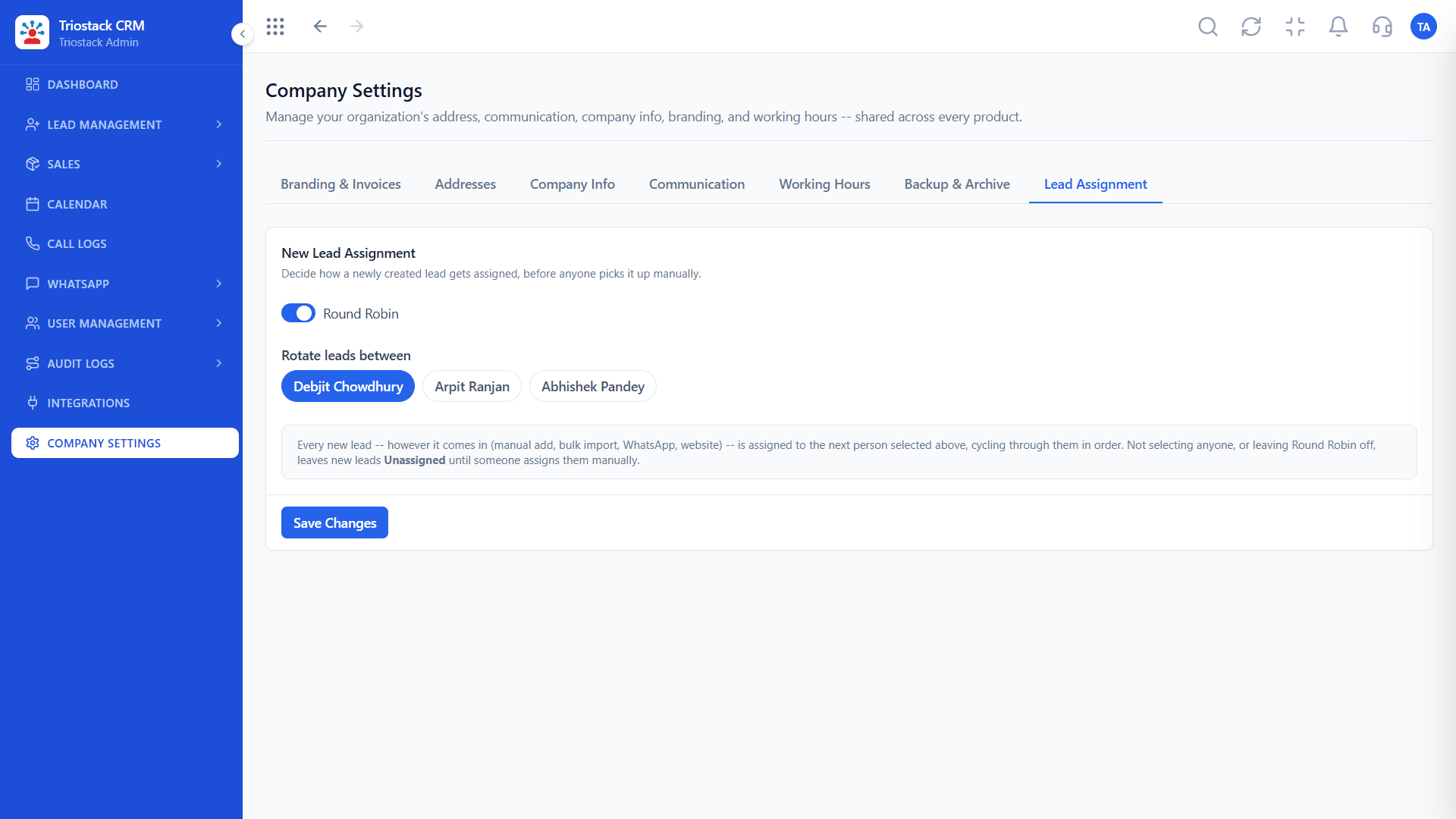
The screens below belong to IVR and Virtual Number Integration: Lead Pipeline, Lead Follow-Ups and Sales Dashboard, all from the product.
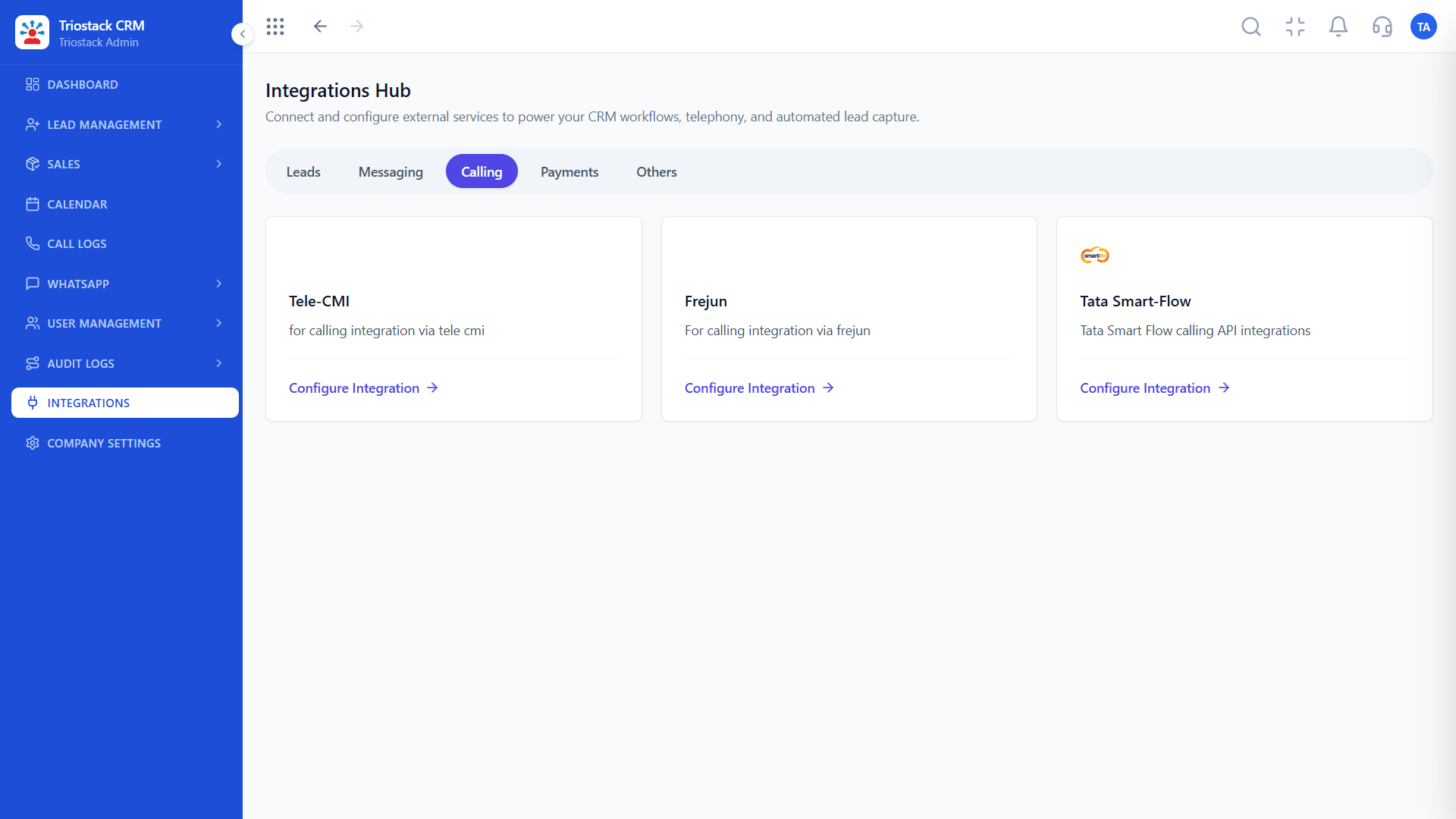
Calling Integrations
IVR and Virtual Number Integration: callers routed, every call on the lead
Feature Breakdown
4 screens from the live product that show IVR and Virtual Number Integration at work.
01
CRMTelephony connections.
How it fits the plan
Number. Get a virtual DID number.
Menu. Design the menu and the departments.
Practical tip
Keep the menu to three or four options. Callers abandon a menu that sounds like an exam.

02
CRMEvery call on the lead.
How it fits the plan
Menu. Design the menu and the departments.
Fallback. Add GSM mobile numbers for fallback.
In real life
Multi-team business
One number serves all.
03
CRMDepartment routing.
How it fits the plan
Fallback. Add GSM mobile numbers for fallback.
Log. Check that calls appear on the lead.
Watch out for
Having no fallback, so a line problem drops every call.

04
CRMCallers matched.
How it fits the plan
Log. Check that calls appear on the lead.
Number. Get a virtual DID number.
Before you start
Execution Plan
Get a virtual DID number.
Design the menu and the departments.
Add GSM mobile numbers for fallback.
Check that calls appear on the lead.
Practical Guide
Before you start
A tip that helps
Keep the menu to three or four options. Callers abandon a menu that sounds like an exam.
A common mistake
Having no fallback, so a line problem drops every call.
Availability: What IVR and Virtual Number Integration covers can depend on your plan and setup. Please confirm with our team which parts are live for your account, and any prerequisites, before you plan around it.
In Real Life
Scenario 01
One number serves all.
Scenario 02
Calls reach a mobile.
Scenario 03
Managers see the whole path.
Straight answers about IVR and Virtual Number Integration, from setup to what happens next.
Have a question about IVR and Virtual Number Integration?
Book a free callYes, with a menu that routes callers to departments.
Business numbers that are not tied to a phone.
Calls fall back to forwarding to GSM mobile numbers.
Yes, matched by phone number, with the menu option chosen.
Cloud IVR routing, virtual DID numbers, multi-department call menus and fallback GSM mobile forwarding, with every call logged on the lead in Triostack CRM.
It runs in 4 steps: Number, Menu, Fallback and Log. Get a virtual DID number.
The real screens on this page include Lead Pipeline, Lead Follow-Ups, Sales Dashboard and Calling Integrations, all captured from the product.
Request a demo and ask to see IVR and Virtual Number Integration. Our team can also walk you through setup, so your first session ends with something working.
Keep Exploring
We will walk you through IVR and Virtual Number Integration, from Cloud IVR, Virtual DID numbers and Department menus, on sample data shaped like yours.
Explore All Custom Integrations