The best Business Suite software in India, built to help your business grow. Contact us at +91-8882435276.
[ Contact ]
Phone number
Email address
Head office
Noida office
The right team at TriostackOne will get back to you.

Positioning Assessment
Managers usually see one of two things: a pipeline report of what closed, or a vague sense of who is busy. Neither tells you why a rep is ahead or behind.
The scorecard lines up the measures that explain a rep's day. Daily calls and talk time show effort. Leads engaged shows how many different prospects were actually worked. Deals closed shows the result. Response speed measures how quickly a new lead got its first touch, which is often the most telling number of all. The figures update as work is logged, and each measure can be viewed by day, week or month, and compared across the team. No targets or benchmarks are built in; you set the ones that fit your business, and the scorecard is meant to start coaching conversations, not to rank people.
“A rep with few calls had the fastest response and the best close rate. We copied his habit instead of counting calls.”
Sample team scenario
A made-up scenario about Sales Rep Activity and Productivity Scorecard, not a customer testimonial

All Leads
Sales Rep Activity and Productivity Scorecard: every lead with its source, status and owner
In the Product
Imagine every rep's effort and result on one line.
Together.
At the first touch.
Not ours.
Platform Integrity
Daily effort
Breadth of work
The result
First touch time
At a Glance
What each shows a manager.
| Dimension | Triostack CRM | A Pipeline Report Alone |
|---|---|---|
| Effort | Calls and talk time per rep | Not shown |
| Breadth | Leads engaged | Open deal count |
| Result | Deals closed | Deals closed |
| Speed | Response time to new leads | Not shown |
| Use | Coaching conversations | Forecast review |
Book a walkthrough of Sales Rep Activity and Productivity Scorecard. We set up a sandbox so you can try Daily calls, Talk time and Leads engaged before you commit.
Live Interface Tour
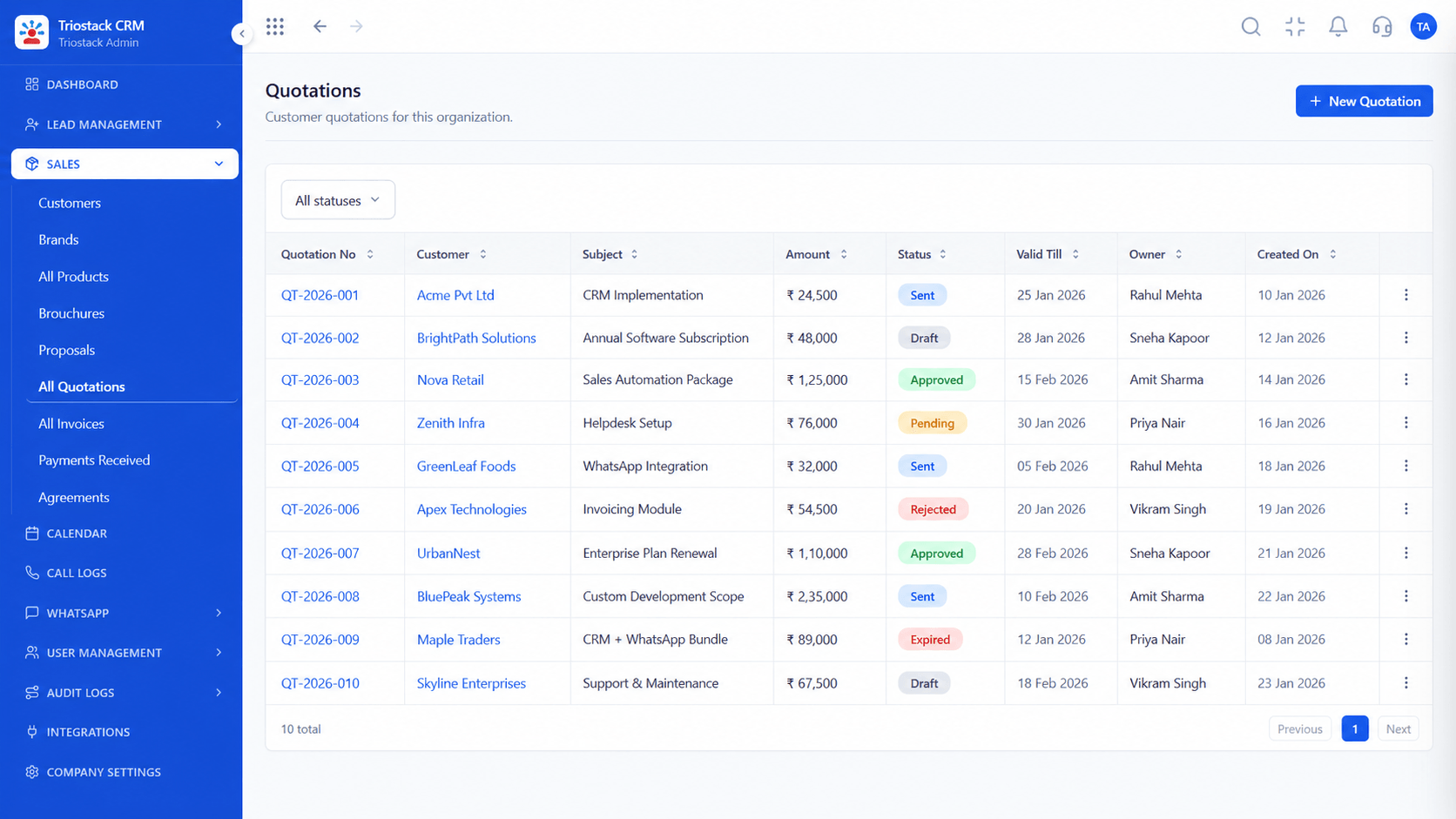
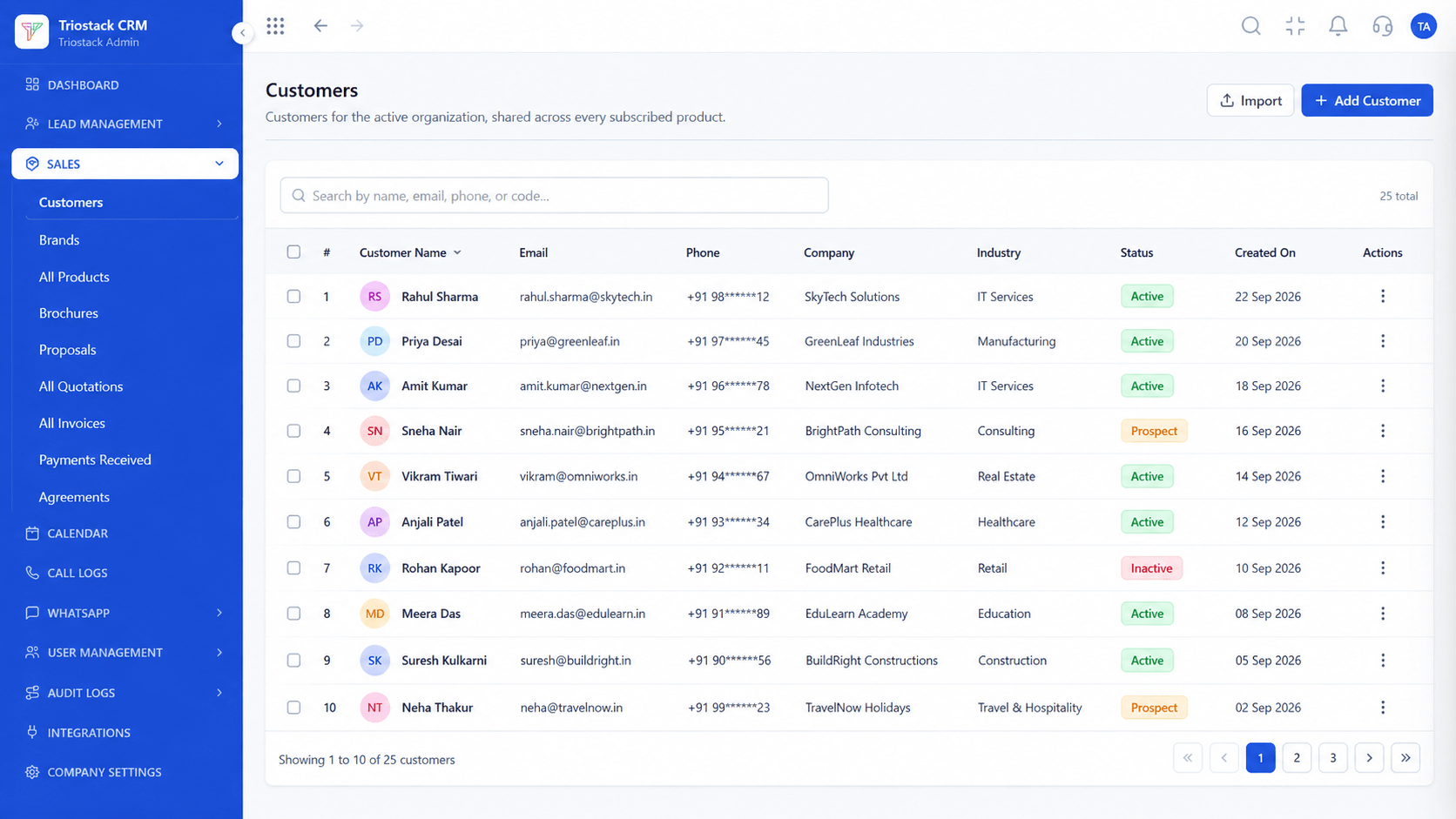
The screens below belong to Sales Rep Activity and Productivity Scorecard: All Leads, Lead Follow-Ups and Call Logs, all from the product.
Sales Dashboard
Sales Rep Activity and Productivity Scorecard: activity and outcome side by side
Feature Breakdown
4 screens from the live product that show Sales Rep Activity and Productivity Scorecard at work.
The team view.
How it fits the plan
Choose. Pick the measures that matter to your sales model.
Review. Look at each rep's week.
Practical tip
Look at response speed first. Slow first replies usually explain more lost deals than call counts do.

Calls and talk time.
In real life
Weekly one-to-ones
Coaching starts from data.

Deals closed.
Watch out for
Ranking reps by calls made. Volume without quality teaches reps to dial, not to sell.
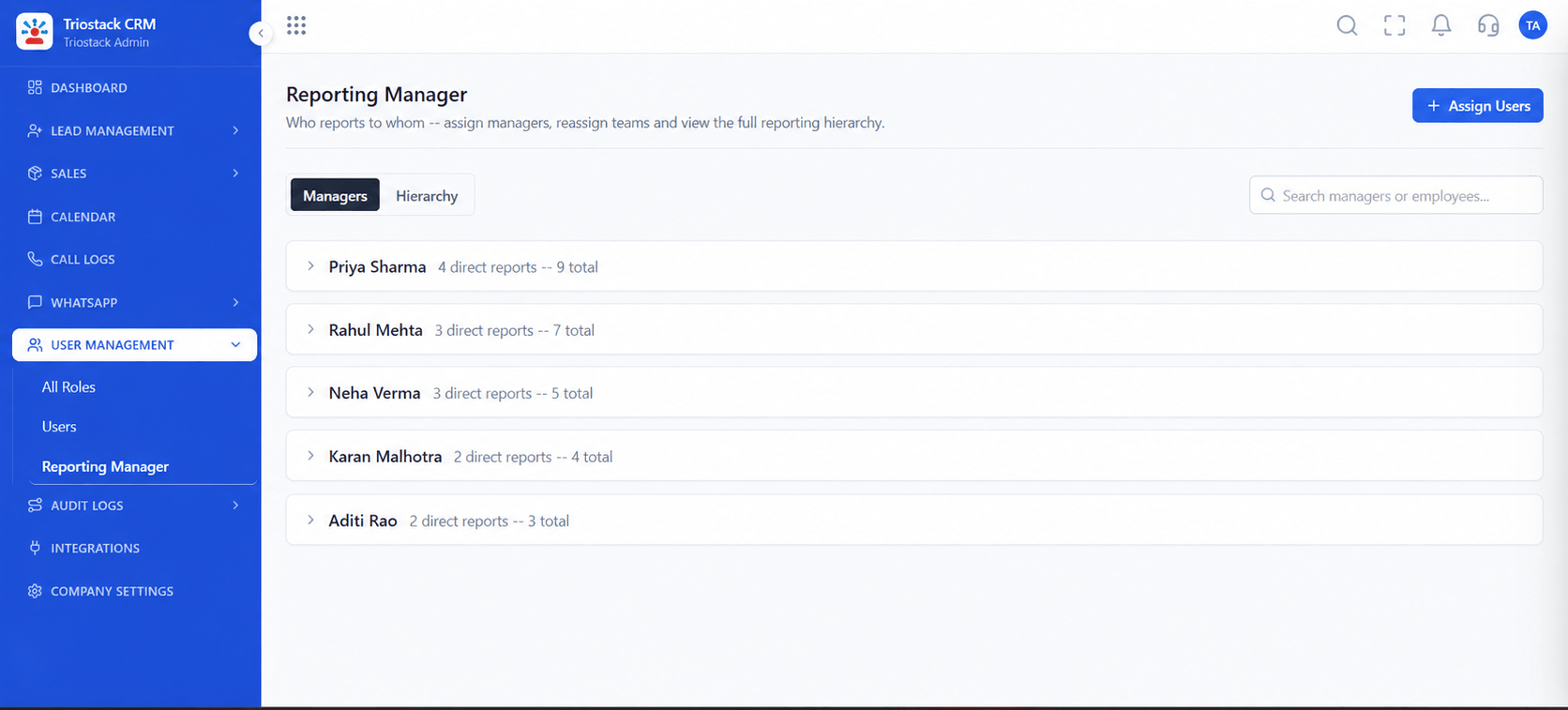
Who sees whose scorecard.
Before you start
Execution Plan
Pick the measures that matter to your sales model.
Look at each rep's week.
See what the best performers do differently.
Agree one change per rep.
Practical Guide
Before you start
A tip that helps
Look at response speed first. Slow first replies usually explain more lost deals than call counts do.
A common mistake
Ranking reps by calls made. Volume without quality teaches reps to dial, not to sell.
Availability: What Sales Rep Activity and Productivity Scorecard covers can depend on your plan and setup. Please confirm with our team which parts are live for your account, and any prerequisites, before you plan around it.
In Real Life
Scenario 01
Coaching starts from data.
Scenario 02
Ramp-up is visible.
Scenario 03
You see what is behind the numbers.
Straight answers about Sales Rep Activity and Productivity Scorecard, from setup to what happens next.
Have a question about Sales Rep Activity and Productivity Scorecard?
Book a free callDaily calls, talk time, leads engaged, deals closed and response speed.
It updates as work is logged.
No. You set the targets that fit your business.
Reps and managers according to your reporting structure.
A real-time dashboard that measures each sales rep's daily calls, talk time, leads engaged, deals closed and response speed in Triostack CRM.
It runs in 4 steps: Choose, Review, Compare and Coach. Pick the measures that matter to your sales model.
The real screens on this page include All Leads, Lead Follow-Ups, Call Logs and Sales Dashboard, all captured from the product.
Request a demo and ask to see Sales Rep Activity and Productivity Scorecard. Our team can also walk you through setup, so your first session ends with something working.
We will walk you through Sales Rep Activity and Productivity Scorecard, from Daily calls, Talk time and Leads engaged, on sample data shaped like yours.
Explore All CRM Features