The best Business Suite software in India, built to help your business grow. Contact us at +91-8882435276.
[ Contact ]
Phone number
Email address
Head office
Noida office
The right team at TriostackOne will get back to you.
Build
Lay out the email in the HTML builder.
Merge
Insert tags and set fallback values.
Send
Send to a segment or an individual.
Follow
Act on opens, clicks and bounces.
Positioning Assessment
Salespeople rewrite the same email many times, and templates pasted from a document break on phones and read as generic. Neither earns replies.
Triostack CRM provides a rich HTML email builder with layouts, images, buttons and your brand colours. Merge tags insert details from the lead or customer, such as first name, company, quoted amount or owner name, with fallback text for missing values so no email says 'Hello {{name}}'. Opens and link clicks are tracked per recipient and shown on the lead's timeline, which tells the rep who is reading. Bounce monitoring marks addresses that failed, so you stop sending to them and protect your sending reputation.
“A prospect clicked the pricing link twice. The rep saw it on the timeline and called the same afternoon.”
Sample team scenario
A made-up scenario about Dynamic Email Templates and Merge Tags, not a customer testimonial

Lead Pipeline
Dynamic Email Templates and Merge Tags: drag deals across your own sales stages
In the Product
Imagine each email reading as written for one person.
Used often.
With fallbacks.
Per recipient.
Platform Integrity
Blocks and brand colours
With fallbacks
On the timeline
Protects reputation
At a Glance
What changes in sales email.
| Dimension | Triostack CRM | Copy-Paste Emails |
|---|---|---|
| Design | Visual builder, mobile-ready | Plain text or broken HTML |
| Personalisation | Merge tags with fallbacks | Typed by hand |
| Engagement | Opens and clicks per person | Unknown |
| Bounces | Monitored and suppressed | Repeated sends |
| Consistency | Shared approved templates | Every rep writes their own |
Book a walkthrough of Dynamic Email Templates and Merge Tags. We set up a sandbox so you can try HTML builder, Merge variables and Click and open tracking before you commit.
Live Interface Tour
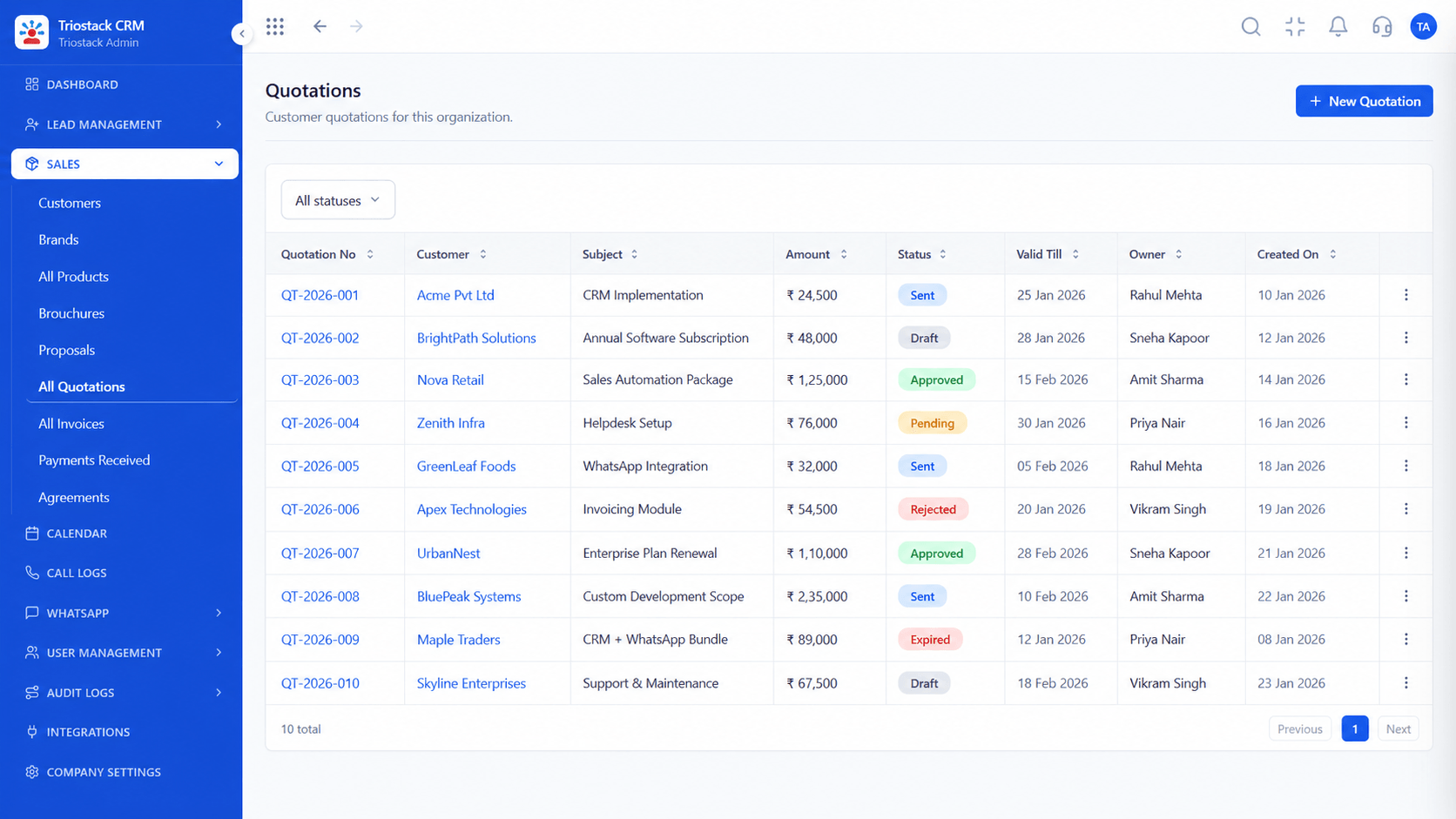
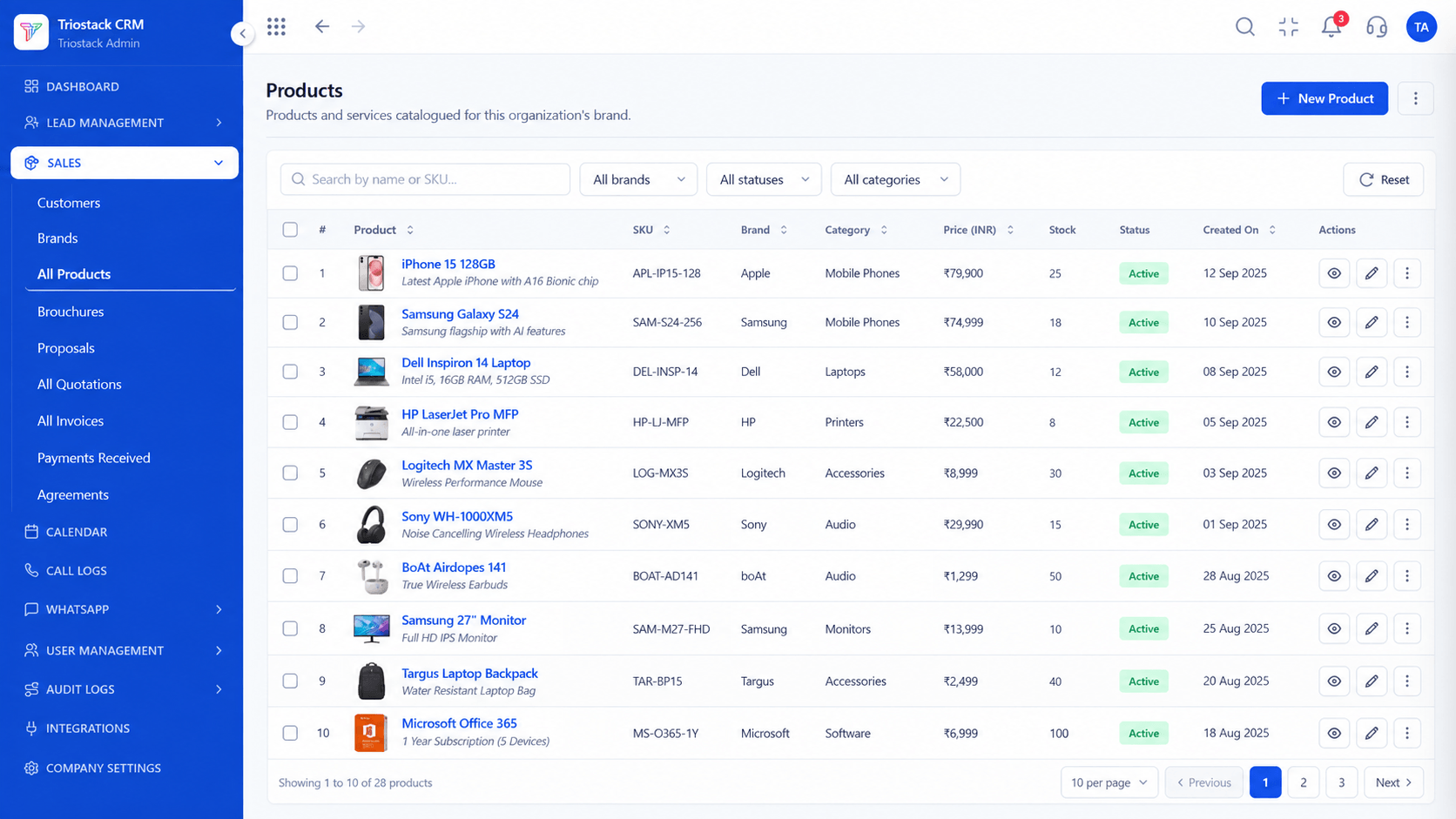
The screens below belong to Dynamic Email Templates and Merge Tags: Lead Pipeline, Call Logs and Sales Dashboard, all from the product.
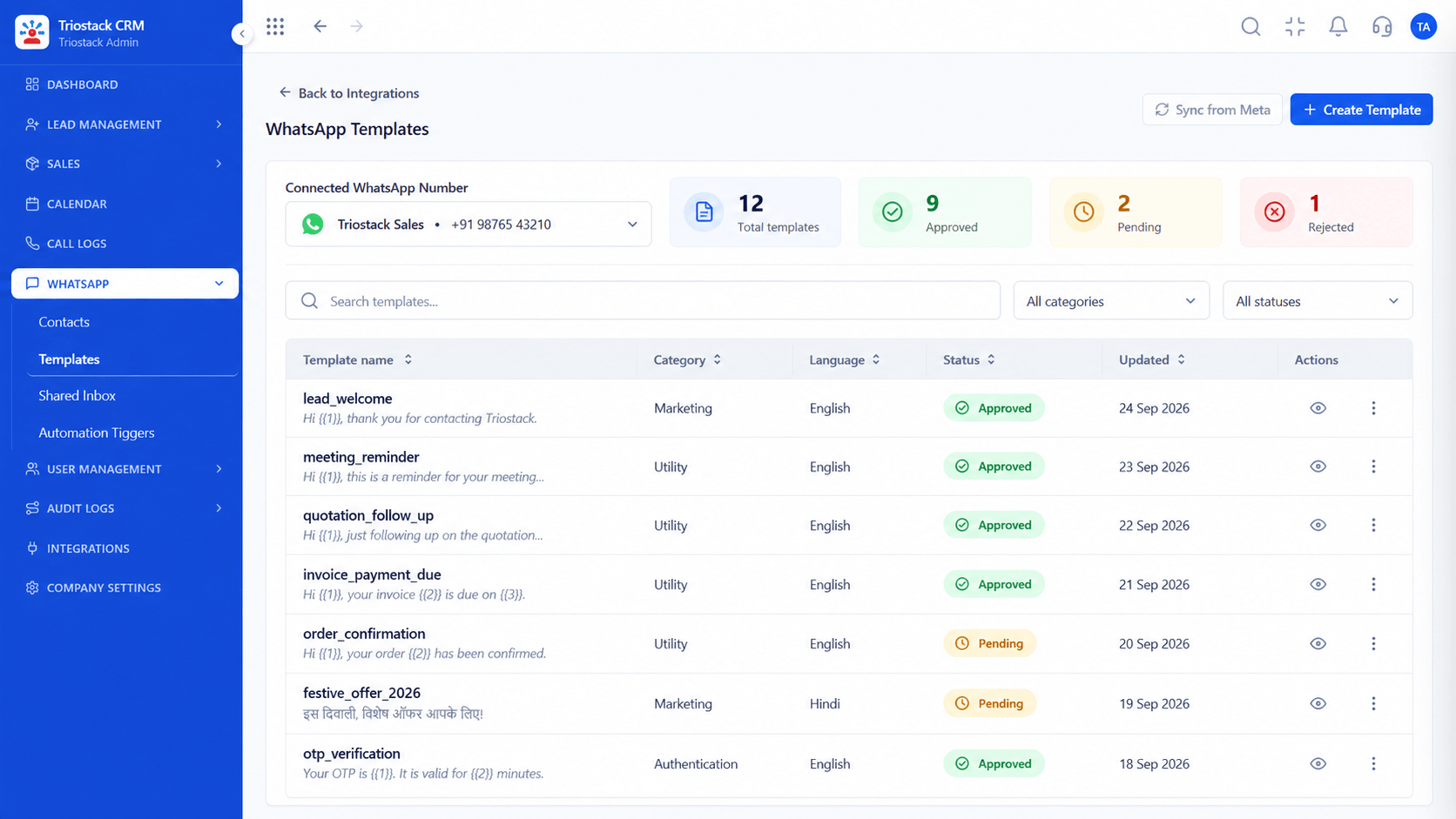
WhatsApp Templates
Dynamic Email Templates and Merge Tags: personal to each, built once
Feature Breakdown
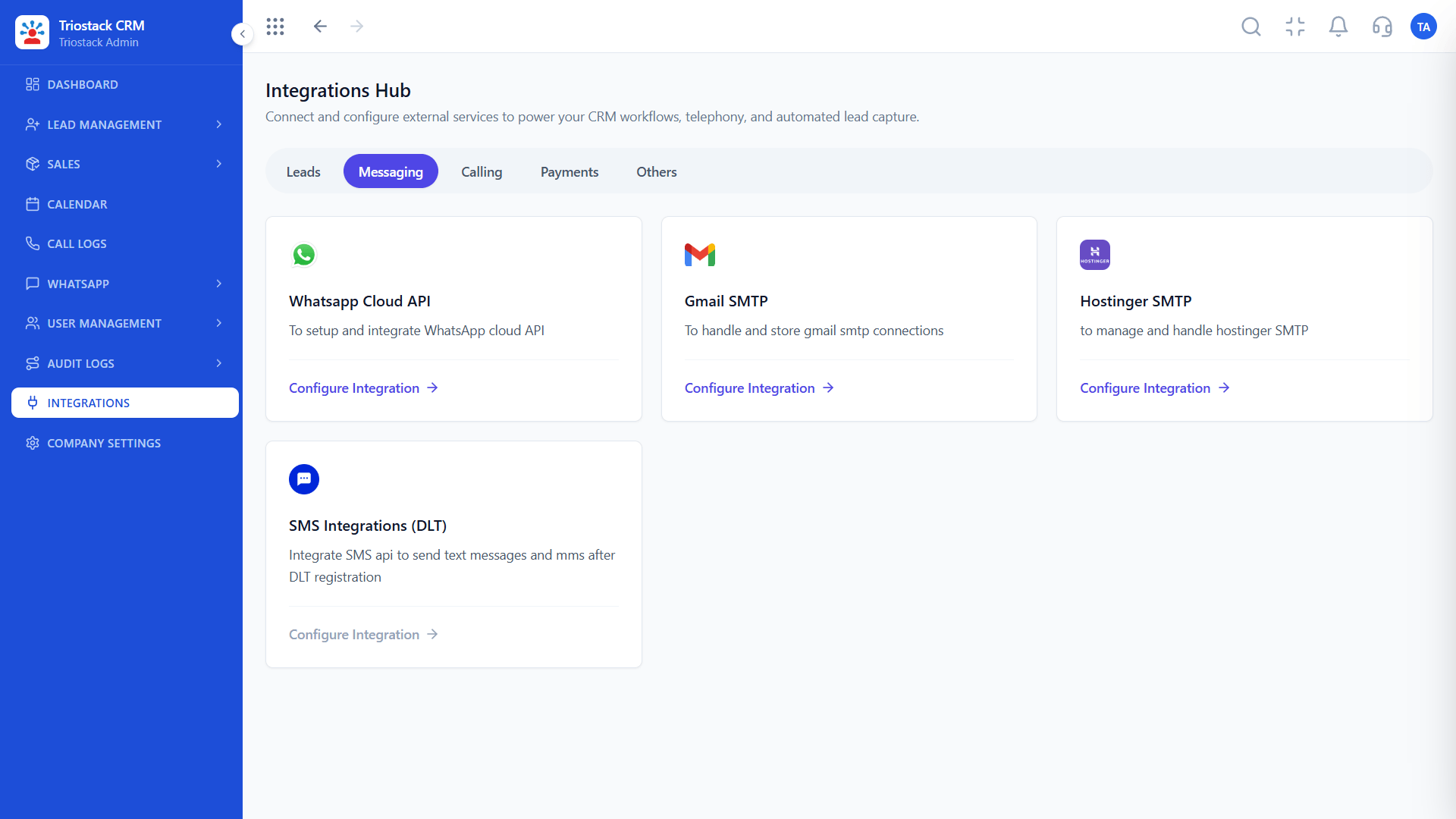
4 screens from the live product that show Dynamic Email Templates and Merge Tags at work.
Email sending.
How it fits the plan
Build. Lay out the email in the HTML builder.
Merge. Insert tags and set fallback values.
Practical tip
Always set a fallback for every merge tag. A blank name in the greeting is worse than a plain 'Hello'.
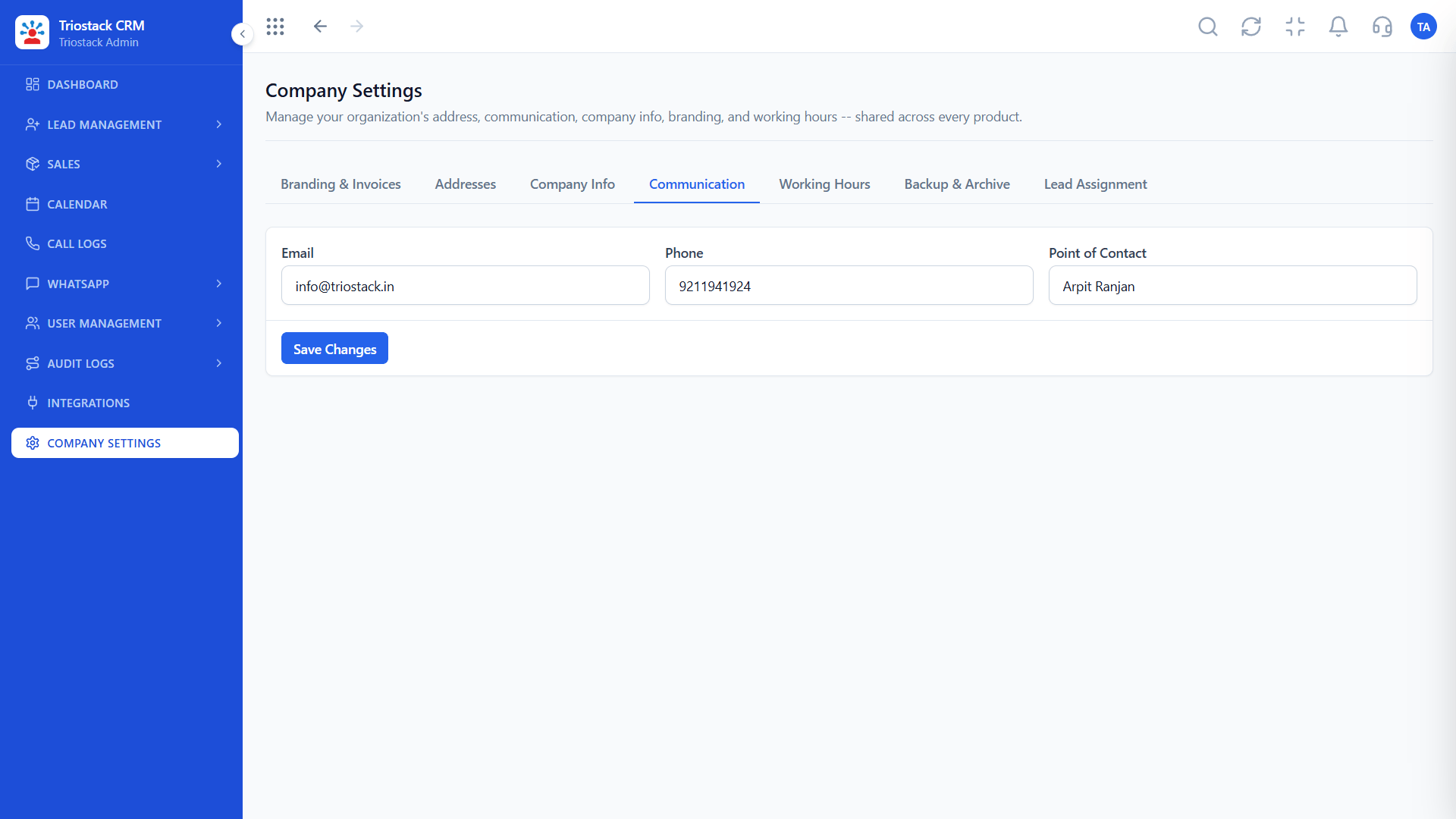
Sender and rules.
How it fits the plan
Merge. Insert tags and set fallback values.
Send. Send to a segment or an individual.
In real life
Quote follow-up
The amount and name merge in.

Merge data.
How it fits the plan
Send. Send to a segment or an individual.
Follow. Act on opens, clicks and bounces.
Watch out for
Reading opens as interest. Some mail apps pre-load images, so treat clicks as the stronger sign.

Next step after a click.
How it fits the plan
Follow. Act on opens, clicks and bounces.
Build. Lay out the email in the HTML builder.
Before you start
Execution Plan
Lay out the email in the HTML builder.
Insert tags and set fallback values.
Send to a segment or an individual.
Act on opens, clicks and bounces.
Practical Guide
Before you start
A tip that helps
Always set a fallback for every merge tag. A blank name in the greeting is worse than a plain 'Hello'.
A common mistake
Reading opens as interest. Some mail apps pre-load images, so treat clicks as the stronger sign.
Availability: What Dynamic Email Templates and Merge Tags covers can depend on your plan and setup. Please confirm with our team which parts are live for your account, and any prerequisites, before you plan around it.
In Real Life
Scenario 01
The amount and name merge in.
Scenario 02
Branded and mobile-ready.
Scenario 03
Bounces stop being sent to.
Straight answers about Dynamic Email Templates and Merge Tags, from setup to what happens next.
Have a question about Dynamic Email Templates and Merge Tags?
Book a free callYes, a rich HTML builder.
Placeholders that insert each person's details, with fallbacks.
Yes, per recipient, on the lead's timeline.
Yes, failed addresses are marked.
A rich HTML email builder with personalised merge variables, click and open tracking and email bounce monitoring for sales emails in Triostack CRM.
It runs in 4 steps: Build, Merge, Send and Follow. Lay out the email in the HTML builder.
The real screens on this page include Lead Pipeline, Call Logs, Sales Dashboard and Messaging Integrations, all captured from the product.
Request a demo and ask to see Dynamic Email Templates and Merge Tags. Our team can also walk you through setup, so your first session ends with something working.
We will walk you through Dynamic Email Templates and Merge Tags, from HTML builder, Merge variables and Click and open tracking, on sample data shaped like yours.
Explore All CRM Features