The best Business Suite software in India, built to help your business grow. Contact us at +91-8882435276.
[ Contact ]
Phone number
Email address
Head office
Noida office
The right team at TriostackOne will get back to you.
Positioning Assessment
When a CRM sends email on your behalf, receiving servers check whether it is allowed to. If your domain's DNS does not say so, the message looks forged, and mail providers increasingly reject or hide it.
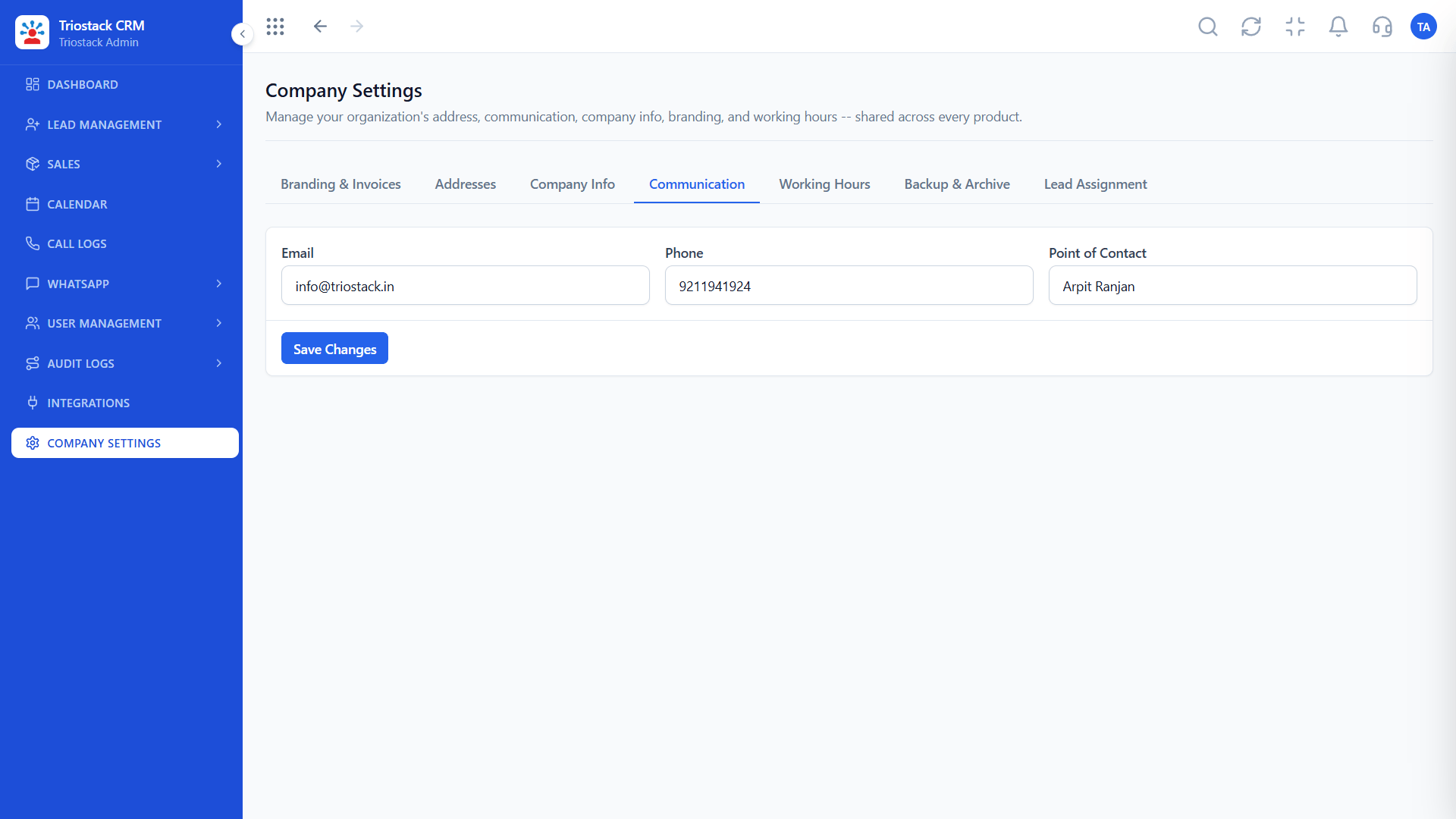
This guide is for the person who manages your domain. SPF lists the servers allowed to send for your domain; the CRM sending service is added to it. DKIM adds a signature to each message that proves it was not changed, using a public key published in DNS. DMARC tells receivers what to do with mail that fails, and where to send reports, and is best started in a monitoring mode before tightening it. After the records are added, the CRM checks them and shows which are valid. DNS changes can take time to spread, and exact record values come from your Communication Settings in the CRM.
“Replies rose after we authenticated the domain, and we finally saw why mail had been landing in spam.”
Sample team scenario
A made-up scenario about Custom Email Domain and DKIM Setup, not a customer testimonial

Lead Pipeline
Custom Email Domain and DKIM Setup: drag deals across your own sales stages
In the Product
Imagine every message arriving with proof of who sent it.
Three records.
Tamper-evident.
On failures.
Platform Integrity
Who may send
Signed messages
Policy and reports
Checked in the CRM
At a Glance
What changes in deliverability.
| Dimension | Triostack CRM | A Shared or Unauthenticated Sender |
|---|---|---|
| Sender identity | Your own domain | A generic address |
| SPF | CRM service authorised | Missing or failing |
| DKIM | Messages signed | Unsigned |
| DMARC | Policy and reports | No policy |
| Trust | Receivers can verify you | Treated as suspect |
Book a walkthrough of Custom Email Domain and DKIM Setup. We set up a sandbox so you can try SPF, DKIM and DMARC before you commit.
Live Interface Tour
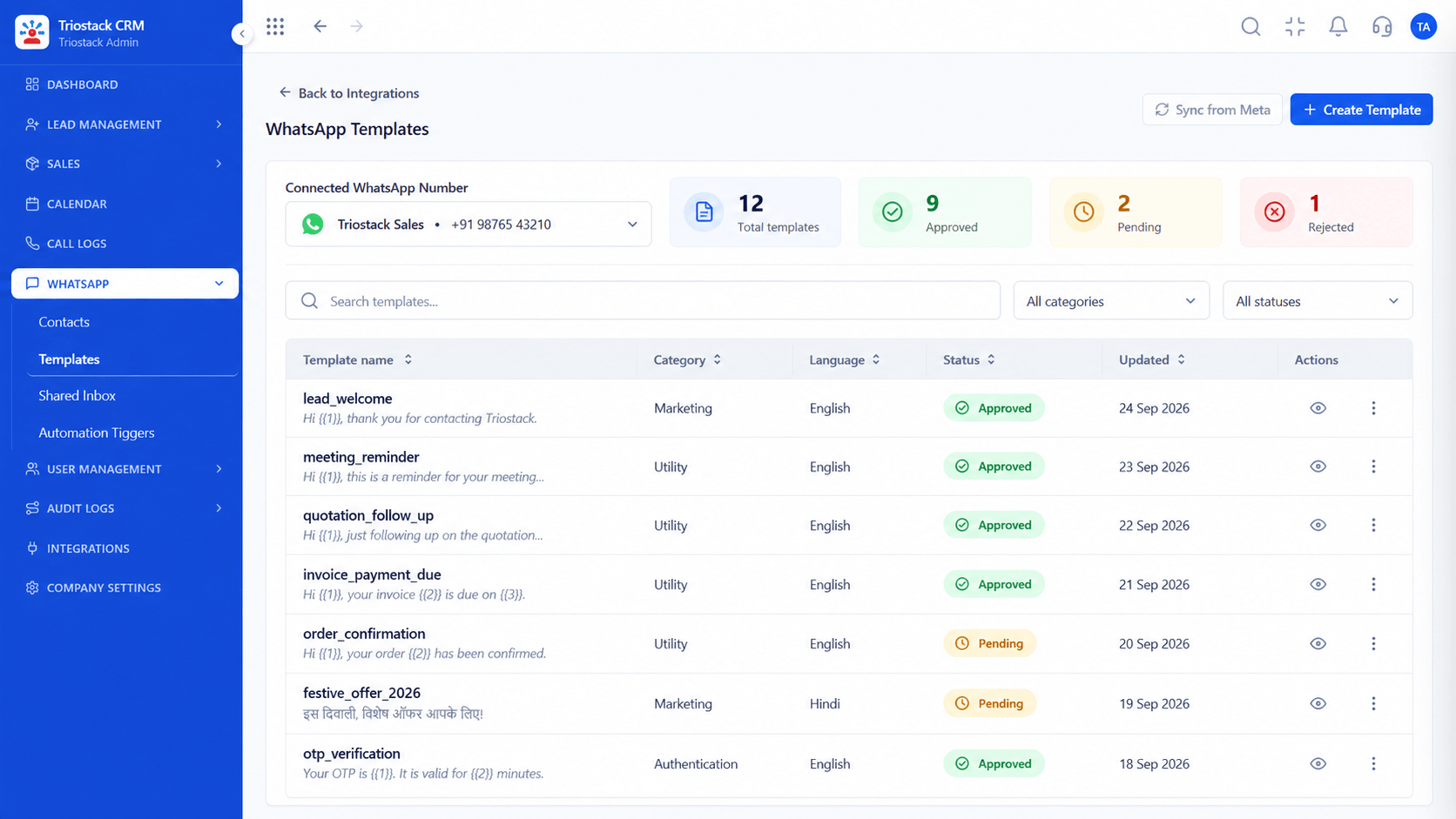
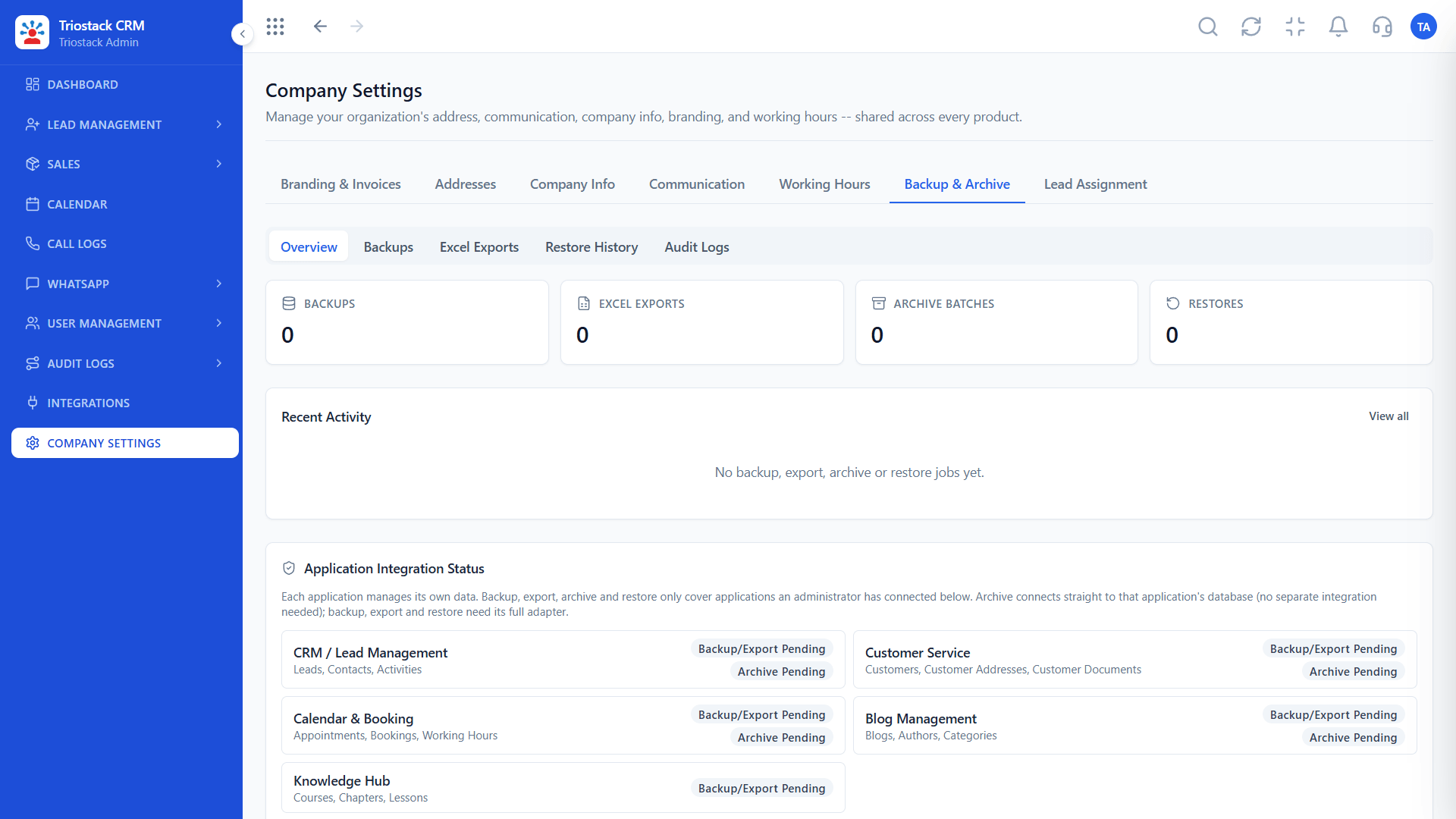
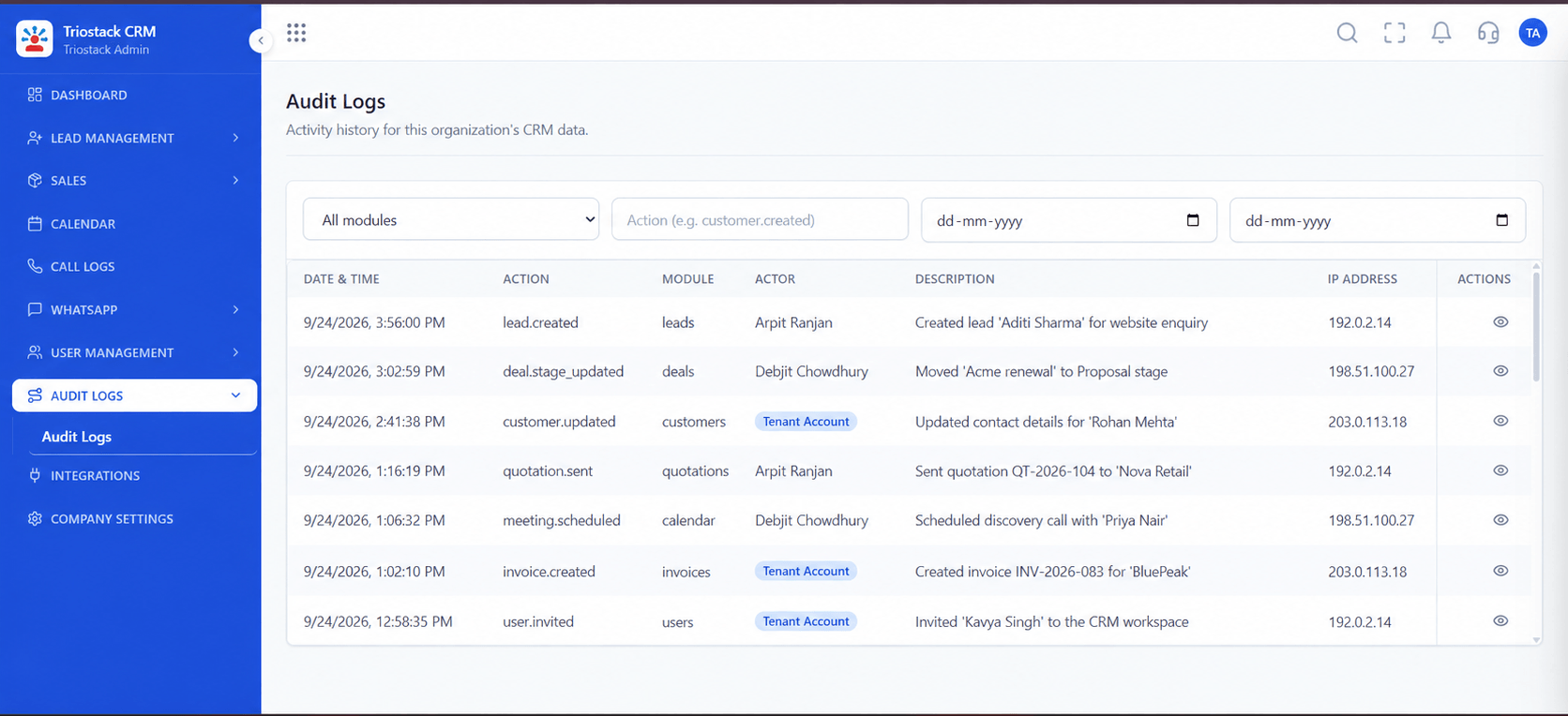
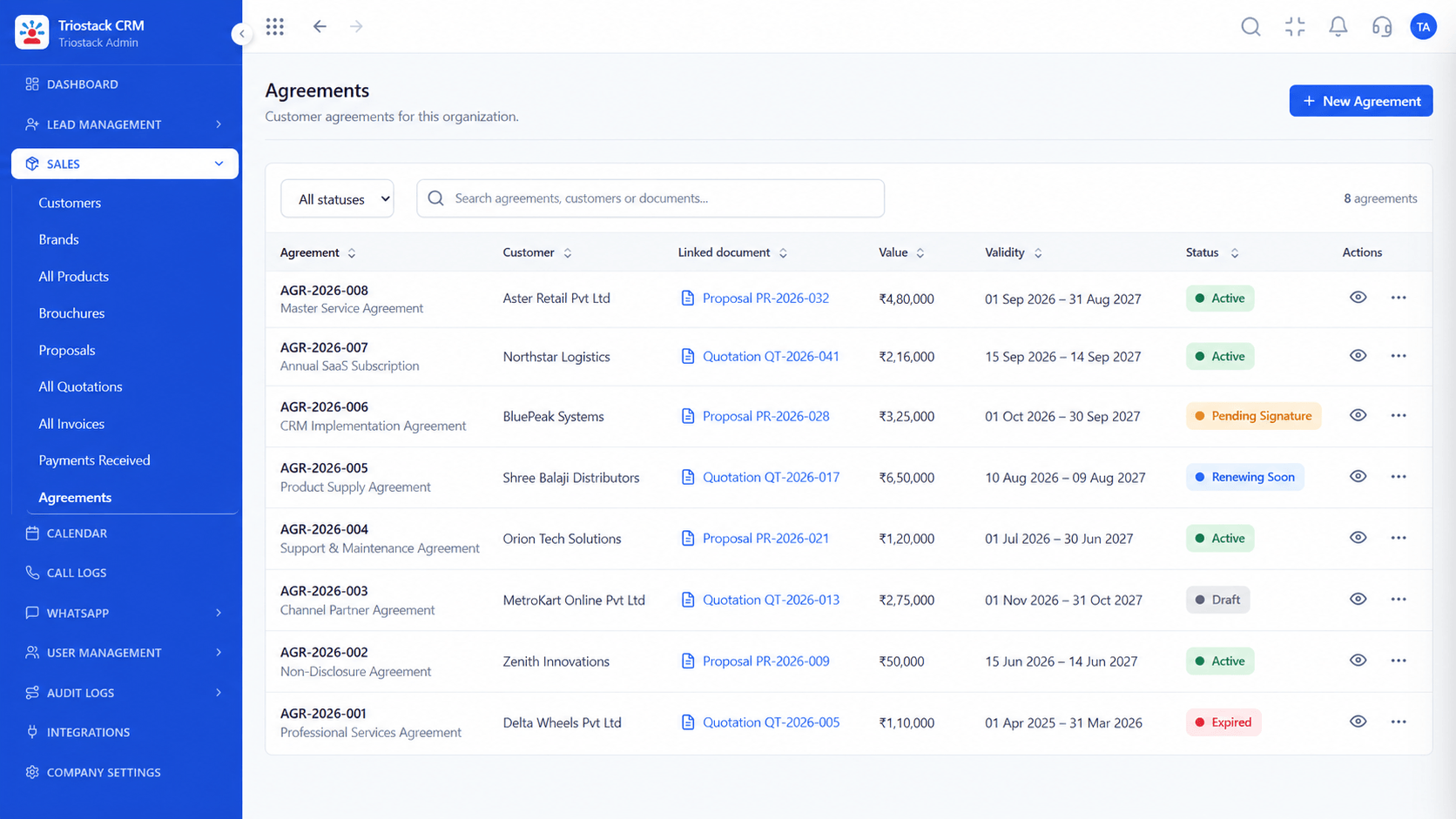
The screens below belong to Custom Email Domain and DKIM Setup: Lead Pipeline, Sales Dashboard and Lead Follow-Ups, all from the product.
Communication Settings
Custom Email Domain and DKIM Setup: mail from your own domain that receivers trust
Feature Breakdown
4 screens from the live product that show Custom Email Domain and DKIM Setup at work.
Sender and domain.
How it fits the plan
Get. Copy the record values from Communication Settings.
Publish. Add the SPF and DKIM records in your DNS.
Practical tip
Merge, do not duplicate, SPF records. A domain may only have one SPF record, and two will both fail.
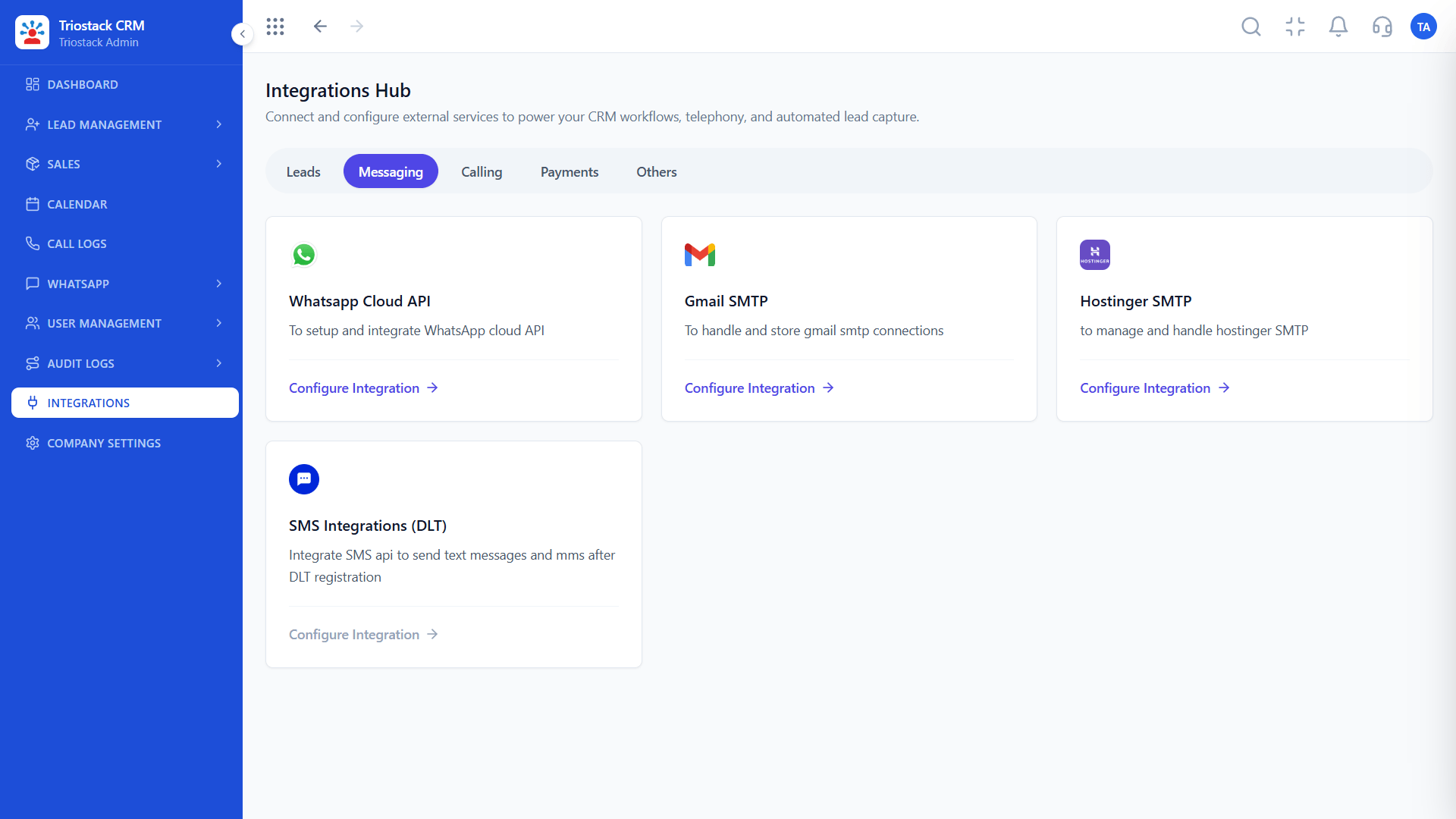
Email sending.
How it fits the plan
Publish. Add the SPF and DKIM records in your DNS.
Verify. Wait for DNS to update and check status in the CRM.
In real life
Sales emails
They reach the inbox.

Domain details.
How it fits the plan
Verify. Wait for DNS to update and check status in the CRM.
Monitor. Start DMARC in monitoring mode, then tighten.
Watch out for
Setting DMARC to reject straight away and blocking legitimate mail from other services.
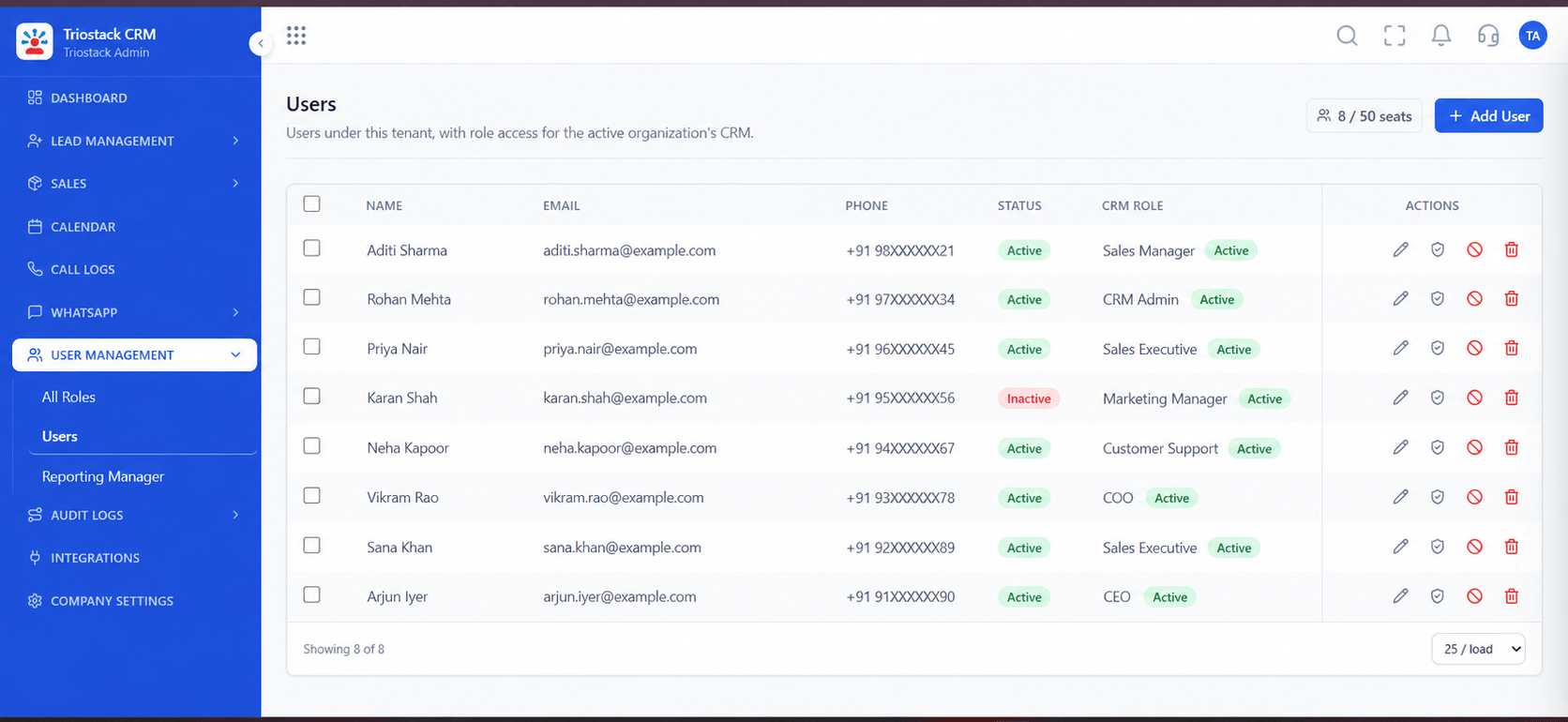
Sending users.
How it fits the plan
Monitor. Start DMARC in monitoring mode, then tighten.
Get. Copy the record values from Communication Settings.
Before you start
Execution Plan
Copy the record values from Communication Settings.
Add the SPF and DKIM records in your DNS.
Wait for DNS to update and check status in the CRM.
Start DMARC in monitoring mode, then tighten.
Practical Guide
Before you start
A tip that helps
Merge, do not duplicate, SPF records. A domain may only have one SPF record, and two will both fail.
A common mistake
Setting DMARC to reject straight away and blocking legitimate mail from other services.
Availability: What Custom Email Domain and DKIM Setup covers can depend on your plan and setup. Please confirm with our team which parts are live for your account, and any prerequisites, before you plan around it.
In Real Life
Scenario 01
They reach the inbox.
Scenario 02
Reputation starts clean.
Scenario 03
Records are documented.
Straight answers about Custom Email Domain and DKIM Setup, from setup to what happens next.
Have a question about Custom Email Domain and DKIM Setup?
Book a free callRecords that say who may send for your domain, sign each message and set a policy for failures.
Whoever manages your domain's DNS.
DNS changes can take time to spread. The CRM shows when the records verify.
In your CRM's Communication Settings.
A guide for administrators to set up SPF, DKIM and DMARC DNS records for a custom sending domain, so Triostack CRM sales emails reach the inbox.
It runs in 4 steps: Get, Publish, Verify and Monitor. Copy the record values from Communication Settings.
The real screens on this page include Lead Pipeline, Sales Dashboard, Lead Follow-Ups and Communication Settings, all captured from the product.
Request a demo and ask to see Custom Email Domain and DKIM Setup. Our team can also walk you through setup, so your first session ends with something working.
Keep Exploring
We will walk you through Custom Email Domain and DKIM Setup, from SPF, DKIM and DMARC, on sample data shaped like yours.
Explore All Support & Enterprise