The best Business Suite software in India, built to help your business grow. Contact us at +91-8882435276.
[ Contact ]
Phone number
Email address
Head office
Noida office
The right team at TriostackOne will get back to you.
Positioning Assessment
Support commitments are only useful when they are specific. This matrix sets out how issues are classified into four severities, what each severity gets, how to reach an engineer directly for the serious ones, and how an issue escalates to management if it is not progressing.
Severity 1 is critical: production is down, data is at risk or there is a security incident, with no workaround. Severity 2 is high: a major function is impaired and the workaround is difficult. Severity 3 is medium: part of a function is affected and a workaround exists. Severity 4 is low: a question, a cosmetic issue or a request. Response and resolution targets for each severity are set in your support agreement and written down, rather than printed as one figure for every customer.
“We marked it Severity 2 and the engineer joined the call. When it did not move, the escalation path was already written.”
Sample team scenario
A made-up scenario about Enterprise Support SLA and Escalation Matrix, not a customer testimonial

All Leads
Enterprise Support SLA and Escalation Matrix: every lead with its source, status and owner
In the Product
Imagine everyone knowing their part before the alarm sounds.
Clear and fair.
For serious issues.
Not improvised.
Platform Integrity
Clear definitions
Per severity, in your agreement
Direct for serious issues
Defined path
At a Glance
What each tier means and what it gets.
| Dimension | Triostack CRM | How It Is Handled |
|---|---|---|
| Severity 1, critical | Production down, data at risk or a security incident, no workaround | Direct engineer channel, continuous work, executive escalation if it stalls |
| Severity 2, high | A major function impaired, workaround difficult | Engineer channel, prioritised work, escalation if targets slip |
| Severity 3, medium | Partial impact, a workaround exists | Support queue, worked in order |
| Severity 4, low | A question, a cosmetic issue or a request | Support queue, scheduled |
| Targets | Response and resolution per severity | Set in your support agreement |
Book a walkthrough of Enterprise Support SLA and Escalation Matrix. We set up a sandbox so you can try Severity 1 to 4, Response targets and Engineer access before you commit.
Live Interface Tour
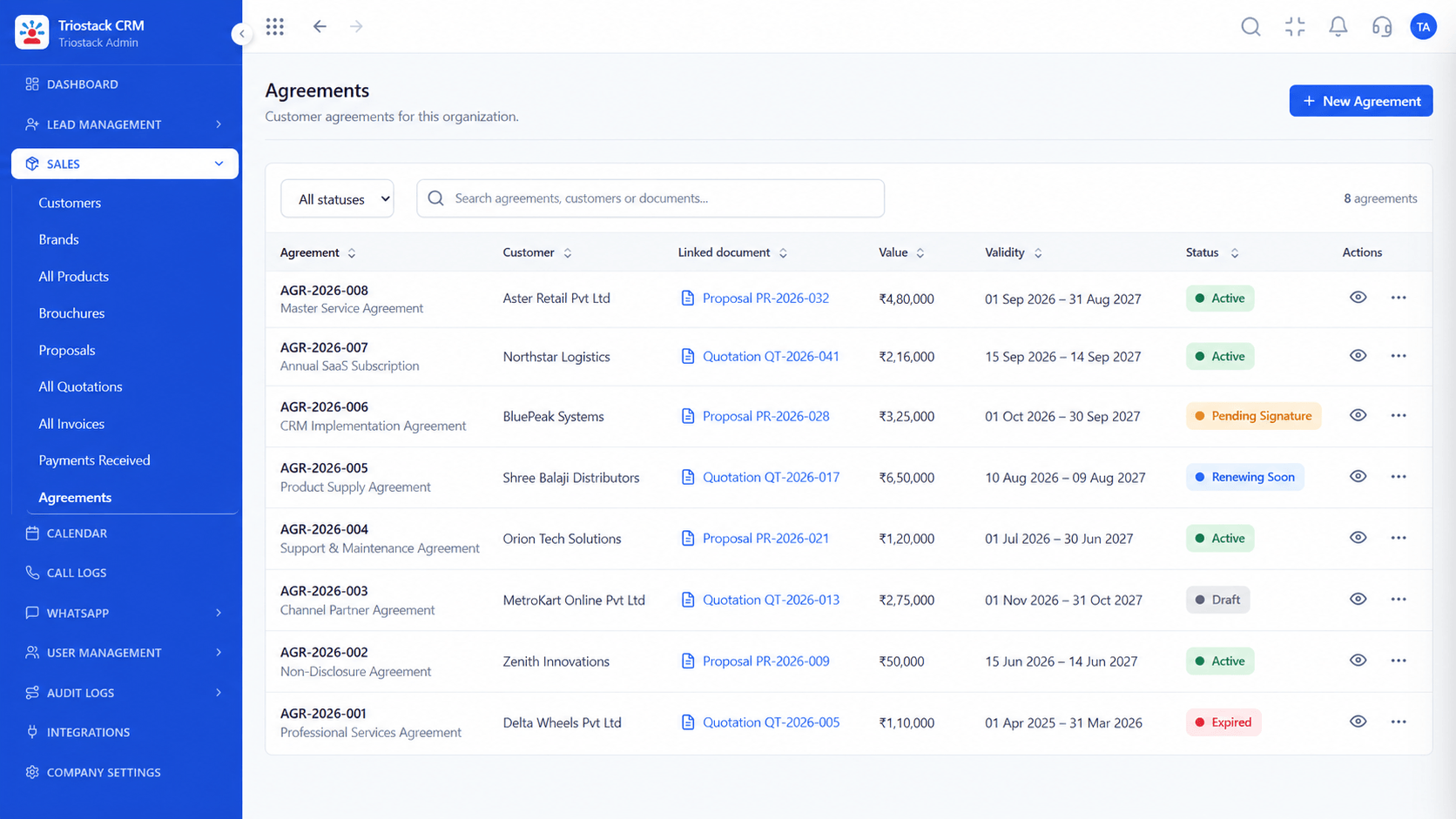
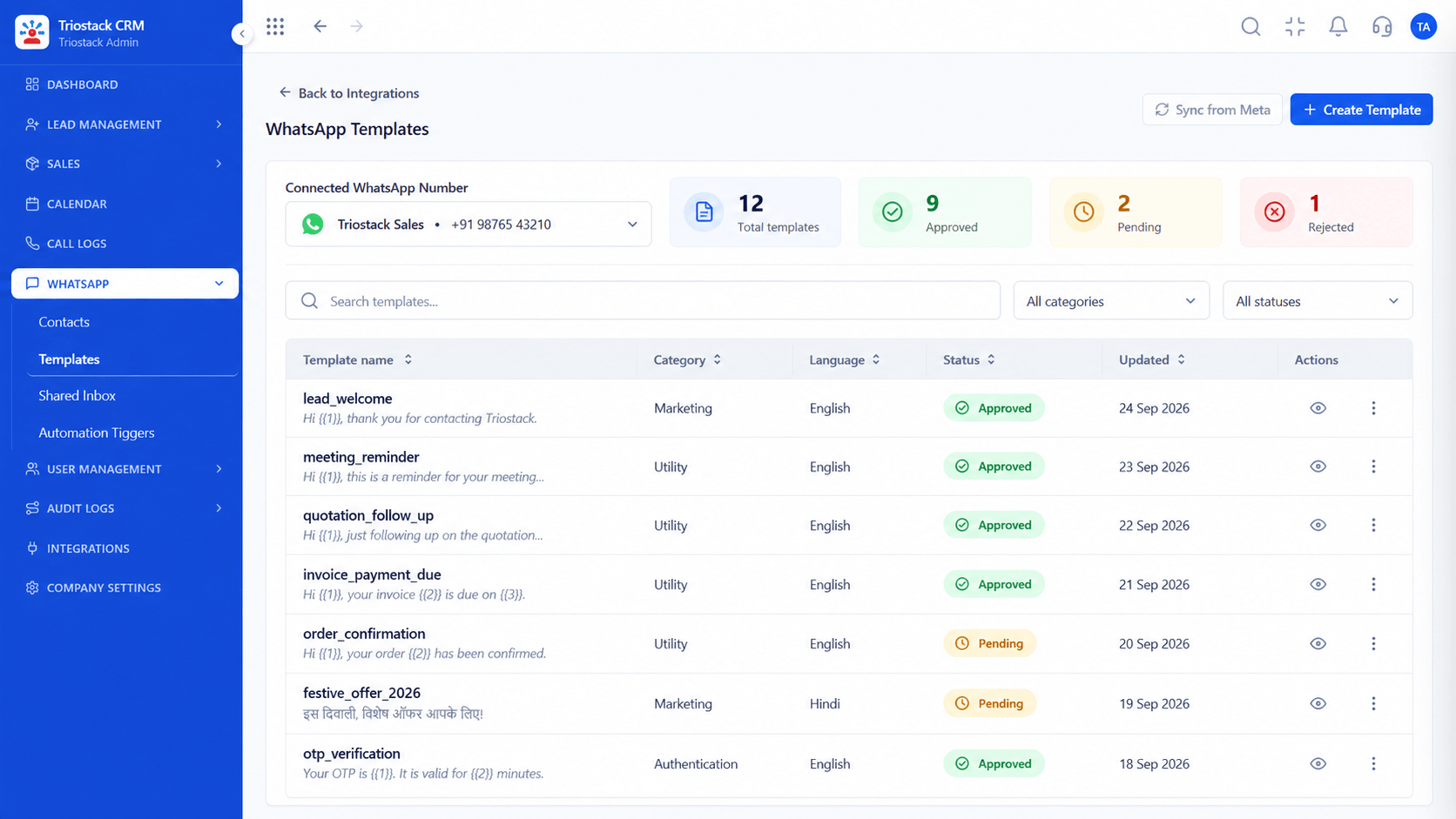
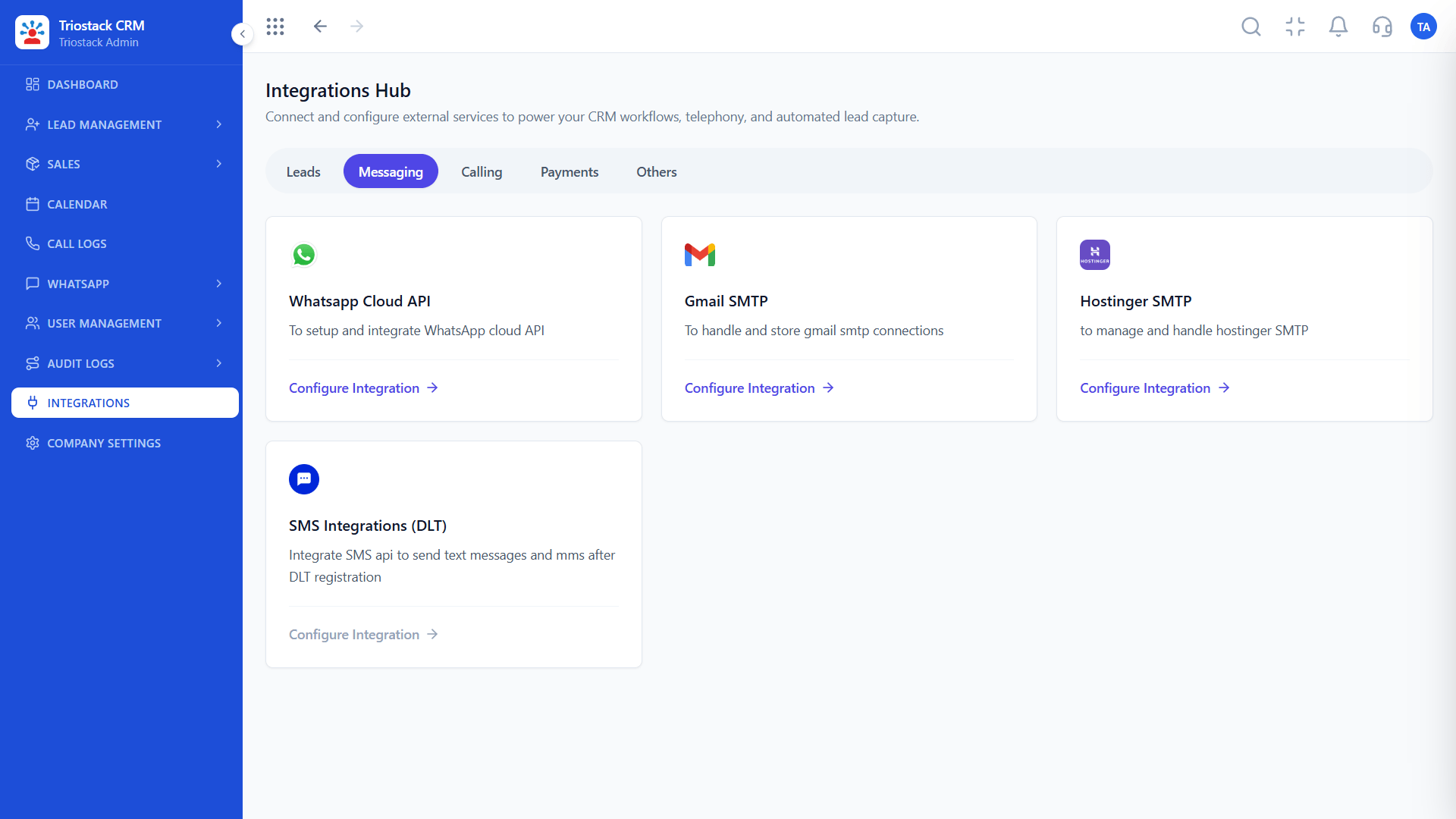
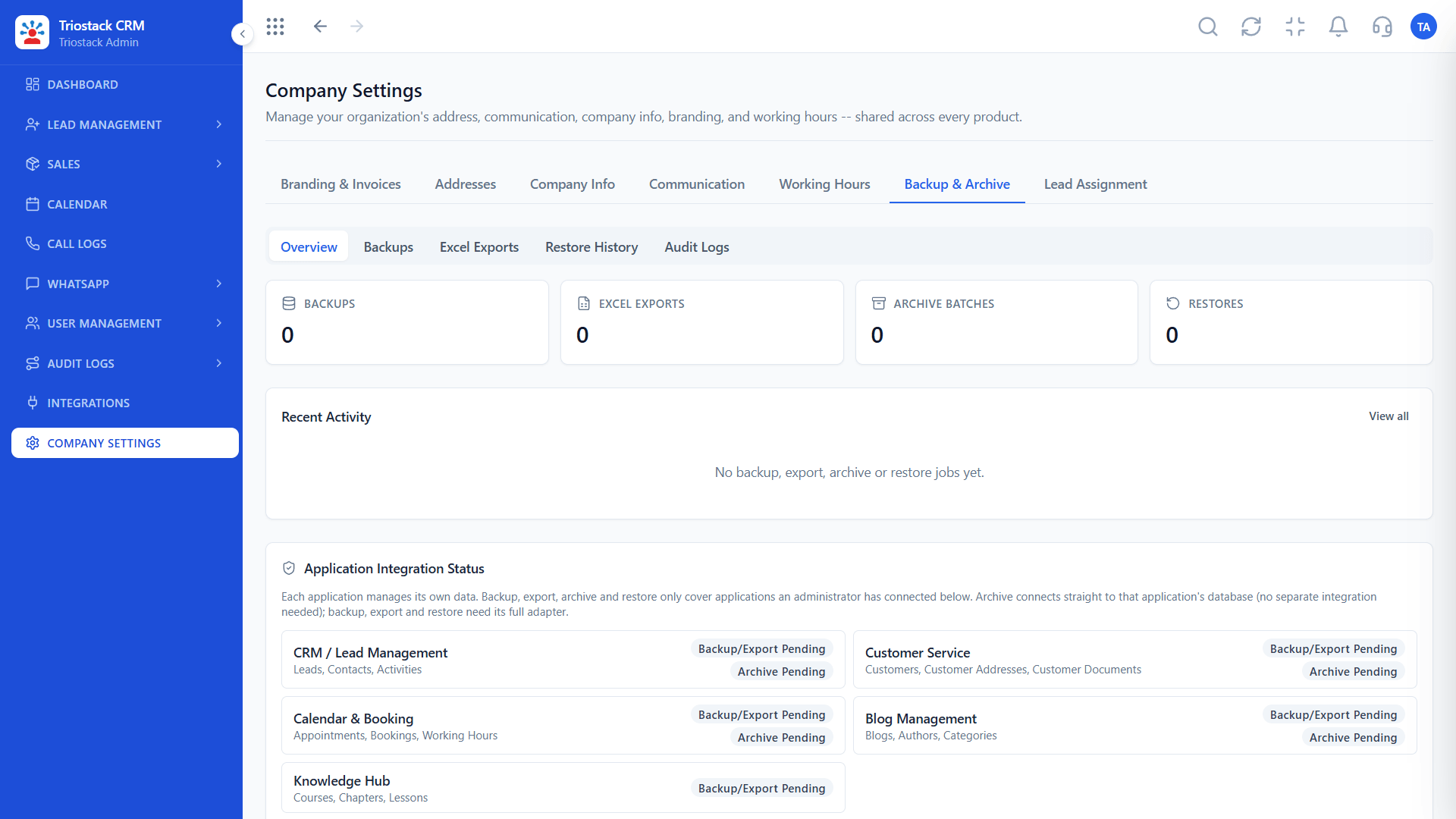
The screens below belong to Enterprise Support SLA and Escalation Matrix: All Leads, Lead Pipeline and Sales Dashboard, all from the product.
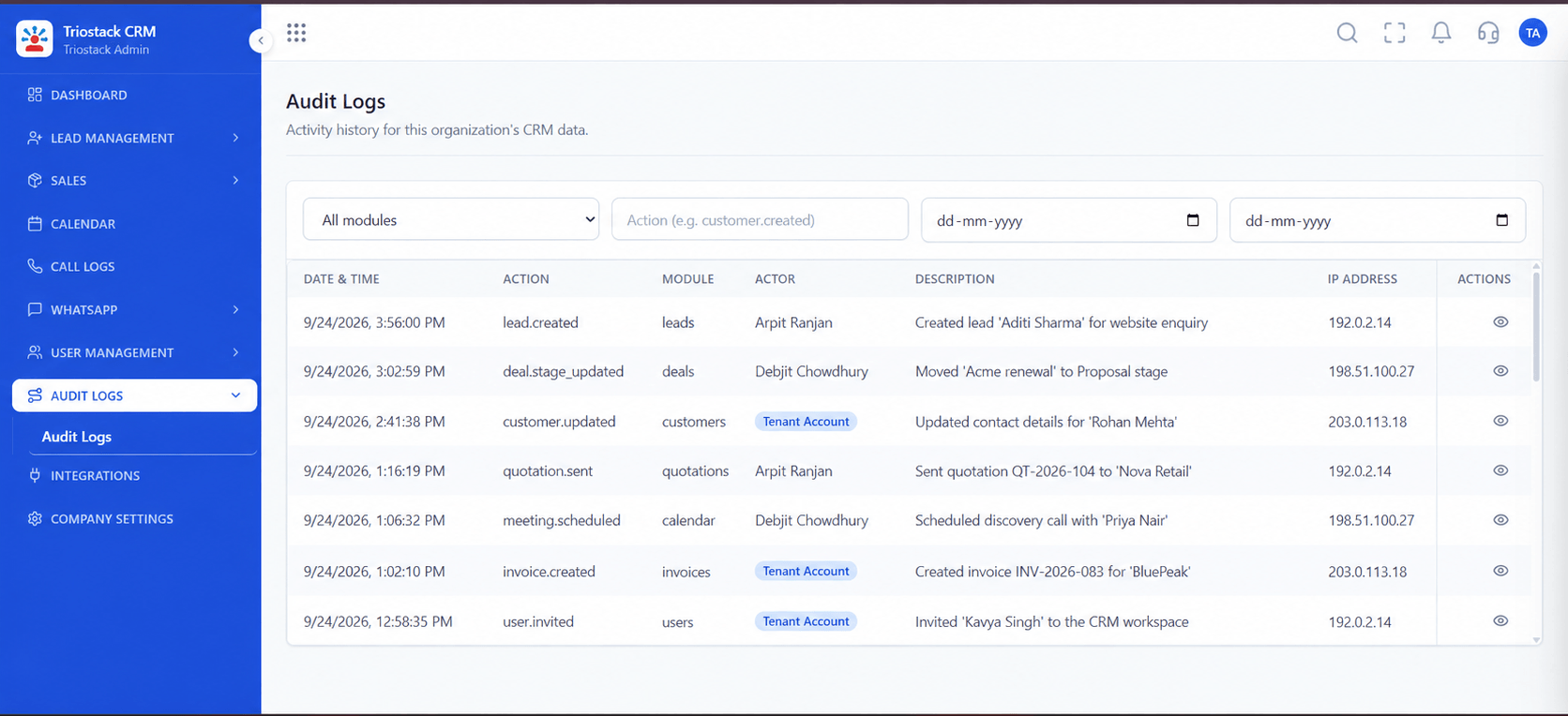
Audit Logs
Enterprise Support SLA and Escalation Matrix: each with a channel and an escalation path
Feature Breakdown
4 screens from the live product that show Enterprise Support SLA and Escalation Matrix at work.
Trace what happened.
How it fits the plan
Classify. Choose the severity that matches the impact.
Raise. Use the channel for that severity.
Practical tip
Agree in advance who on your side can declare a Severity 1, so nobody hesitates during an incident.
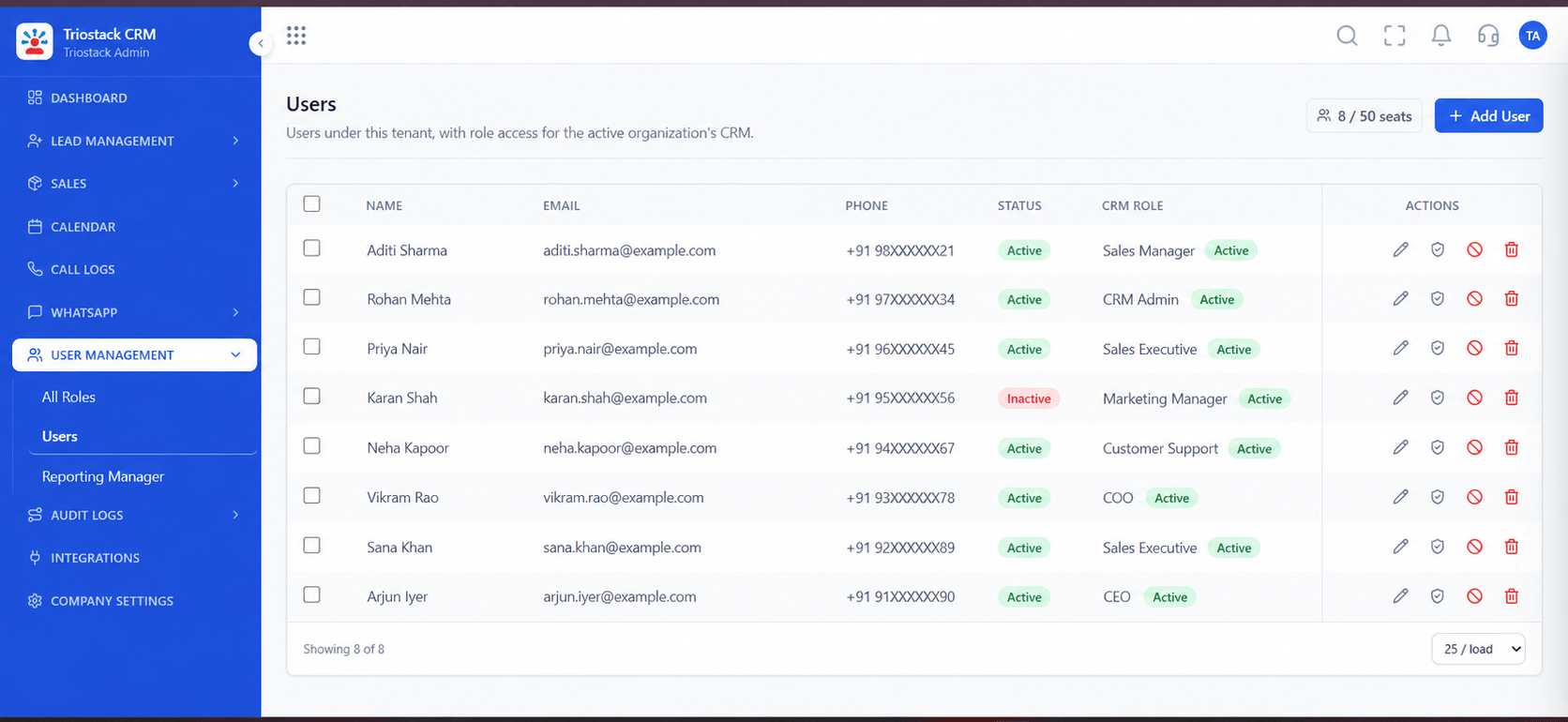
Who can raise issues.
How it fits the plan
Raise. Use the channel for that severity.
Track. Follow the targets in your agreement.
In real life
Production outage
The engineer channel opens at once.
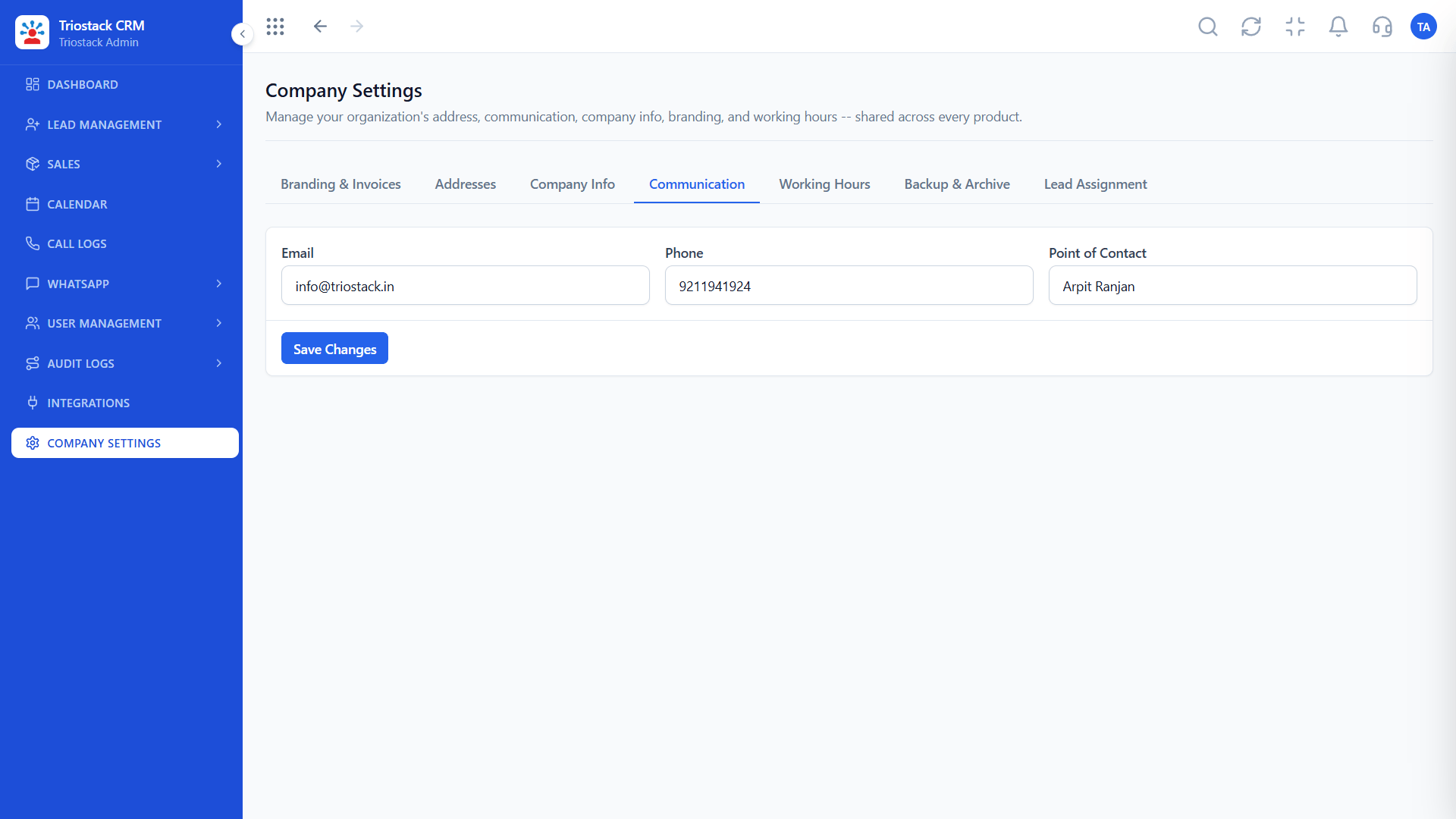
How we reach you.
How it fits the plan
Track. Follow the targets in your agreement.
Escalate. Use the executive path if it is not moving.
Watch out for
Marking everything Severity 1. When every issue is critical, none gets the attention it needs.

Your support contacts.
How it fits the plan
Escalate. Use the executive path if it is not moving.
Classify. Choose the severity that matches the impact.
Before you start
Execution Plan
Choose the severity that matches the impact.
Use the channel for that severity.
Follow the targets in your agreement.
Use the executive path if it is not moving.
Practical Guide
Before you start
A tip that helps
Agree in advance who on your side can declare a Severity 1, so nobody hesitates during an incident.
A common mistake
Marking everything Severity 1. When every issue is critical, none gets the attention it needs.
Availability: What Enterprise Support SLA and Escalation Matrix covers can depend on your plan and setup. Please confirm with our team which parts are live for your account, and any prerequisites, before you plan around it.
In Real Life
Scenario 01
The engineer channel opens at once.
Scenario 02
Management is pulled in on schedule.
Scenario 03
Targets are checked against what happened.
Straight answers about Enterprise Support SLA and Escalation Matrix, from setup to what happens next.
Have a question about Enterprise Support SLA and Escalation Matrix?
Book a free callCritical, high, medium and low, defined by the impact on your business.
They are set per severity in your support agreement, not printed as one figure for everyone.
Yes, for serious issues, through a direct engineer channel.
A defined path to management when an issue is not progressing as agreed.
How enterprise support works: severity 1 to 4 issue tiers, response and resolution targets, direct engineer access channels and executive escalations.
It runs in 4 steps: Classify, Raise, Track and Escalate. Choose the severity that matches the impact.
The real screens on this page include All Leads, Lead Pipeline, Sales Dashboard and Audit Logs, all captured from the product.
Request a demo and ask to see Enterprise Support SLA and Escalation Matrix. Our team can also walk you through setup, so your first session ends with something working.
Keep Exploring
We will walk you through Enterprise Support SLA and Escalation Matrix, from Severity 1 to 4, Response targets and Engineer access, on sample data shaped like yours.
Explore All Support & Enterprise