The best Business Suite software in India, built to help your business grow. Contact us at +91-8882435276.
[ Contact ]
Phone number
Email address
Head office
Noida office
The right team at TriostackOne will get back to you.
Positioning Assessment
Free-mail addresses make a business look temporary, and they make it hard to move people on and off the team cleanly.
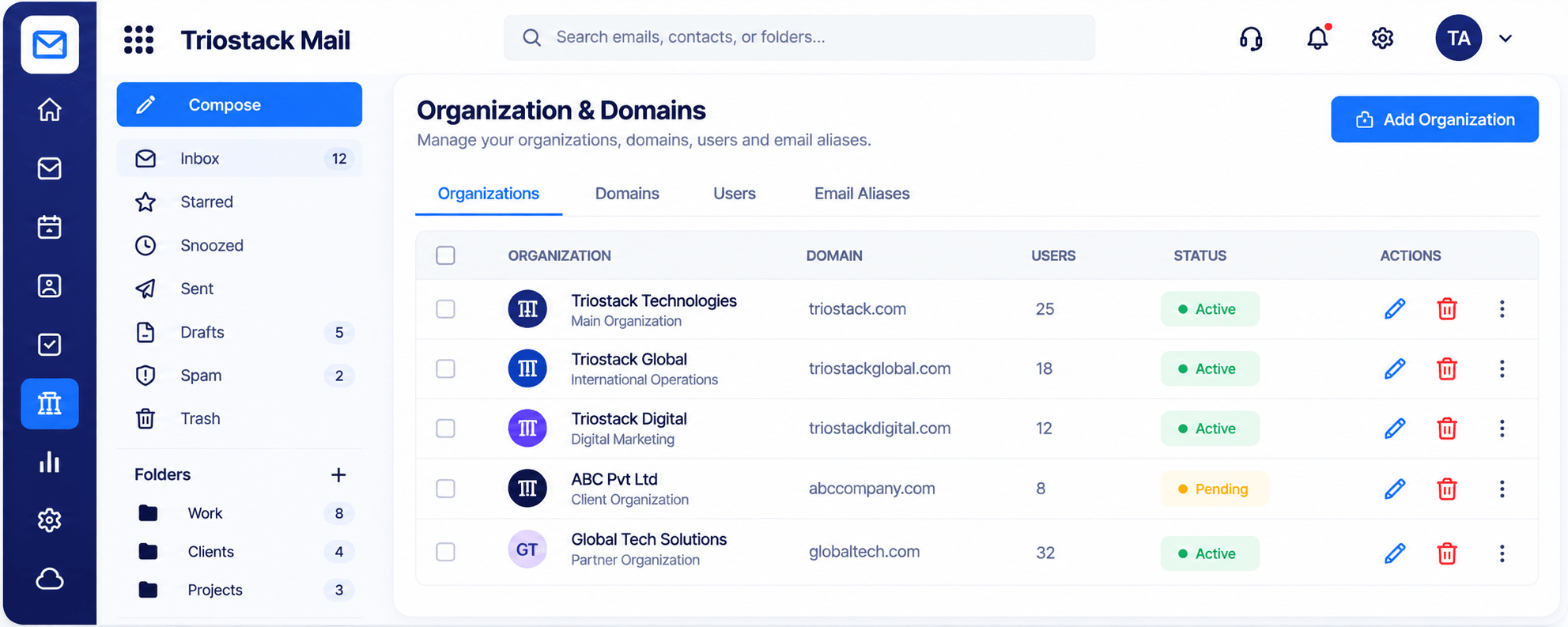
In Triostack Mail you add organisations and domains, manage the users on each and create email aliases. You can see every organisation with its domain, user count and active or pending status in one table.
“Seeing every domain and its status in one table ended our 'did we set that up?' conversations.”
Sample team scenario
Illustrative example, not a customer testimonial
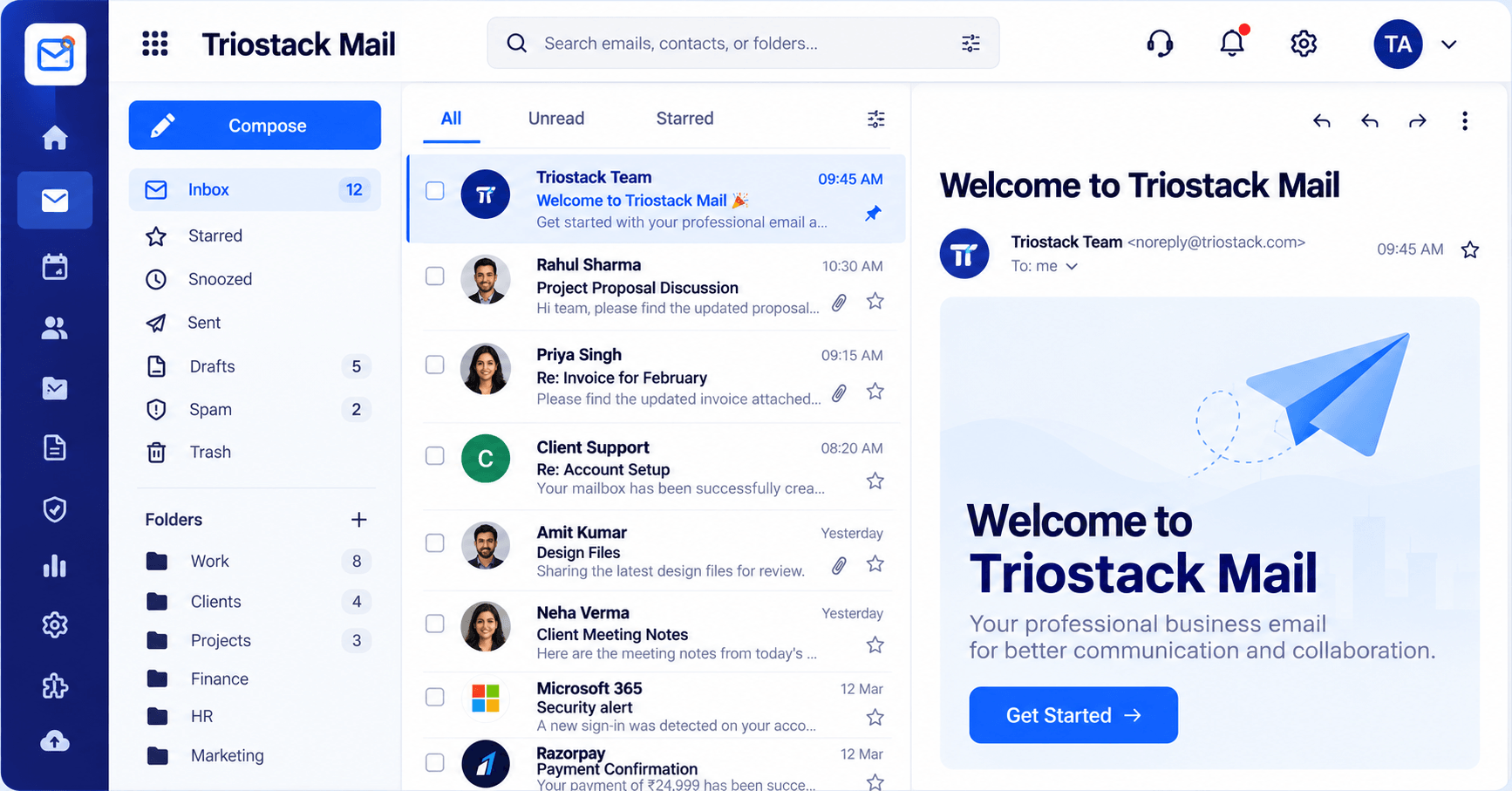
Inbox & Reading Pane
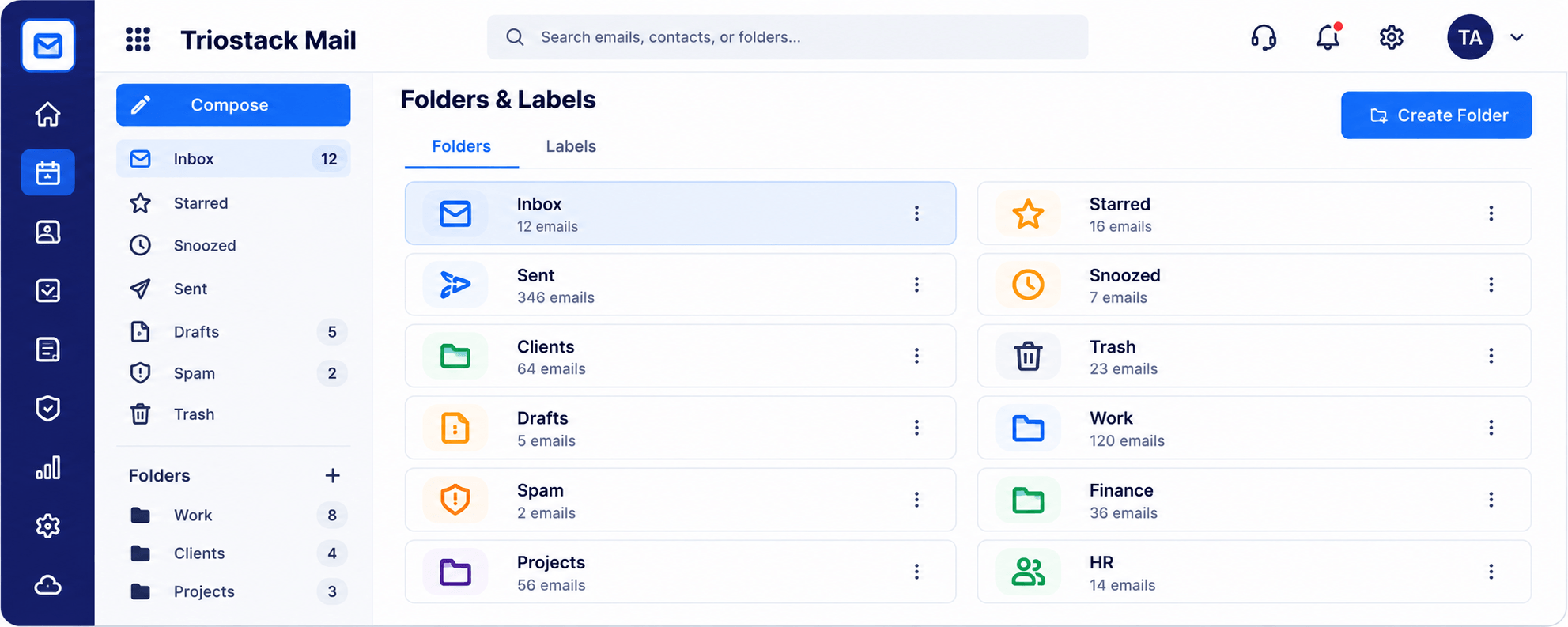
Folders, message list and reading pane in one view
In the Product
Imagine every address in the company carrying the same brand, managed from one list.
Addresses on your own domain.
Users and aliases together.
Know what is live.
Platform Integrity
Addresses on your brand
Add and manage each person
info@, billing@, hello@
Active or pending at a glance
How It Works
What changes with a proper domain setup.
| Dimension | Triostack Mail | Free-Mail Addresses |
|---|---|---|
| Address | name@yourcompany | name@freemail |
| Management | Users and aliases in one place | Per account |
| Status | Active or pending shown | Unknown |
| Multiple brands | Several organisations | Separate accounts |
| Offboarding | Central control | Chase passwords |
Book a walkthrough and we will set up a sandbox with a sample domain and inboxes so you can try mail, shared folders and rules before you commit.
Live Interface Tour
Real screens captured directly from the Triostack Mail workspace.
Organizations & Domains
Addresses on your own domain
Feature Breakdown
Captured from the Triostack Mail workspace.
The control centre.
How it fits the plan
Add. Add the organisation and domain.
Verify. Confirm the domain with your DNS.
Practical tip
Add the domain on a quiet day. DNS changes can take a while to settle, so do not do it before a launch.
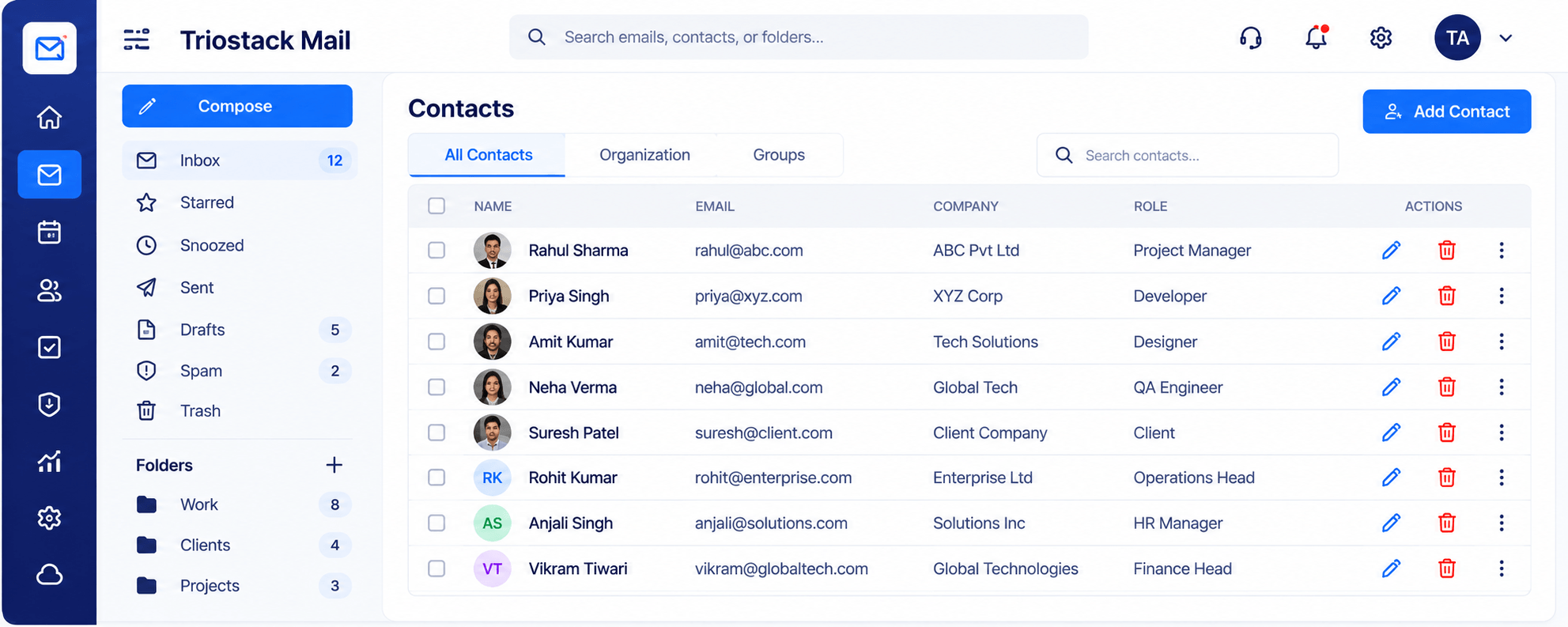
Keep the directory aligned.
How it fits the plan
Verify. Confirm the domain with your DNS.
Create. Add users and aliases.
In real life
New company
A domain and first users go live in a sitting.
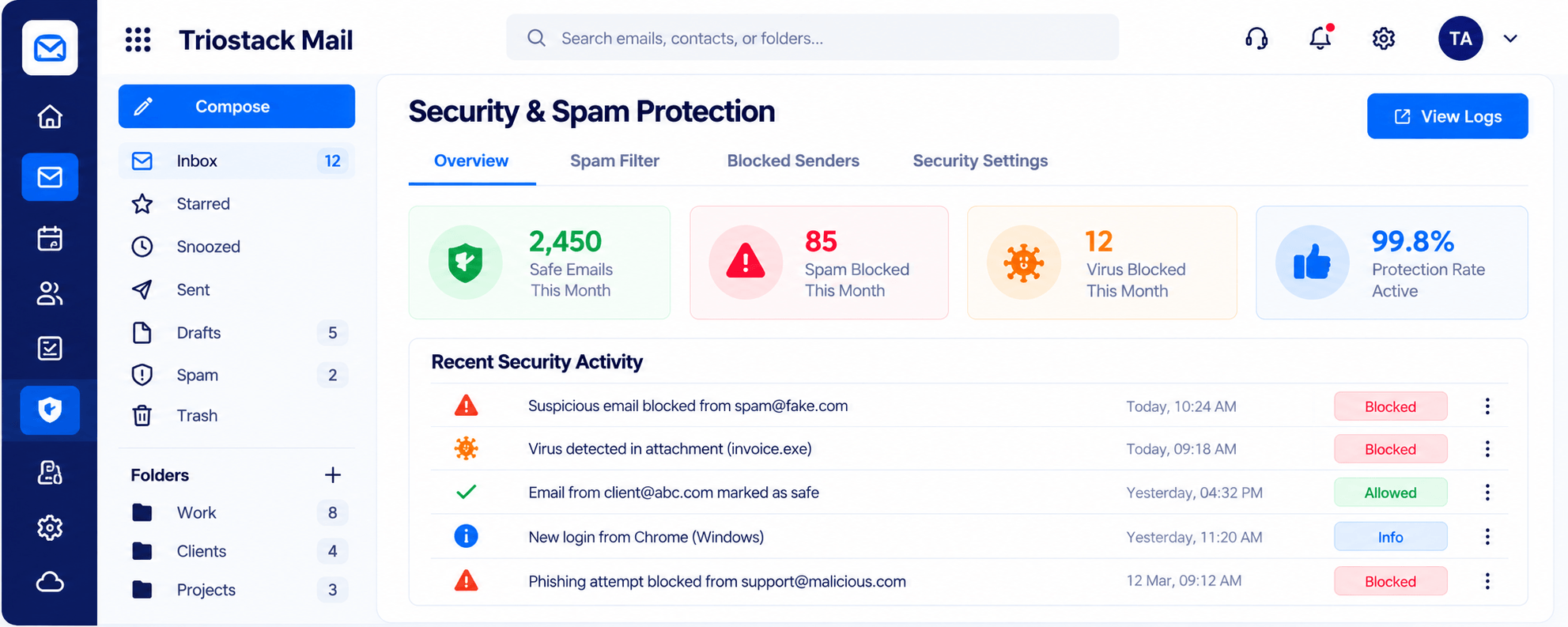
Protect the domain.
On this screen: Spam, phishing and virus filtering with a clear log.
How it fits the plan
Create. Add users and aliases.
Go live. Status turns from pending to active.
Watch out for
Skipping the verification step and wondering why mail is stuck on pending.
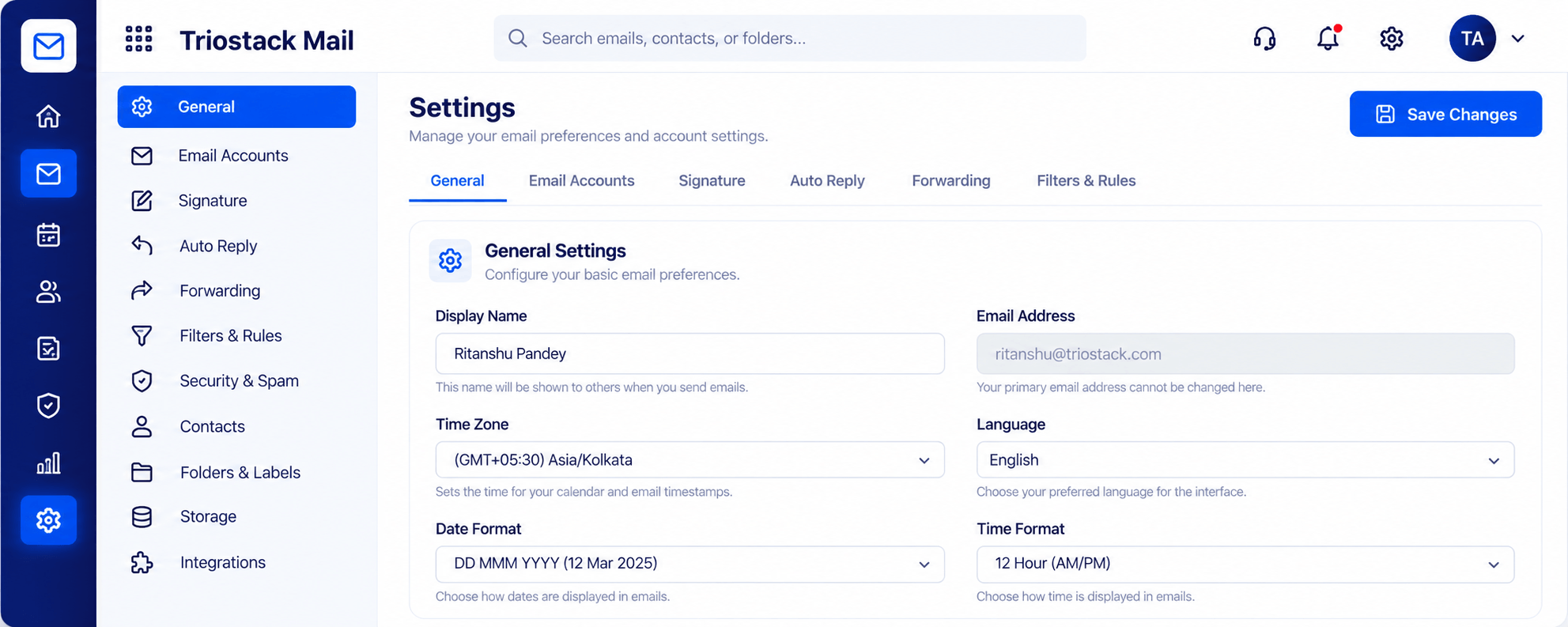
Per-user preferences.
How it fits the plan
Go live. Status turns from pending to active.
Add. Add the organisation and domain.
Before you start
Execution Plan
Add the organisation and domain.
Confirm the domain with your DNS.
Add users and aliases.
Status turns from pending to active.
Practical Guide
Before you start
A tip that helps
Add the domain on a quiet day. DNS changes can take a while to settle, so do not do it before a launch.
A common mistake
Skipping the verification step and wondering why mail is stuck on pending.
In Real Life
Scenario 01
A domain and first users go live in a sitting.
Scenario 02
A second domain runs beside the first.
Scenario 03
An address is reassigned to a colleague.
Straight answers about Domain Setup, from setup to what happens next.
Have a question about Domain Setup?
Book a free callYes. Triostack Mail runs on custom-domain addresses.
Yes. Add the organisations and domains your team sends from.
Yes, such as info@ or billing@.
Each shows an active or pending status.
Add the organisations and domains your team sends from, manage users and aliases, and see each one's active or pending status.
It runs in 4 steps: Add, Verify, Create and Go live. Add the organisation and domain.
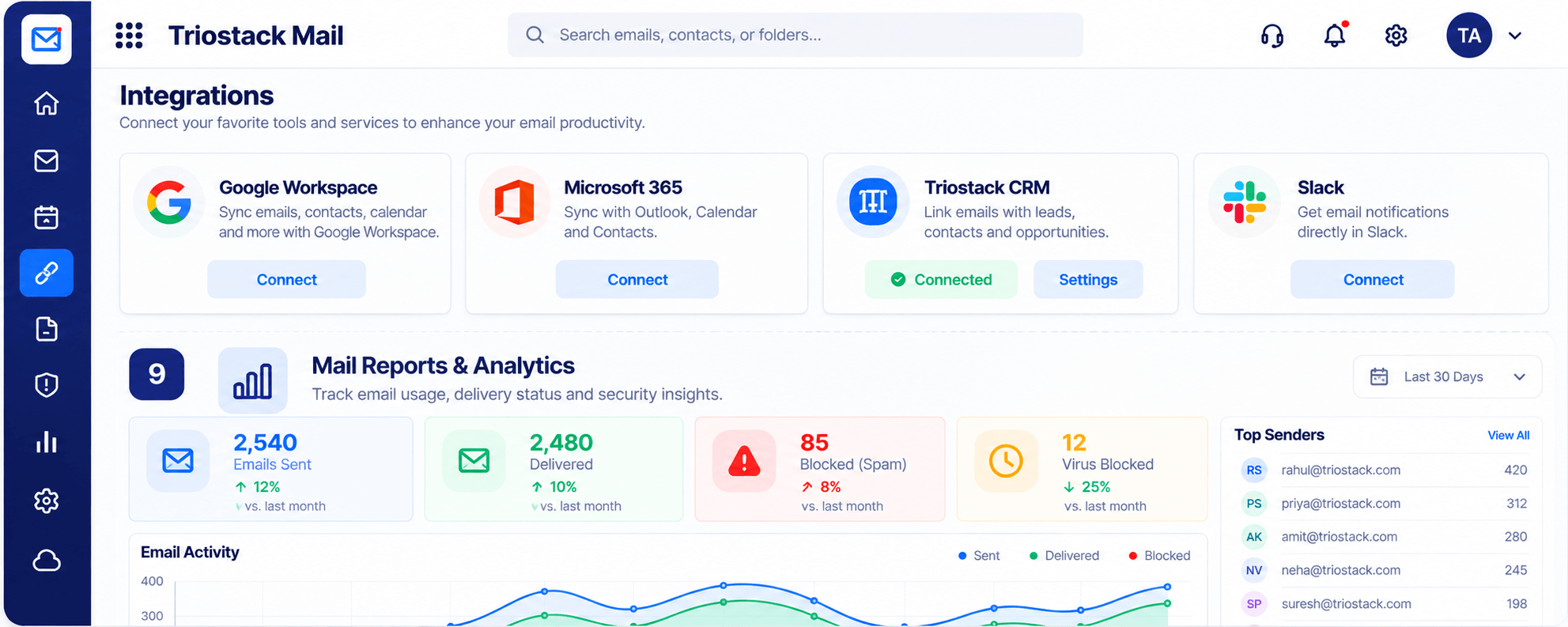
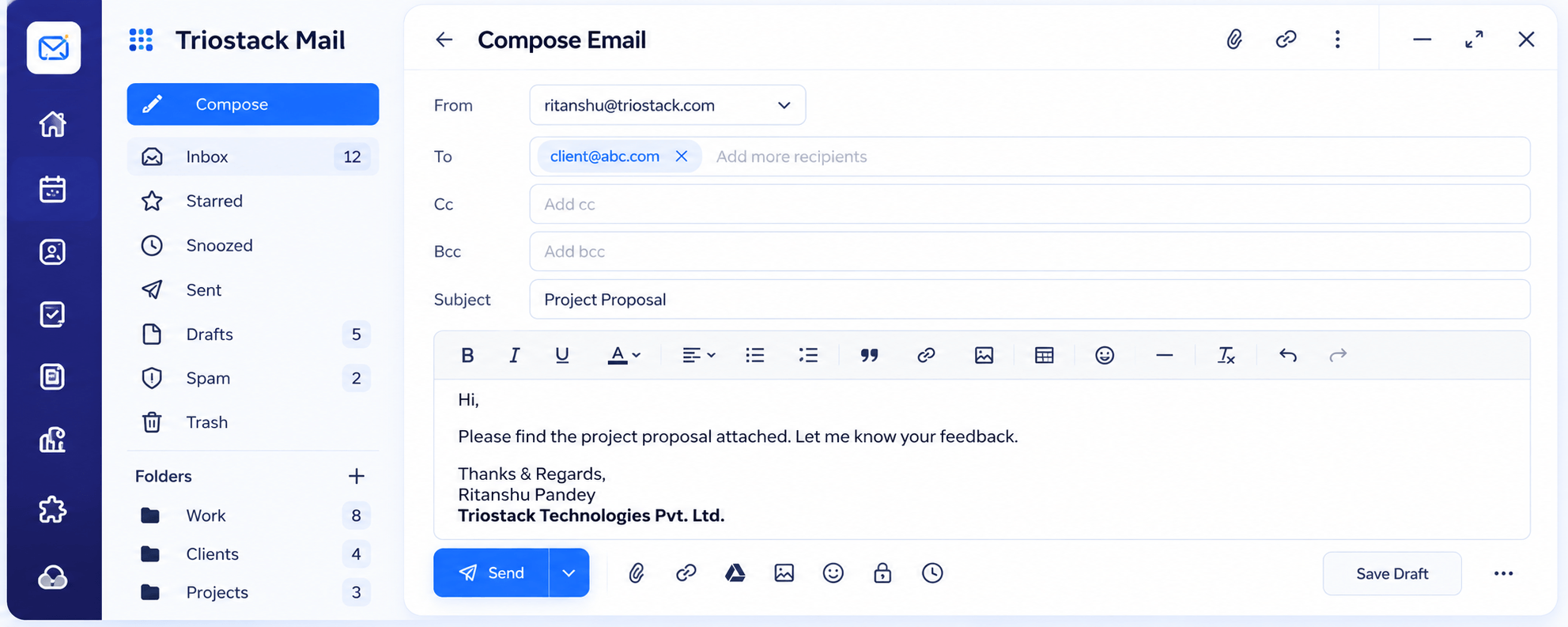
The real screens on this page include Inbox & Reading Pane, Security & Spam Protection, Integrations & Reports and Organizations & Domains, all captured from the product.
Request a demo or start a free trial. Our team can also walk you through a guided setup, so your first session ends with something working.
Keep Exploring
Custom-domain inboxes, shared folders, contacts and spam protection in one workspace, connected to CRM and support.