The best Business Suite software in India, built to help your business grow. Contact us at +91-8882435276.
[ Contact ]
Phone number
Email address
Head office
Noida office
The right team at TriostackOne will get back to you.
Positioning Assessment
Important emails wait in an inbox for someone to notice, while the team is busy in chat all day.
Triostack Mail lists Slack among its integrations for getting email notifications directly in Slack. Ask us what can be sent and how channels are chosen on your plan.
“A customer email showed up in our channel and was answered before I had even opened my inbox.”
Sample team scenario
Illustrative example, not a customer testimonial
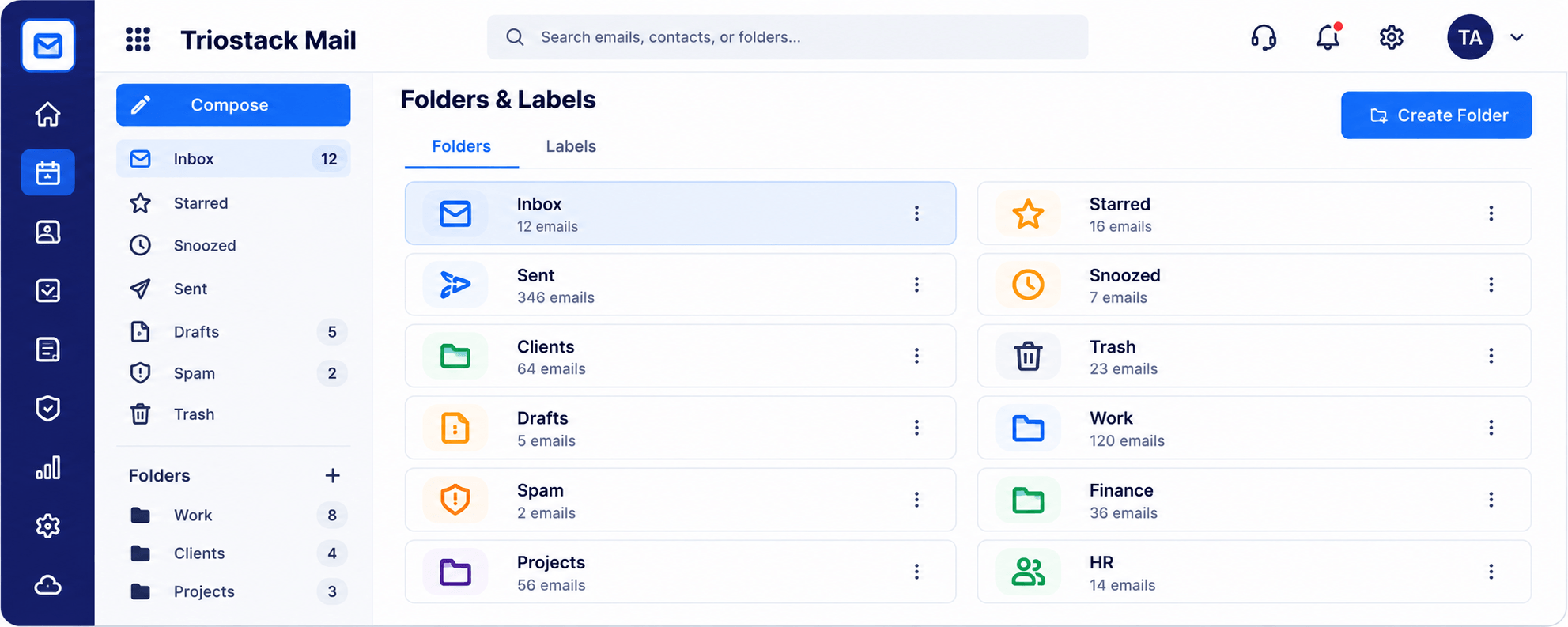
Folders & Labels
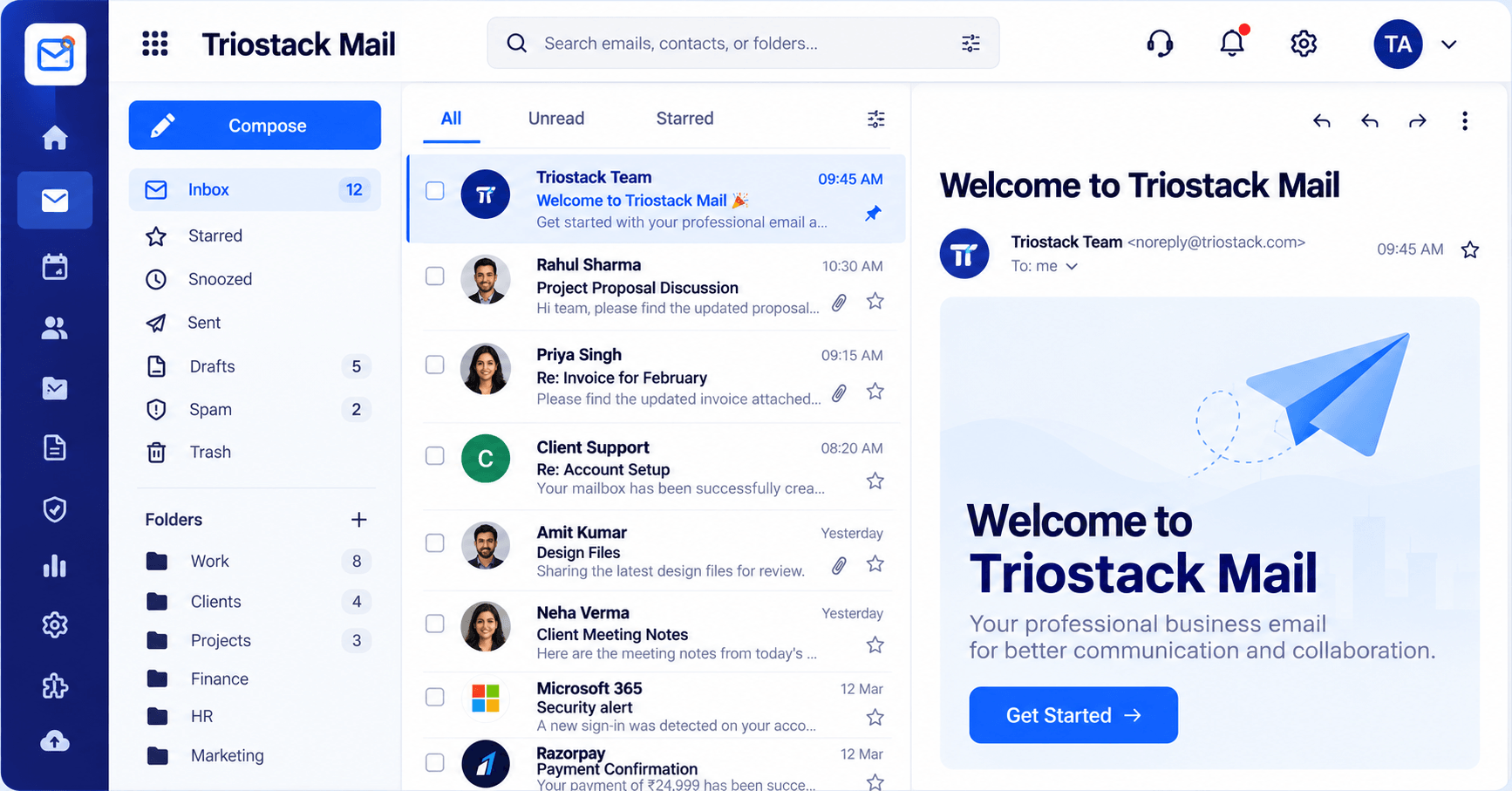
Folders and labels with a count for every one
In the Product
Imagine a small chime in the team room whenever a message that matters arrives.
No inbox hunting.
Not just one person.
Only what matters.
Platform Integrity
Notified in Slack
Everyone sees it
Less waiting
We guide you
How It Works
What notifications change.
| Dimension | Triostack Mail | Inbox Checking |
|---|---|---|
| Where | In the Slack channel | In an inbox |
| Visibility | The whole channel | One person |
| Speed | As it arrives | When someone looks |
| Setup | Guided | Not applicable |
| Plan details | Ask us what is included | Varies |
Our team can walk you through the connection, permissions and a first test so Mail fits into the tools your team already uses.
Live Interface Tour
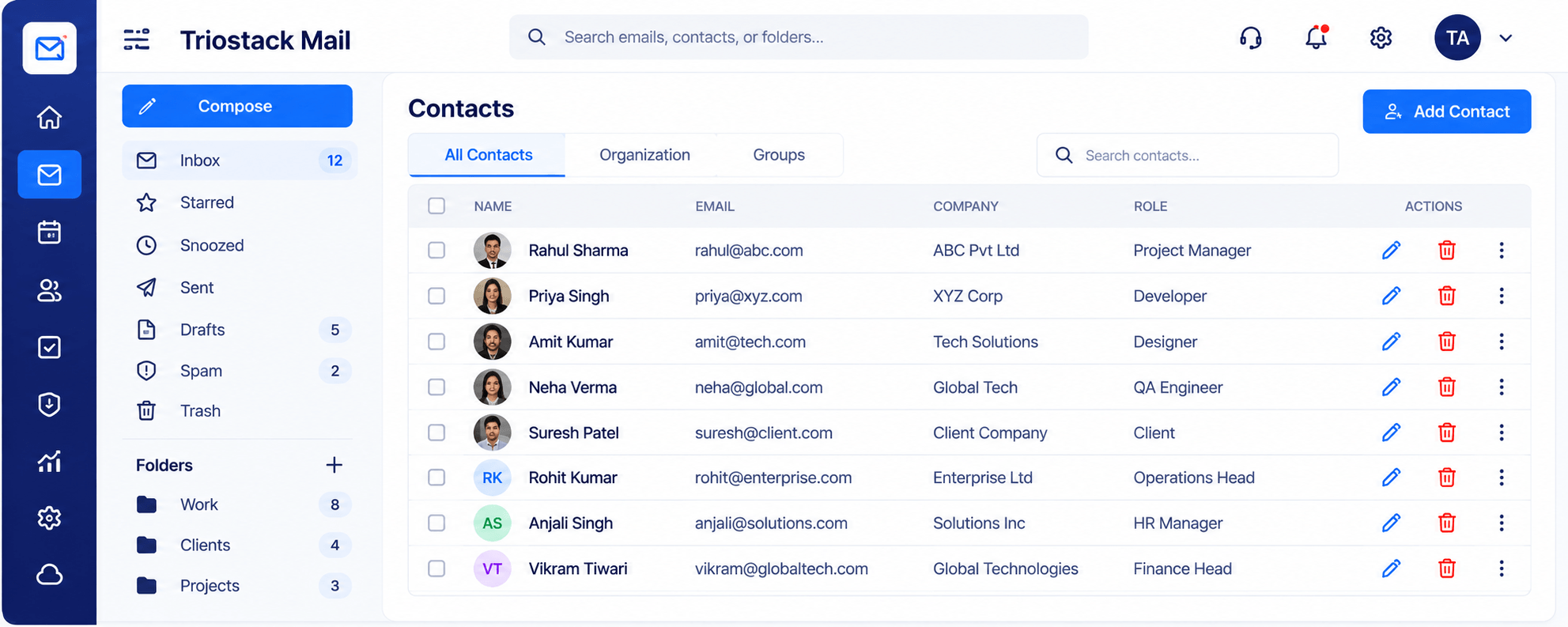
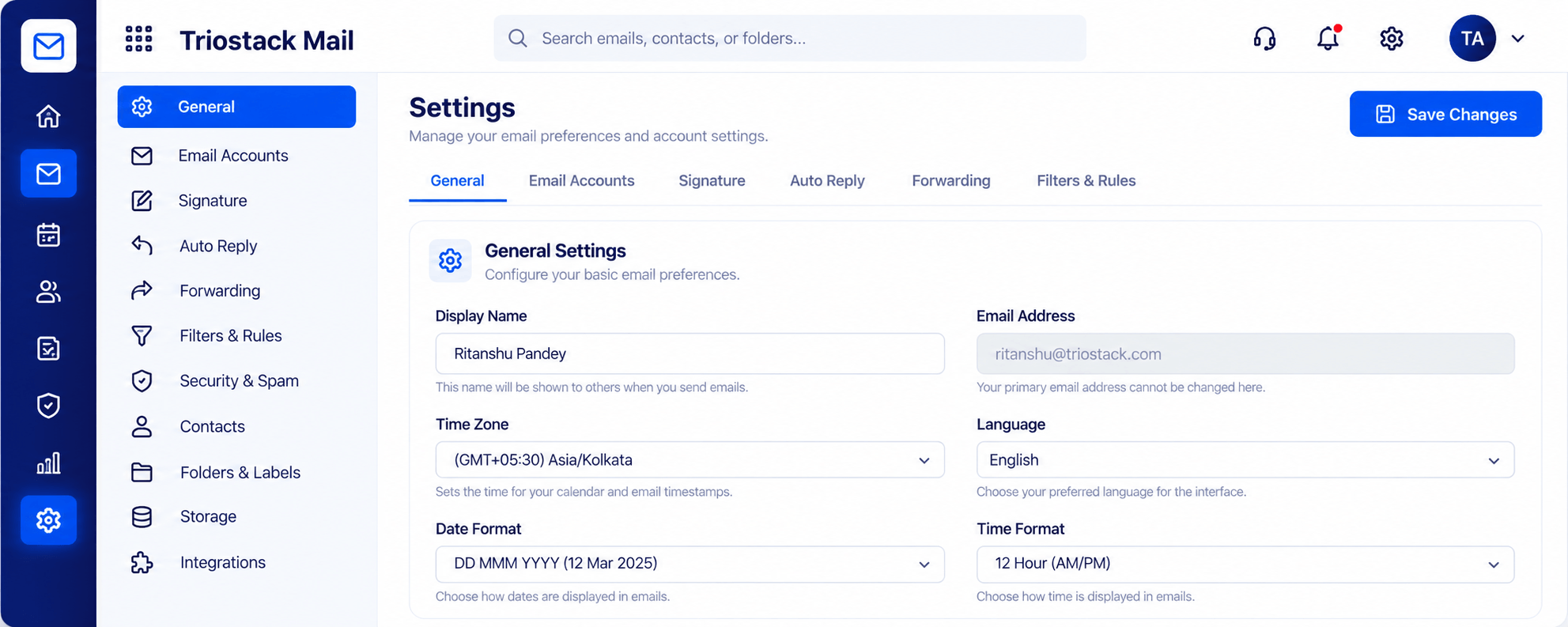
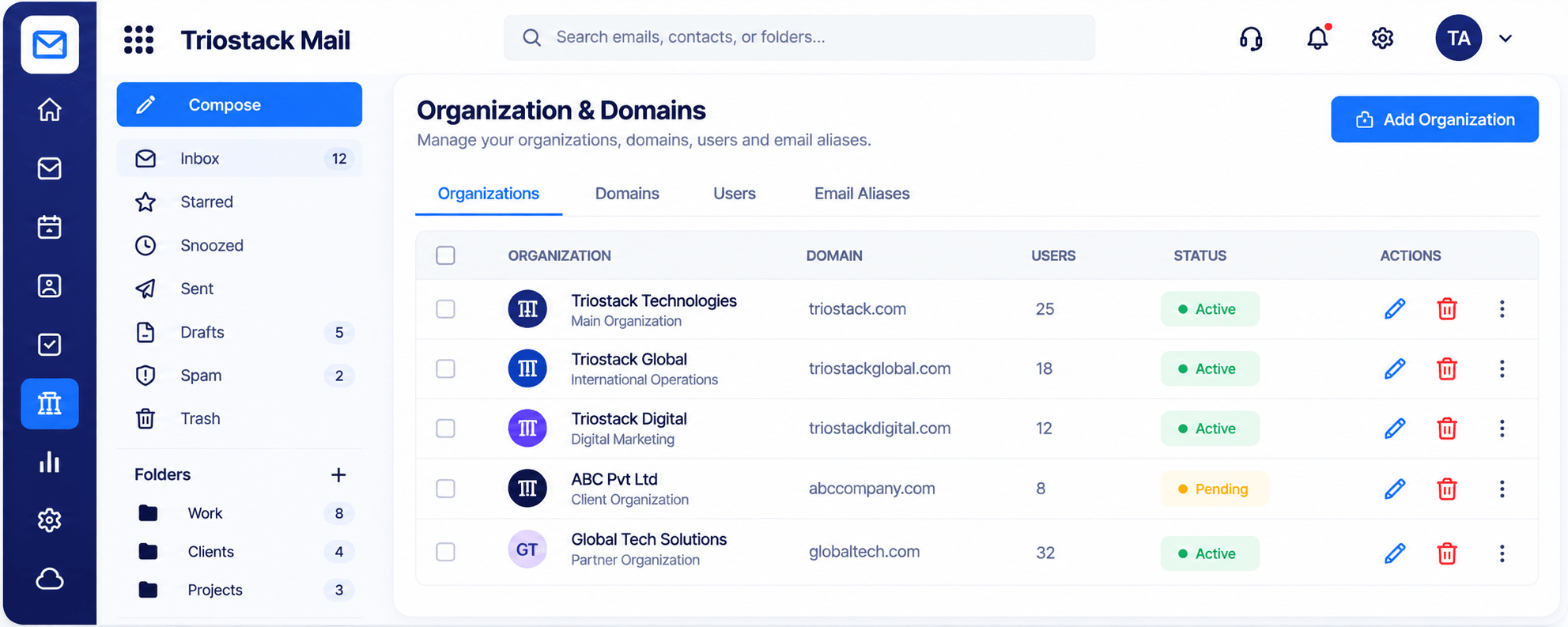
Real screens captured directly from the Triostack Mail workspace.
Inbox & Reading Pane
Email notifications where your team already is
Feature Breakdown
Captured from the Triostack Mail workspace.
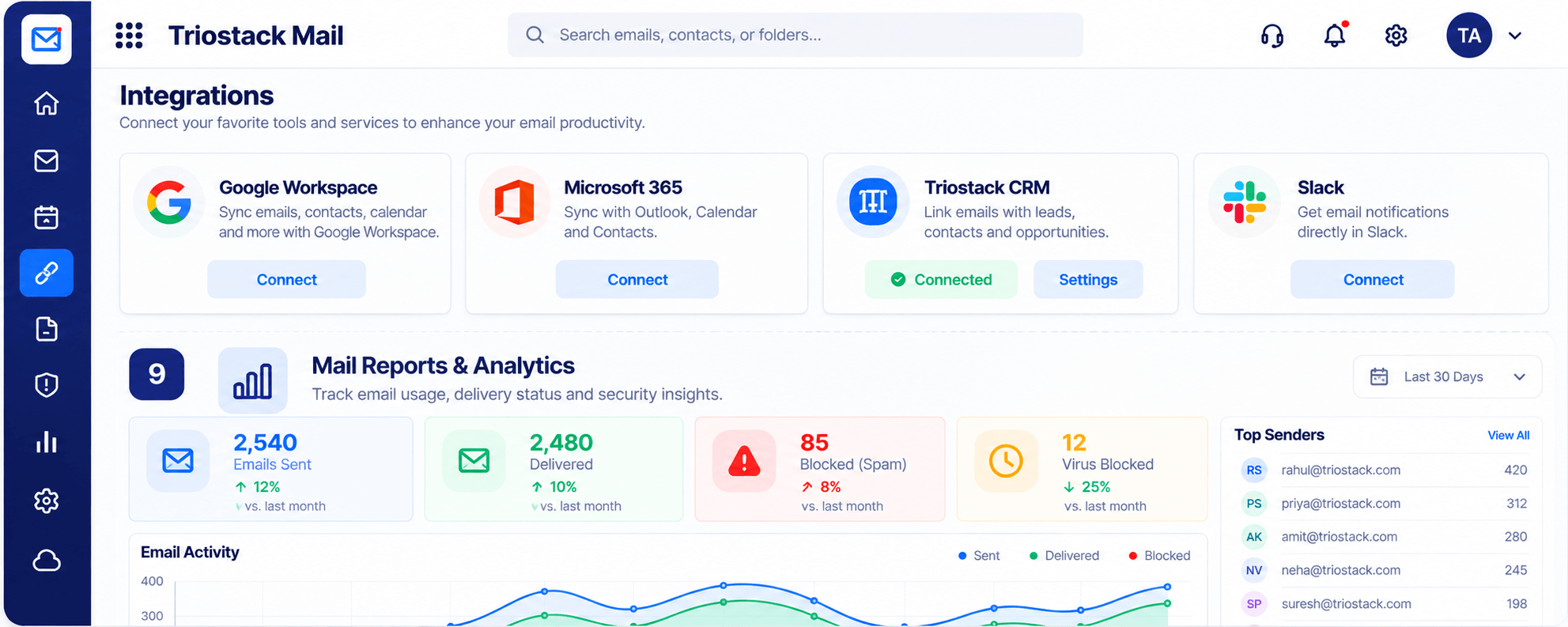
01
IntegrationsThe connection.
How it fits the plan
Choose. Pick the mail worth alerting on.
Connect. Authorise Slack.
Practical tip
Alert on a few kinds of mail only. A channel that pings constantly gets muted.
02
IntegrationsThe source.
How it fits the plan
Connect. Authorise Slack.
Route. Choose the channel.
In real life
Support email
The channel sees it immediately.
03
IntegrationsDecide what alerts.
On this screen: Folders and labels with a count for every one.
How it fits the plan
Route. Choose the channel.
Test. Send a sample email.
Watch out for
Sending every email to a channel, so the important ones are lost in the noise.
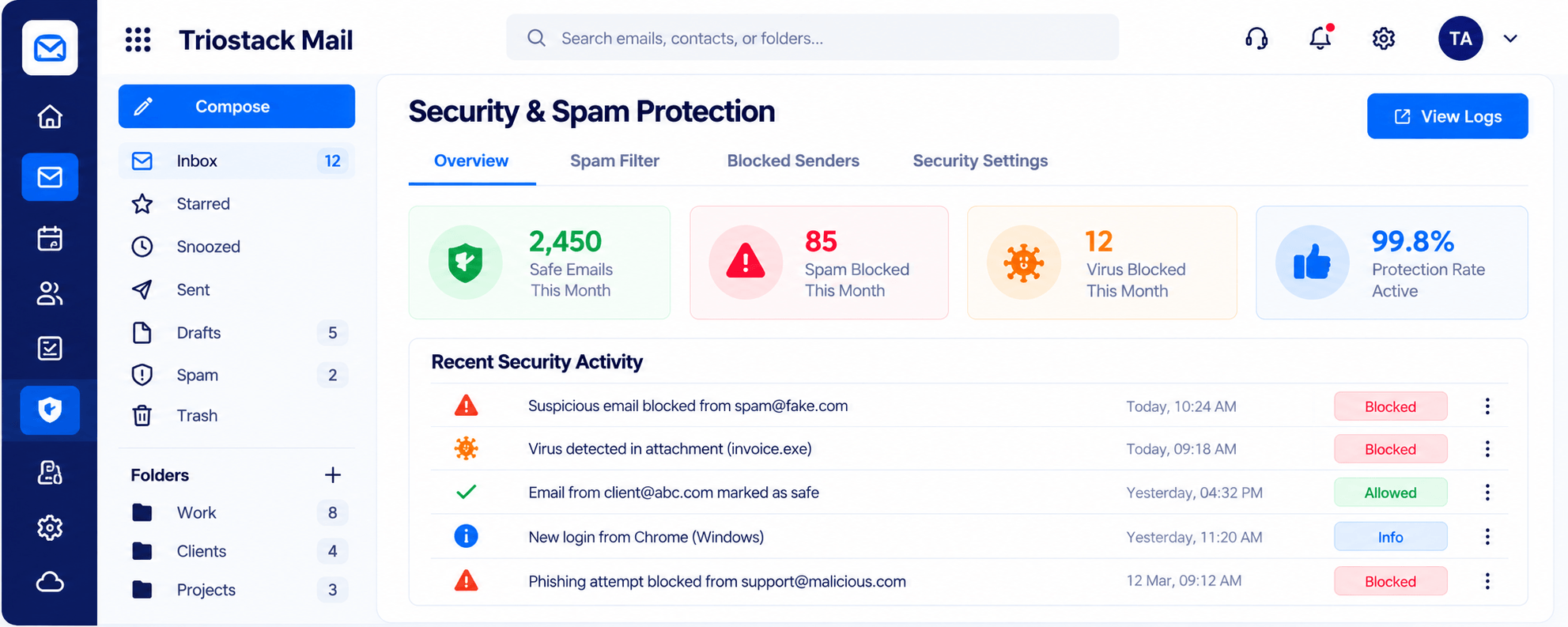
04
IntegrationsKeep it safe.
On this screen: Spam, phishing and virus filtering with a clear log.
How it fits the plan
Test. Send a sample email.
Choose. Pick the mail worth alerting on.
Before you start
Execution Plan
Pick the mail worth alerting on.
Authorise Slack.
Choose the channel.
Send a sample email.
Practical Guide
Before you start
A tip that helps
Alert on a few kinds of mail only. A channel that pings constantly gets muted.
A common mistake
Sending every email to a channel, so the important ones are lost in the noise.
In Real Life
Scenario 01
The channel sees it immediately.
Scenario 02
A rep picks it up in minutes.
Scenario 03
Ops is alerted without a forward.
Straight answers about Slack, from setup to what happens next.
Have a question about Slack?
Book a free callSlack is listed as an integration for getting email notifications in Slack.
Ask us what can be configured on your plan.
Ask us about channel options.
Yes.
Send email notifications to Slack so important messages reach the team in the channel they already watch, without anyone checking another inbox.
It runs in 4 steps: Choose, Connect, Route and Test. Pick the mail worth alerting on.
The real screens on this page include Folders & Labels, Security & Spam Protection, Contacts & Groups and Integrations, all captured from the product.
Request a demo or start a free trial. Our team can also walk you through a guided setup, so your first session ends with something working.
Keep Exploring
Custom-domain inboxes, shared folders, contacts and spam protection in one workspace, connected to CRM and support.