The best Business Suite software in India, built to help your business grow. Contact us at +91-8882435276.
[ Contact ]
Phone number
Email address
Head office
Noida office
The right team at TriostackOne will get back to you.
Positioning Assessment
Outlook is part of how many people work. Asking them to abandon it creates resistance before a new tool has had a chance.
Triostack Mail lists Microsoft 365 among its integrations for syncing with Outlook, Calendar and Contacts. Ask us for the details of what is synced and how it is set up on your plan.
“People kept Outlook open at first. Within a month most had moved over by choice.”
Sample team scenario
Illustrative example, not a customer testimonial
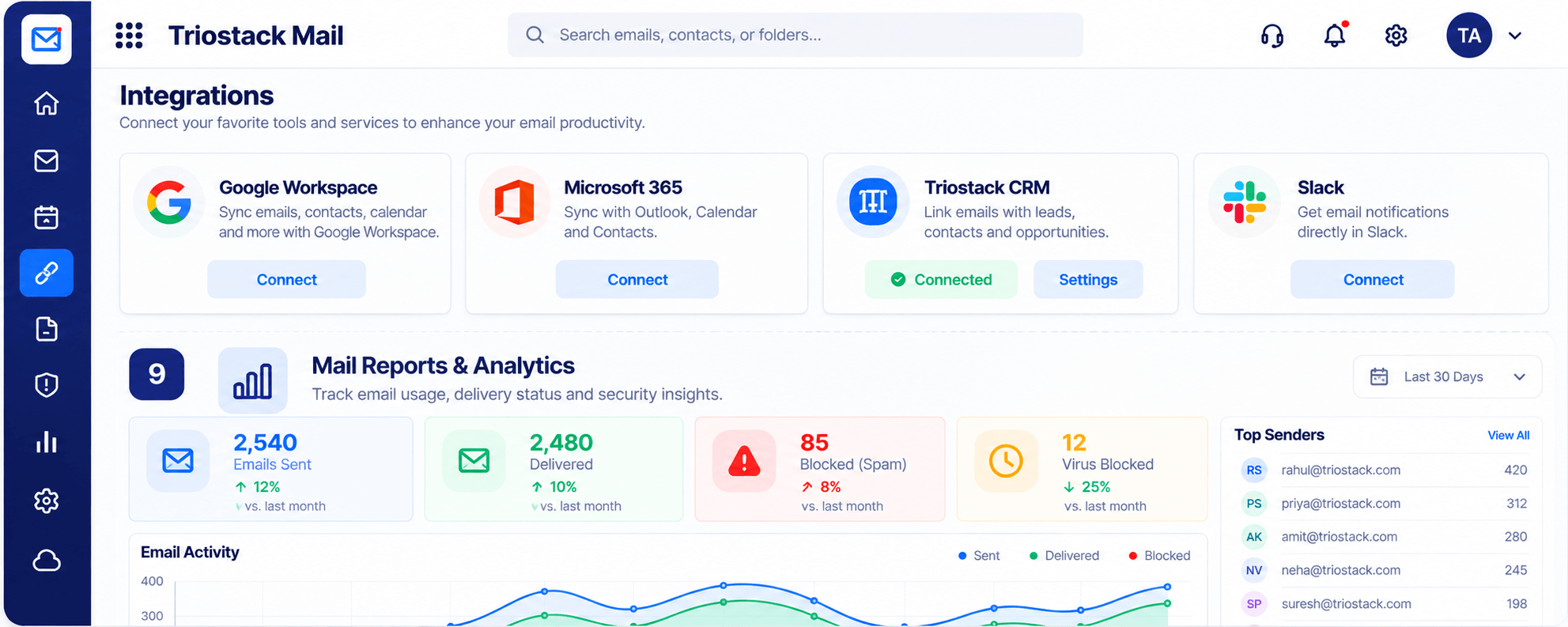
Integrations & Reports
Connected tools and mail reports at a glance
In the Product
Imagine crossing over at your own pace while the old road stays open.
Teams switch when ready.
Outlook stays useful.
Our team helps.
Platform Integrity
Stays in the picture
Keeps events aligned
Come across
We guide you
How It Works
What a connection saves.
| Dimension | Triostack Mail | A Hard Switch |
|---|---|---|
| Outlook | Sync via the integration | Abandon it |
| Calendar | Kept aligned | Re-create |
| Contacts | Brought across | Export and import |
| Rollout | Gradual | One weekend |
| Plan details | Ask us what is included | Varies |
Our team can walk you through the connection, permissions and a first test so Mail fits into the tools your team already uses.
Live Interface Tour
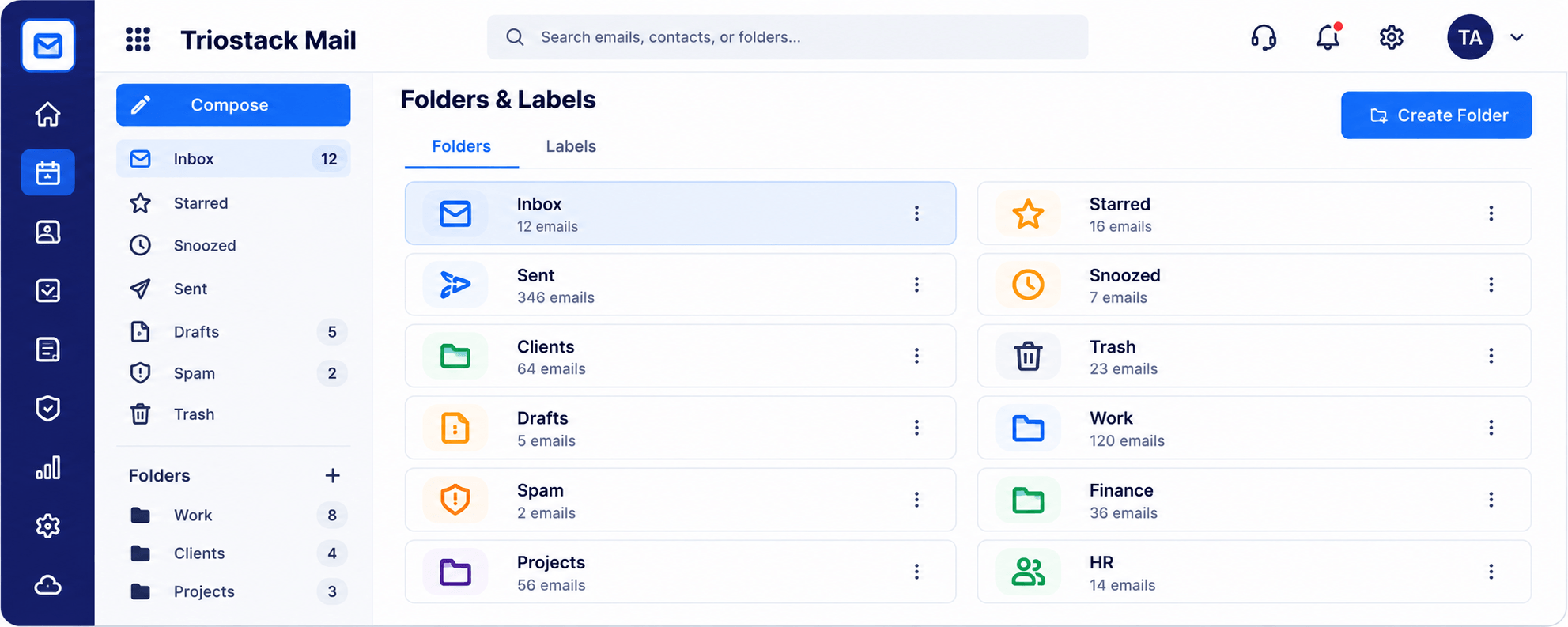
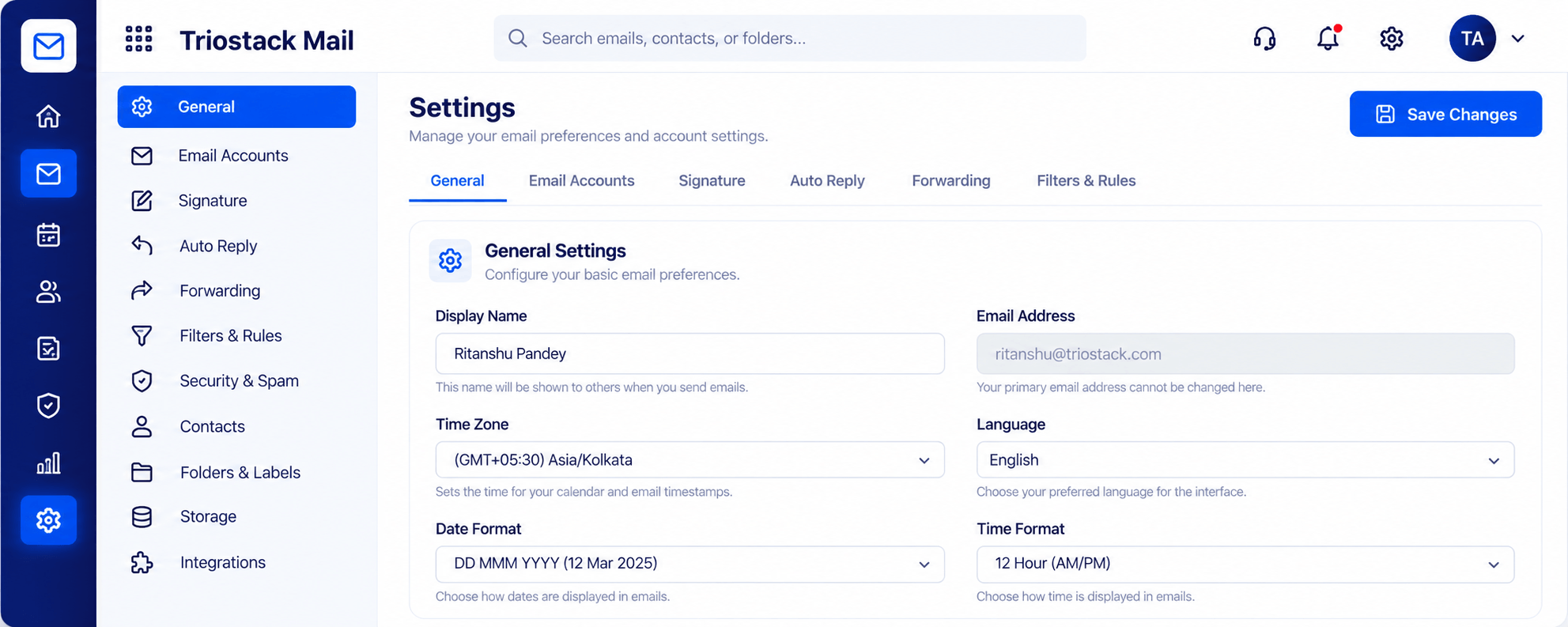
Real screens captured directly from the Triostack Mail workspace.
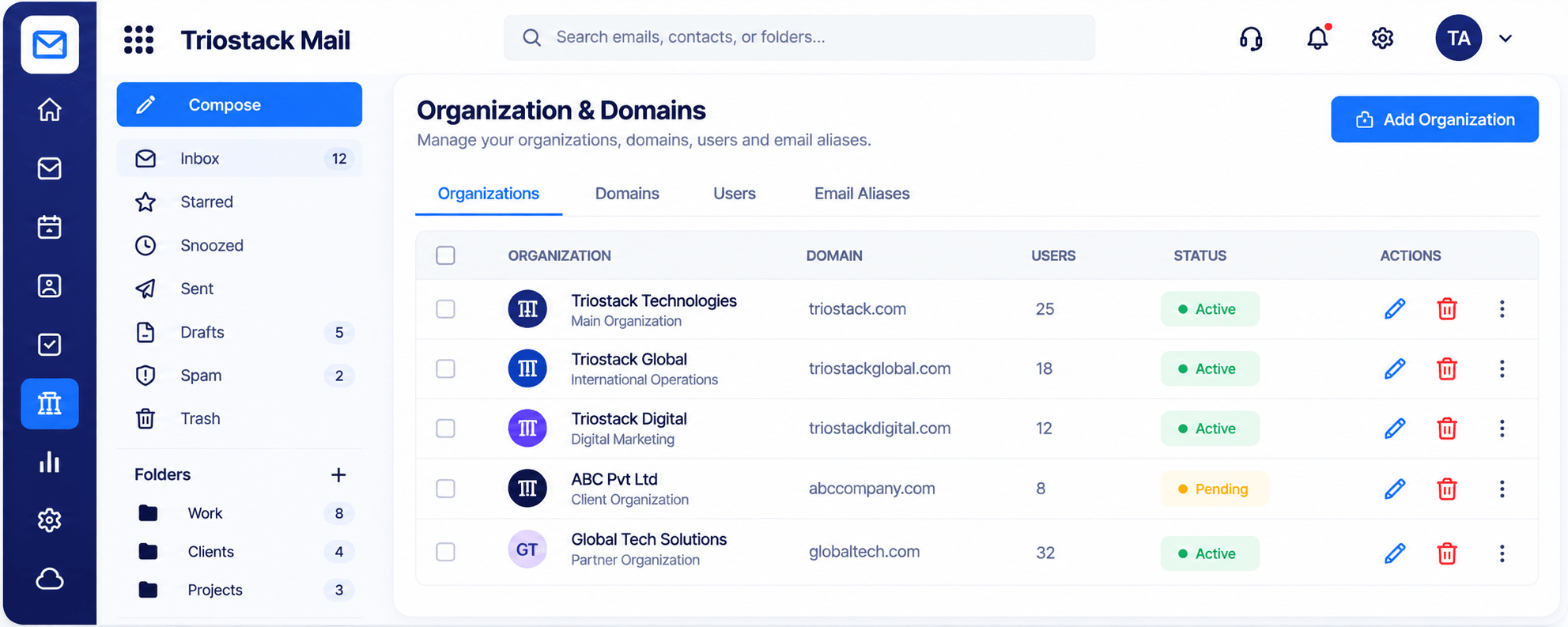
Organizations & Domains
Outlook, Calendar and Contacts in sync
Feature Breakdown
Captured from the Triostack Mail workspace.
01
IntegrationsThe connection.
On this screen: Connected tools and mail reports at a glance.
How it fits the plan
Choose. Pick what to sync.
Authorise. Sign in to Microsoft 365.
Practical tip
Let people keep Outlook for the first weeks. Habits change faster when nobody is forced.
02
IntegrationsWhere mail lives.
How it fits the plan
Authorise. Sign in to Microsoft 365.
Verify. Check mail, calendar and contacts.
In real life
Mixed team
Some on Outlook, some on Mail.
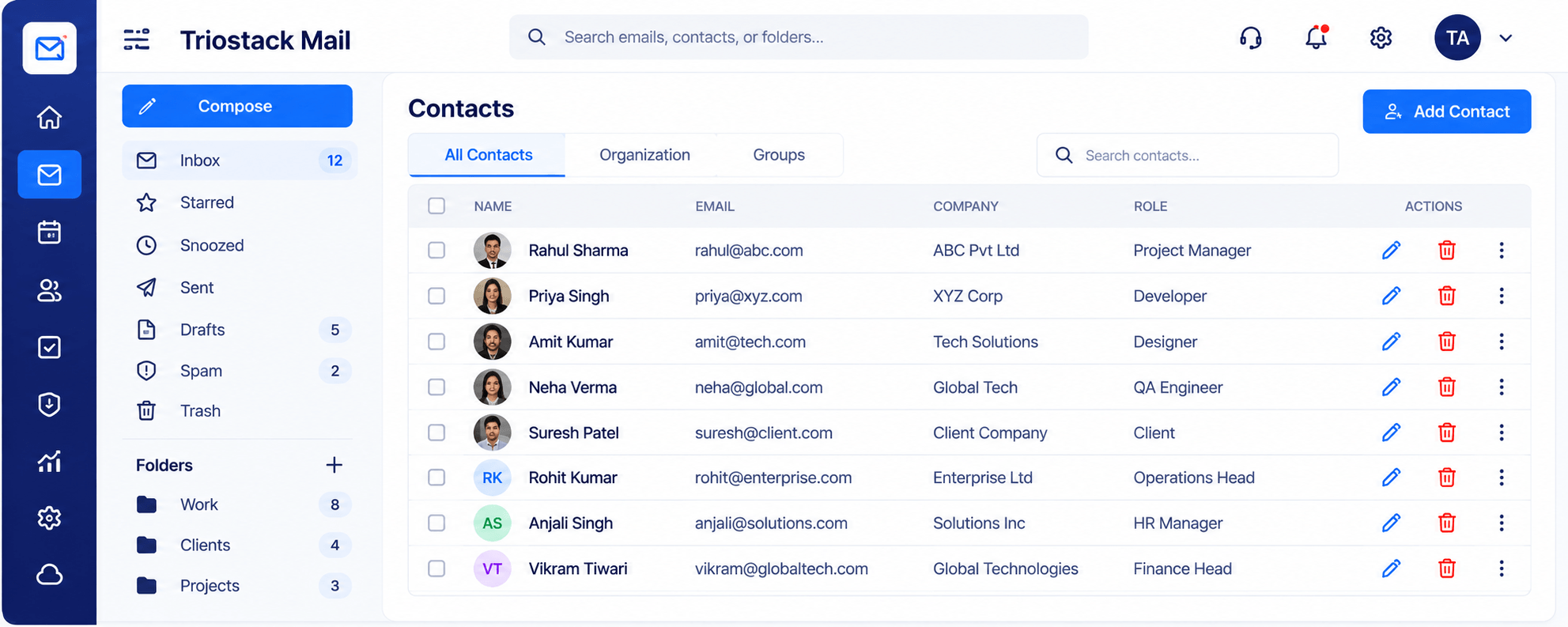
03
IntegrationsBrought across.
On this screen: One directory for names, companies and roles.
How it fits the plan
Verify. Check mail, calendar and contacts.
Roll out. Move the team across at its own pace.
Watch out for
Switching a whole team over in one weekend with no fallback.
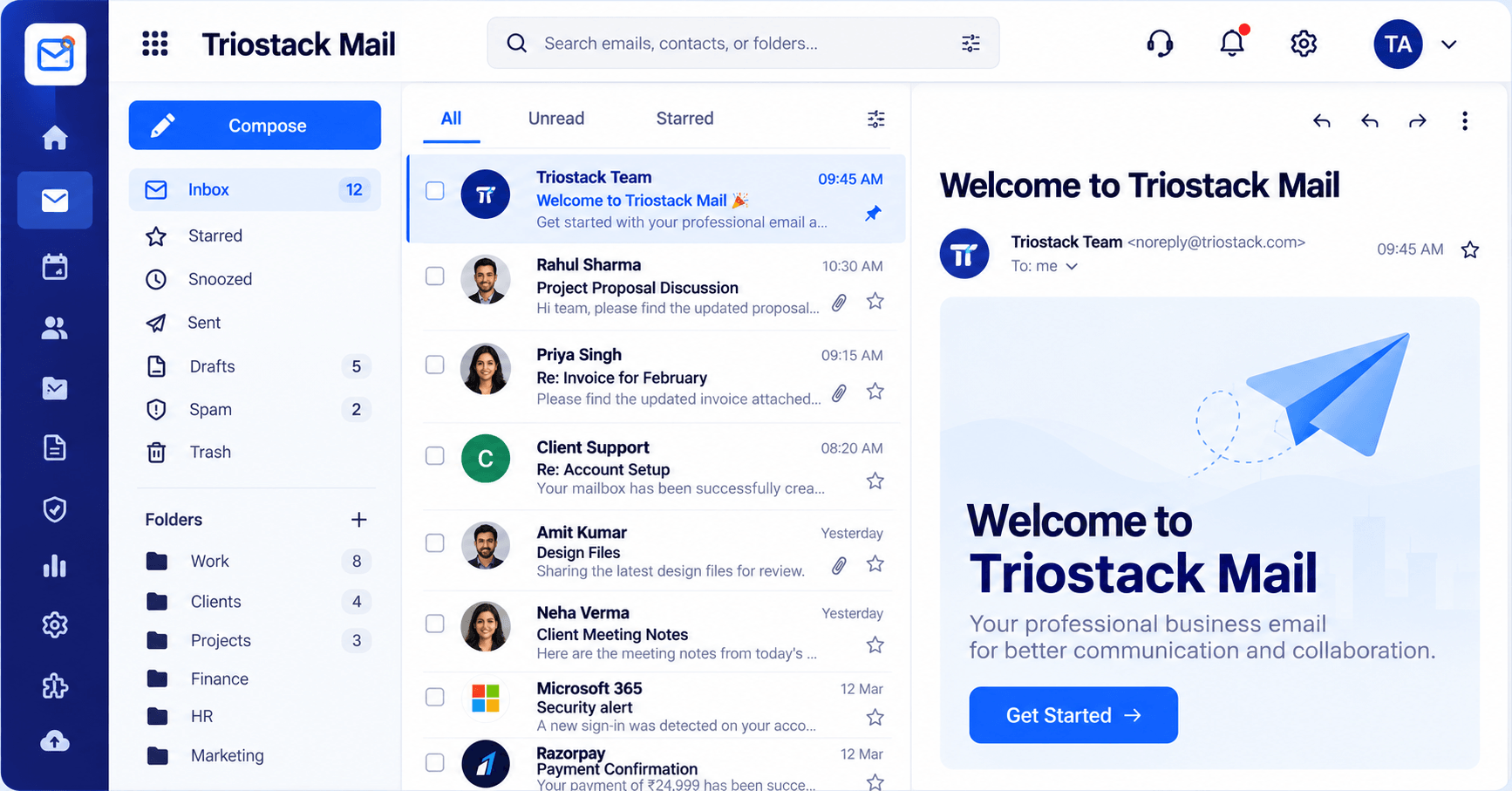
04
IntegrationsWhere you work.
How it fits the plan
Roll out. Move the team across at its own pace.
Choose. Pick what to sync.
Before you start
Execution Plan
Pick what to sync.
Sign in to Microsoft 365.
Check mail, calendar and contacts.
Move the team across at its own pace.
Practical Guide
Before you start
A tip that helps
Let people keep Outlook for the first weeks. Habits change faster when nobody is forced.
A common mistake
Switching a whole team over in one weekend with no fallback.
In Real Life
Scenario 01
Some on Outlook, some on Mail.
Scenario 02
Meeting invites carry across.
Scenario 03
One department tests first.
Straight answers about Microsoft 365, from setup to what happens next.
Have a question about Microsoft 365?
Book a free callMicrosoft 365 is listed as an integration that syncs with Outlook, Calendar and Contacts.
Ask us for the details on your plan.
That is the point of a connection. Plan it with our team.
Yes.
Sync Triostack Mail with Outlook, Calendar and Contacts through the Microsoft 365 integration, so teams on Microsoft keep what they know.
It runs in 4 steps: Choose, Authorise, Verify and Roll out. Pick what to sync.
The real screens on this page include Integrations & Reports, Contacts & Groups, Security & Spam Protection and Integrations, all captured from the product.
Request a demo or start a free trial. Our team can also walk you through a guided setup, so your first session ends with something working.
Keep Exploring
Custom-domain inboxes, shared folders, contacts and spam protection in one workspace, connected to CRM and support.