The best Business Suite software in India, built to help your business grow. Contact us at +91-8882435276.
[ Contact ]
Phone number
Email address
Head office
Noida office
The right team at TriostackOne will get back to you.
Positioning Assessment
Your business may have a portal, an in-house tool or a data pipeline that no standard integration covers.
TriostackOne offers APIs and webhooks for connecting your own systems. Endpoints, authentication and payloads are not public, so ask us for the technical specification for your workspace, and tell us what you want to connect.
“We asked for the spec, tested one flow, and had it running the same sprint.”
Sample team scenario
Illustrative example, not a customer testimonial
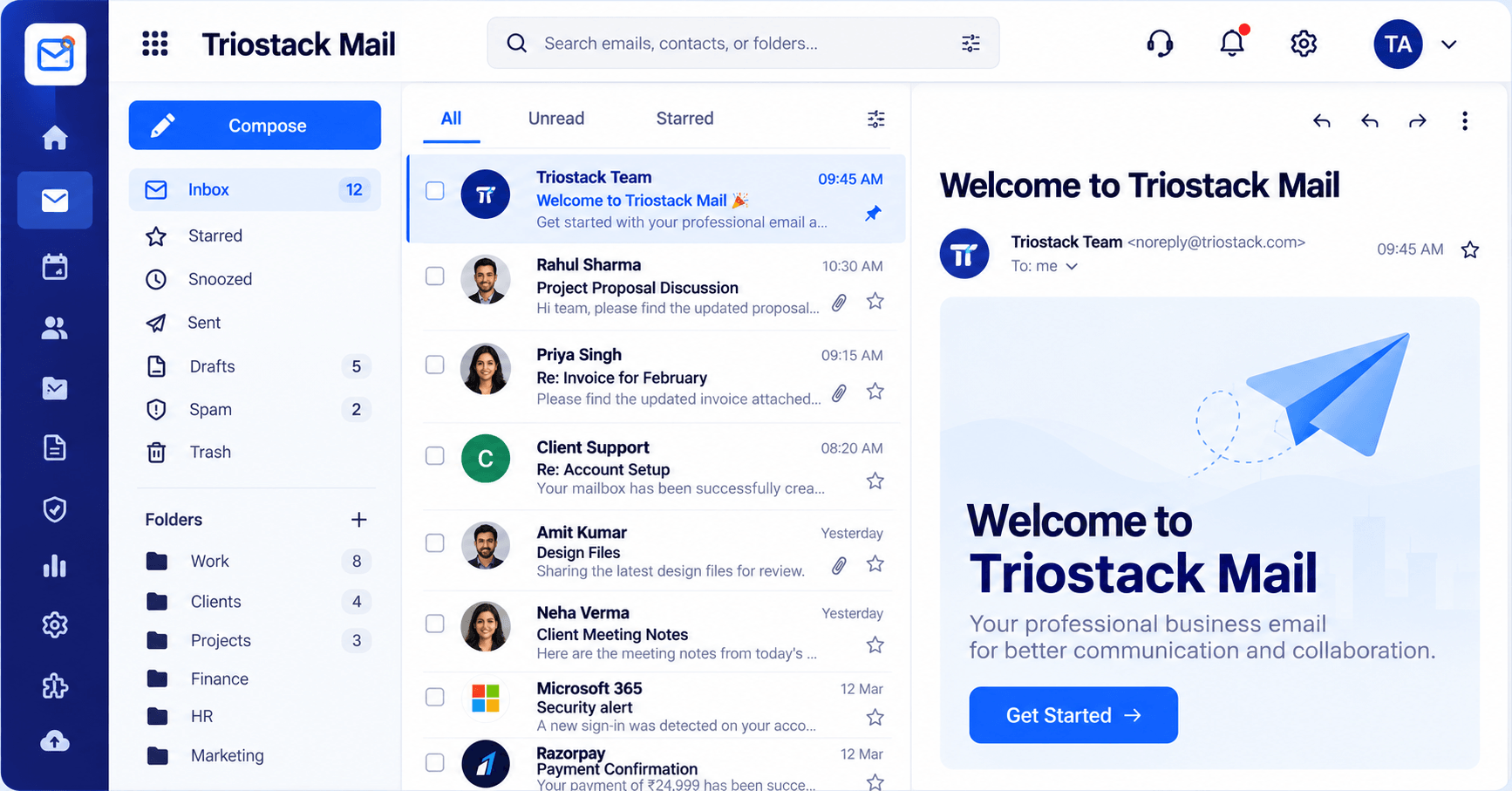
Inbox & Reading Pane
Folders, message list and reading pane in one view
In the Product
Imagine a controlled entrance where only your own systems can drop things in.
Fits your workflow.
Access you define.
We help you test.
Platform Integrity
For your systems
Events into the platform
Keep credentials safe
Shared for your workspace
How It Works
What APIs add.
| Dimension | Triostack Mail | Manual Hand-Offs |
|---|---|---|
| Custom flows | Built on APIs and webhooks | Manual or exports |
| Security | Credentials stay on your server | Shared logins |
| Documentation | Specification on request | None |
| Support | Our team helps | Alone |
| Plan details | Ask us what is available | Varies |
Our team can walk you through the connection, permissions and a first test so Mail fits into the tools your team already uses.
Live Interface Tour
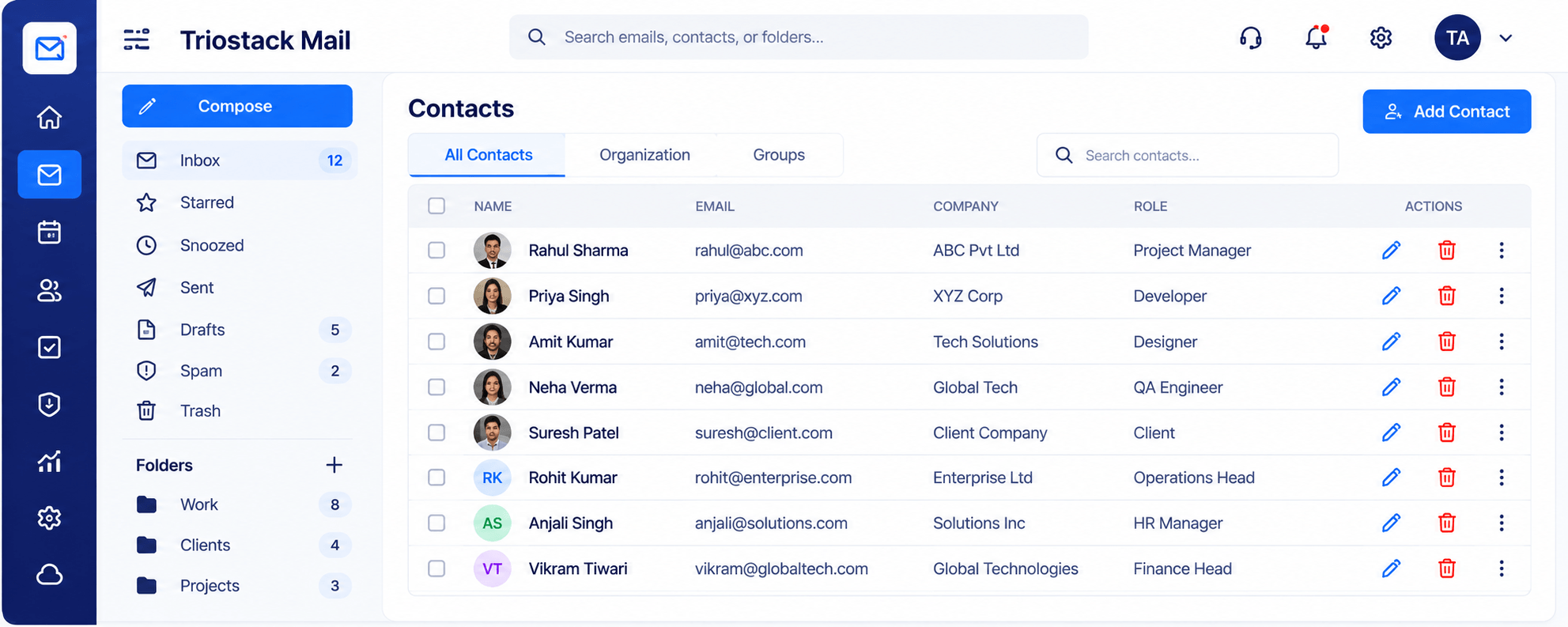
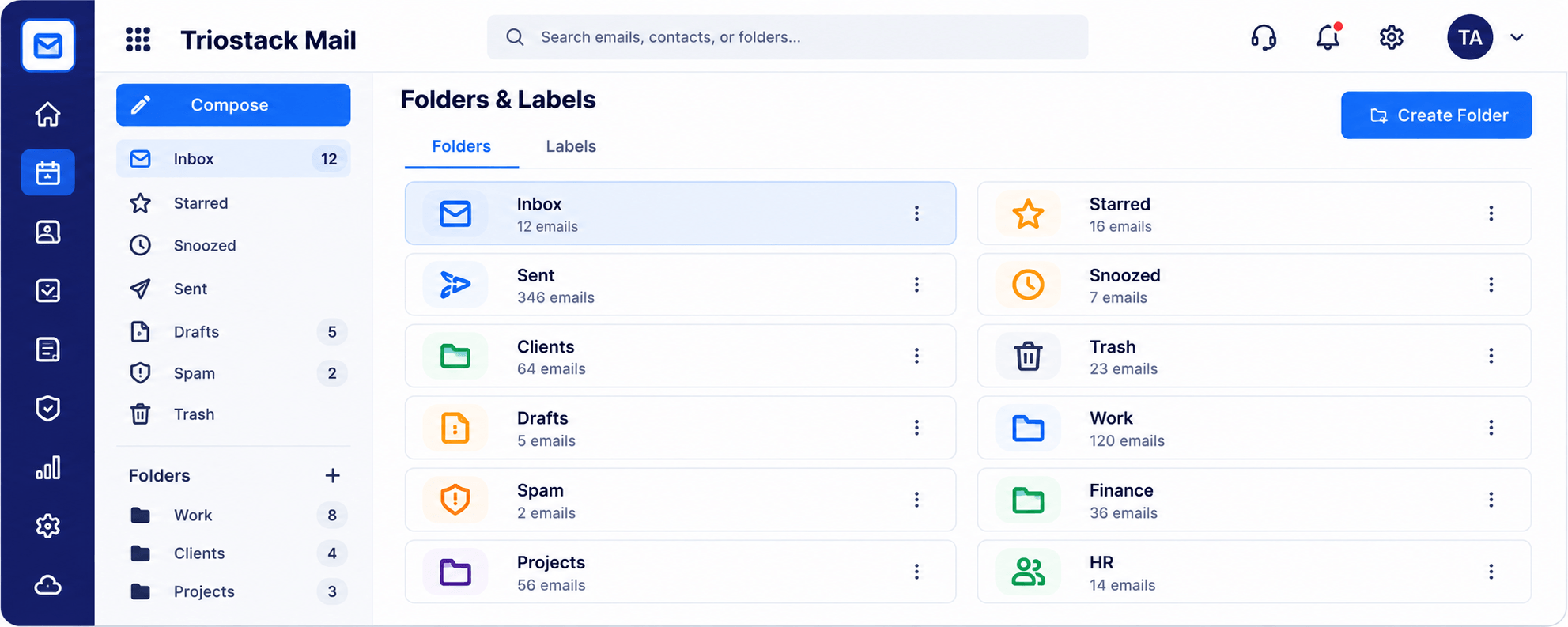
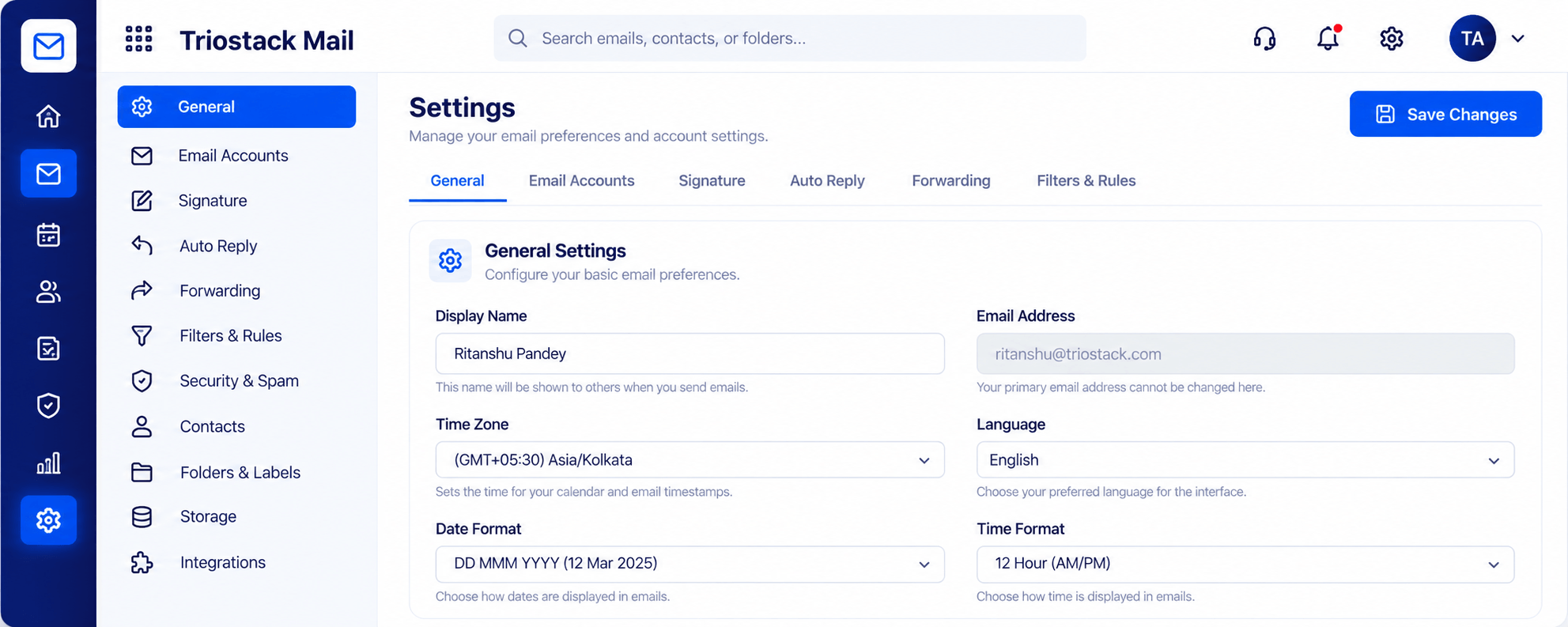
Real screens captured directly from the Triostack Mail workspace.
Settings, Signatures & Rules
For connecting your own systems
Feature Breakdown
Captured from the Triostack Mail workspace.
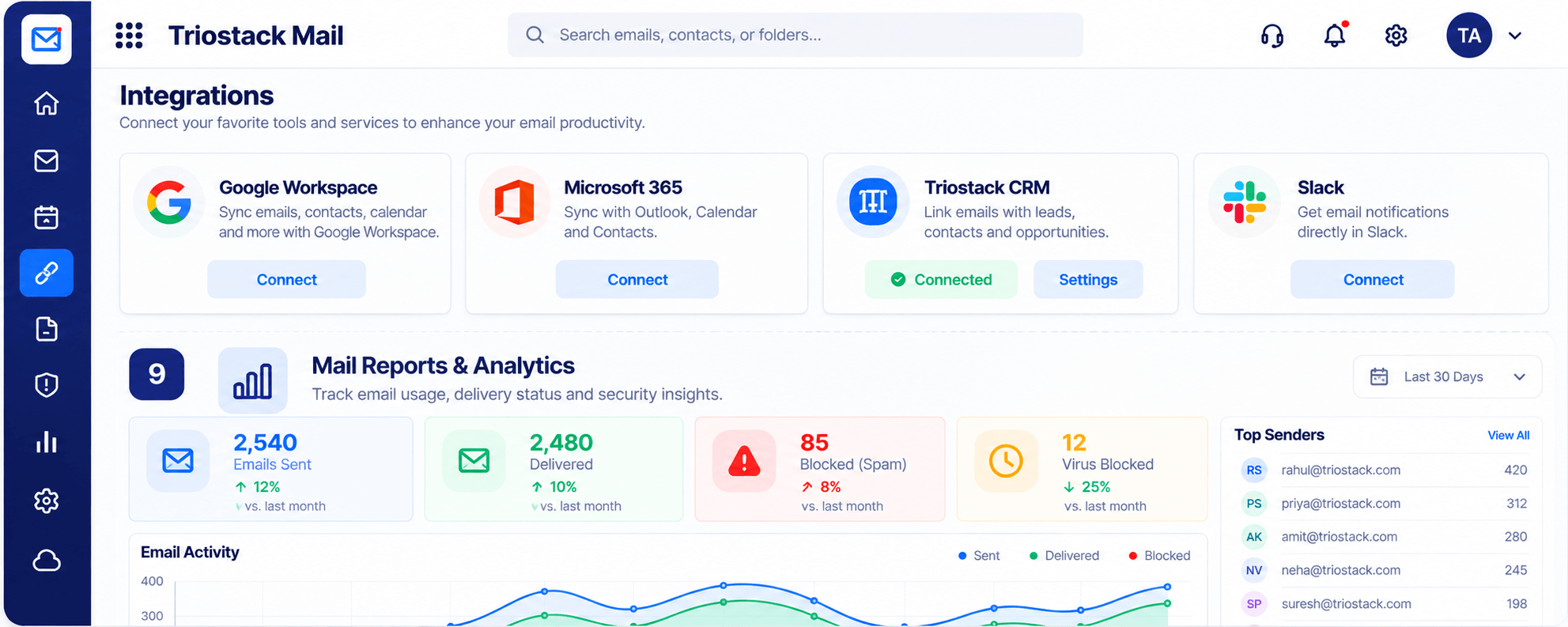
01
IntegrationsWhat is built in.
How it fits the plan
Request. Ask for the specification.
Build. Keep credentials on your server.
Practical tip
Ask for the specification early, even if you build later. It shapes what you plan.
02
IntegrationsRules and forwarding.
How it fits the plan
Build. Keep credentials on your server.
Test. Send a sample and check it.
In real life
Custom portal
Form submissions trigger a mail flow.
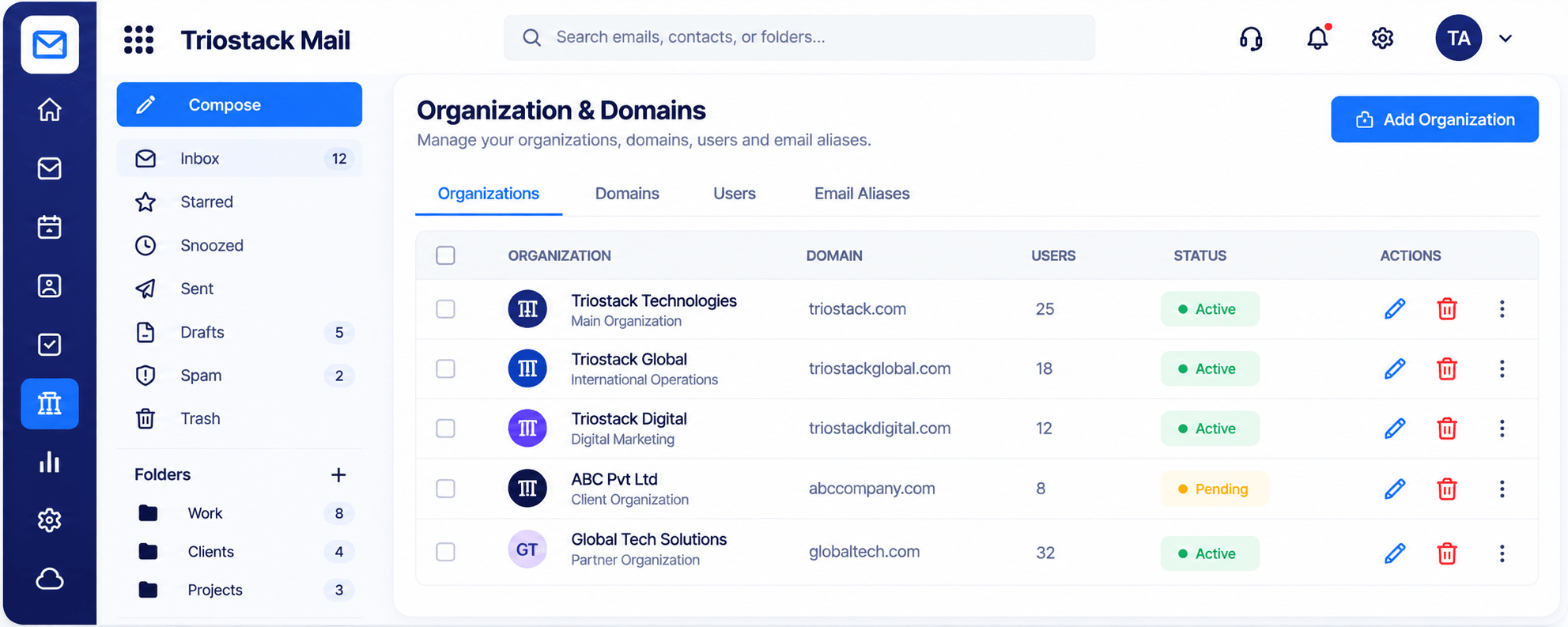
03
IntegrationsWhere mail sends from.
How it fits the plan
Test. Send a sample and check it.
Go live. Monitor and review.
Watch out for
Building against live data before a test run has proved the flow.
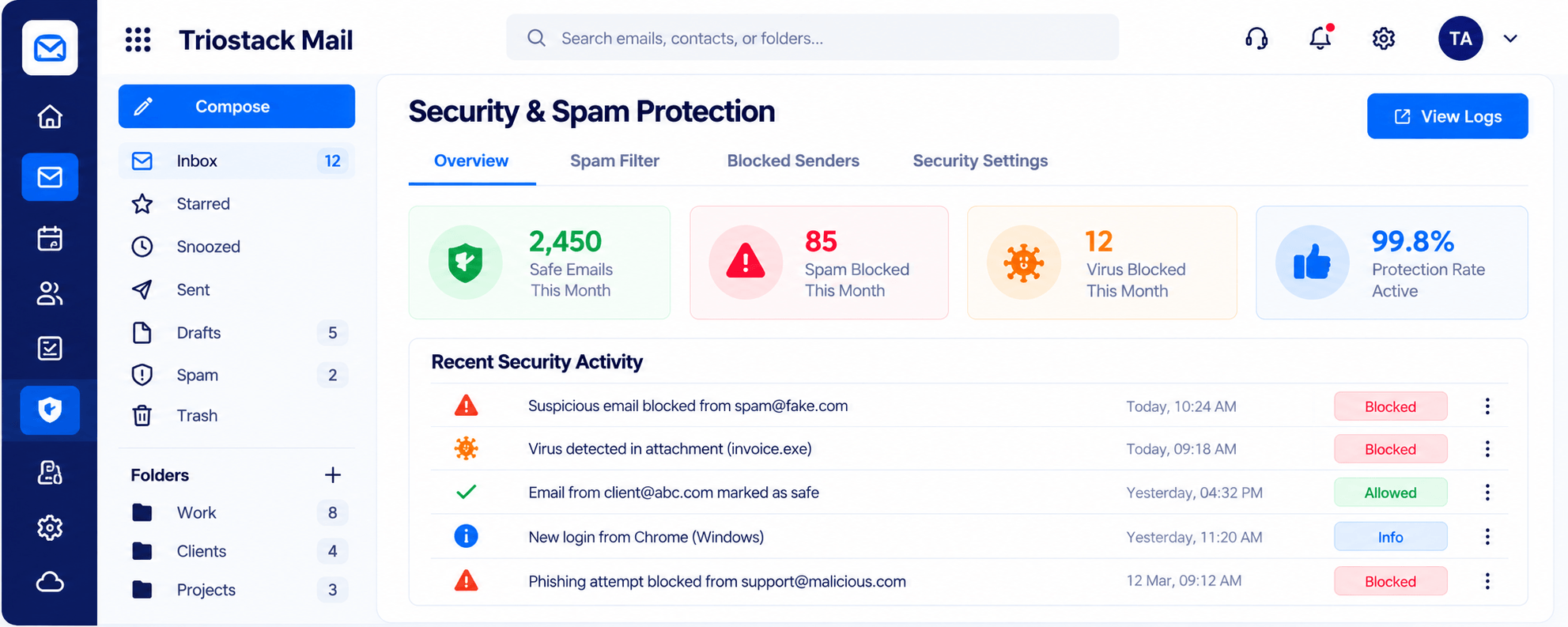
04
IntegrationsWhat to protect.
How it fits the plan
Go live. Monitor and review.
Request. Ask for the specification.
Before you start
Execution Plan
Ask for the specification.
Keep credentials on your server.
Send a sample and check it.
Monitor and review.
Practical Guide
Before you start
A tip that helps
Ask for the specification early, even if you build later. It shapes what you plan.
A common mistake
Building against live data before a test run has proved the flow.
In Real Life
Scenario 01
Form submissions trigger a mail flow.
Scenario 02
Mail events feed reporting.
Scenario 03
Staff actions send notifications.
Straight answers about API & Webhooks, from setup to what happens next.
Have a question about API & Webhooks?
Book a free callYes. TriostackOne offers APIs and webhooks. Ask us which cover Mail.
Not public. We share the specification for your workspace.
Keep credentials on your server and give each integration only the access it needs.
Ask us what your plan includes.
TriostackOne offers APIs and webhooks for custom connections. Endpoints are shared with your workspace, so ask us for the specification.
It runs in 4 steps: Request, Build, Test and Go live. Ask for the specification.
The real screens on this page include Inbox & Reading Pane, Compose, Folders & Labels and Integrations, all captured from the product.
Request a demo or start a free trial. Our team can also walk you through a guided setup, so your first session ends with something working.
Keep Exploring
Custom-domain inboxes, shared folders, contacts and spam protection in one workspace, connected to CRM and support.