The best Business Suite software in India, built to help your business grow. Contact us at +91-8882435276.
[ Contact ]
Phone number
Email address
Head office
Noida office
The right team at TriostackOne will get back to you.
Built for
Startups
Day one
Branded email while you are still tiny
Positioning Assessment
Early teams juggle everything, and email setup gets postponed until a customer asks why you are writing from a free address.
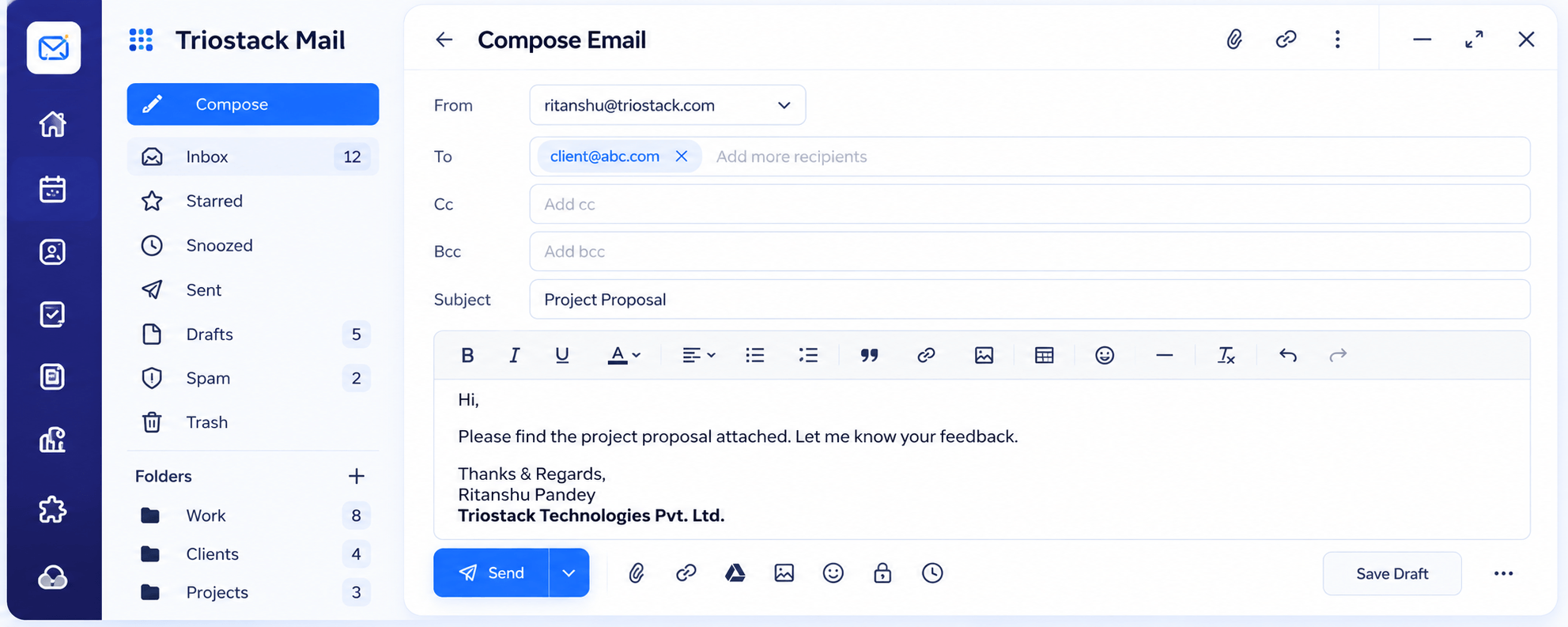
Triostack Mail gives you your own domain, aliases such as hello@ and billing@, a full compose editor and spam protection, and links emails with CRM leads as you start to sell.
“Our first investor email went out from our own domain, signature and all, in the first week.”
Sample team scenario
Illustrative example, not a customer testimonial
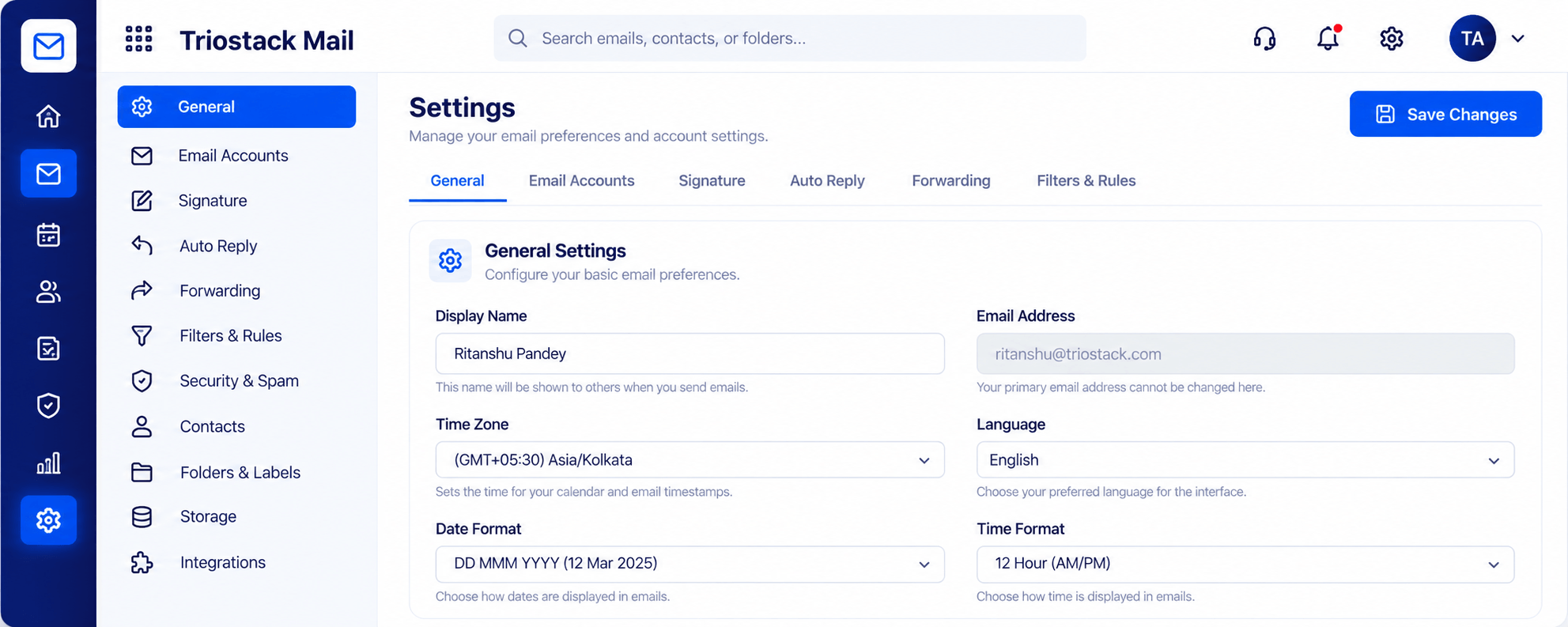
Settings, Signatures & Rules
Signature, auto reply, forwarding and filters
In the Product
Imagine starting with a proper address instead of fixing it later.
Branded from day one.
Little admin.
CRM when you need it.
Platform Integrity
From the start
hello@, billing@, jobs@
Professional messages
As you start to sell
How It Works
What matters early.
Credibility
Your domain
Free Accounts: Personal address
Shared addresses
Aliases
Free Accounts: Forward chains
Compose
Rich text and scheduling
Free Accounts: Basic
Sales
Linked to CRM
Free Accounts: Separate
Growth
Add users anytime
Free Accounts: Migrate
Tell us about your team, your domains and how you handle email today, and we will propose a setup that fits.
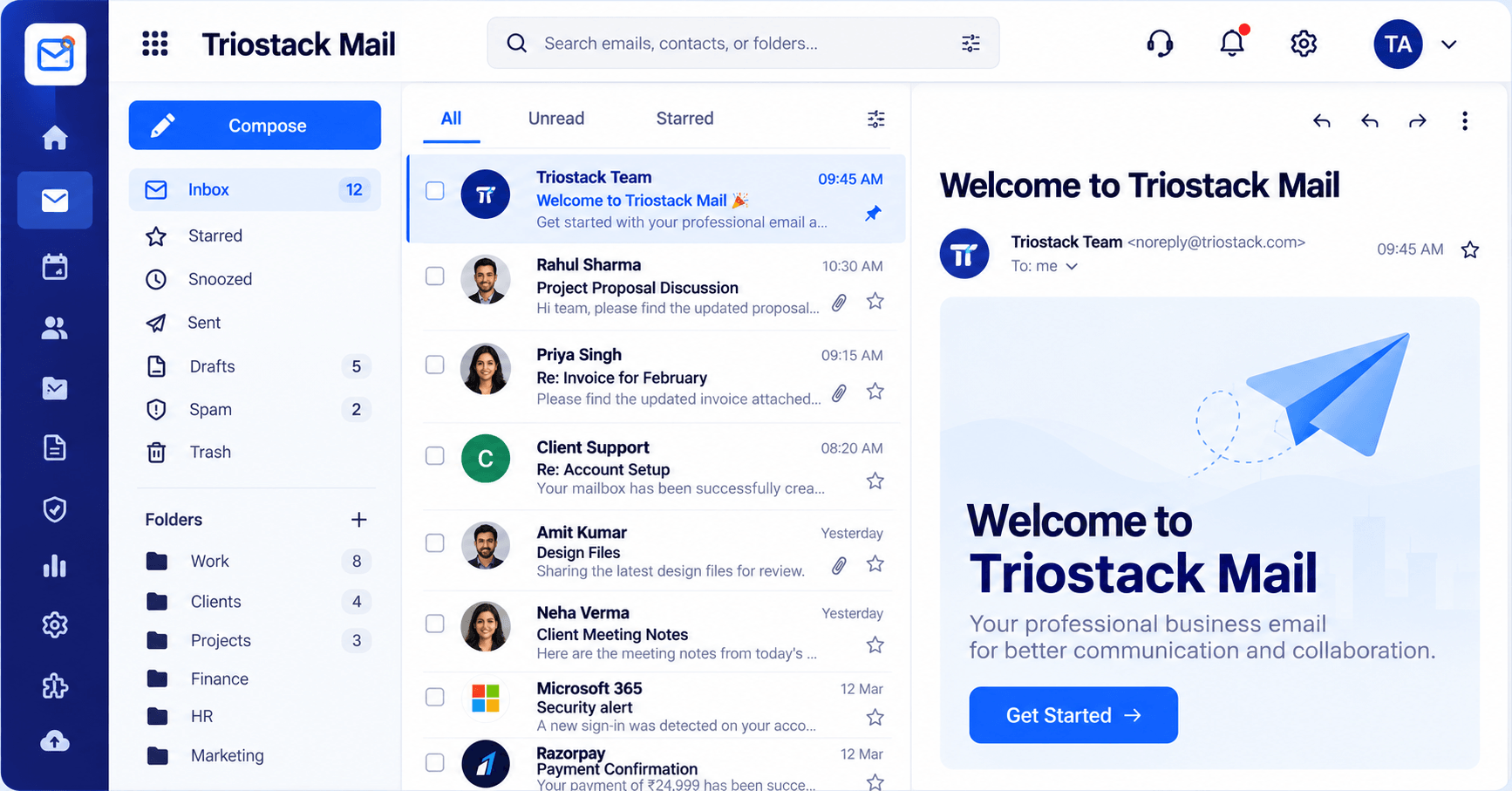
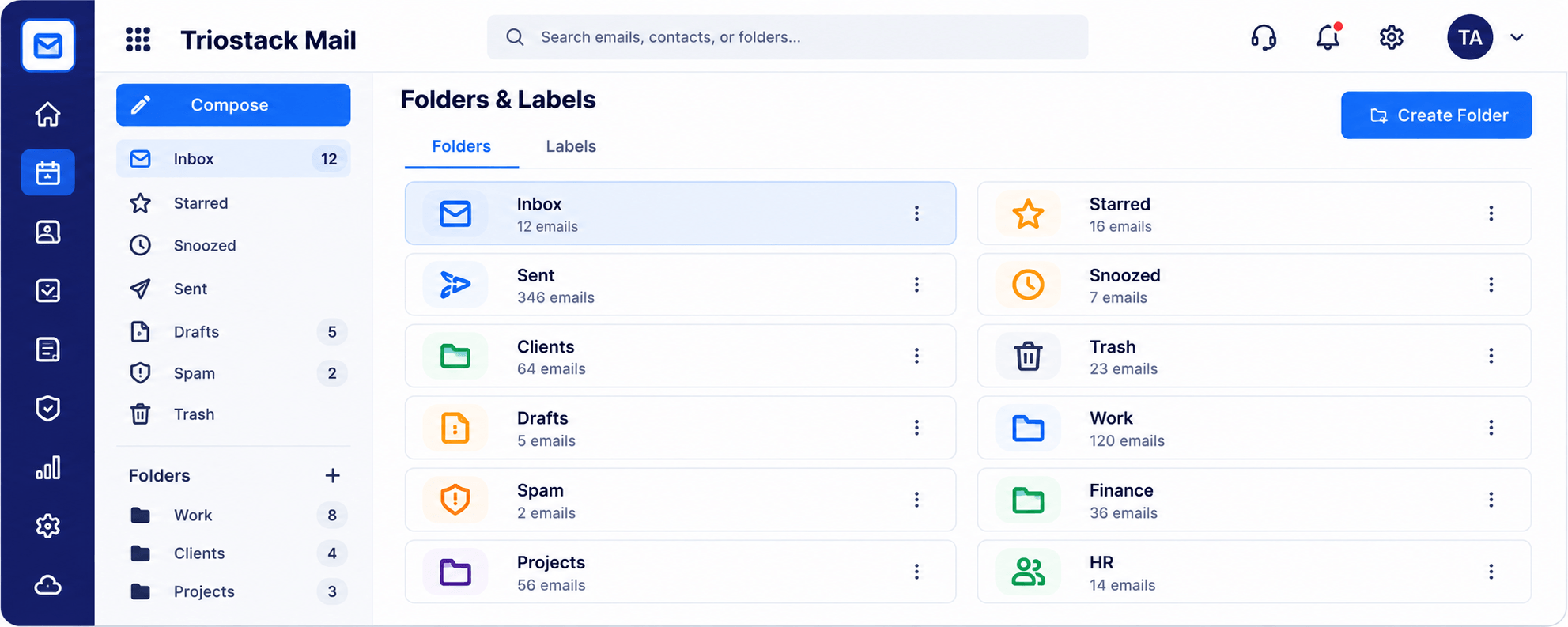
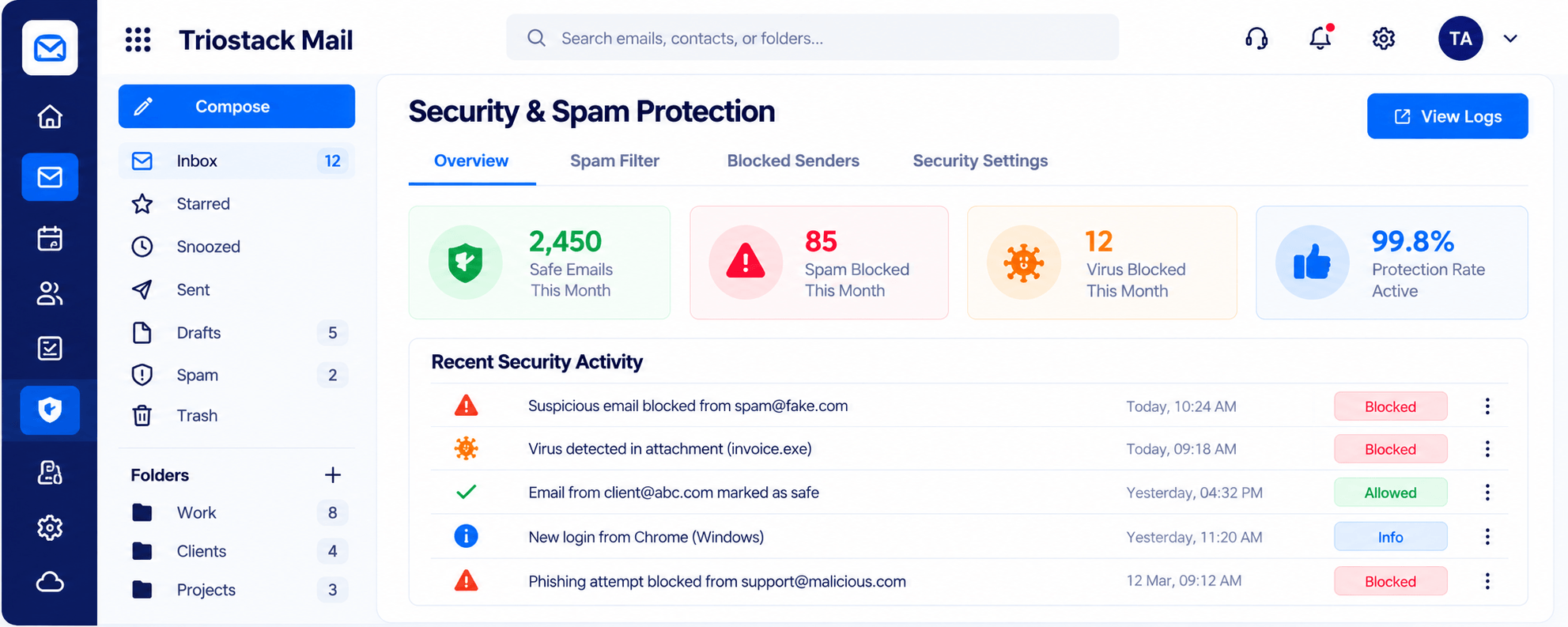
Live Interface Tour
Real screens captured directly from the Triostack Mail workspace.
Compose
Branded email while you are still tiny
Feature Breakdown
Captured from the Triostack Mail workspace.
Write well.
How it fits the plan
Domain. Connect your startup's domain.
Aliases. Create shared addresses.
Practical tip
Create hello@ and billing@ early. Customers and investors both notice a proper address.
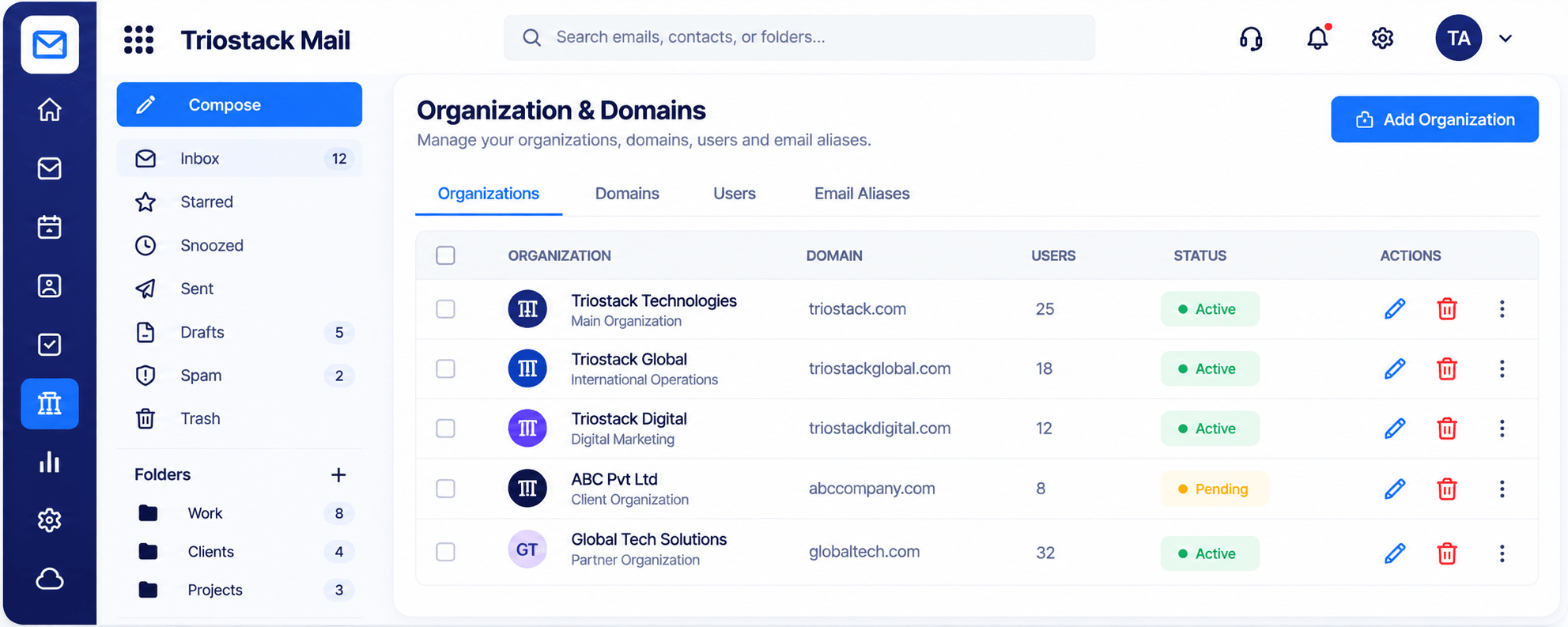
Look professional.
In real life
Investor outreach
Messages come from your domain.
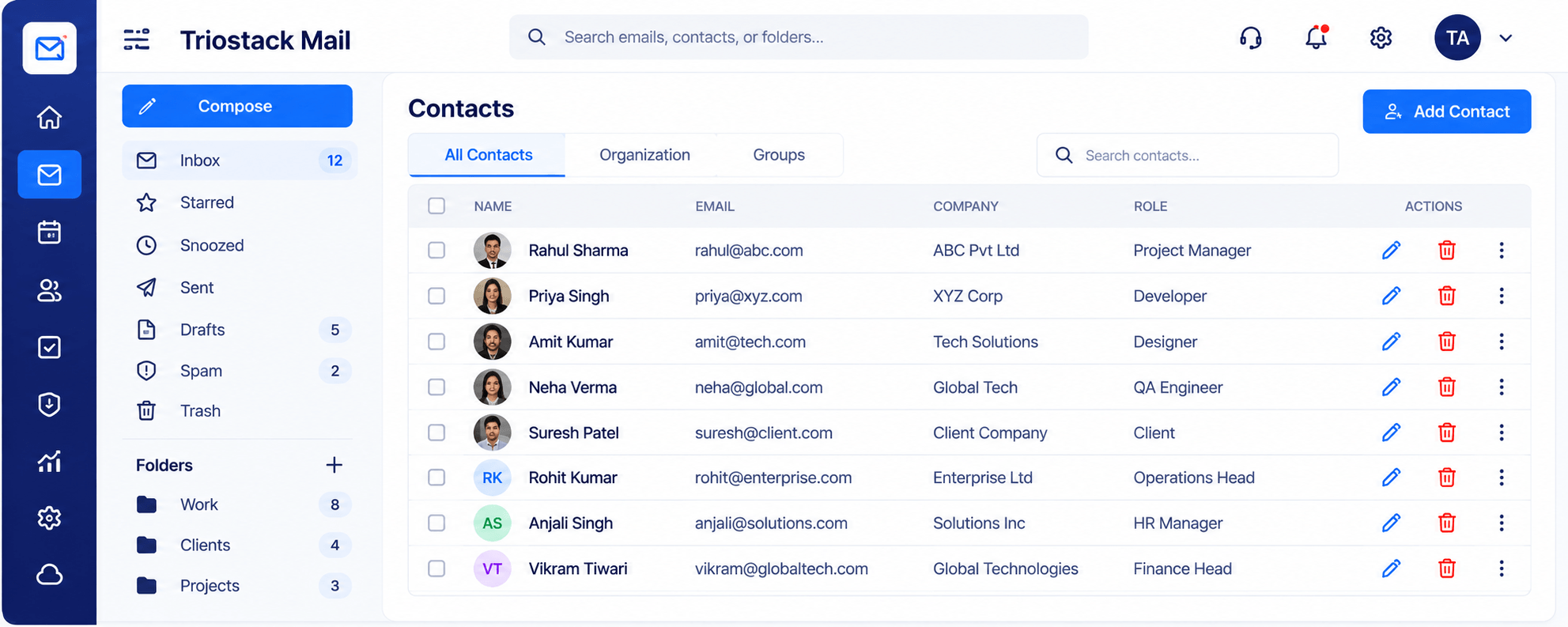
Know your people.
Watch out for
Sending first investor emails from a personal account and moving later.
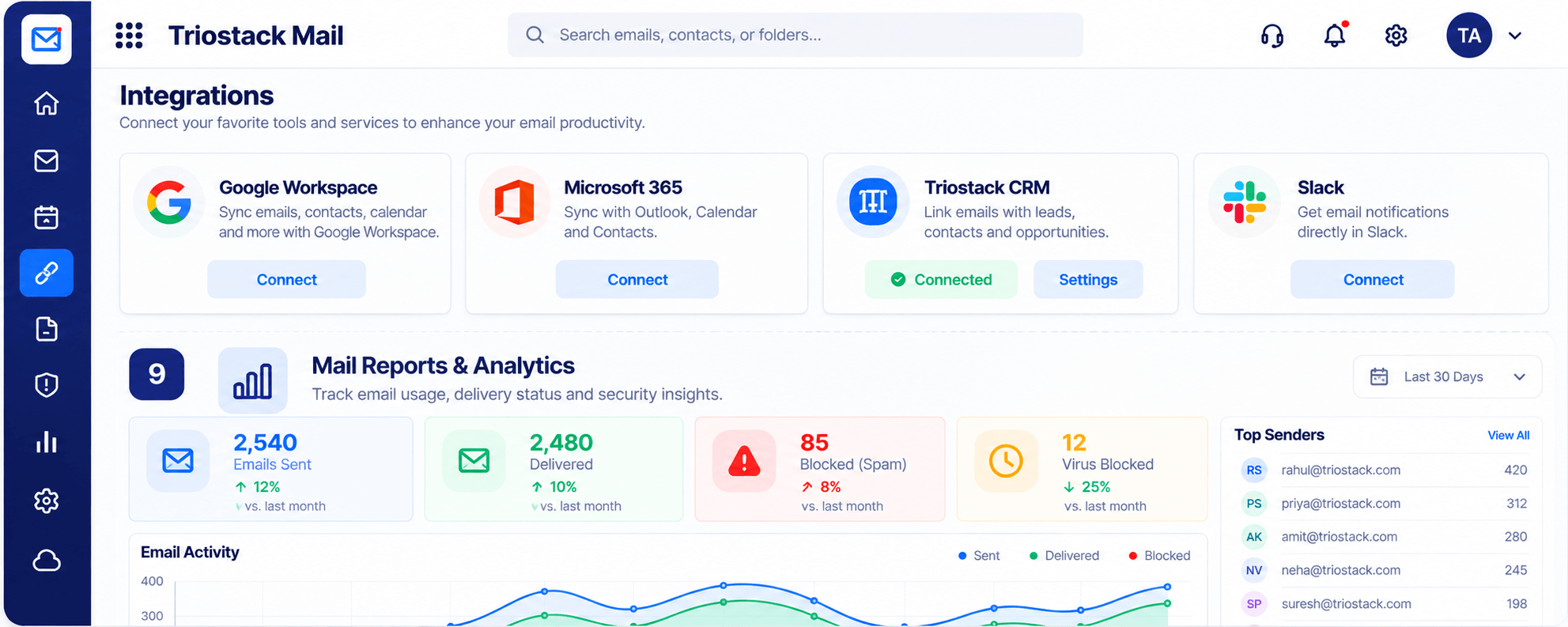
Connect as you grow.
Before you start
Execution Plan
Connect your startup's domain.
Create shared addresses.
Set your signature.
Link to CRM when leads arrive.
Practical Guide
Before you start
A tip that helps
Create hello@ and billing@ early. Customers and investors both notice a proper address.
A common mistake
Sending first investor emails from a personal account and moving later.
In Real Life
Scenario 01
Messages come from your domain.
Scenario 02
Mailboxes are created in minutes.
Scenario 03
Replies link to leads.
Straight answers about Mail for Startups, from setup to what happens next.
Have a question about Mail for Startups?
Book a free callAdd a domain and users and you can be sending the same day.
Yes.
Yes.
Talk to our team about your setup.
Get a branded domain, shared addresses and a clean inbox quickly, and connect to CRM as the first customers arrive.
It runs in 4 steps: Domain, Aliases, Sign-off and Sell. Connect your startup's domain.
The real screens on this page include Settings, Signatures & Rules, Inbox & Reading Pane, Folders & Labels and Compose, all captured from the product.
Request a demo or start a free trial. Our team can also walk you through a guided setup, so your first session ends with something working.
Keep Exploring
Custom-domain inboxes, shared folders, contacts and spam protection in one workspace, connected to CRM and support.