The best Business Suite software in India, built to help your business grow. Contact us at +91-8882435276.
[ Contact ]
Phone number
Email address
Head office
Noida office
The right team at TriostackOne will get back to you.
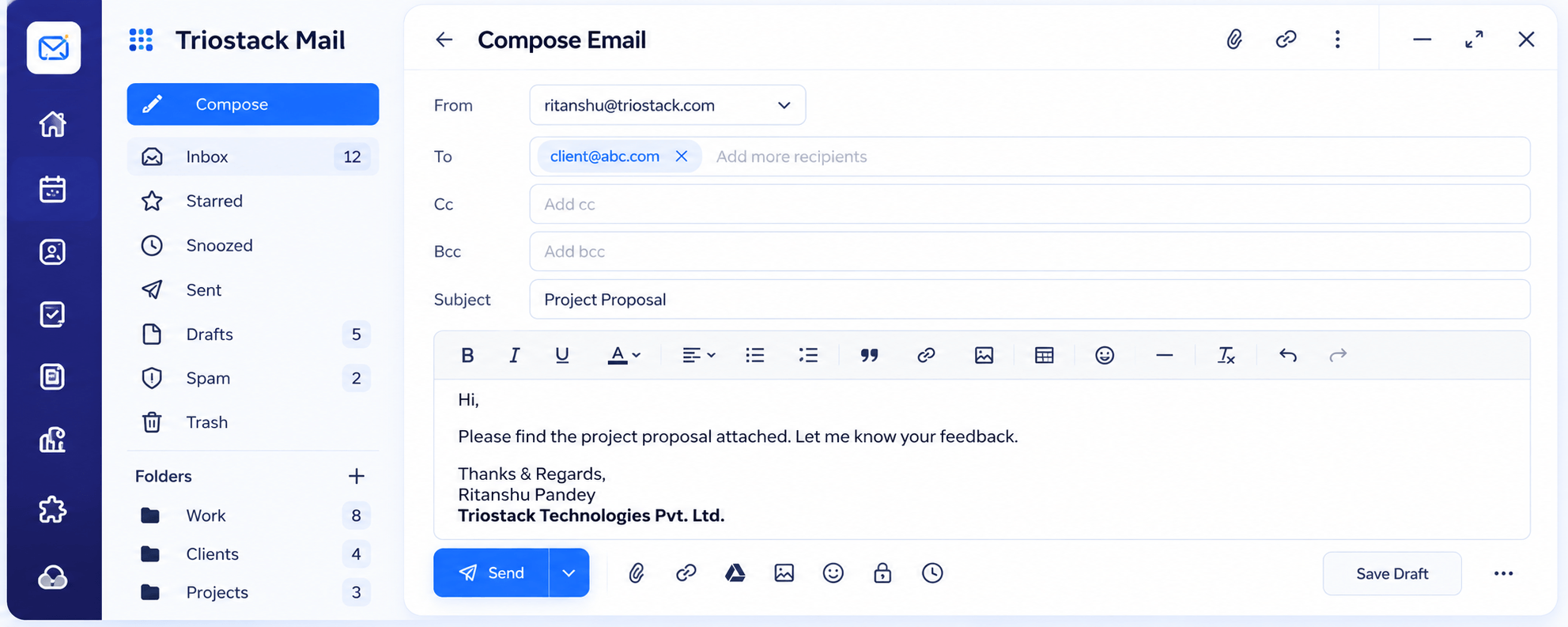
Compose
Choose your address and recipients.
Write
Format the message.
Attach
Add any files.
Send
Send now or schedule.
Positioning Assessment
A message that is awkward to write gets postponed, and a message that looks unprofessional costs credibility.
In Triostack Mail, choose which of your addresses to send from, add recipients in To, Cc and Bcc, write with a rich-text editor including links, images and tables, attach files, and either send, schedule or save a draft to finish later.
“Scheduling the Monday-morning messages on Friday afternoon gave me my weekend back.”
Sample team scenario
Illustrative example, not a customer testimonial
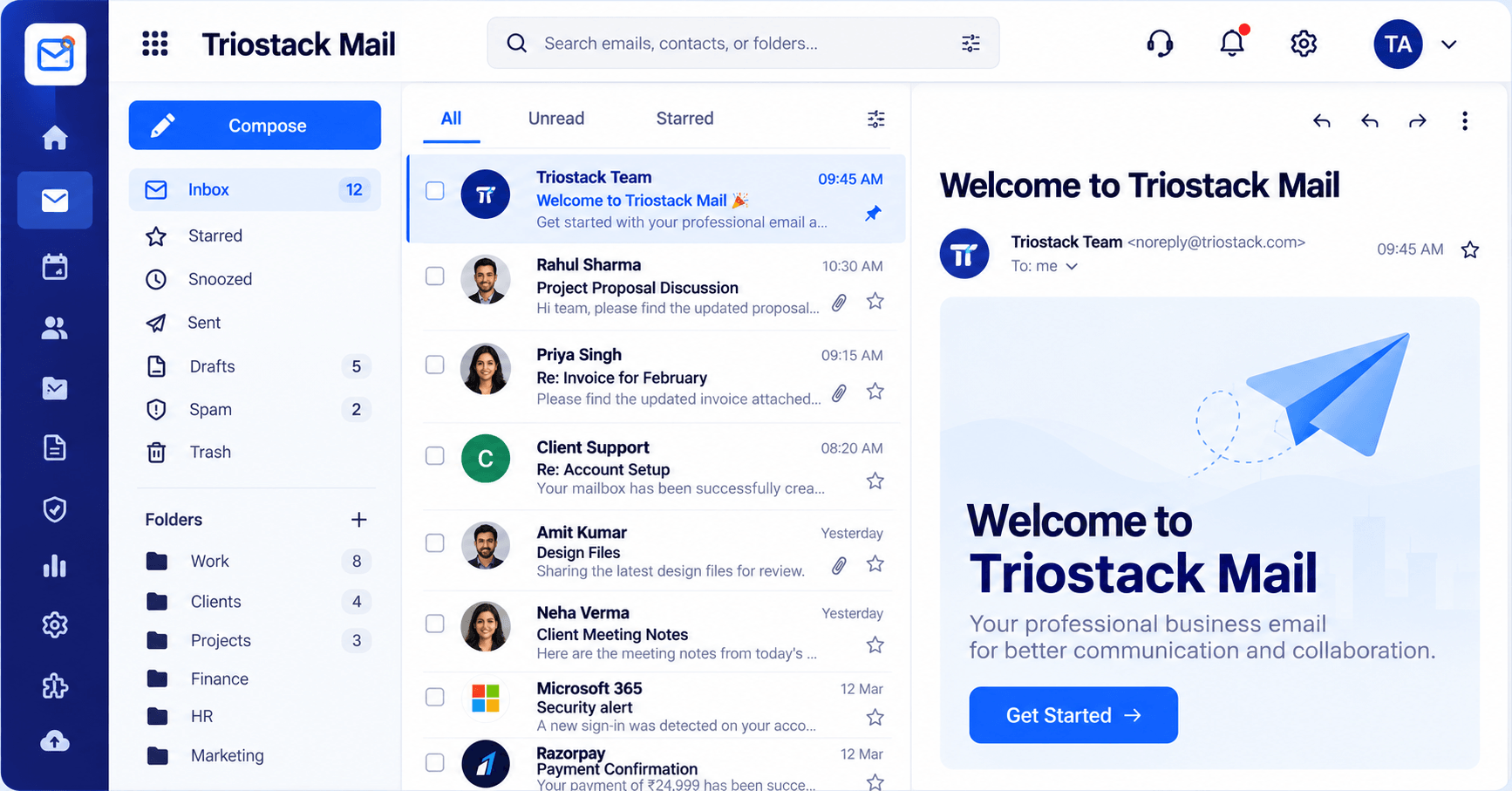
Inbox & Reading Pane
Folders, message list and reading pane in one view
In the Product
Imagine a desk with your letterhead, envelopes and stamps already laid out.
Sent from your domain.
Formatting and files.
Send when it suits.
Platform Integrity
Send from any of yours
Links, images, tables
Add files easily
Send at the right time
How It Works
What a complete editor adds.
| Dimension | Triostack Mail | Basic Composer |
|---|---|---|
| From | Any of your addresses | One default |
| Recipients | To, Cc and Bcc | To only |
| Formatting | Rich text, links, images, tables | Plain text |
| Timing | Schedule or save a draft | Send now only |
| Files | Attachments | Limited |
We will help you connect your domain, create your first mailbox and set up your signature in your first session.
Live Interface Tour
Real screens captured directly from the Triostack Mail workspace.
Compose
Every message sent from your own domain
Feature Breakdown
Captured from the Triostack Mail workspace.
The editor.
How it fits the plan
Compose. Choose your address and recipients.
Write. Format the message.
Practical tip
Write the subject last. It is easier to summarise a message once you have written it.
Pick recipients.
How it fits the plan
Write. Format the message.
Attach. Add any files.
In real life
Proposal
A formatted message with a table goes out.
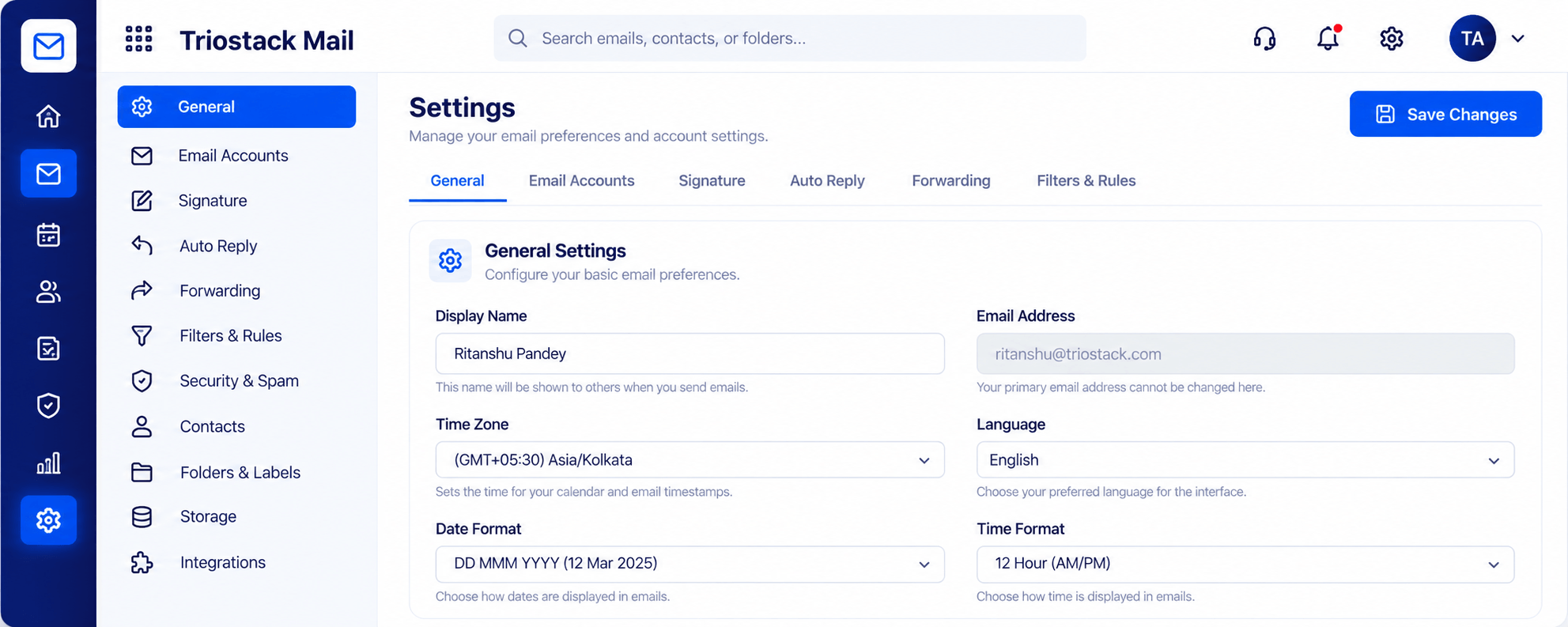
Your signature.
How it fits the plan
Attach. Add any files.
Send. Send now or schedule.
Watch out for
Sending from a default address when the message belongs to a team address.
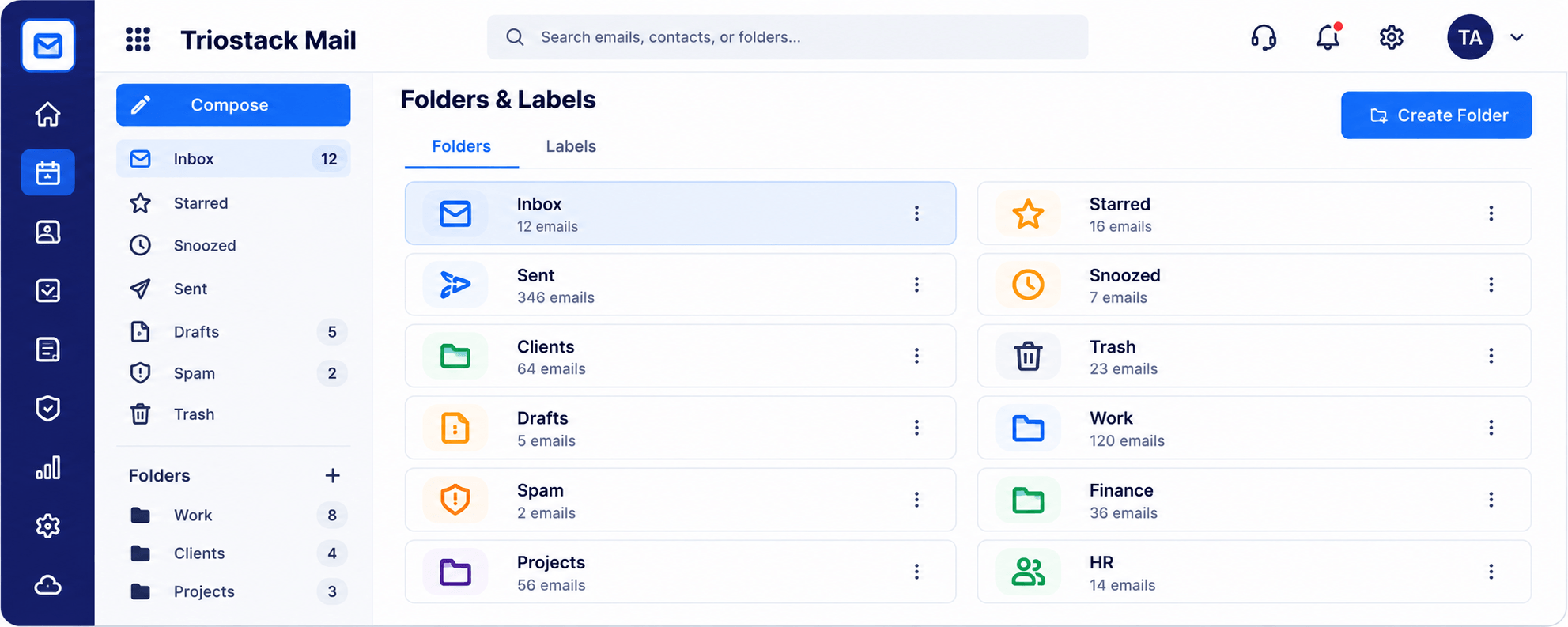
Where it is filed.
How it fits the plan
Send. Send now or schedule.
Compose. Choose your address and recipients.
Before you start
Execution Plan
Choose your address and recipients.
Format the message.
Add any files.
Send now or schedule.
Practical Guide
Before you start
A tip that helps
Write the subject last. It is easier to summarise a message once you have written it.
A common mistake
Sending from a default address when the message belongs to a team address.
In Real Life
Scenario 01
A formatted message with a table goes out.
Scenario 02
A message is scheduled for the recipient's morning.
Scenario 03
A draft waits until you are back.
Straight answers about Send Business Email, from setup to what happens next.
Have a question about Send Business Email?
Book a free callYes. Choose the address when you compose.
Yes.
Yes, and finish later.
Yes.
Compose with To, Cc and Bcc, rich text, links, images and tables, attach files, schedule a send or save a draft, all from your company address.
It runs in 4 steps: Compose, Write, Attach and Send. Choose your address and recipients.
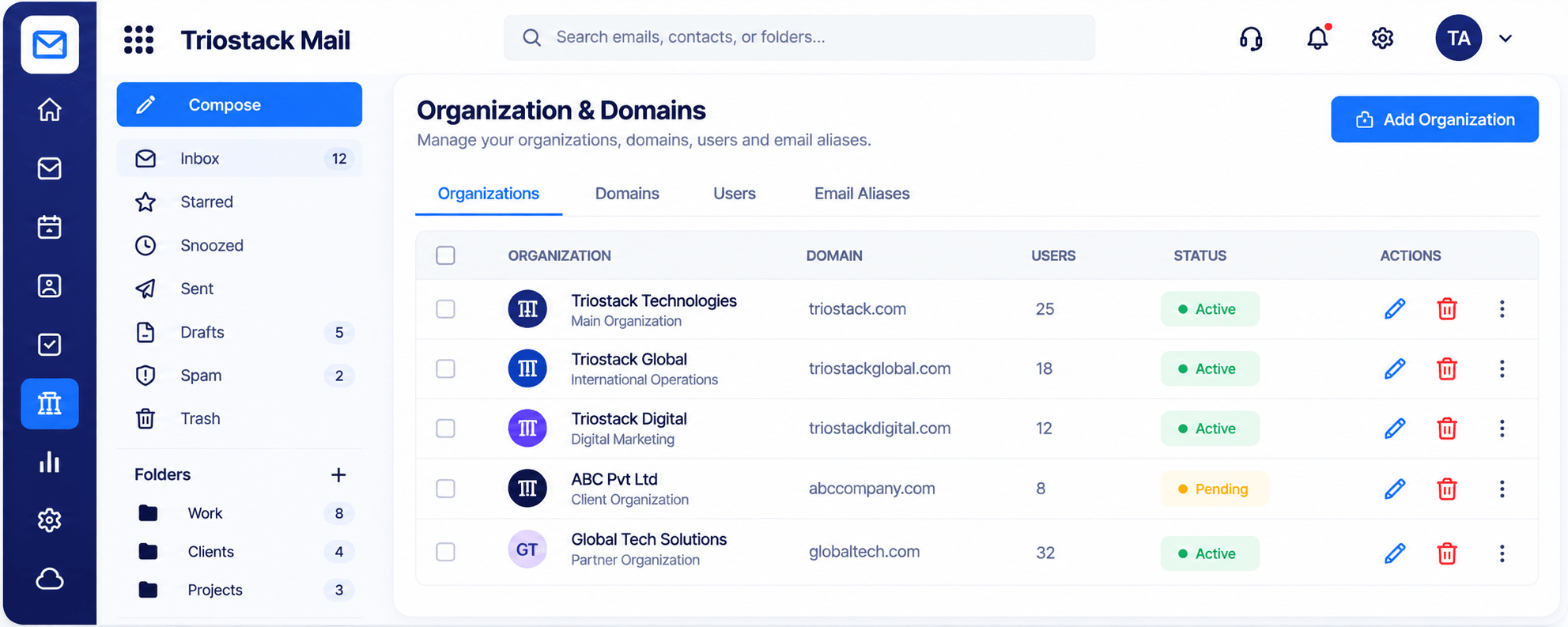
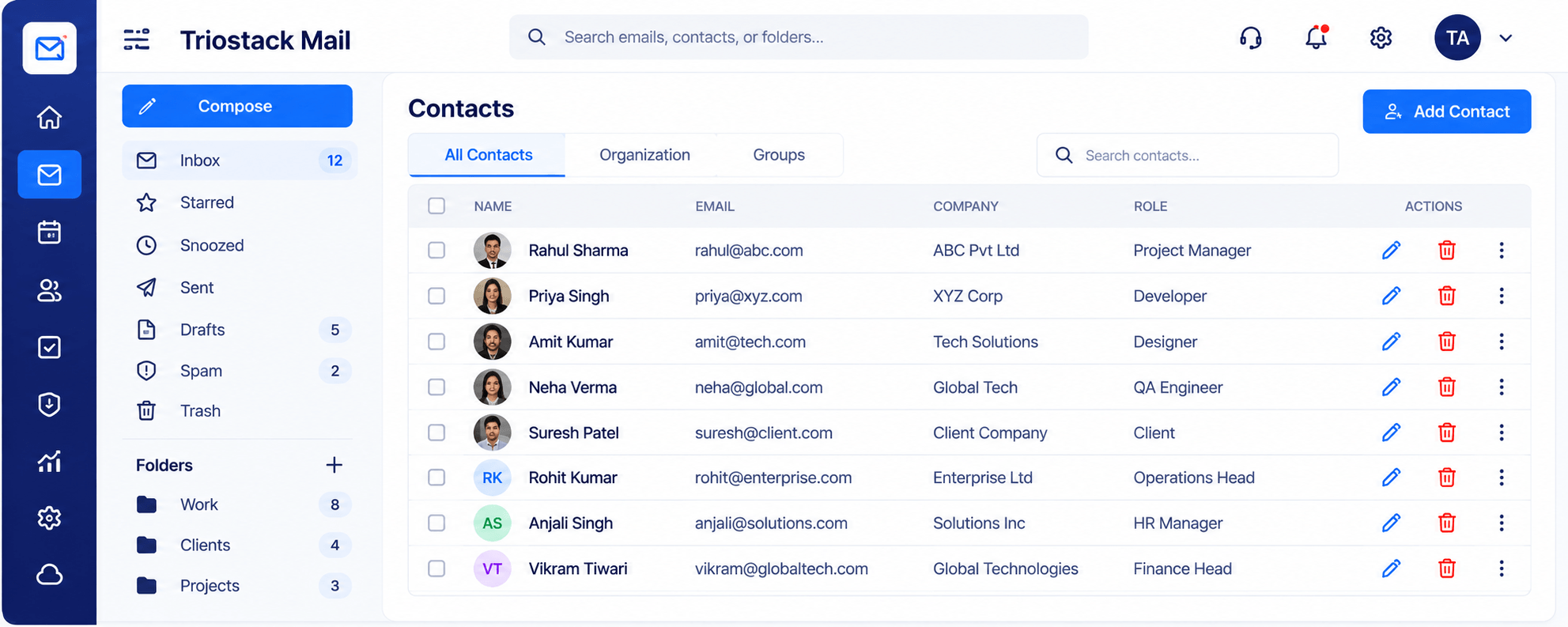
The real screens on this page include Inbox & Reading Pane, Organizations & Domains, Security & Spam Protection and Compose, all captured from the product.
Request a demo or start a free trial. Our team can also walk you through a guided setup, so your first session ends with something working.
Keep Exploring
Custom-domain inboxes, shared folders, contacts and spam protection in one workspace, connected to CRM and support.