The best Business Suite software in India, built to help your business grow. Contact us at +91-8882435276.
[ Contact ]
Phone number
Email address
Head office
Noida office
The right team at TriostackOne will get back to you.
Built for
Agencies
Per client
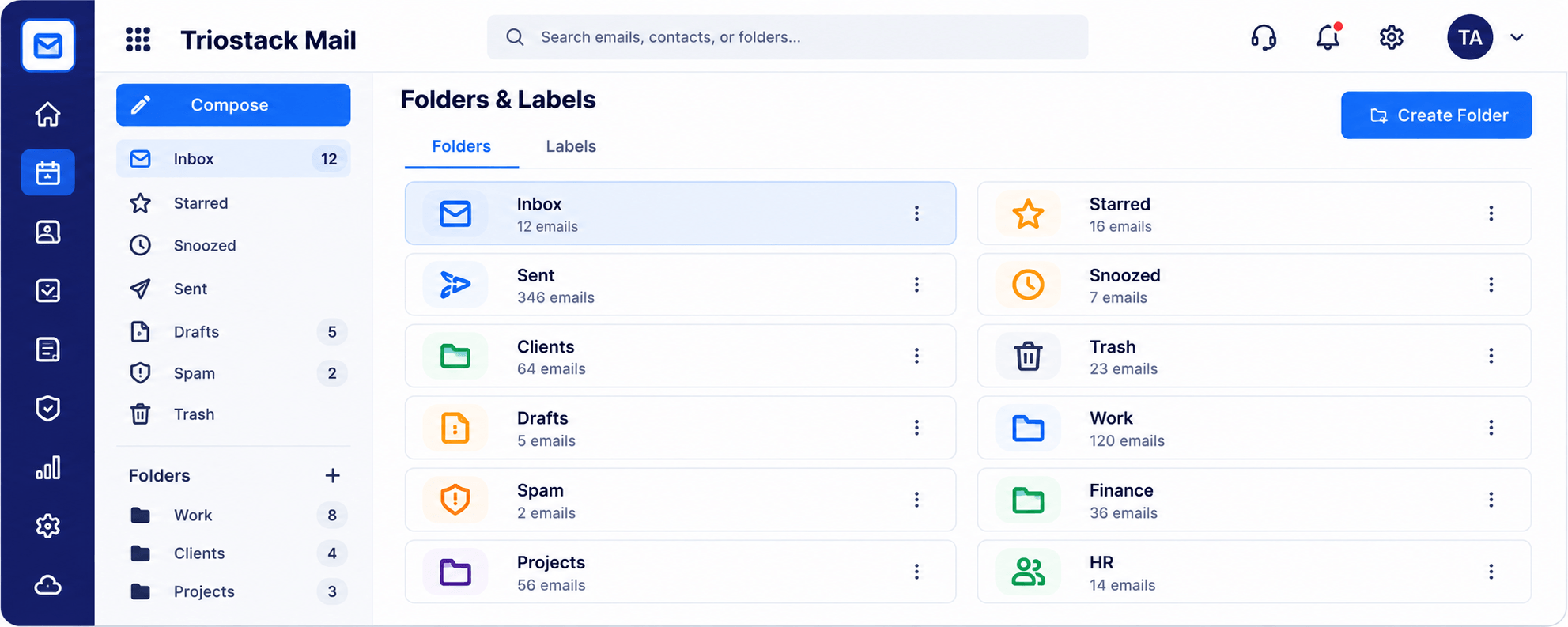
Folders and labels that keep accounts apart
Positioning Assessment
Dozens of clients, each with its own threads, approvals and files, quickly turn a single inbox into a pile.
Triostack Mail lets you create folders and labels for each client, keep Clients, Projects and Finance apart, share team addresses, and connect emails to CRM and Projects.
“A folder per client meant we could find an approval in seconds, not minutes.”
Sample team scenario
Illustrative example, not a customer testimonial
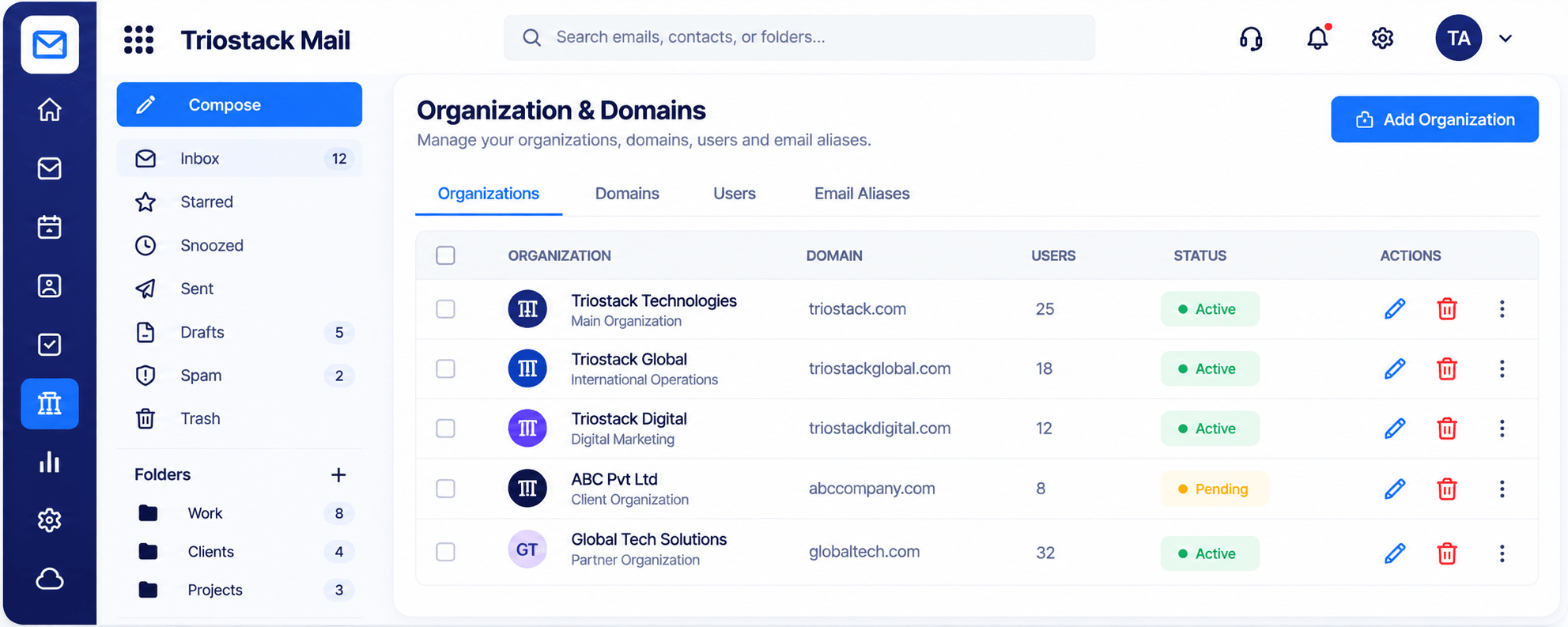
Organizations & Domains
Domains, users and aliases managed in one place
In the Product
Imagine every client having their own drawer, labelled and within reach.
Find things fast.
The team sees the thread.
Mail near Projects and CRM.
Platform Integrity
One per account
Mark the work type
Team-owned inboxes
CRM and Projects nearby
How It Works
What agencies need from email.
Clients
Folders per client
One Big Inbox: Search each time
Work type
Labels
One Big Inbox: Subject lines
Team
Shared addresses
One Big Inbox: Forward
Billing
Finance folder
One Big Inbox: Mixed in
Delivery
Link to Projects
One Big Inbox: Separate
Tell us about your team, your domains and how you handle email today, and we will propose a setup that fits.
Live Interface Tour
Real screens captured directly from the Triostack Mail workspace.
Folders & Labels
Folders and labels that keep accounts apart
Feature Breakdown
Captured from the Triostack Mail workspace.
Client organisation.
How it fits the plan
Create. Add a folder per client.
Label. Mark proposals, approvals and billing.
Practical tip
Make one folder per client the day you sign them. It is much harder to retrofit.
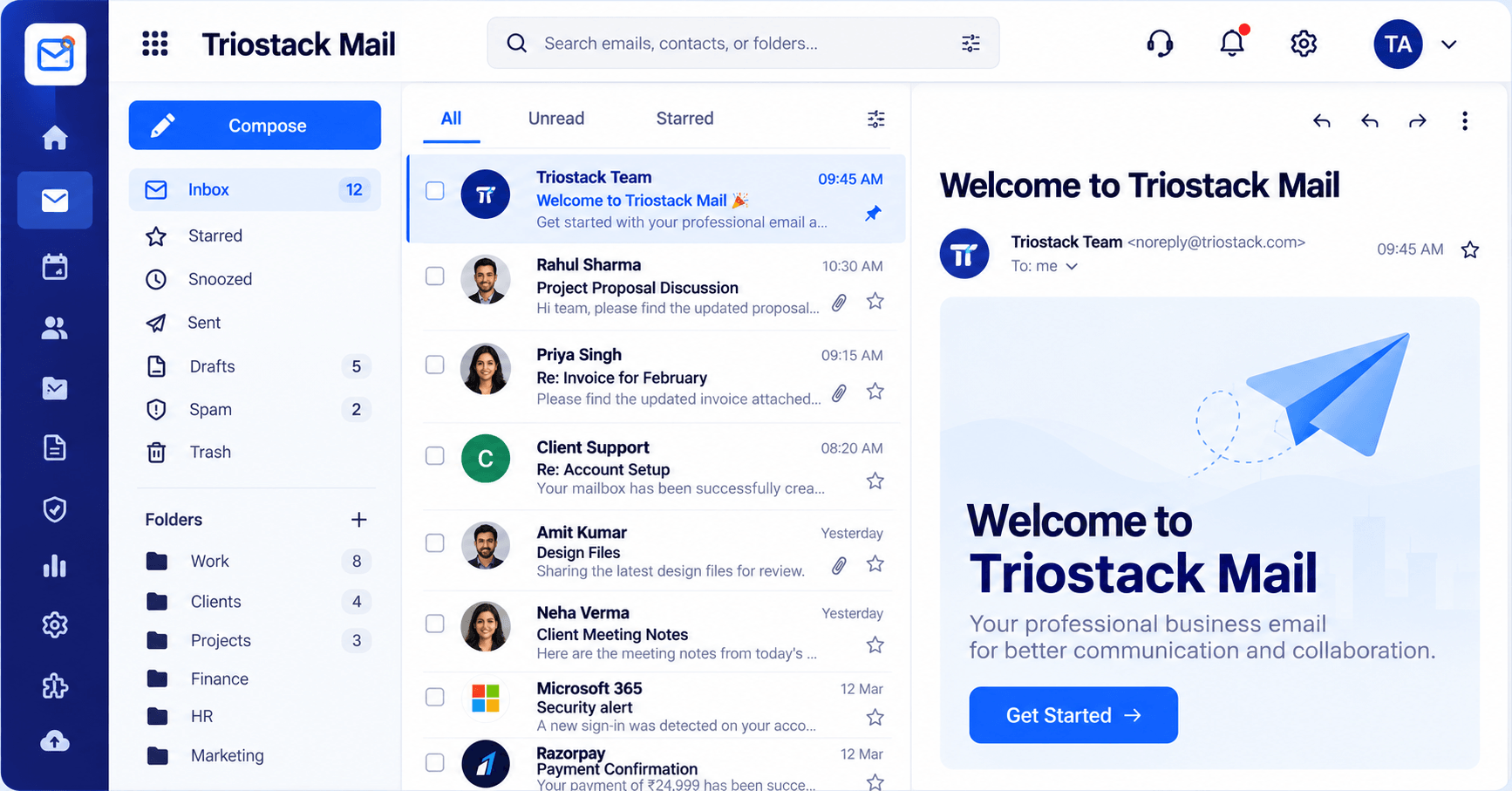
Daily flow.
In real life
Approval chase
A labelled thread shows what was signed off.
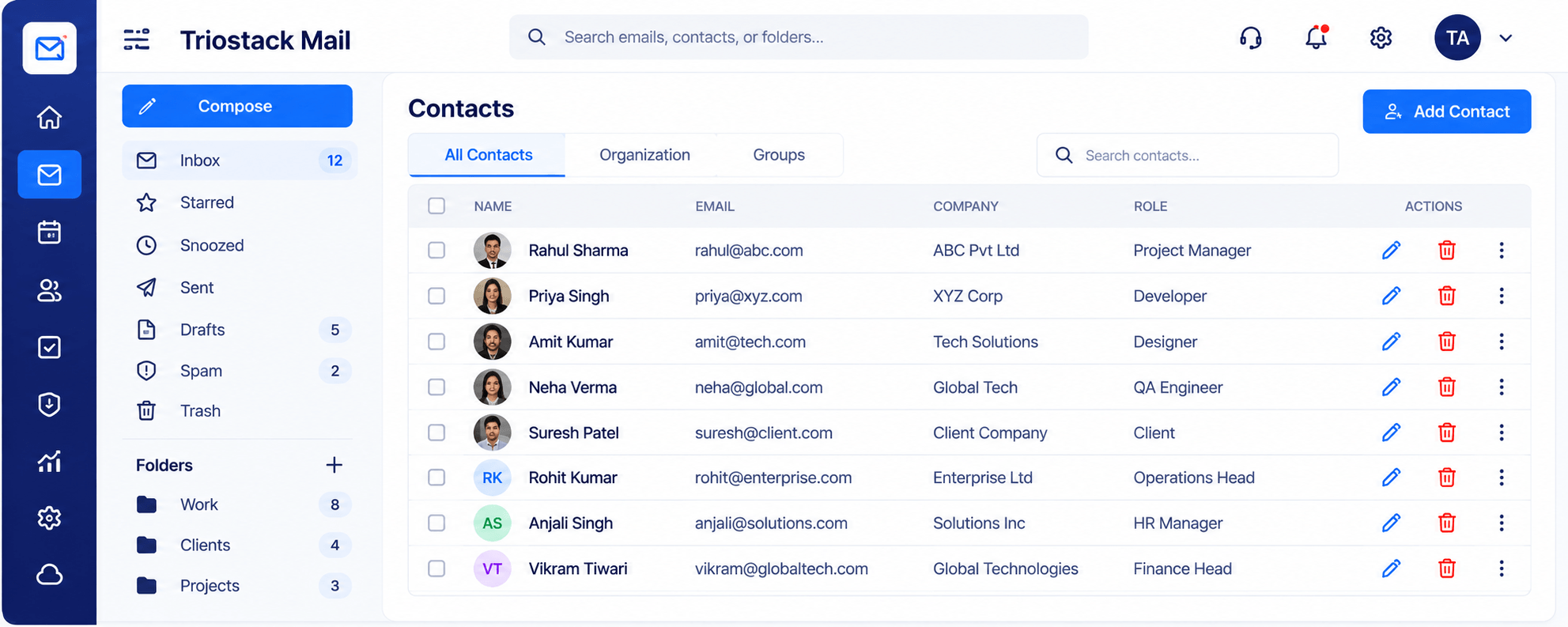
Client directory.
Watch out for
Mixing client mail with internal mail in one folder and relying on search.
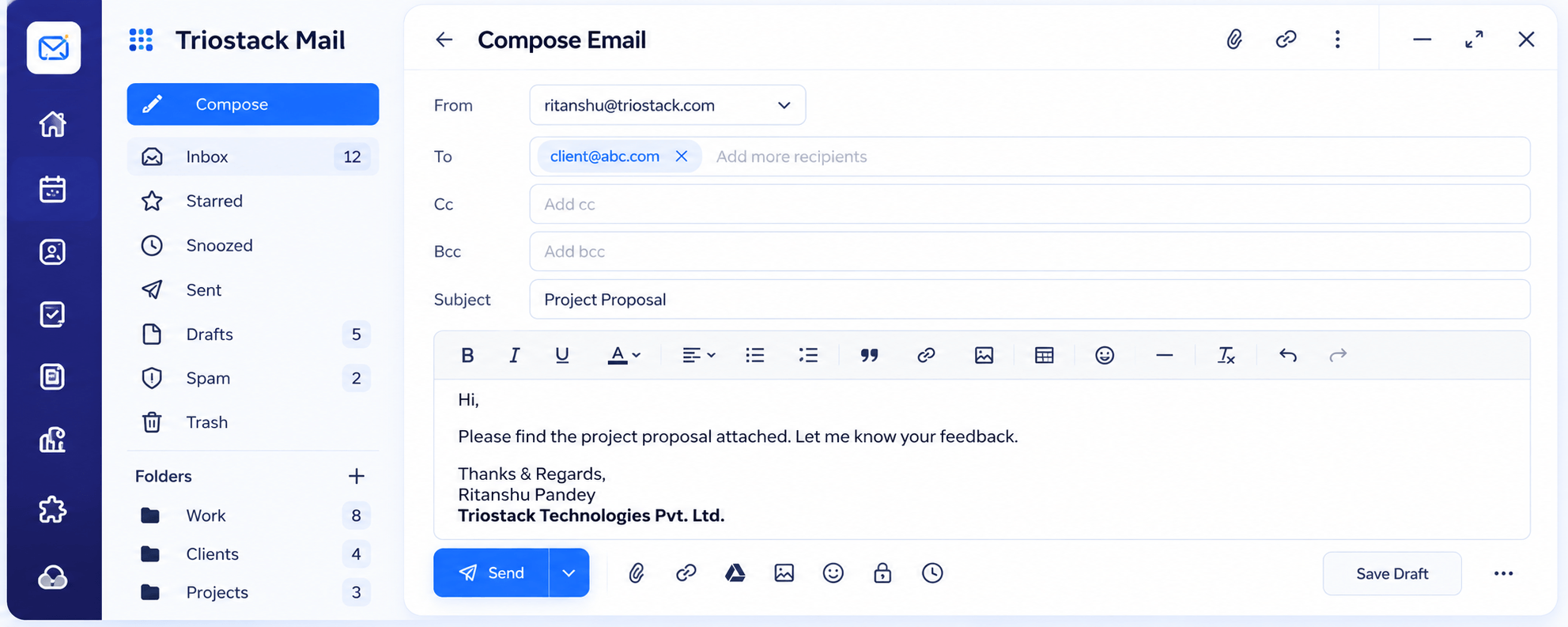
Proposals and updates.
Before you start
Execution Plan
Add a folder per client.
Mark proposals, approvals and billing.
Give the team access.
Check each client weekly.
Practical Guide
Before you start
A tip that helps
Make one folder per client the day you sign them. It is much harder to retrofit.
A common mistake
Mixing client mail with internal mail in one folder and relying on search.
In Real Life
Scenario 01
A labelled thread shows what was signed off.
Scenario 02
A folder and labels are created in a minute.
Scenario 03
The folder travels with the account.
Straight answers about Mail for Agencies, from setup to what happens next.
Have a question about Mail for Agencies?
Book a free callYes, with folders and labels.
Yes. Ask us how access is set up.
Mail sits alongside Triostack Projects in TriostackOne.
Yes.
Separate client work with folders and labels, share addresses across the team and connect email to CRM and project work.
It runs in 4 steps: Create, Label, Share and Review. Add a folder per client.
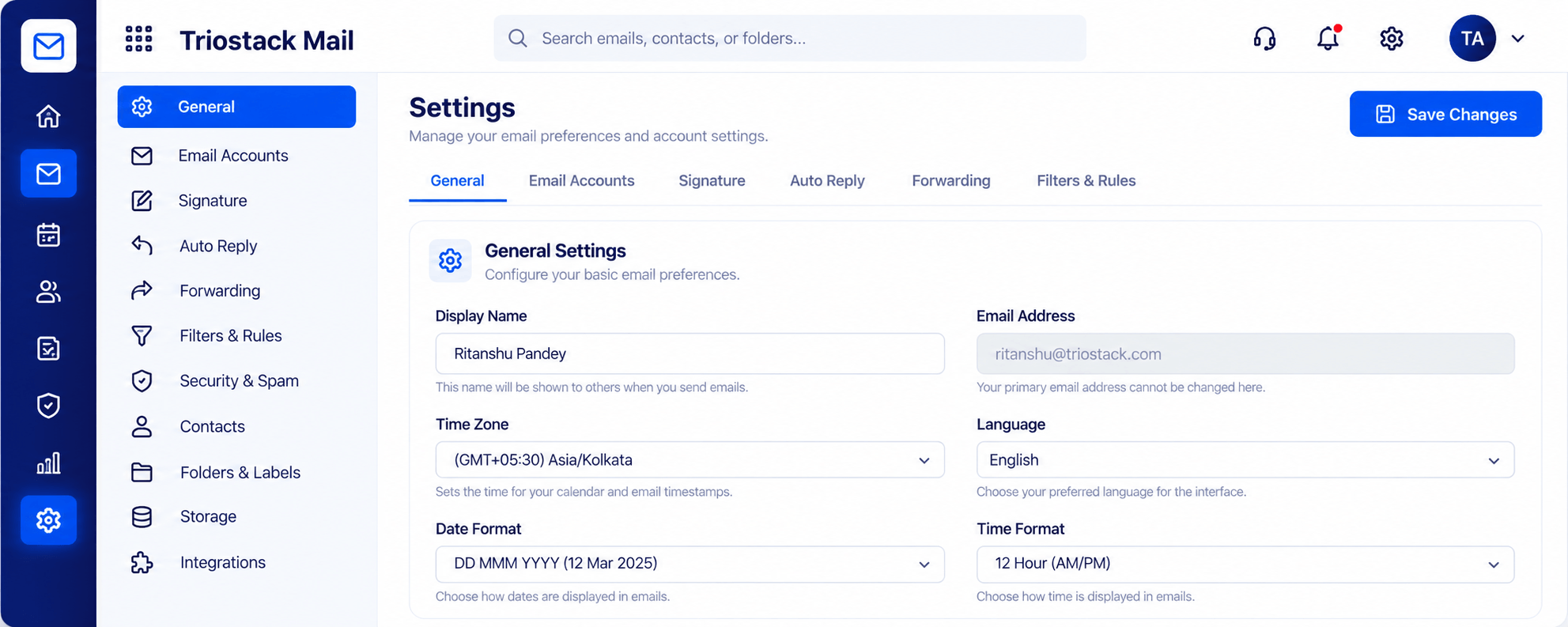
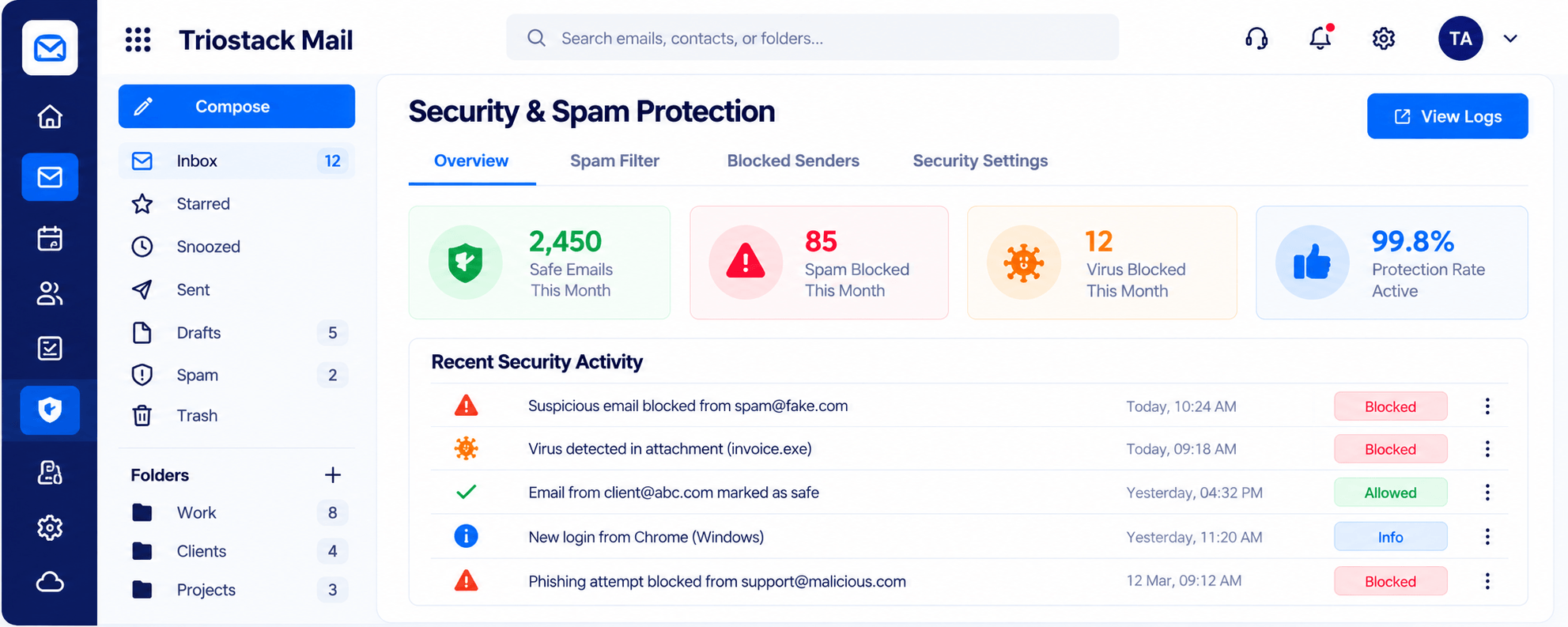
The real screens on this page include Organizations & Domains, Settings, Signatures & Rules, Security & Spam Protection and Folders & Labels, all captured from the product.
Request a demo or start a free trial. Our team can also walk you through a guided setup, so your first session ends with something working.
Keep Exploring
Custom-domain inboxes, shared folders, contacts and spam protection in one workspace, connected to CRM and support.