The best Business Suite software in India, built to help your business grow. Contact us at +91-8882435276.
[ Contact ]
Phone number
Email address
Head office
Noida office
The right team at TriostackOne will get back to you.
Built for
Support Teams
Tickets
Emails turned into support tickets with Desk
Positioning Assessment
A shared support inbox grows messy quickly: duplicate replies, lost threads and no clear way to see what is open.
Triostack Mail provides shared addresses, folders and labels, and connects to Triostack Desk to turn emails into support tickets. Ask us how routing and assignment are set up on your plan.
“Customers kept emailing us, and every message still became a ticket someone owned.”
Sample team scenario
Illustrative example, not a customer testimonial
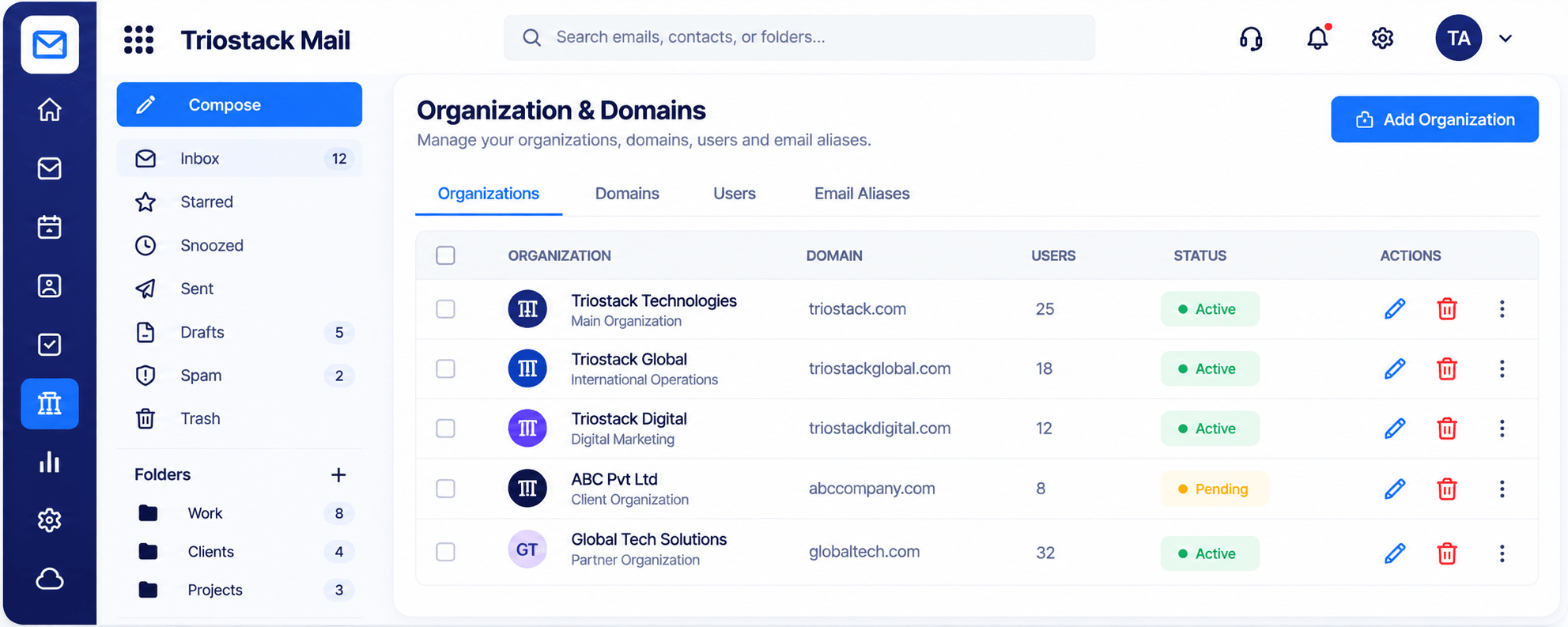
Organizations & Domains
Domains, users and aliases managed in one place
In the Product
Imagine each incoming letter being stamped, numbered and given an owner.
Every email gets an owner.
Open or resolved.
CRM nearby.
Platform Integrity
support@ for the team
Tag by topic
Emails become cases
Every thread kept
How It Works
What tickets add to email.
Intake
Email to a shared address
Shared Inbox Only: Email to a shared address
Ownership
Tickets with an owner
Shared Inbox Only: Whoever replied
Status
Open and resolved
Shared Inbox Only: Unknown
Context
Linked to CRM
Shared Inbox Only: Search
Plan details
Ask us what is included
Shared Inbox Only: Varies
Tell us about your team, your domains and how you handle email today, and we will propose a setup that fits.
Live Interface Tour
Real screens captured directly from the Triostack Mail workspace.
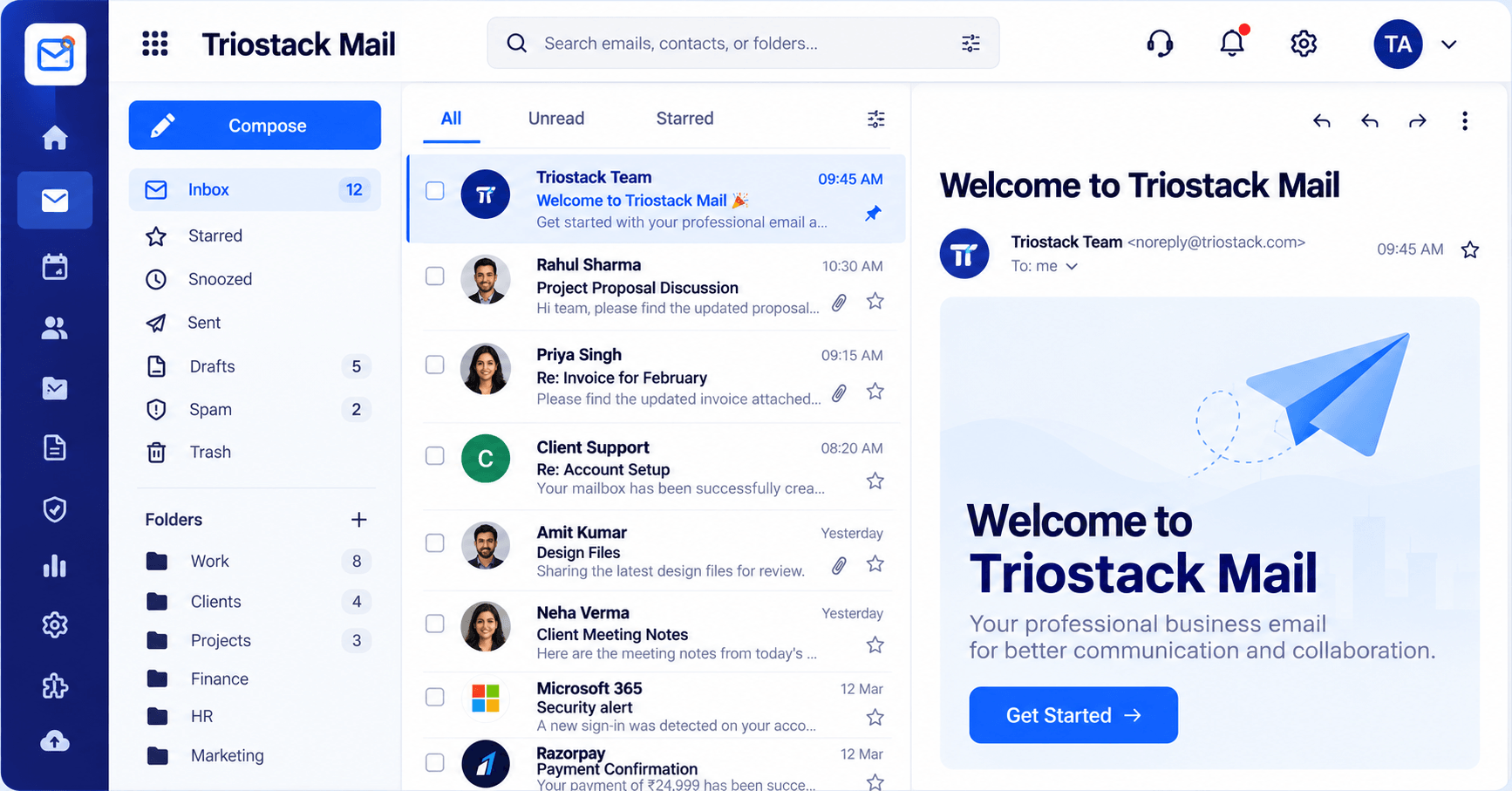
Inbox & Reading Pane
Emails turned into support tickets with Desk
Feature Breakdown
Captured from the Triostack Mail workspace.
Where support starts.
How it fits the plan
Receive. An email reaches support@.
Convert. It becomes a Desk ticket.
Practical tip
Decide which mail becomes a ticket and which stays an email. A simple rule avoids confusion.
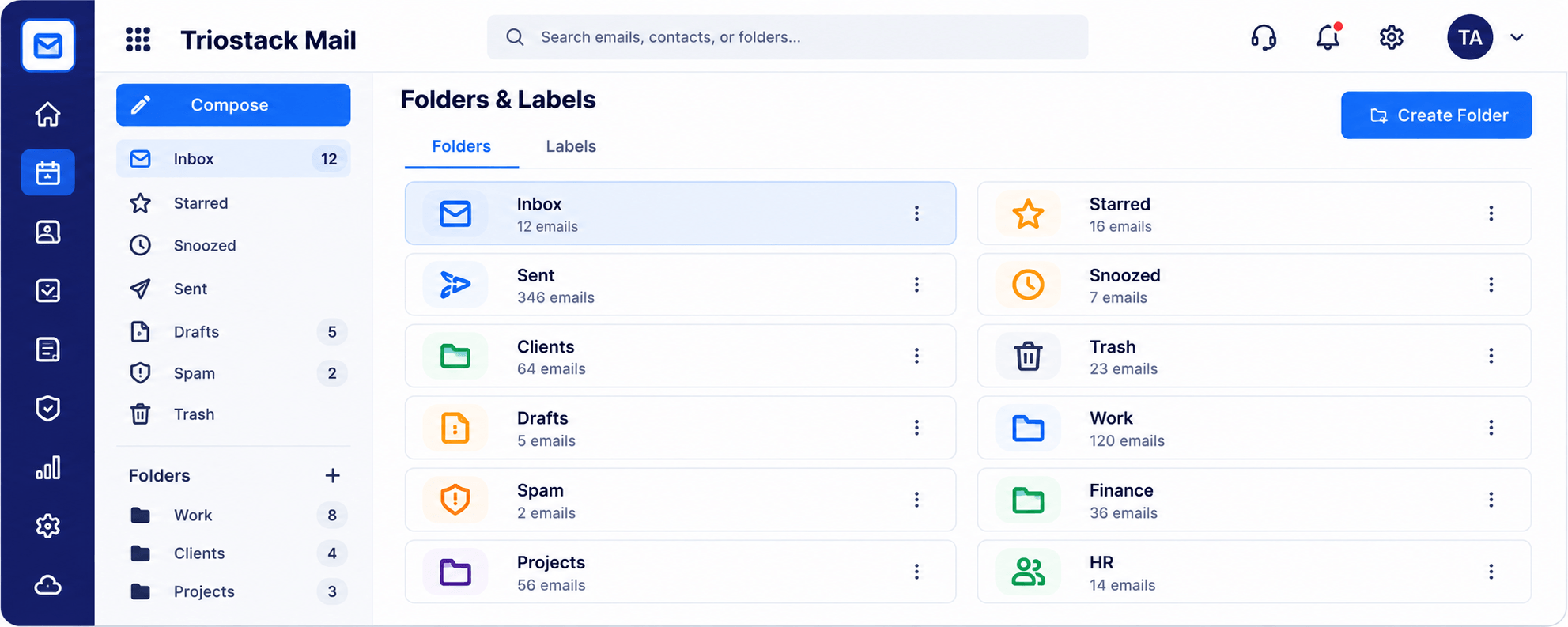
Tag cases.
In real life
Spike in volume
Tickets keep order.
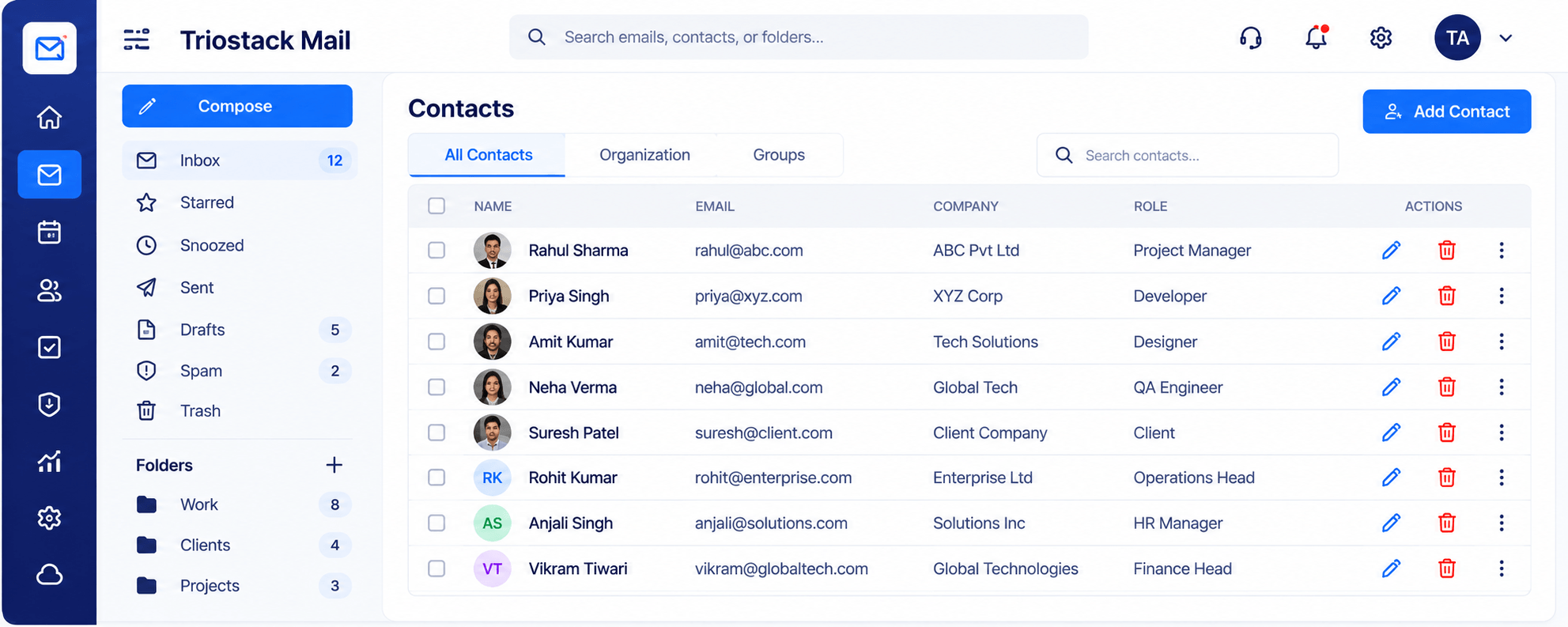
Know the customer.
Watch out for
Letting support@ run as a shared inbox with no way to see what is open.
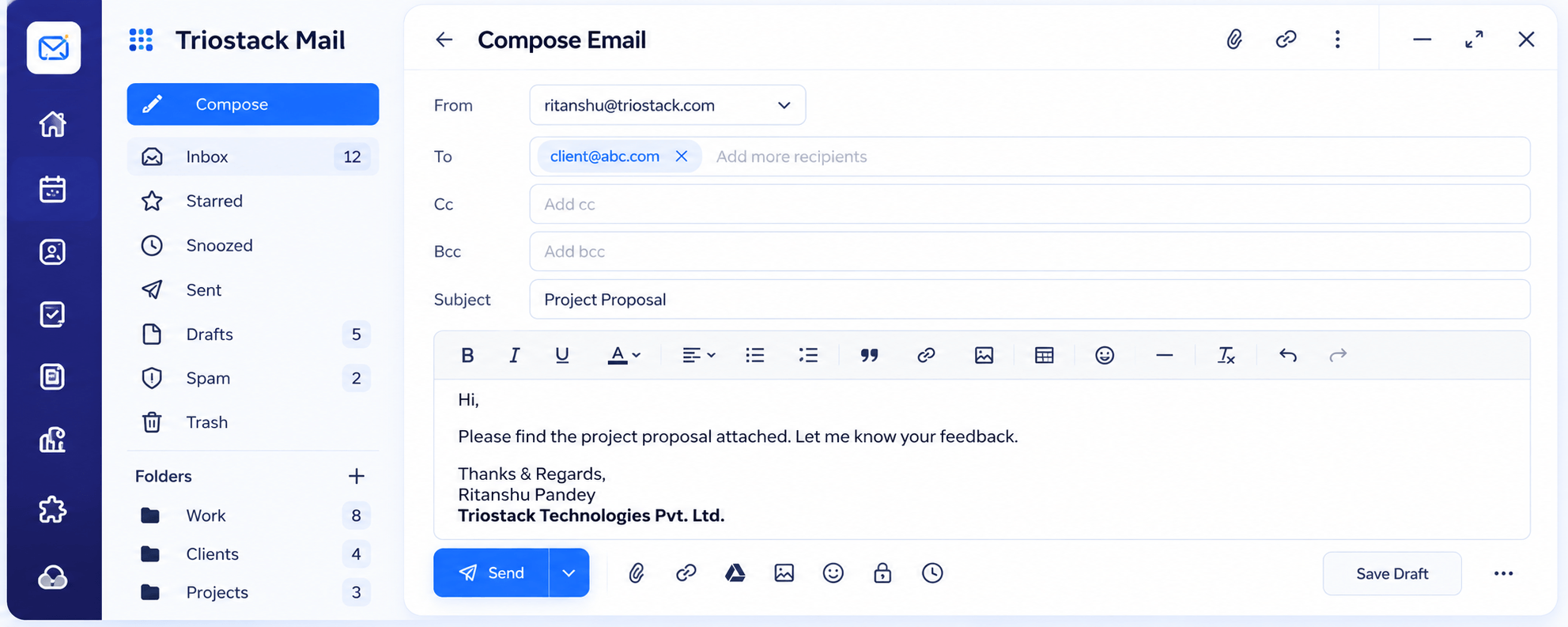
Reply well.
Before you start
Execution Plan
An email reaches support@.
It becomes a Desk ticket.
The owner replies and closes.
Look back at the thread.
Practical Guide
Before you start
A tip that helps
Decide which mail becomes a ticket and which stays an email. A simple rule avoids confusion.
A common mistake
Letting support@ run as a shared inbox with no way to see what is open.
In Real Life
Scenario 01
Tickets keep order.
Scenario 02
A colleague sees the full thread.
Scenario 03
Common topics show in labels.
Straight answers about Mail for Support Teams, from setup to what happens next.
Have a question about Mail for Support Teams?
Book a free callYes, Mail connects with Desk to turn emails into support tickets.
Ask us how routing is configured on your plan.
Yes.
Mail works on its own; Desk adds ticketing.
Run support@ as a shared address, organise cases with folders and labels and turn emails into support tickets with Triostack Desk.
It runs in 4 steps: Receive, Convert, Resolve and Review. An email reaches support@.
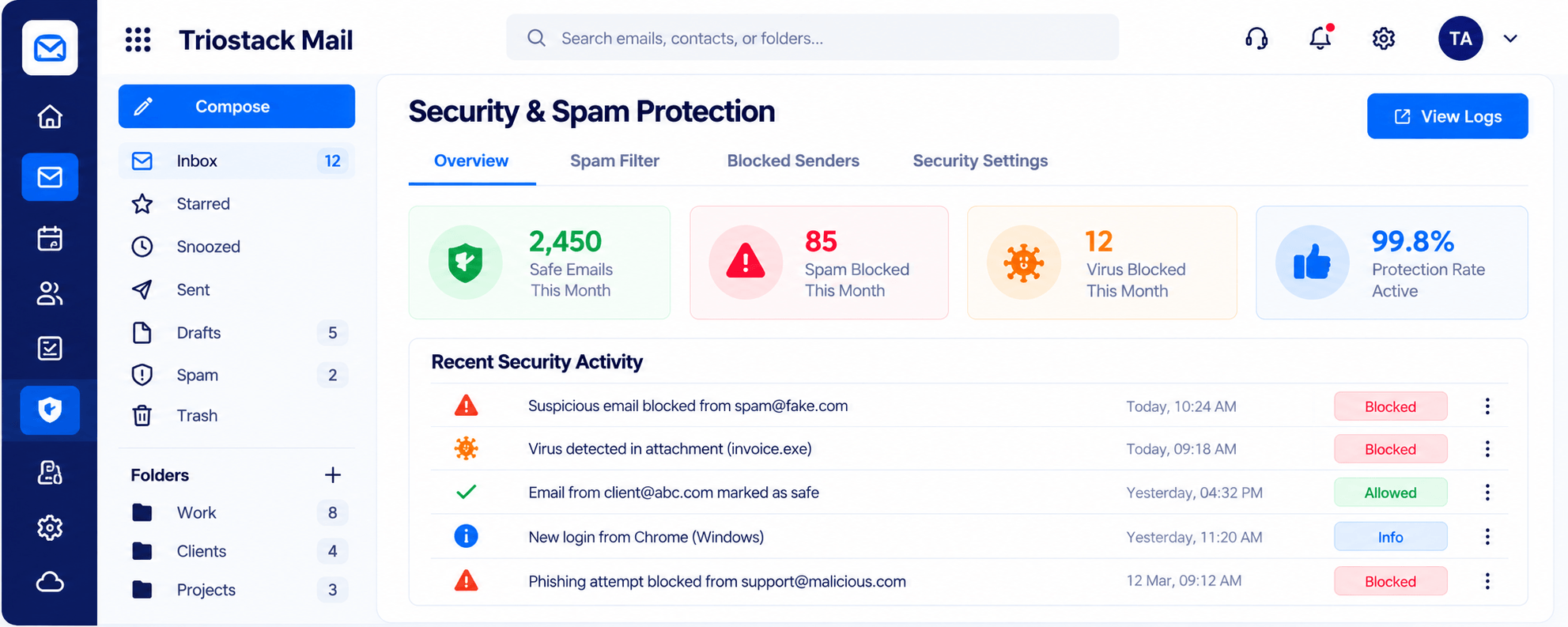
The real screens on this page include Organizations & Domains, Security & Spam Protection, Integrations & Reports and Inbox, all captured from the product.
Request a demo or start a free trial. Our team can also walk you through a guided setup, so your first session ends with something working.
Keep Exploring
Custom-domain inboxes, shared folders, contacts and spam protection in one workspace, connected to CRM and support.