The best Business Suite software in India, built to help your business grow. Contact us at +91-8882435276.
[ Contact ]
Phone number
Email address
Head office
Noida office
The right team at TriostackOne will get back to you.
Positioning Assessment
Work email arrives in waves: client questions, internal updates, receipts and notifications. Without a clear view, the important message sits under ten that are not.
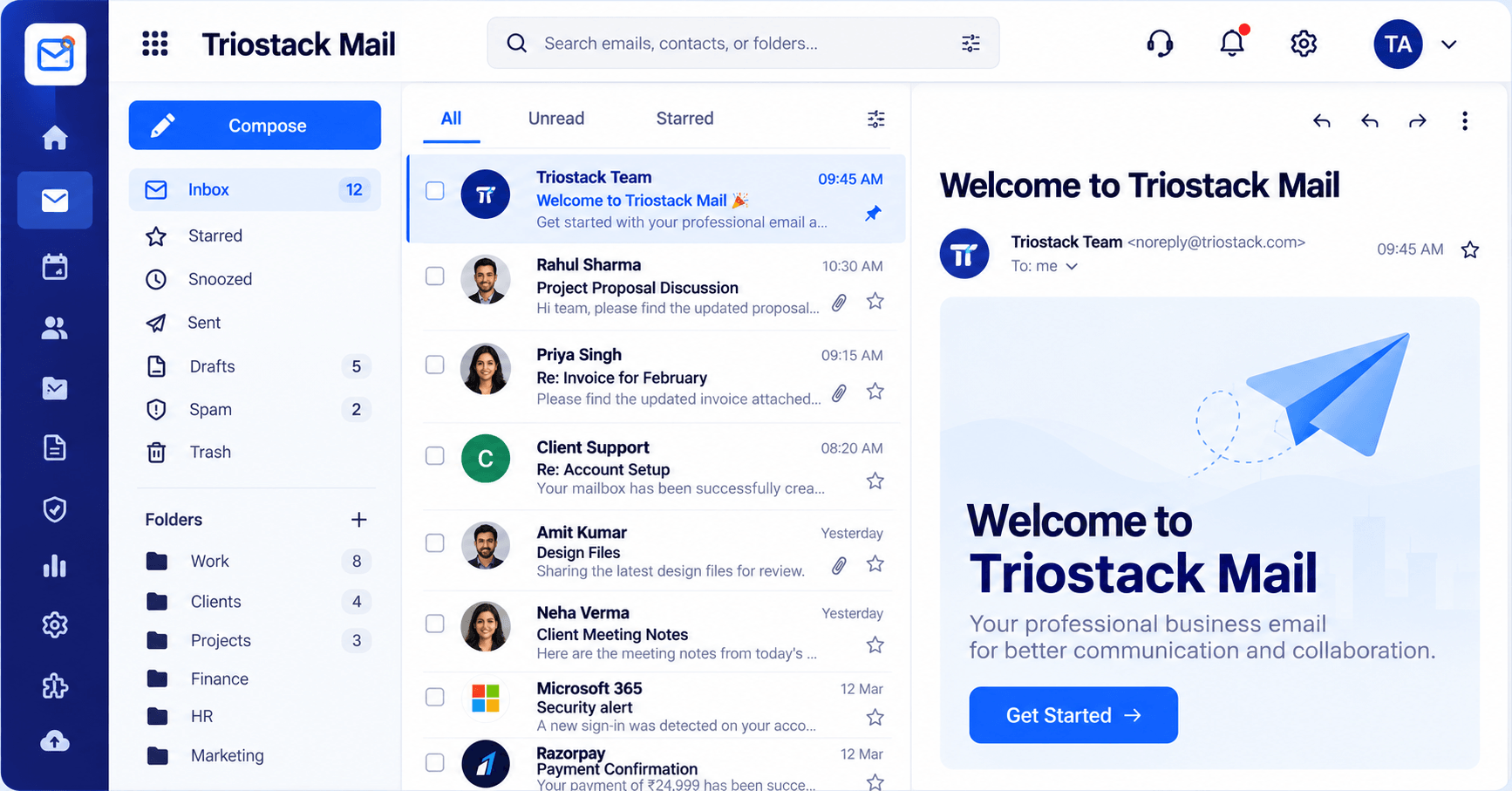
The Triostack Mail inbox lets you switch between All, Unread and Starred, read in a reading pane with attachments and pinned messages, and star or snooze anything you need to come back to.
“Starring and snoozing meant nothing important slipped past us on a busy Monday.”
Sample team scenario
Illustrative example, not a customer testimonial
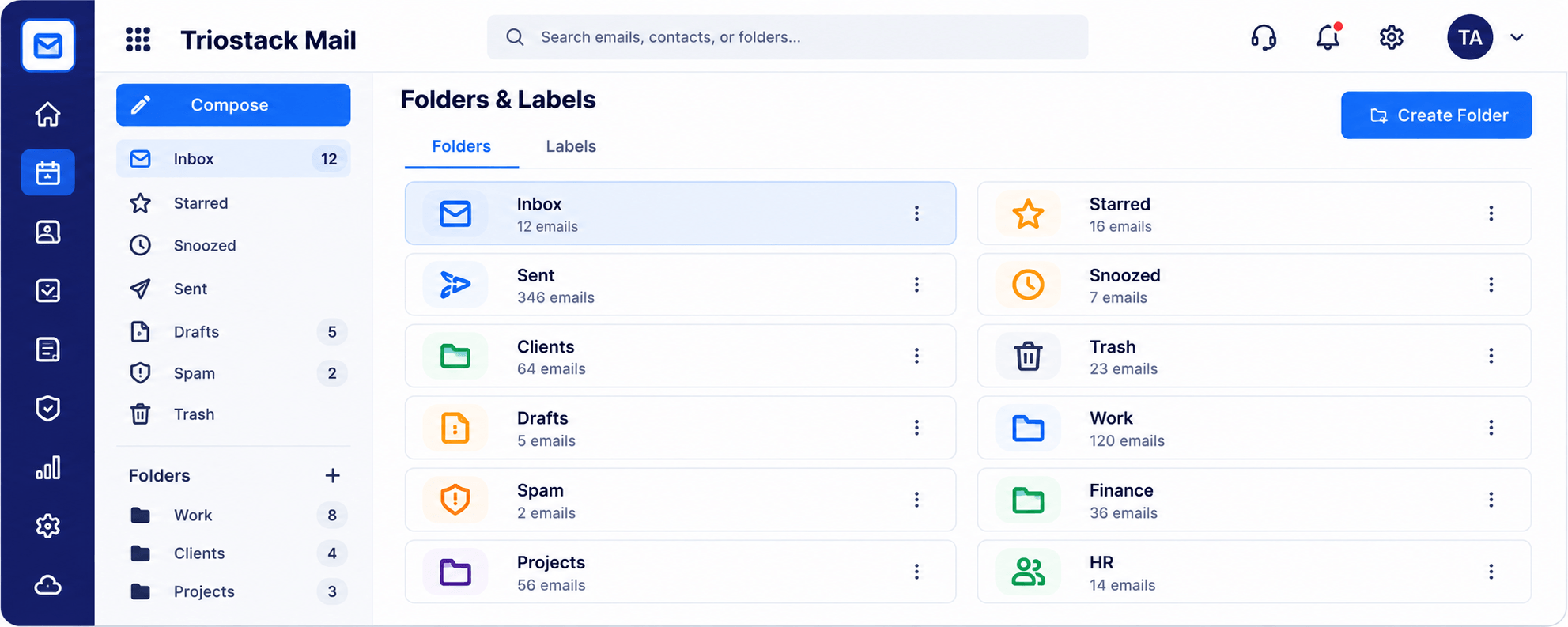
Folders & Labels
Folders and labels with a count for every one
In the Product
Imagine an inbox that quietly puts the unread and starred messages in front, and tucks the rest away until you need them.
Pick how much you want to see.
The reading pane keeps you in flow.
Snooze and star do the remembering.
Platform Integrity
All, Unread and Starred
Read without leaving the list
Come back at the right time
Open files in place
How It Works
What changes when the inbox is built for work.
| Dimension | Triostack Mail | A Cluttered Inbox |
|---|---|---|
| Views | All, Unread and Starred | One long list |
| Reading | Reading pane beside the list | Open each message |
| Follow-up | Snooze and star | Flag by memory |
| Attachments | Open in the pane | Download first |
| Context | Part of the TriostackOne suite | A standalone tool |
Book a walkthrough and we will set up a sandbox with a sample domain and inboxes so you can try mail, shared folders and rules before you commit.
Live Interface Tour
Real screens captured directly from the Triostack Mail workspace.
Inbox & Reading Pane
All, Unread and Starred in one inbox
Feature Breakdown
Captured from the Triostack Mail workspace.
Your day-to-day workspace.
How it fits the plan
Open. See what is new in Unread.
Decide. Reply, star or snooze.
Practical tip
Start the day in Unread, then Starred. Anything still sitting in All can wait until you have cleared those two.
Keep mail sorted.
On this screen: Folders and labels with a count for every one.
How it fits the plan
Decide. Reply, star or snooze.
Organise. File into folders and labels.
In real life
Monday morning
Unread and Starred show what needs you first.
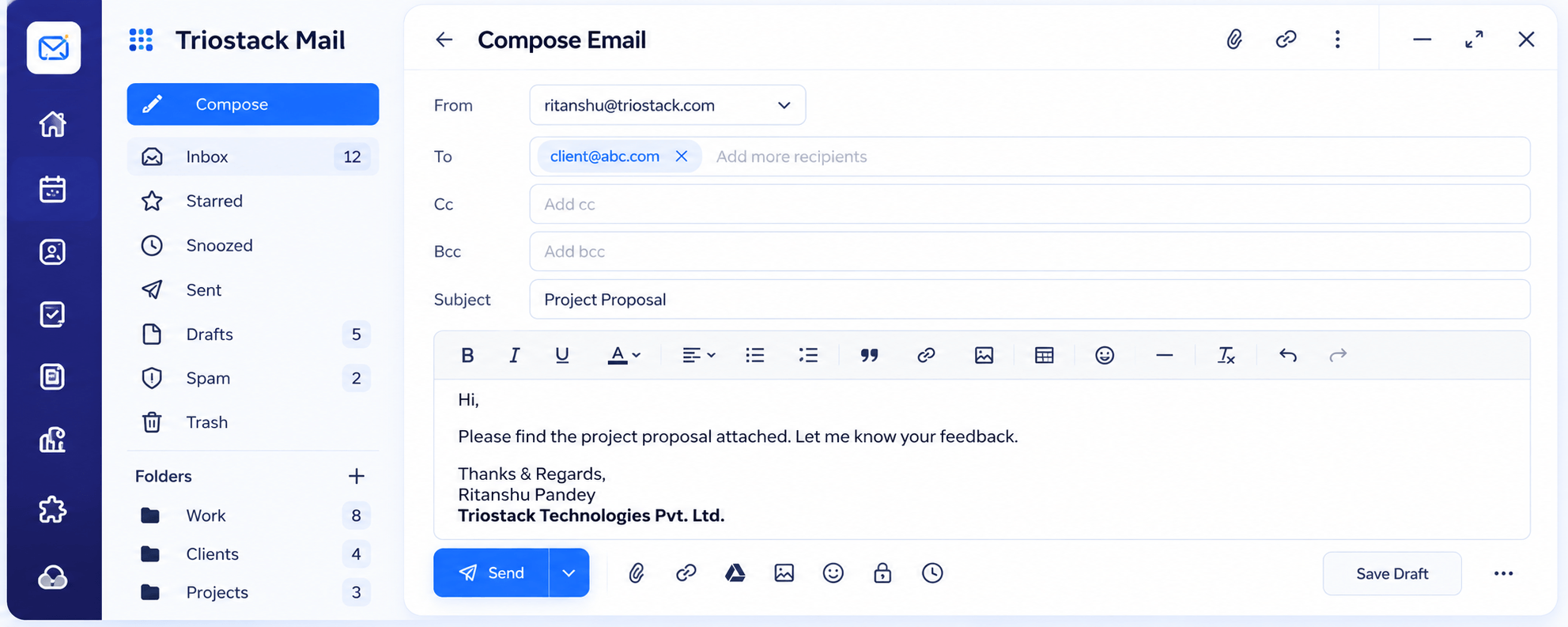
Reply with a full editor.
On this screen: A full editor with Cc, Bcc, attachments and scheduled send.
How it fits the plan
Organise. File into folders and labels.
Clear. Finish the day with nothing lost.
Watch out for
Leaving everything in one long list and using search as the only way to find things.
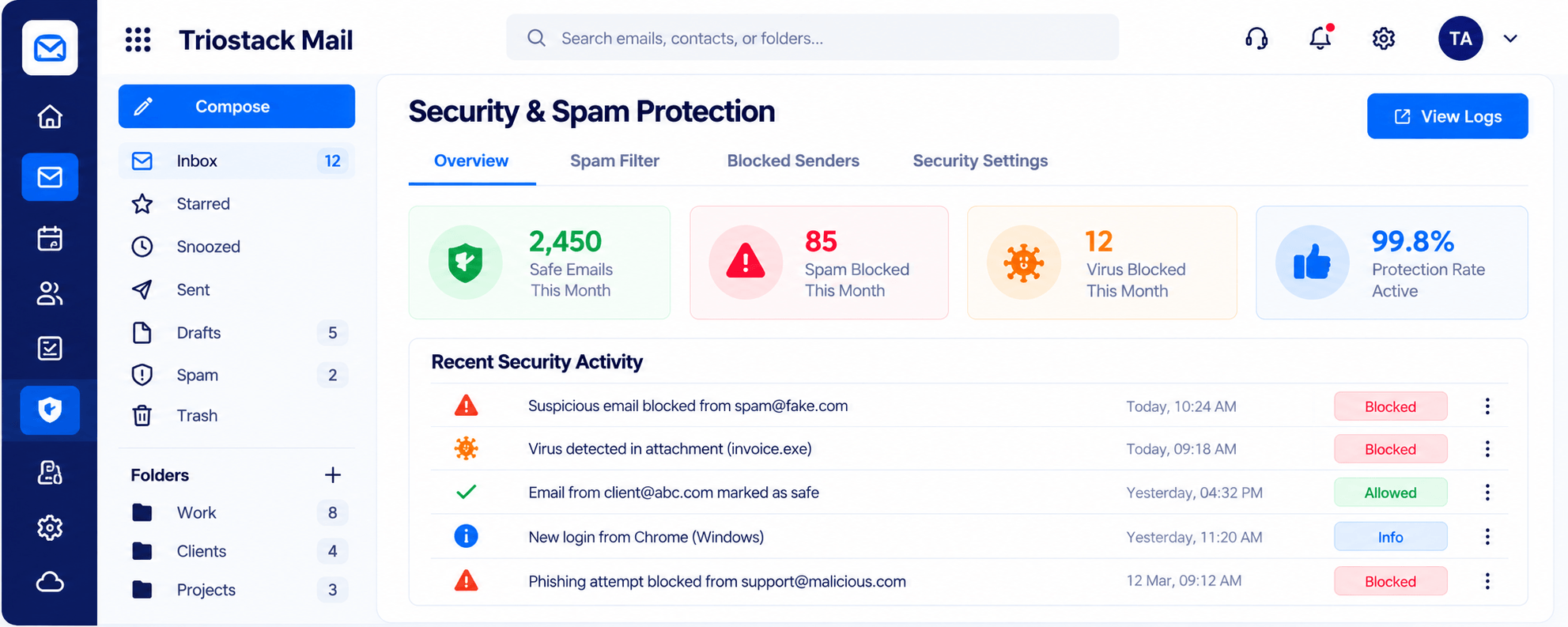
Safer by default.
On this screen: Spam, phishing and virus filtering with a clear log.
How it fits the plan
Clear. Finish the day with nothing lost.
Open. See what is new in Unread.
Before you start
Execution Plan
See what is new in Unread.
Reply, star or snooze.
File into folders and labels.
Finish the day with nothing lost.
Practical Guide
Before you start
A tip that helps
Start the day in Unread, then Starred. Anything still sitting in All can wait until you have cleared those two.
A common mistake
Leaving everything in one long list and using search as the only way to find things.
In Real Life
Scenario 01
Unread and Starred show what needs you first.
Scenario 02
A message is snoozed until you are back at a desk.
Scenario 03
A starred thread tells a colleague what is open.
Straight answers about Business Inbox, from setup to what happens next.
Have a question about Business Inbox?
Book a free callYes. Switch between All, Unread and Starred.
Yes. Snooze anything you want to come back to.
Yes, in the reading pane.
Yes. Triostack Mail runs on your custom-domain addresses.
Read, star, snooze and sort company email in an inbox with All, Unread and Starred views and a reading pane that keeps attachments close.
It runs in 4 steps: Open, Decide, Organise and Clear. See what is new in Unread.
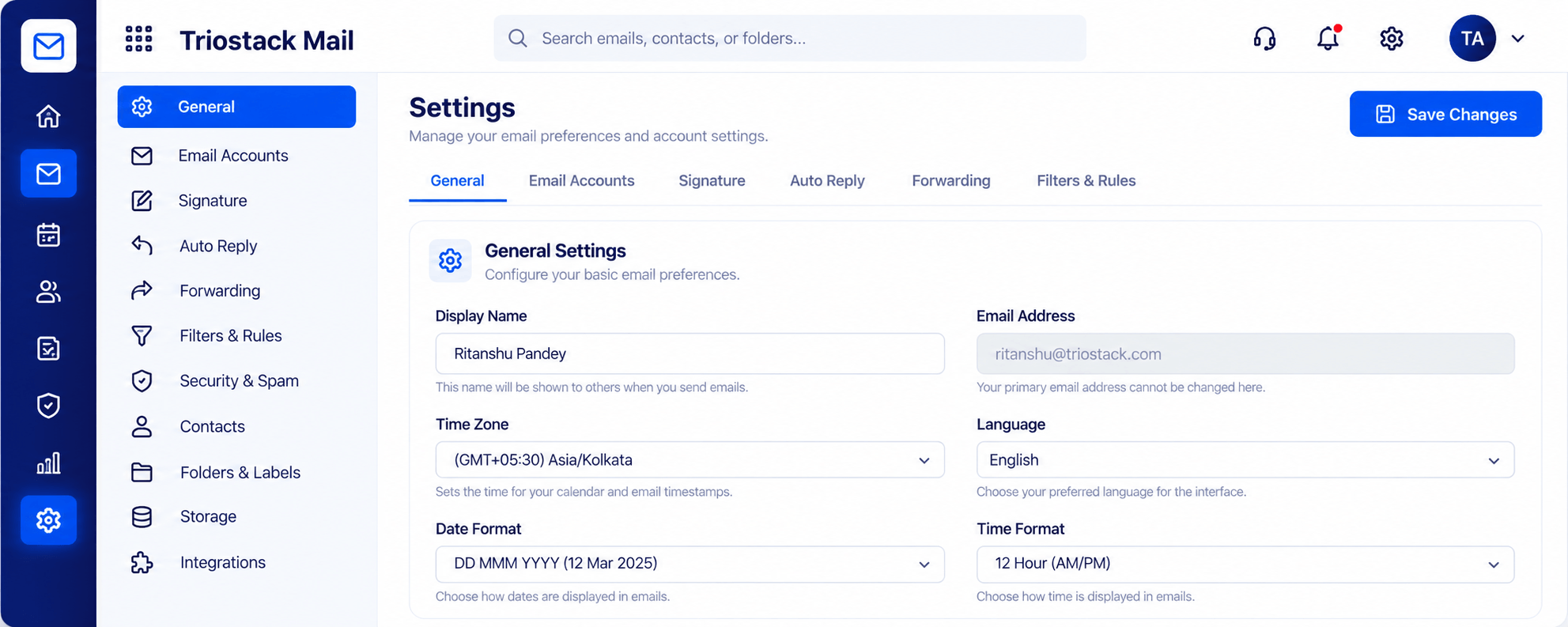
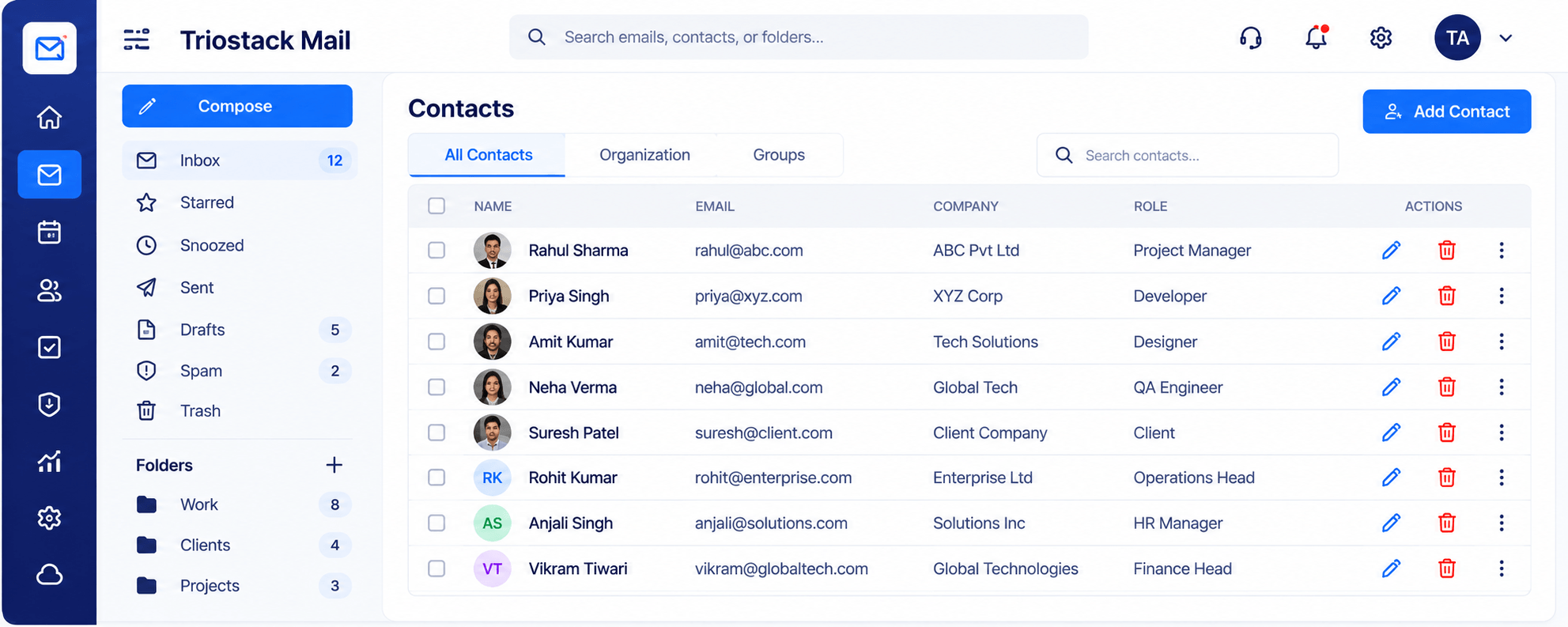
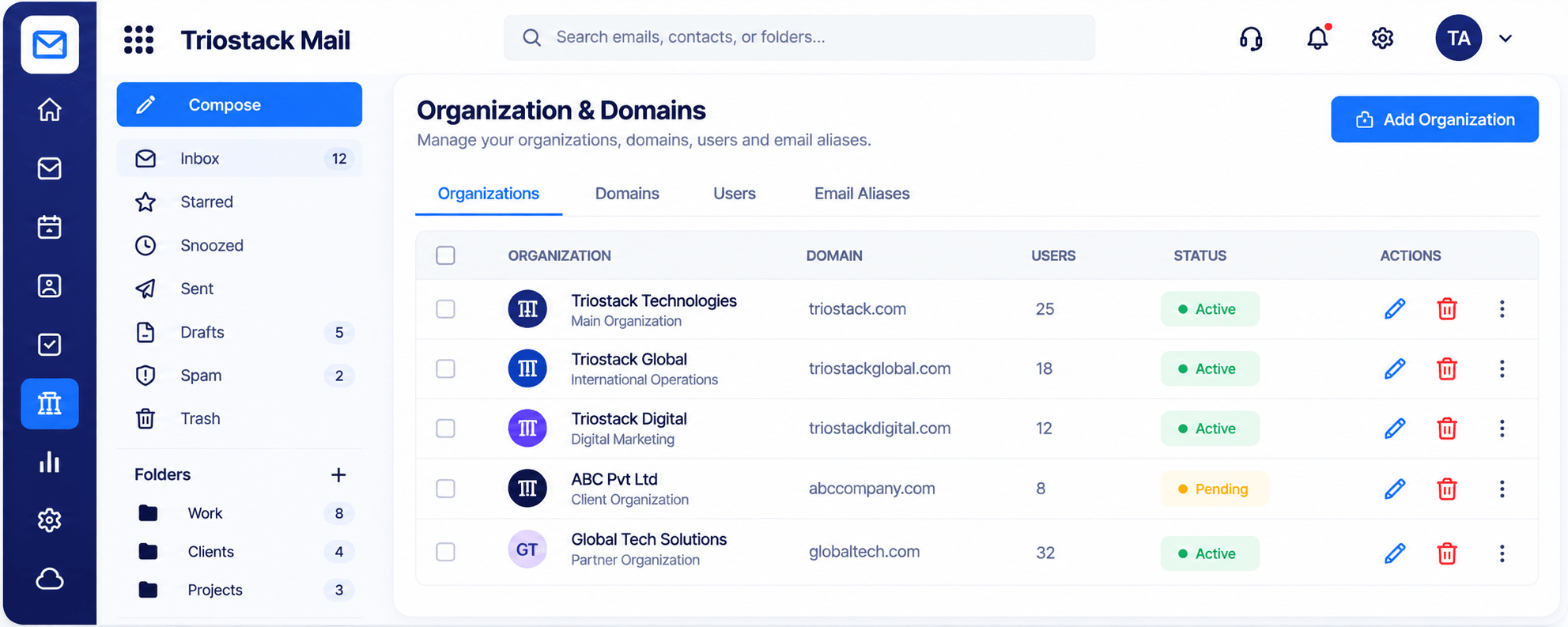
The real screens on this page include Folders & Labels, Compose, Security & Spam Protection and Inbox & Reading Pane, all captured from the product.
Request a demo or start a free trial. Our team can also walk you through a guided setup, so your first session ends with something working.
Keep Exploring
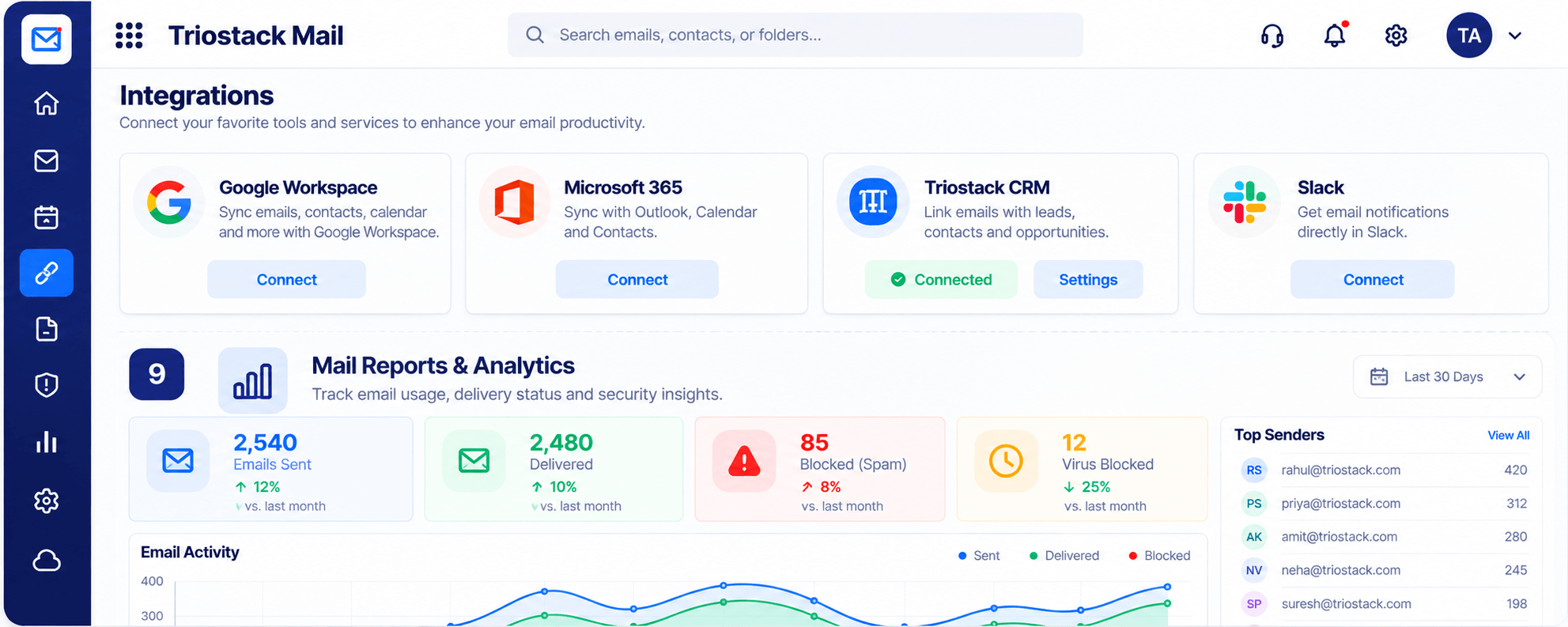
Custom-domain inboxes, shared folders, contacts and spam protection in one workspace, connected to CRM and support.