The best Business Suite software in India, built to help your business grow. Contact us at +91-8882435276.
[ Contact ]
Phone number
Email address
Head office
Noida office
The right team at TriostackOne will get back to you.
Built for
Healthcare
Protected
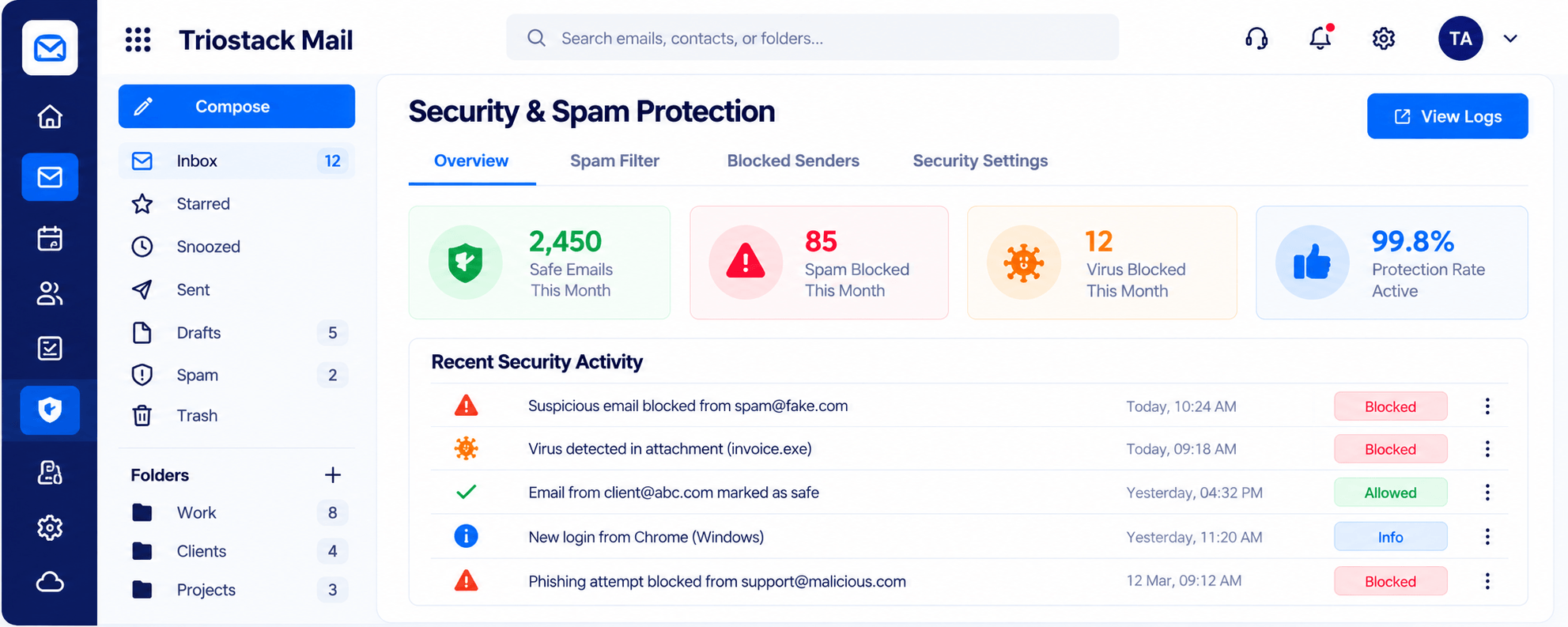
Spam, phishing and virus filtering with a clear log
Positioning Assessment
Appointments, vendor messages, reports and admin all flow through email, and a single phishing message can cause real trouble.
Triostack Mail provides spam, phishing and virus filtering with a log of what was blocked, folders and labels, and domain, user and alias management. Ask us how it fits your clinic's compliance and data-handling requirements.
“Seeing exactly what had been blocked each month gave our admin team confidence.”
Sample team scenario
Illustrative example, not a customer testimonial
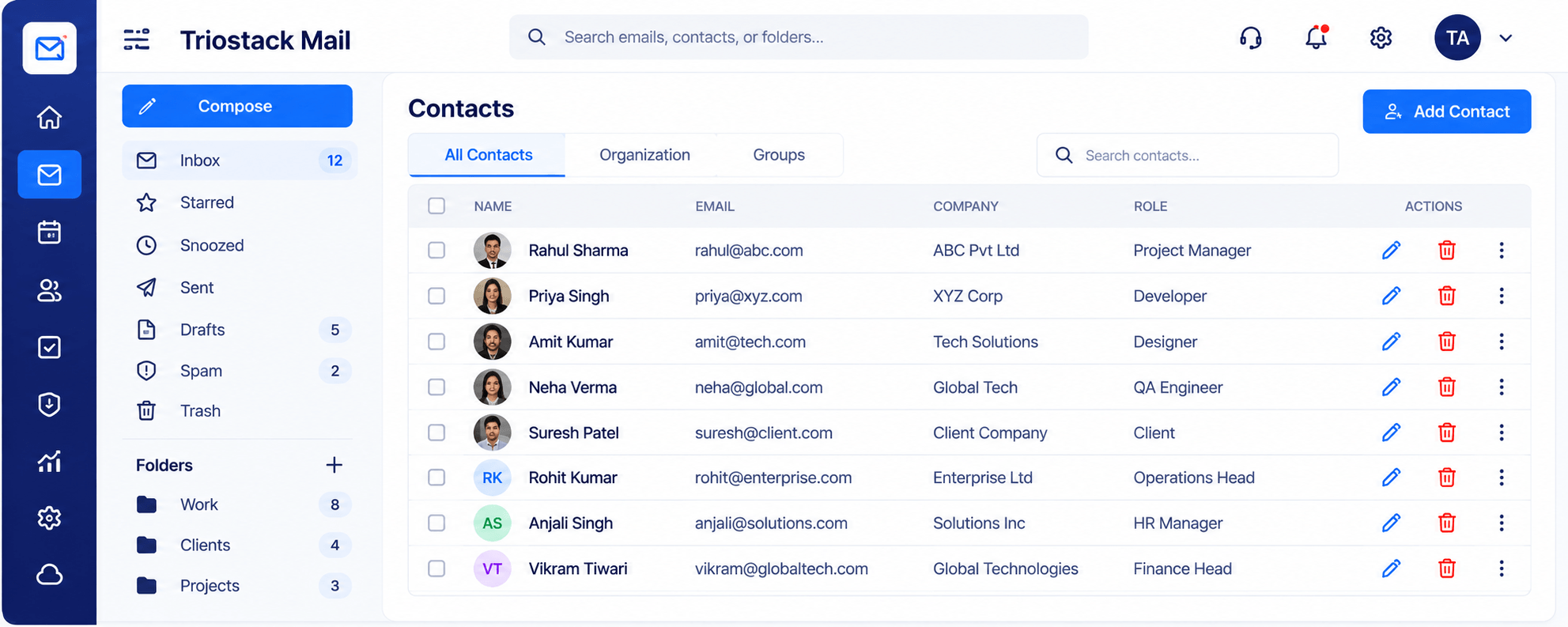
Contacts & Groups
One directory for names, companies and roles
In the Product
Imagine the receptionist quietly turning away anything suspicious before it reaches the corridor.
Spam, phishing, viruses.
A log you can check.
Addresses by department.
Platform Integrity
Filtering with a log
Per department
Admin and vendors apart
Users and aliases managed
How It Works
What care teams need.
Filtering
Spam, phishing and virus
Unfiltered Inboxes: Minimal
Visibility
A log of blocked mail
Unfiltered Inboxes: None
Addresses
Department aliases
Unfiltered Inboxes: Personal
Organisation
Folders and labels
Unfiltered Inboxes: Single inbox
Compliance
Ask us about your needs
Unfiltered Inboxes: Varies
Tell us about your team, your domains and how you handle email today, and we will propose a setup that fits.
Live Interface Tour
Real screens captured directly from the Triostack Mail workspace.
Security & Spam Protection
Spam, phishing and virus filtering with a clear log
Feature Breakdown
Captured from the Triostack Mail workspace.
Protection with a log.
How it fits the plan
Map. List departments and addresses.
Create. Add users and aliases.
Practical tip
Review the monthly protection summary with your admin team. It builds a habit of noticing patterns.
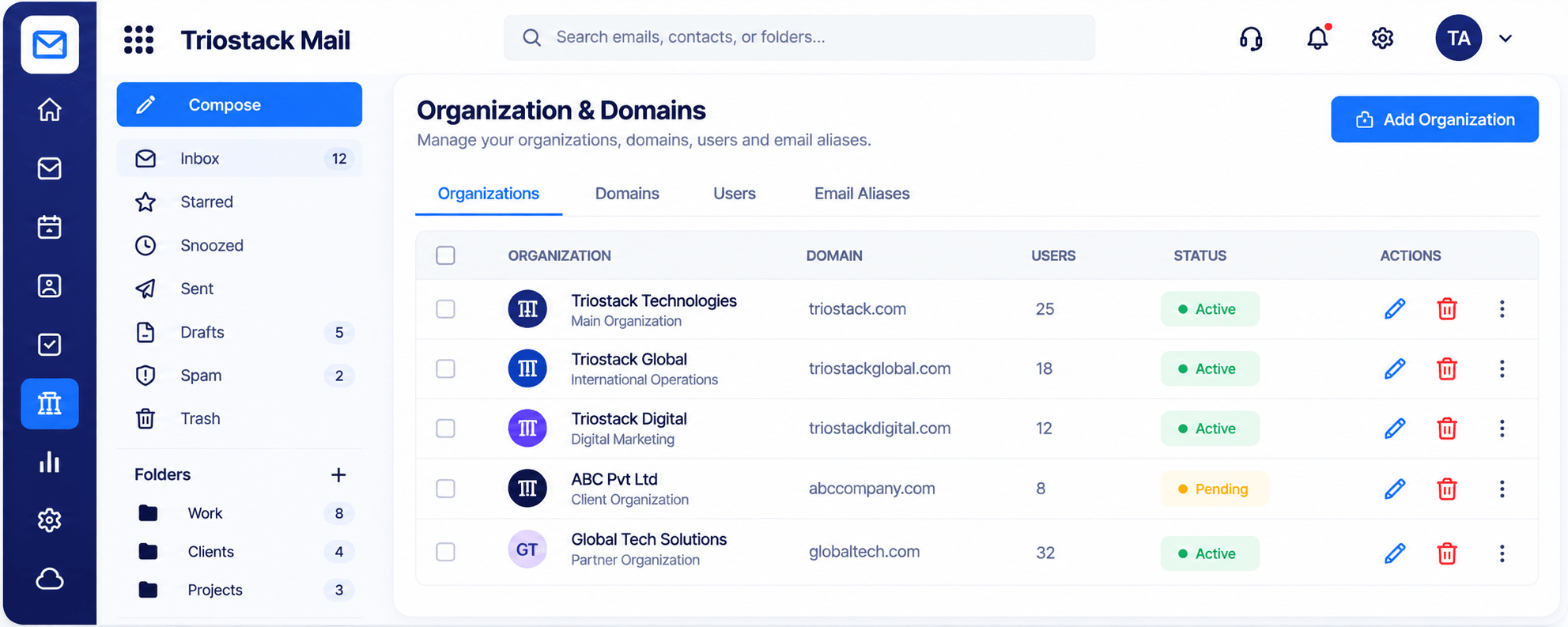
Structure addresses.
In real life
Phishing attempt
It is blocked and recorded.
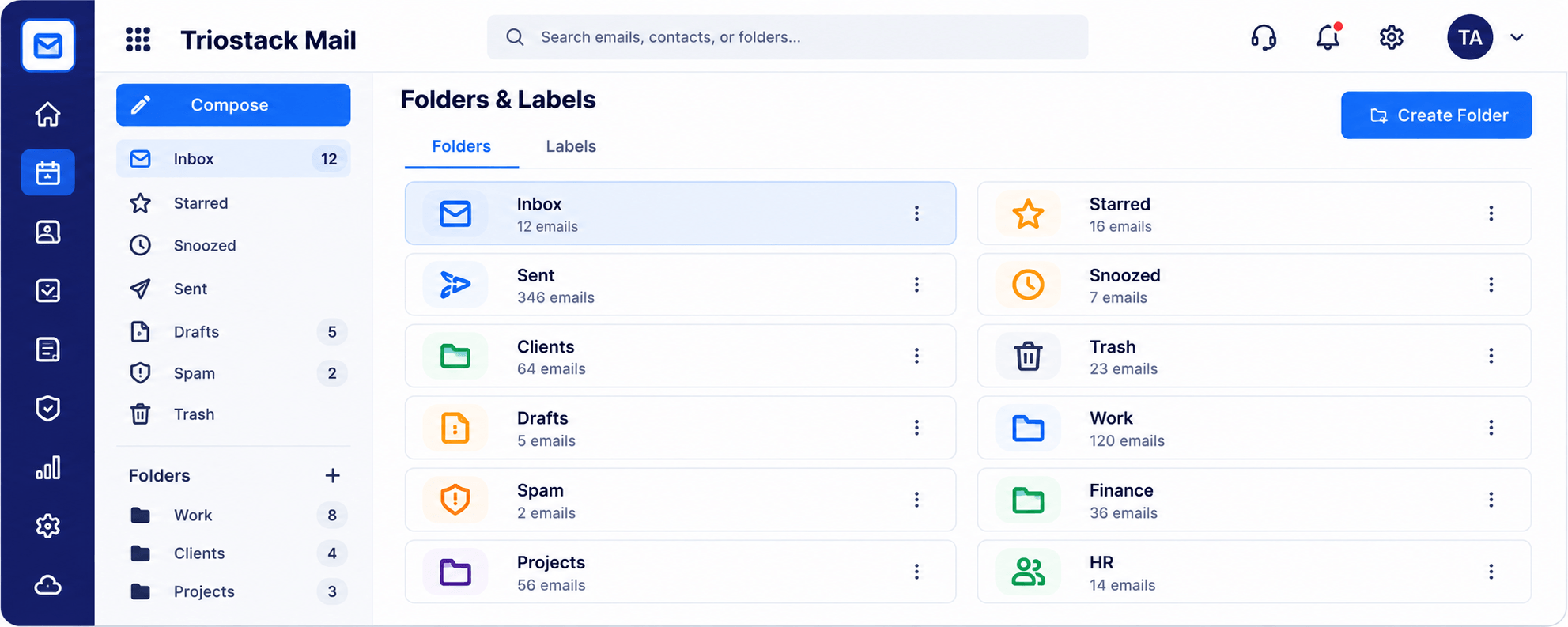
Separate the admin.
Watch out for
Assuming filtering alone covers every compliance requirement.
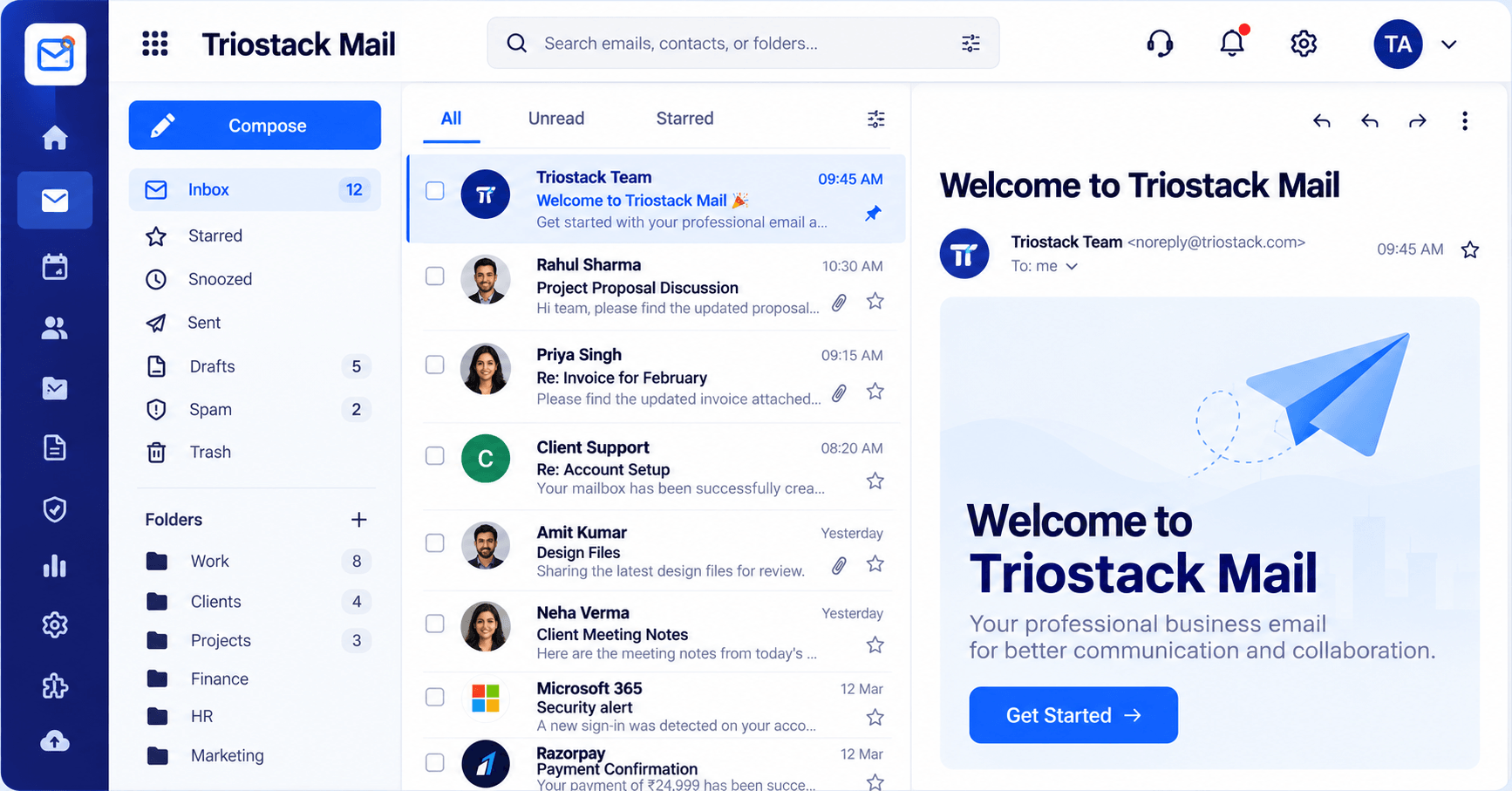
Daily work.
Before you start
Execution Plan
List departments and addresses.
Add users and aliases.
Review spam and phishing settings.
Check the monthly log.
Practical Guide
Before you start
A tip that helps
Review the monthly protection summary with your admin team. It builds a habit of noticing patterns.
A common mistake
Assuming filtering alone covers every compliance requirement.
In Real Life
Scenario 01
It is blocked and recorded.
Scenario 02
Addresses are created for the front desk.
Scenario 03
Admin reads the protection summary.
Straight answers about Mail for Healthcare, from setup to what happens next.
Have a question about Mail for Healthcare?
Book a free callSpam, phishing and virus filtering are built in, with a clear log.
Ask us about your specific compliance requirements.
Yes, via aliases.
Yes, with folders and labels.
Keep administrative email organised, filter spam and phishing and manage addresses for clinics and departments. Ask us about your compliance needs.
It runs in 4 steps: Map, Create, Protect and Review. List departments and addresses.
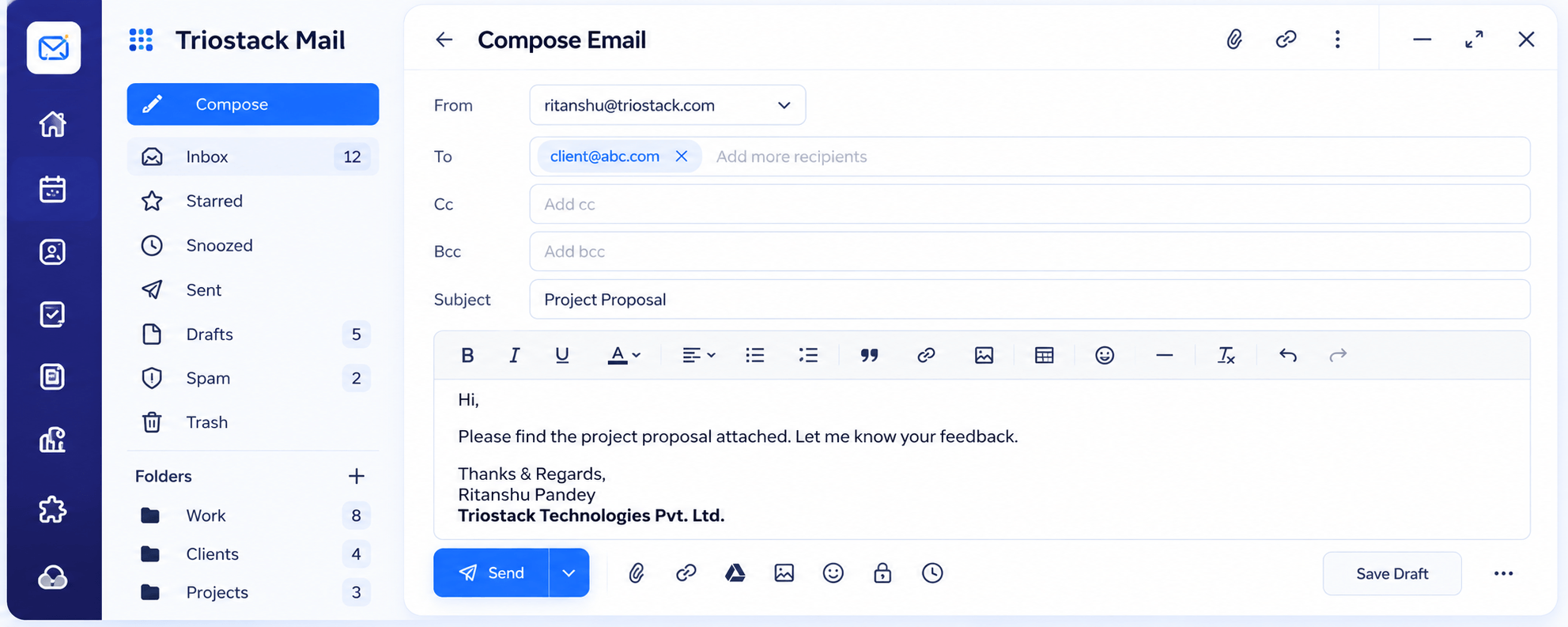
The real screens on this page include Contacts & Groups, Compose, Settings, Signatures & Rules and Security Overview, all captured from the product.
Request a demo or start a free trial. Our team can also walk you through a guided setup, so your first session ends with something working.
Keep Exploring
Custom-domain inboxes, shared folders, contacts and spam protection in one workspace, connected to CRM and support.