The best Business Suite software in India, built to help your business grow. Contact us at +91-8882435276.
[ Contact ]
Phone number
Email address
Head office
Noida office
The right team at TriostackOne will get back to you.
Positioning Assessment
Many accountants have a preferred package. If handing over data takes days of reformatting, everyone loses time.
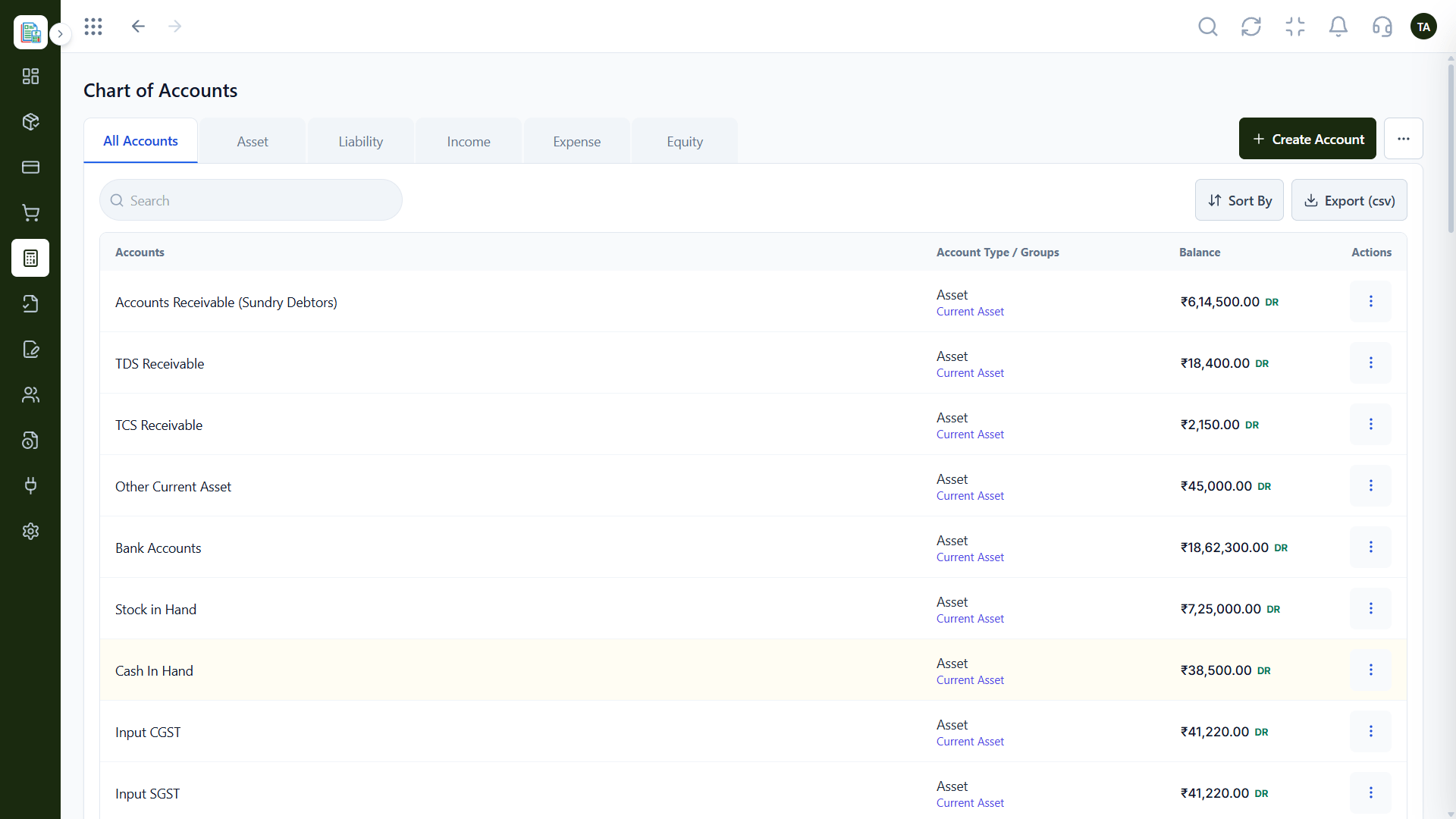
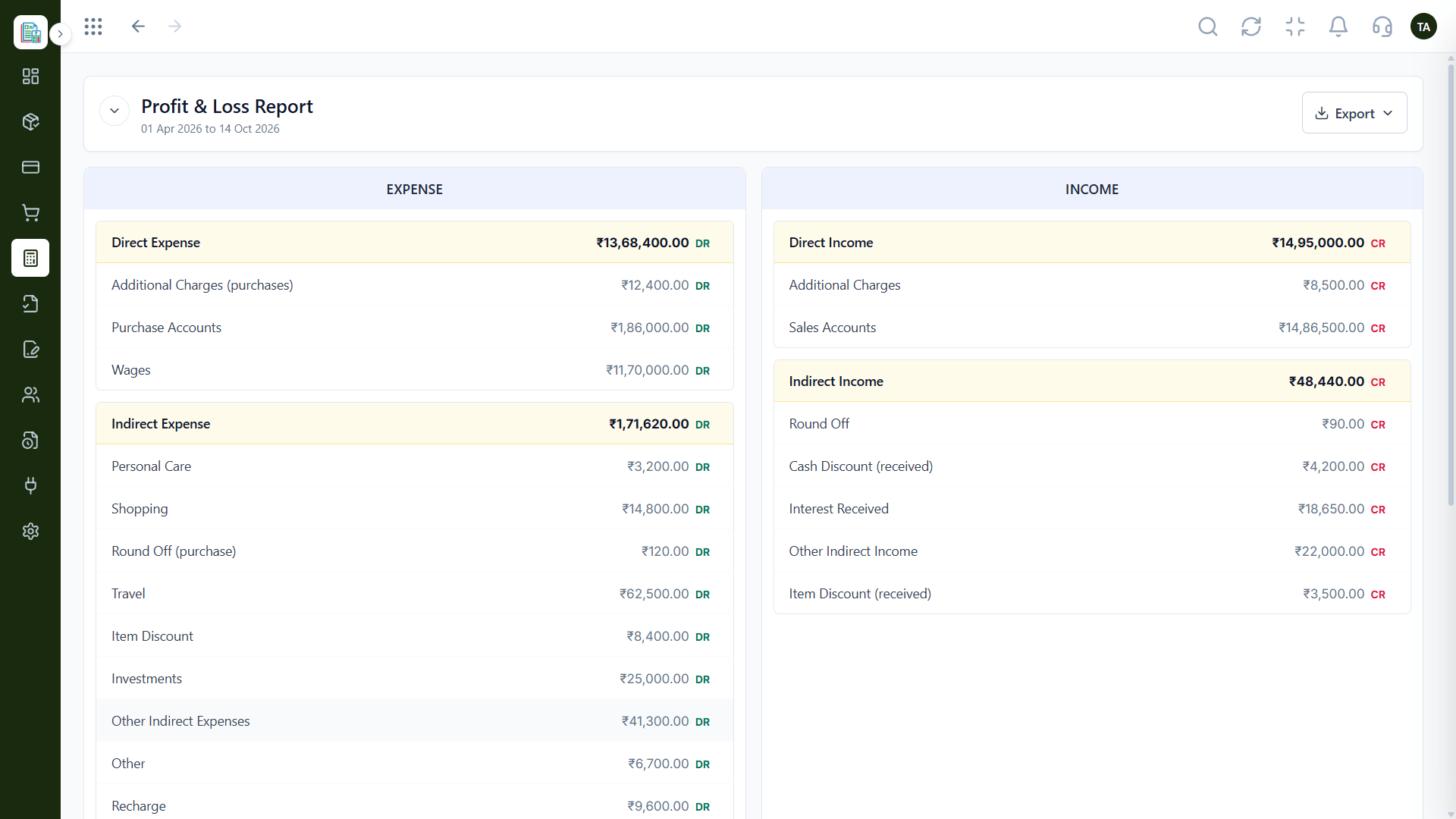
Triostack Finance lets you export the chart of accounts to CSV and export reports such as the Profit & Loss when your accountant or auditor asks. Ask us about direct connectors for specific accounting tools.
“Our accountant got the chart and the P&L as exports and had what she needed the same day.”
Sample team scenario
Illustrative example, not a customer testimonial
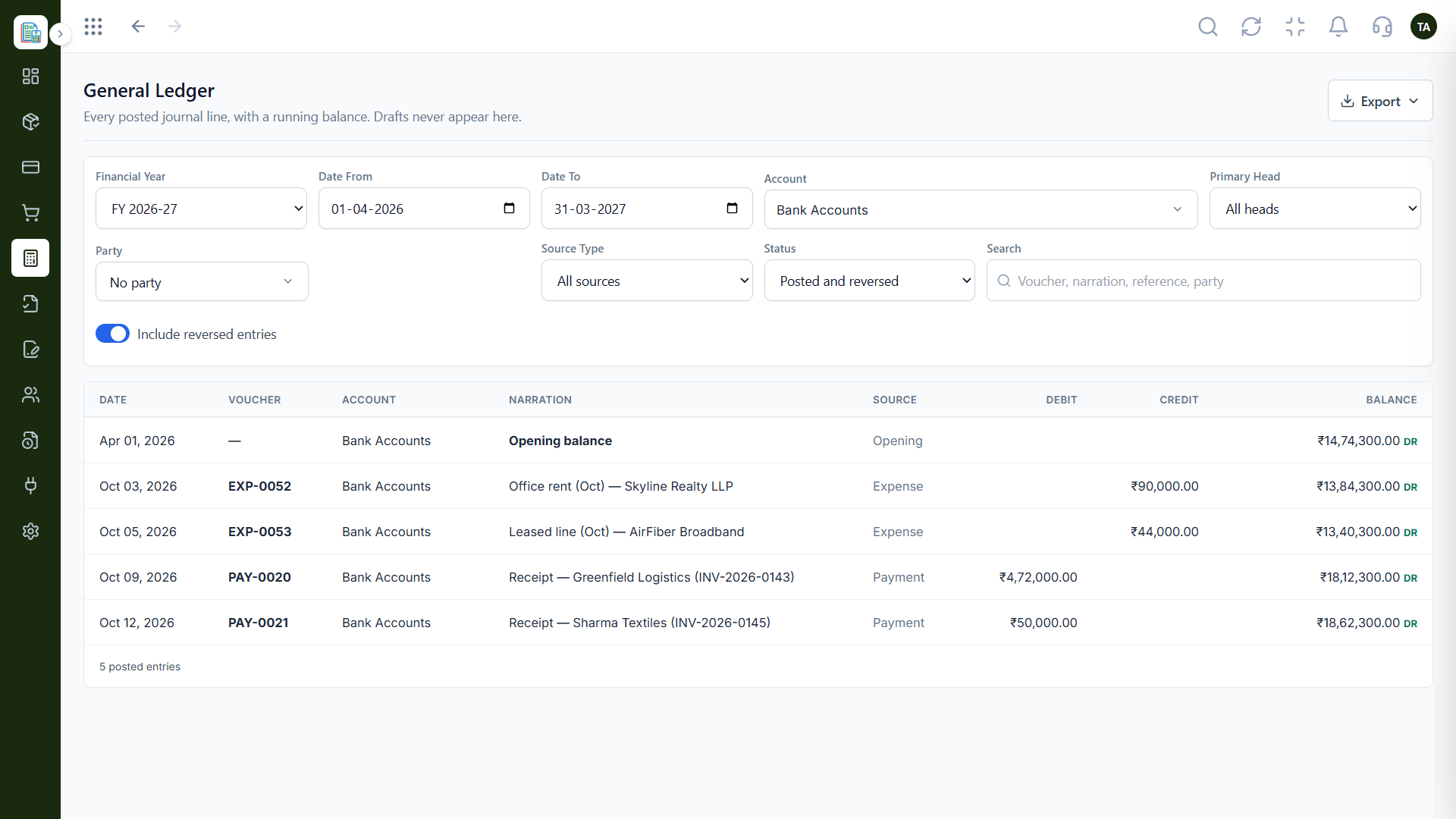
General Ledger
Every posted line with a running balance
In the Product
Imagine your records speaking the same chart of accounts as your accountant's.
Exports in minutes.
A standard chart of accounts.
Journals capture the changes.
Platform Integrity
Chart of accounts to CSV
P&L when asked
A familiar structure
Ask what is available
How It Works
What changes when data can leave easily.
| Dimension | Triostack Finance | Closed Systems |
|---|---|---|
| Chart | Export to CSV | Retype the accounts |
| Reports | Export on request | Screenshots |
| Structure | Assets, liabilities, income, expenses, equity | Custom layouts |
| Ledger | Filterable by account and date | Fixed views |
| Connectors | Ask us about specific tools | Varies |
Our team can walk you through the connection, permissions and a first test so Finance fits into the tools your accountant and team already use.
Live Interface Tour
Real screens captured directly from the Triostack Finance workspace.
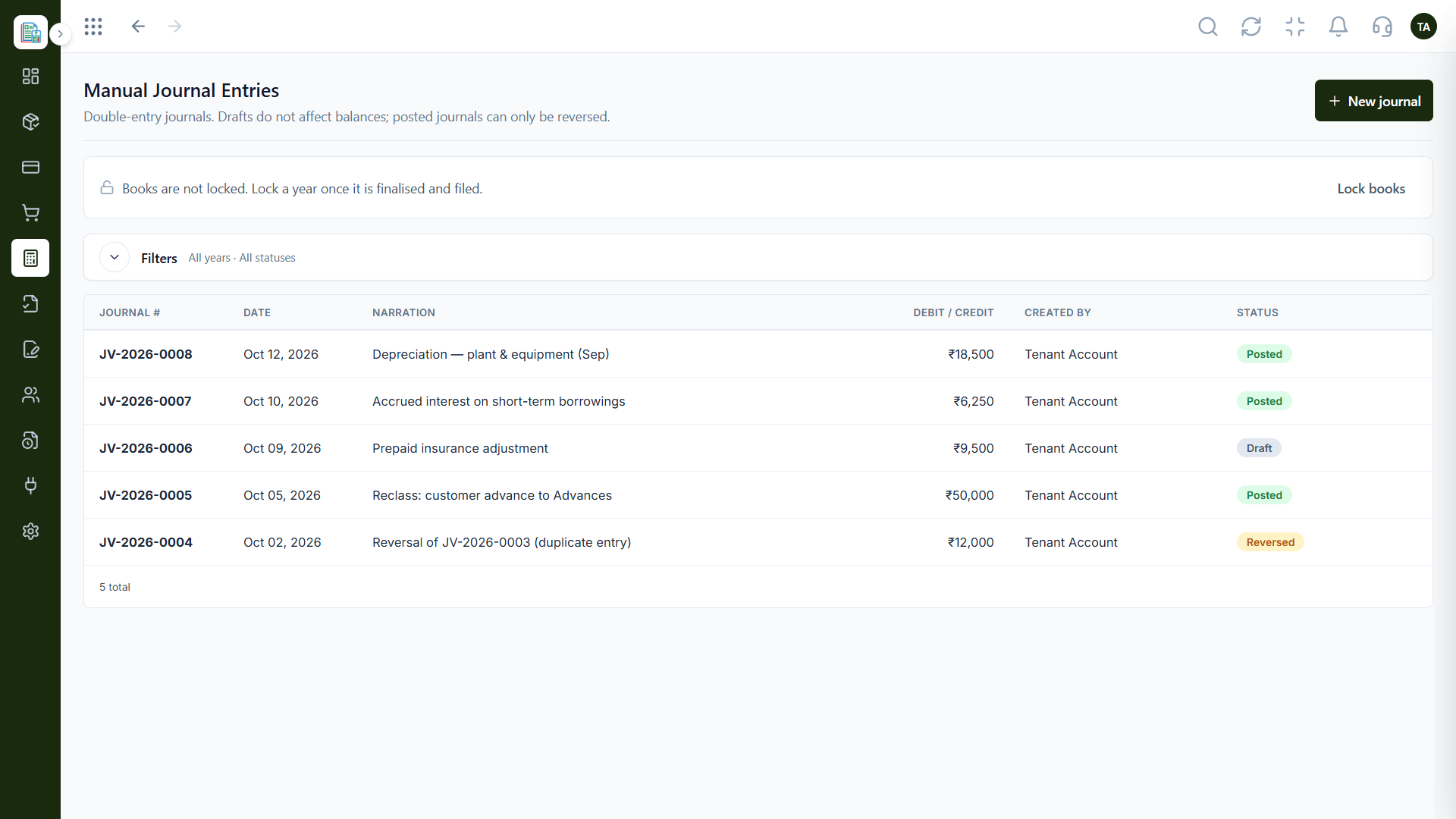
Manual Journals
Reports and accounts that travel easily
Feature Breakdown
Captured from the Triostack Finance workspace.
01
IntegrationsThe shared language.
How it fits the plan
Prepare. Post entries and review the books.
Export. Download the chart and reports.
Practical tip
Ask your accountant which format they want before you export. Five minutes of asking saves an afternoon of reformatting.
02
IntegrationsFor review.
How it fits the plan
Export. Download the chart and reports.
Review. Your accountant checks the numbers.
In real life
Year-end
The accountant receives the chart and reports together.
03
IntegrationsThe detail.
On this screen: Every posted line with a running balance.
How it fits the plan
Review. Your accountant checks the numbers.
Adjust. Post any journals they suggest.
Watch out for
Sending screenshots of reports when a clean export would be faster for everyone.
04
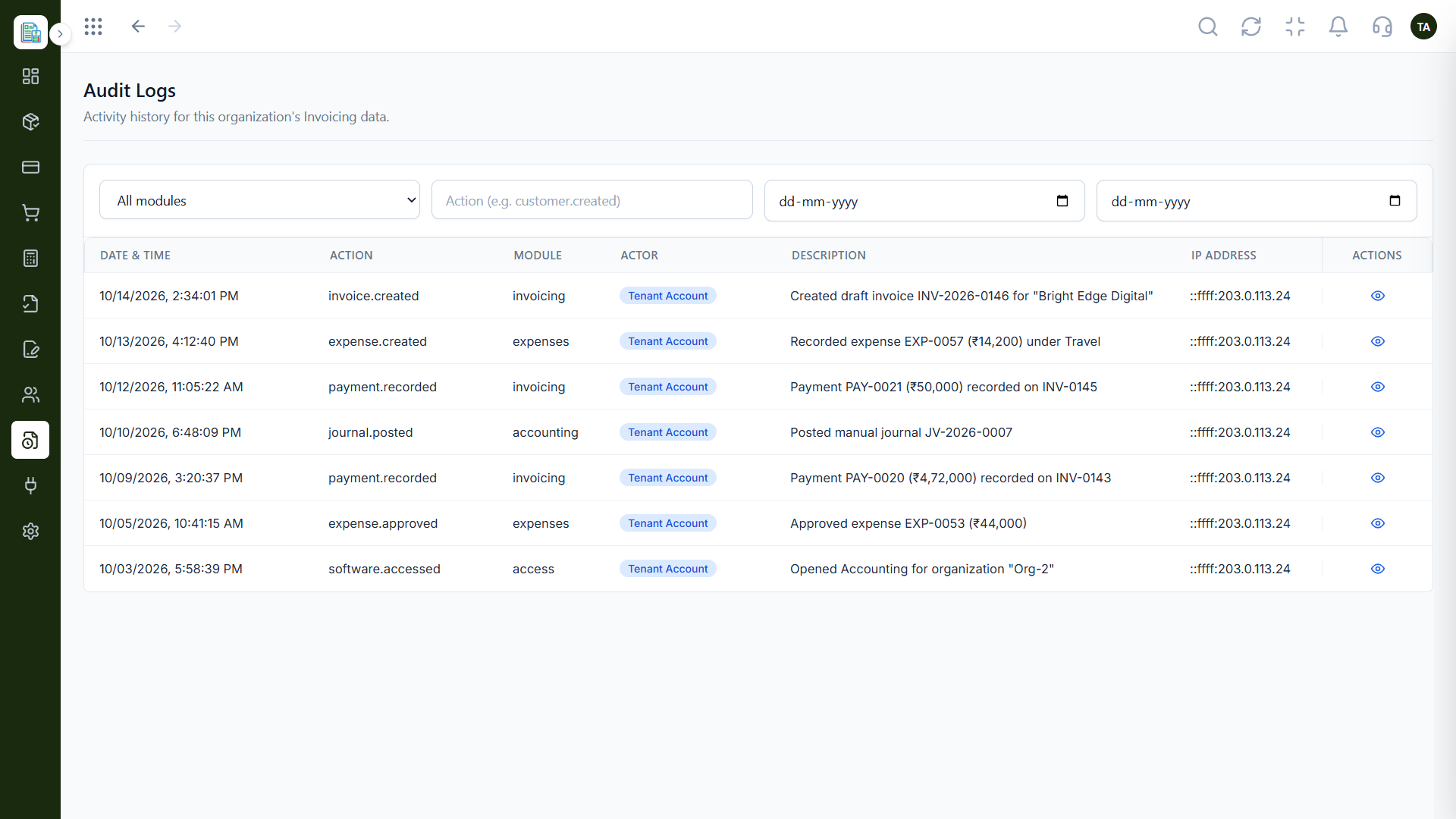
IntegrationsThe trail.
How it fits the plan
Adjust. Post any journals they suggest.
Prepare. Post entries and review the books.
Before you start
Execution Plan
Post entries and review the books.
Download the chart and reports.
Your accountant checks the numbers.
Post any journals they suggest.
Practical Guide
Before you start
A tip that helps
Ask your accountant which format they want before you export. Five minutes of asking saves an afternoon of reformatting.
A common mistake
Sending screenshots of reports when a clean export would be faster for everyone.
In Real Life
Scenario 01
The accountant receives the chart and reports together.
Scenario 02
Adjusting journals are posted as drafts first.
Scenario 03
The new one gets clean exports.
Straight answers about Accounting Tools, from setup to what happens next.
Have a question about Accounting Tools?
Book a free callYes, to CSV.
Yes. Export reports such as the Profit & Loss when your accountant or auditor asks.
Ask us about direct connectors for the tool you use.
Yes, as manual journals, with drafts that do not affect balances until posted.
Export reports and data in standard formats so your accountant can work in the tools they prefer, while your books stay in Finance.
It runs in 4 steps: Prepare, Export, Review and Adjust. Post entries and review the books.
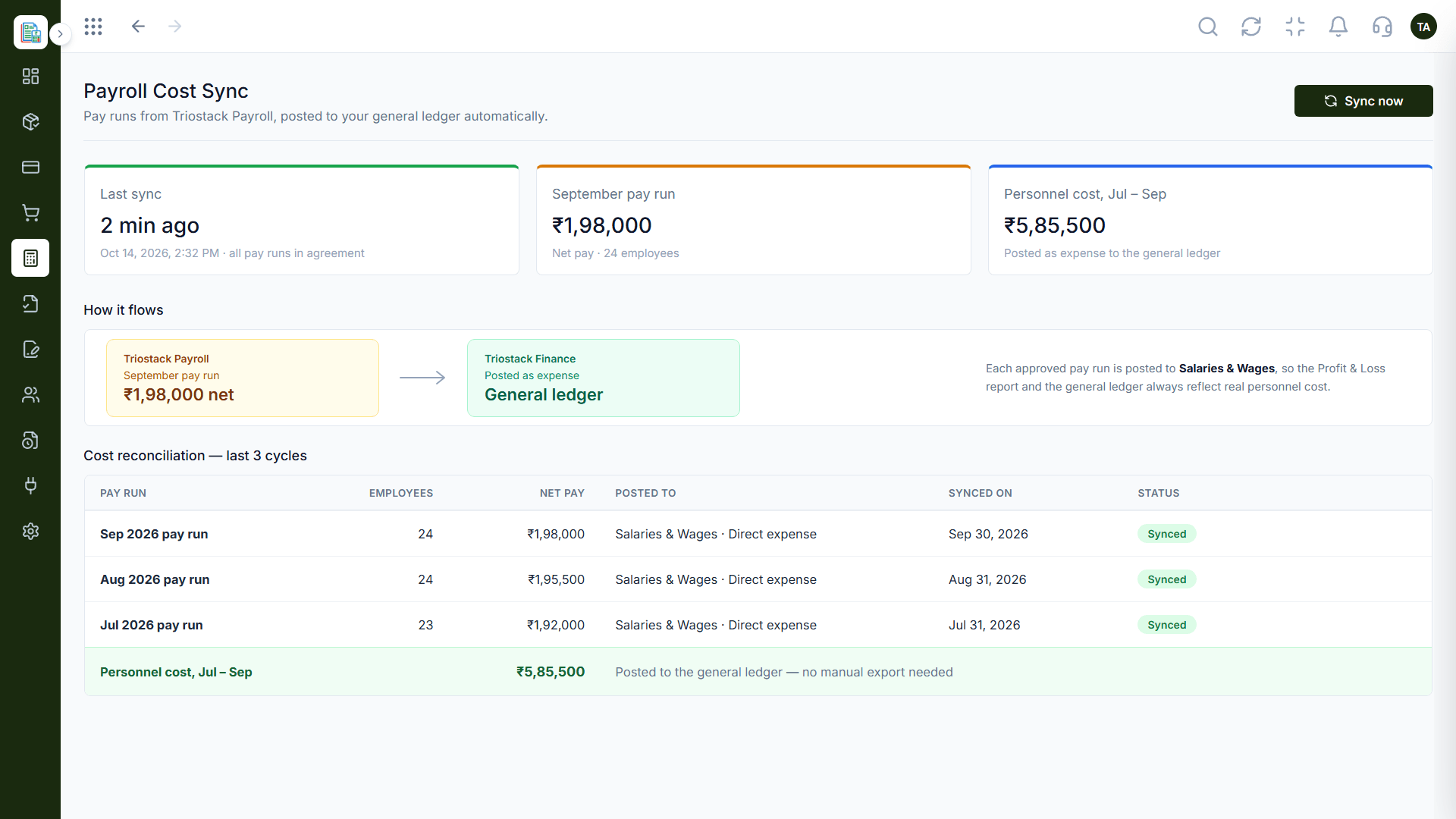
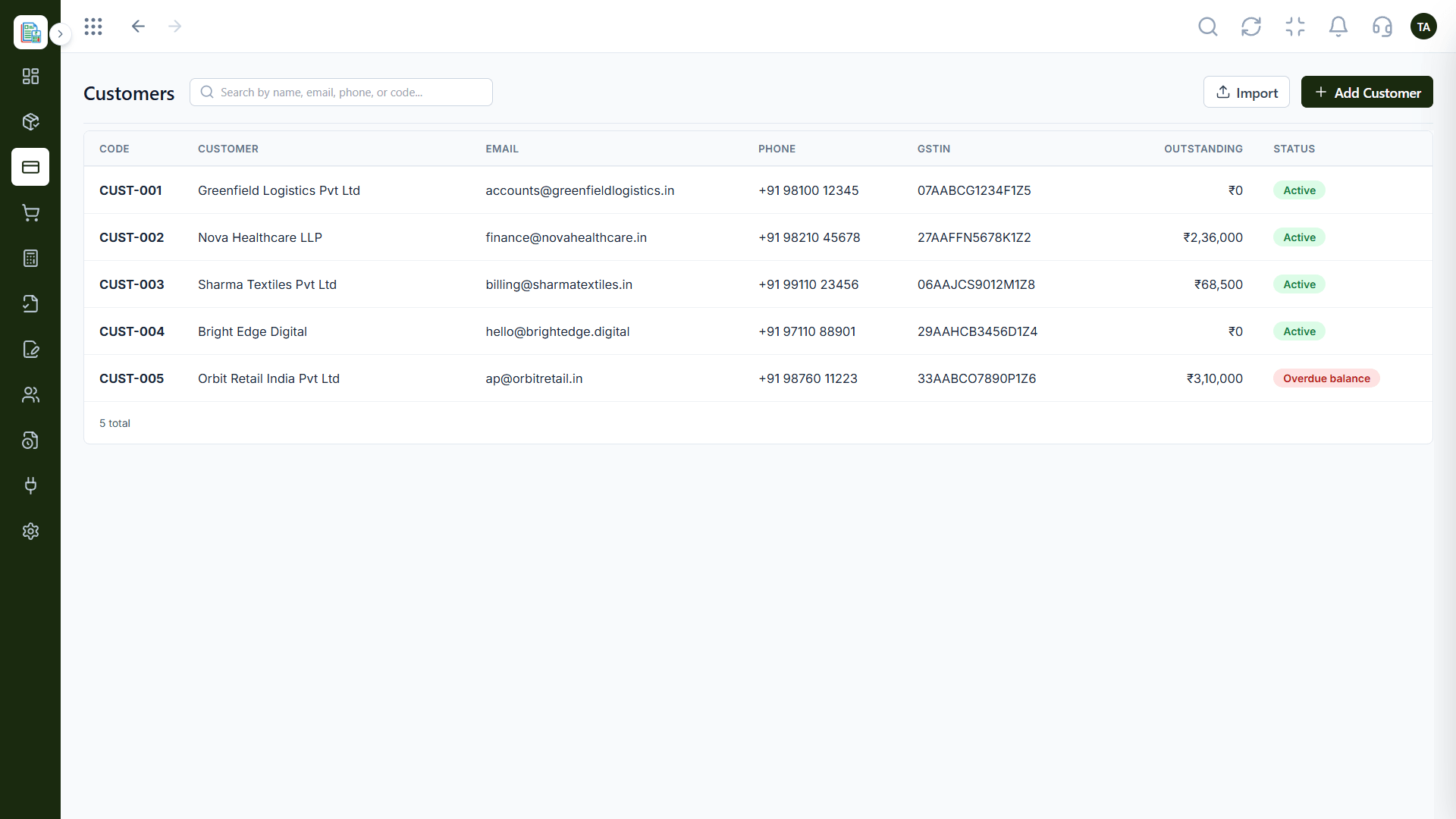
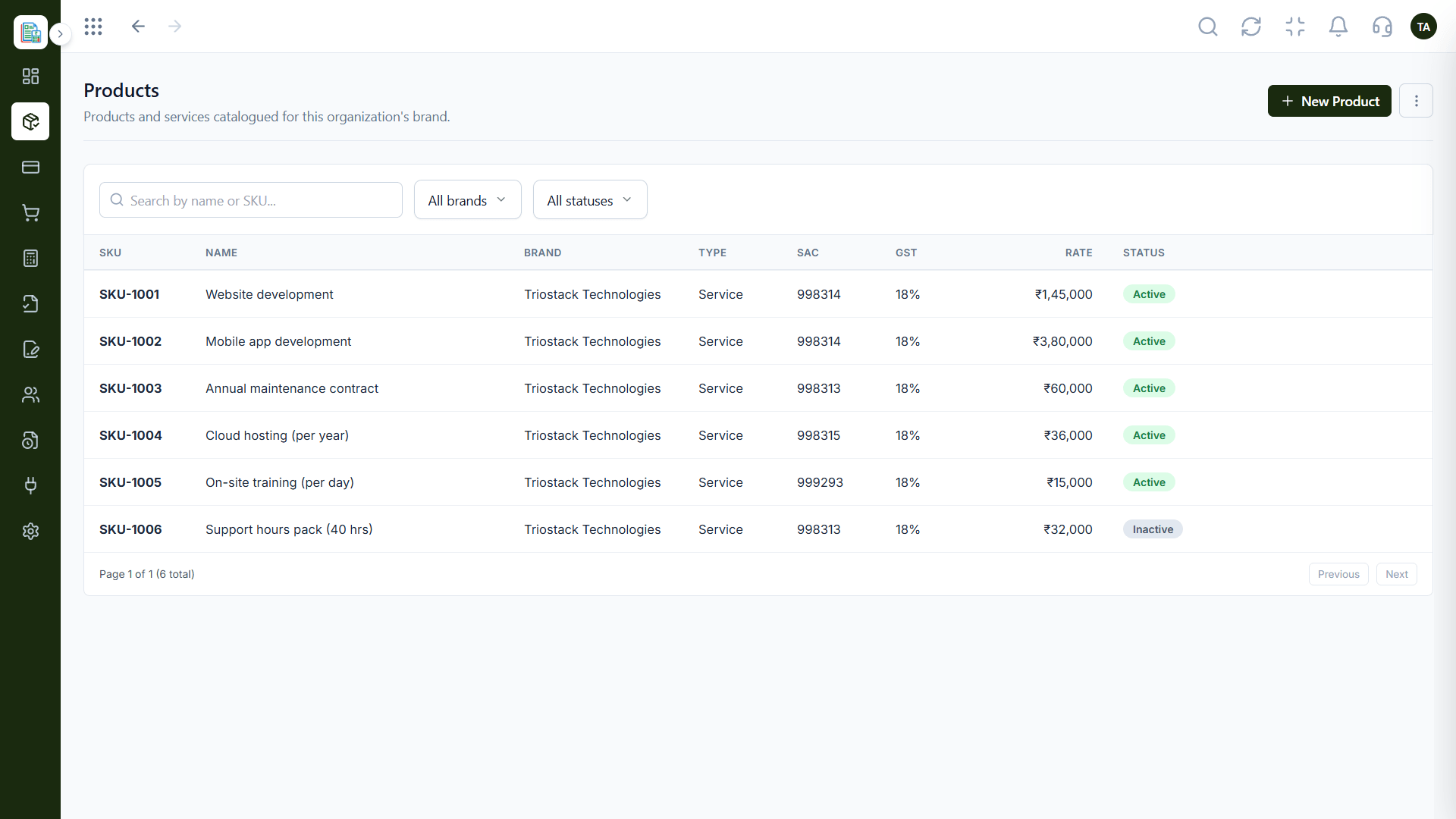
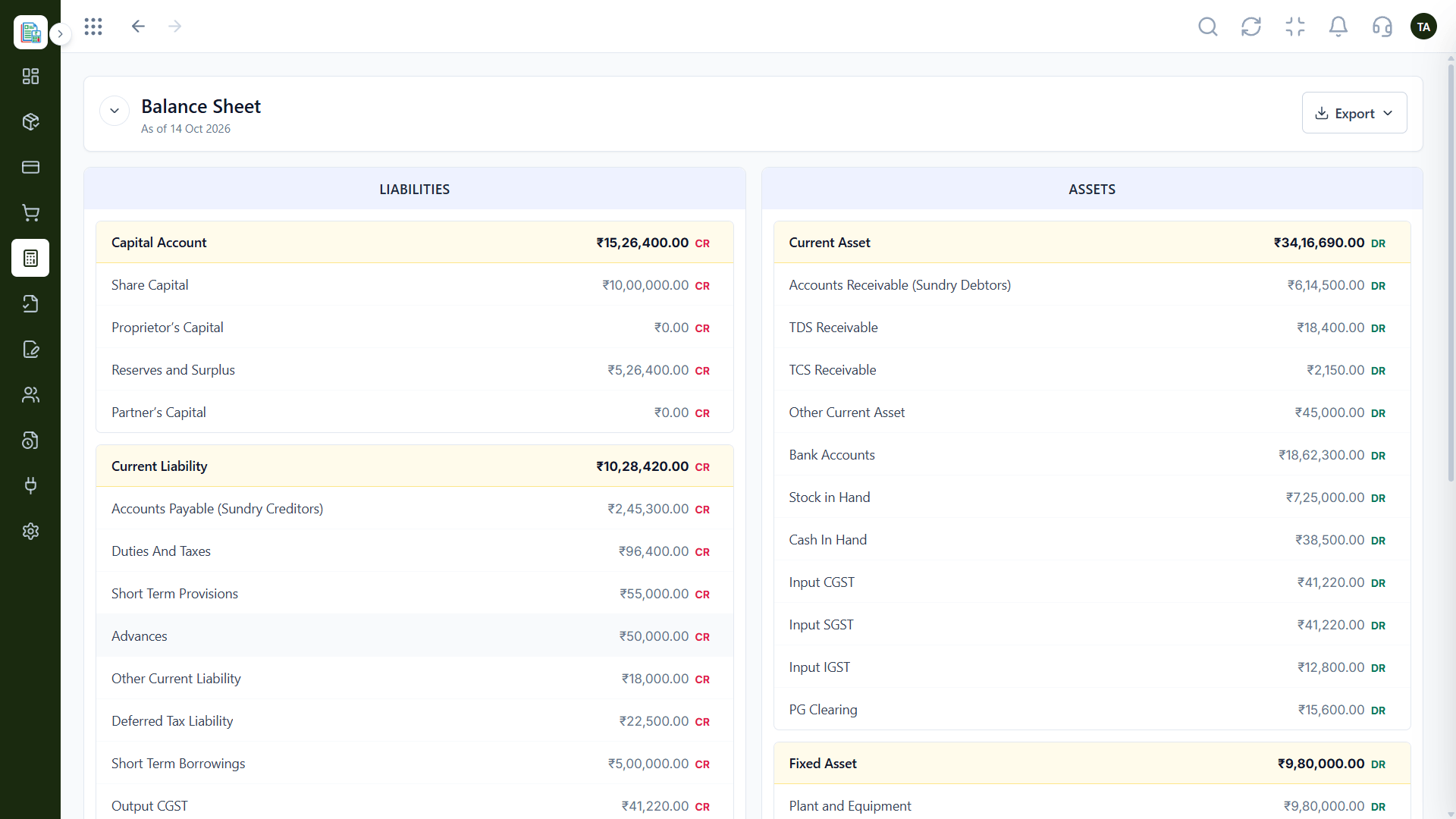
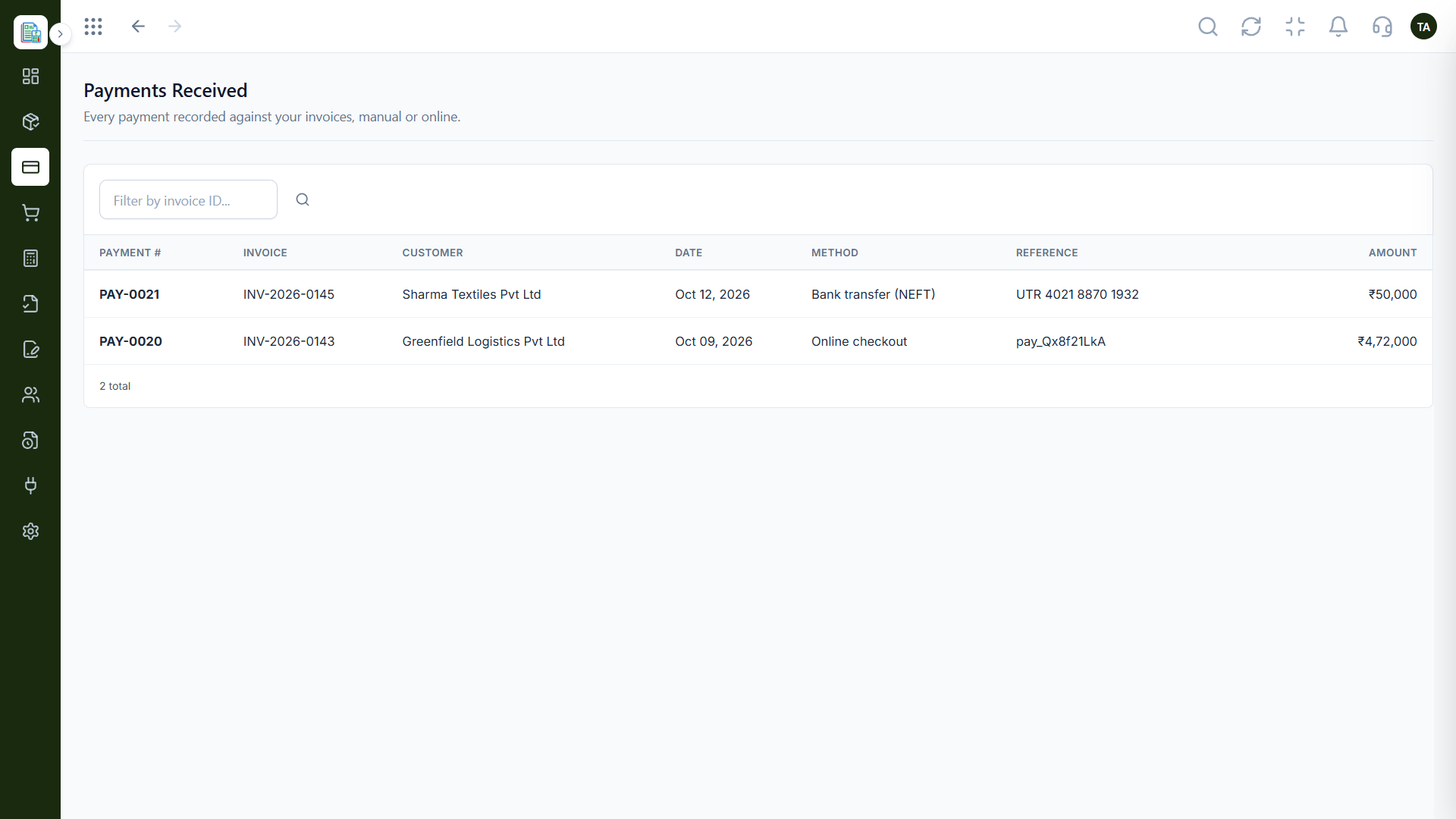
The real screens on this page include Manual Journals, General Ledger, Balance Sheet and Chart of Accounts, all captured from the product.
Request a demo or start a free trial. Our team can also walk you through a guided setup, so your first session ends with something working.
Keep Exploring
Invoices, expenses, accounting and GST reconciliation in one workspace, connected to sales, payroll and delivery.