The best Business Suite software in India, built to help your business grow. Contact us at +91-8882435276.
[ Contact ]
Phone number
Email address
Head office
Noida office
The right team at TriostackOne will get back to you.
Positioning Assessment
GST input credit depends on what suppliers actually filed. If your purchase records and their filings do not line up, credit can be delayed or lost.
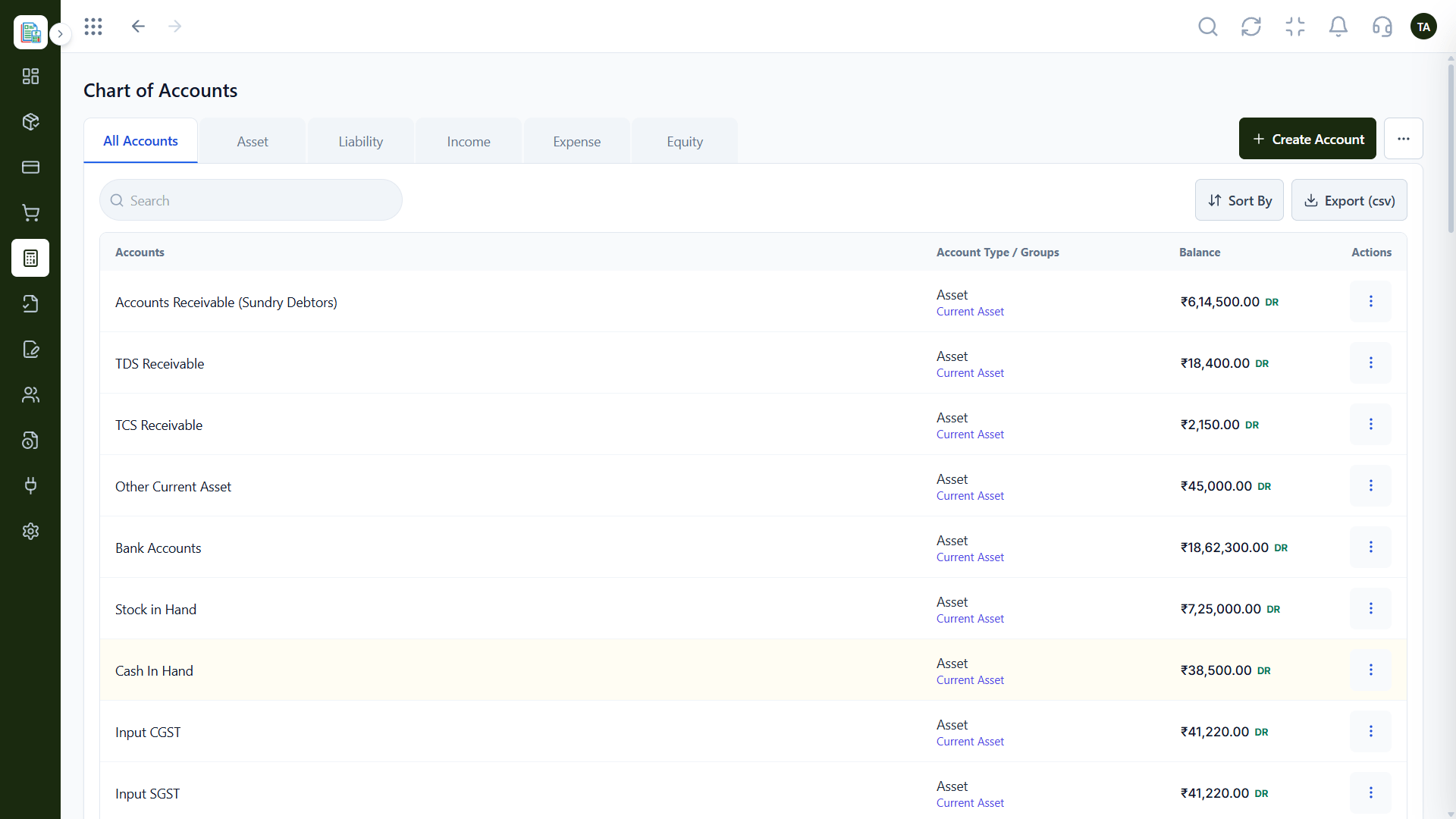
Triostack Finance starts with GST input and output ledgers in the chart of accounts and matches your GSTR-2B against your purchase register month by month, with a case queue for mismatches.
“The mismatch queue meant we fixed supplier gaps during the month, not on the last day.”
Sample team scenario
Illustrative example, not a customer testimonial
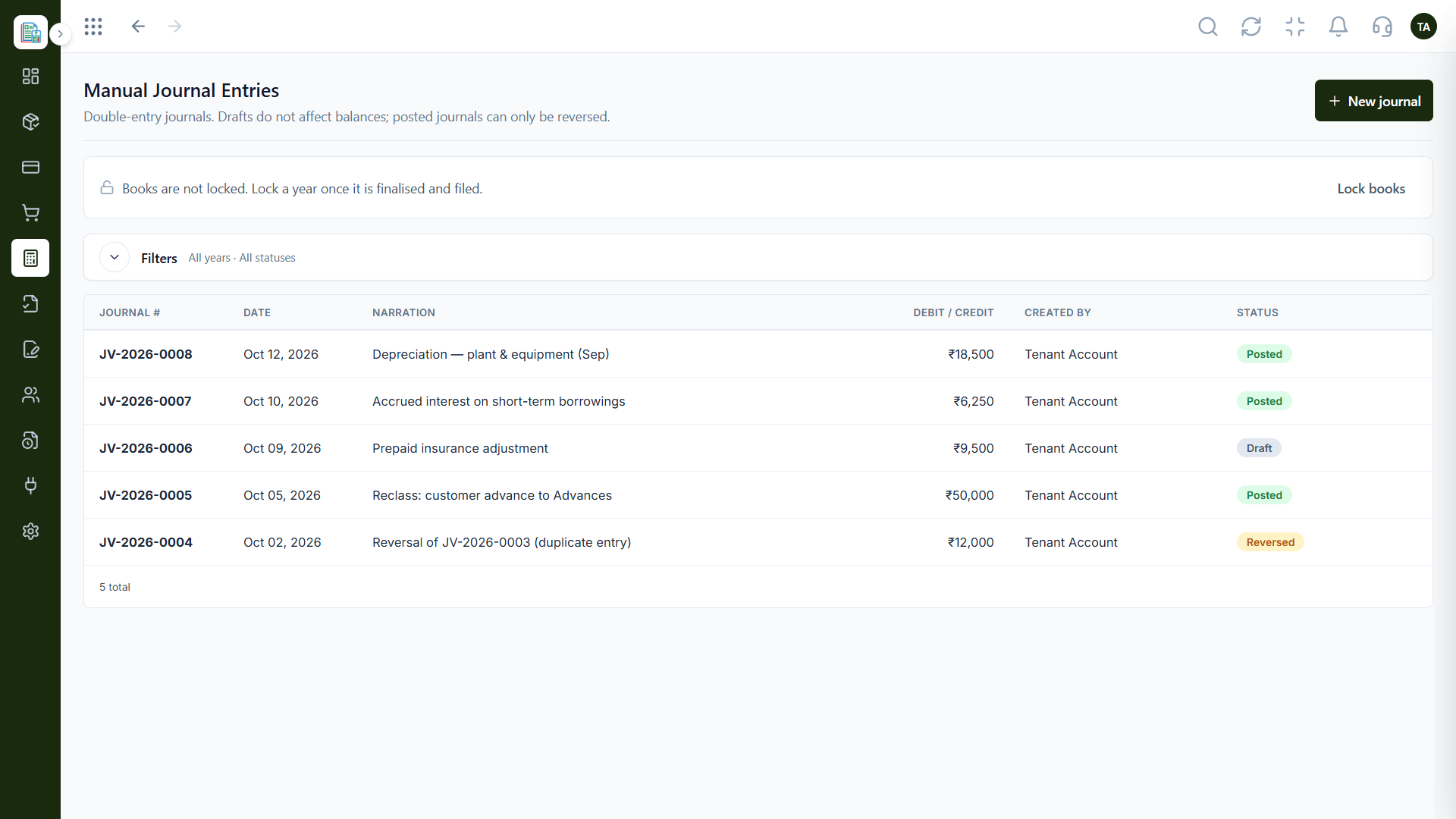
Manual Journals
Double-entry adjustments with draft and posted states
In the Product
Imagine your purchase list and your suppliers' filing side by side, with the differences highlighted.
GST accounts are part of the chart.
Reconcile as you go, not at deadline.
Every mismatch becomes a case.
Platform Integrity
Input and output built in
Against your purchase register
Reconcile one month at a time
Work through mismatches
How It Works
What changes when reconciliation lives with the books.
| Dimension | Triostack Finance | Spreadsheets |
|---|---|---|
| Ledgers | GST input and output accounts ready | Created by hand |
| Matching | GSTR-2B vs purchase register | VLOOKUPs |
| Cadence | Month by month | Whenever someone has time |
| Mismatches | A queue to work through | Highlighted cells |
| Records | Linked to posted entries | A separate file |
Book a walkthrough and we will set up a sandbox with sample customers and invoices so you can try quotes, billing and reports before you commit.
Live Interface Tour
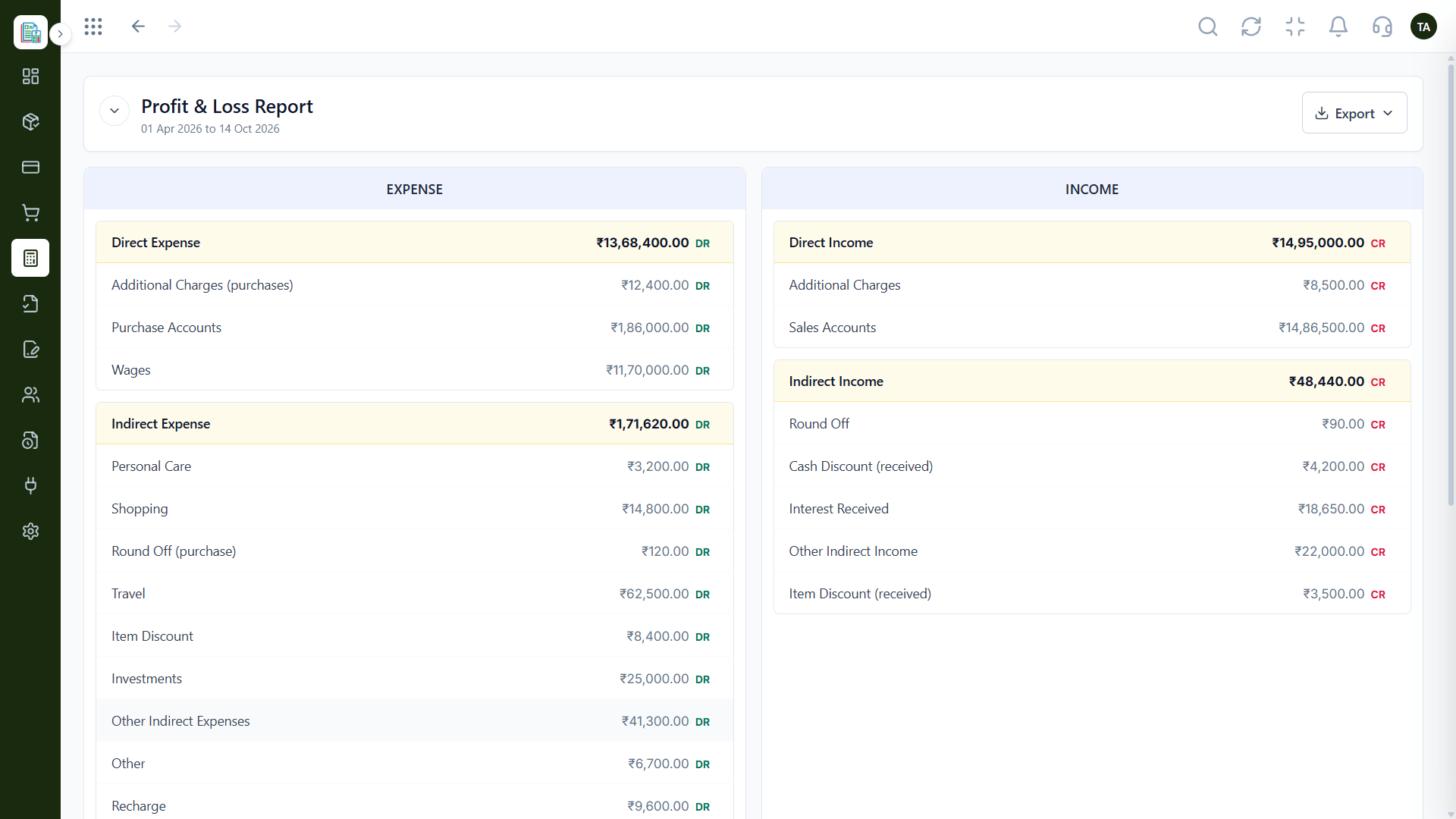
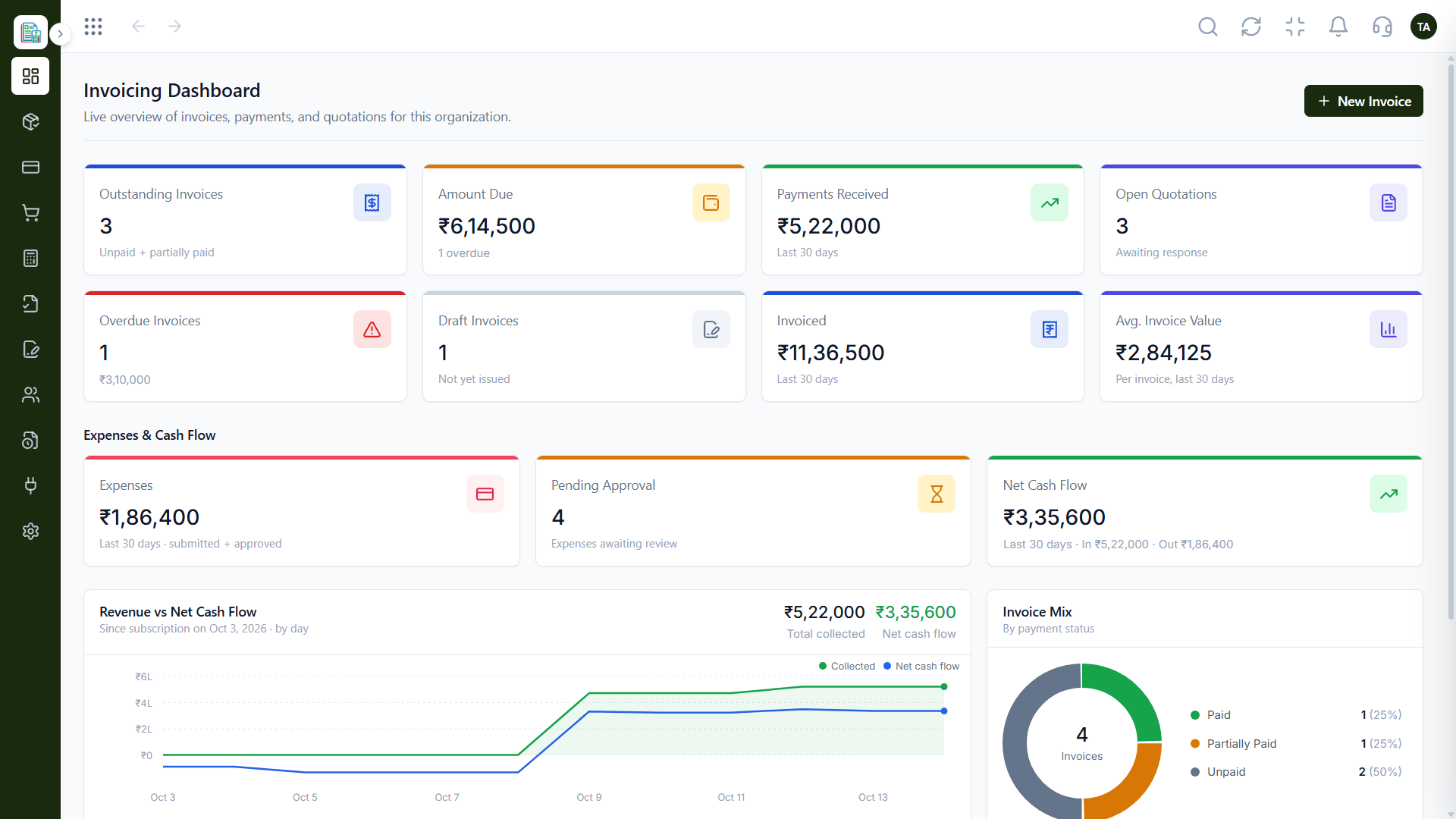
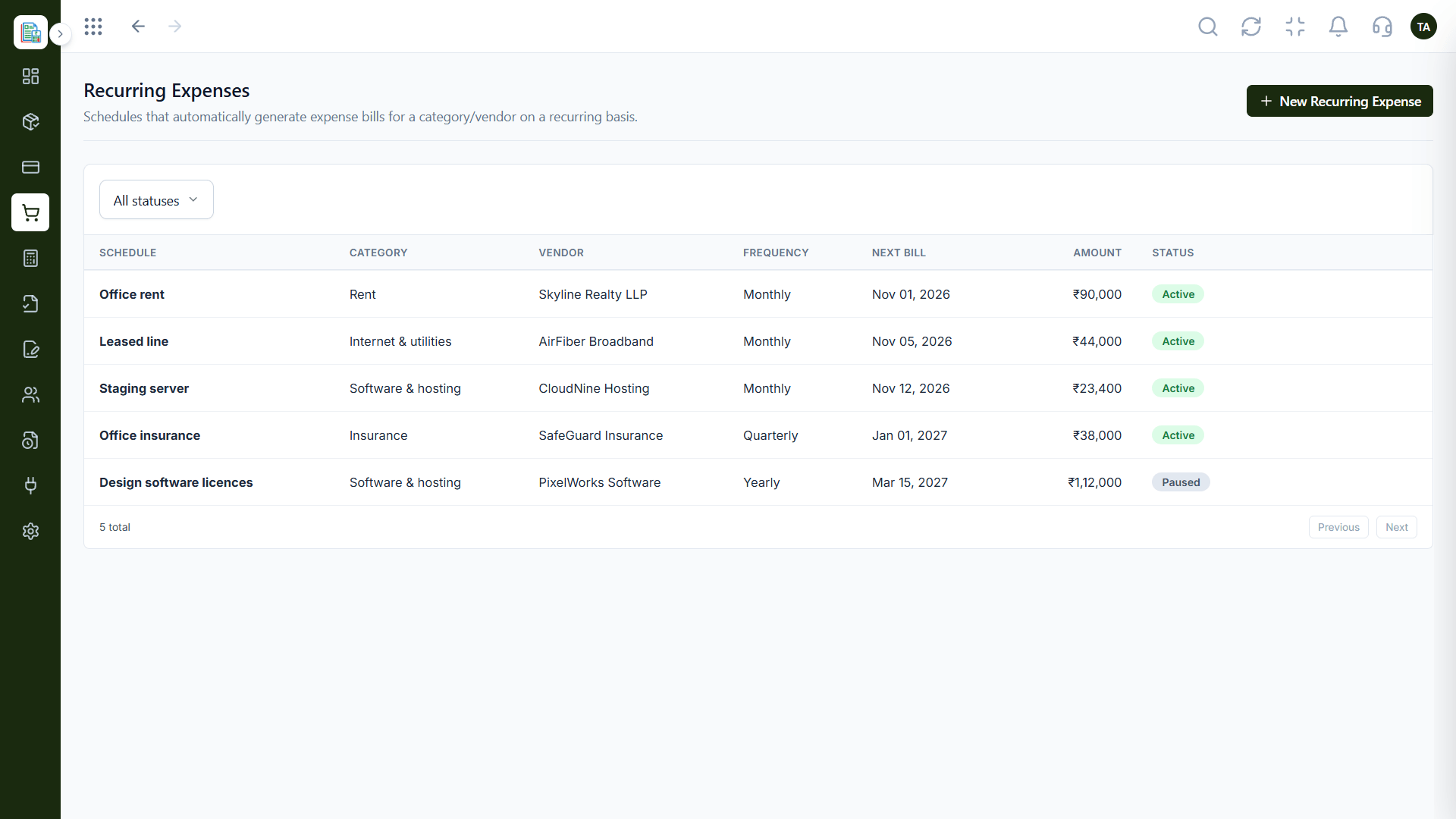
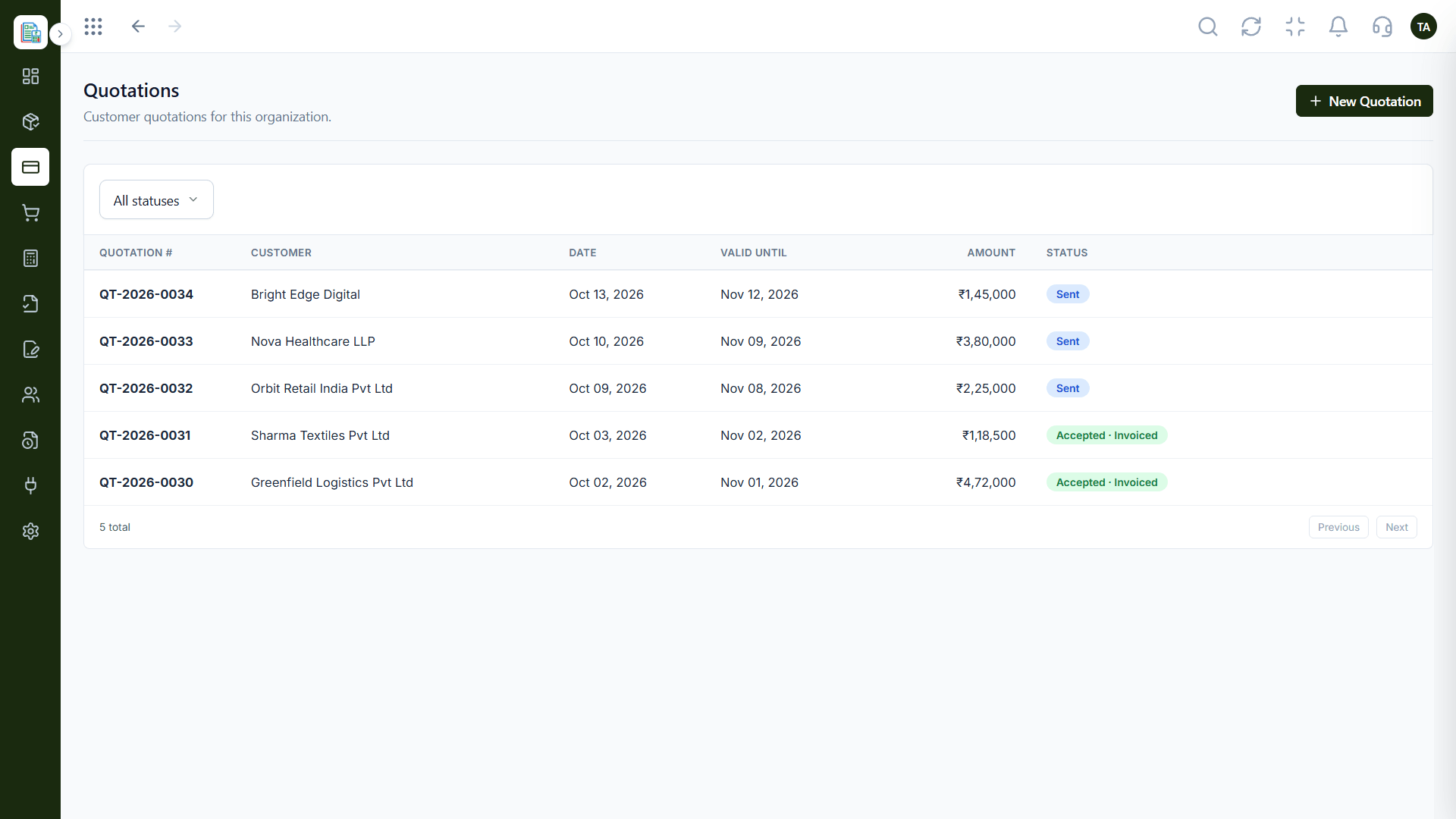
Real screens captured directly from the Triostack Finance workspace.
Chart of Accounts
Supplier filings matched against your purchases
Feature Breakdown
Captured from the Triostack Finance workspace.
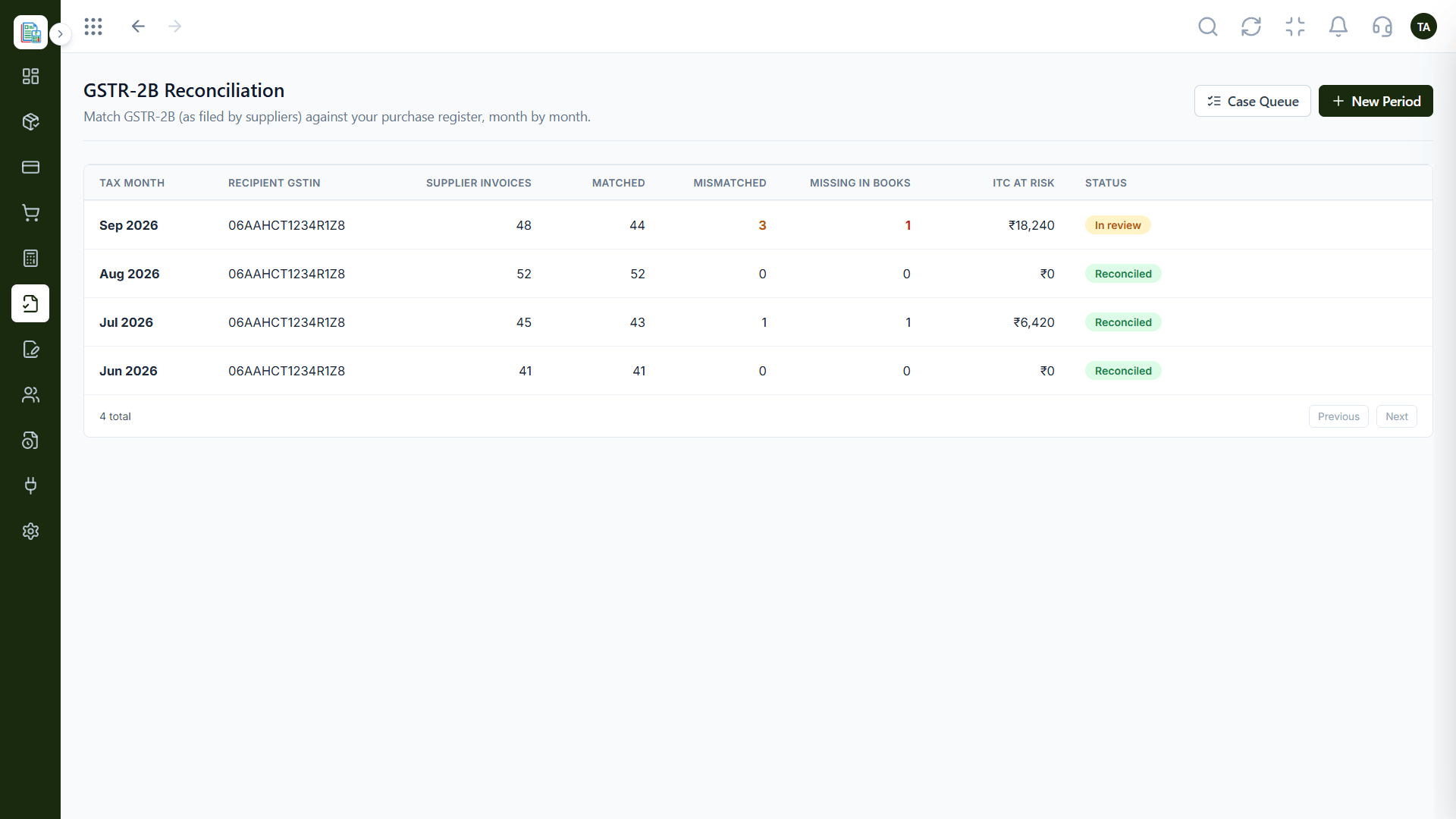
Match supplier filings.
How it fits the plan
Record. Purchases are recorded against vendors.
Match. GSTR-2B is matched to the register.
Practical tip
Review the GSTR-2B match as soon as the month closes. Supplier gaps are easier to chase while the purchase is fresh.
GST ledgers included.
On this screen: A ready chart with GST input and output ledgers.
How it fits the plan
Match. GSTR-2B is matched to the register.
Resolve. Mismatches are worked through the queue.
In real life
Supplier did not file
The mismatch shows early, before credit is claimed.
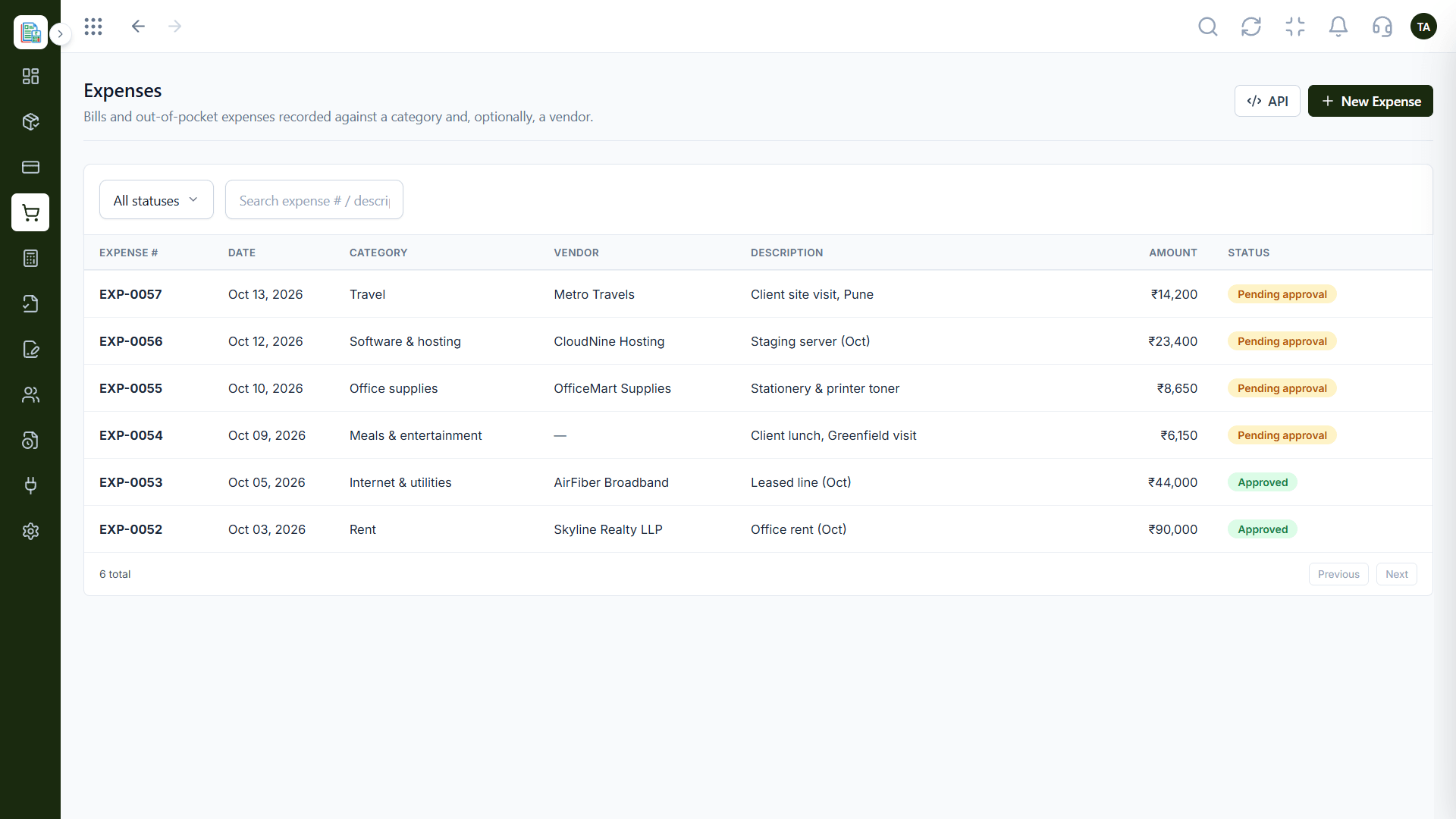
Where purchases begin.
How it fits the plan
Resolve. Mismatches are worked through the queue.
Close. The month is reconciled.
Watch out for
Recording purchases without the vendor's GST details, so the reconciliation has nothing to match.
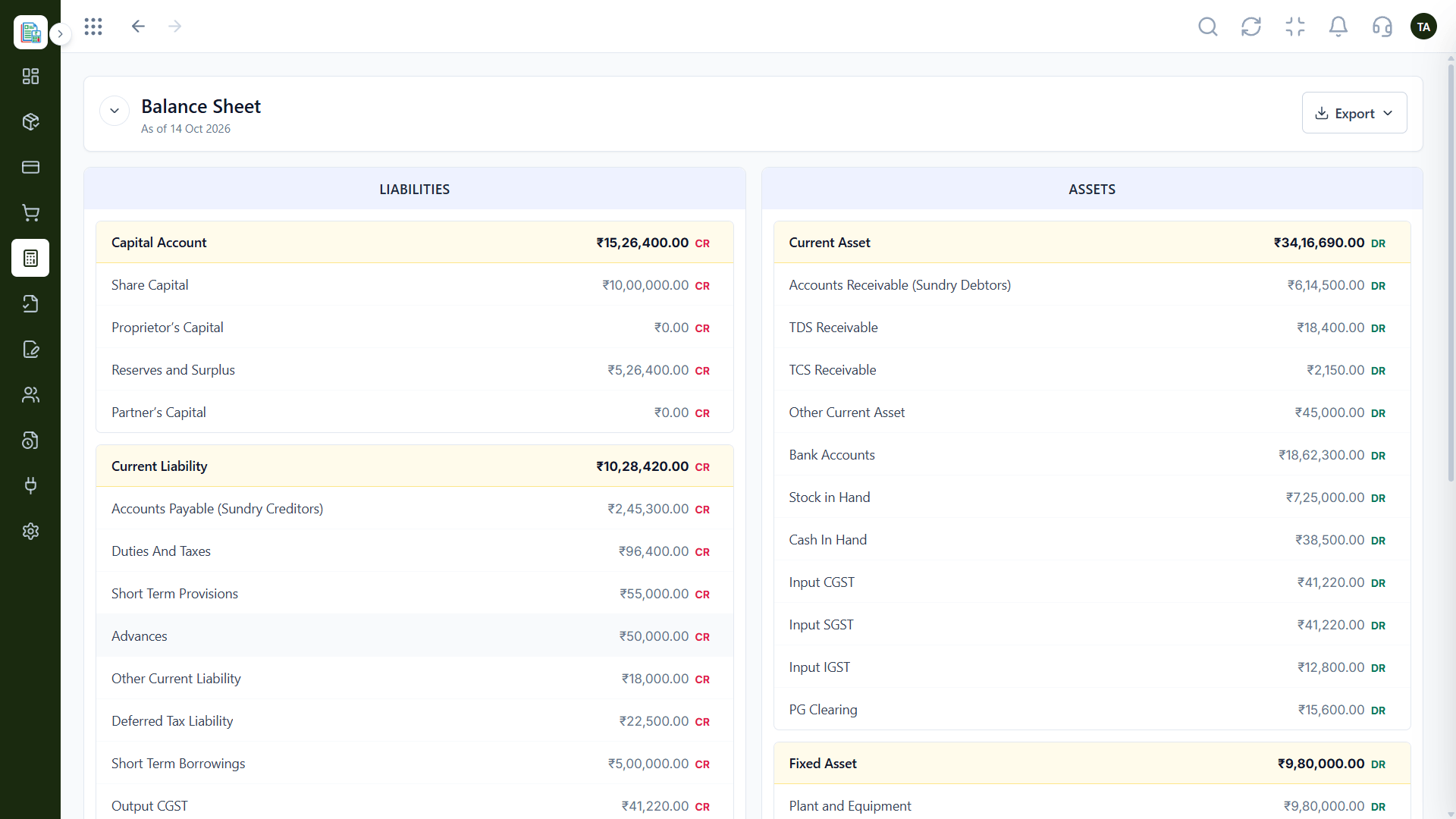
Where it ends up.
On this screen: Assets and liabilities as of any date.
How it fits the plan
Close. The month is reconciled.
Record. Purchases are recorded against vendors.
Before you start
Execution Plan
Purchases are recorded against vendors.
GSTR-2B is matched to the register.
Mismatches are worked through the queue.
The month is reconciled.
Practical Guide
Before you start
A tip that helps
Review the GSTR-2B match as soon as the month closes. Supplier gaps are easier to chase while the purchase is fresh.
A common mistake
Recording purchases without the vendor's GST details, so the reconciliation has nothing to match.
In Real Life
Scenario 01
The mismatch shows early, before credit is claimed.
Scenario 02
The accountant reviews a clean register.
Scenario 03
GST accounts are ready from the first entry.
Straight answers about GST Ready, from setup to what happens next.
Have a question about GST Ready?
Book a free callYes. The chart of accounts includes GST input and output ledgers.
Matching the GSTR-2B your suppliers filed against your purchase register.
Yes. Mismatches are listed as a case queue.
It supports reconciliation and records. Ask us what your plan includes for filing.
A chart of accounts with GST input and output ledgers and GSTR-2B reconciliation, so purchases are matched to what your suppliers filed.
It runs in 4 steps: Record, Match, Resolve and Close. Purchases are recorded against vendors.
The real screens on this page include Chart of Accounts, Manual Journals, Balance Sheet and GSTR-2B Reconciliation, all captured from the product.
Request a demo or start a free trial. Our team can also walk you through a guided setup, so your first session ends with something working.
Keep Exploring
Invoices, expenses, accounting and GST reconciliation in one workspace, connected to sales, payroll and delivery.