The best Business Suite software in India, built to help your business grow. Contact us at +91-8882435276.
[ Contact ]
Phone number
Email address
Head office
Noida office
The right team at TriostackOne will get back to you.
Sales Documents
Check the vendor
Spending
Check the vendor
Accounting
Check the vendor
Reports & GST
Check the vendor
Check each vendor's current plans.
Positioning Assessment
Feature lists blur together. The useful question is which areas you actually need and how well each tool covers them.
Use this page as a checklist for Triostack Finance: proposals, quotations, invoices, credit notes and challans for sales; expenses, vendors and recurring bills for spending; chart of accounts, journals and ledger for books; and reports, GST reconciliation and audit logs for control.
“A checklist of areas helped us compare tools on what we use, not on marketing.”
Sample team scenario
Illustrative example, not a customer testimonial
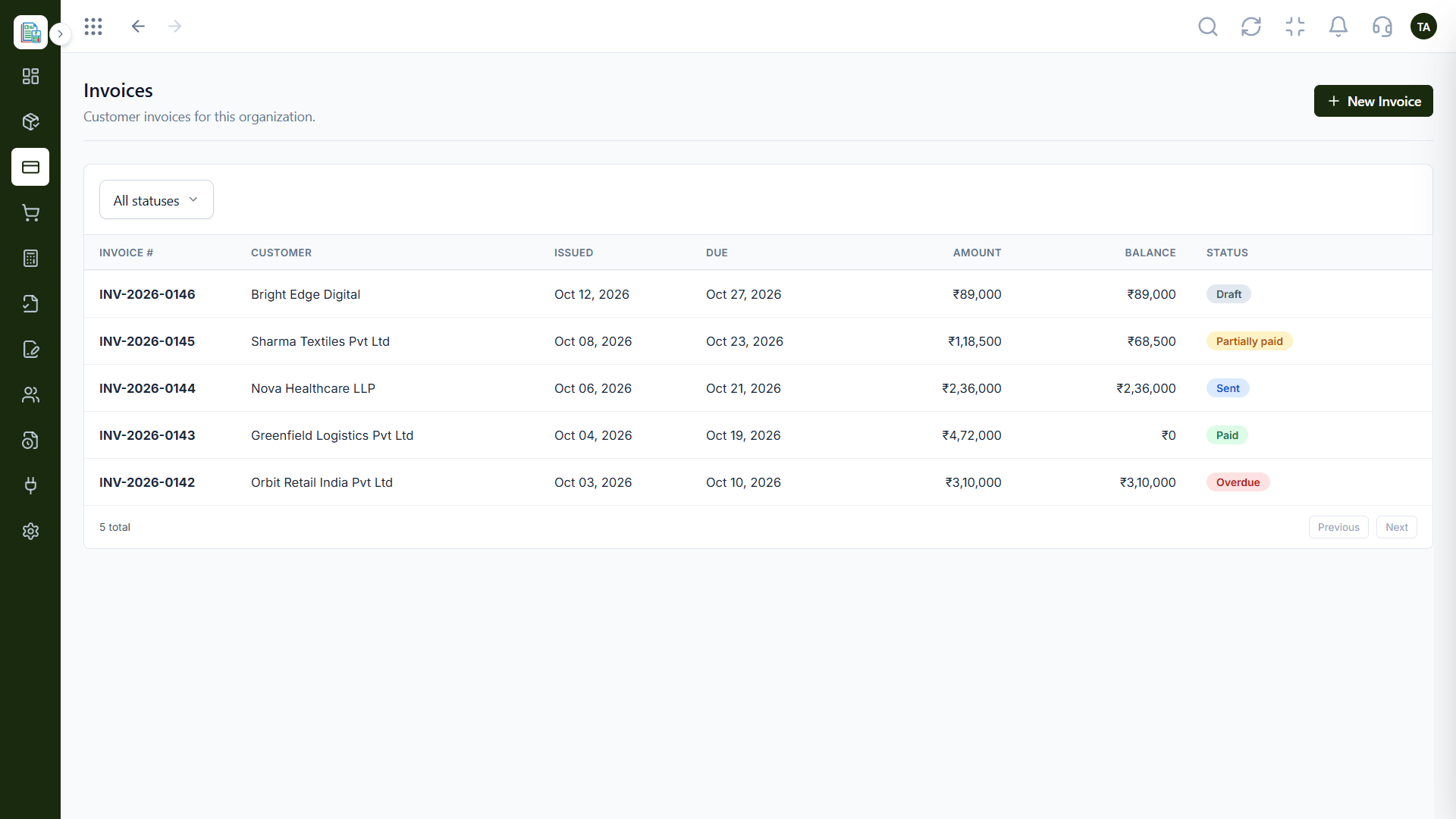
Invoices
Customer invoices filtered by status
In the Product
Imagine a simple map of the finance territory, with each area marked.
Compare what matters.
Trials beat lists.
We will confirm details.
Platform Integrity
Proposals to invoices
Expenses and vendors
Journals and ledger
Reports and audit logs
Detailed Comparison
A fair comparison of what to look at. Check each vendor's current plans, since both evolve.
Triostack Finance
Another Tool
Sales Documents
Proposals, quotations, invoices, credit notes, challans
Sales Documents
Check the vendor
Spending
Expenses, vendors, recurring
Spending
Check the vendor
Accounting
Chart, journals, ledger
Accounting
Check the vendor
Reports & GST
P&L, balance sheet, GSTR-2B
Reports & GST
Check the vendor
Controls
Approvals, lockable books, audit logs
Controls
Check the vendor
We help bring over customers, products and opening balances, and plan the cut-over so your books stay clean through the move.
Live Interface Tour
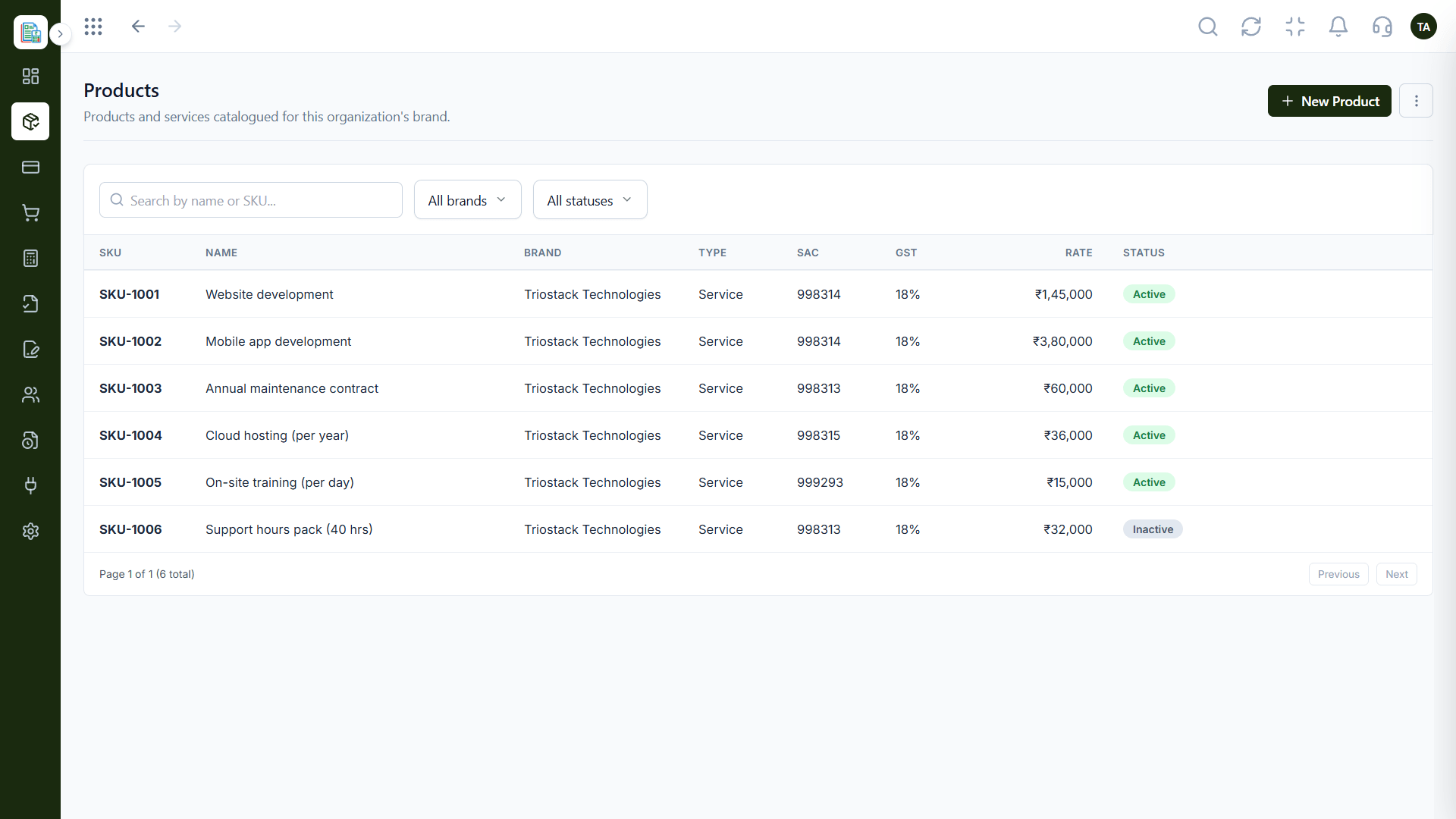
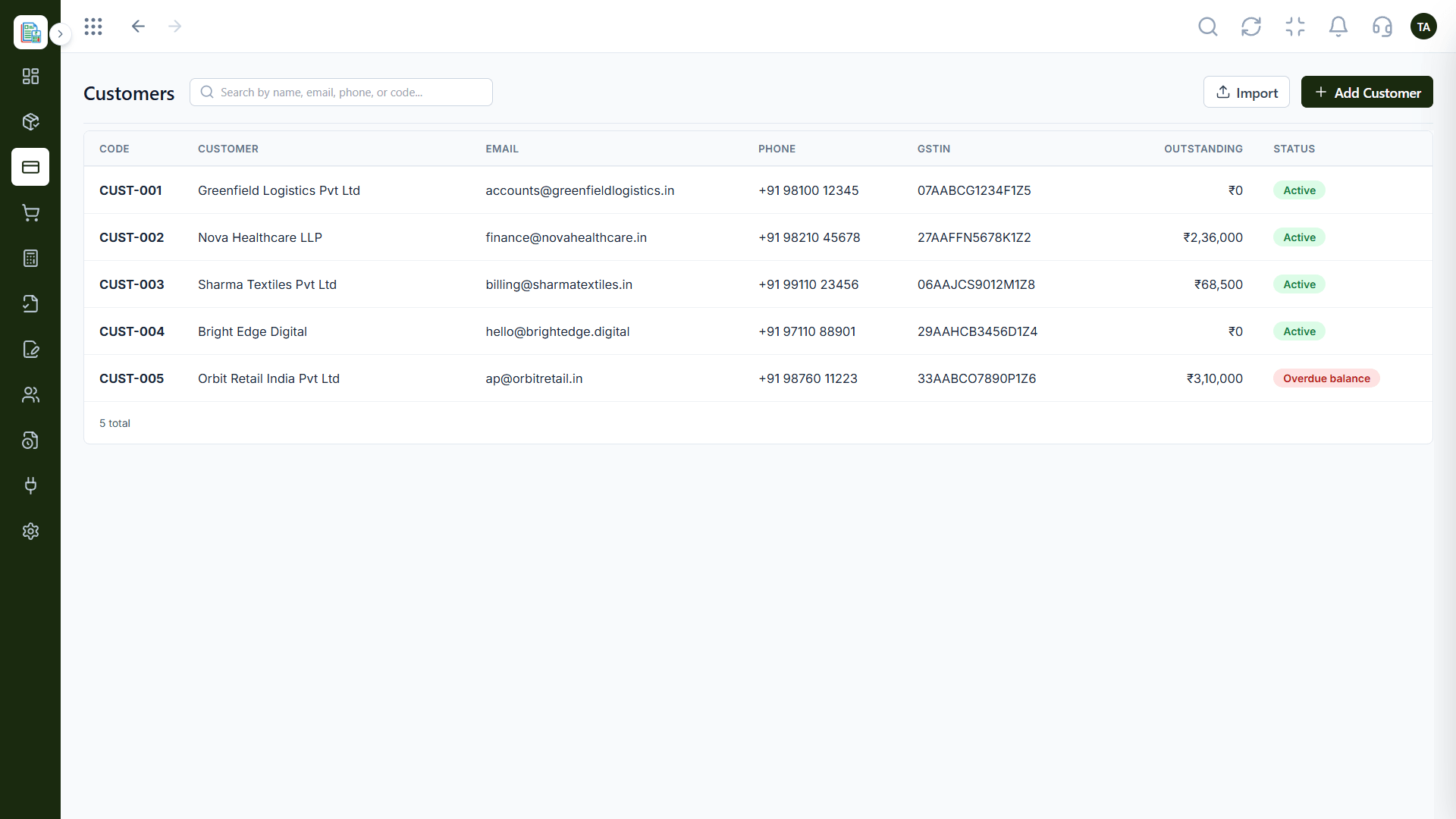
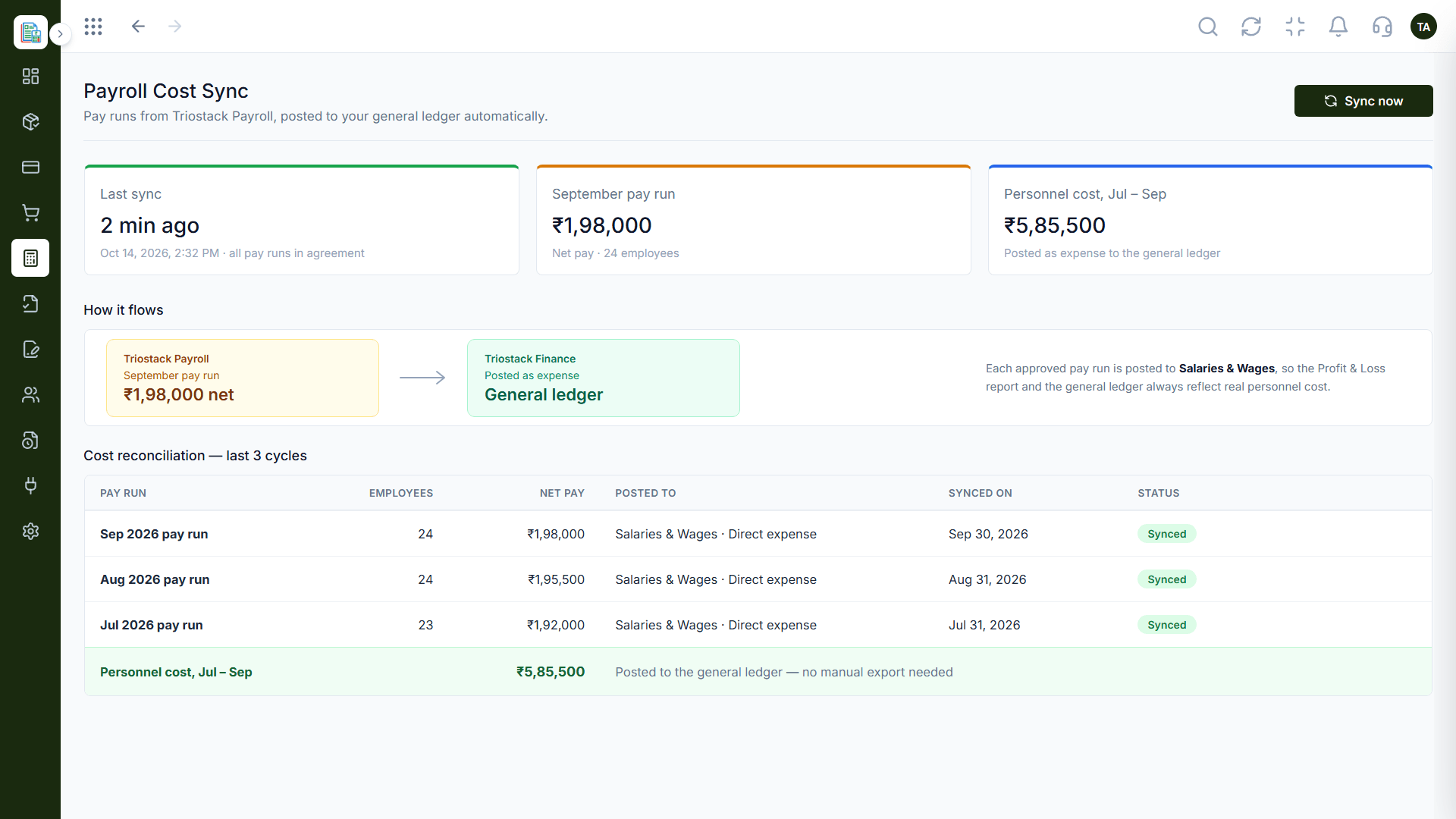
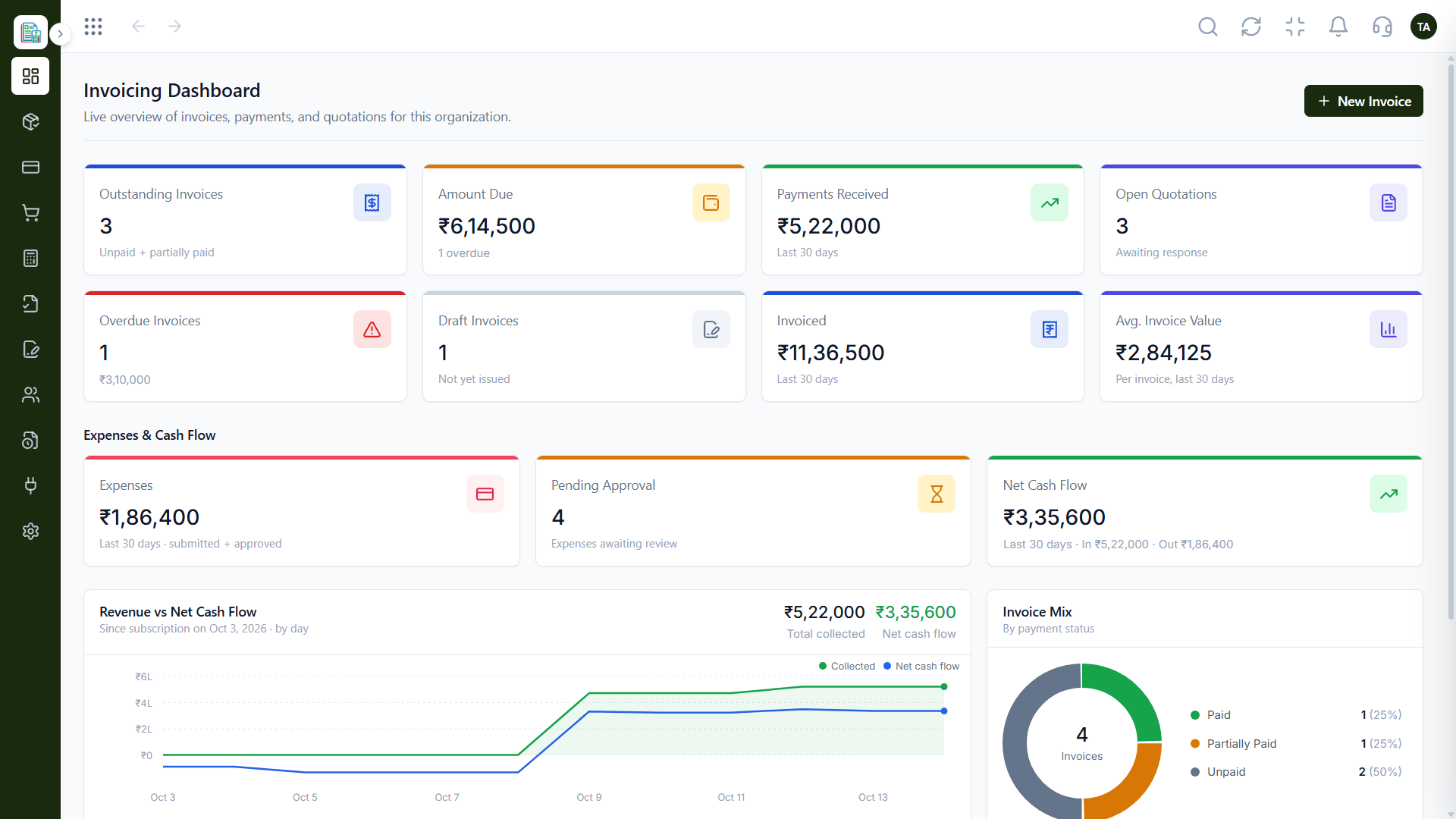
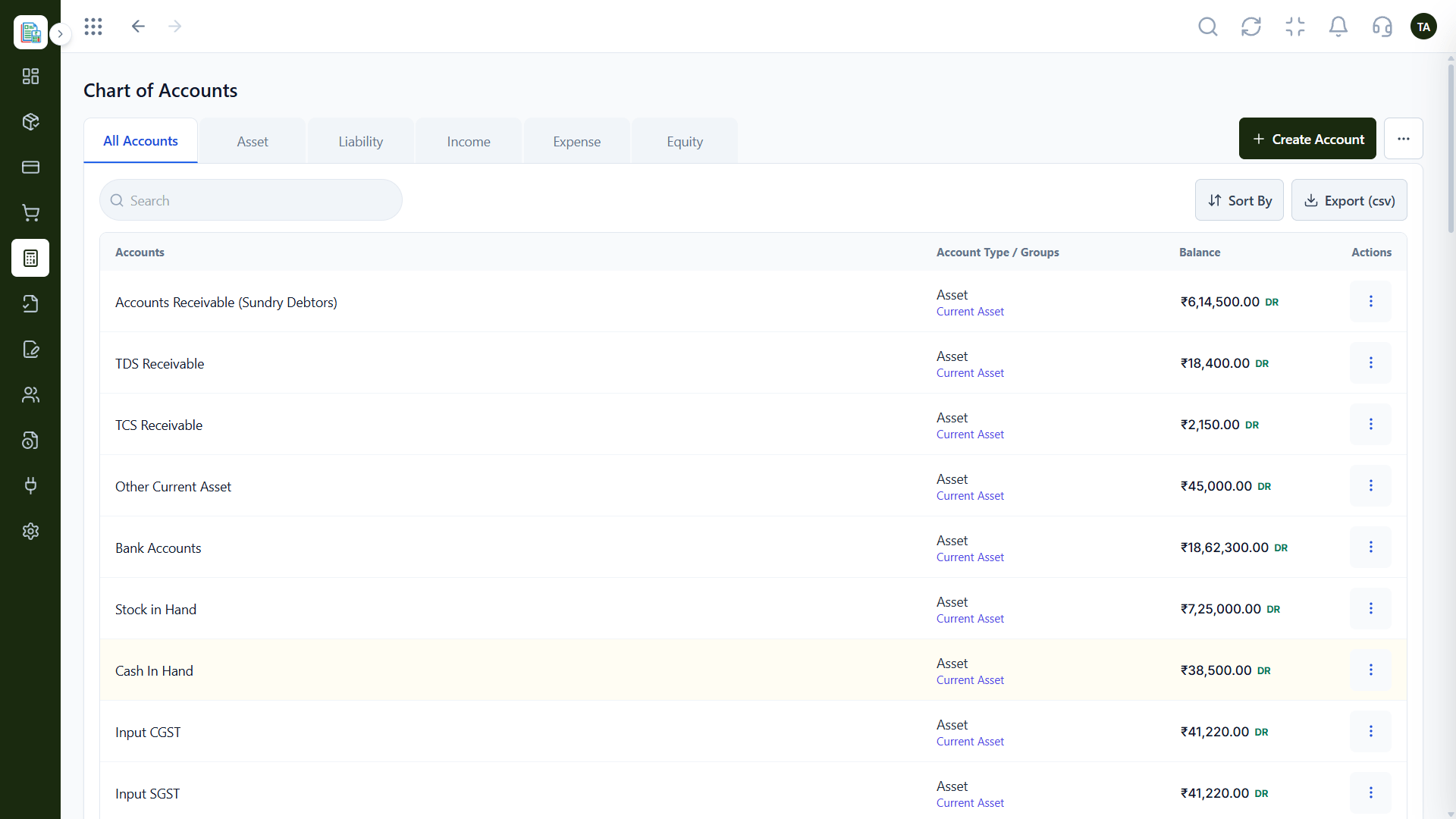
Real screens captured directly from the Triostack Finance workspace.
Chart of Accounts
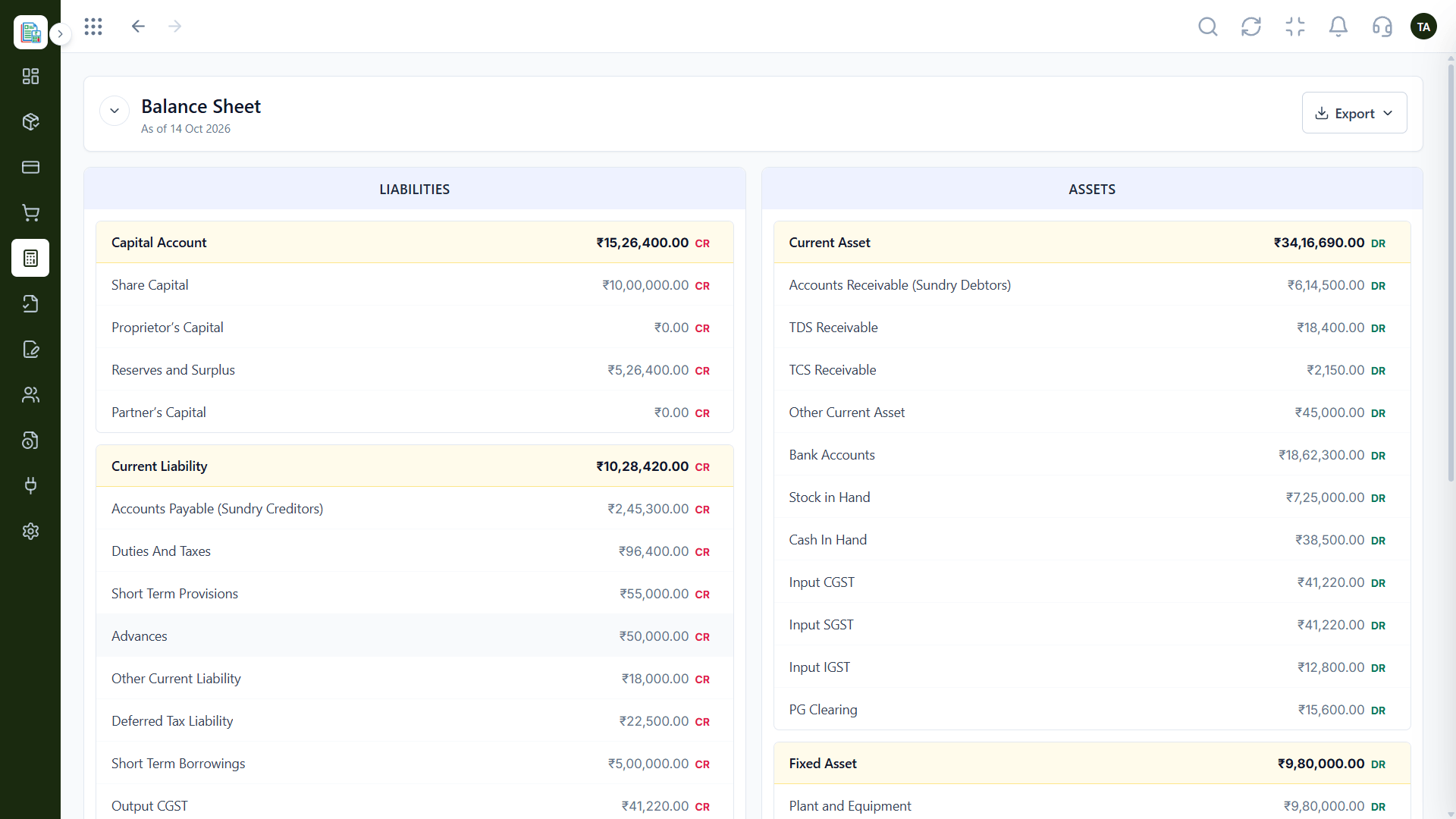
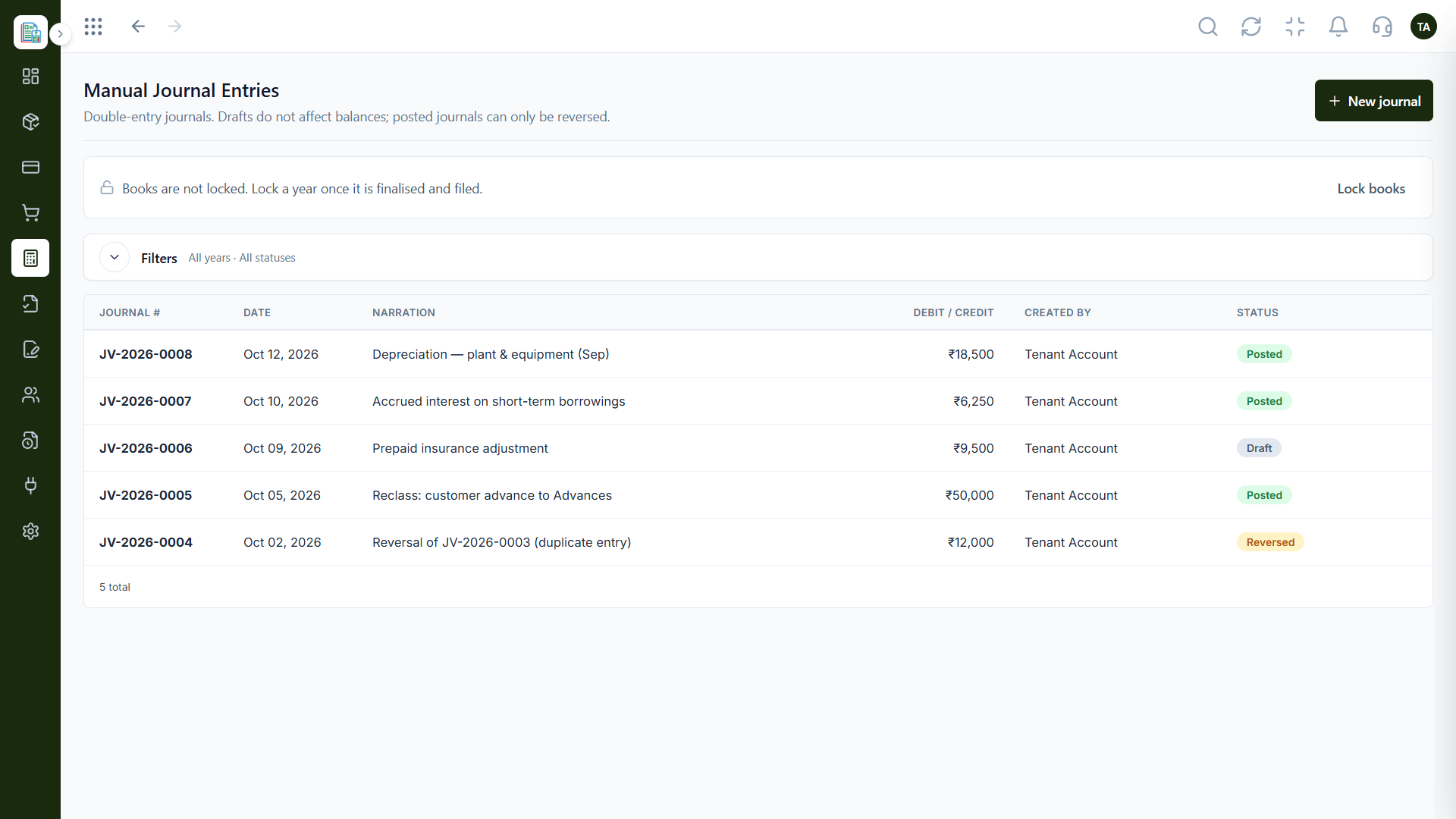
Sales, spending, books and controls
Feature Breakdown
Captured from the Triostack Finance workspace.
Sales documents.
How it fits the plan
Note needs. Mark the areas you use.
Compare. Check each tool against them.
Practical tip
Rank the areas by how often you use them, not how impressive they sound.
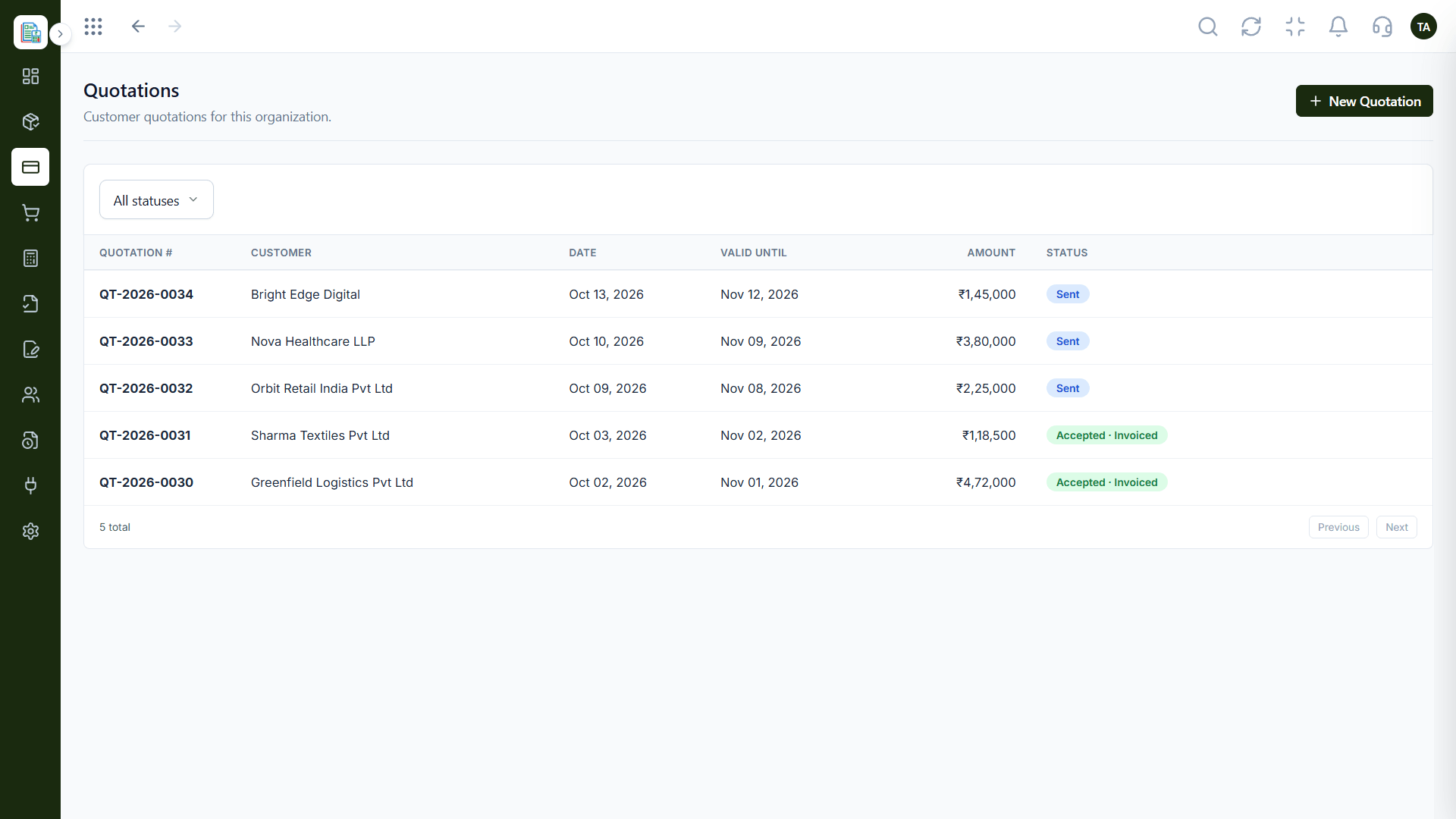
Spending.
How it fits the plan
Compare. Check each tool against them.
Test. Run real tasks in a trial.
In real life
Shortlisting
Compare two or three tools quickly.
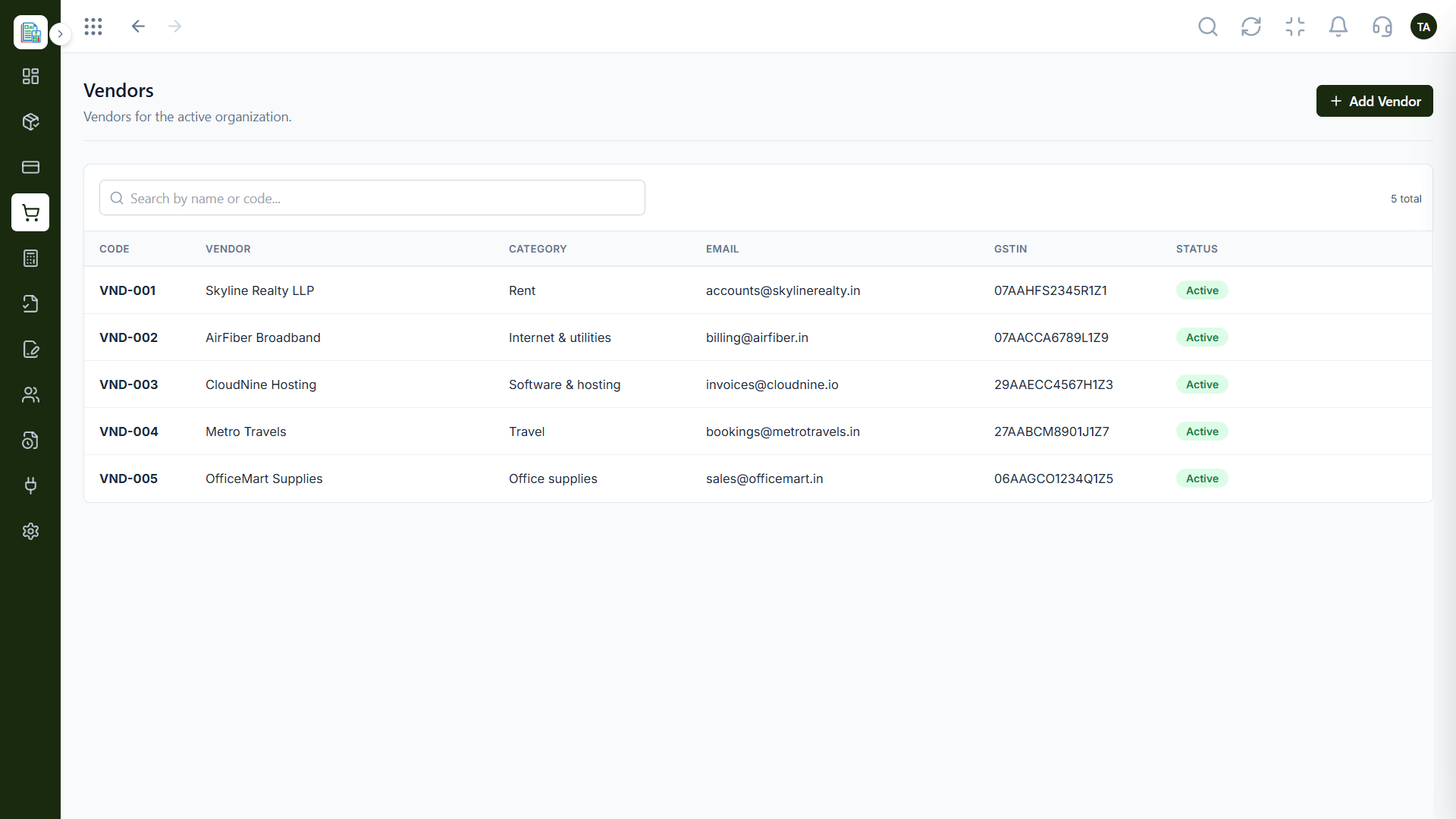
Books.
How it fits the plan
Test. Run real tasks in a trial.
Decide. Choose with evidence.
Watch out for
Choosing on the longest feature list instead of the features you will open daily.
Control.
How it fits the plan
Decide. Choose with evidence.
Note needs. Mark the areas you use.
Before you start
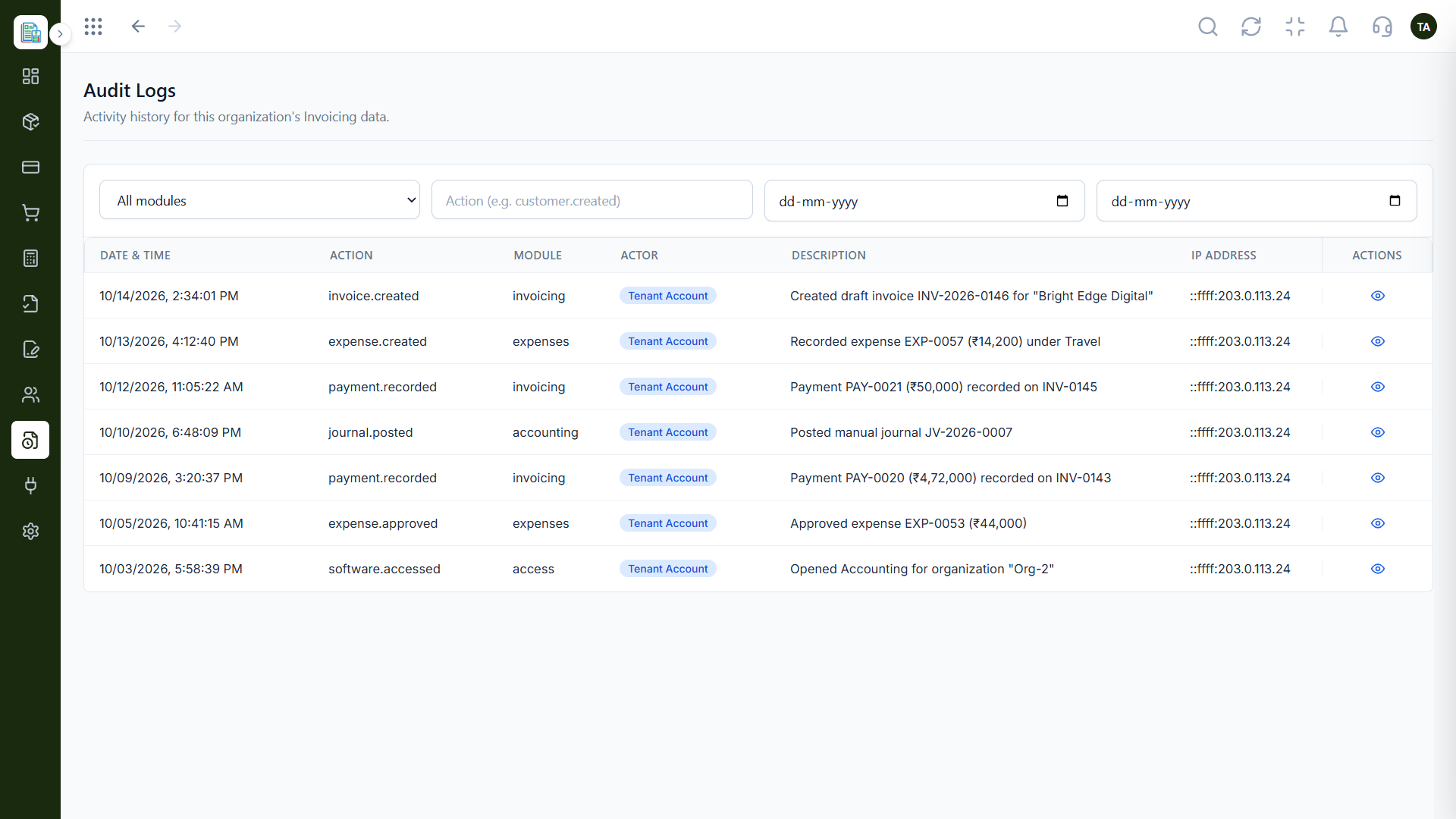
Execution Plan
Mark the areas you use.
Check each tool against them.
Run real tasks in a trial.
Choose with evidence.
Practical Guide
Before you start
A tip that helps
Rank the areas by how often you use them, not how impressive they sound.
A common mistake
Choosing on the longest feature list instead of the features you will open daily.
In Real Life
Scenario 01
Compare two or three tools quickly.
Scenario 02
Share a clear list.
Scenario 03
Decide what to set up first.
Straight answers about Feature Comparison, from setup to what happens next.
Have a question about Feature Comparison?
Book a free callIt covers sales, spending, accounting, reports and controls. Ask us about anything specific.
See the all features page and the Finance features page.
Use the five areas above as a checklist.
Yes. Start a free trial.
A clear view of Triostack Finance across sales documents, spending, accounting, reports and controls, so you can compare it with any tool you are considering.
It runs in 4 steps: Note needs, Compare, Test and Decide. Mark the areas you use.
The real screens on this page include Invoices, Expenses, Profit & Loss and Quotations, all captured from the product.
Request a demo or start a free trial. Our team can also walk you through a guided setup, so your first session ends with something working.
Keep Exploring
Invoices, expenses, accounting and GST reconciliation in one workspace, connected to sales, payroll and delivery.