The best Business Suite software in India, built to help your business grow. Contact us at +91-8882435276.
[ Contact ]
Phone number
Email address
Head office
Noida office
The right team at TriostackOne will get back to you.
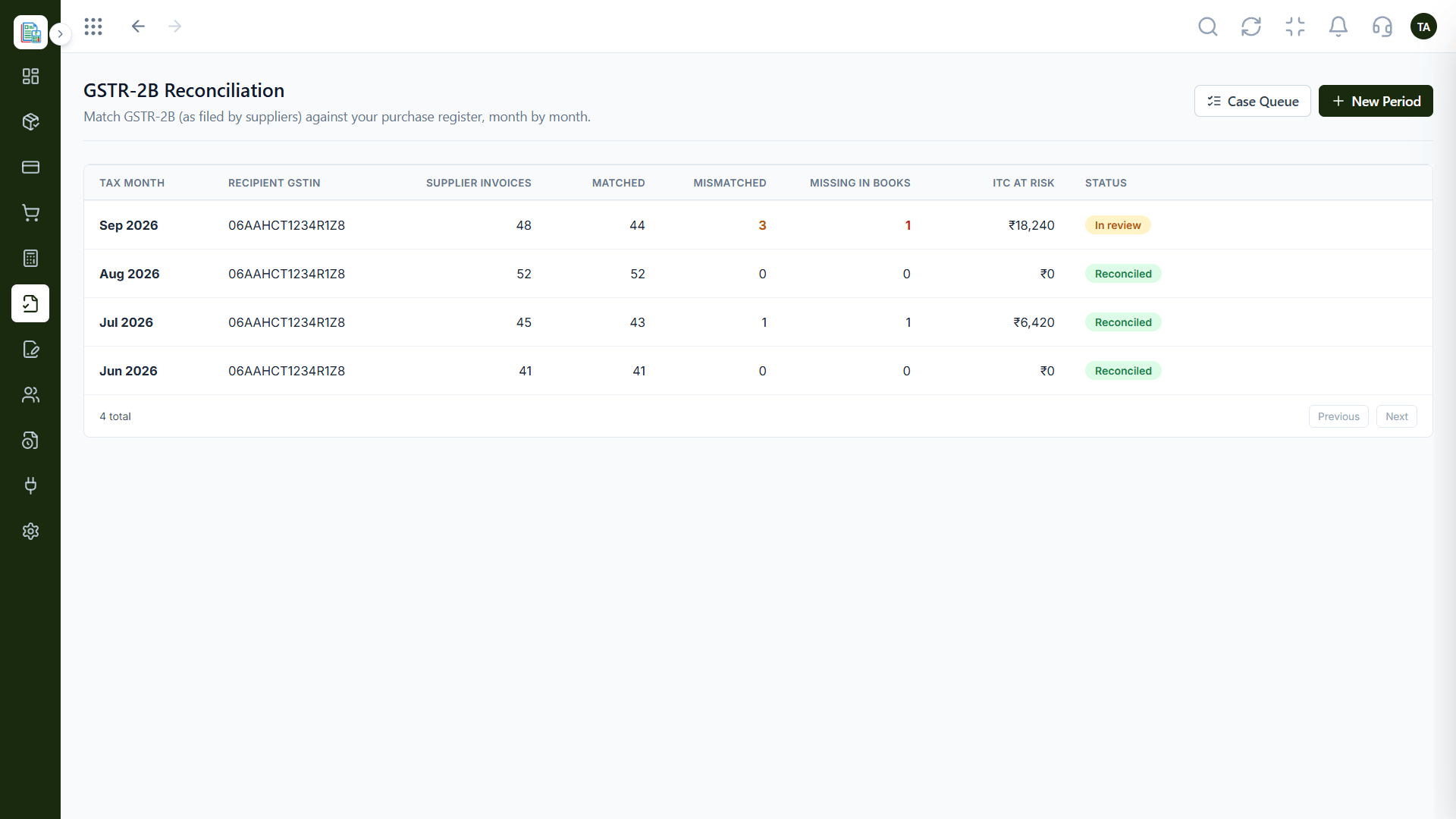
Positioning Assessment
Tally is familiar to many accountants. If transactions must be retyped into it, errors and delays follow.
Triostack Finance keeps a standard chart of accounts and lets you export it and reports to share with whoever works in Tally. Ask us about the Tally connection and import options that are available for your plan before you rely on them.
“We asked for the options before switching, and it made the hand-off to our accountant clear.”
Sample team scenario
Illustrative example, not a customer testimonial
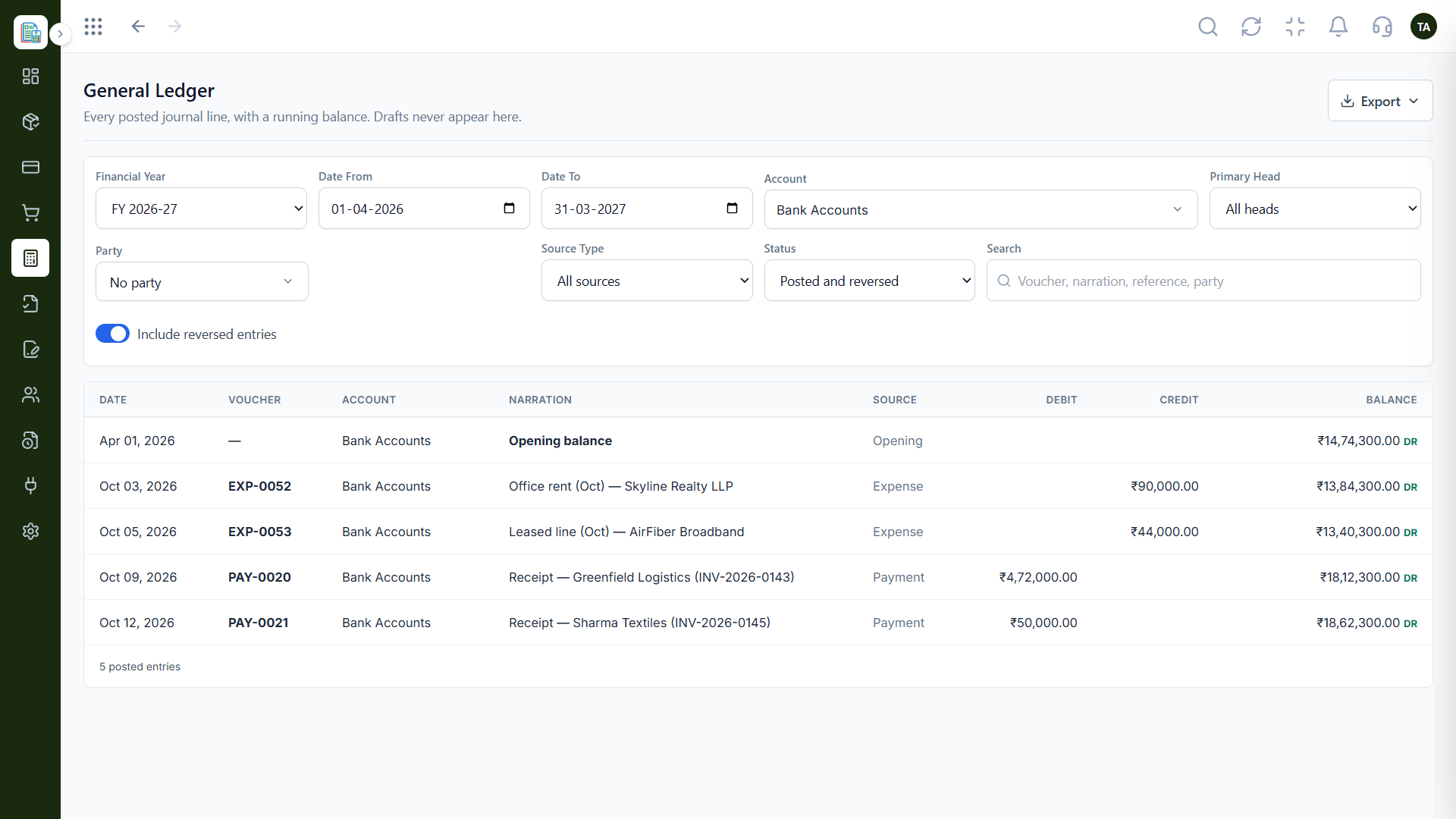
General Ledger
Every posted line with a running balance
In the Product
Picture a clear path from your Finance books to wherever your accountant works.
A standard chart is easier to map.
Reports ready to share.
Opening balances agreed up front.
Platform Integrity
Easy to map
Chart and reports
Plan the start point
Ask what your plan supports
How It Works
What to look at when you work with Tally.
| Dimension | Triostack Finance | Manual Retyping |
|---|---|---|
| Accounts | Exportable chart of accounts | Rebuilt by hand |
| Reports | Exportable P&L | Retyped |
| Journals | Double-entry with draft and posted | Entered directly |
| Setup | We help plan the cut-over | Figure it out alone |
| Direct link | Ask us what is available | Varies |
Our team can walk you through the connection, permissions and a first test so Finance fits into the tools your accountant and team already use.
Live Interface Tour
Real screens captured directly from the Triostack Finance workspace.
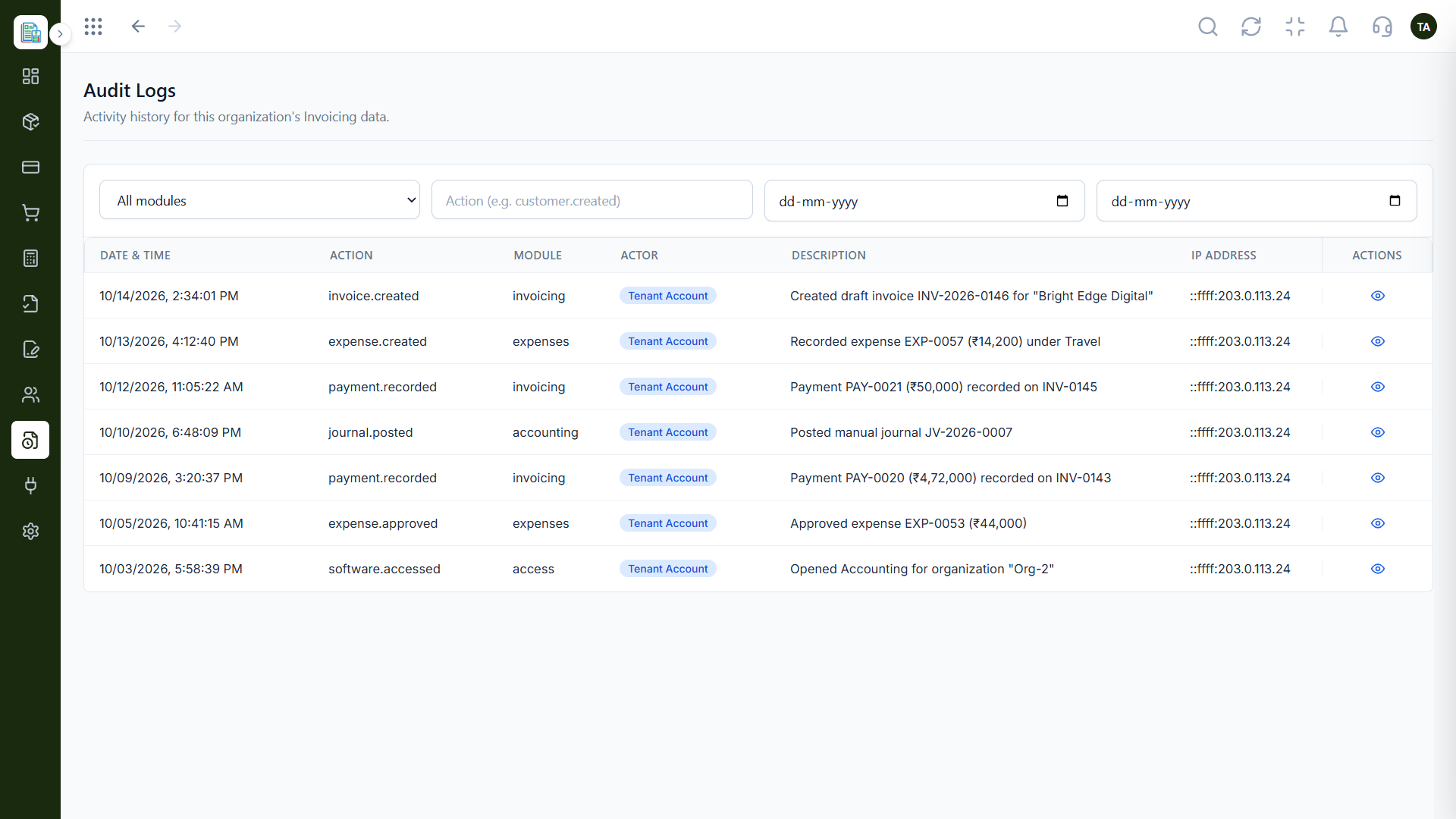
Audit Logs
Data that moves between tools
Feature Breakdown
Captured from the Triostack Finance workspace.
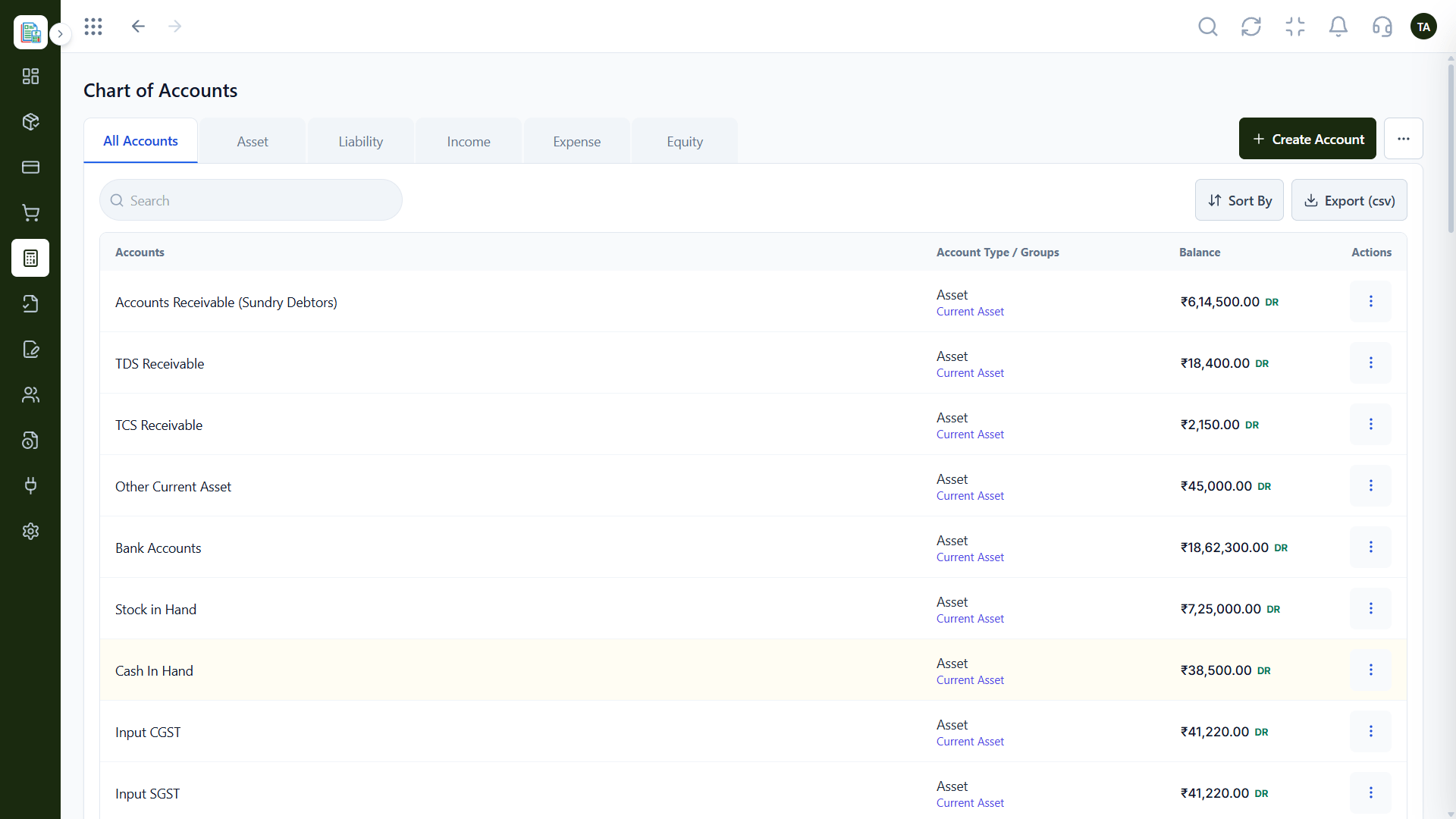
01
IntegrationsThe mapping base.
How it fits the plan
Agree. Decide with your accountant what they need.
Export. Share the chart and reports.
Practical tip
Agree the account mapping with your accountant once, in writing, and reuse it every month.
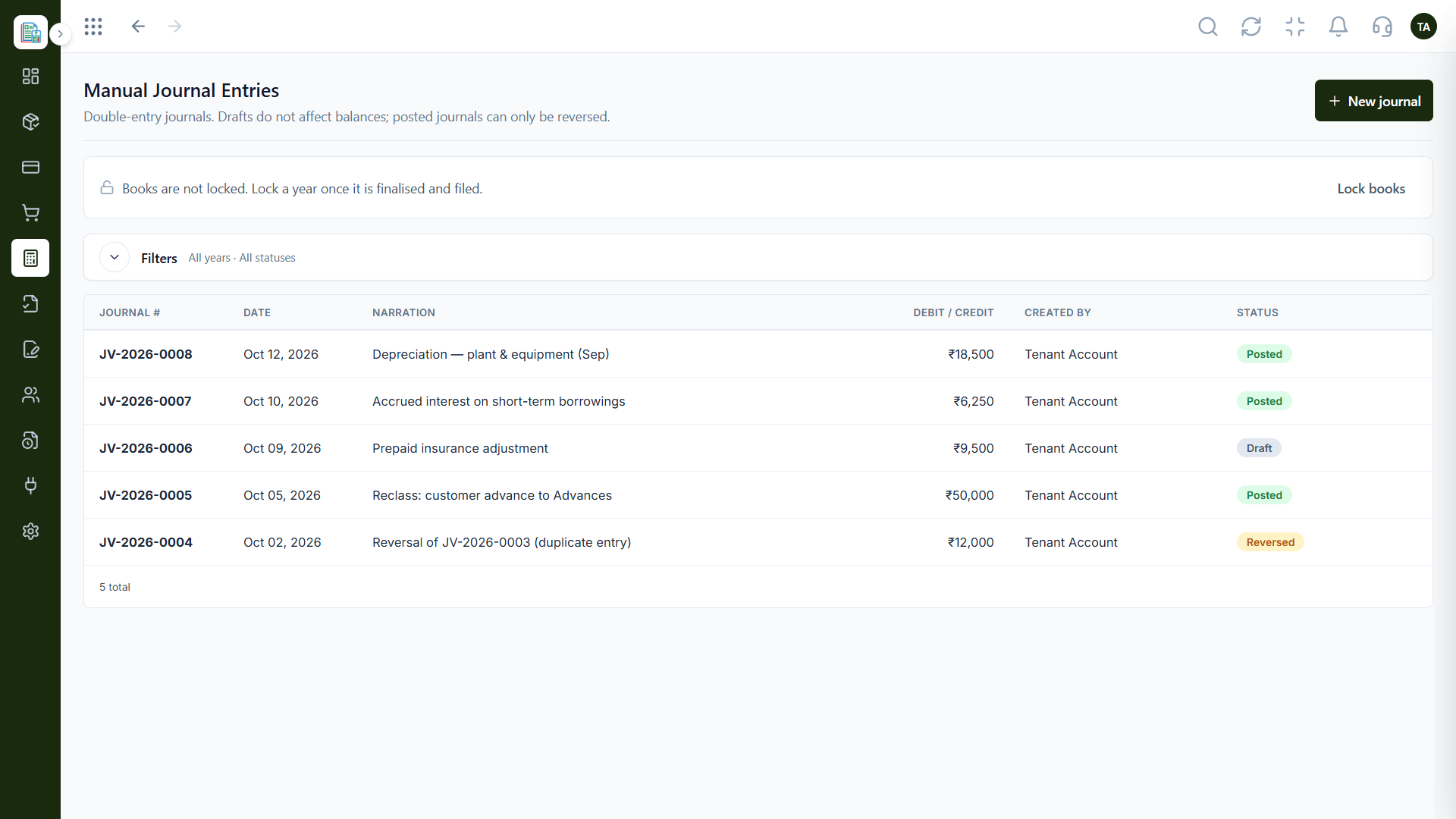
02
IntegrationsAdjustments.
How it fits the plan
Export. Share the chart and reports.
Map. Match accounts between systems.
In real life
Switching in
A business moves from Tally with a planned cut-over.
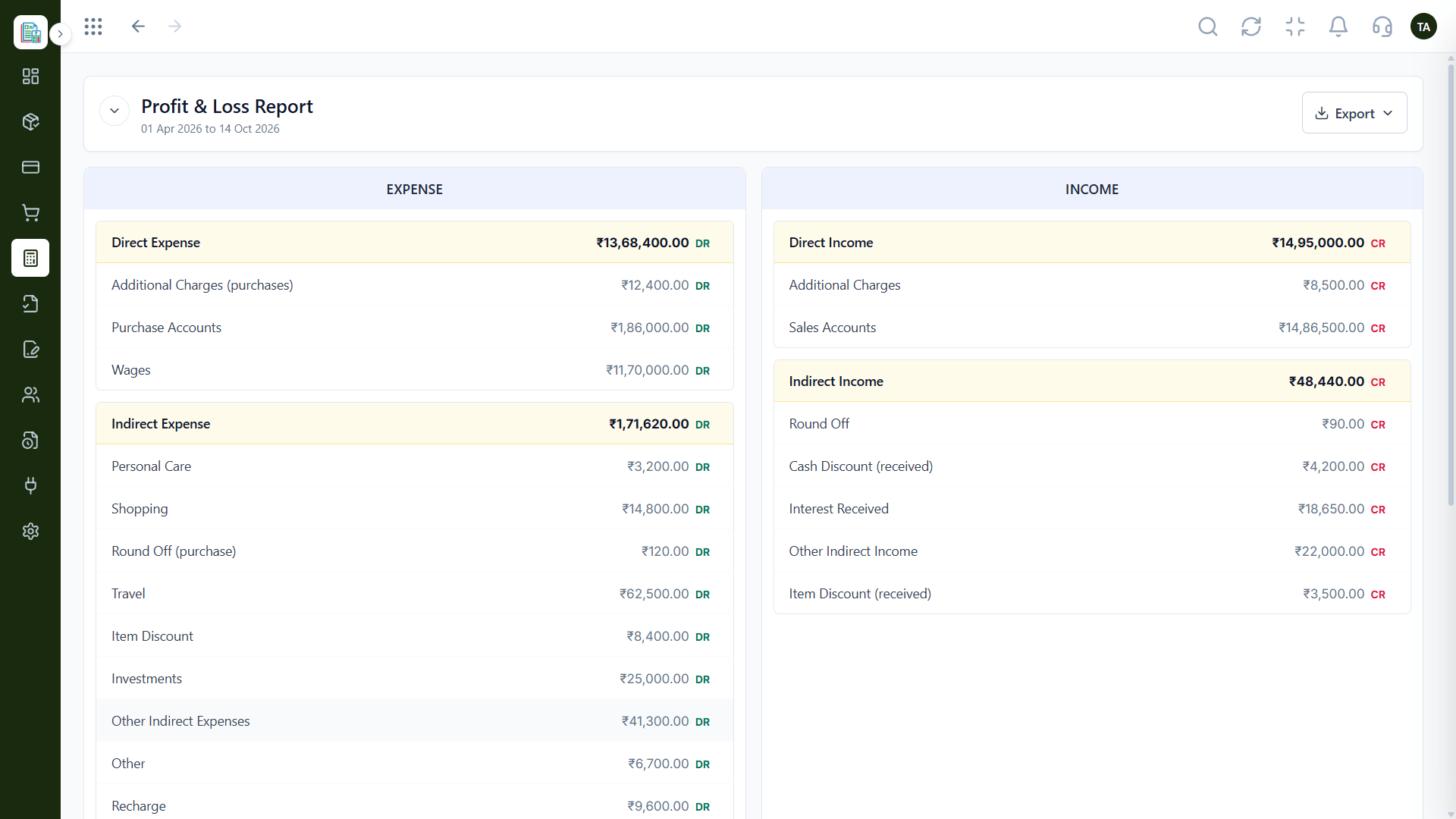
03
IntegrationsFor review.
On this screen: Income and expenses side by side for any period.
How it fits the plan
Map. Match accounts between systems.
Check. Confirm balances agree.
Watch out for
Moving to a new system mid-year without agreeing opening balances first.
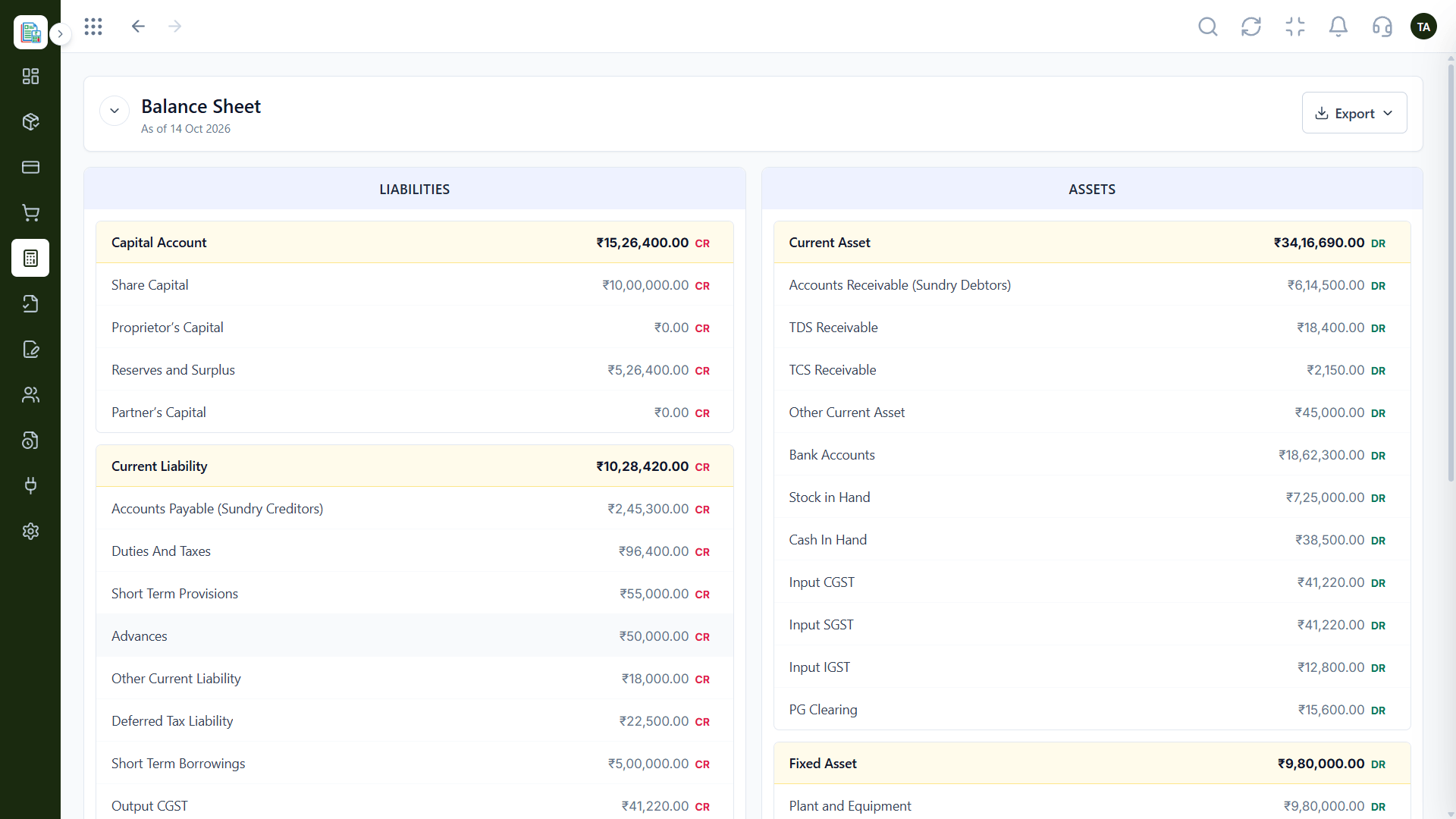
04
IntegrationsOpening and closing.
How it fits the plan
Check. Confirm balances agree.
Agree. Decide with your accountant what they need.
Before you start
Execution Plan
Decide with your accountant what they need.
Share the chart and reports.
Match accounts between systems.
Confirm balances agree.
Practical Guide
Before you start
A tip that helps
Agree the account mapping with your accountant once, in writing, and reuse it every month.
A common mistake
Moving to a new system mid-year without agreeing opening balances first.
In Real Life
Scenario 01
A business moves from Tally with a planned cut-over.
Scenario 02
The accountant gets exports each month.
Scenario 03
Clean reports back up the numbers.
Straight answers about Tally Integration, from setup to what happens next.
Have a question about Tally Integration?
Book a free callAsk us which Tally options are available for your plan.
Yes, via exports of the chart of accounts and reports.
We can help plan opening balances as part of your setup.
Not necessarily. They can work from exports in the tool they know.
Many Indian businesses and accountants use Tally. See how Finance data can be shared with it, and ask us which options suit your setup.
It runs in 4 steps: Agree, Export, Map and Check. Decide with your accountant what they need.
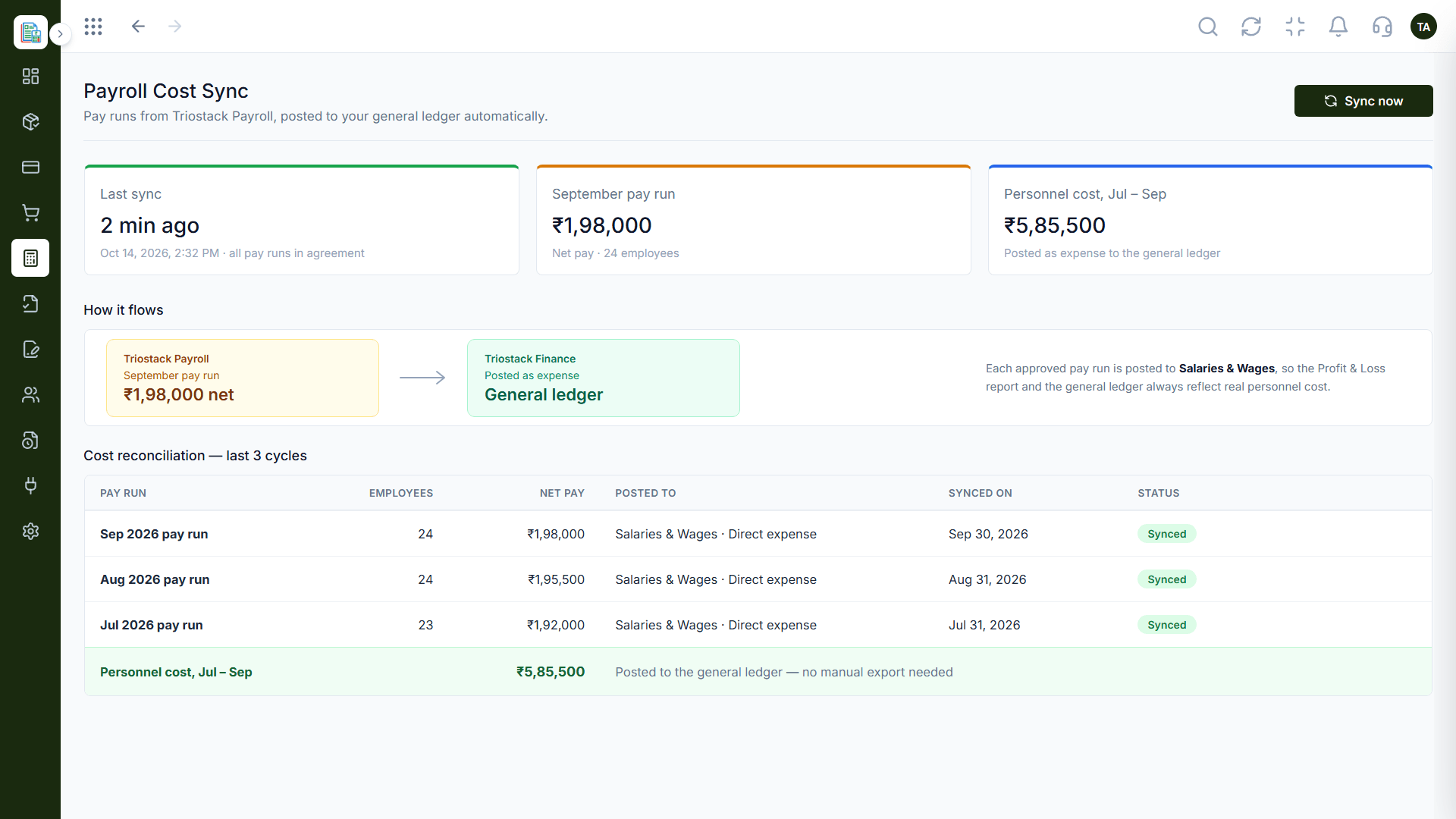
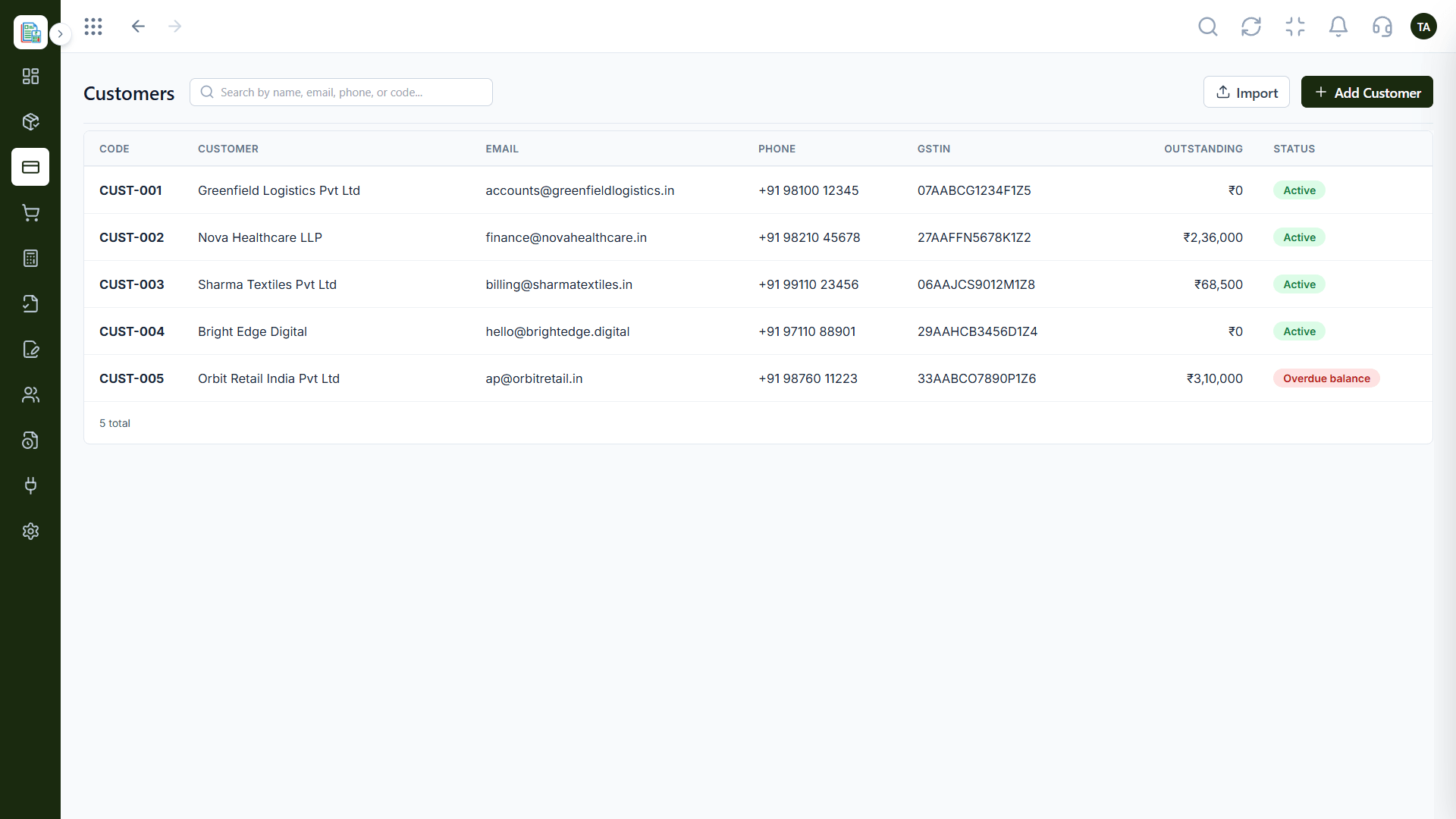
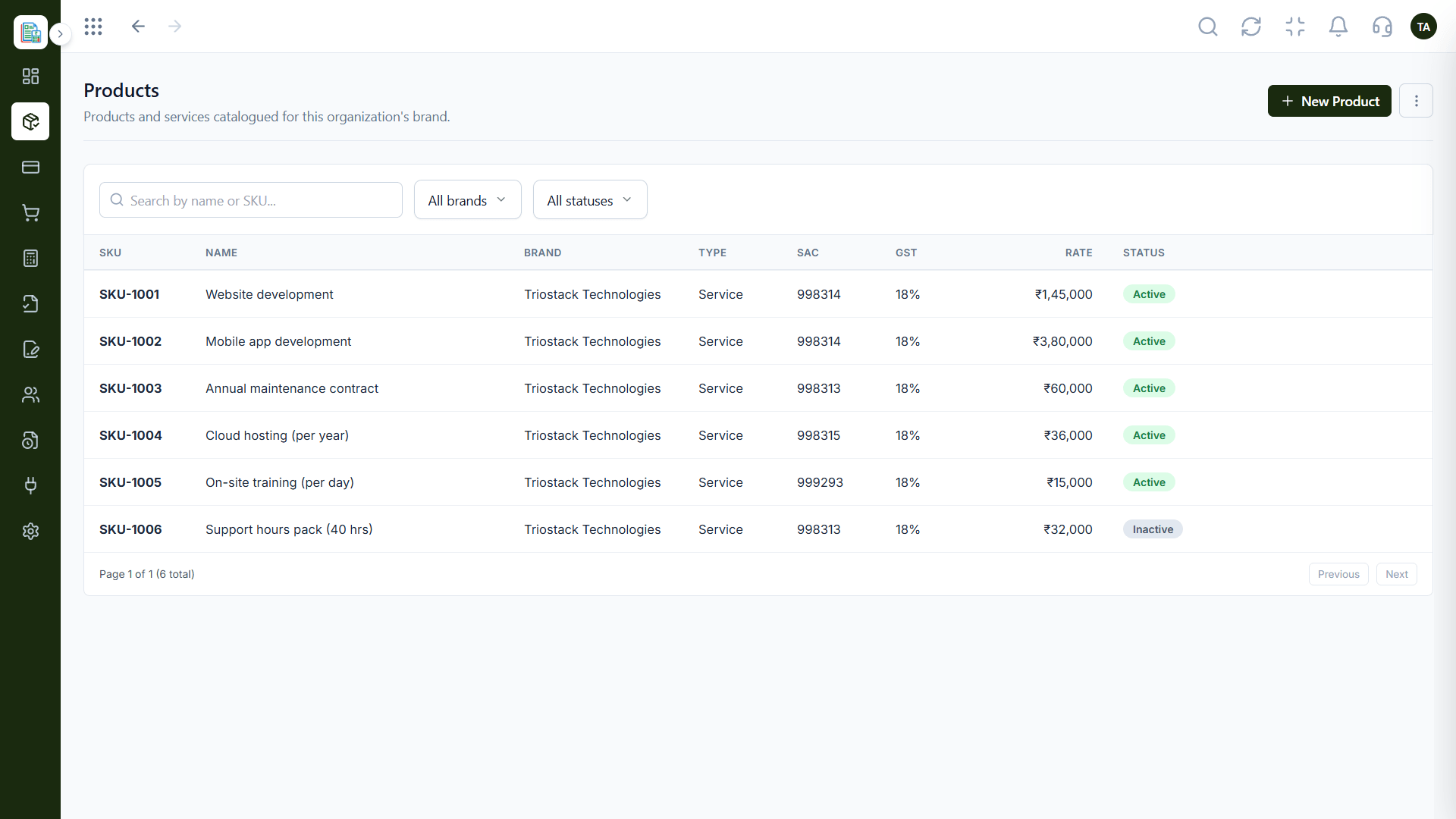
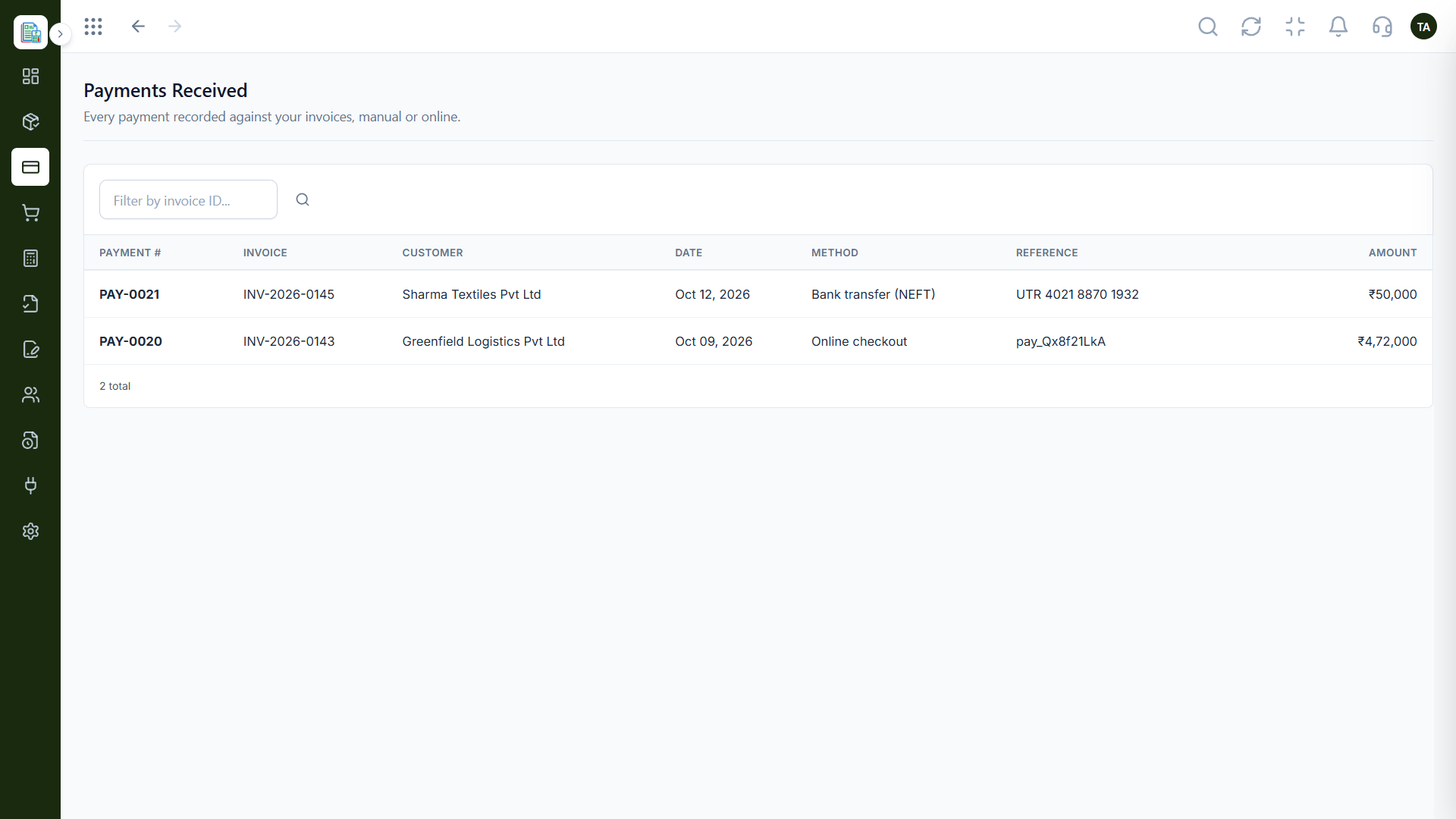
The real screens on this page include General Ledger, Profit & Loss, Audit Logs and Chart of Accounts, all captured from the product.
Request a demo or start a free trial. Our team can also walk you through a guided setup, so your first session ends with something working.
Keep Exploring
Invoices, expenses, accounting and GST reconciliation in one workspace, connected to sales, payroll and delivery.