The best Business Suite software in India, built to help your business grow. Contact us at +91-8882435276.
[ Contact ]
Phone number
Email address
Head office
Noida office
The right team at TriostackOne will get back to you.
Users
Check per-user charges
Features
Check module bundling
Add-ons
Check add-on pricing
Support
Check support tiers
Check each vendor's current plans.
Positioning Assessment
Per-user pricing, extra modules, add-ons and support tiers can double the real cost of finance software.
When you compare, add up what your team needs: users, the features you will use, any integrations and support. For Triostack Finance, see the pricing page for current plans, and for other vendors check their current pricing.
“Adding up users and add-ons changed which tool looked cheaper.”
Sample team scenario
Illustrative example, not a customer testimonial
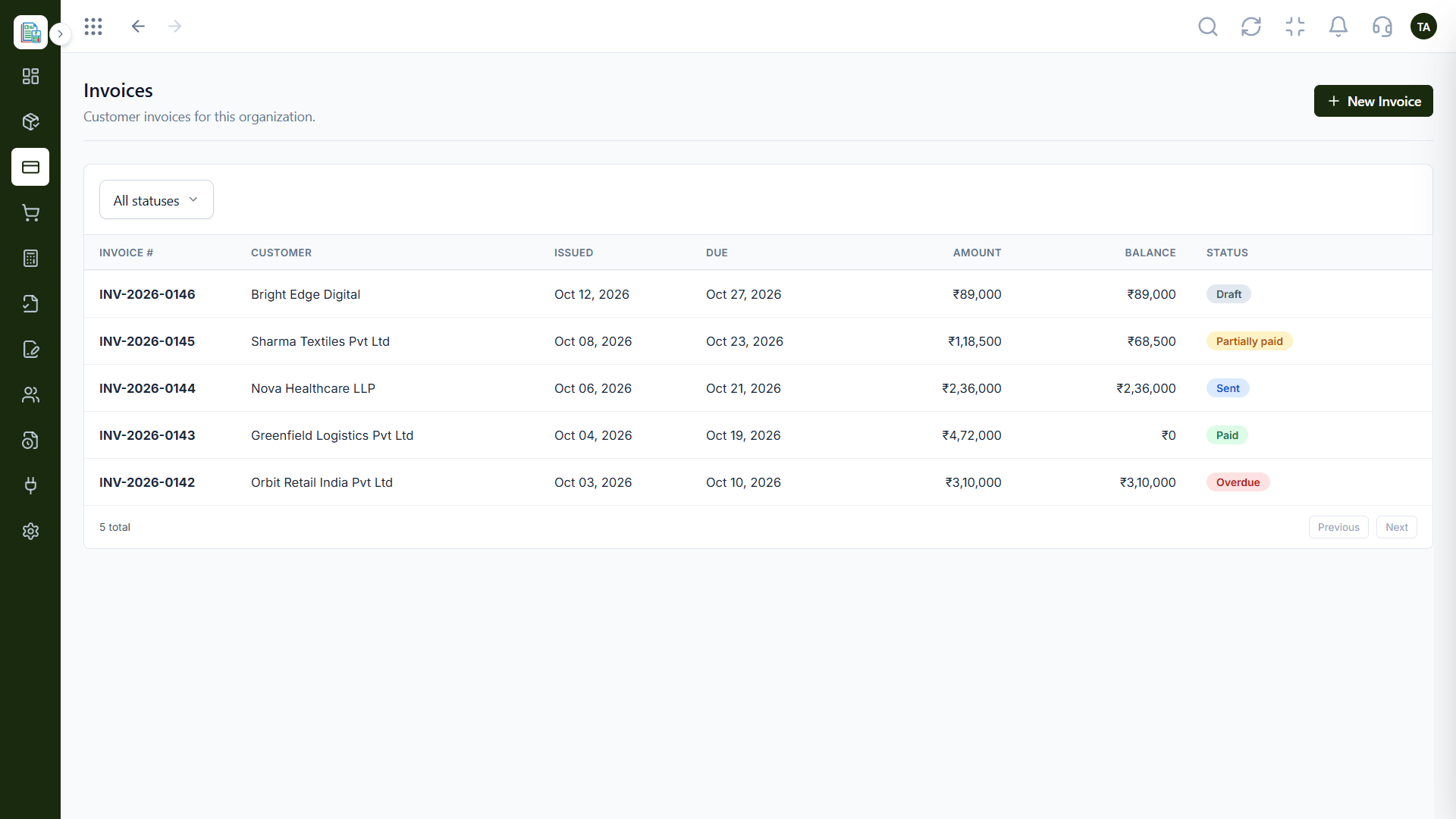
Invoices
Customer invoices filtered by status
In the Product
Imagine adding up the full meal before you pick the restaurant.
Count everything.
Compare what you use.
We answer pricing questions.
Platform Integrity
How many people need access
What features are included
What costs extra
What help is included
Detailed Comparison
Current pricing is on each vendor's site.
Triostack Finance
Typical Vendor
Users
See our pricing page
Users
Check per-user charges
Features
See what each plan includes
Features
Check module bundling
Add-ons
Ask us what is extra
Add-ons
Check add-on pricing
Support
Ask us about support
Support
Check support tiers
Trial
Free trial available
Trial
Check trial terms
We help bring over customers, products and opening balances, and plan the cut-over so your books stay clean through the move.
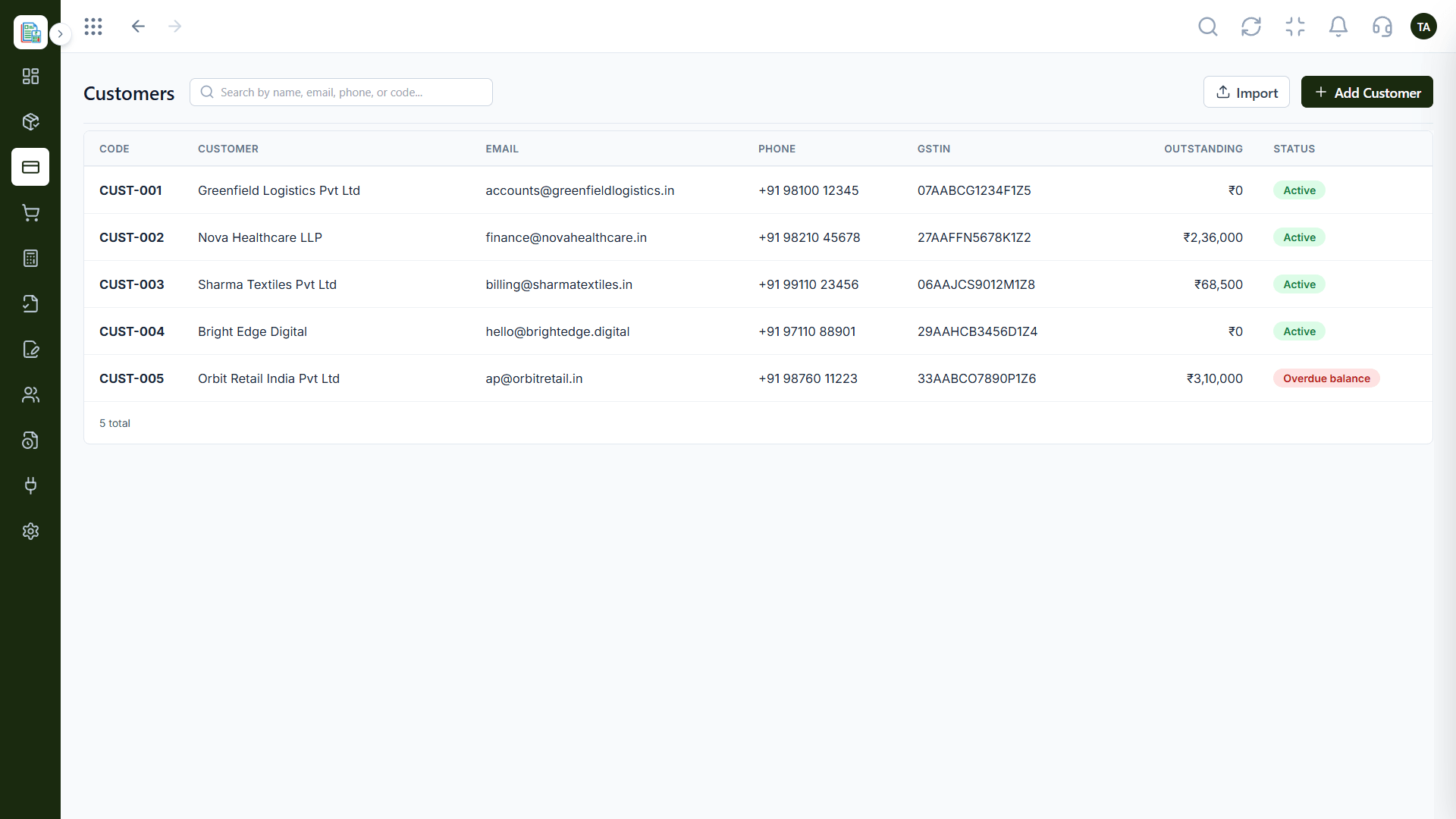
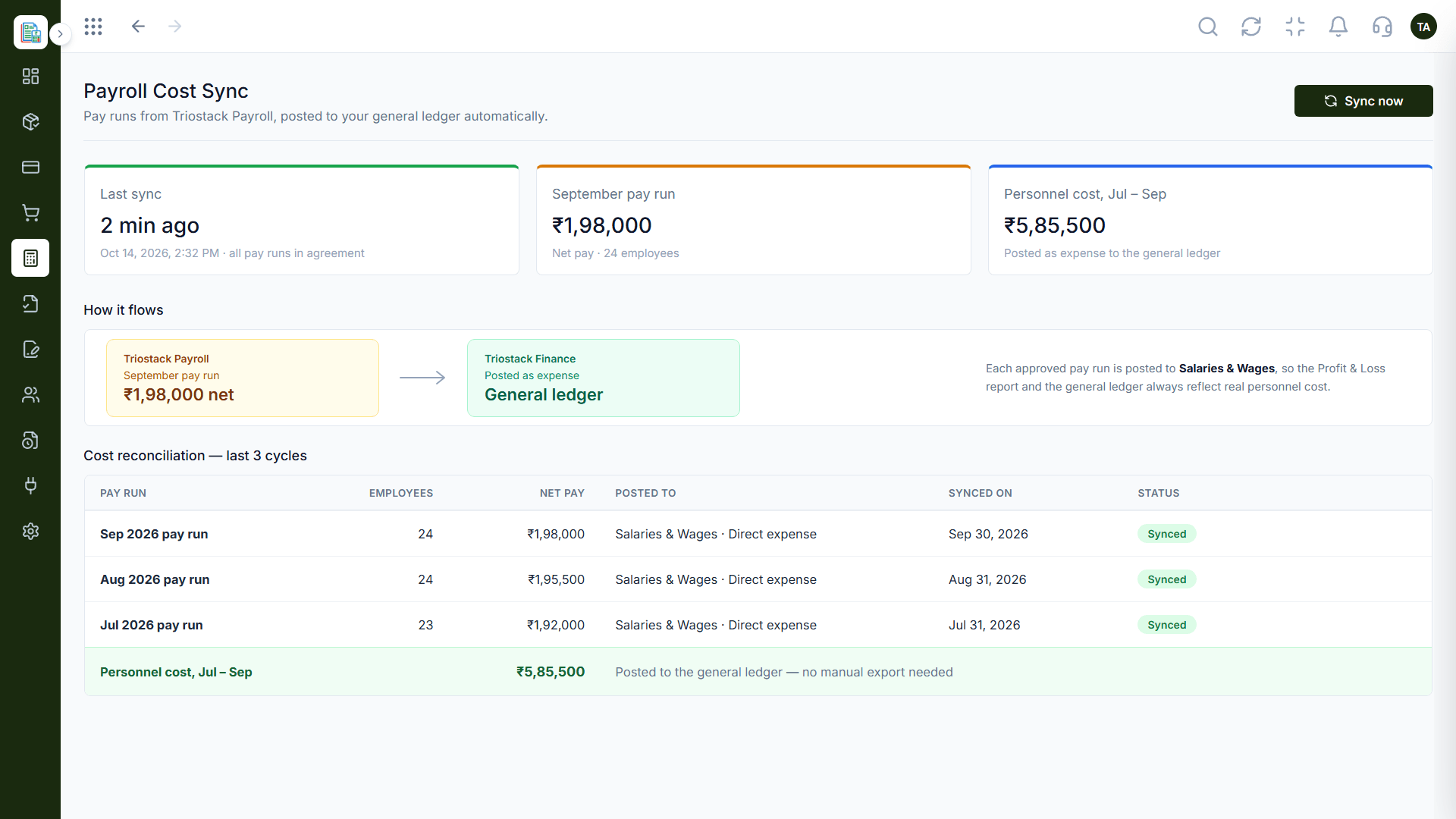
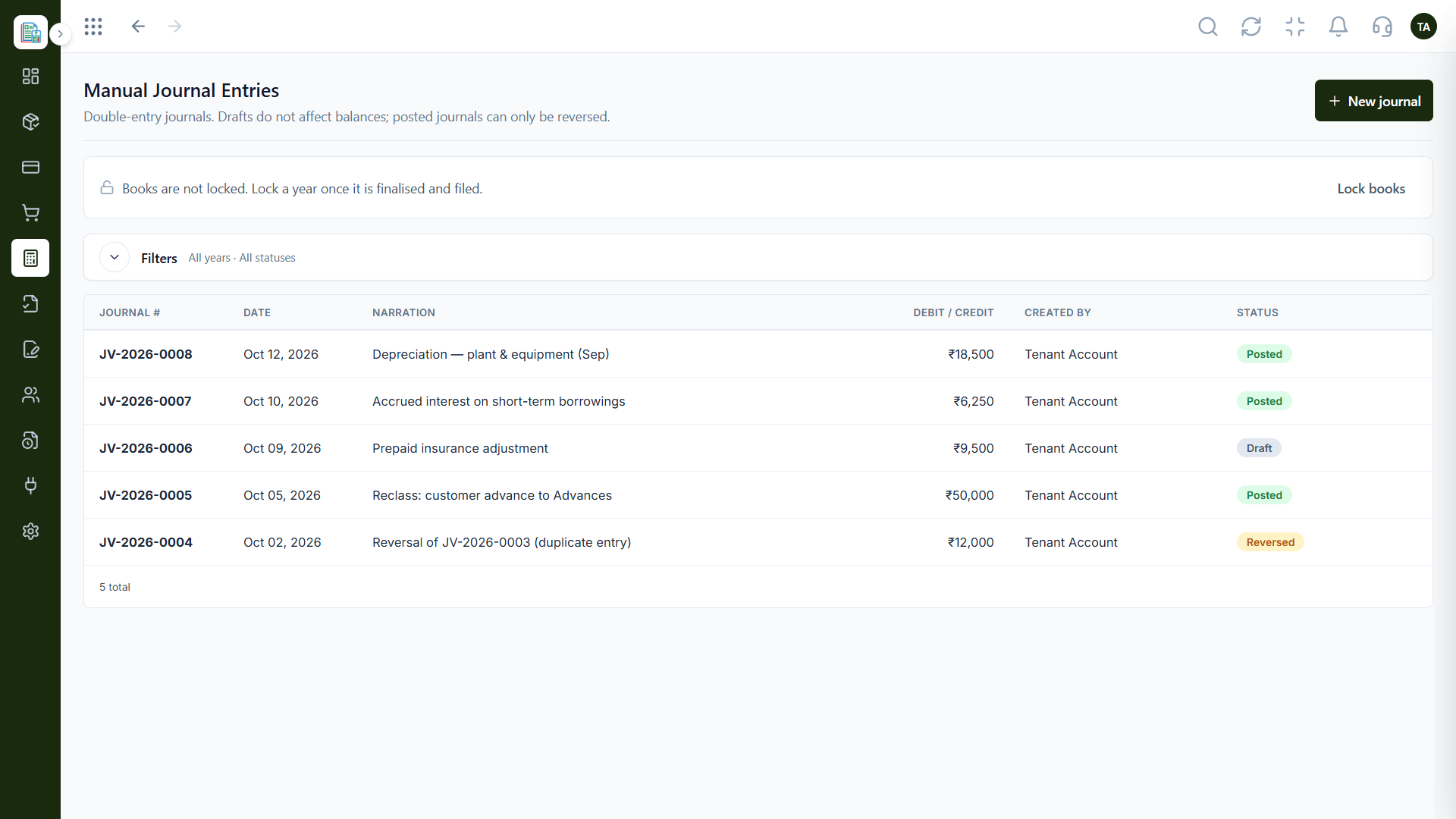
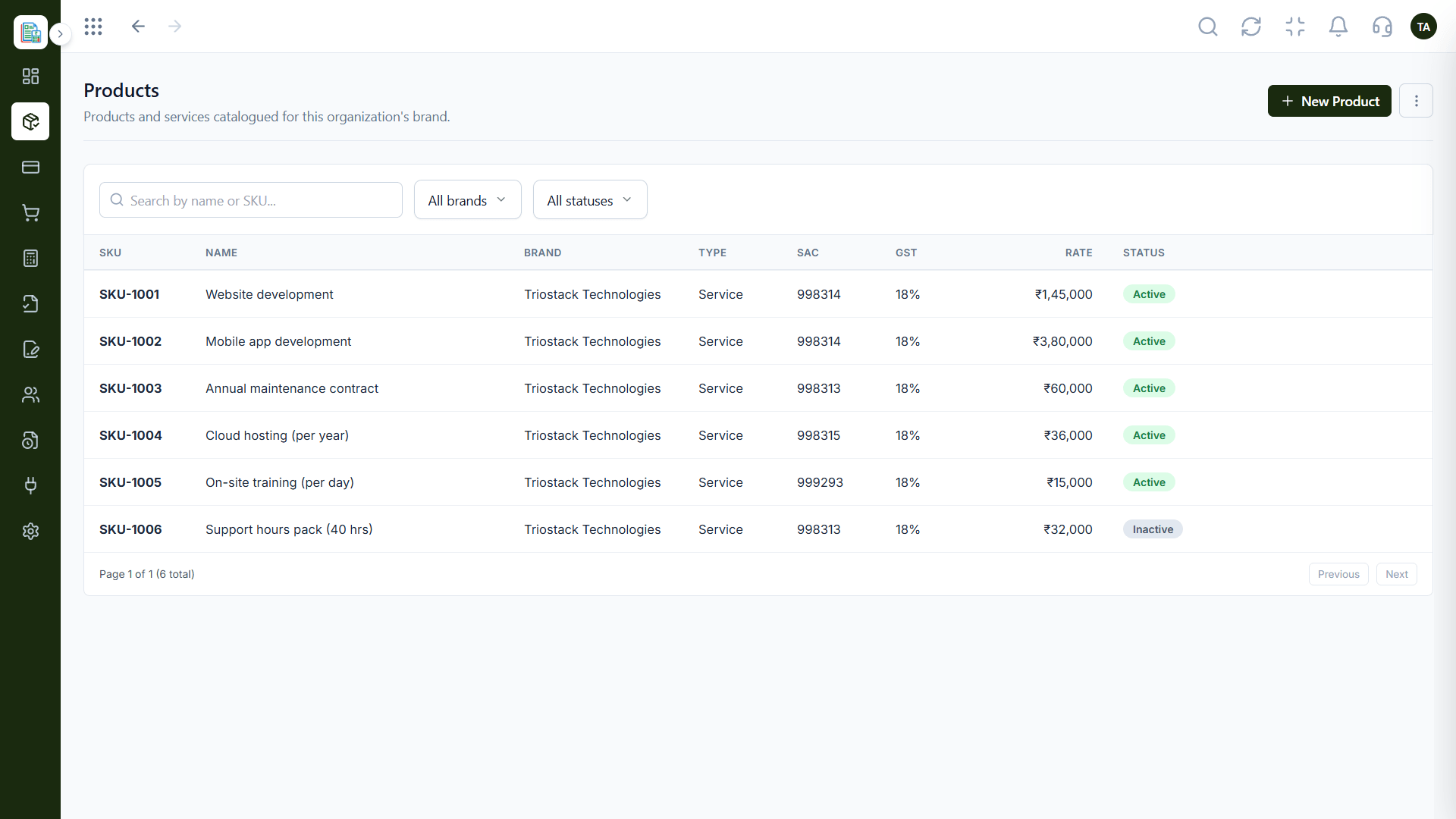
Live Interface Tour
Real screens captured directly from the Triostack Finance workspace.
Products & Services
Compare more than the headline price
Feature Breakdown
Captured from the Triostack Finance workspace.
What you will use daily.
How it fits the plan
Count users. Who needs a seat?
List features. What will you actually use?
Practical tip
Calculate the cost for the team you will have in a year, not the team you have today.
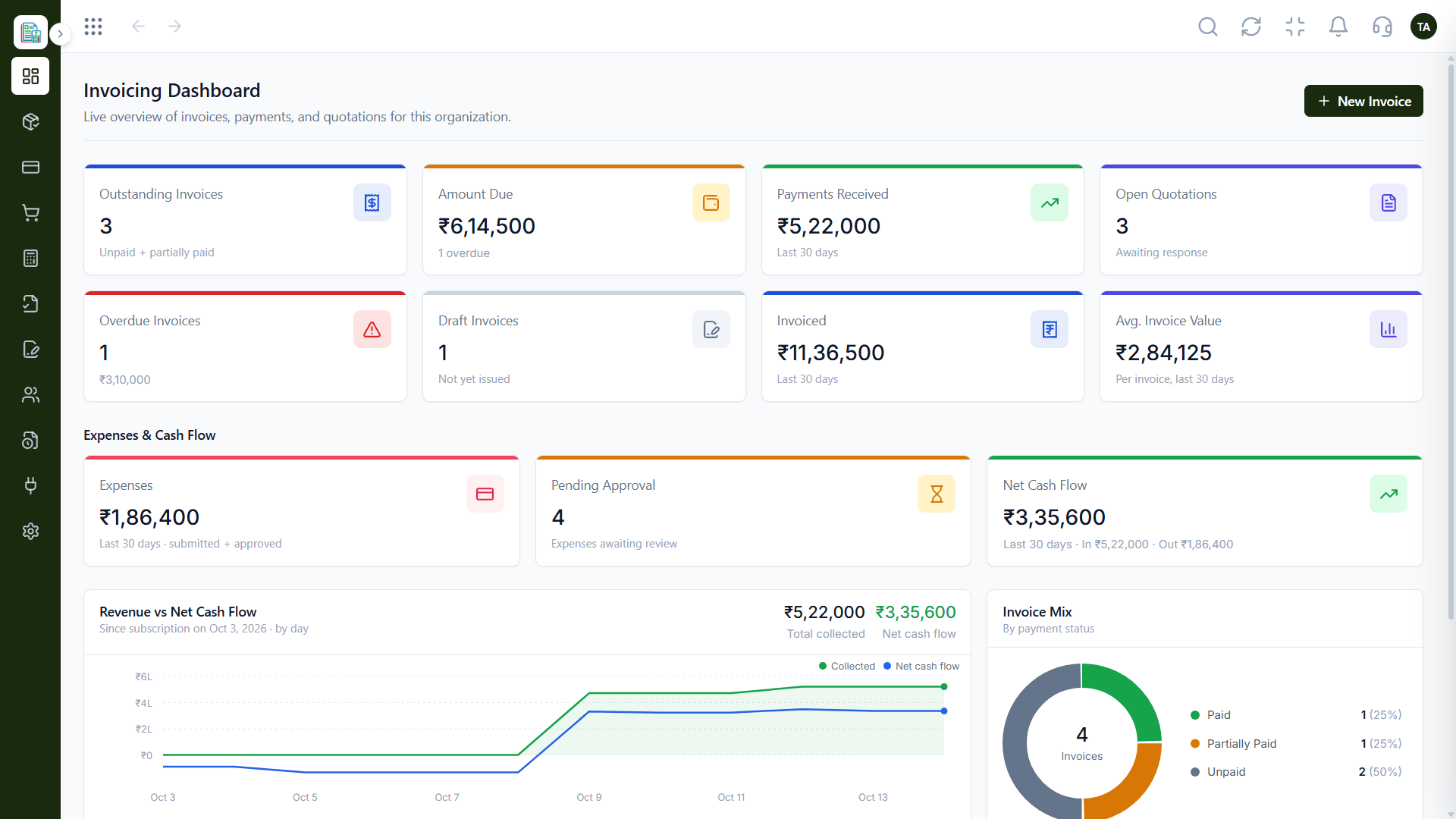
Core billing.
On this screen: Customer invoices filtered by status.
How it fits the plan
List features. What will you actually use?
Add extras. Integrations and support.
In real life
Budgeting
A team plans a yearly cost.
Spending.
How it fits the plan
Add extras. Integrations and support.
Compare totals. Per month and per year.
Watch out for
Comparing only the entry price while add-ons and support carry the real cost.
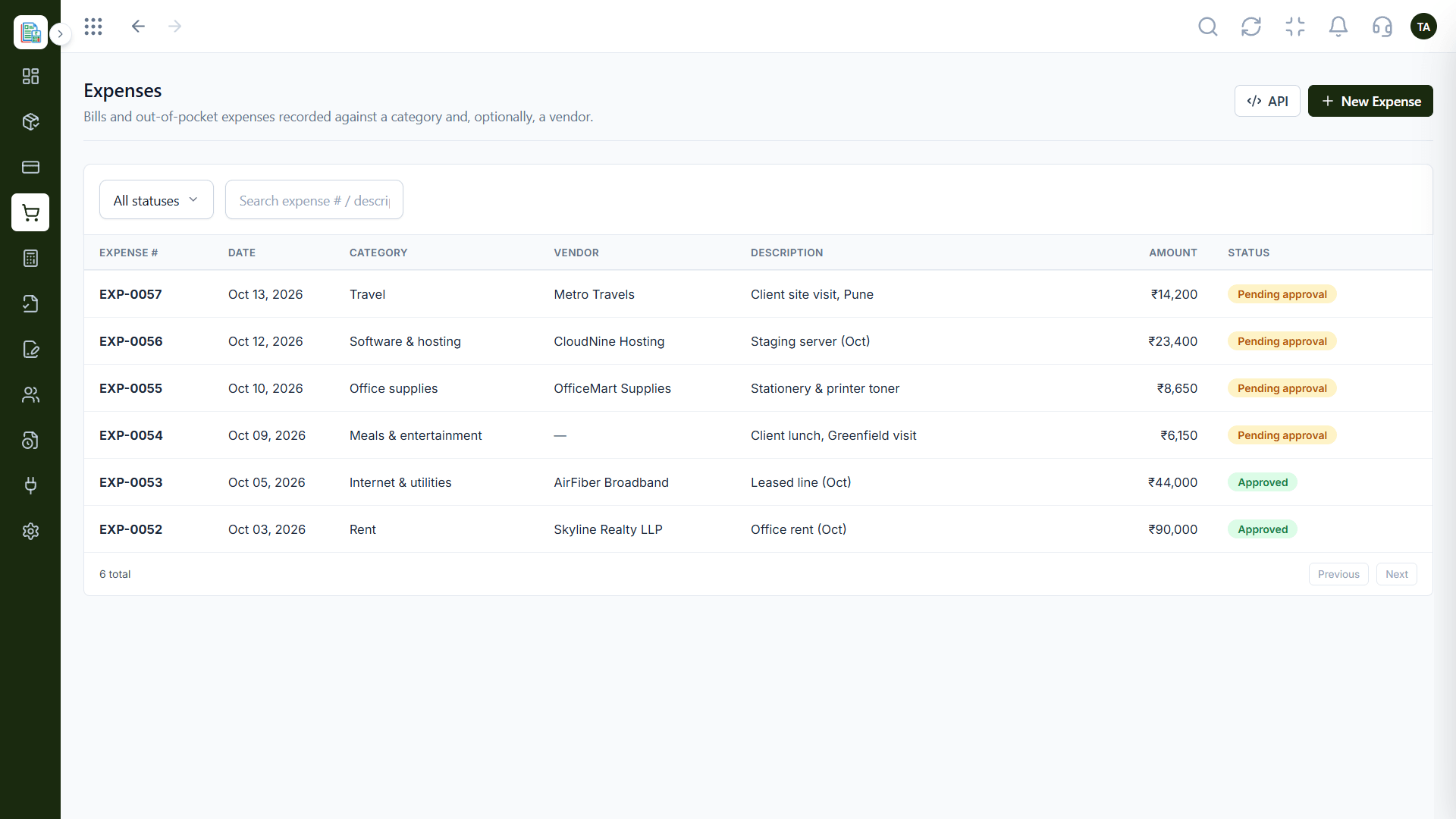
Reporting.
How it fits the plan
Compare totals. Per month and per year.
Count users. Who needs a seat?
Before you start
Execution Plan
Who needs a seat?
What will you actually use?
Integrations and support.
Per month and per year.
Practical Guide
Before you start
A tip that helps
Calculate the cost for the team you will have in a year, not the team you have today.
A common mistake
Comparing only the entry price while add-ons and support carry the real cost.
In Real Life
Scenario 01
A team plans a yearly cost.
Scenario 02
Totals reveal the real gap.
Scenario 03
Estimate cost with more users.
Straight answers about Pricing Comparison, from setup to what happens next.
Have a question about Pricing Comparison?
Book a free callOn our Finance pricing page.
Yes, you can start a free trial.
Ask us about anything not listed on the pricing page.
Yes. Contact our team.
Compare finance software on what you pay in total: users, modules, add-ons and support. See our pricing page for current Triostack Finance plans.
It runs in 4 steps: Count users, List features, Add extras and Compare totals. Who needs a seat?
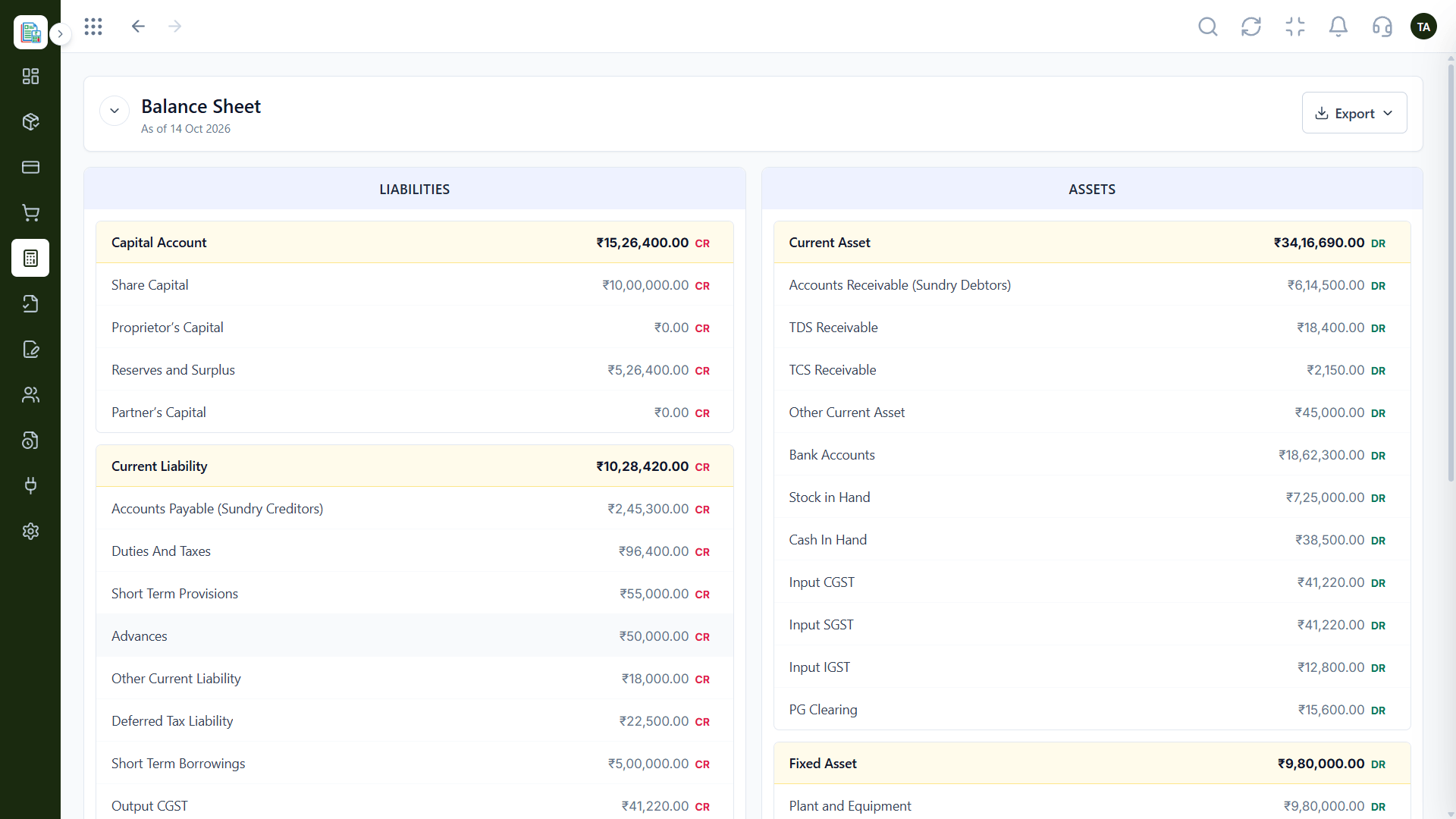
The real screens on this page include Invoices, General Ledger, Profit & Loss and Dashboard, all captured from the product.
Request a demo or start a free trial. Our team can also walk you through a guided setup, so your first session ends with something working.
Keep Exploring
Invoices, expenses, accounting and GST reconciliation in one workspace, connected to sales, payroll and delivery.