The best Business Suite software in India, built to help your business grow. Contact us at +91-8882435276.
[ Contact ]
Phone number
Email address
Head office
Noida office
The right team at TriostackOne will get back to you.
Positioning Assessment
Your business may have systems that no standard integration covers: an in-house portal, a custom app, a data warehouse.
Triostack offers APIs and webhooks, including an Invoicing API and an Expense API. Endpoints, authentication and payloads are not public, so ask us for the technical specification for your workspace.
“We asked for the spec and had a working test integration within a sprint.”
Sample team scenario
Illustrative example, not a customer testimonial
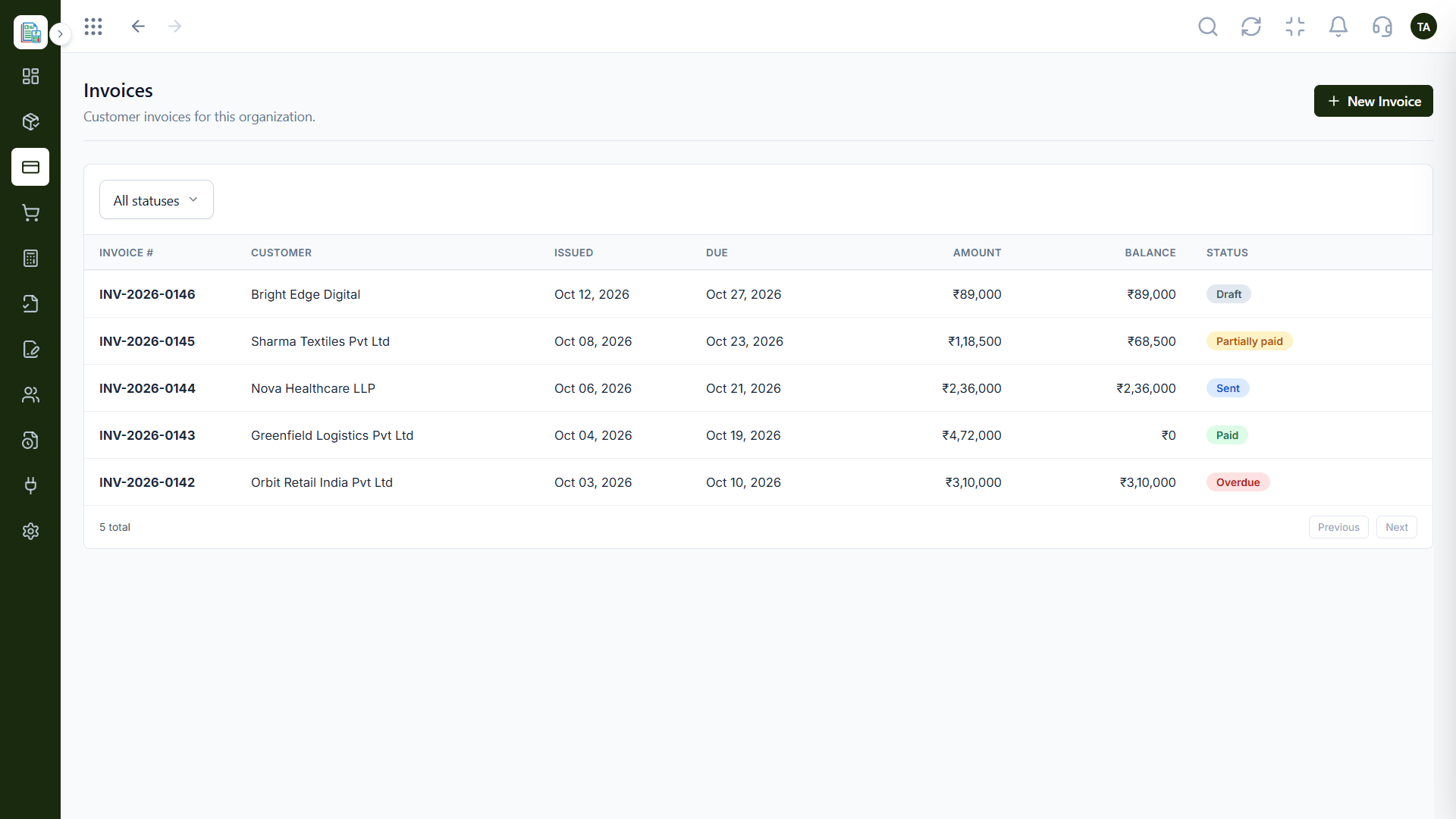
Invoices
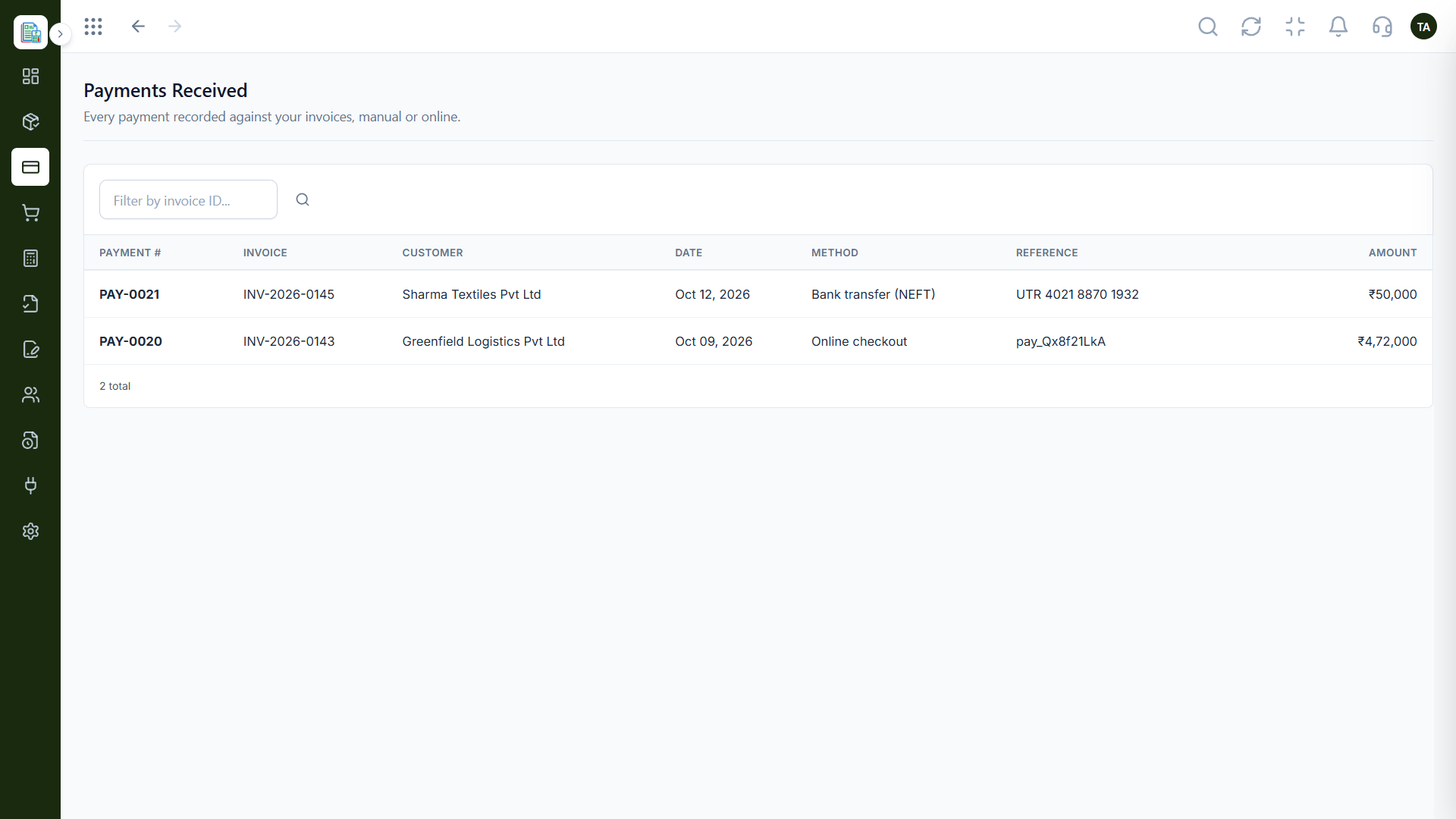
Customer invoices filtered by status
In the Product
Imagine a controlled entrance where your systems can drop records in and take them out.
Invoicing and Expense APIs available.
The spec fits your workspace.
Credentials stay on your servers.
Platform Integrity
Invoices from other systems
Expense records via API
Events into the platform
Shared for your workspace
How It Works
What APIs add.
| Dimension | Triostack Finance | Manual Hand-Offs |
|---|---|---|
| Invoices | Shown alongside native ones | Retyped |
| Expenses | Created via the Expense API | Entered by hand |
| Events | Webhooks bring data in | Polling or exports |
| Security | Keep credentials server-side | Shared logins |
| Documentation | Specification on request | None |
Our team can walk you through the connection, permissions and a first test so Finance fits into the tools your accountant and team already use.
Live Interface Tour
Real screens captured directly from the Triostack Finance workspace.
Products & Services
For your own systems
Feature Breakdown
Captured from the Triostack Finance workspace.
01
IntegrationsThe records an API touches.
On this screen: Customer invoices filtered by status.
How it fits the plan
Request. Ask for the specification.
Build. Keep credentials on your server.
Practical tip
Build against a test record first. A sample invoice shows you the whole round trip.
02
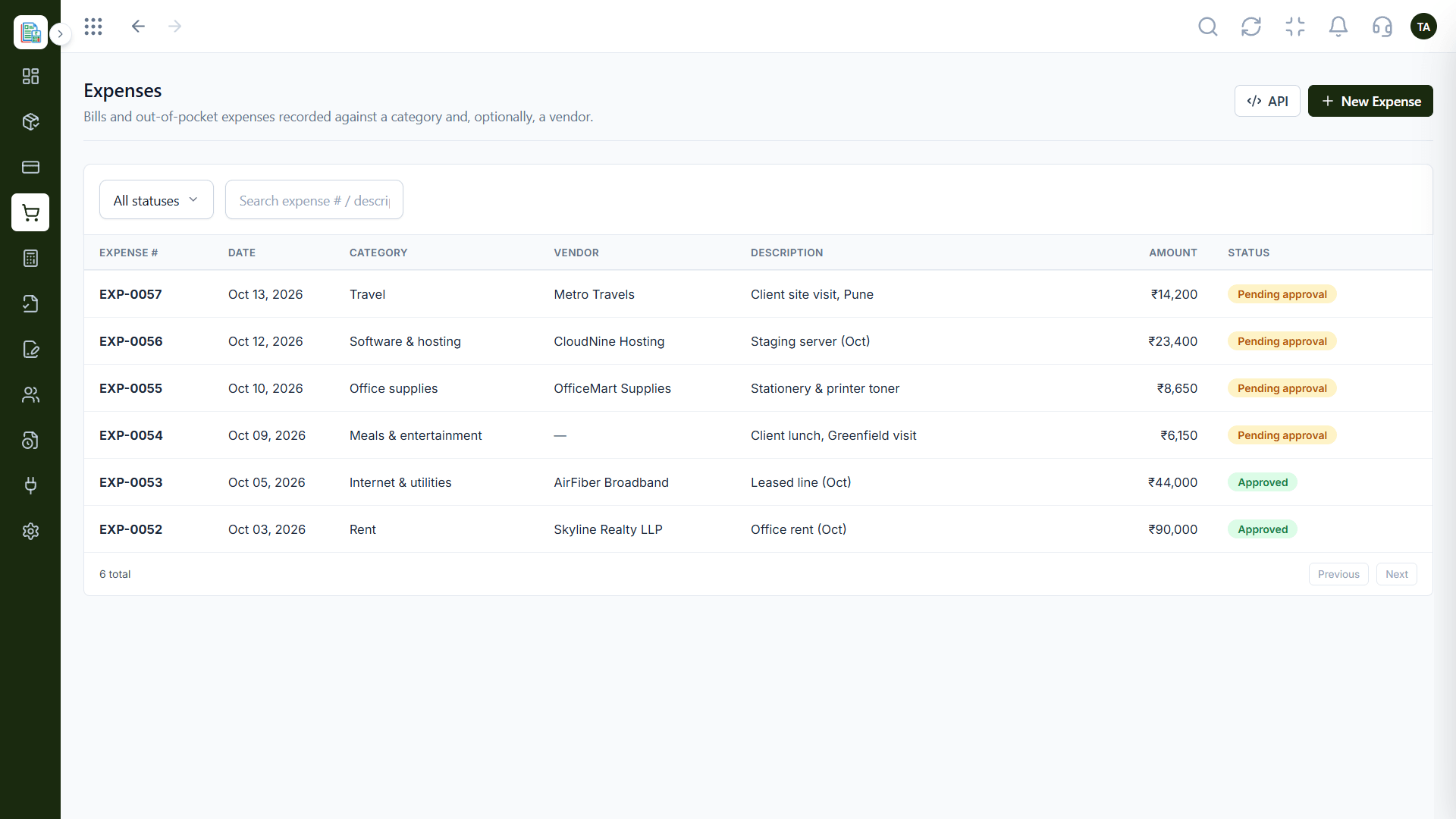
IntegrationsSpending records.
On this screen: Bills and expenses sent through approval.
How it fits the plan
Build. Keep credentials on your server.
Test. Send a test record and check it.
In real life
Custom portal
Orders become invoices automatically.
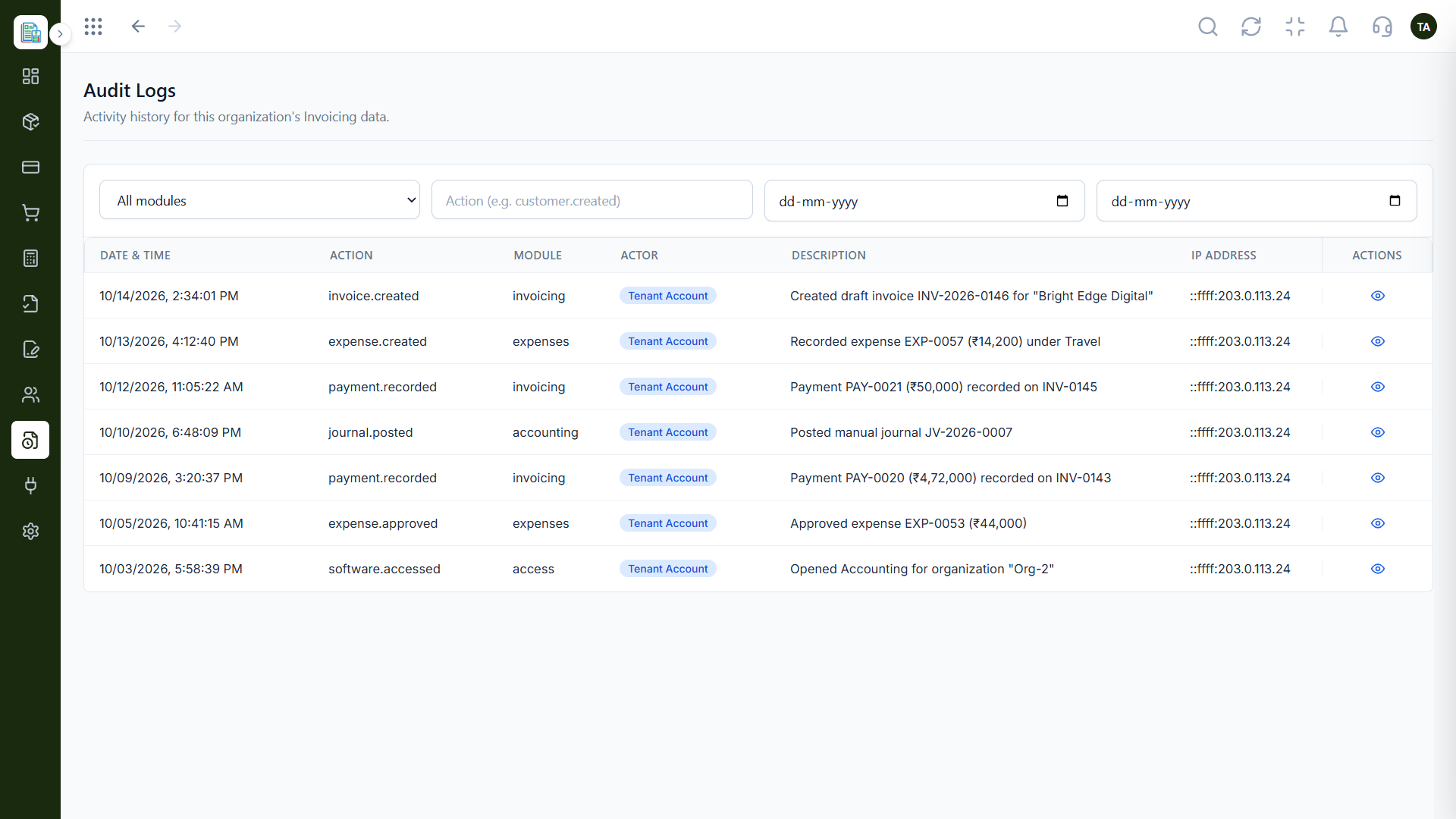
03
IntegrationsWho did what.
On this screen: A dated history of finance activity.
How it fits the plan
Test. Send a test record and check it.
Go live. Monitor and review.
Watch out for
Putting credentials in browser code, where anyone can read them.
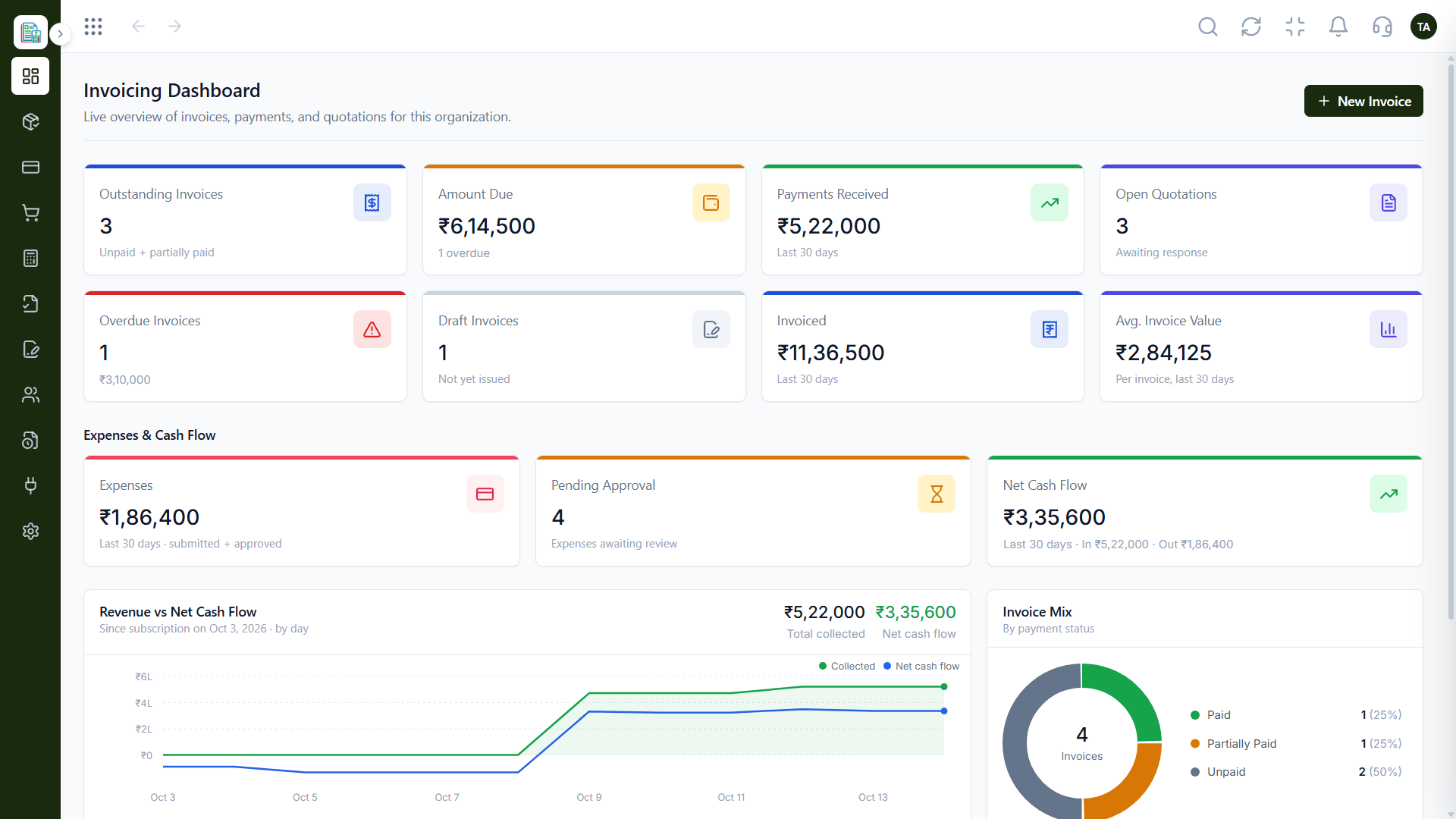
04
IntegrationsEverything together.
How it fits the plan
Go live. Monitor and review.
Request. Ask for the specification.
Before you start
Execution Plan
Ask for the specification.
Keep credentials on your server.
Send a test record and check it.
Monitor and review.
Practical Guide
Before you start
A tip that helps
Build against a test record first. A sample invoice shows you the whole round trip.
A common mistake
Putting credentials in browser code, where anyone can read them.
In Real Life
Scenario 01
Orders become invoices automatically.
Scenario 02
Finance data flows to reporting.
Scenario 03
Expenses are submitted from a mobile tool.
Straight answers about API & Webhooks, from setup to what happens next.
Have a question about API & Webhooks?
Book a free callYes. Triostack offers an Invoicing API and an Expense API, among others.
Yes. Ask us for the details of the webhooks for your workspace.
Endpoints and payloads are not public; we share the specification for your workspace.
Ask us what your plan includes for APIs and webhooks.
Triostack offers APIs and webhooks for connecting your own systems. Endpoints and payloads are shared with your workspace, so ask us for the specification.
It runs in 4 steps: Request, Build, Test and Go live. Ask for the specification.
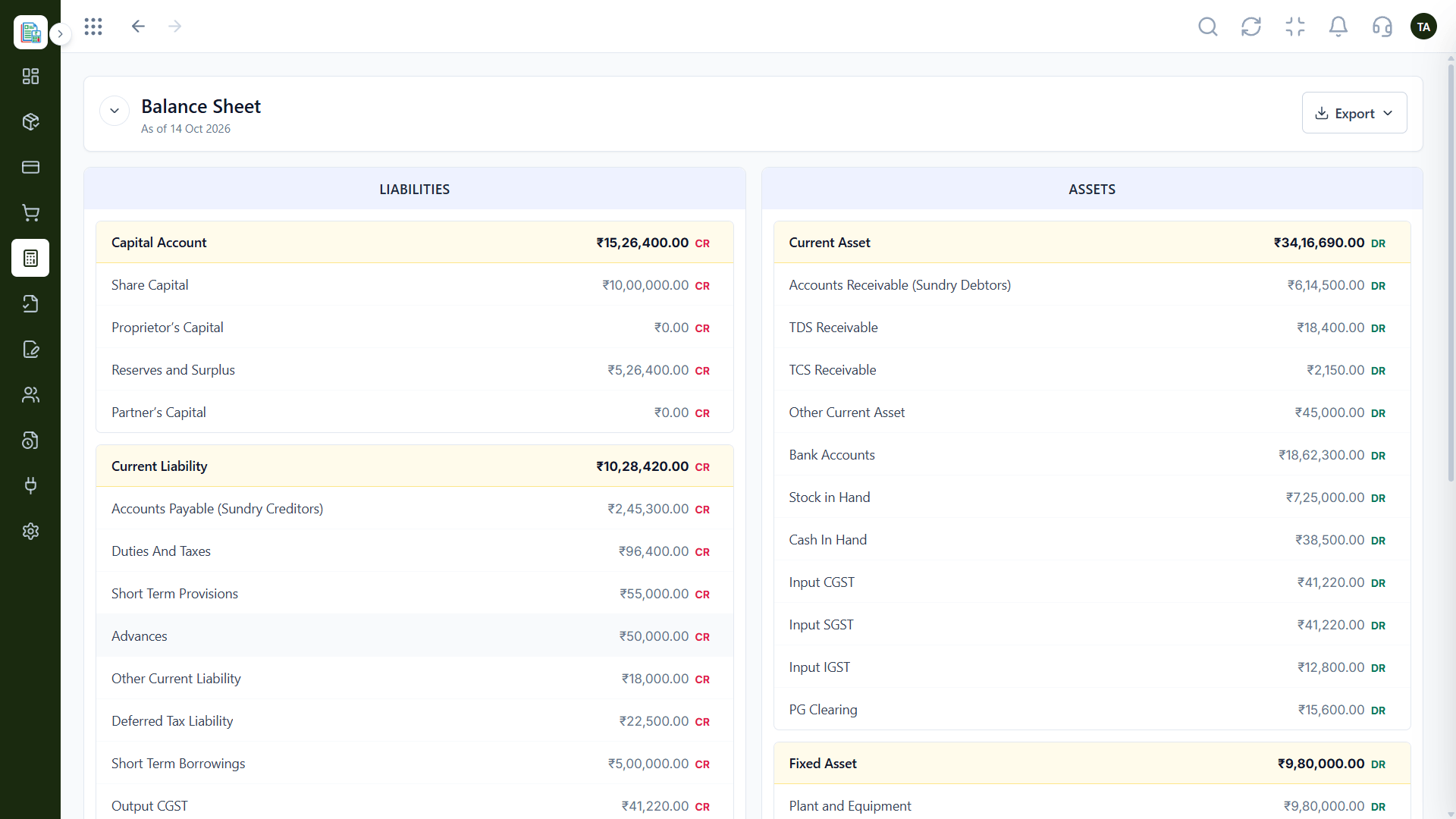
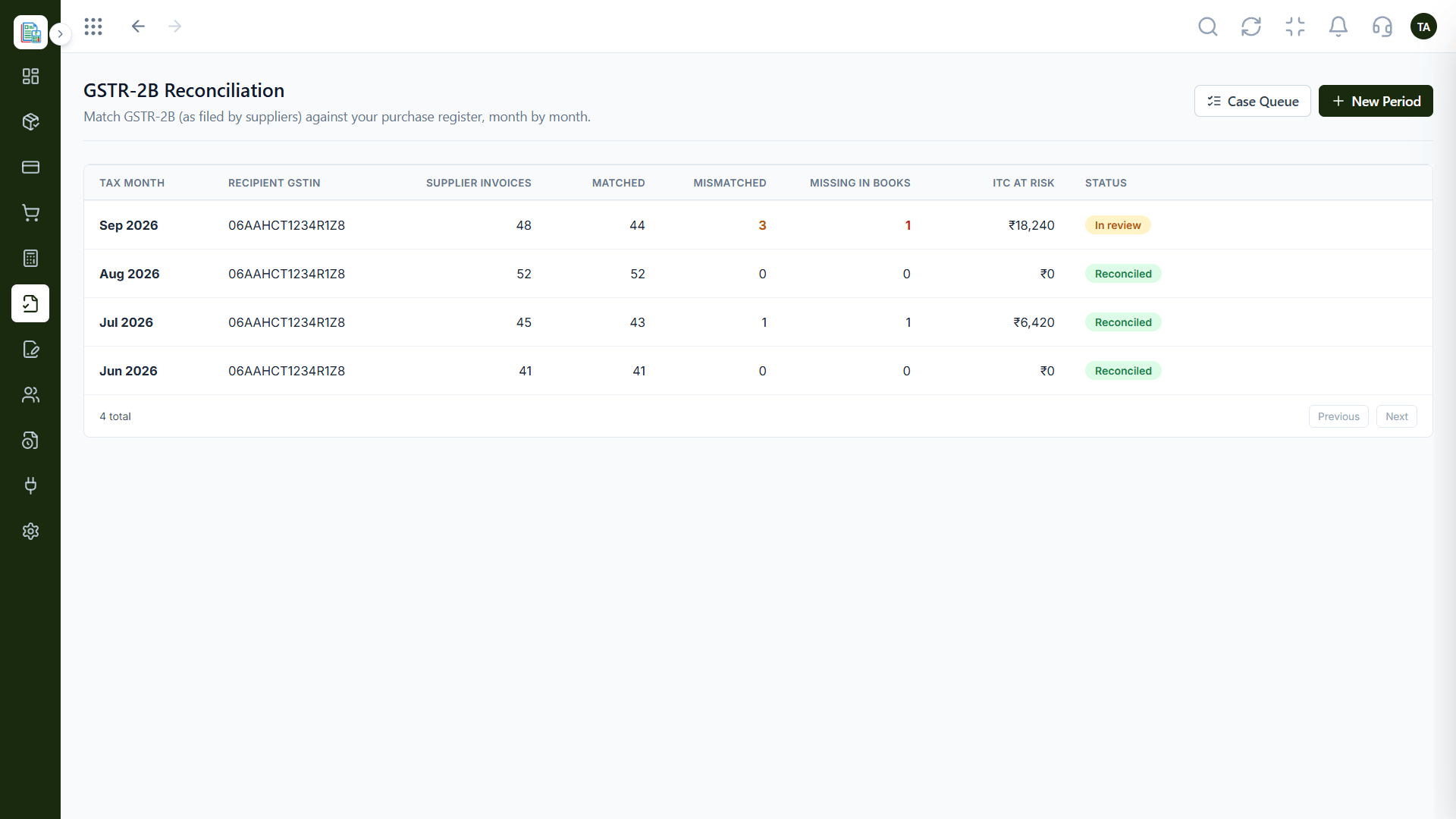
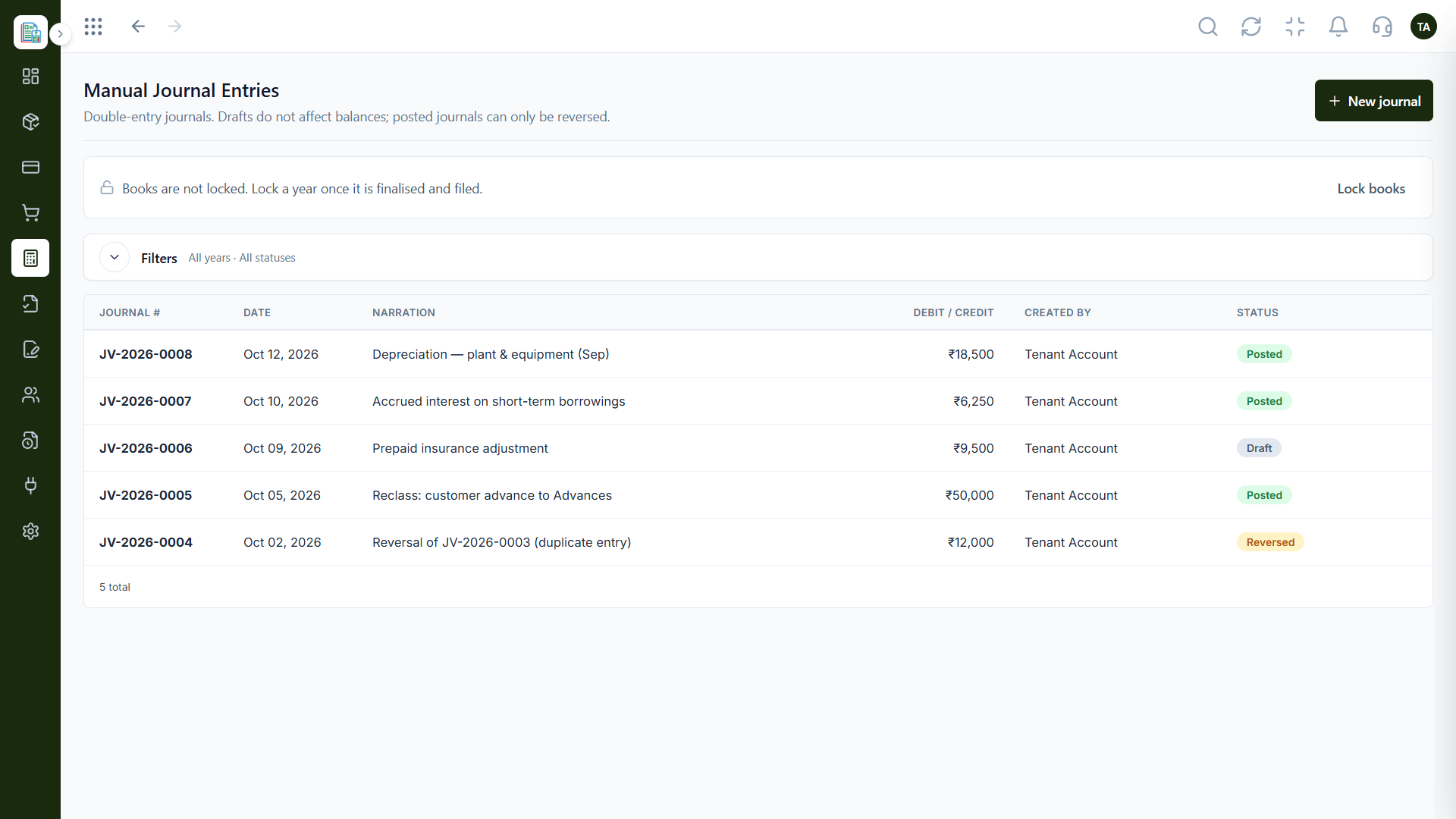
The real screens on this page include Invoices, Expenses, Audit Logs and Dashboard, all captured from the product.
Request a demo or start a free trial. Our team can also walk you through a guided setup, so your first session ends with something working.
Keep Exploring
Invoices, expenses, accounting and GST reconciliation in one workspace, connected to sales, payroll and delivery.