The best Business Suite software in India, built to help your business grow. Contact us at +91-8882435276.
[ Contact ]
Phone number
Email address
Head office
Noida office
The right team at TriostackOne will get back to you.
Positioning Assessment
Open questions get open, messy answers. 'What do you need?' brings a paragraph, a typo or silence. A choice brings a tap.
WhatsApp supports interactive messages that give the customer options. Quick-reply buttons offer up to a few short choices, such as Yes, No or Call me. Call-to-action buttons open a link or start a call. List pickers show a menu of options, such as the days available for a visit, grouped under headings. In Wabiz, these are placed in templates and chatbot flows, and each choice can add a tag, route the chat or fill a contact field. Whether a customer clicks more than they type depends on your audience, so test both against real replies, and note that button and list limits are set by WhatsApp.
“We swapped 'How can we help?' for three buttons. Customers answered, and the right team got the chat.”
Sample team scenario
A made-up scenario about Interactive Buttons and List Messages, not a customer testimonial
Message Templates
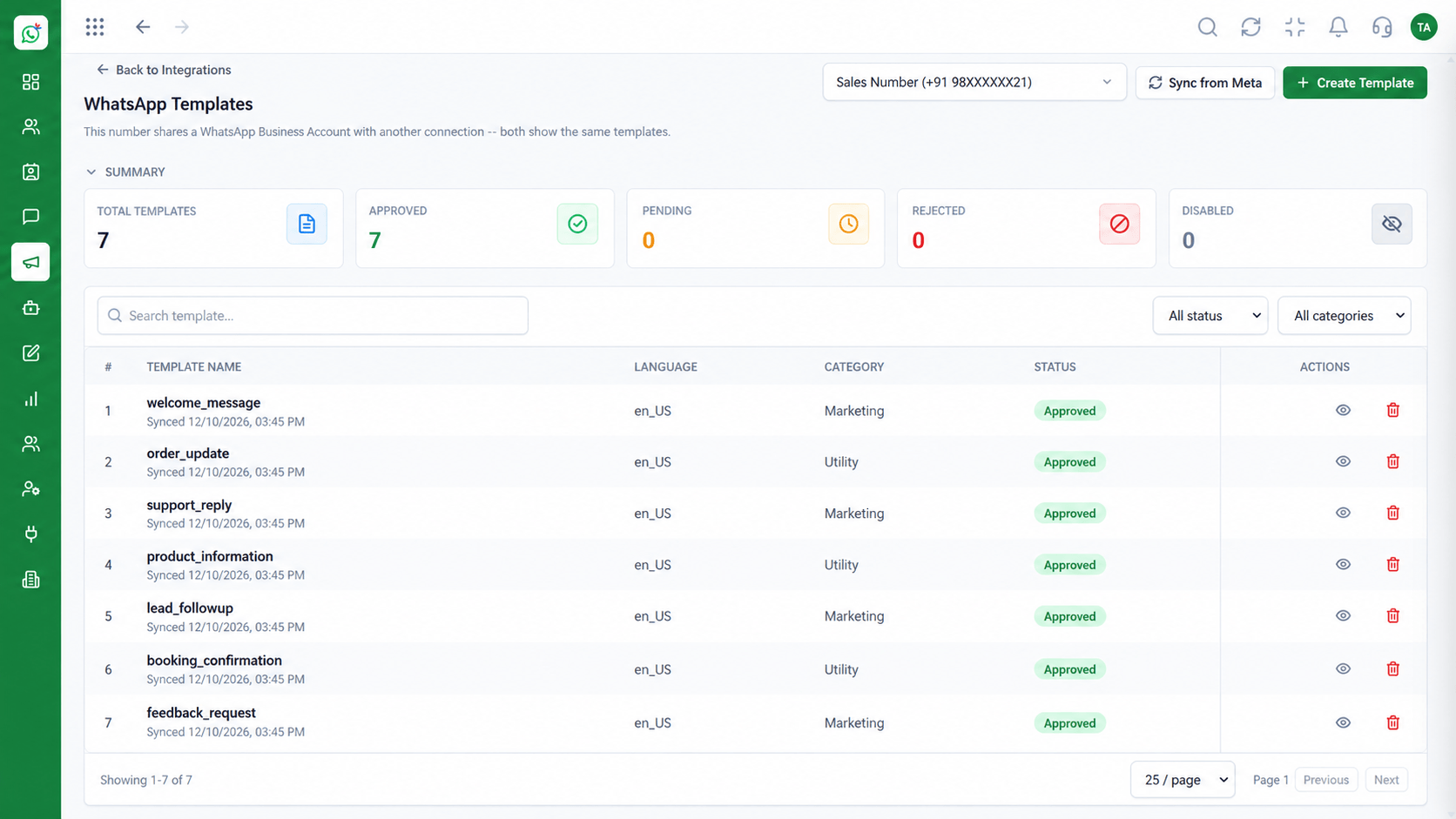
Interactive Buttons and List Messages: manage approved WhatsApp templates
In the Product
Buttons turn a blank reply box into a menu, and a menu is easier to answer than a question.
Yes, no, call me.
Many options, grouped.
Open a link or call.
Platform Integrity
Short choices
Link or call
A menu of options
Each choice acts
How It Works
What changes in the conversation.
| Dimension | Triostack Wabiz | Typed Replies |
|---|---|---|
| Customer effort | A tap | Typing a reply |
| Answers | From a fixed set | Free text to interpret |
| Routing | Each choice sets a tag or team | An agent reads and decides |
| Links | A button opens the page | A long URL in the text |
| Data | Choices saved on the contact | Retyped by an agent |
Book a walkthrough of Interactive Buttons and List Messages. We set up a sandbox so you can try CTA buttons, Quick replies and List pickers before you commit.
Live Interface Tour
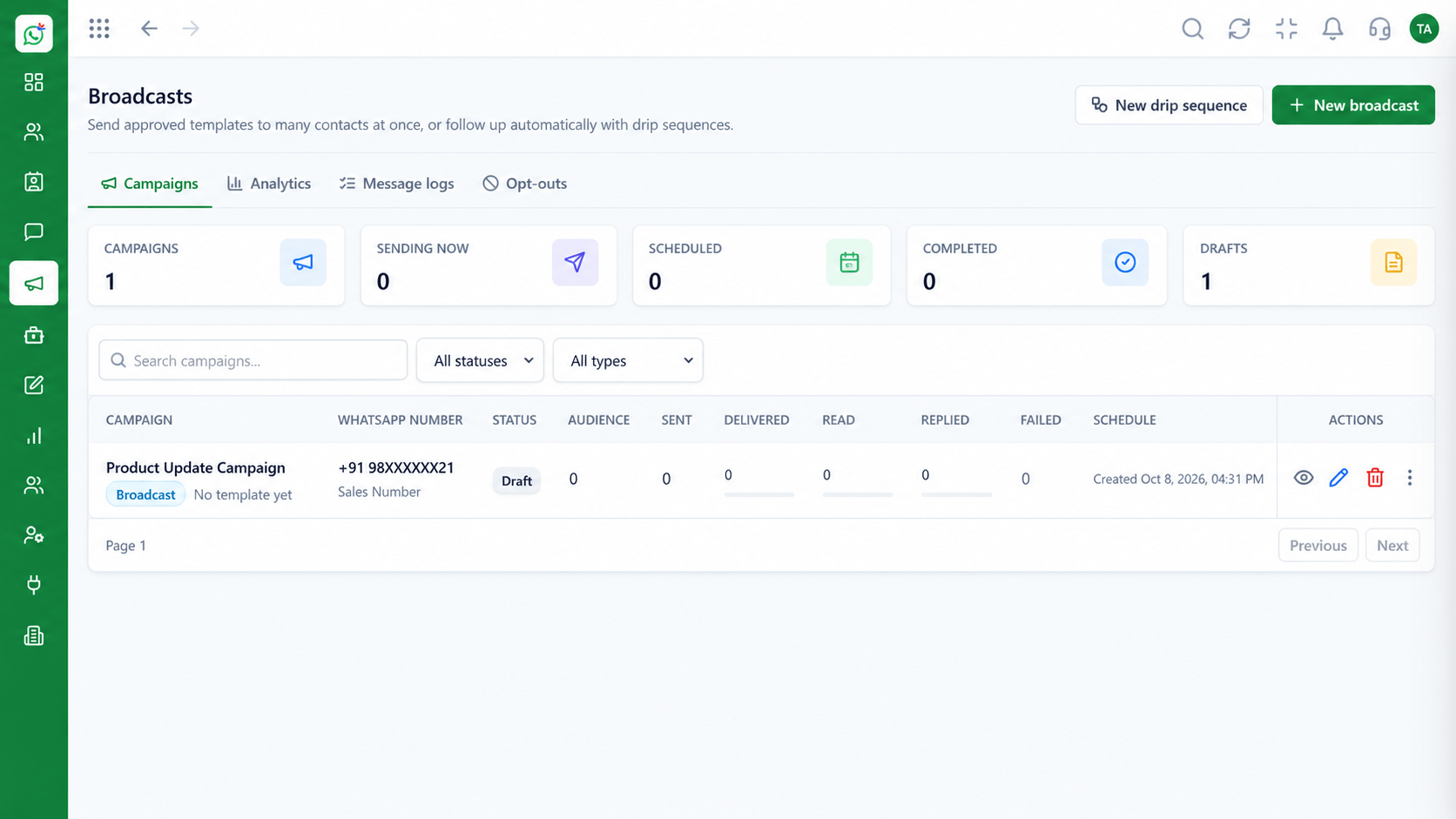
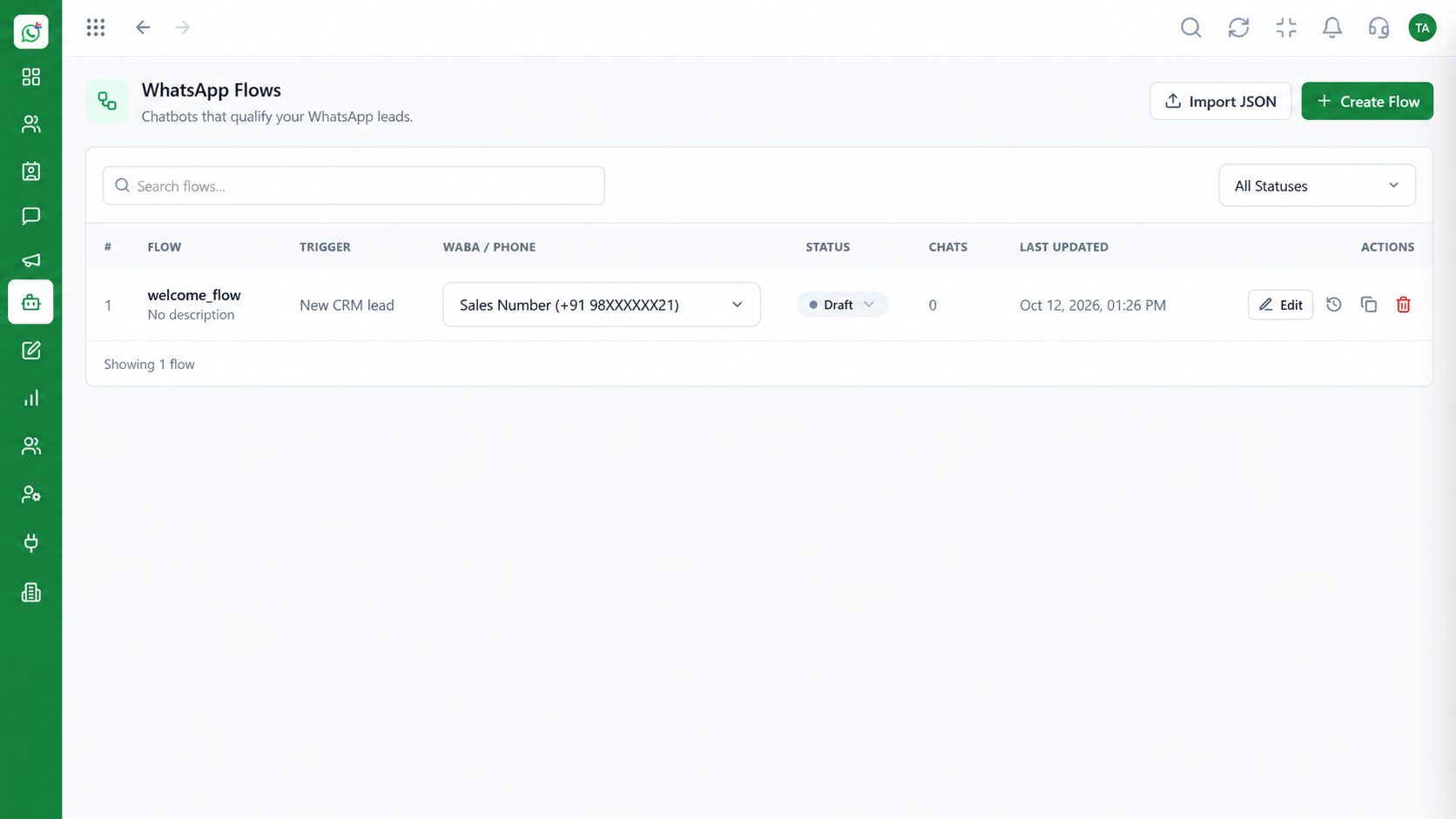
The screens below belong to Interactive Buttons and List Messages: Chatbot Flows, Message Templates and Shared Team Inbox, all from the product.
Chatbot Flows
Interactive Buttons and List Messages: choices instead of open questions
Feature Breakdown
4 screens from the live product that show Interactive Buttons and List Messages at work.
Buttons in flows.
How it fits the plan
Pick. Choose buttons or a list for the question.
Write. Keep labels short and clear.
Practical tip
Always include an option that reaches a person, such as Talk to someone.
Buttons in templates.
How it fits the plan
Write. Keep labels short and clear.
Route. Decide what each choice does.
In real life
Booking visits
Customers pick a slot.
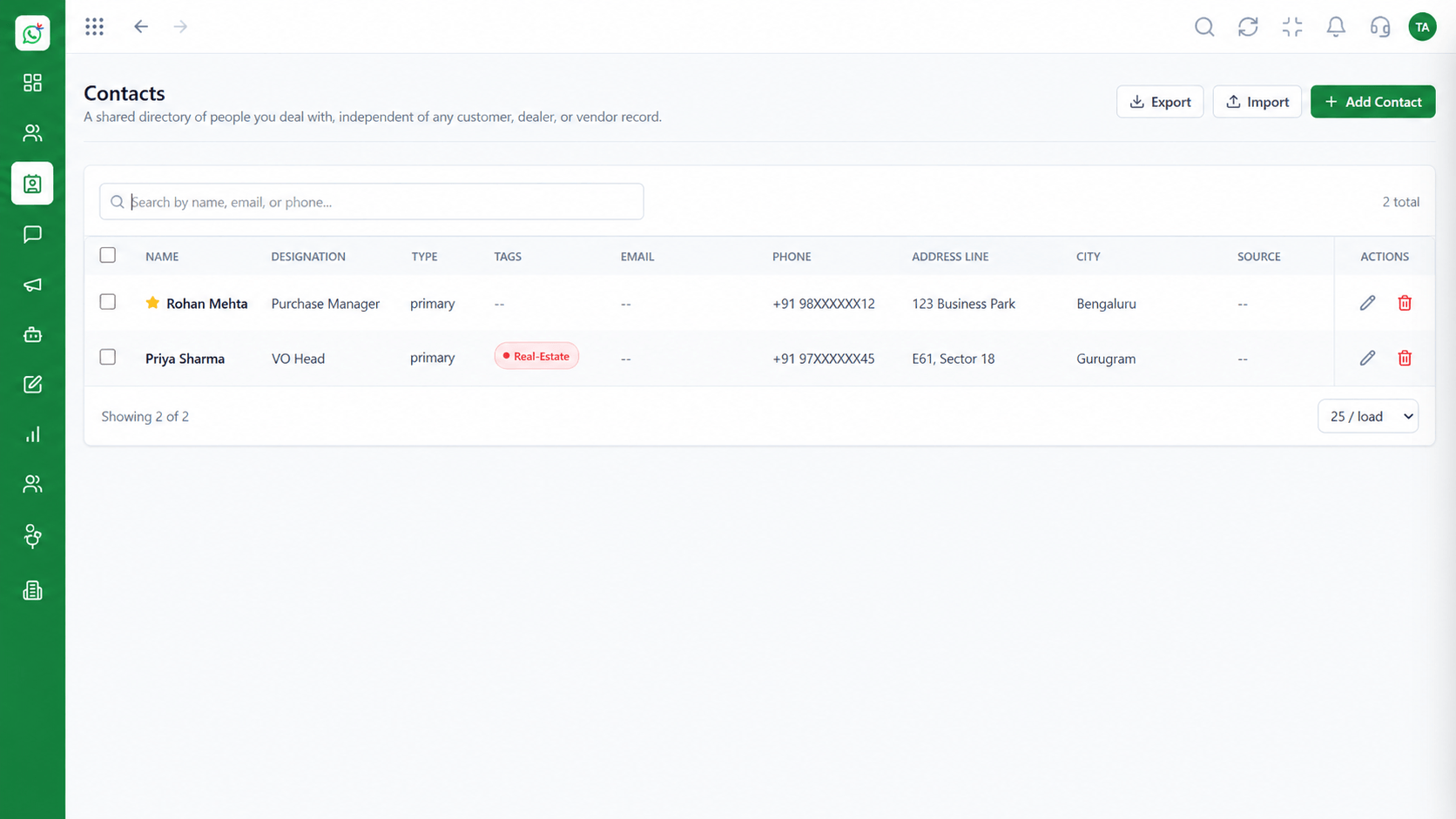
Choices saved as fields.
How it fits the plan
Route. Decide what each choice does.
Test. Compare tap rates with typed replies.
Watch out for
Offering ten options. Choices beyond five or six make people stop reading.
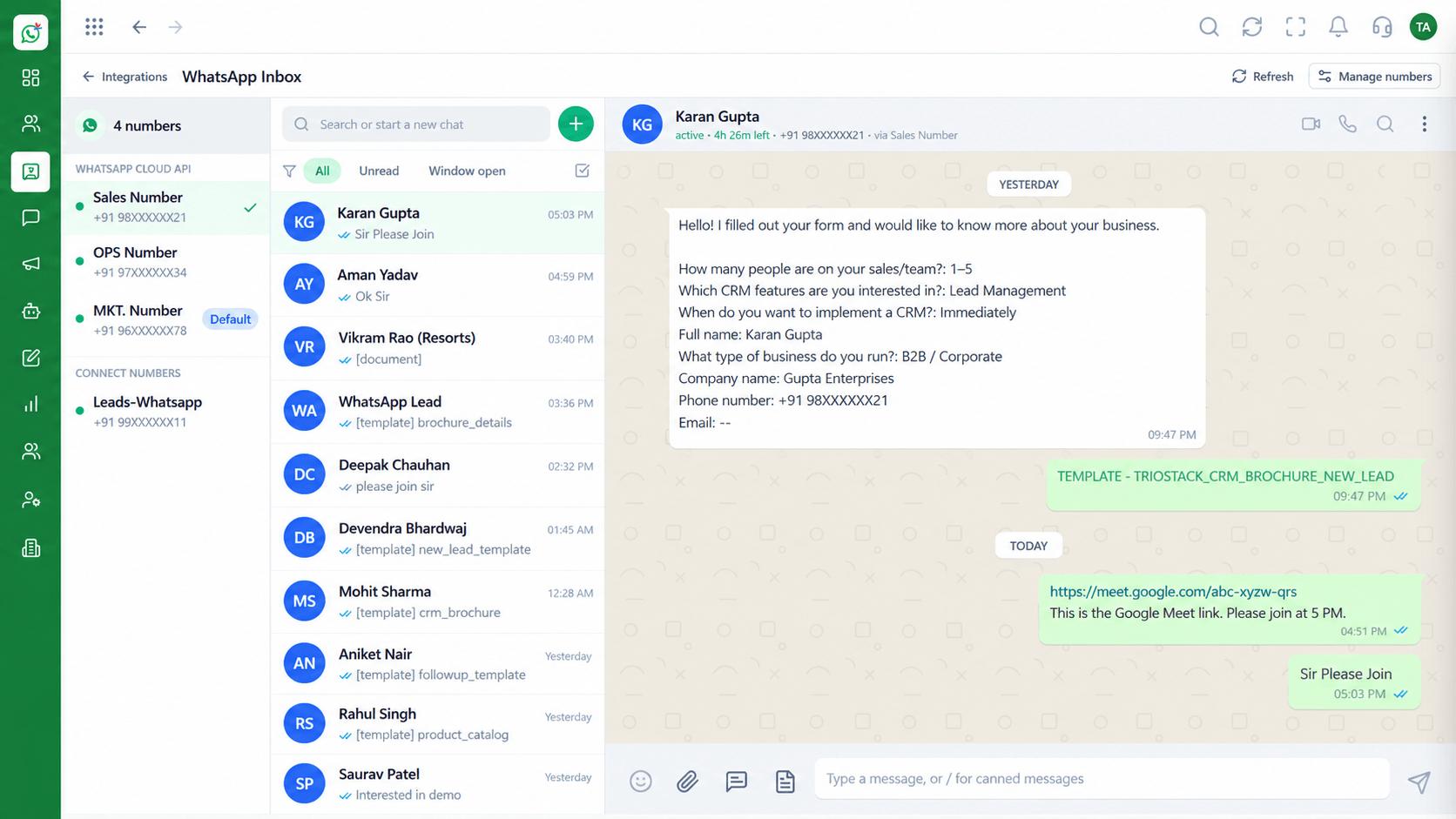
Routed chats.
How it fits the plan
Test. Compare tap rates with typed replies.
Pick. Choose buttons or a list for the question.
Before you start
Execution Plan
Choose buttons or a list for the question.
Keep labels short and clear.
Decide what each choice does.
Compare tap rates with typed replies.
Practical Guide
Before you start
A tip that helps
Always include an option that reaches a person, such as Talk to someone.
A common mistake
Offering ten options. Choices beyond five or six make people stop reading.
In Real Life
Scenario 01
Customers pick a slot.
Scenario 02
Customers choose a topic.
Scenario 03
A button opens tracking.
Straight answers about Interactive Buttons and List Messages, from setup to what happens next.
Have a question about Interactive Buttons and List Messages?
Book a free callQuick-reply buttons, call-to-action buttons and list pickers.
Yes, each choice can add a tag, set a field or assign a team.
WhatsApp limits how many buttons or list items a message can have.
Yes, templates can include buttons, subject to approval.
Often, but test with your own audience.
Use WhatsApp call-to-action buttons, quick-reply options and list pickers in Wabiz to make replying a tap, and to route customers without typing.
It runs in 4 steps: Pick, Write, Route and Test. Choose buttons or a list for the question.
The real screens on this page include Chatbot Flows, Message Templates, Shared Team Inbox and Contacts, all captured from the product.
Request a demo and ask to see Interactive Buttons and List Messages. Our team can also walk you through setup, so your first session ends with something working.
We will walk you through Interactive Buttons and List Messages, from CTA buttons, Quick replies and List pickers, on sample data shaped like yours.