The best Business Suite software in India, built to help your business grow. Contact us at +91-8882435276.
[ Contact ]
Phone number
Email address
Head office
Noida office
The right team at TriostackOne will get back to you.
Positioning Assessment
WhatsApp conversations create a stream of events: a customer sends a message, a template is delivered, a message is read, a send fails. Systems that need to react to these events need them as they happen, not in a daily export.
The Cloud API sends these events as webhook calls to an endpoint. Inbound message events carry the customer's message and contact. Status events report that a message was sent, delivered, read or failed, with the failure reason. Wabiz receives these, keeps the conversation in the workspace and can pass events on to your own endpoint, so your CRM, helpdesk or data warehouse can sync chat transcripts and statuses. Your endpoint should verify each call, respond quickly with a success status and handle repeats safely. Exact payload fields follow Meta's documentation, which changes over time.
“Delivery failures reached our system within moments, and the team resent through the right channel.”
Sample team scenario
A made-up scenario about Webhooks and API Integration Architecture, not a customer testimonial
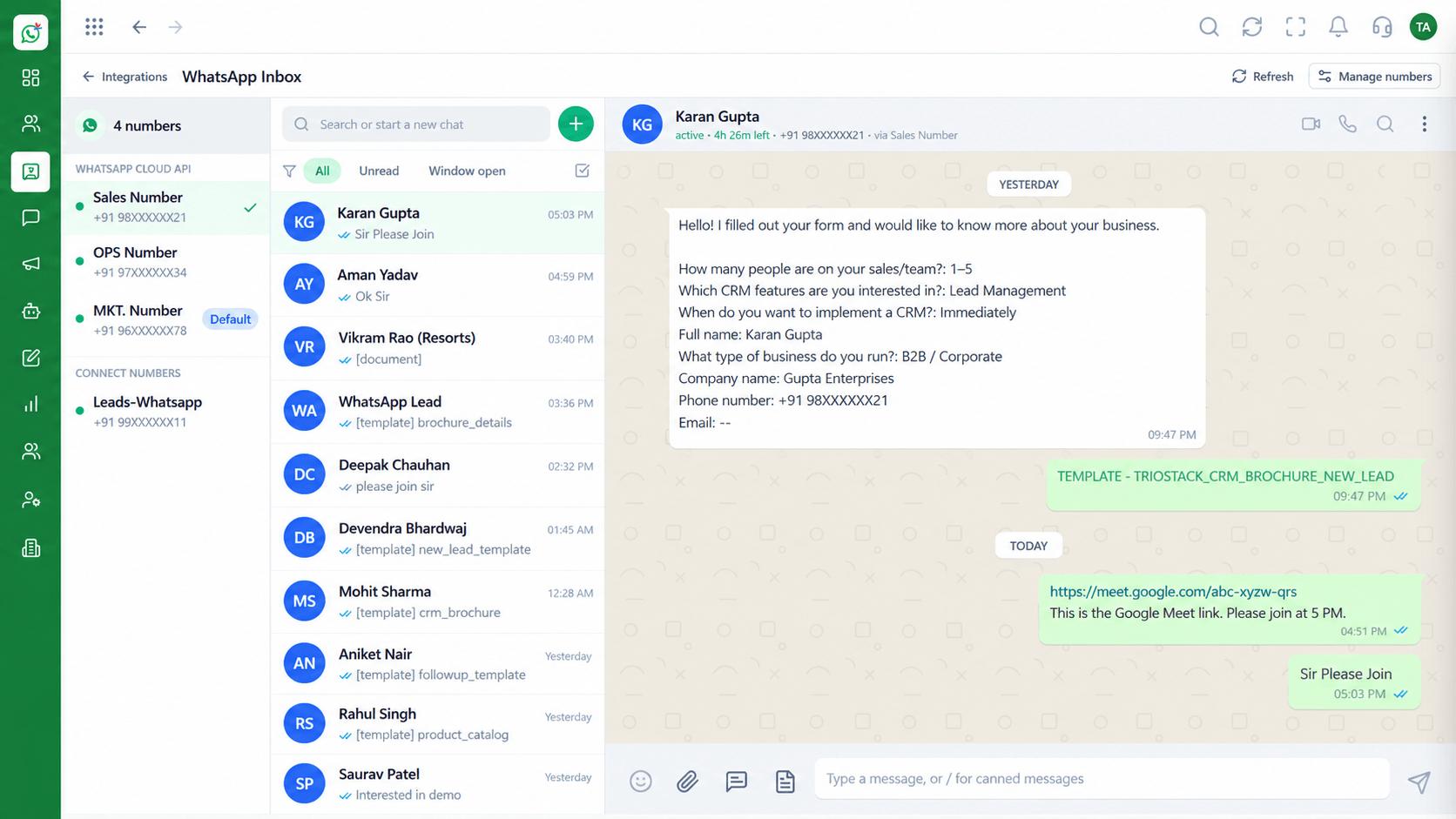
Shared Team Inbox
Webhooks and API Integration Architecture: every WhatsApp conversation in one team view
In the Product
Every message, delivery and failure is an event. A good integration listens to them and does something useful with each.
A message arrives.
A message is delivered, read or fails.
Verifies, stores and acts.
Platform Integrity
Messages as they arrive
Sent to failed
Into your systems
Verify and dedupe
How It Works
What changes in how systems learn.
| Dimension | Triostack Wabiz | Periodic Exports |
|---|---|---|
| Timing | As events happen | When the export runs |
| Replies | Reach your CRM at once | Found later in a file |
| Failures | Reported with a reason | Discovered in a report |
| Transcripts | Synced to your systems | Copied by hand |
| Load | Only what changed | Everything again |
Book a walkthrough of Webhooks and API Integration Architecture. We set up a sandbox so you can try Inbound events, Status webhooks and Transcript sync before you commit.
Live Interface Tour
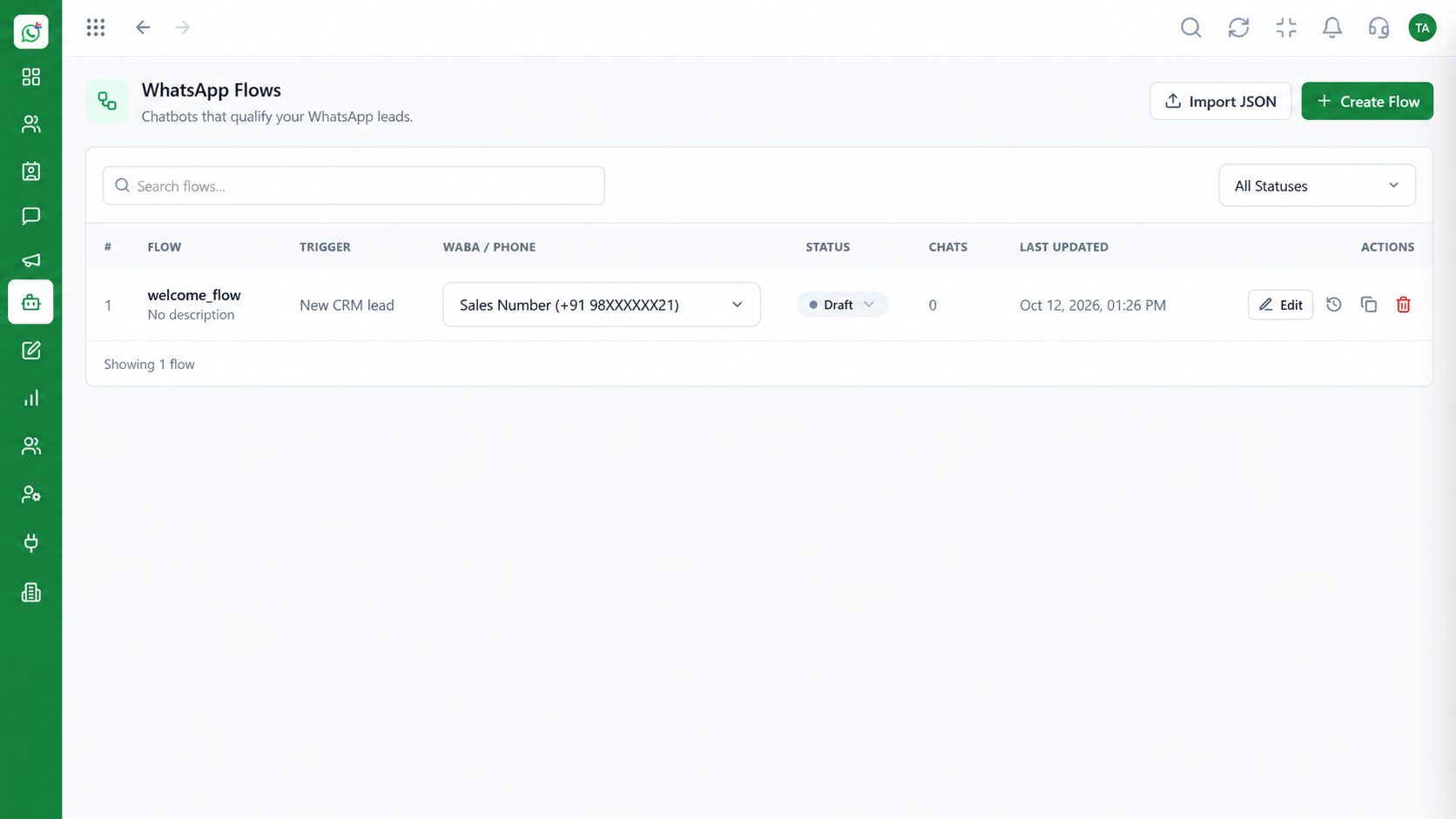
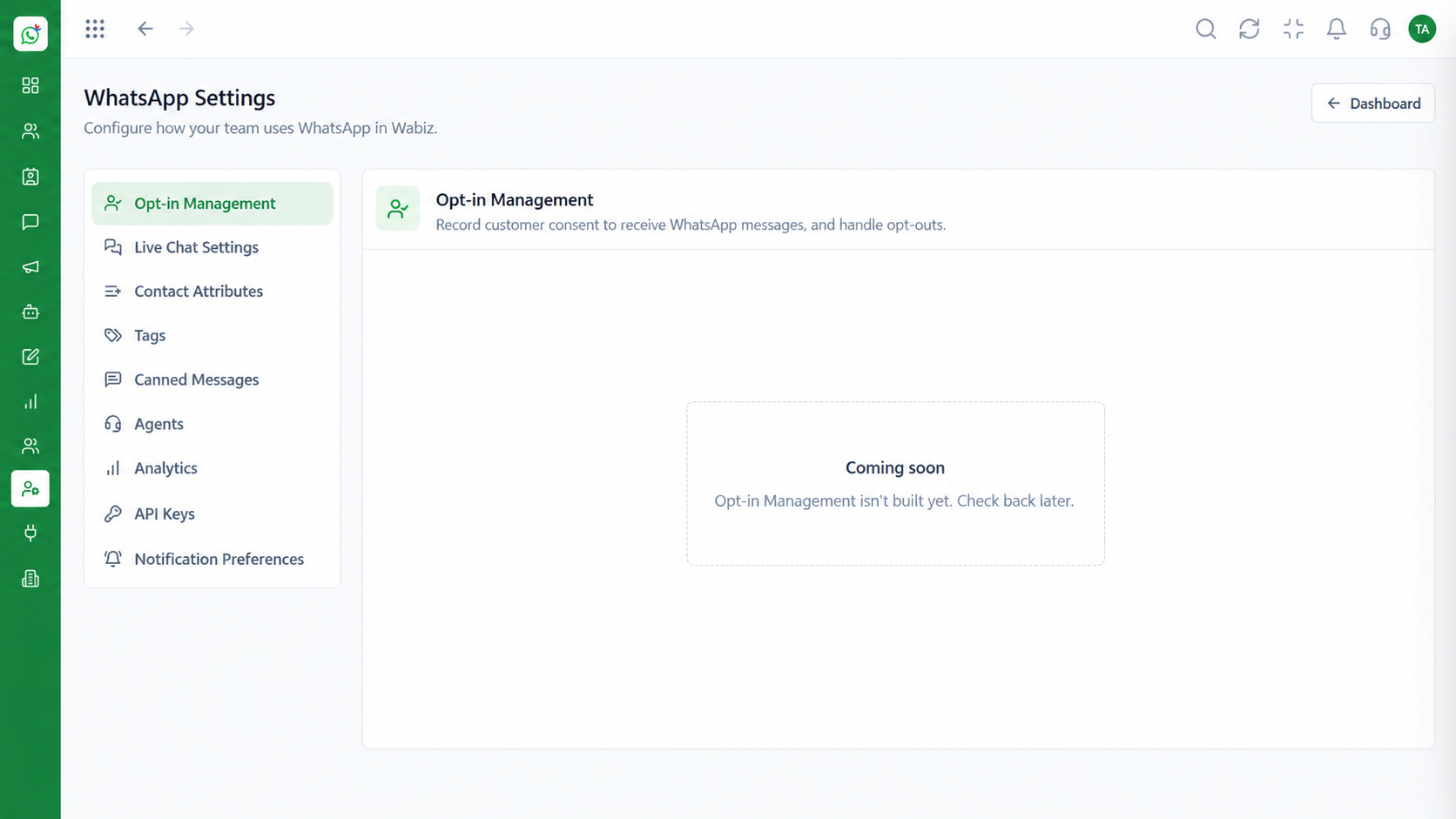
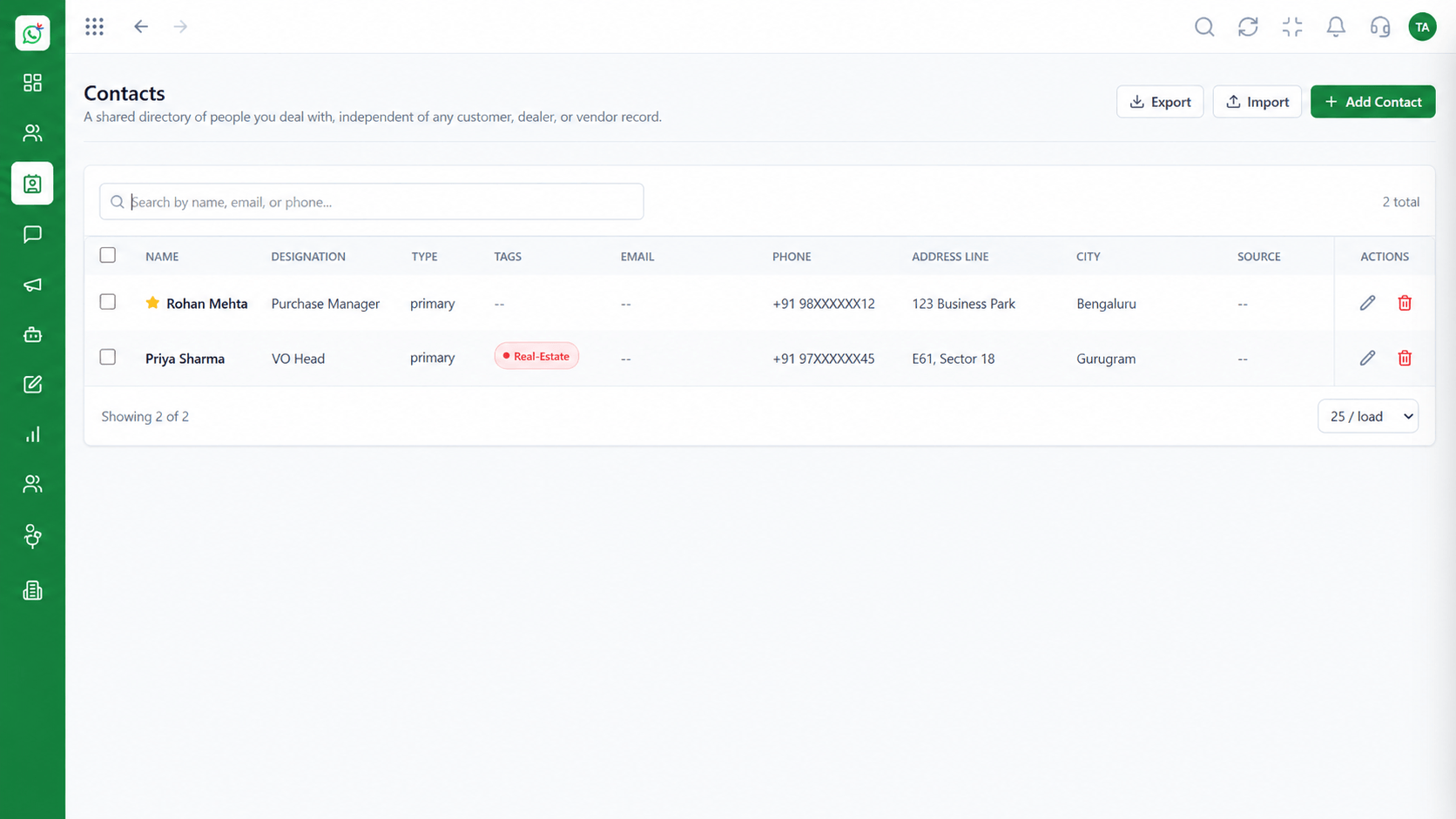
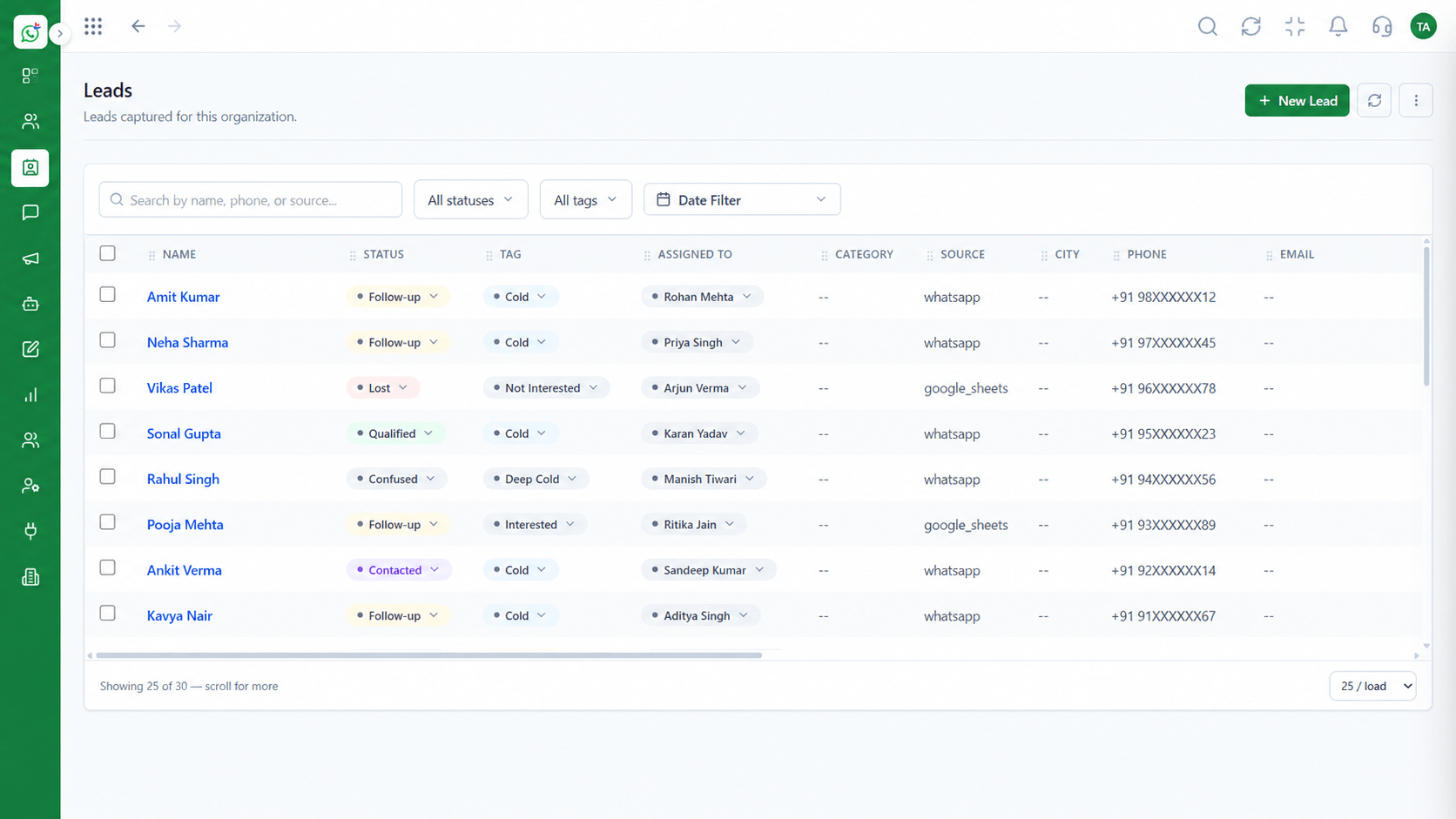
The screens below belong to Webhooks and API Integration Architecture: Shared Team Inbox, Workspace Settings and Leads, all from the product.
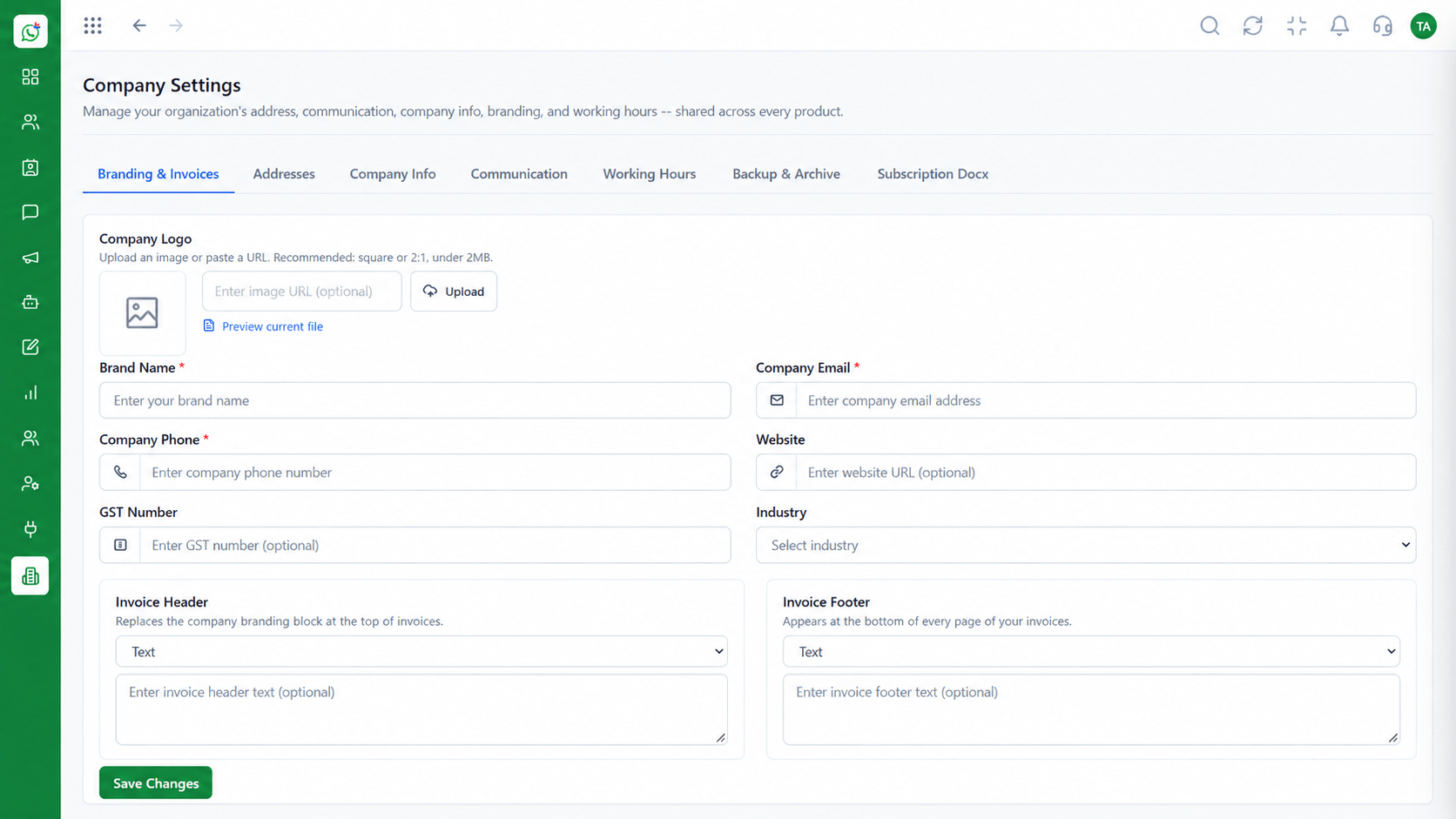
Workspace Settings
Webhooks and API Integration Architecture: your systems hear about a message as it happens
Feature Breakdown
4 screens from the live product that show Webhooks and API Integration Architecture at work.
01
IntegrationsEndpoints and numbers.
How it fits the plan
Expose. Create an HTTPS endpoint that accepts events.
Verify. Check each call's signature or token.
Practical tip
Return a success response before doing slow work. A slow endpoint triggers retries.
02
IntegrationsThe conversation.
How it fits the plan
Verify. Check each call's signature or token.
Store. Save the event and skip repeats by id.
In real life
CRM sync
Replies reach the lead record.
03
IntegrationsWho the event is about.
How it fits the plan
Store. Save the event and skip repeats by id.
Reply. Return success quickly, process afterwards.
Watch out for
Processing the same event twice because no unique id is stored.
04
IntegrationsWhere transcripts land.
How it fits the plan
Reply. Return success quickly, process afterwards.
Expose. Create an HTTPS endpoint that accepts events.
Before you start
Execution Plan
Create an HTTPS endpoint that accepts events.
Check each call's signature or token.
Save the event and skip repeats by id.
Return success quickly, process afterwards.
Practical Guide
Before you start
A tip that helps
Return a success response before doing slow work. A slow endpoint triggers retries.
A common mistake
Processing the same event twice because no unique id is stored.
In Real Life
Scenario 01
Replies reach the lead record.
Scenario 02
Failed sends are retried by another route.
Scenario 03
Conversation data reaches your warehouse.
Straight answers about Webhooks and API Integration Architecture, from setup to what happens next.
Have a question about Webhooks and API Integration Architecture?
Book a free callInbound messages and message status updates such as sent, delivered, read and failed.
Yes, events and transcripts can be passed to your systems.
Verify the call, reply quickly with success and handle repeated events safely.
In Meta's current documentation, since payloads can change.
Yes, the CRM webhook payload reference covers the CRM side.
How real-time inbound message events and delivery status webhooks work on the Cloud API, and how Wabiz syncs chat transcripts into your own systems.
It runs in 4 steps: Expose, Verify, Store and Reply. Create an HTTPS endpoint that accepts events.
The real screens on this page include Shared Team Inbox, Workspace Settings, Leads and Contacts, all captured from the product.
Request a demo and ask to see Webhooks and API Integration Architecture. Our team can also walk you through setup, so your first session ends with something working.
Keep Exploring
We will walk you through Webhooks and API Integration Architecture, from Inbound events, Status webhooks and Transcript sync, on sample data shaped like yours.