The best Business Suite software in India, built to help your business grow. Contact us at +91-8882435276.
[ Contact ]
Phone number
Email address
Head office
Noida office
The right team at TriostackOne will get back to you.
Positioning Assessment
Businesses reach the WhatsApp Business Platform in different ways: directly, through a Meta-recognised provider, or through tools that wrap an unofficial connection. Each has different consequences for stability, support and the safety of your number.
A Tech Provider builds software on Meta's WhatsApp Cloud API for other businesses. For you, the practical benefits are an official integration instead of a workaround, onboarding that follows Meta's own steps, and a route for raising issues. This page explains those benefits in plain terms. Meta decides who holds the status, and what a provider's agreement with you says about uptime or support is a matter of contract, so ask our team to confirm the current status and the written service terms before you rely on either.
“We asked three vendors for their Meta status in writing. Only one answered with specifics.”
Sample team scenario
A made-up scenario about Official Meta Tech Provider Status, not a customer testimonial
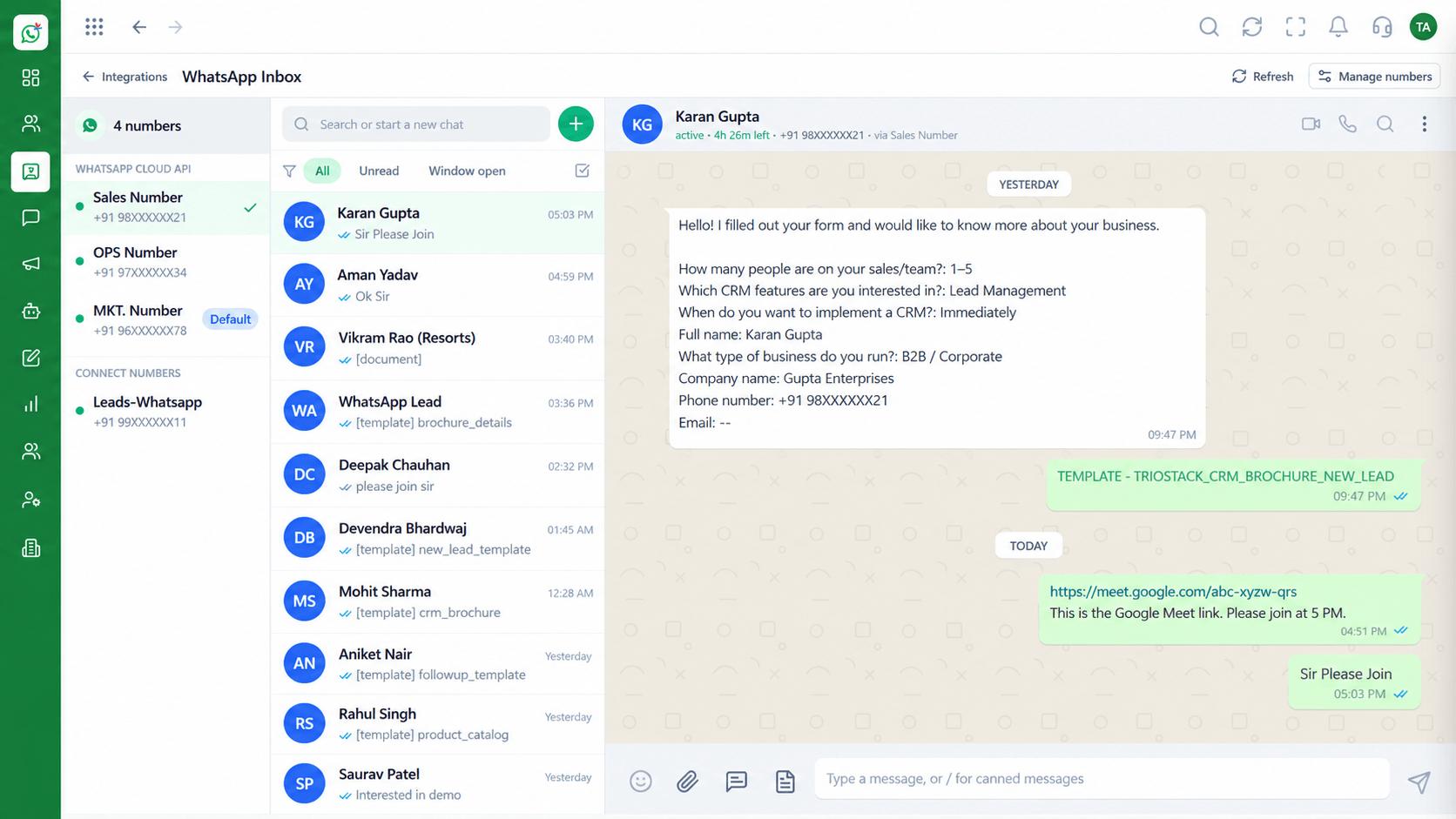
Shared Team Inbox
Official Meta Tech Provider Status: every WhatsApp conversation in one team view
In the Product
Using the official platform is about more than permission. It decides what support you can ask for and what happens when Meta changes a rule.
Messages travel through Meta's own business API.
Business and number checks follow Meta's process.
Support and availability sit in the contract.
Platform Integrity
Cloud API, not a workaround
Meta's own verification steps
Issues can be escalated
Service levels in the agreement
How It Works
What to compare before you connect a number.
| Dimension | Triostack Wabiz | Unofficial Tool |
|---|---|---|
| Connection | Meta's WhatsApp Cloud API | A browser session or reverse-engineered link |
| Number safety | Follows Meta's business policies | Risk of restriction |
| Verification | Guided through Meta's process | Often skipped |
| Support | A defined route to raise issues | Whoever answers the forum |
| Contract | Service terms in writing | Terms of use only |
Book a walkthrough of Official Meta Tech Provider Status. We set up a sandbox so you can try Tech Provider, Direct Cloud API and Verification support before you commit.
Live Interface Tour
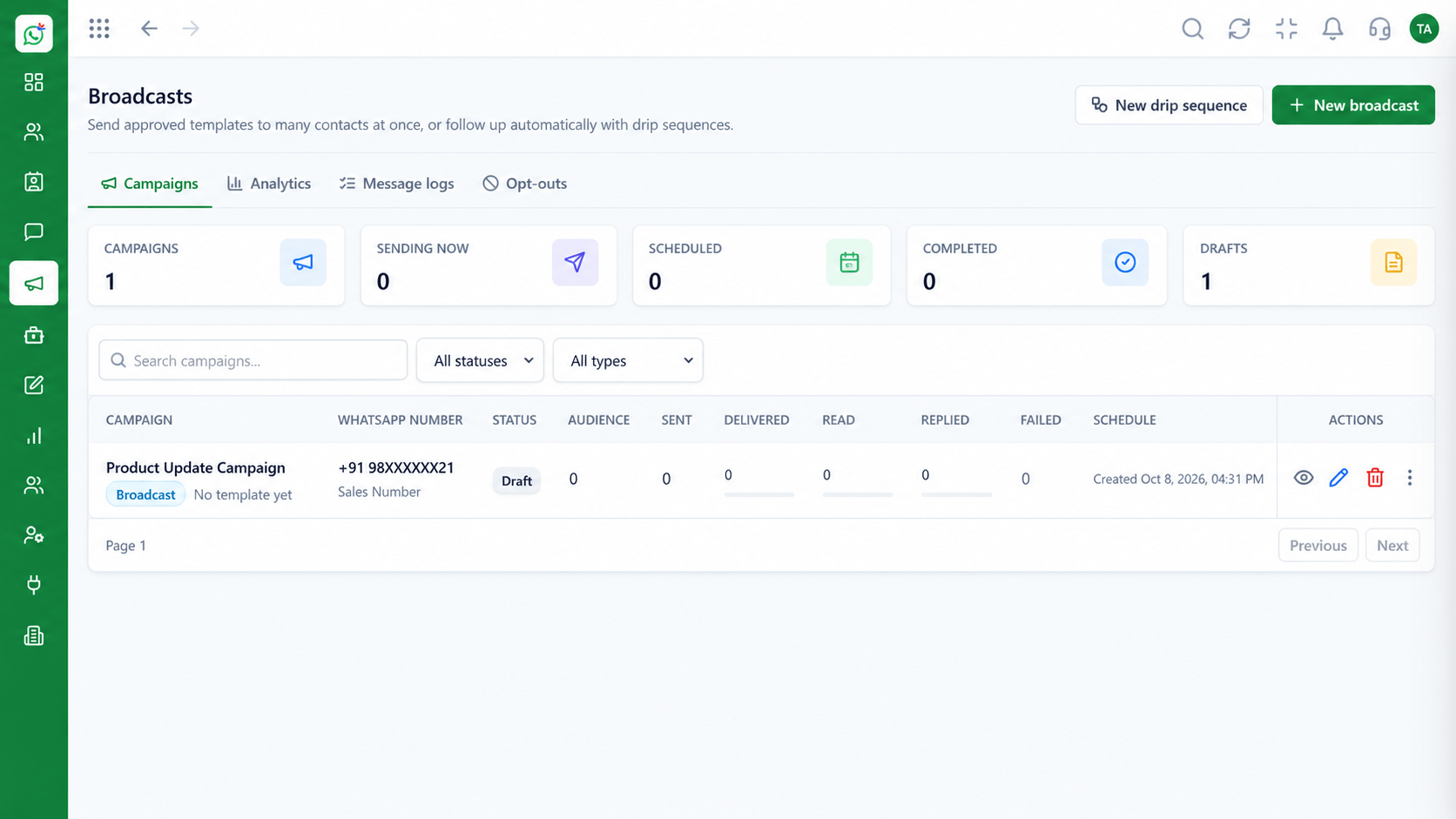
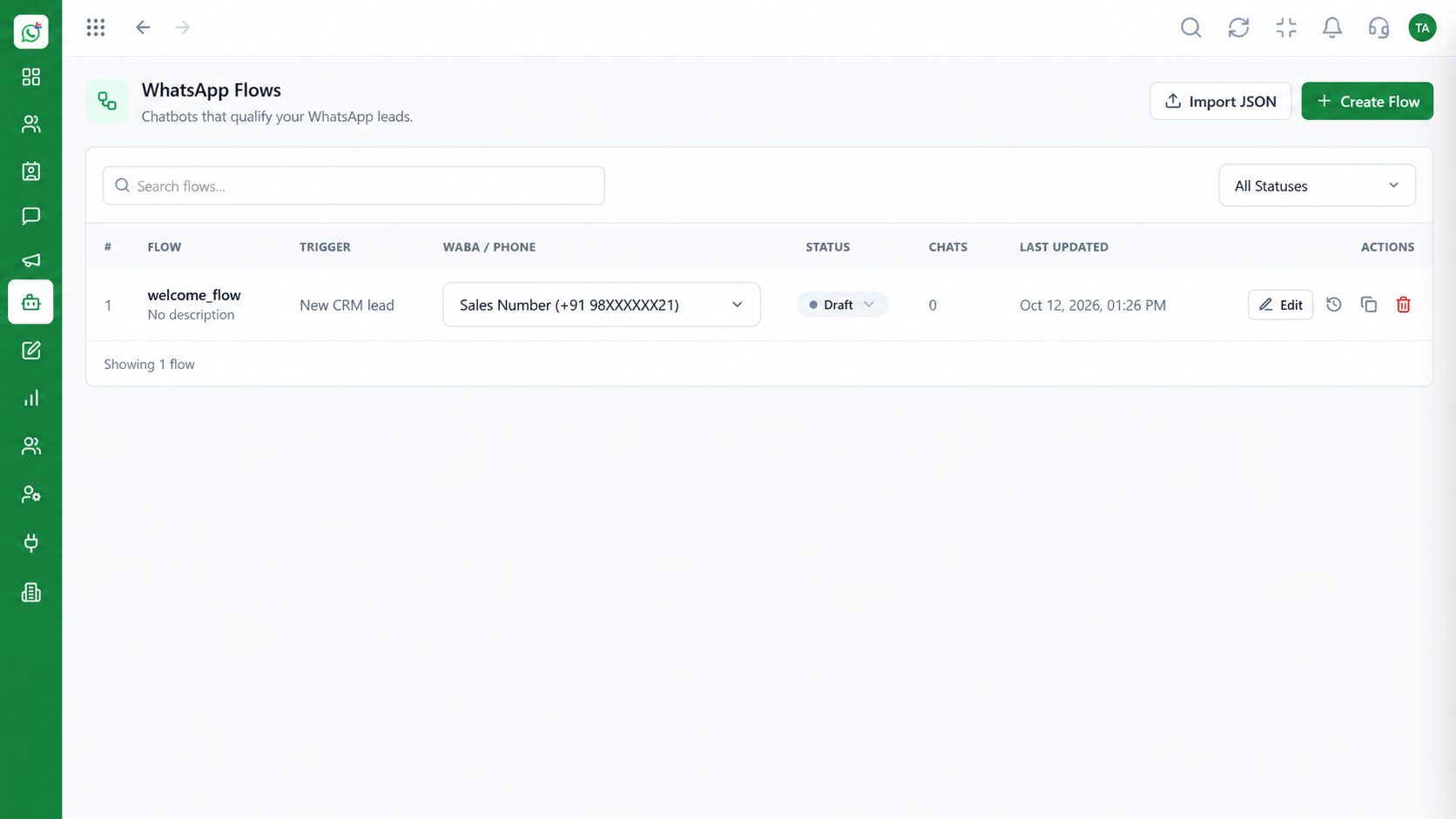
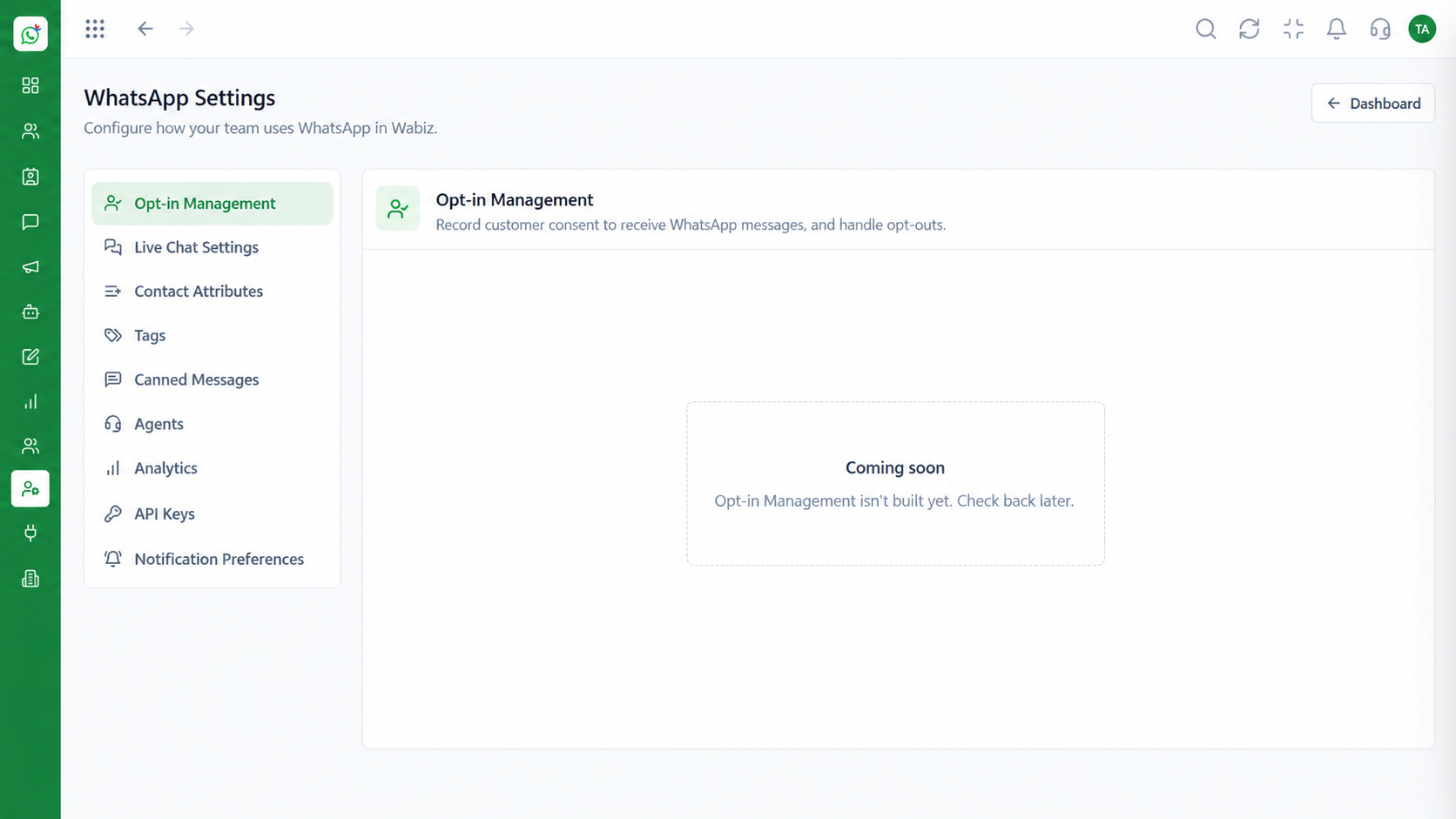
The screens below belong to Official Meta Tech Provider Status: Shared Team Inbox, Message Templates and Roles & Permissions, all from the product.
Workspace Settings
Official Meta Tech Provider Status: messaging through Meta's own business API
Feature Breakdown
4 screens from the live product that show Official Meta Tech Provider Status at work.
An official connection.
How it fits the plan
Ask. Request the provider's Meta status in writing.
Read. Read the service terms, including support and availability.
Practical tip
Ask any vendor for their Meta status and service terms in writing before you move a number.
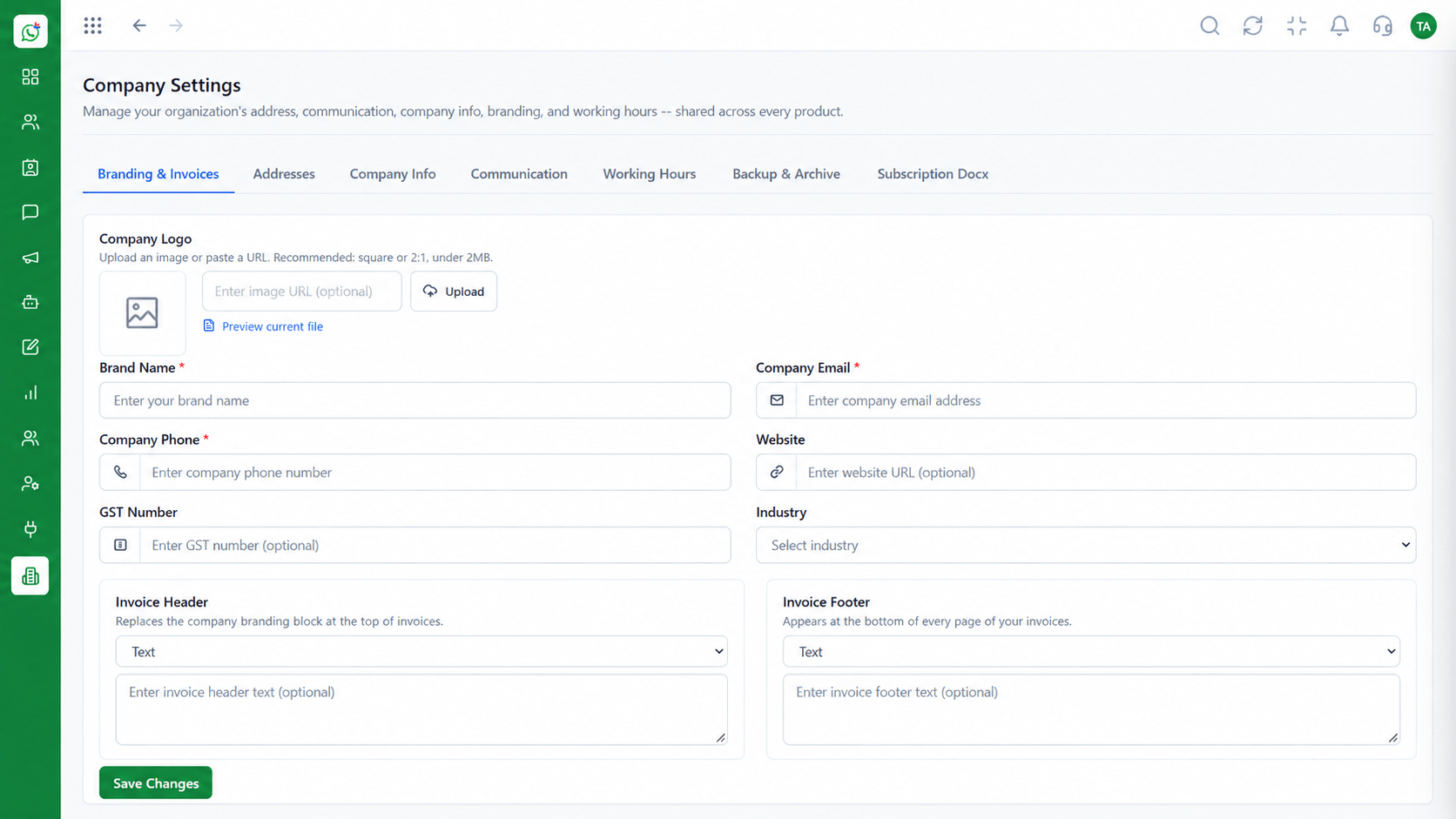
Business identity.
How it fits the plan
Read. Read the service terms, including support and availability.
Verify. Plan your business and number verification.
In real life
Moving off an unofficial tool
You plan the move to the official API.
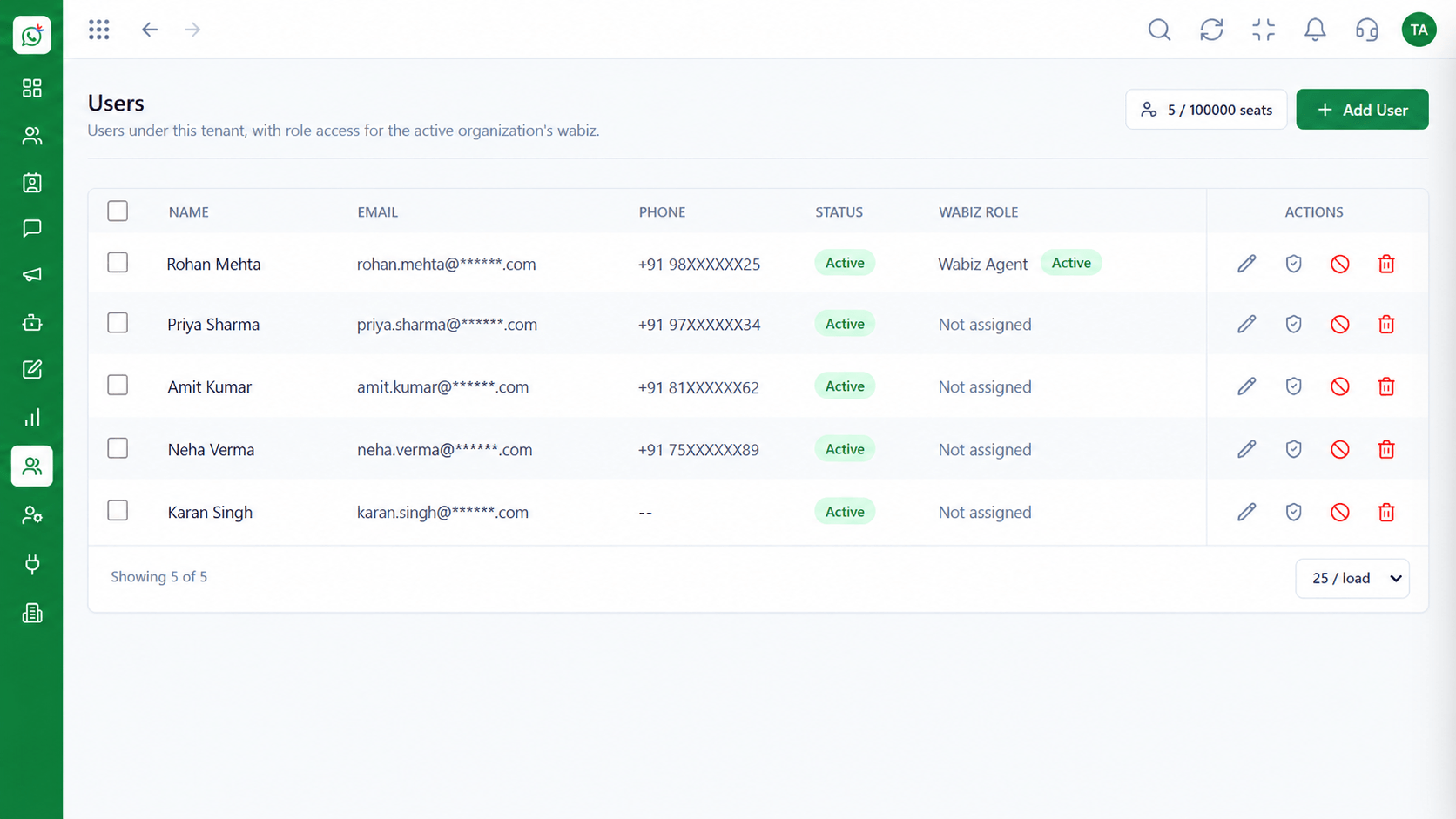
Roles on one number.
How it fits the plan
Verify. Plan your business and number verification.
Connect. Go live on the Cloud API.
Watch out for
Assuming any tool that sends WhatsApp messages is an official partner.
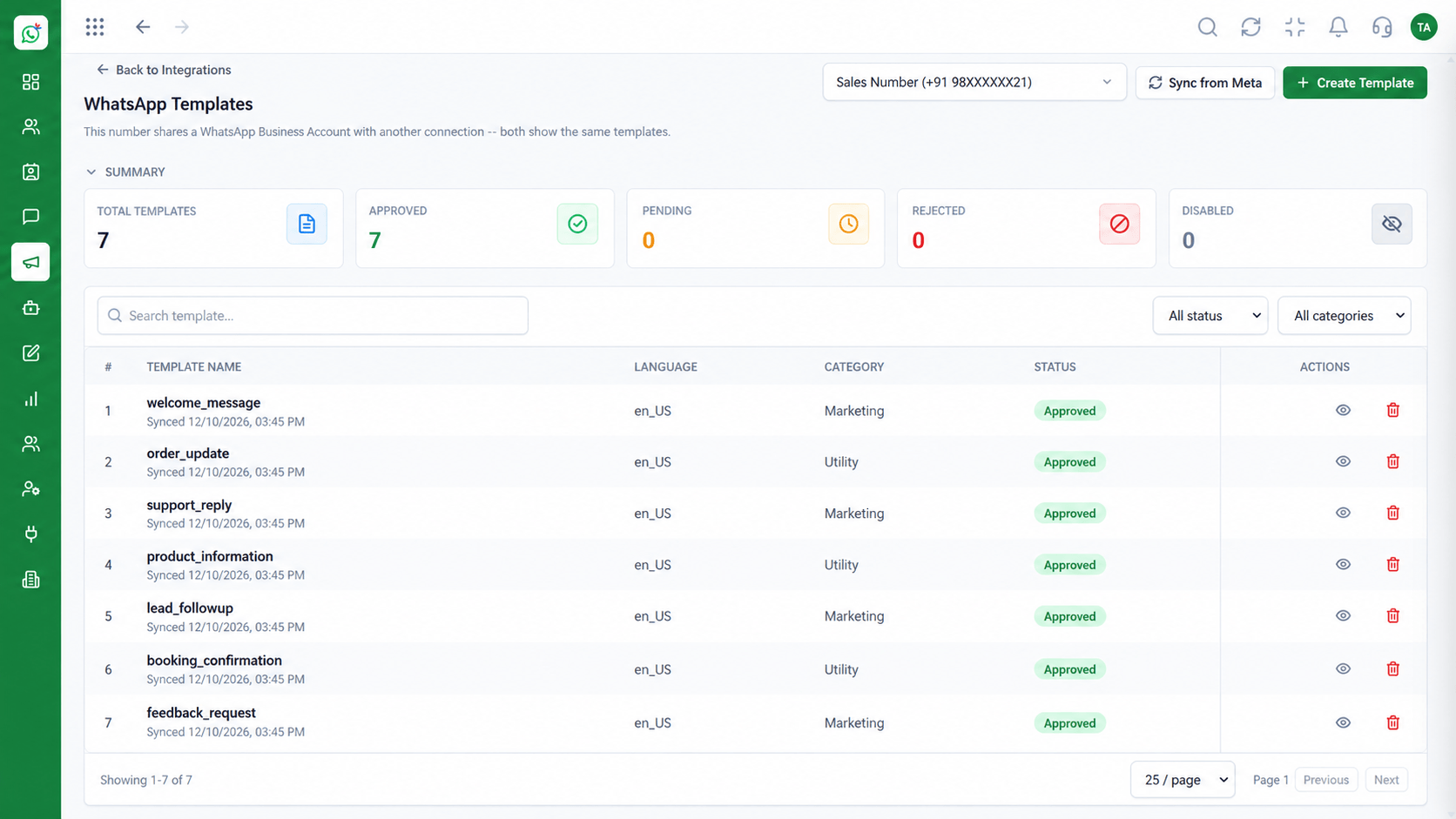
Approved outbound.
How it fits the plan
Connect. Go live on the Cloud API.
Ask. Request the provider's Meta status in writing.
Before you start
Execution Plan
Request the provider's Meta status in writing.
Read the service terms, including support and availability.
Plan your business and number verification.
Go live on the Cloud API.
Practical Guide
Before you start
A tip that helps
Ask any vendor for their Meta status and service terms in writing before you move a number.
A common mistake
Assuming any tool that sends WhatsApp messages is an official partner.
In Real Life
Scenario 01
You plan the move to the official API.
Scenario 02
Security and legal ask for provider status.
Scenario 03
A verified business is the first step.
Straight answers about Official Meta Tech Provider Status, from setup to what happens next.
Have a question about Official Meta Tech Provider Status?
Book a free callA company that builds software on Meta's WhatsApp Cloud API for other businesses.
Ask our team to confirm the current status in writing.
Service terms are set in your agreement. Ask for the current written terms.
We can help prepare the application. Meta decides approval.
An official route is more stable and keeps your number on the right side of WhatsApp's policies.
What it means to use an official Meta Tech Provider for WhatsApp: direct Cloud API access, verification support and the service terms to confirm with Wabiz.
It runs in 4 steps: Ask, Read, Verify and Connect. Request the provider's Meta status in writing.
The real screens on this page include Shared Team Inbox, Message Templates, Roles & Permissions and Connect Your Number, all captured from the product.
Request a demo and ask to see Official Meta Tech Provider Status. Our team can also walk you through setup, so your first session ends with something working.
We will walk you through Official Meta Tech Provider Status, from Tech Provider, Direct Cloud API and Verification support, on sample data shaped like yours.